Animated shader onboarding screen app template
An animated onboarding screen with a scrolling grid of live shader tiles over a magenta gradient, a bold headline and one white call to action. The grid moves upward and fades into the background, so the first screen of your app feels alive. Use it for design apps, wallpaper apps, creative tools and any iOS or Android app with a visual library. Built for Bolt, Lovable, Replit and Cursor.
About this app template
The first screen of an app decides whether people keep going. This onboarding screen shows your library instead of describing it: a two-column grid of live shader tiles, from marble and silk to light ribbons, camouflage and radial bursts, scrolls upward forever and fades softly into a magenta gradient. Below it sit a large headline, a short line on what people get, and a single white Explore the library button within thumb reach. Every tile is drawn by one shared WebGL canvas, so the screen stays smooth on phones, and motion stops for people who turn on reduced motion. Paste it into Bolt, Lovable or Replit as the first screen of your app, or ask Cursor or Claude Code to turn it into React Native, Expo or SwiftUI. Change the headline, the count and the button text, then link the button to your sign in or home screen.
Build a full mobile app onboarding flow with this template design
An onboarding flow is a run of screens a new user sees back to back, which makes any inconsistency between them obvious, so one onboarding screen can set the standard for every screen after it. Copy the template, paste it into Claude Code, Replit, Lovable, ChatGPT Codex, Bolt, or Cursor, and send this alongside it.
Paste into Claude Code, Replit, Lovable, Bolt, or Cursor
Common questions about this template
What makes an onboarding screen convert?
Showing the product before asking for anything. This screen lets people see the library moving, then gives one clear action. Keep the headline short and the button text specific to what happens next.
Can I replace the shader tiles with my own images?
Yes. Ask your AI tool to swap each tile for an image or video of your product while keeping the scrolling grid and the fade at the bottom.
Does the animation work on iOS and Android?
Yes. The screen uses WebGL, which runs in every modern mobile browser and in-app web view. For native apps, ask Cursor to rebuild the tiles with react-native-skia, expo-gl or Metal.
Where does this screen go in an onboarding flow?
Use it as the first screen, before sign in or a paywall. Link the button to your sign in screen, or to a short tour if your app needs more explanation.
Use this template for
- ·First-run onboarding for creative and design apps
- ·Splash and welcome screens with motion
- ·Wallpaper and background app launch screens
- ·App Store preview screens that show the product
More onboarding app templates
View all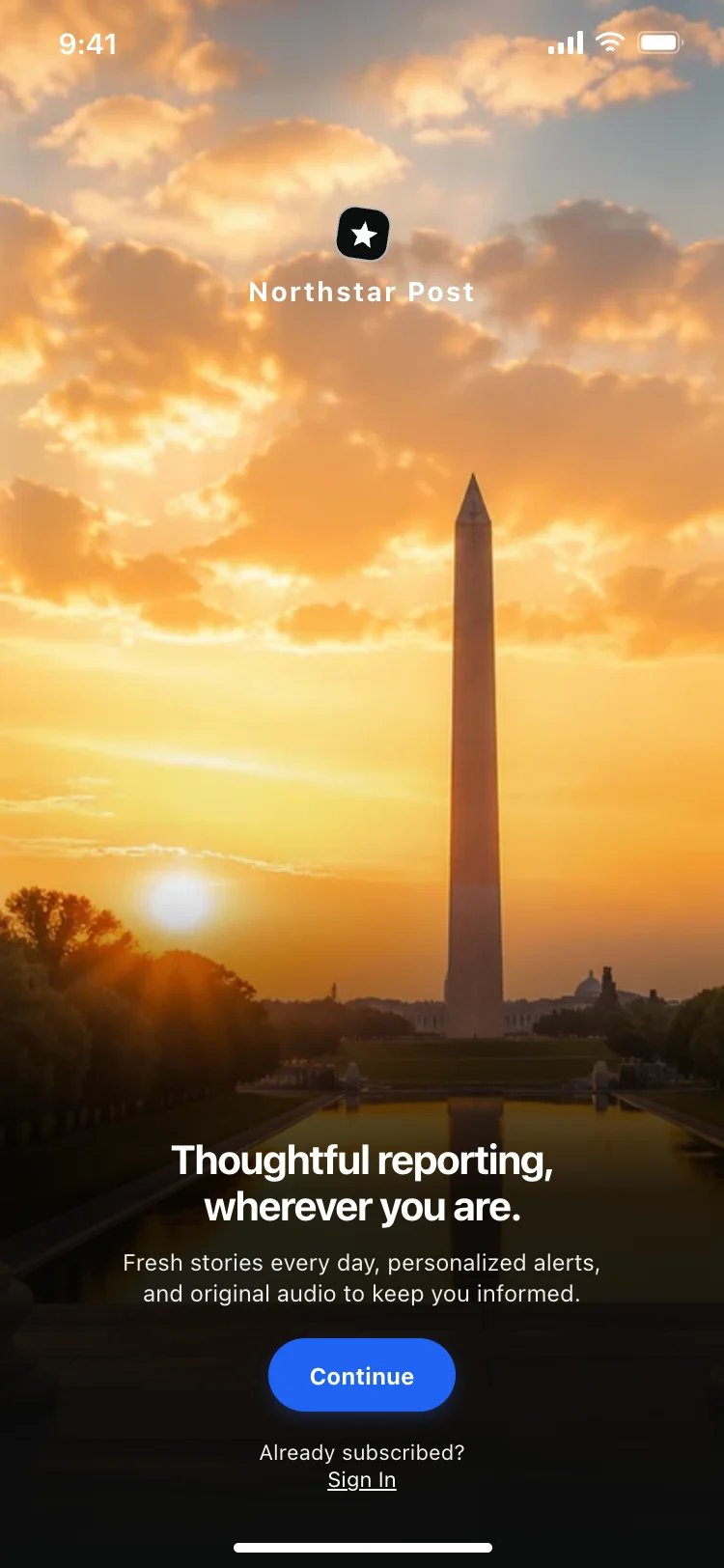
News app onboarding screen
News app onboarding screen
Onboarding
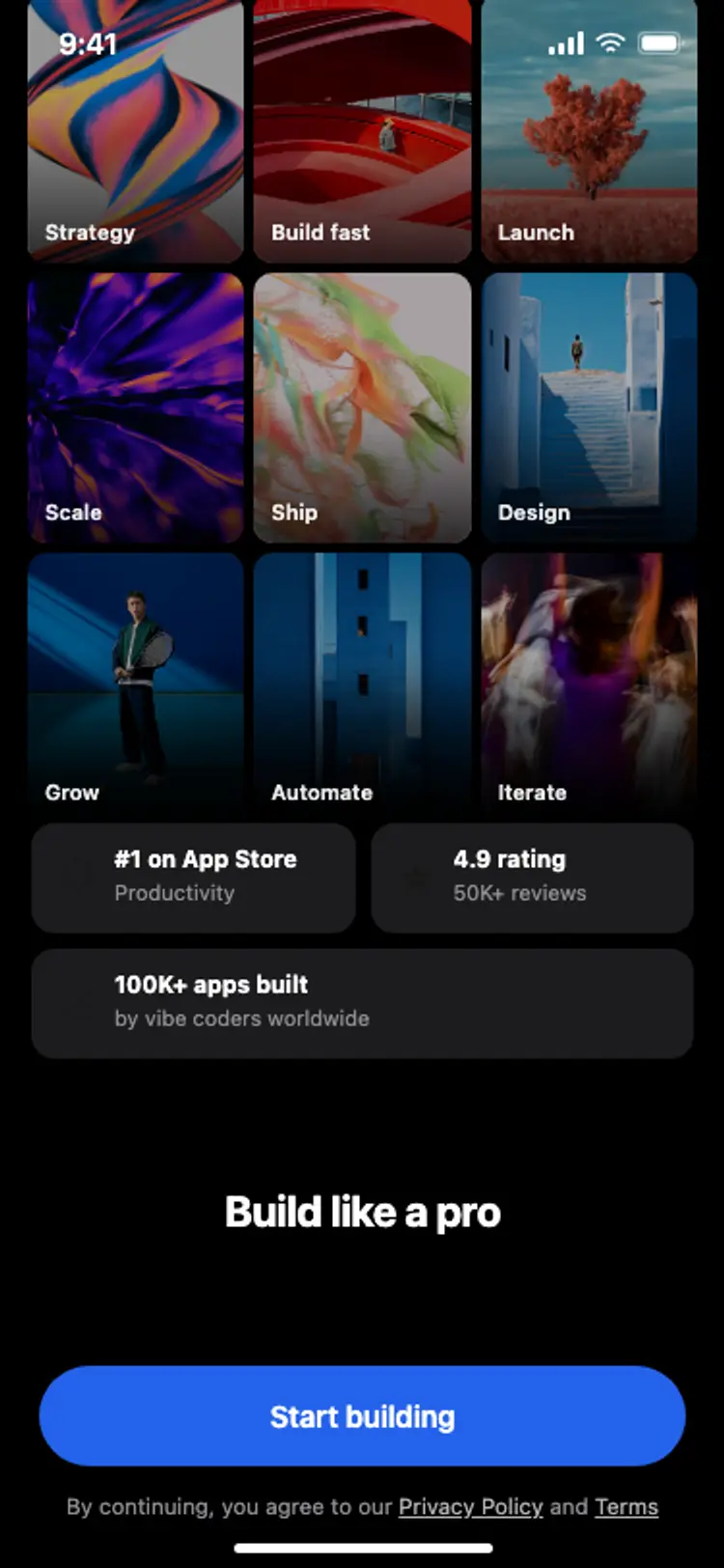
Onboarding with social proof
Onboarding with social proof
Onboarding
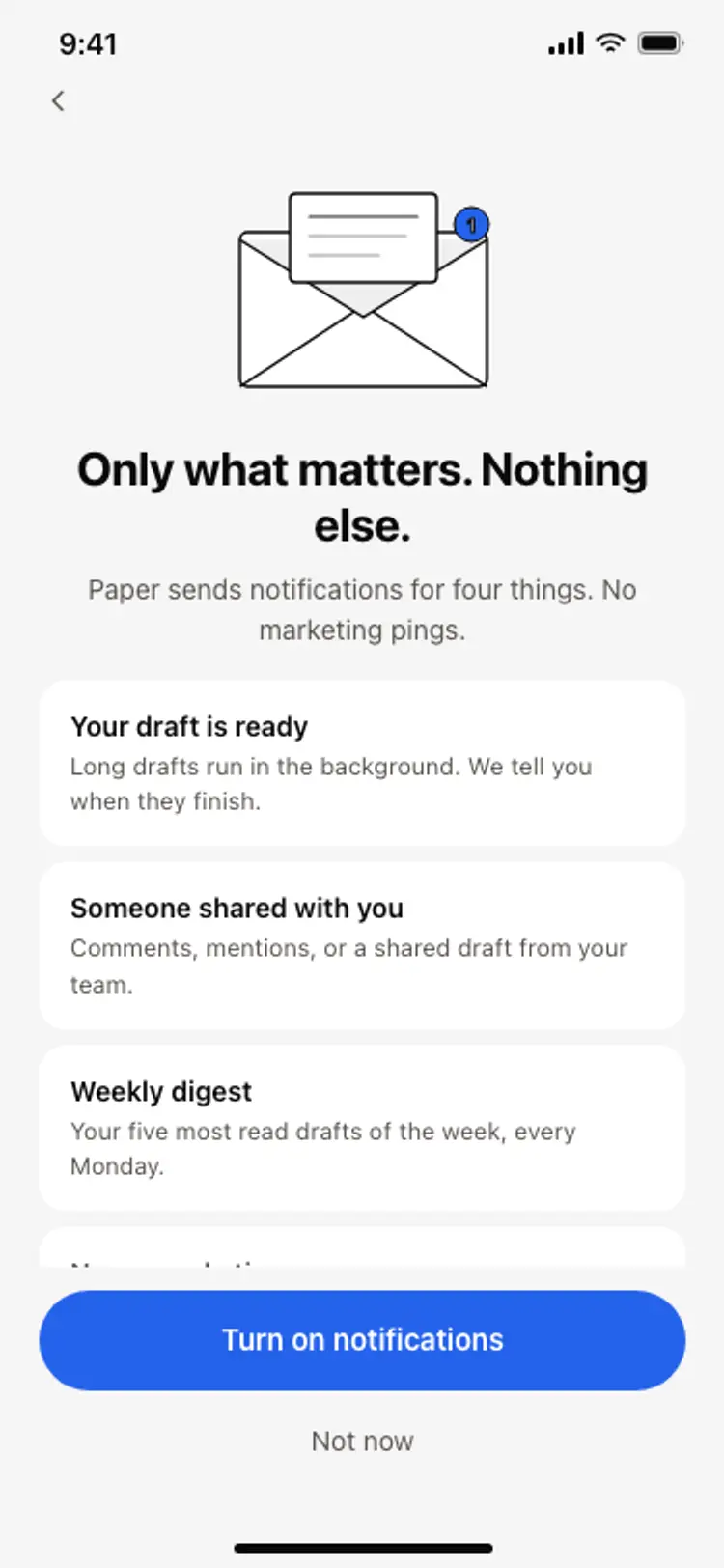
Notification preferences screen
Notification preferences screen
Onboarding
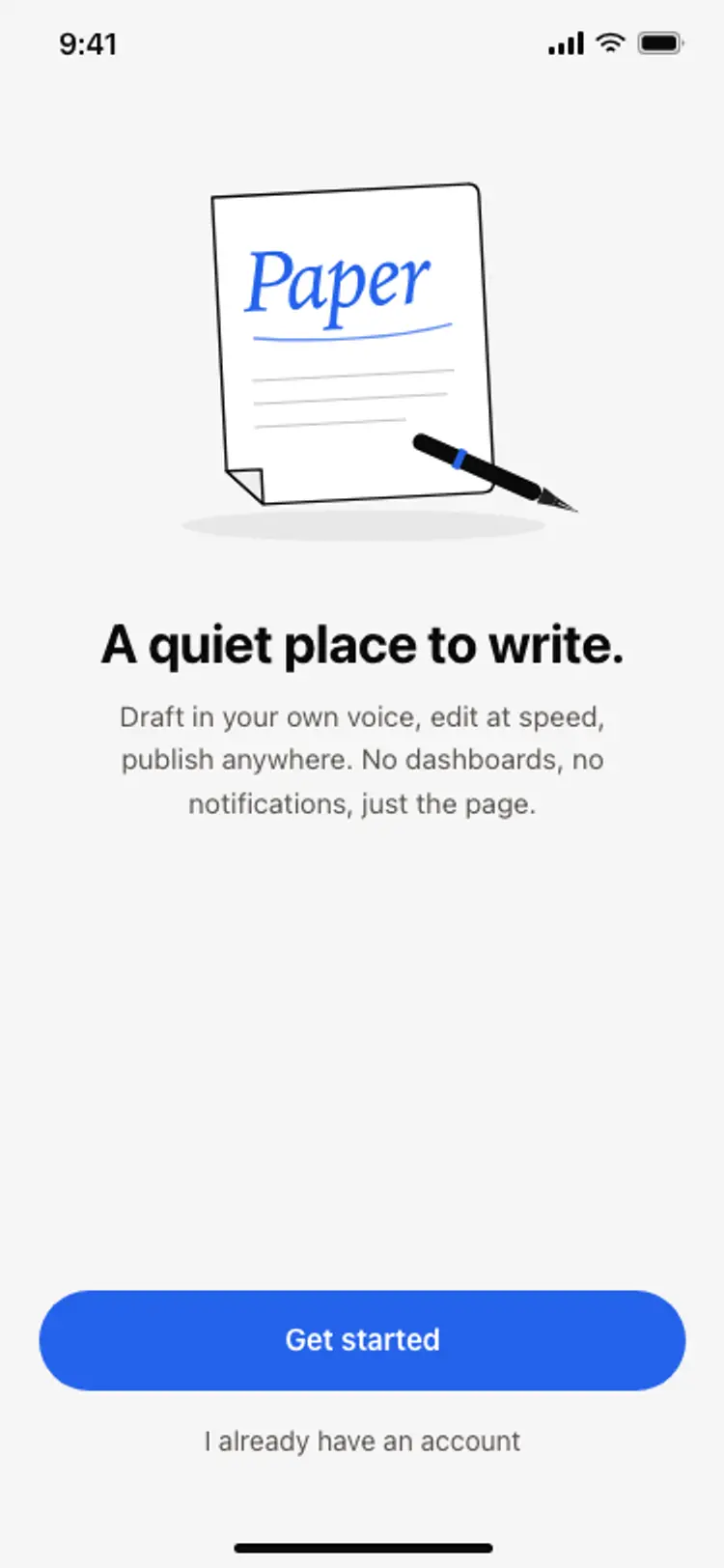
App onboarding welcome screen
App onboarding welcome screen
Onboarding
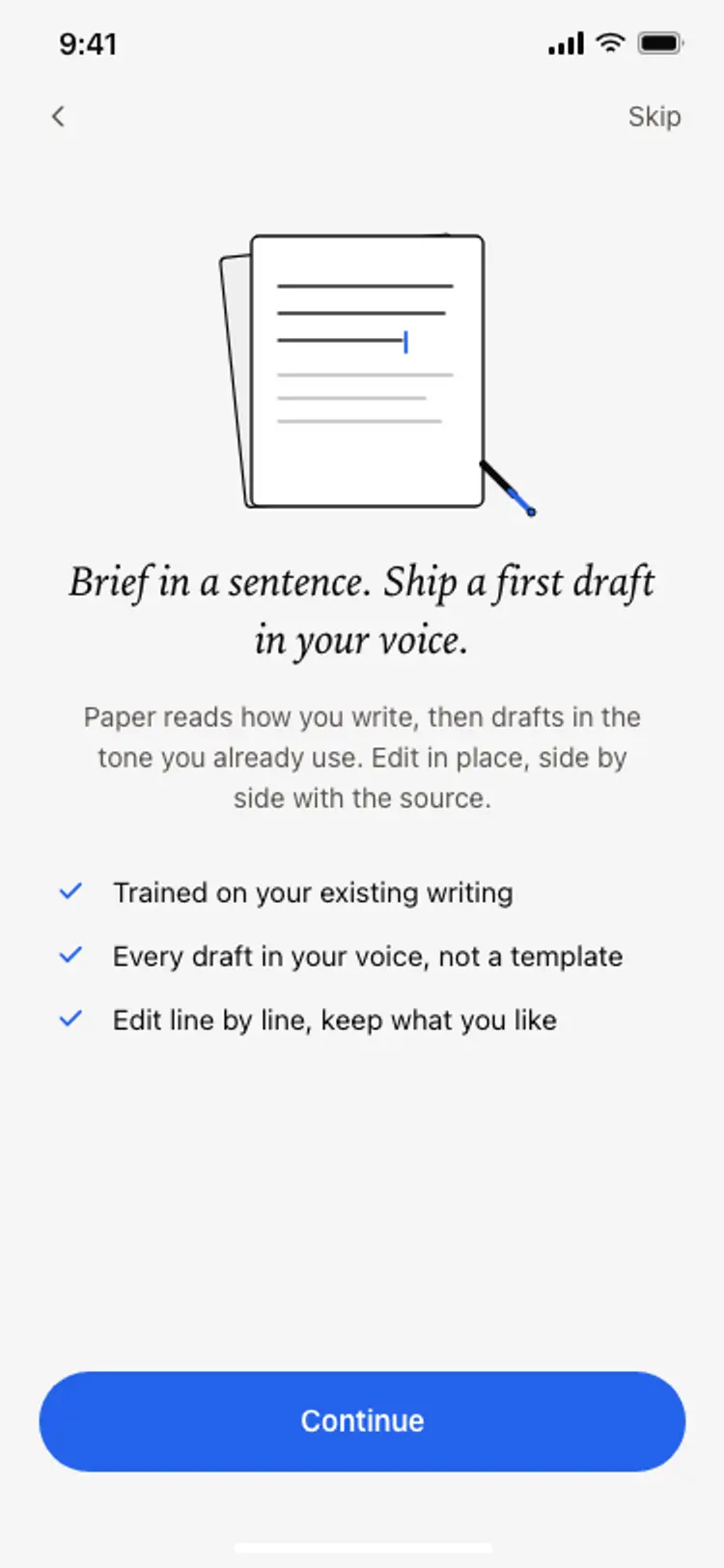
Onboarding benefits screen
Onboarding benefits screen
Onboarding
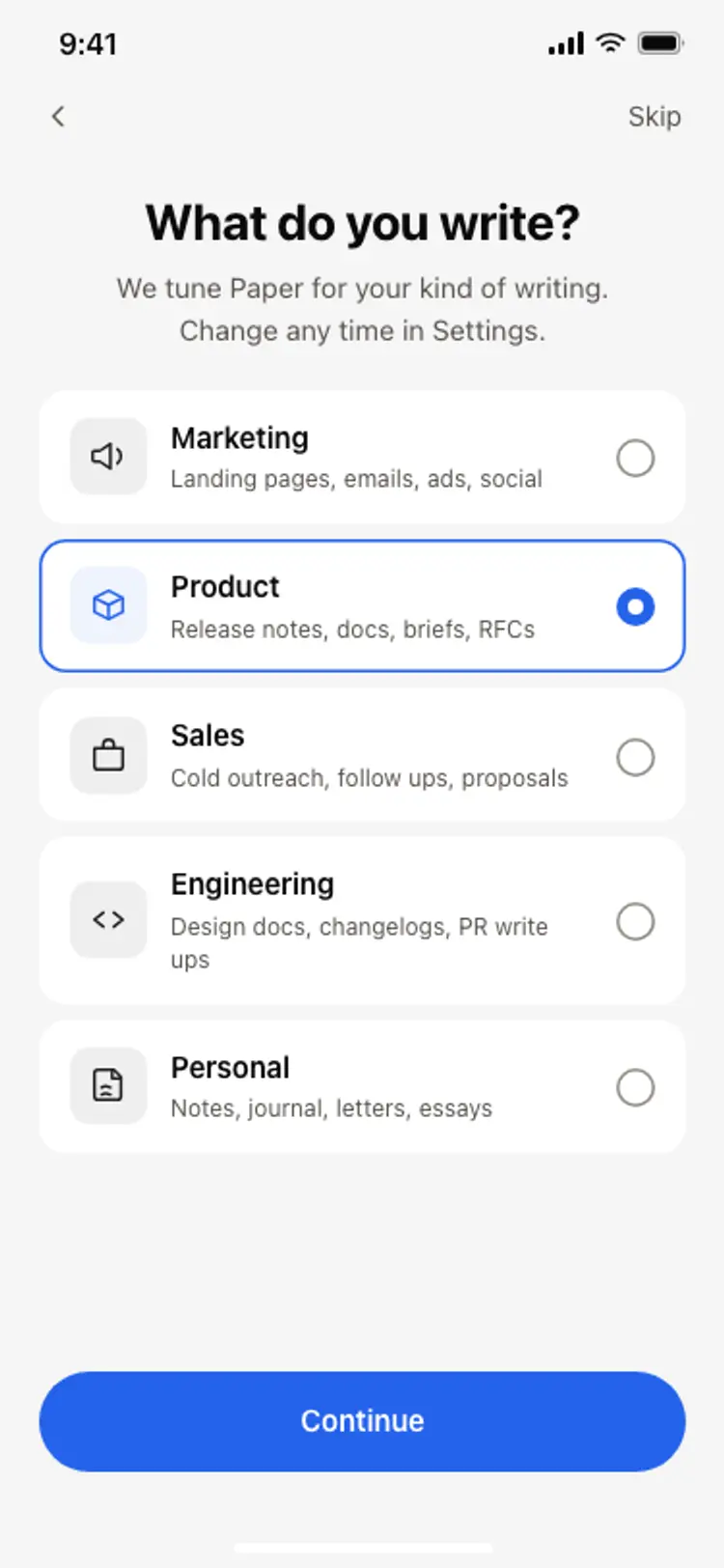
Onboarding role picker
Onboarding role picker
Onboarding
Other app templates you might like

See also
Browse app templates