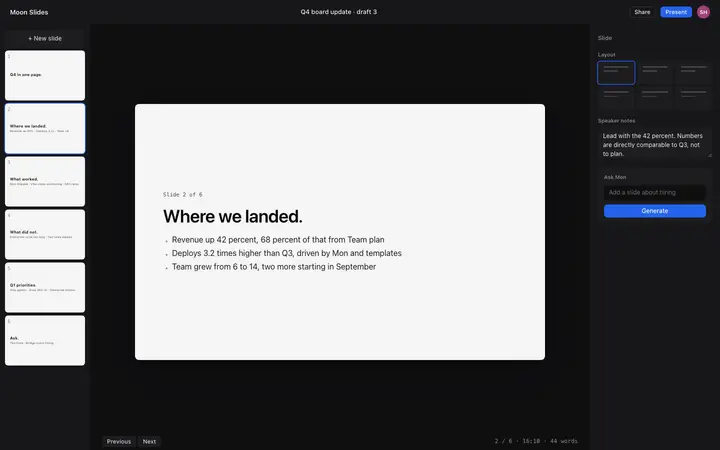
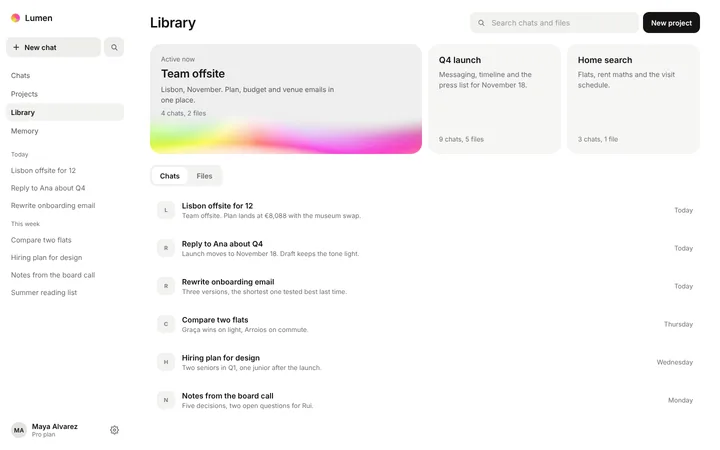
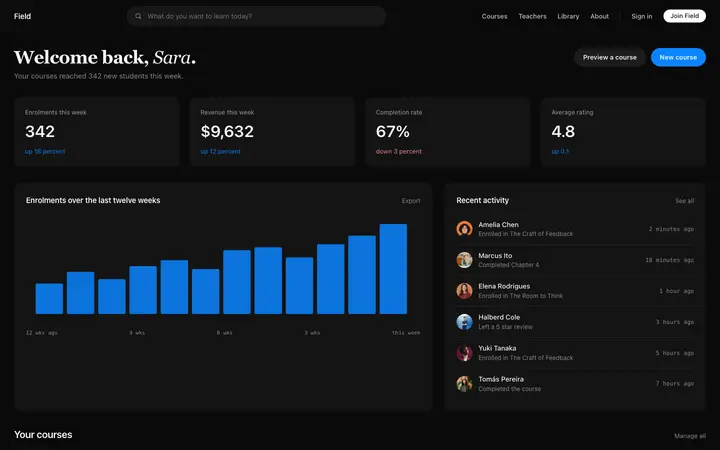
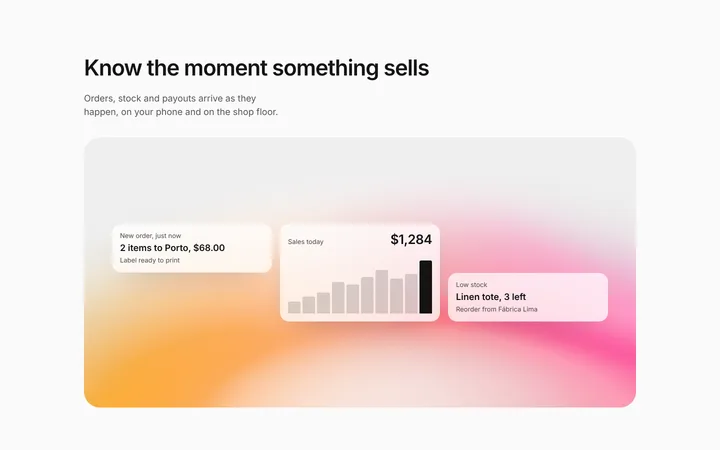
Real dashboard designs you can copy into Bolt. Bolt turns a pasted template into a full JavaScript app, usually React with Vite, running in the browser. Below: the designs, how to set Bolt up so it keeps the design, and what makes a good dashboard.
Bolt dashboard templates
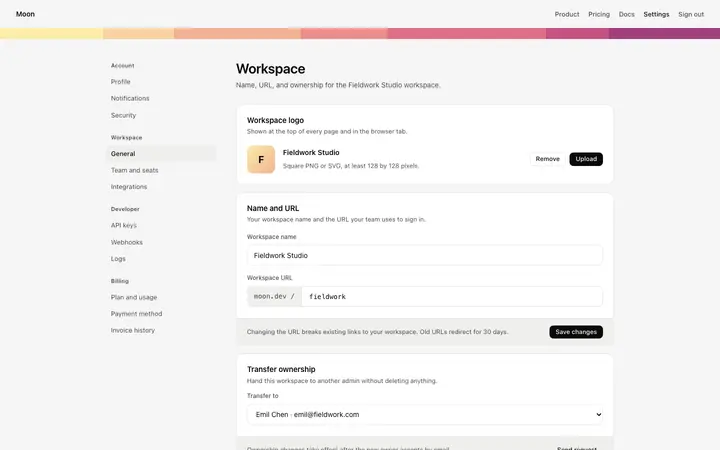
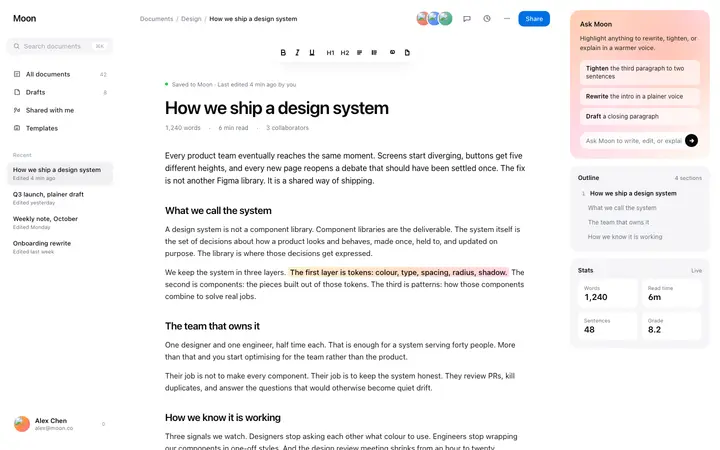
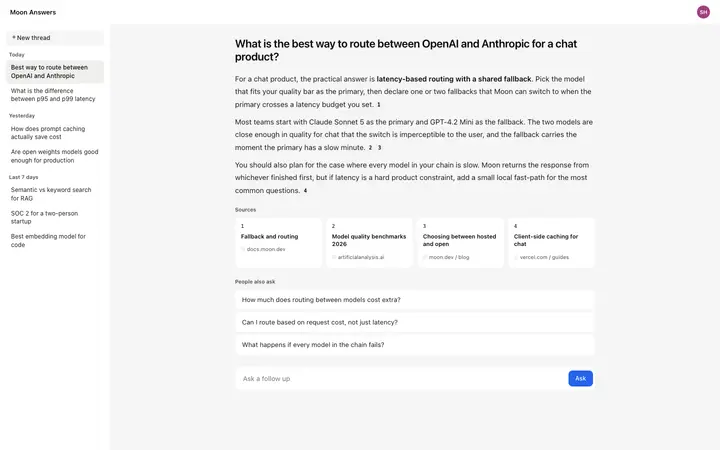
120 dashboard design templates for Bolt. Browse the full BrowserMoon library for every template category.
Get with licence
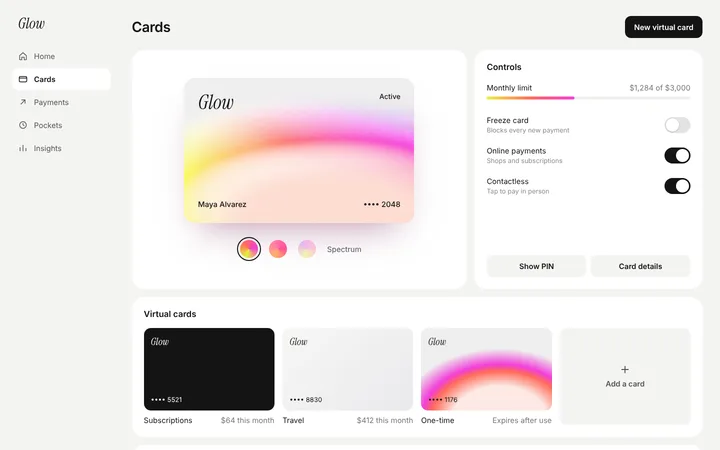
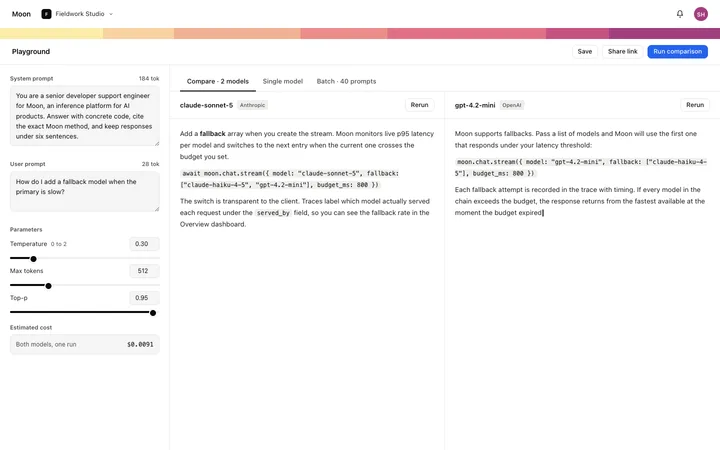
Pulsar
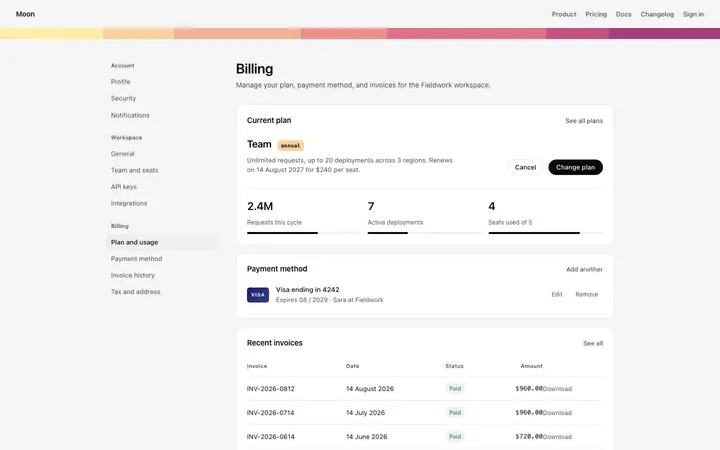
Fintech SaaS card management dashboard template
Dashboard
Get with licence
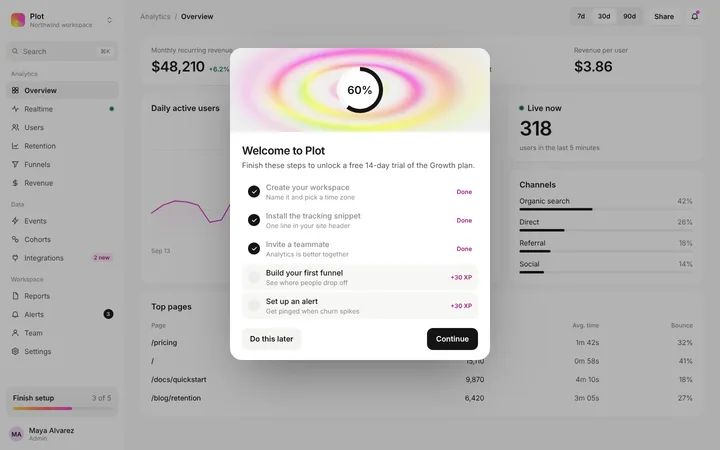
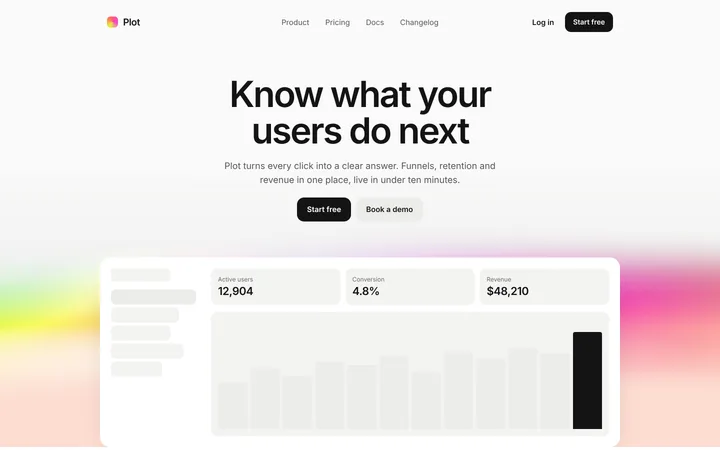
Plot
Analytics SaaS dashboard template
Dashboard
Get with licence
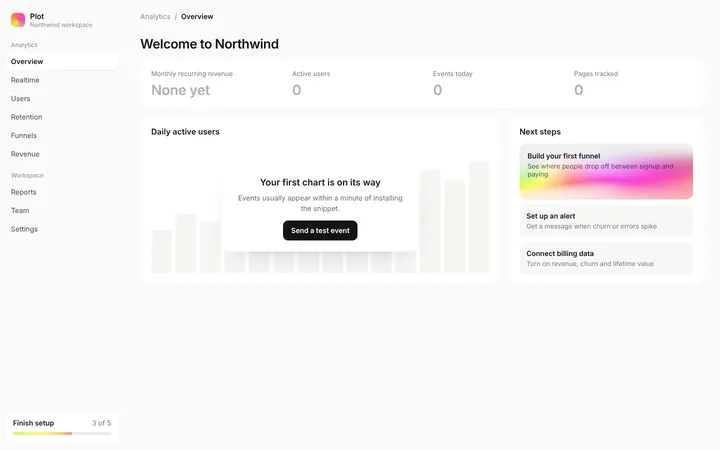
Plot
Analytics SaaS dashboard empty state template
Dashboard
Get with licence
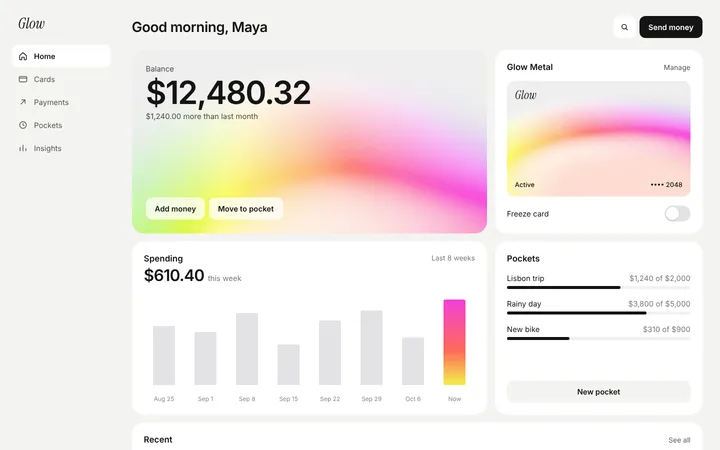
Nebula
Fintech SaaS banking app dashboard template
Dashboard
Get with licence
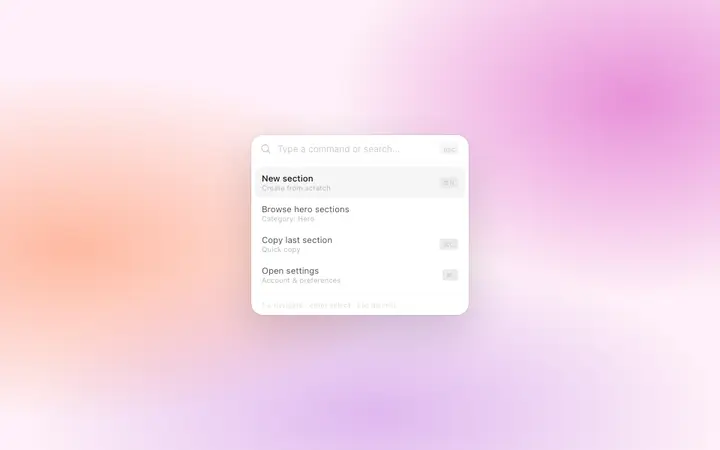
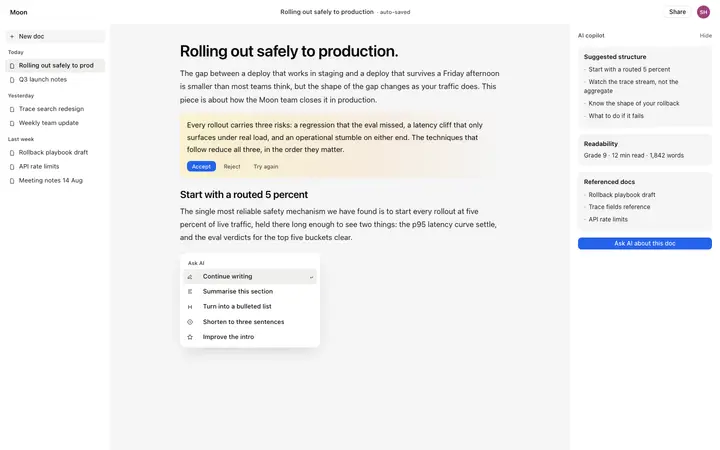
Alder
Command palette template for SaaS web apps
Dashboard · 3,890 copies
Get with licence
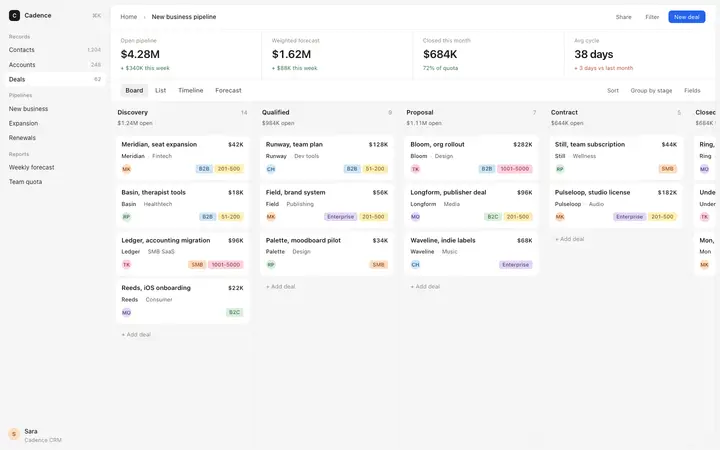
Wharf
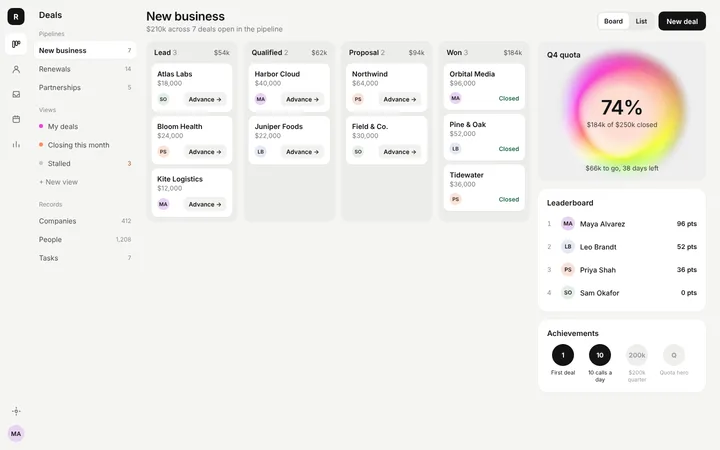
Sales pipeline kanban template for CRM SaaS apps
Dashboard · 580 copies
Get with licence
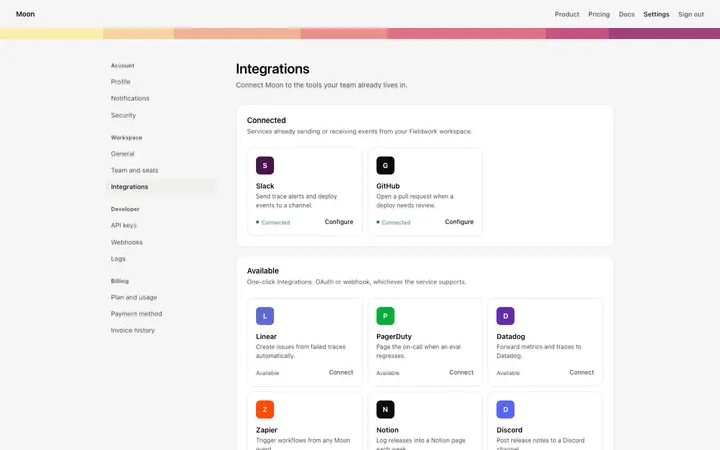
Flint
Integrations page template for SaaS apps
Dashboard · 2,473 copies
Get with licence
Pine
Analytics dashboard template for SaaS products
Dashboard · 2,260 copies
Get with licence
Rampart
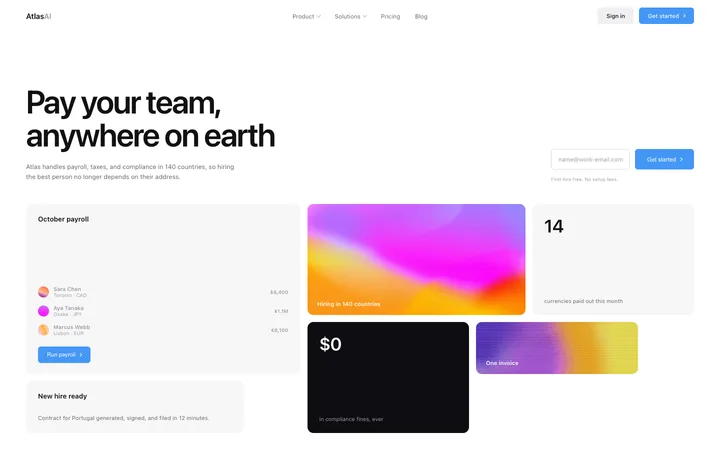
Analytics SaaS hero with dashboard preview
Dashboard
Get with licence
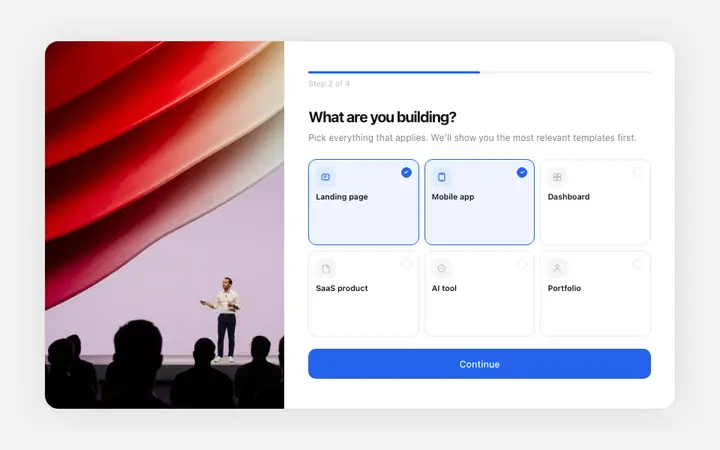
Flint
Onboarding survey template for SaaS apps
Dashboard · 1,460 copies
Get with licence
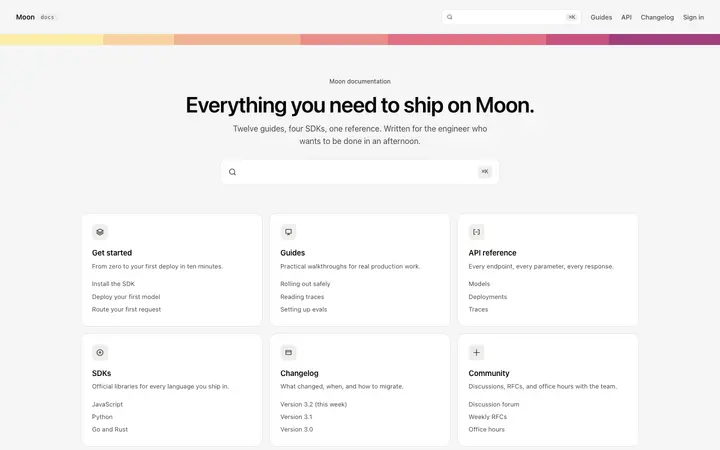
Agate
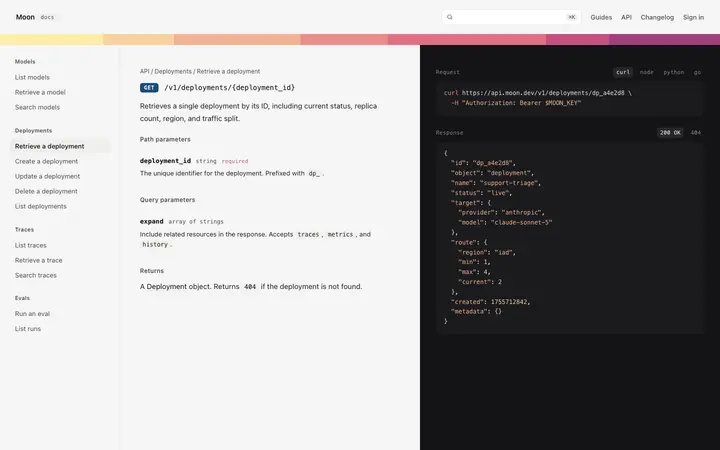
Documentation homepage template for SaaS
Dashboard · 1,847 copies
Get with licence
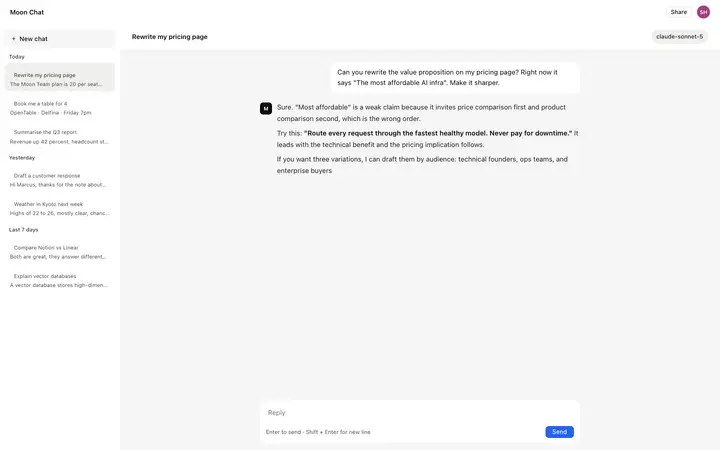
Linen
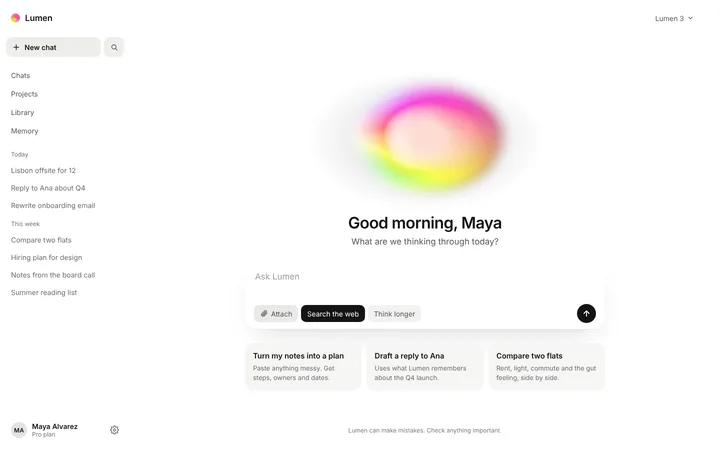
AI chatbot UI template for SaaS apps
Dashboard · 722 copies
Get with licence
Amber
SaaS hero template with dashboard preview
Dashboard · 1,540 copies
Get with licence
Dell
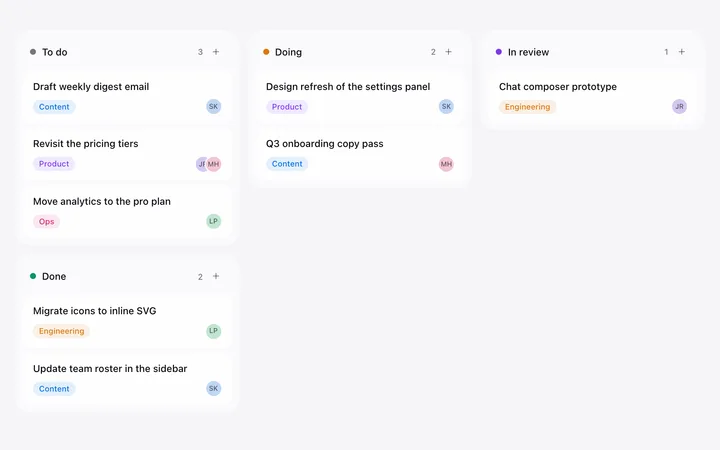
Kanban board template for SaaS project tools
Dashboard · 42 copies
Get with licence
Aria
SaaS product launch video template
Dashboard
Get with licence
Yarrow
Toast notification template for SaaS apps
Dashboard · 2,080 copies
Get with licence
Quick
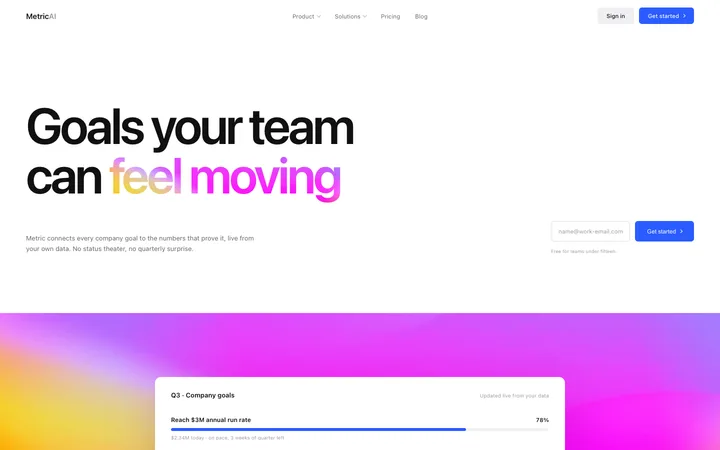
OKR software SaaS landing page for goal tracking
Dashboard · 62 copies
Get with licence
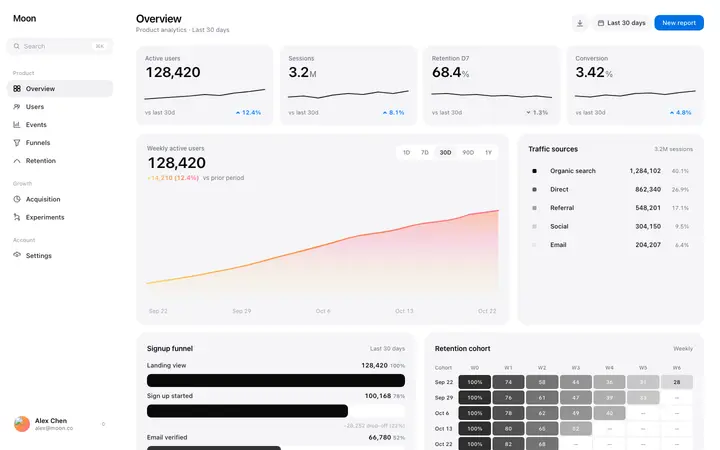
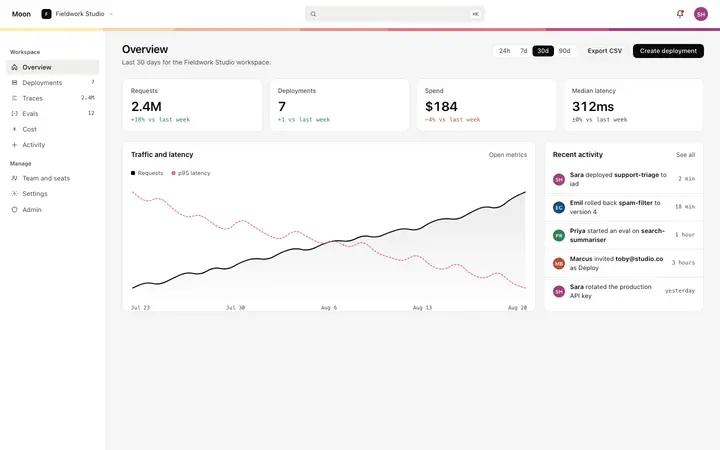
Pewter
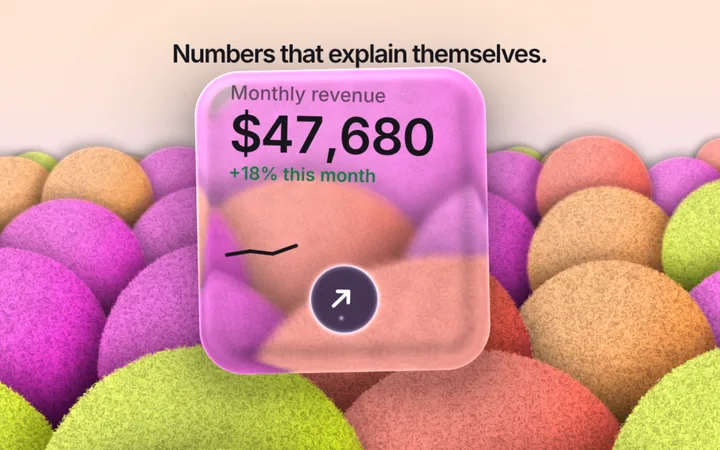
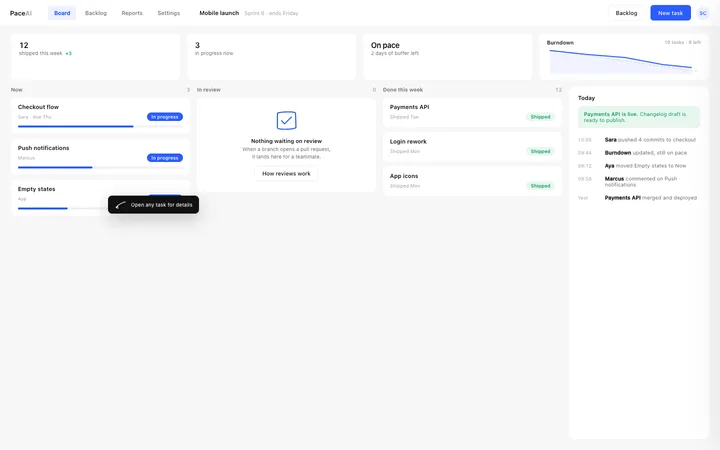
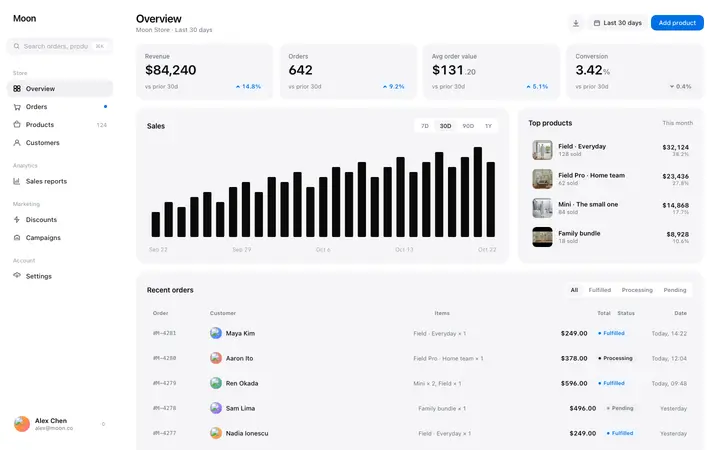
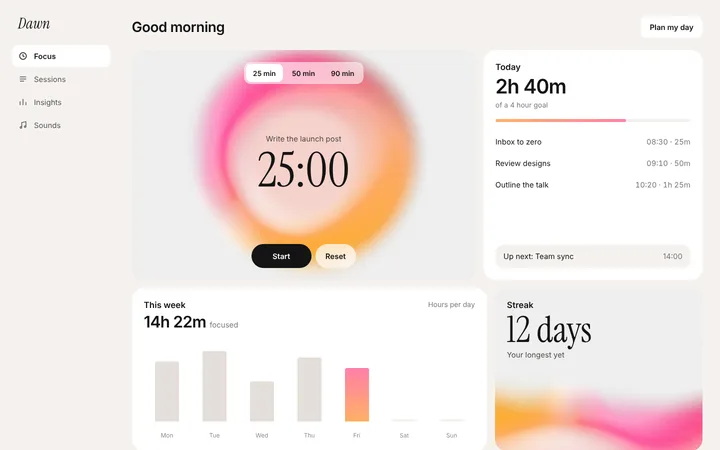
SaaS dashboard overview template with KPIs
Dashboard · 5,284 copies
Get with licence
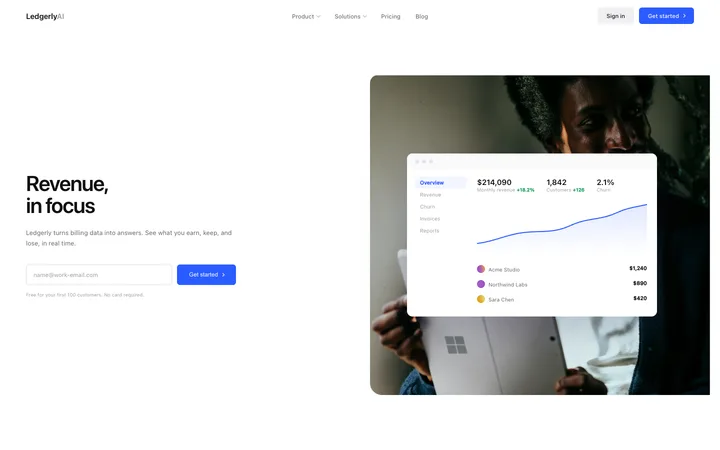
Ledgerly
Finance SaaS landing page template for revenue
Dashboard · 84 copies
Get with licence
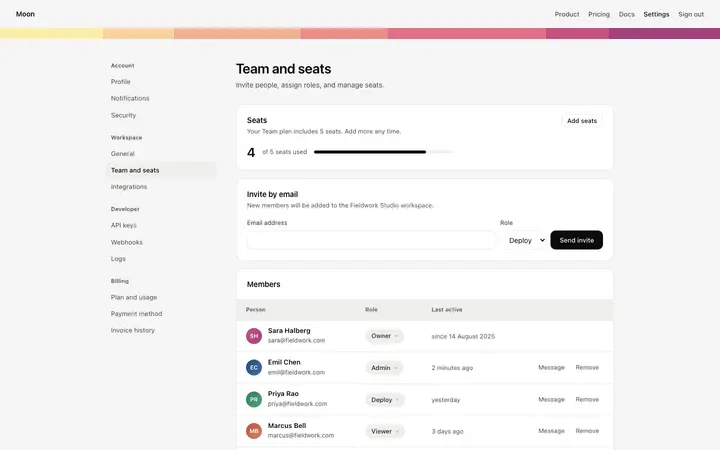
Cinder
Team members page template for SaaS apps
Dashboard · 3,156 copies
Get with licence
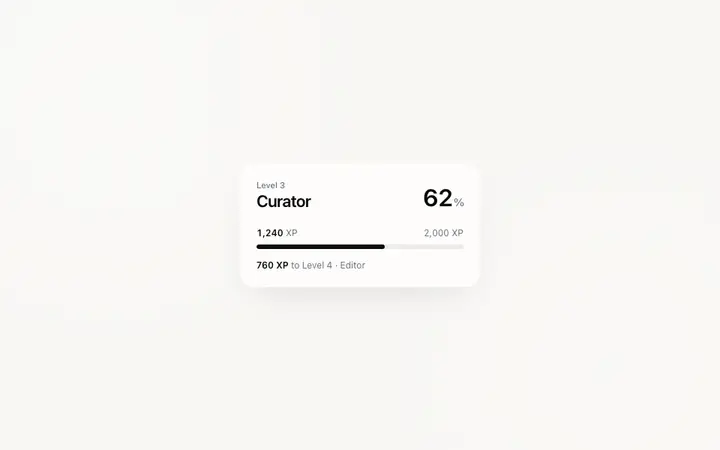
Ion
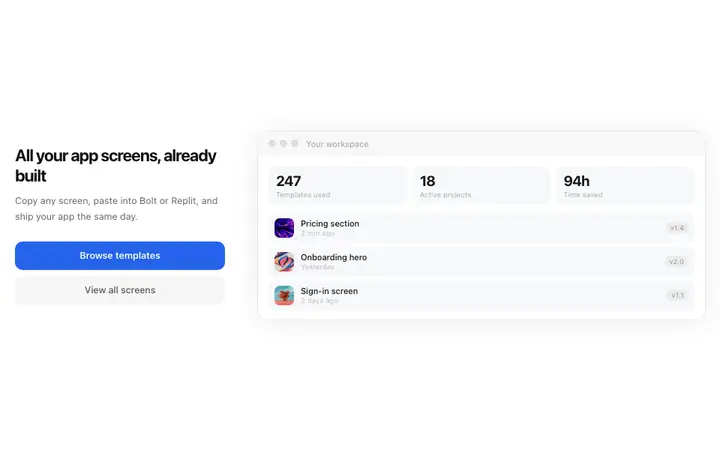
Level progress dashboard template for gamified SaaS
Paste the dashboard template and ask Bolt for a clickable prototype with sample data. It is a fast way to show a dashboard to users before you build the backend.
When you need a real database, ask Bolt to add one, or download the project and continue in a code editor.
How to use dashboard templates with Bolt
1
Pick a design
Choose a dashboard design above and open it to see it live.
2
Copy the template
Copy the template from its page. It is one HTML file with no dependencies.
3
Set up Bolt
Paste the template into your first Bolt prompt as the design to build from, and describe the product in a sentence or two.
4
Prompt, then refine
Paste it and describe your product. Then follow up with: "Use the pasted template as the exact design for this section. Do not change the layout or spacing."
What makes a good dashboard
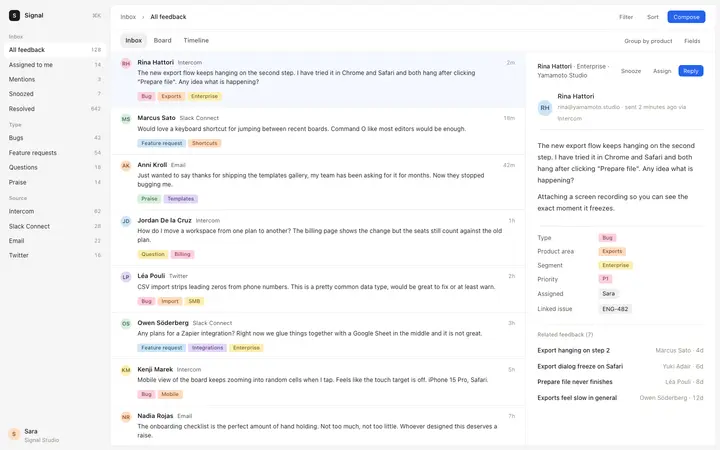
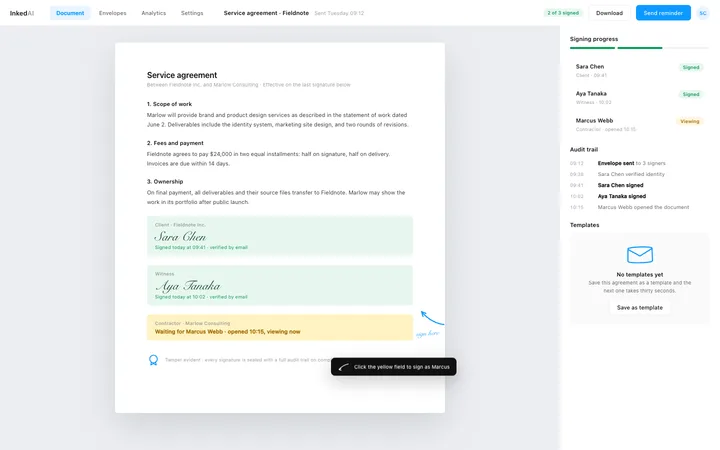
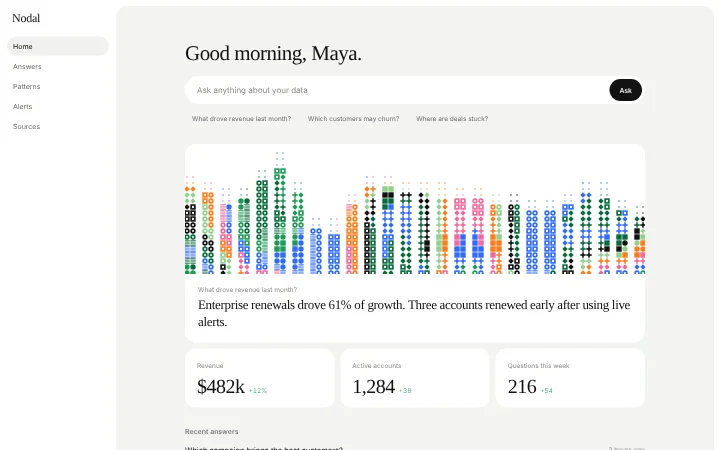
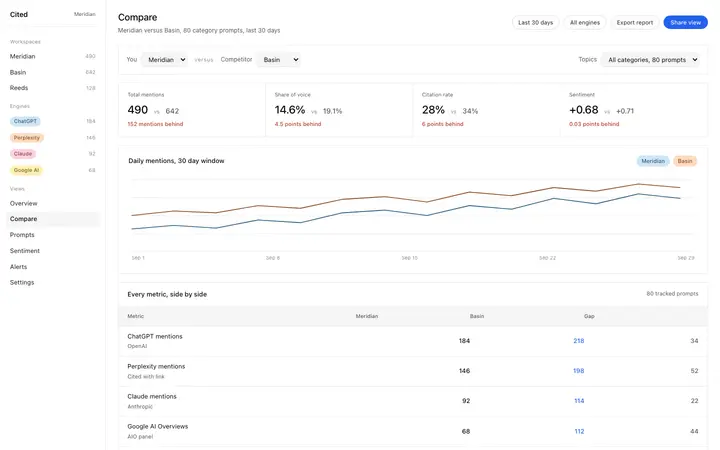
Common types: analytics dashboards, admin panels, CRM views, AI app dashboards and finance dashboards, usually a sidebar, a top bar, stat cards, charts and a table.
One number that matters most
The key metric is the biggest thing on the screen.
A calm layout
Few colours, aligned cards and plenty of space between groups.
Useful when empty
New accounts see what to do first, not blank charts.
Common mistake: Every metric at the same size, so nothing stands out and the page reads as noise. SaaS dashboard design ideas →
Keeping the design in Bolt
Bolt builds and runs a full app in the browser, so it suits fast prototypes and launch pages you want to see working within minutes.
What Bolt builds
A full JavaScript app, usually React with Vite, running in the browser.
Where the design goes
Paste the template into your first Bolt prompt as the design to build from, and describe the product in a sentence or two.
Bolt and dashboards
Very long prompts get summarised, so details of a big template can be lost. Paste the template again with your follow-up prompt if it starts to drift.
What to tell it
Keep the sidebar, card grid and chart styles from the template, then connect each card to your real data one at a time.
Not sure which dashboard design fits?
Ask Mon, the AI design assistant, describe your product and Mon suggests the dashboard design and how to prompt Bolt with it.
Paste the template code into your Bolt prompt at bolt.new and describe what your product does. Paste the template into your first Bolt prompt as the design to build from, and describe the product in a sentence or two.
What does Bolt turn the template into?
A full JavaScript app, usually React with Vite, running in the browser.
How do I stop Bolt changing the design?
Very long prompts get summarised, so details of a big template can be lost. A follow-up prompt that helps: "Use the pasted template as the exact design for this section. Do not change the layout or spacing."
What makes a good dashboard?
One number that matters most: the key metric is the biggest thing on the screen. A calm layout: few colours, aligned cards and plenty of space between groups. Useful when empty: new accounts see what to do first, not blank charts.
Any Bolt tips for dashboards?
Very long prompts get summarised, so details of a big template can be lost. Paste the template again with your follow-up prompt if it starts to drift.