

Bolt navigation templates for AI websites and apps

Real navigation designs you can copy into Bolt. Bolt turns a pasted template into a full JavaScript app, usually React with Vite, running in the browser. Below: the designs, how to set Bolt up so it keeps the design, and what makes a good navigation section.

Bolt navigation templates

65 navigation design templates for Bolt. Browse the full BrowserMoon library for every template category.

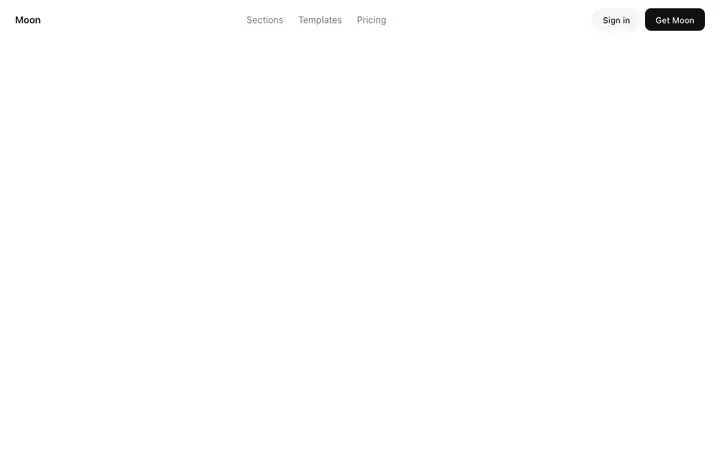
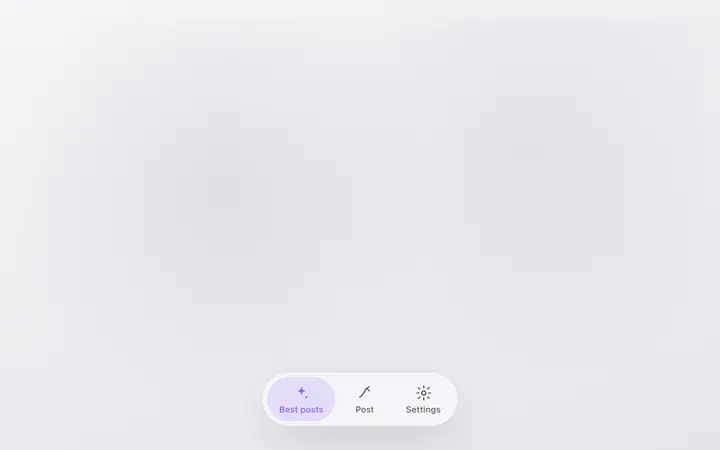
Minimal navbar template for SaaS websites
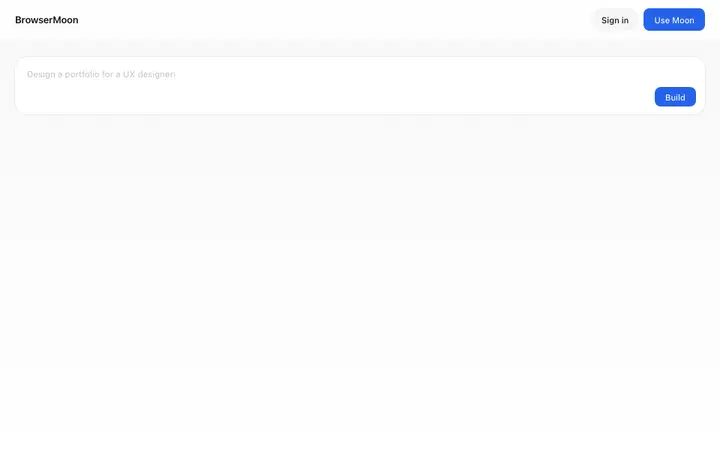
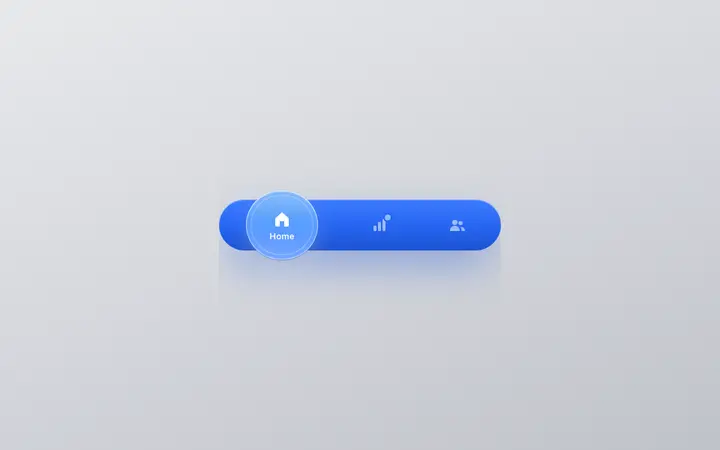
Sticky navbar template for SaaS websites
Mobile navigation template for SaaS websites
Mobile menu template for SaaS apps and websites
Dark mobile navigation template for AI SaaS
Light mobile navigation template for SaaS
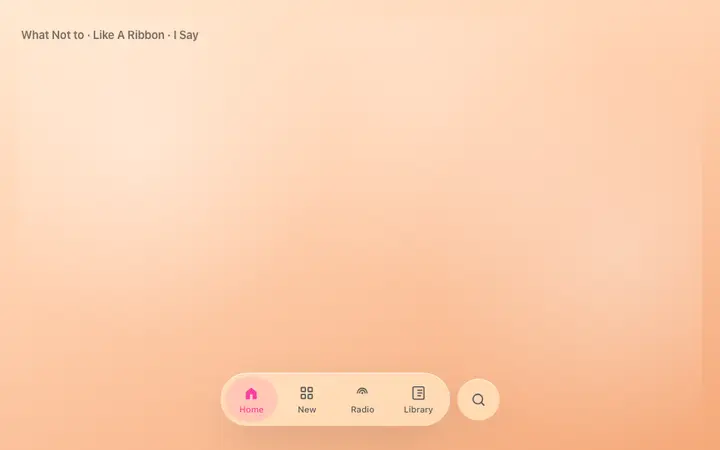
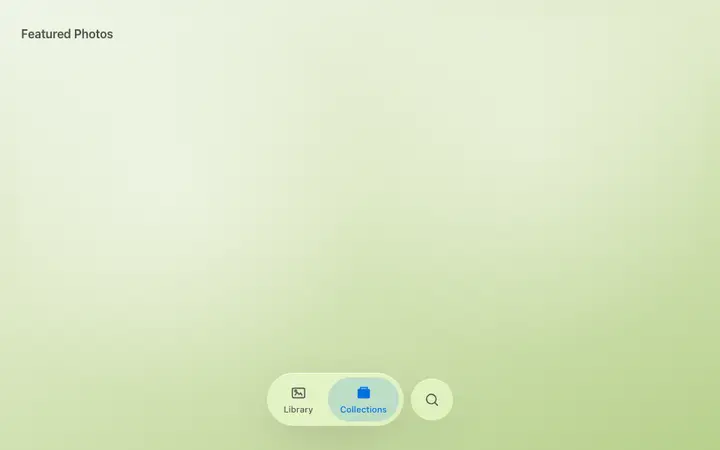
iOS style mobile navigation for SaaS apps
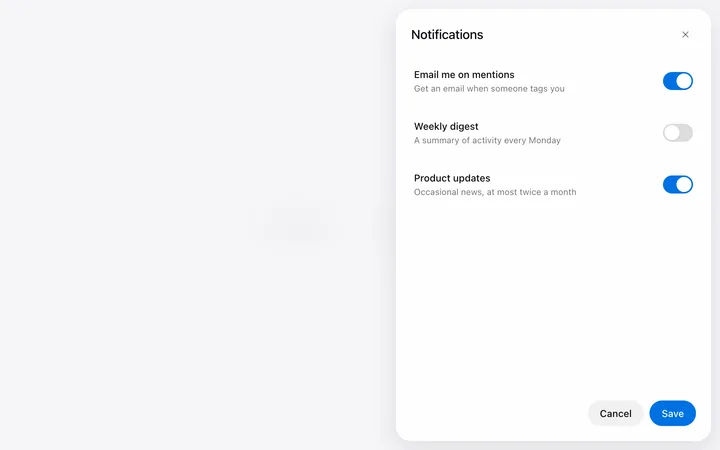
Off canvas drawer menu template for SaaS apps
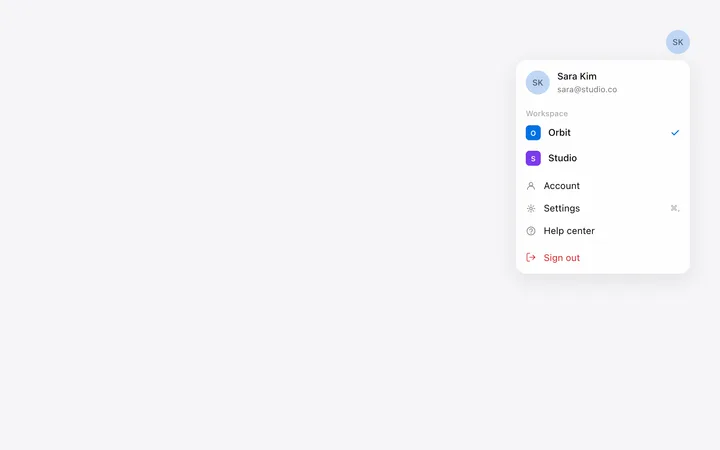
Profile dropdown menu template for SaaS apps
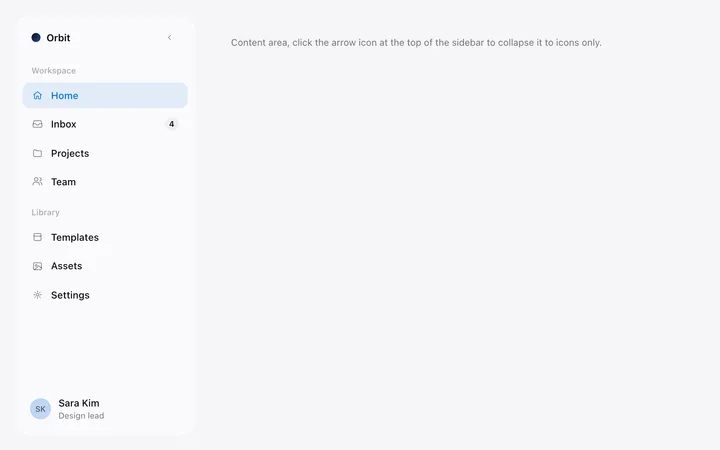
Sidebar menu template for SaaS dashboards
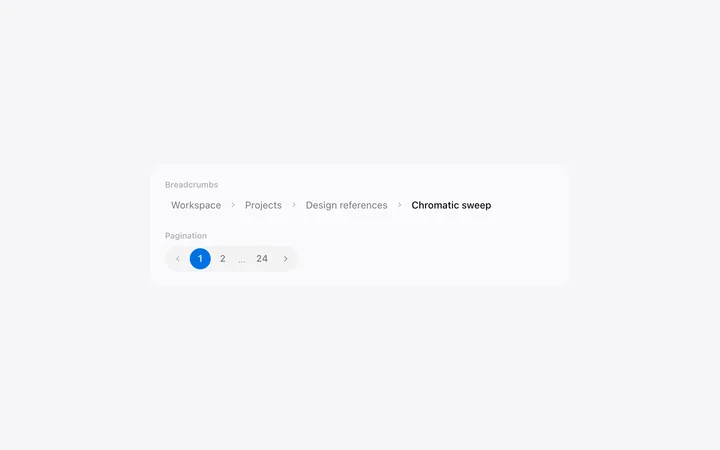
Pagination and breadcrumb template for SaaS
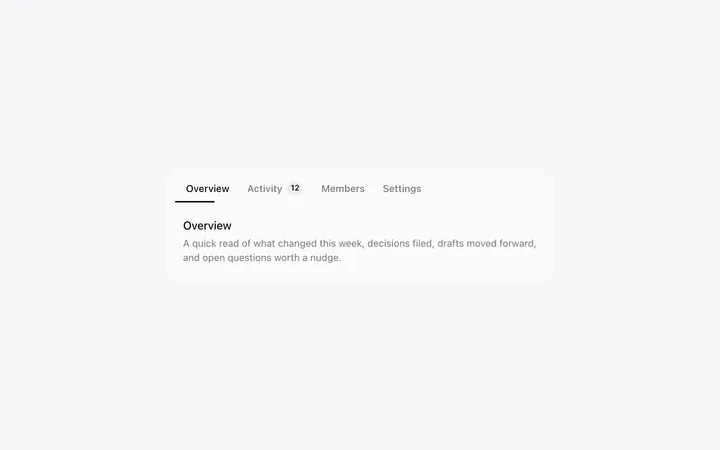
Tabs template in HTML and CSS for SaaS
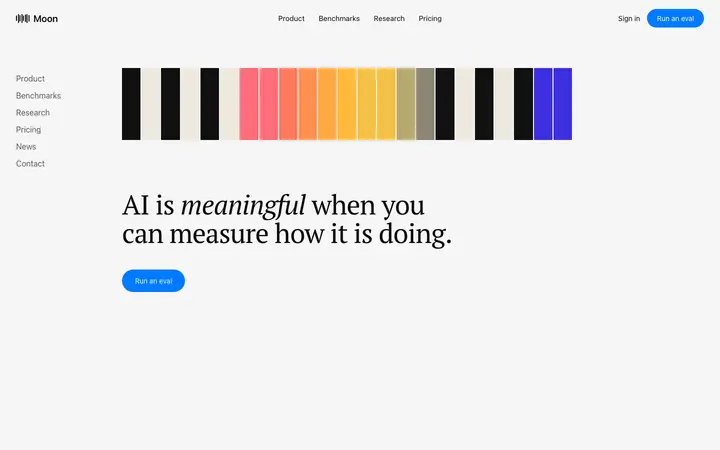
AI chatbot assistant SaaS landing page template
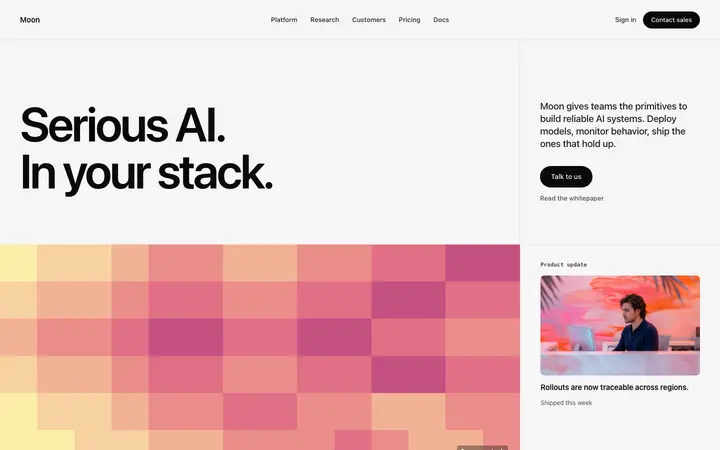
Pixel art AI SaaS landing page template
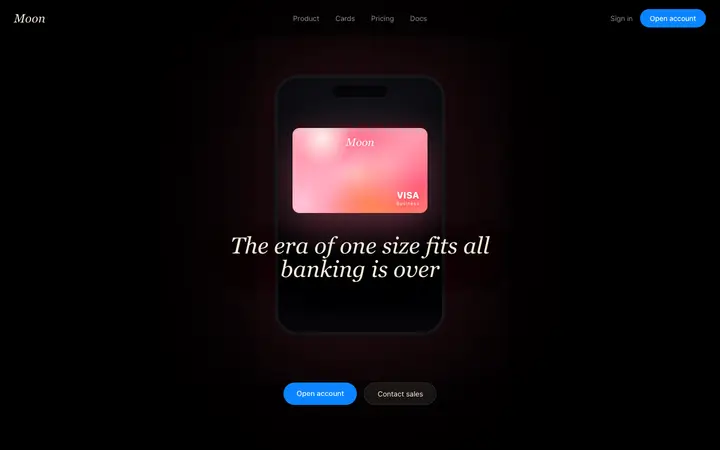
Fintech SaaS banking landing page template
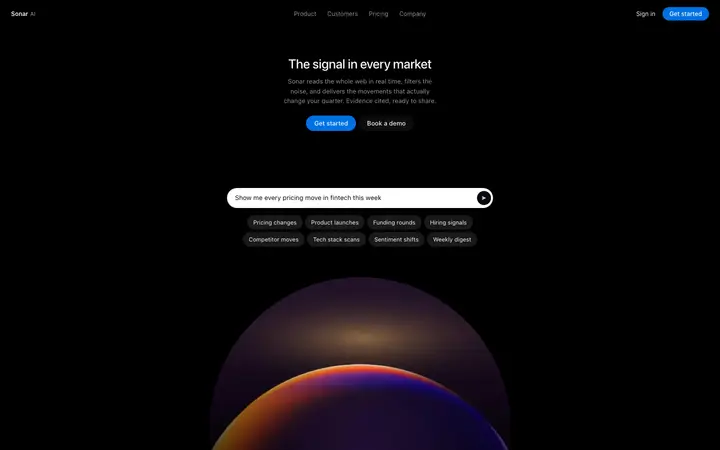
AI search SaaS landing page template
Social listening SaaS landing page template
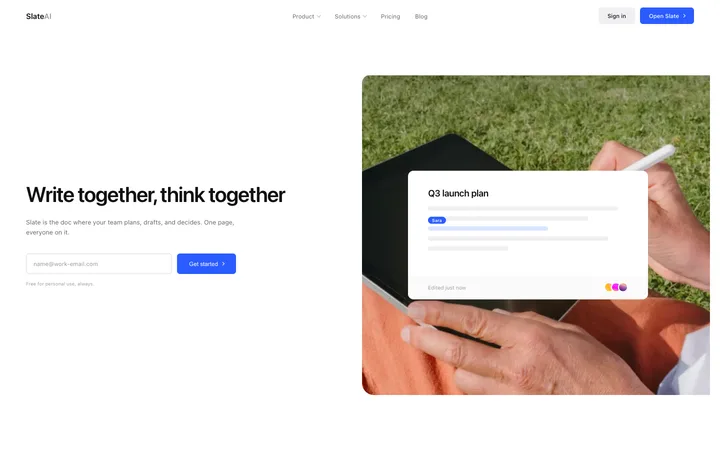
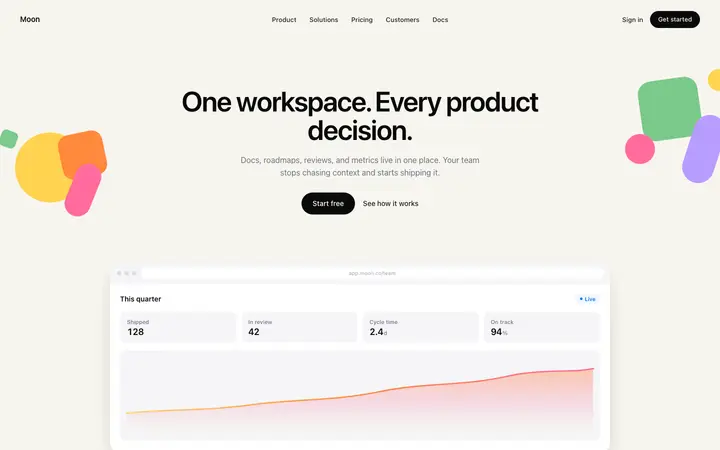
Productivity SaaS landing page for team docs
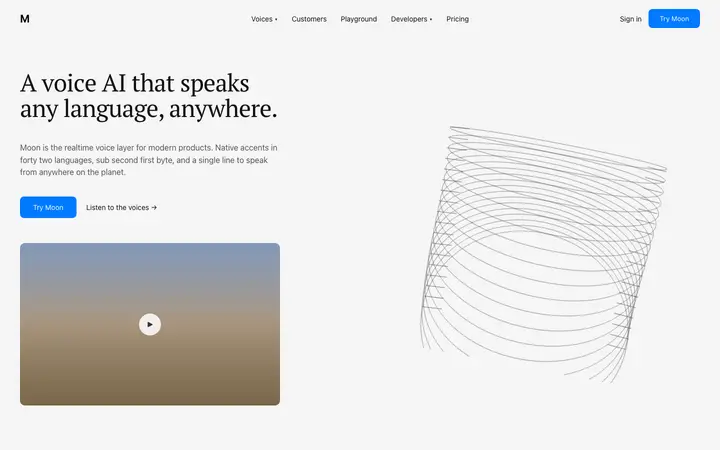
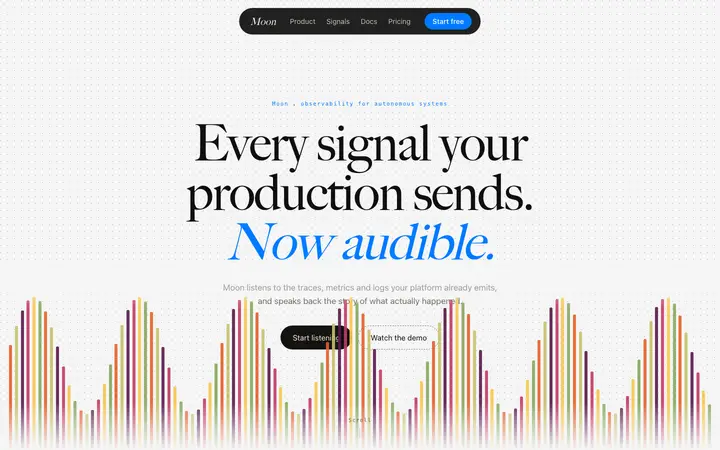
Text to speech SaaS landing page template
Stripe style SaaS landing page template
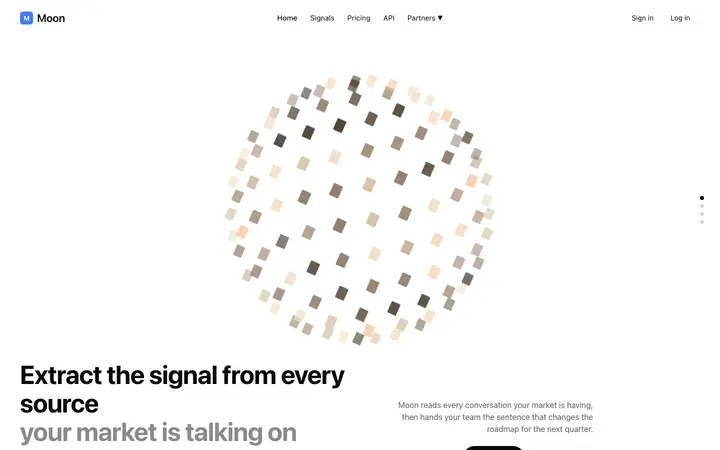
AI market intelligence landing page template for SaaS
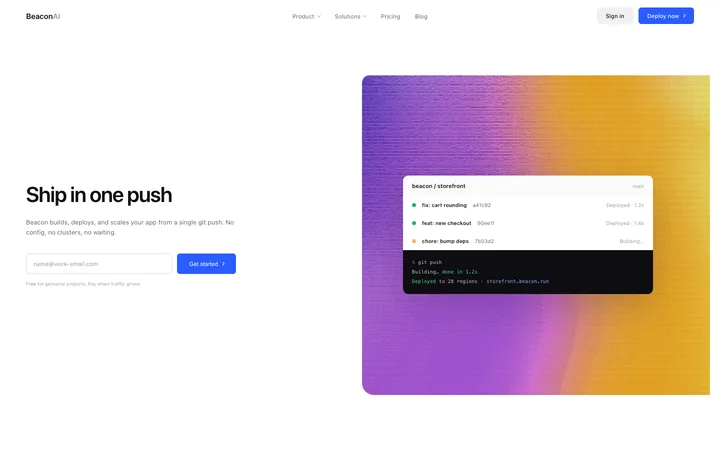
Developer tools SaaS landing page for hosting
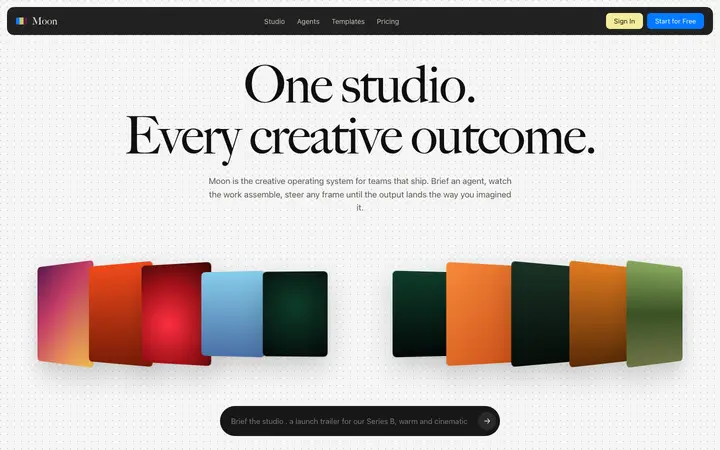
Parallax SaaS landing page template for AI
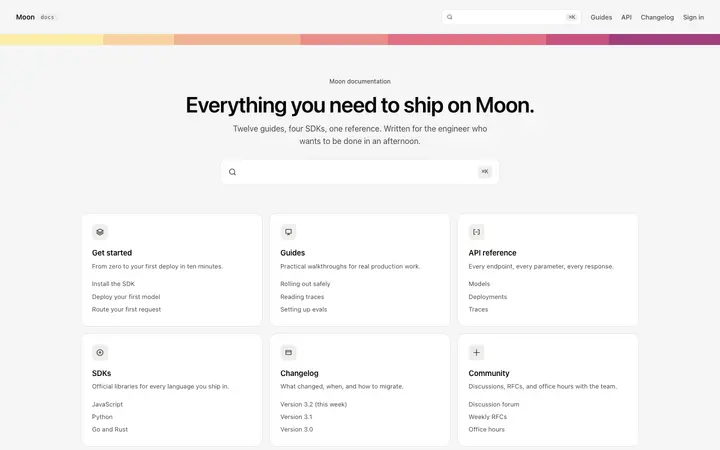
Documentation homepage template for SaaS
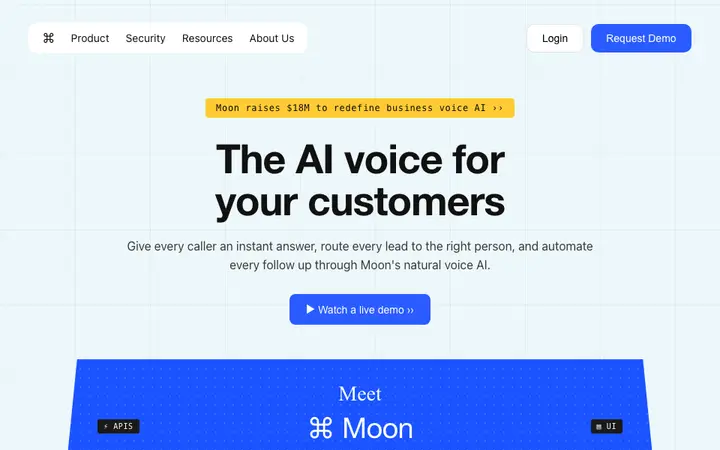
Voice AI landing page template for speech SaaS
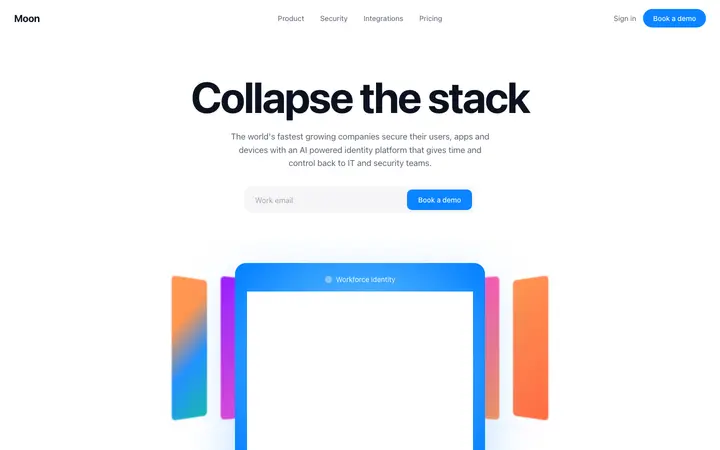
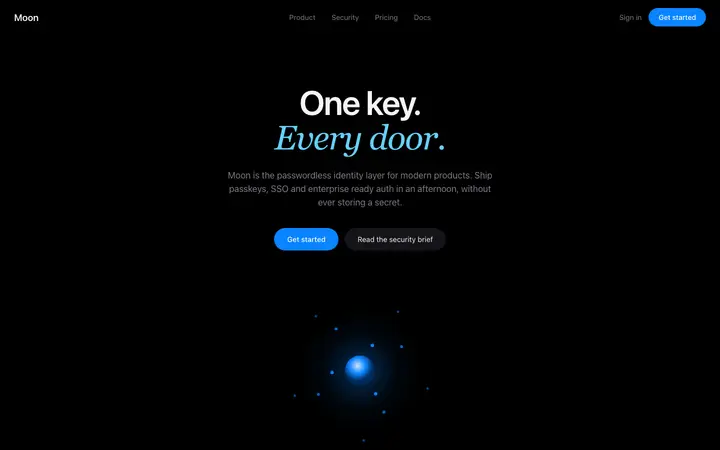
Identity SaaS landing page template
LLM SaaS landing page template for AI tools
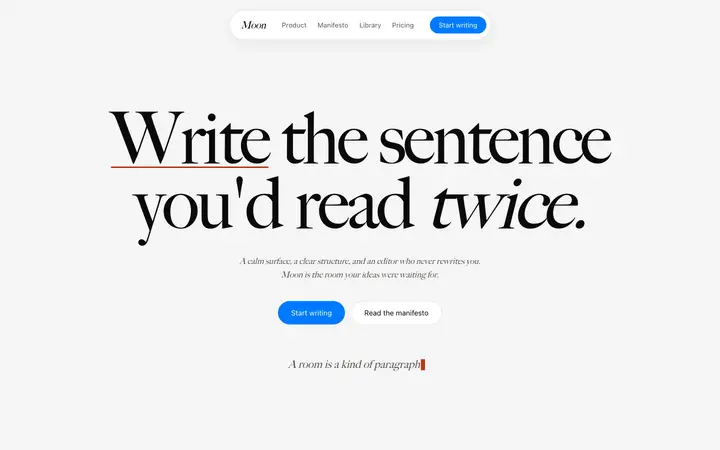
AI writing SaaS landing page template
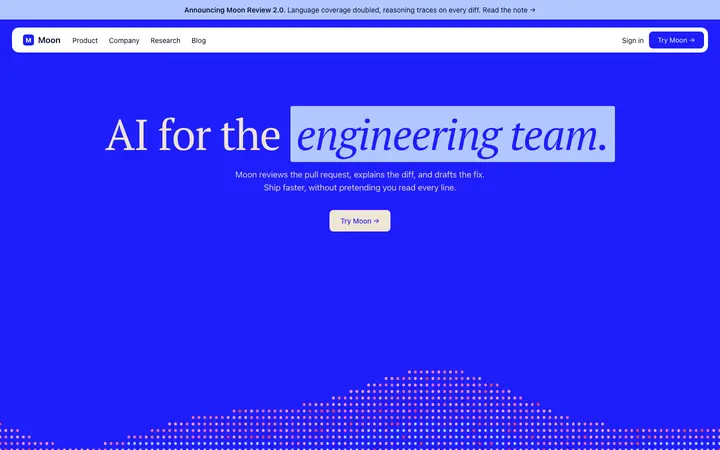
AI code review SaaS landing page template
AI agent hero template for developer SaaS
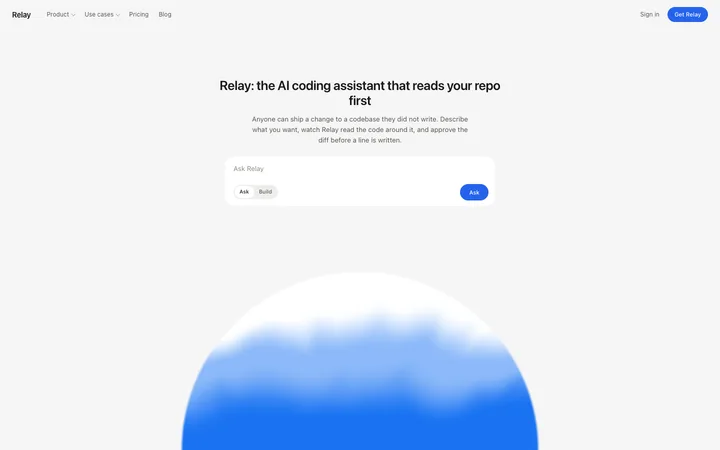
SaaS landing page template for AI coding tools
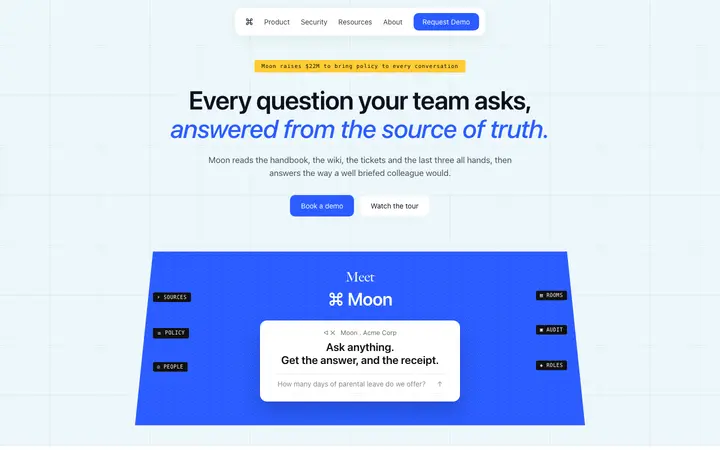
Enterprise SaaS landing page template for B2B
AI writing SaaS landing page template for teams
Fintech SaaS landing page template
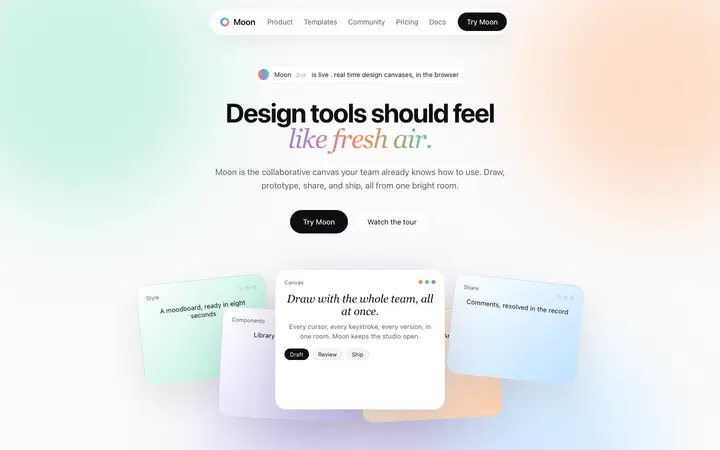
SaaS landing page template for design tools
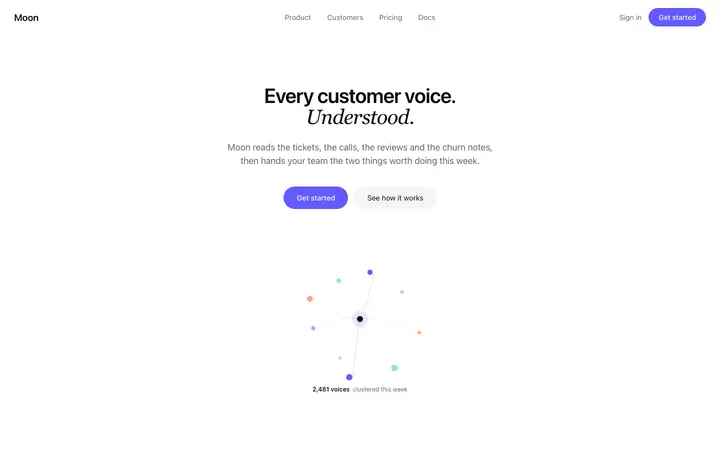
Customer feedback SaaS landing page template
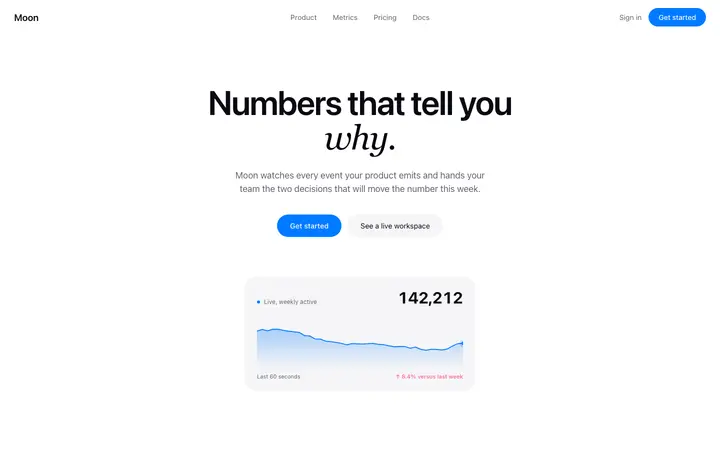
Analytics landing page template for SaaS
Security SaaS landing page template
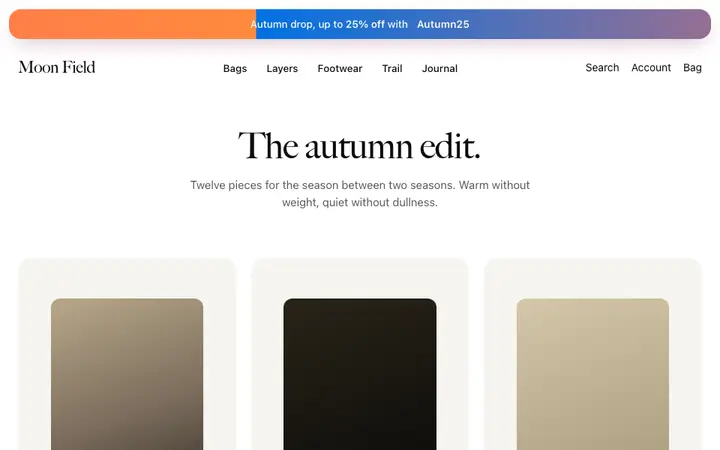
Promo banner template for fashion brands
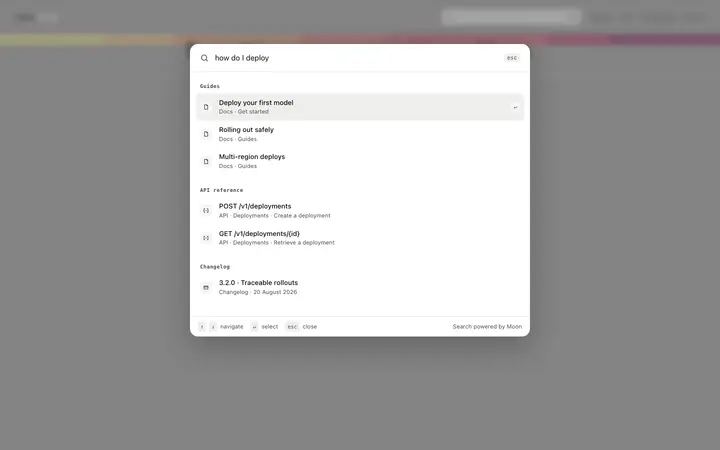
Documentation search page template for SaaS
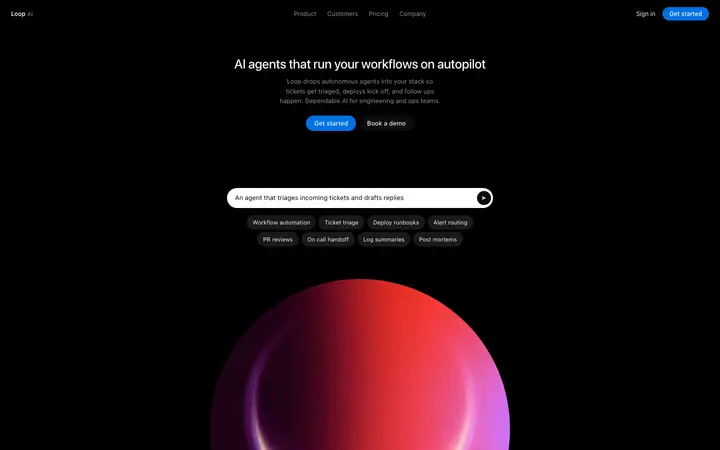
AI automation platform landing page template for SaaS
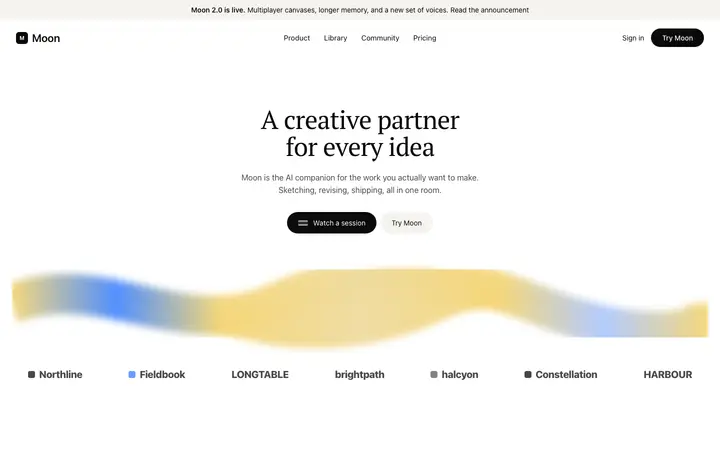
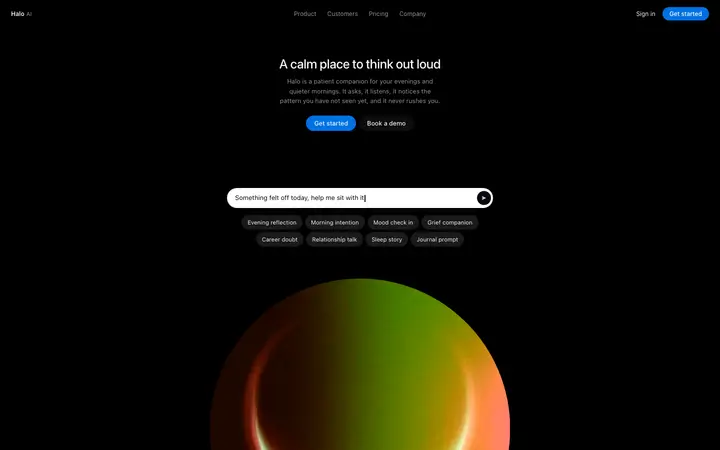
AI companion SaaS landing page for wellness apps
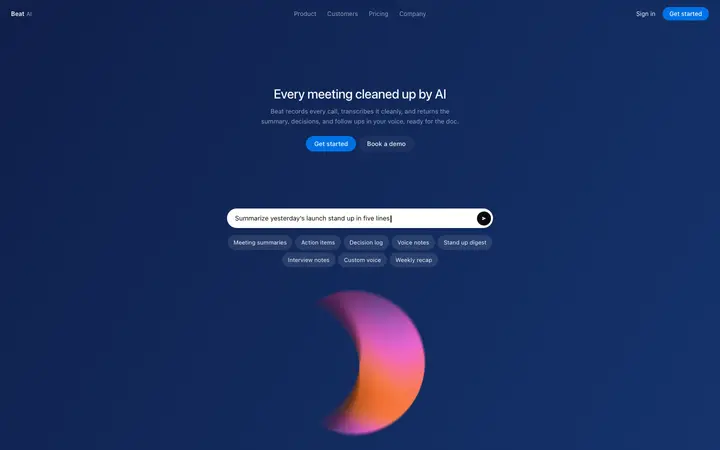
AI meeting notes landing page template for SaaS
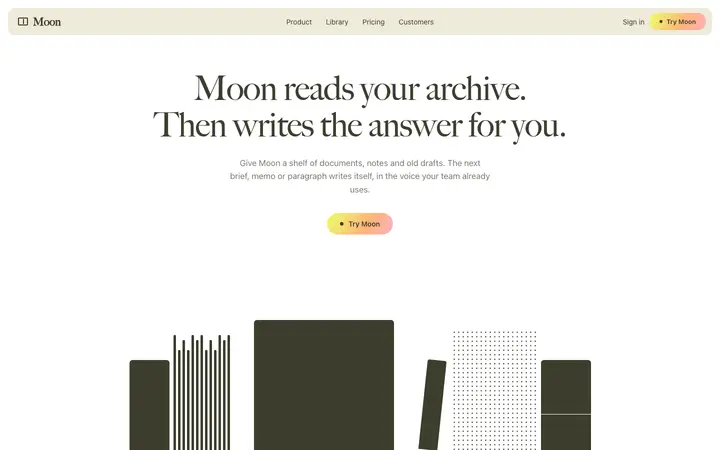
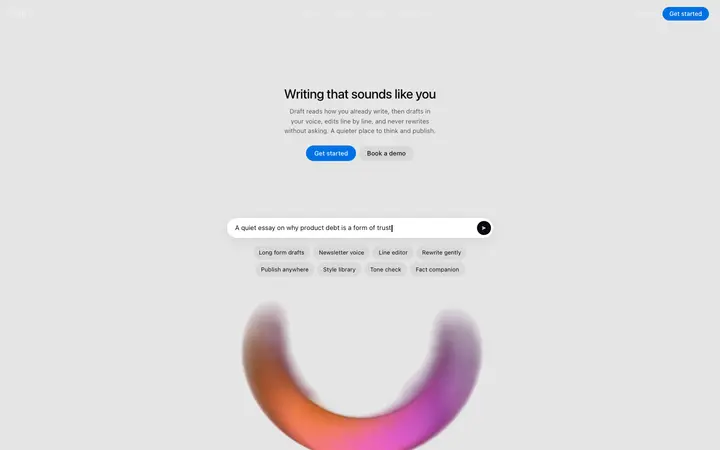
AI ghostwriter landing page template for writing SaaS
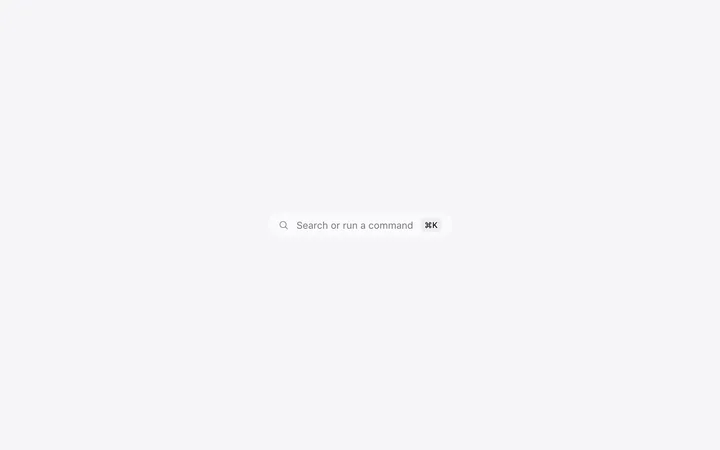
Glass command palette template for SaaS apps
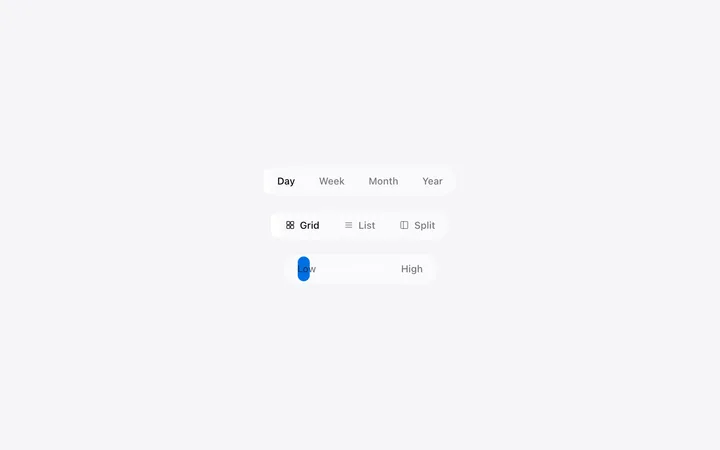
Segmented control template for SaaS apps
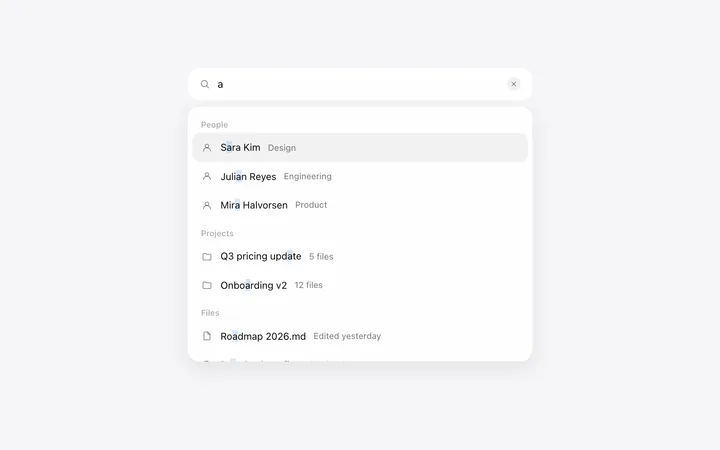
Autocomplete search bar template for SaaS
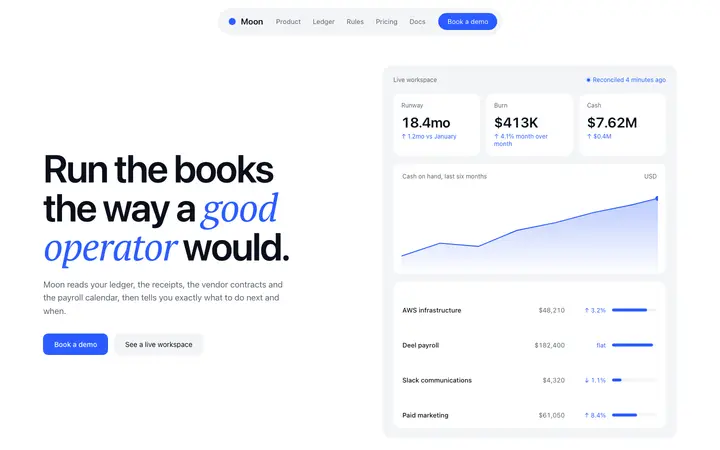
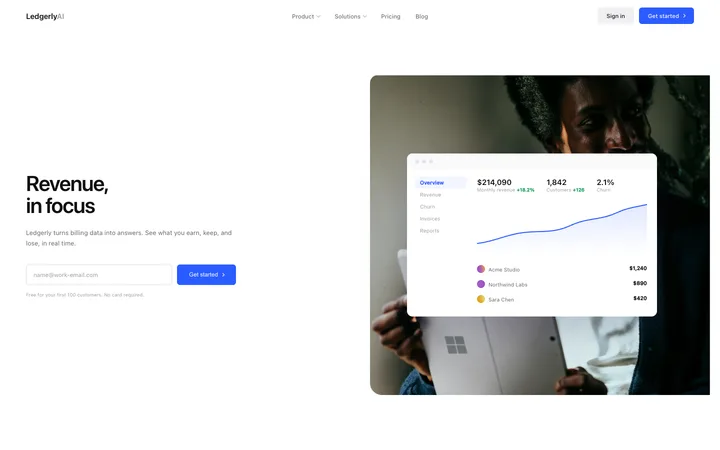
Finance SaaS landing page template for revenue

48 of 65

Browse all templates

How to use navigation templates with Bolt

1

Pick a design

Choose a navigation design above and open it to see it live.

2

Copy the template

Copy the template from its page. It is one HTML file with no dependencies.

3

Set up Bolt

Paste the template into your first Bolt prompt as the design to build from, and describe the product in a sentence or two.

4

Prompt, then refine

Paste it and describe your product. Then follow up with: "Use the pasted template as the exact design for this section. Do not change the layout or spacing."

What makes a good navigation section

Common types: solid bars with a hairline border, transparent bars over a hero, floating pill navbars and mega menus for large products.

Four to six links

More than six makes people scan instead of click.

One button that stands out

The main action on the right; sign in stays a plain link.

A real mobile menu

Large tap targets and the main button still visible.

Common mistake: Too many links and two competing buttons. Navbar design ideas →

Keeping the design in Bolt

Bolt builds and runs a full app in the browser, so it suits fast prototypes and launch pages you want to see working within minutes.

What Bolt builds

A full JavaScript app, usually React with Vite, running in the browser.

Where the design goes

Paste the template into your first Bolt prompt as the design to build from, and describe the product in a sentence or two.

Bolt and navigation sections

Ask it to keep the mobile menu behaviour from the template, since rebuilt components often drop it.

What to tell it

Keep the link count and the single primary button, and keep the mobile menu behaviour from the template.

A Bolt prompt for this

Pixel SaaS landing page

Bolt SaaS landing page prompt

A full landing page for a SaaS product: hero, logos, features, how it works, pricing, FAQ and a closing call to action.

Template: Pixel SaaS landing page

“Build a landing page for [product name], a SaaS product that helps [audience] [main outcome]…”

Full Bolt prompt with a licence

More in Bolt prompts.

Not sure which navigation design fits?

Ask Mon, the AI design assistant, describe your product and Mon suggests the navigation design and how to prompt Bolt with it.

Ask Mon

Frequently asked questions

How do I use a navigation template in Bolt?

Paste the template code into your Bolt prompt at bolt.new and describe what your product does. Paste the template into your first Bolt prompt as the design to build from, and describe the product in a sentence or two.

What does Bolt turn the template into?

A full JavaScript app, usually React with Vite, running in the browser.

How do I stop Bolt changing the design?

Very long prompts get summarised, so details of a big template can be lost. A follow-up prompt that helps: "Use the pasted template as the exact design for this section. Do not change the layout or spacing."

What makes a good navigation section?

Four to six links: more than six makes people scan instead of click. One button that stands out: the main action on the right; sign in stays a plain link. A real mobile menu: large tap targets and the main button still visible.

Any Bolt tips for navigation sections?

Ask it to keep the mobile menu behaviour from the template, since rebuilt components often drop it.

More Bolt template categories

Bolt promptsCopy-paste Bolt prompts for landing pages, dashboards, pricing, login and AI apps, written to use with these templates.

Navigation templates for other tools