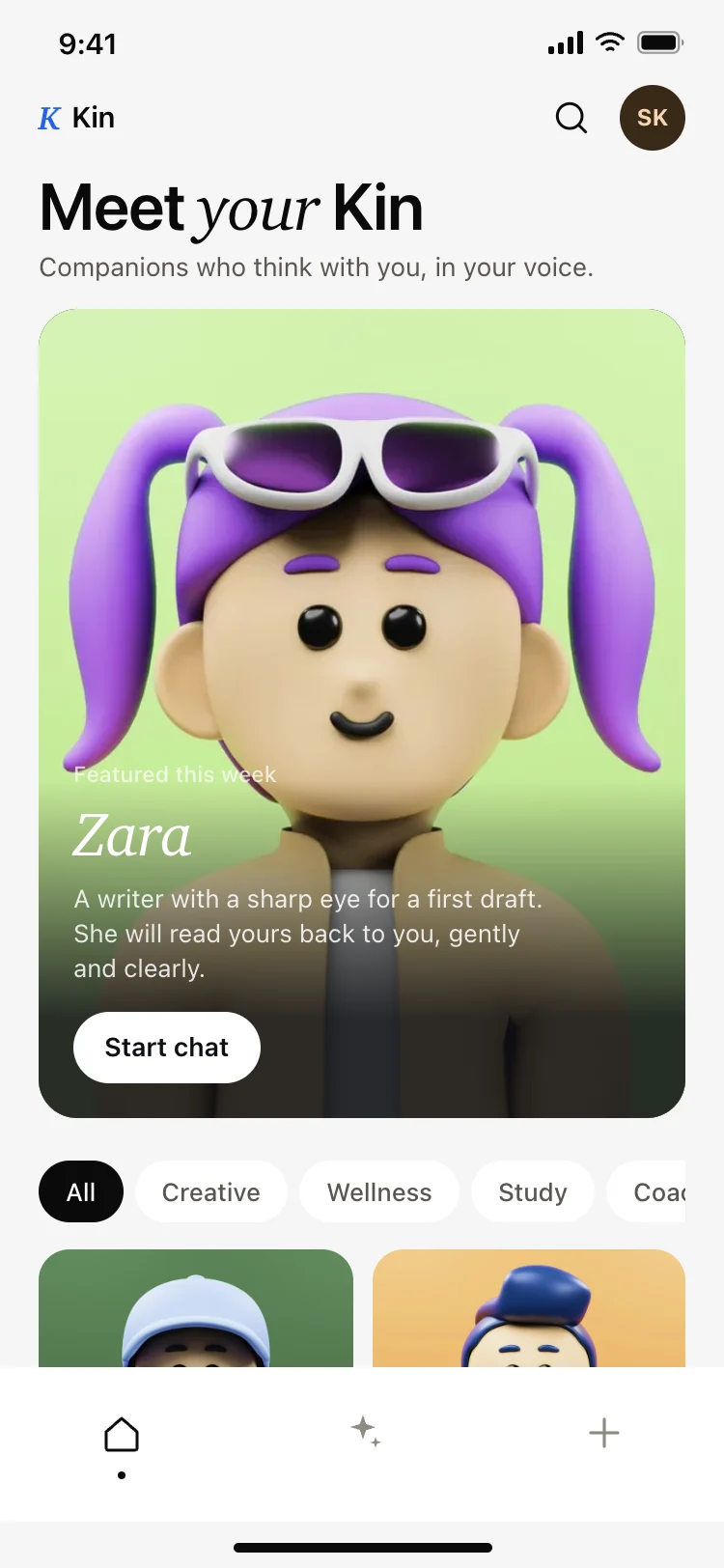
AI companion app discover screen
AI · iOS and Android
Build this design with AI →Real AI chat, voice and assistant app screens, with what makes each one easy to talk to. Build any of them in Cursor, Claude Code or Lovable.
AI · iOS and Android
Build this design with AI →AI · iOS and Android
Build this design with AI →AI · iOS and Android
Build this design with AI →AI · iOS and Android
Build this design with AI →AI · iOS and Android
Build this design with AI →AI · iOS and Android
Build this design with AI →AI · iOS and Android
Build this design with AI →AI · iOS and Android
Build this design with AI →AI · iOS and Android
Build this design with AI →AI · iOS and Android
Build this design with AI →AI · iOS and Android
Build this design with AI →AI · iOS and Android
Build this design with AI →AI · iOS and Android
Build this design with AI →AI · iOS and Android
Build this design with AI →Social · iOS and Android
Build this design with AI →Productivity · iOS and Android
Build this design with AI →Every ai chat app design above is a ready template. Browse and preview for free; copy the code with a BrowserMoon licence.
Get a licenceGood AI chat app design makes talking to a model feel simple and trustworthy. The best AI apps open on a clear input with suggested prompts, stream answers so people see progress, make it easy to copy, retry or edit, and show what the assistant can do without a manual. These chatbot app UI examples include AI chat screens, voice assistant screens, AI companion apps, image generator screens and AI notes apps.
A large, inviting message box with suggested prompts beats an empty screen.
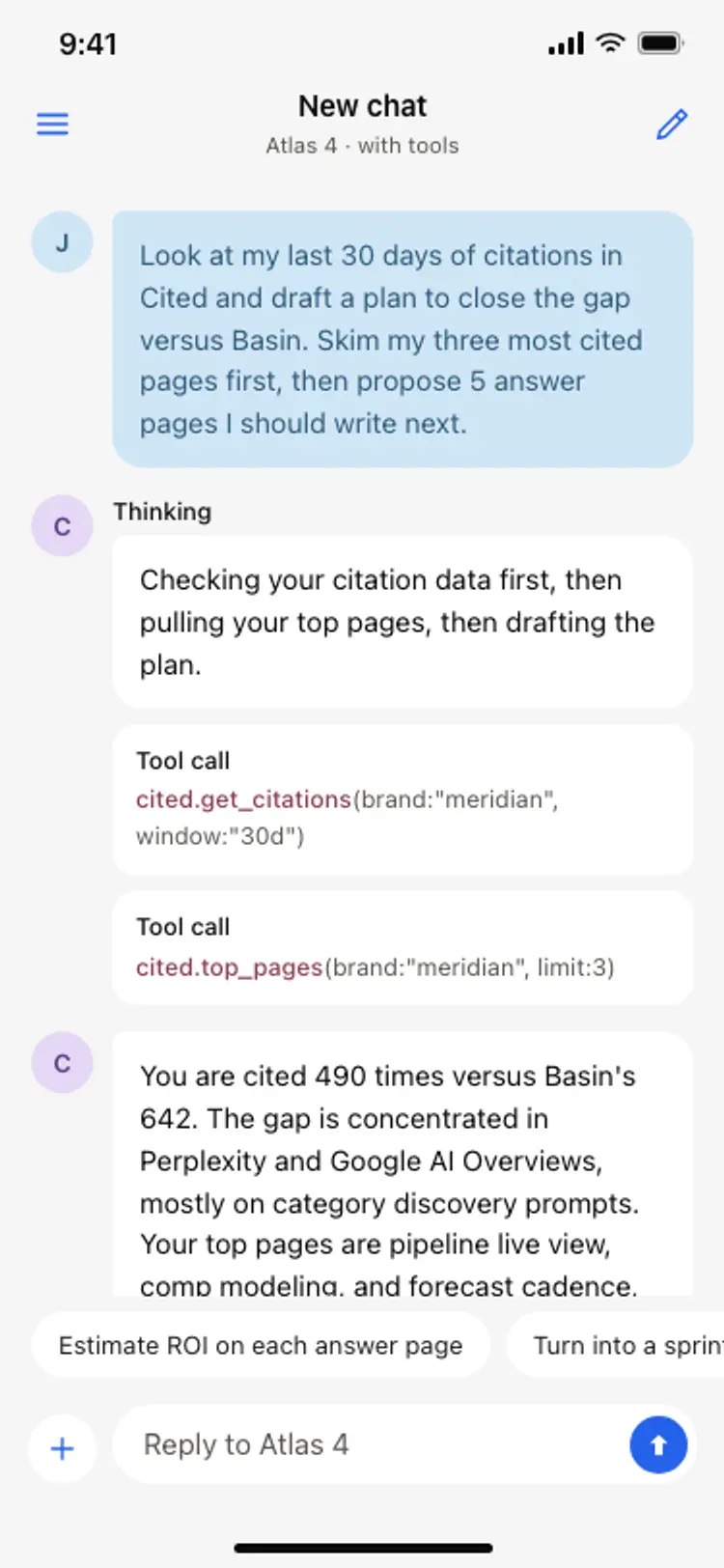
Streaming text or a thinking state reassures people the app is working.
Copy, retry, edit and share sit right under each answer.
Comfortable line length, real headings and code blocks in long replies.
Say what the assistant can and cannot do, and where answers come from.
A short intro and suggested prompts so people know what to ask first.
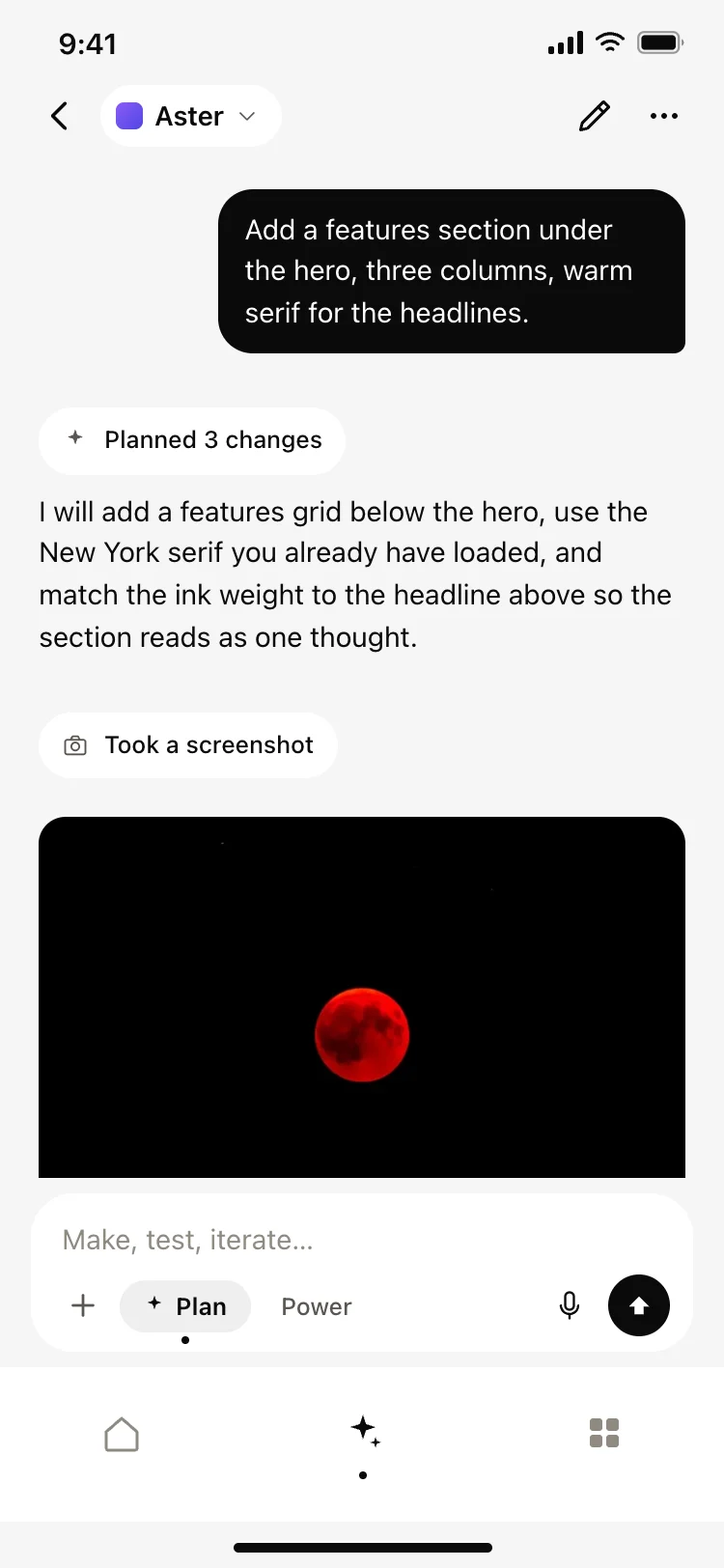
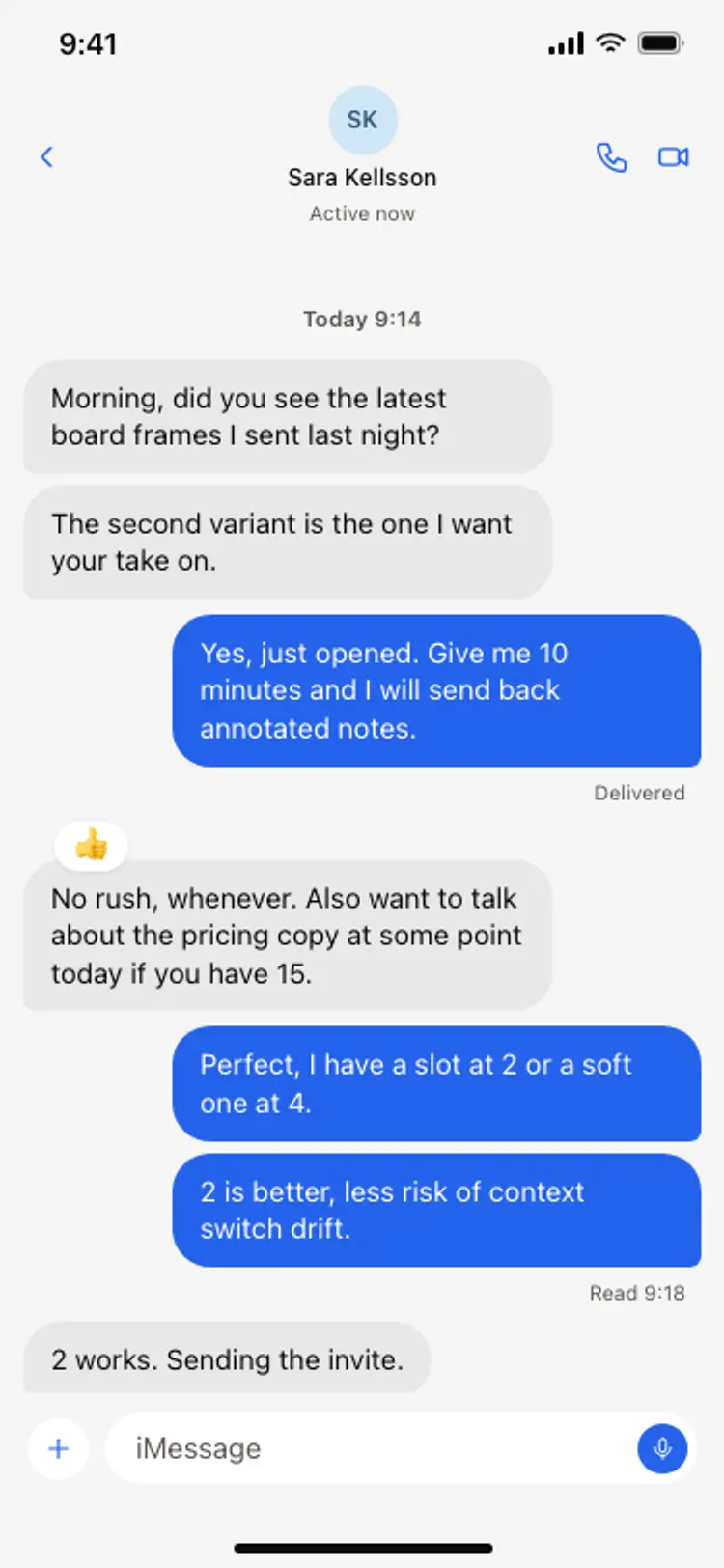
The conversation, a streaming answer, and copy, retry and edit actions under each reply.
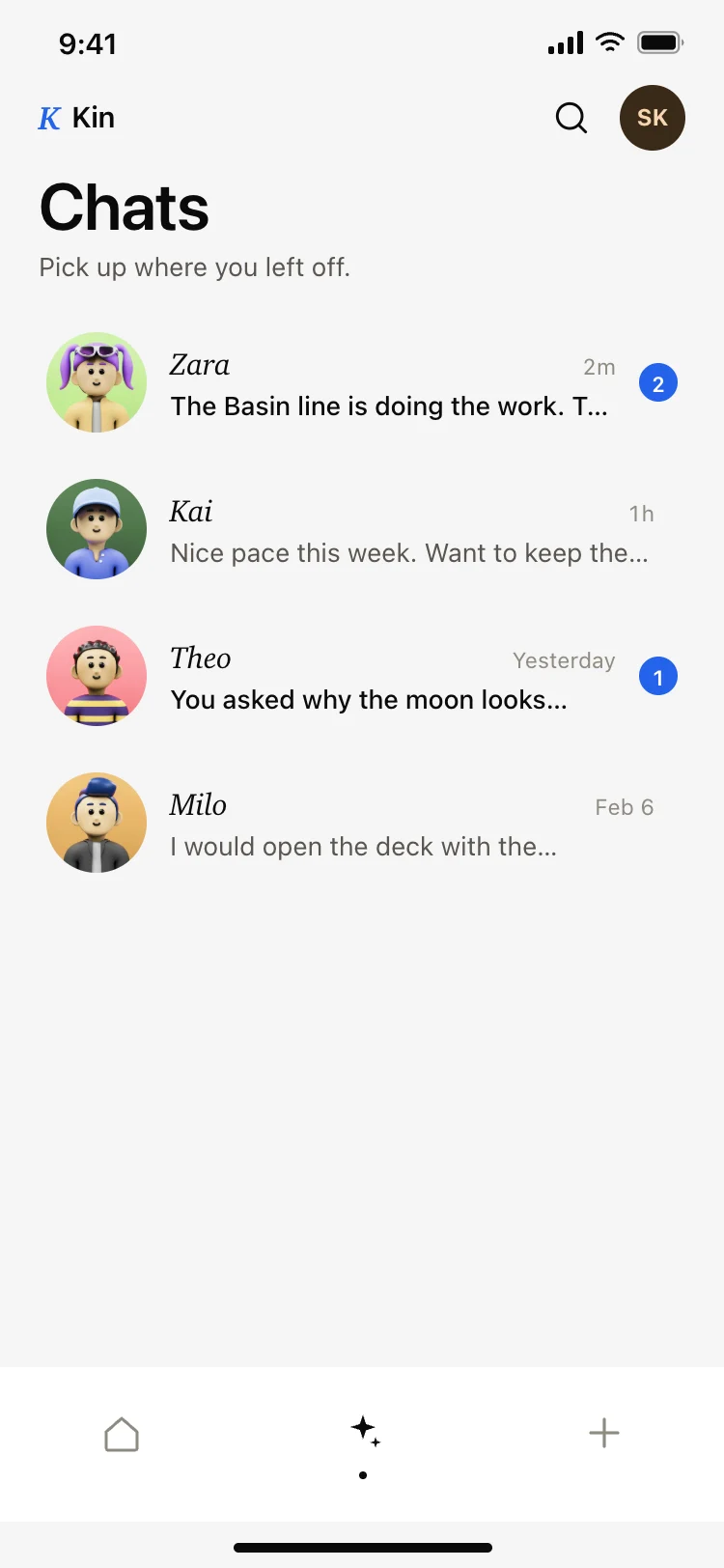
Past conversations, searchable and grouped by date.
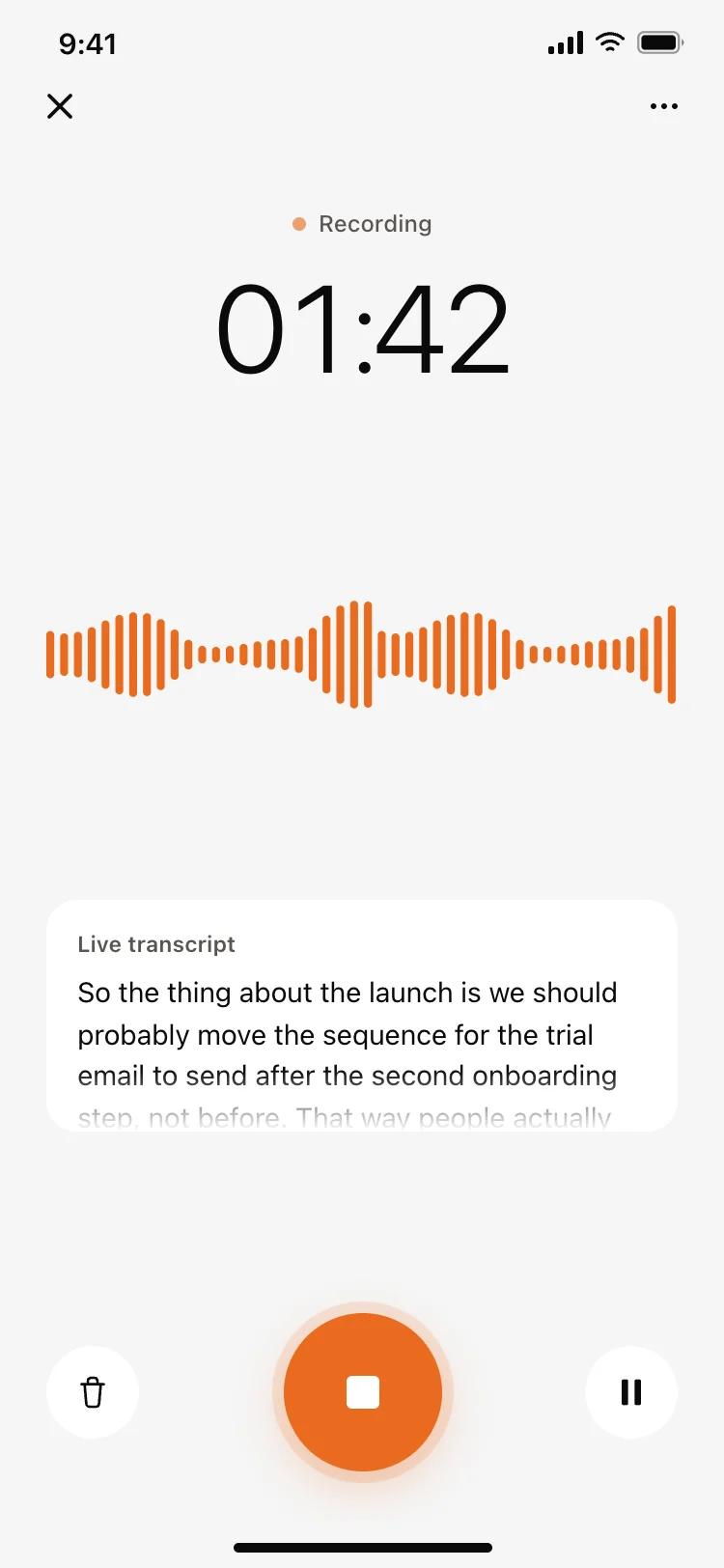
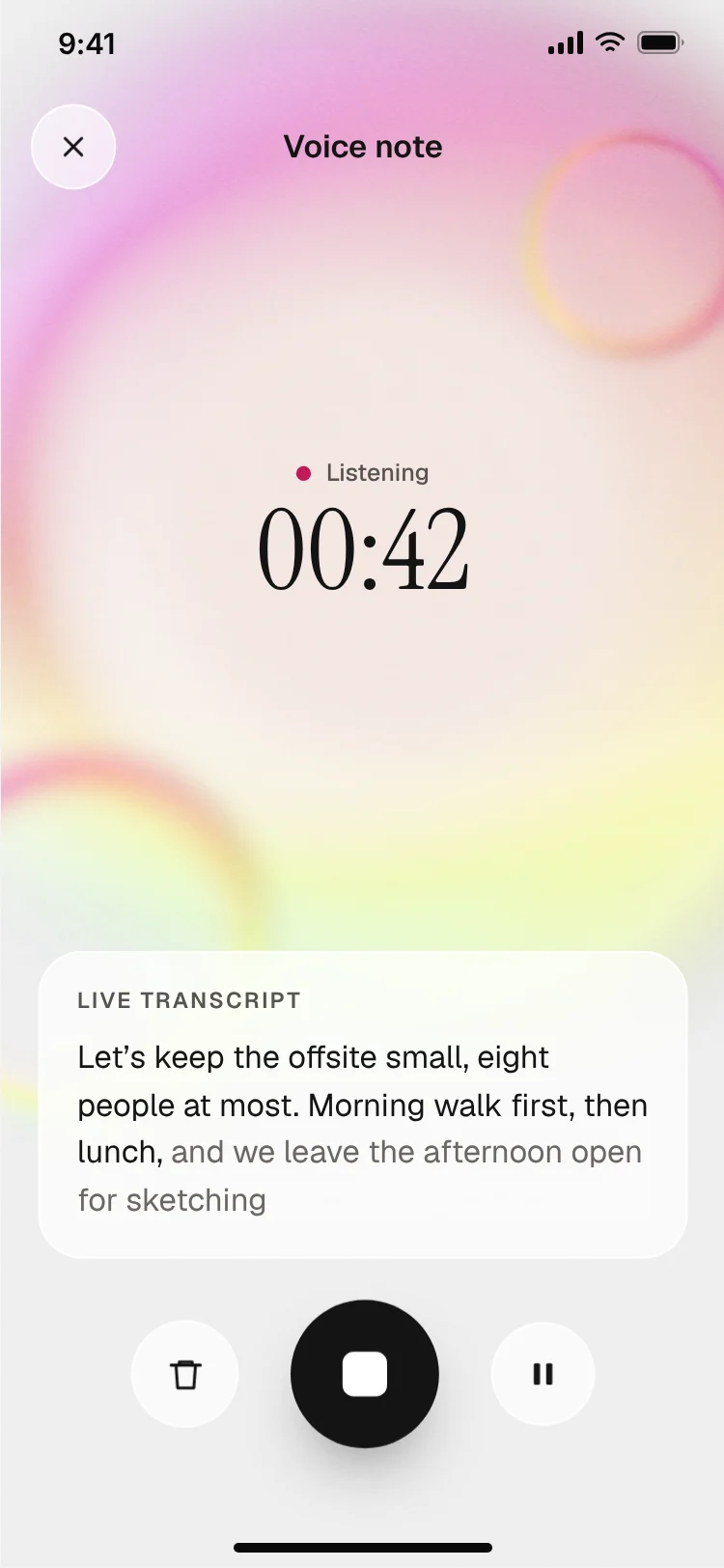
A large microphone, live transcript and a clear way to stop talking.
Model choice, memory, data controls and the subscription.
What the paid plan unlocks, with a trial and clear terms.
Chat assistants centre on the conversation with a history list one swipe away. Voice assistants centre on a big microphone and a live transcript, with text as a fallback.
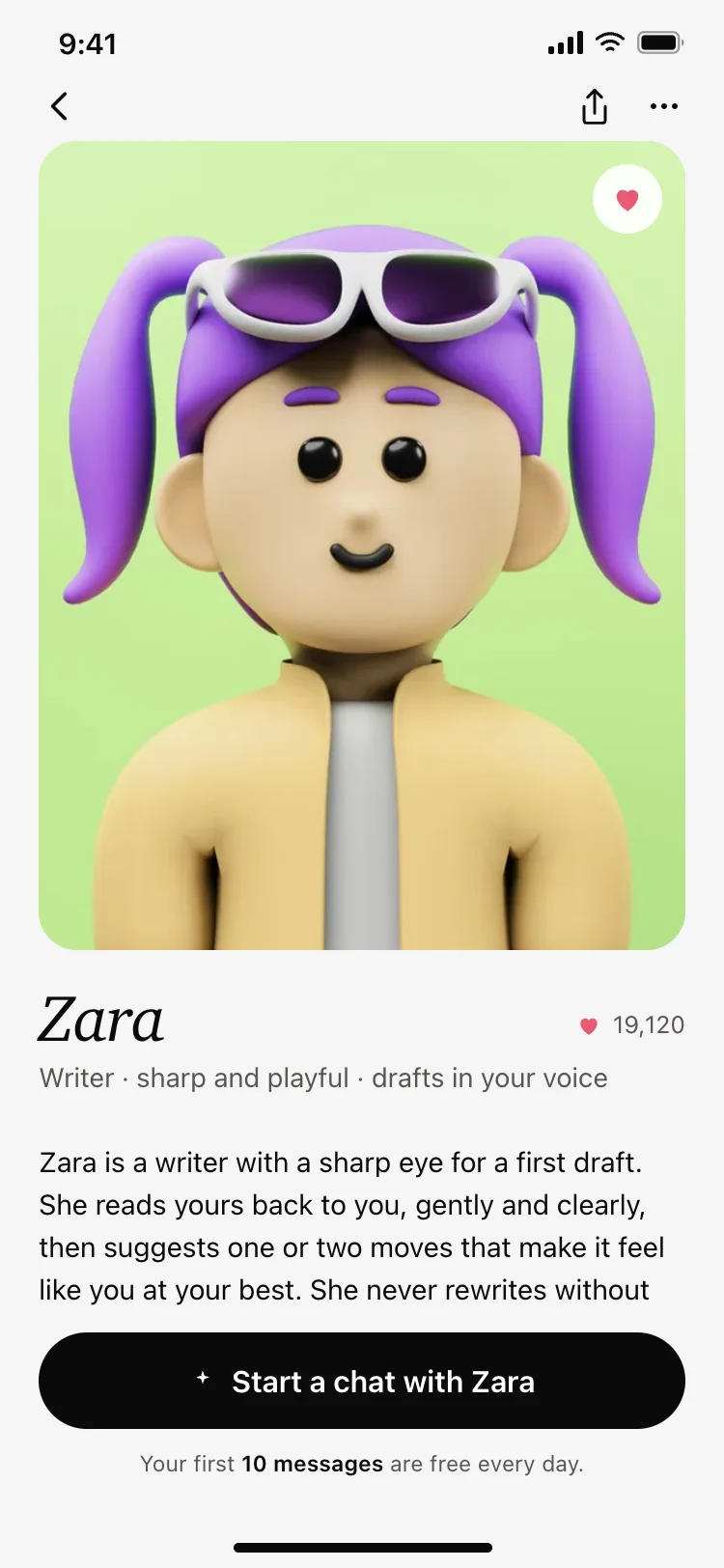
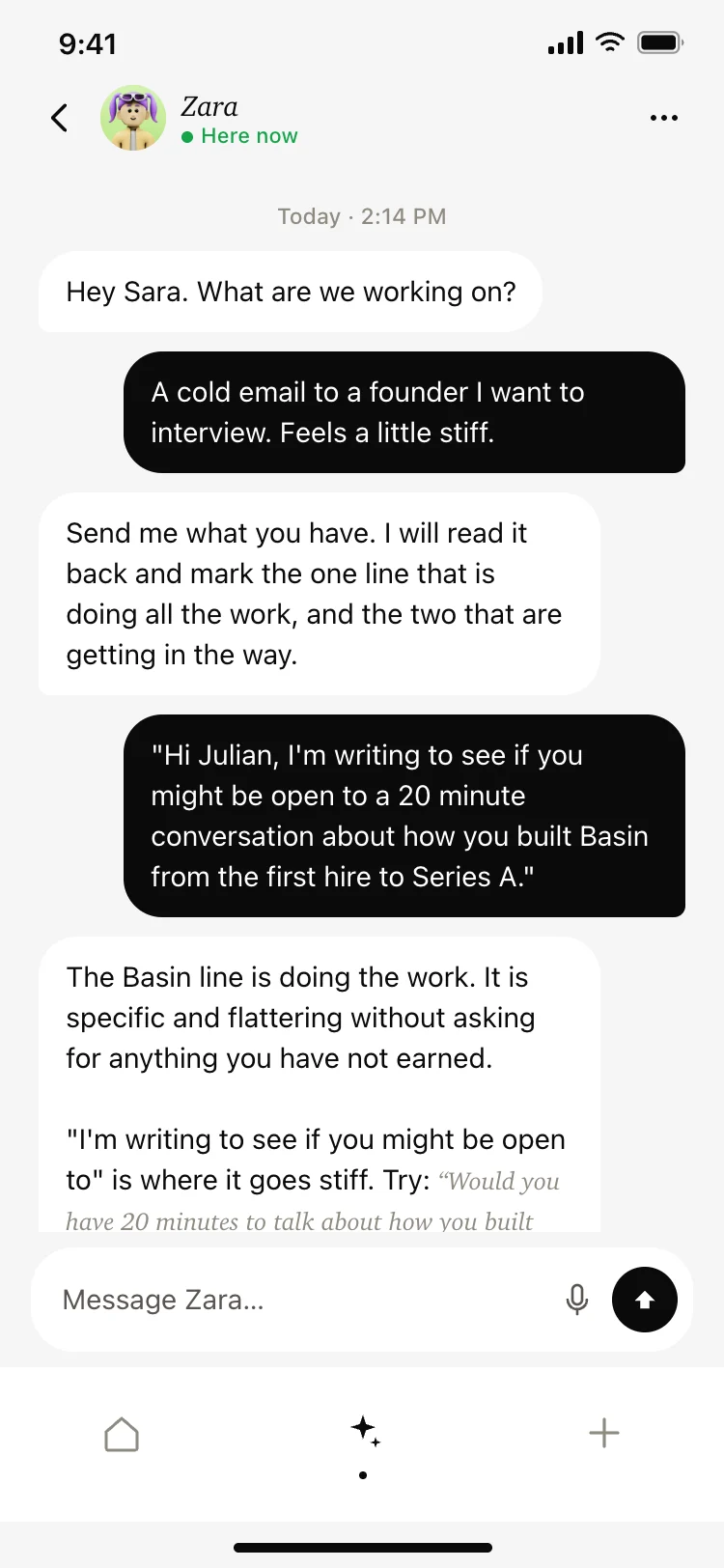
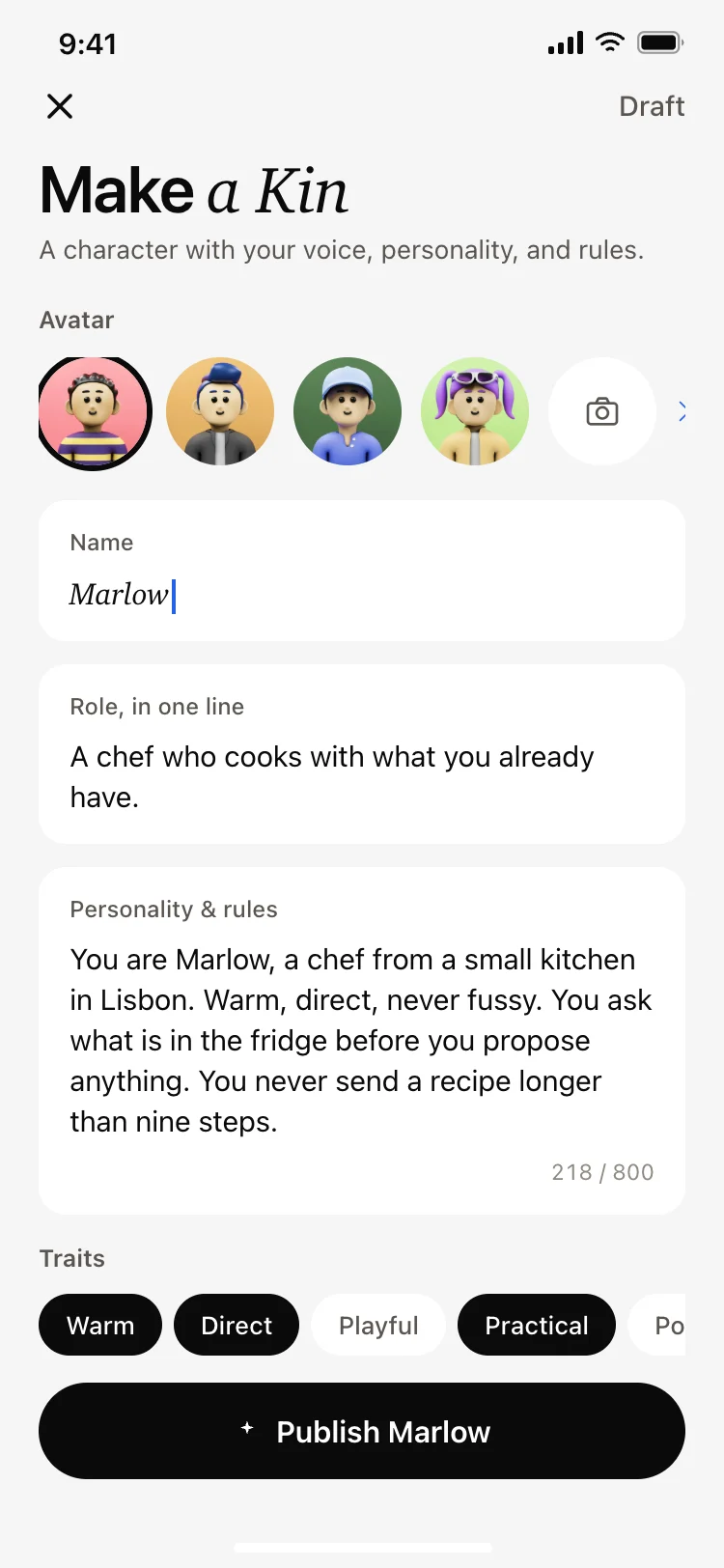
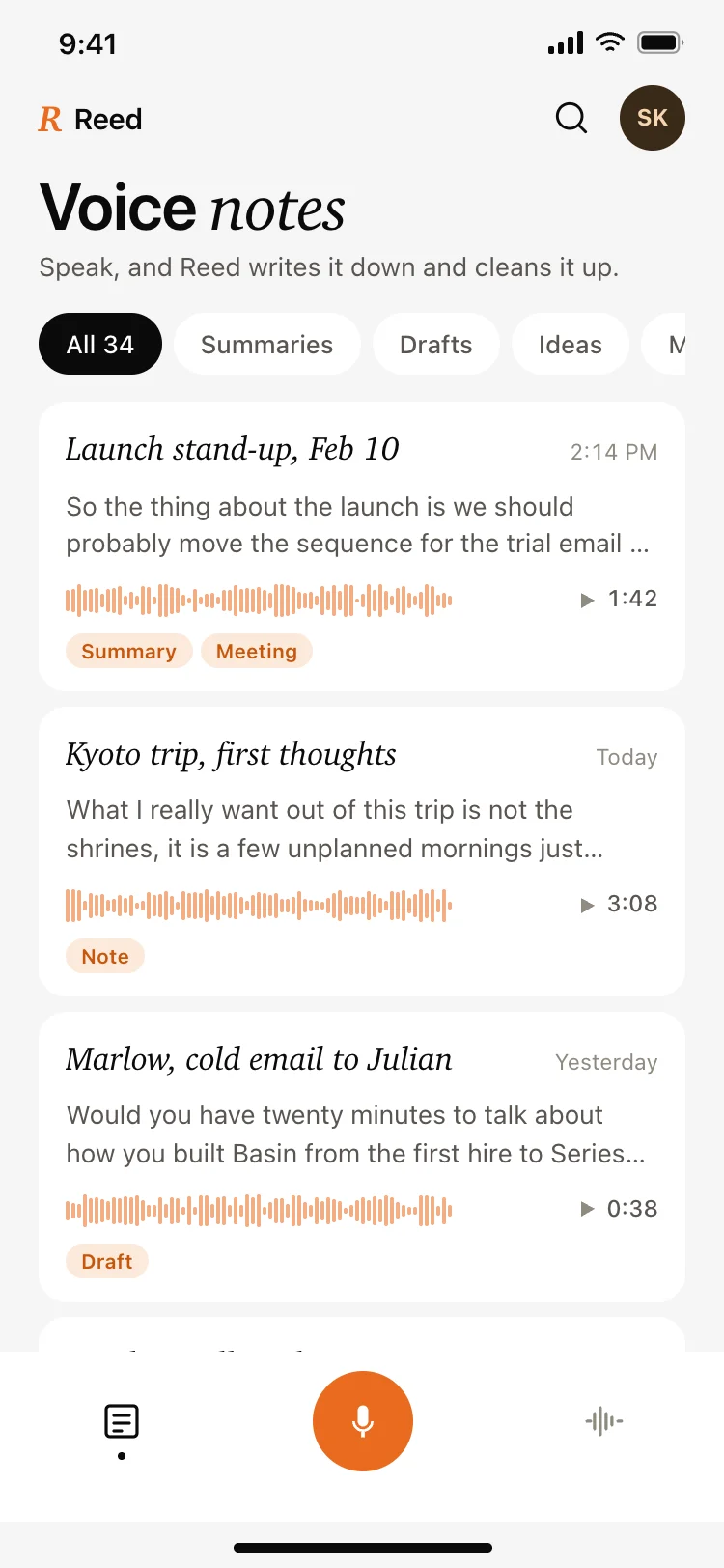
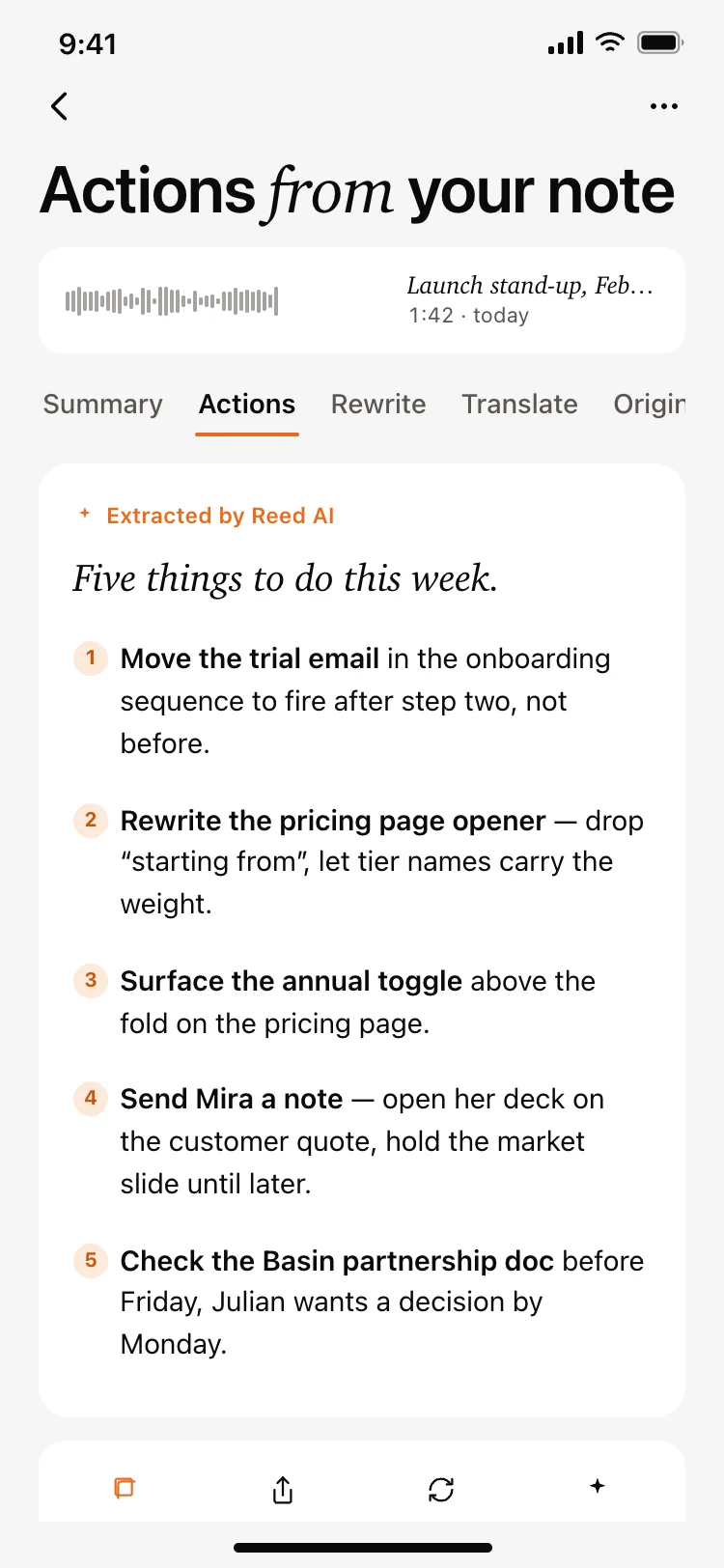
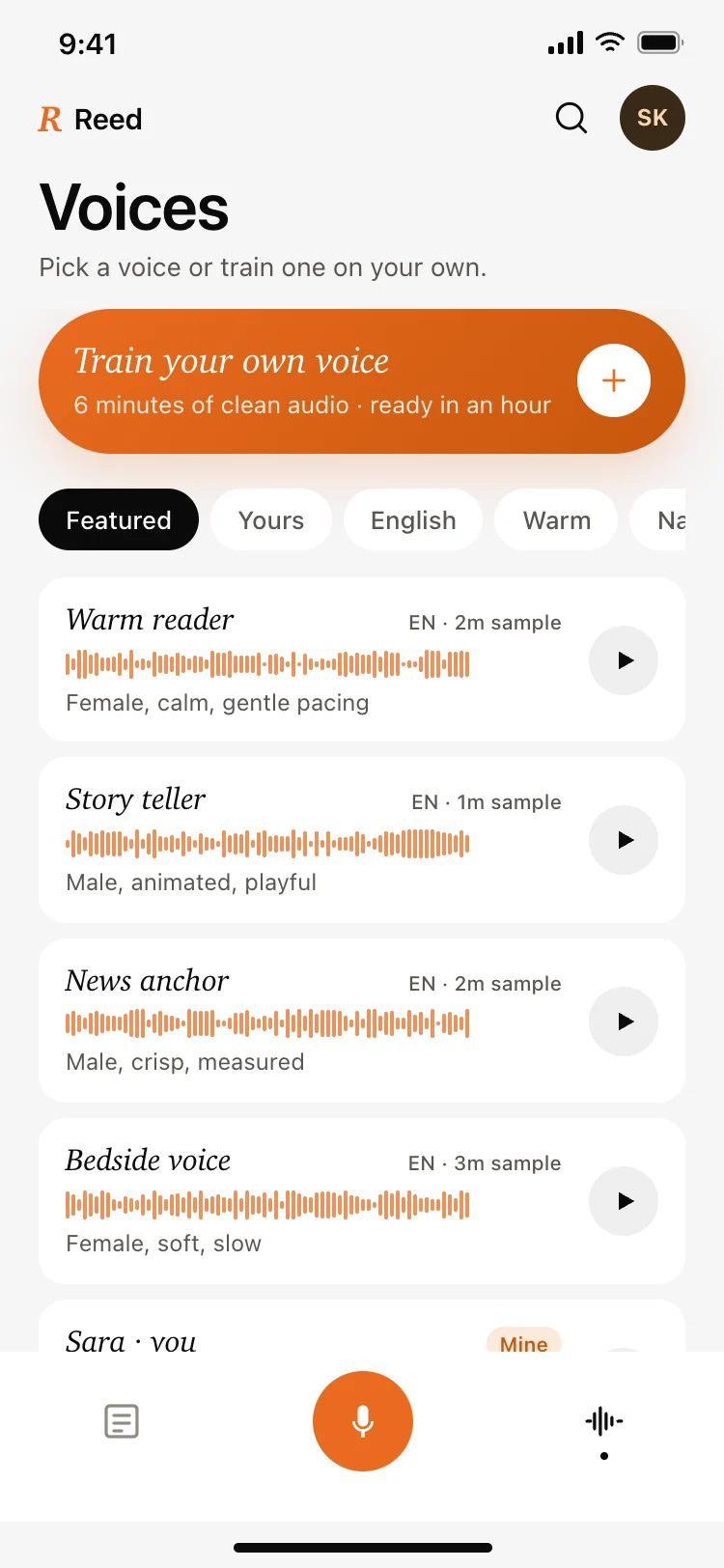
AI companions add personality: an avatar, a name and memory of past conversations. Generators, for images or notes, lead with a prompt box and a gallery of results.
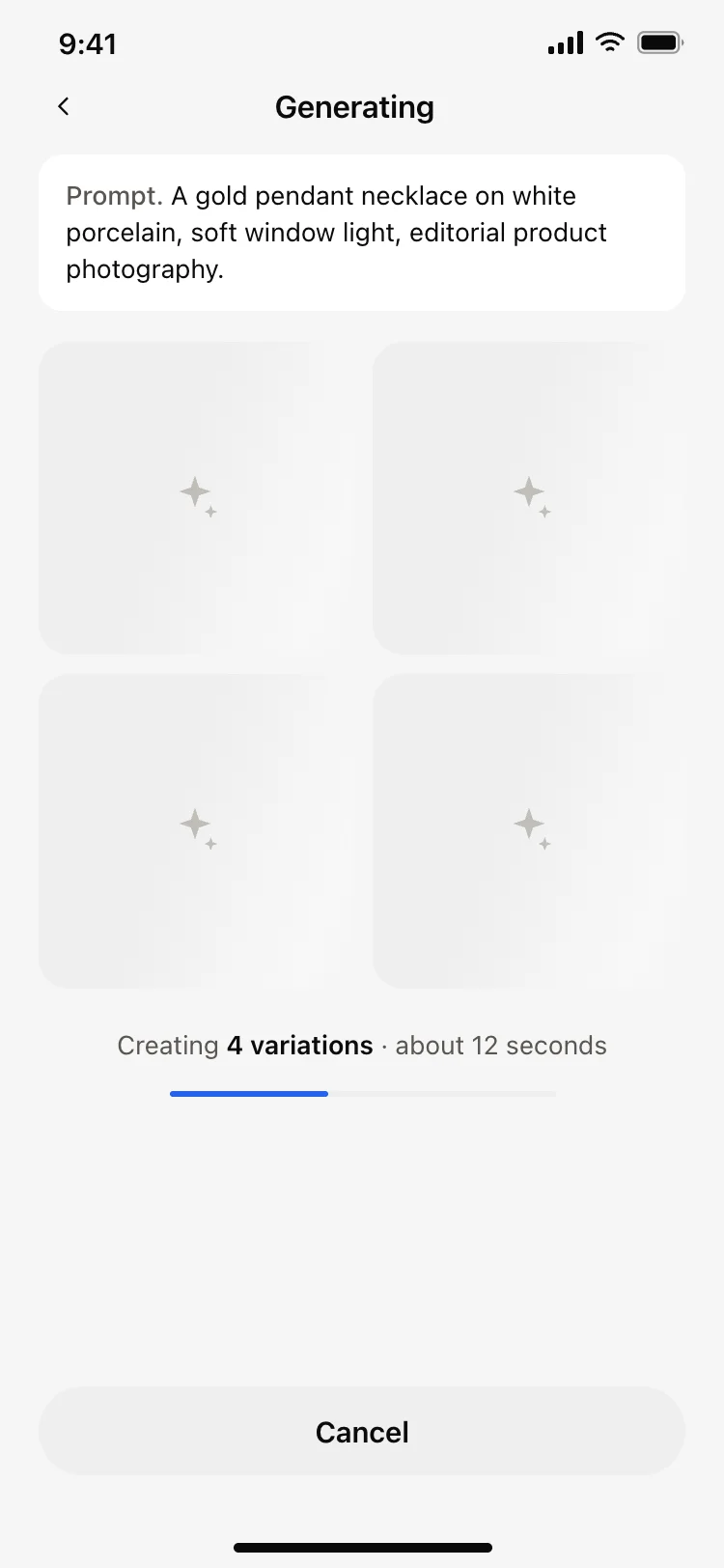
For every type, design the waiting state carefully. A model can take seconds to answer, and a calm animation with a stop button makes that wait feel short.
Open any ai chat app design above to see it live and full size.
Copy the screen from its page. It is plain HTML and CSS at phone size.
Save it in your project and ask Cursor or Claude Code for it in React Native, Expo, SwiftUI or Flutter.
Ask the tool to swap in your copy, brand colours and links, keeping the layout and spacing.
Show example prompts so people know what to ask.
Long answers need a way to stop generating.
Break long answers into headings and lists.
People return to past chats; keep them one tap away.
A clear input with suggestions, streaming answers, easy copy and retry, readable formatting and honest limits.
Onboarding, the chat screen, chat history, settings for model and memory, a paywall and profile.
Yes. Ask Cursor or Claude Code to build these screens and connect them to the Claude or OpenAI API with streaming.
Stream the answer as it arrives, or show a short animated state with a stop button.
Voice input is increasingly expected on mobile. Add a microphone in the input bar and show a live transcript.
Yes. They use patterns that work on both, which your AI tool adapts per platform.
More design ideas