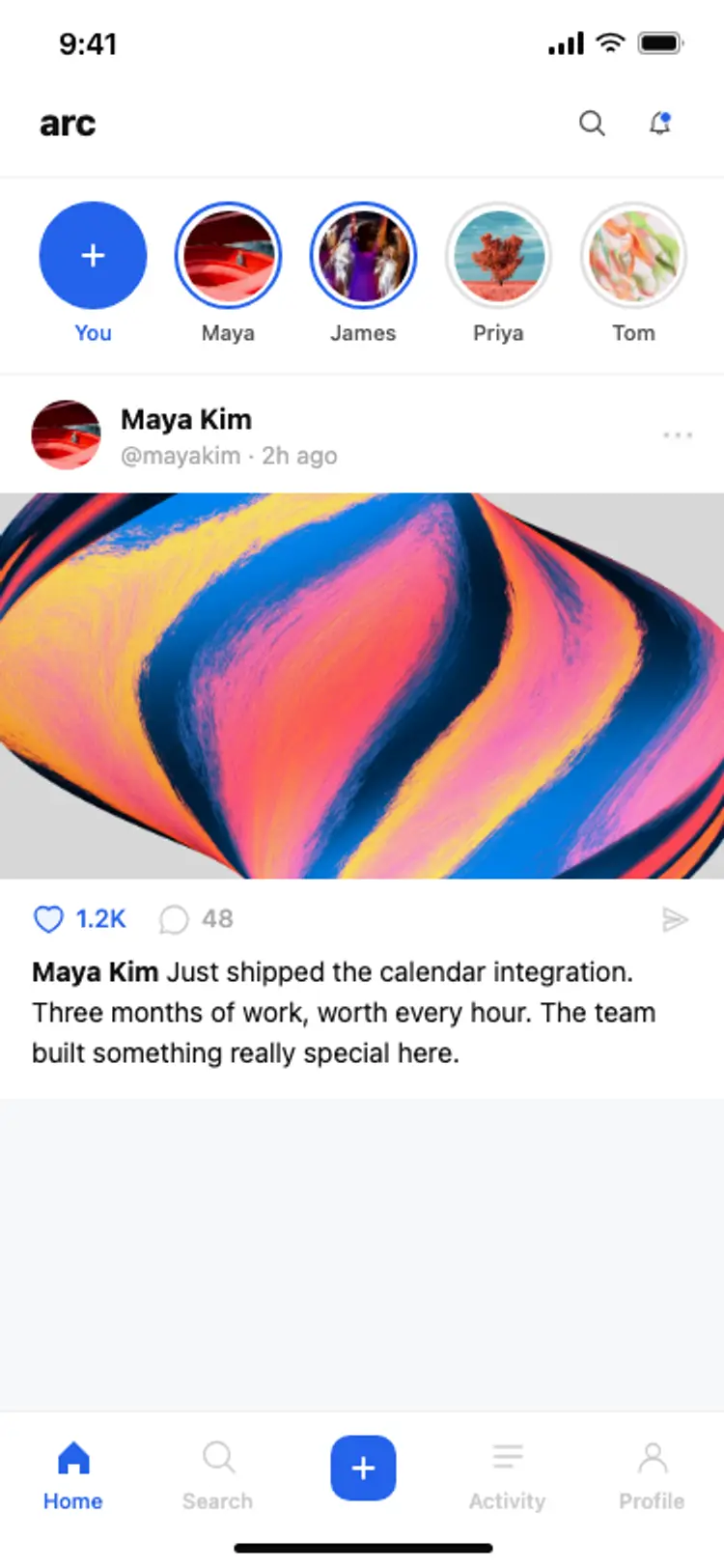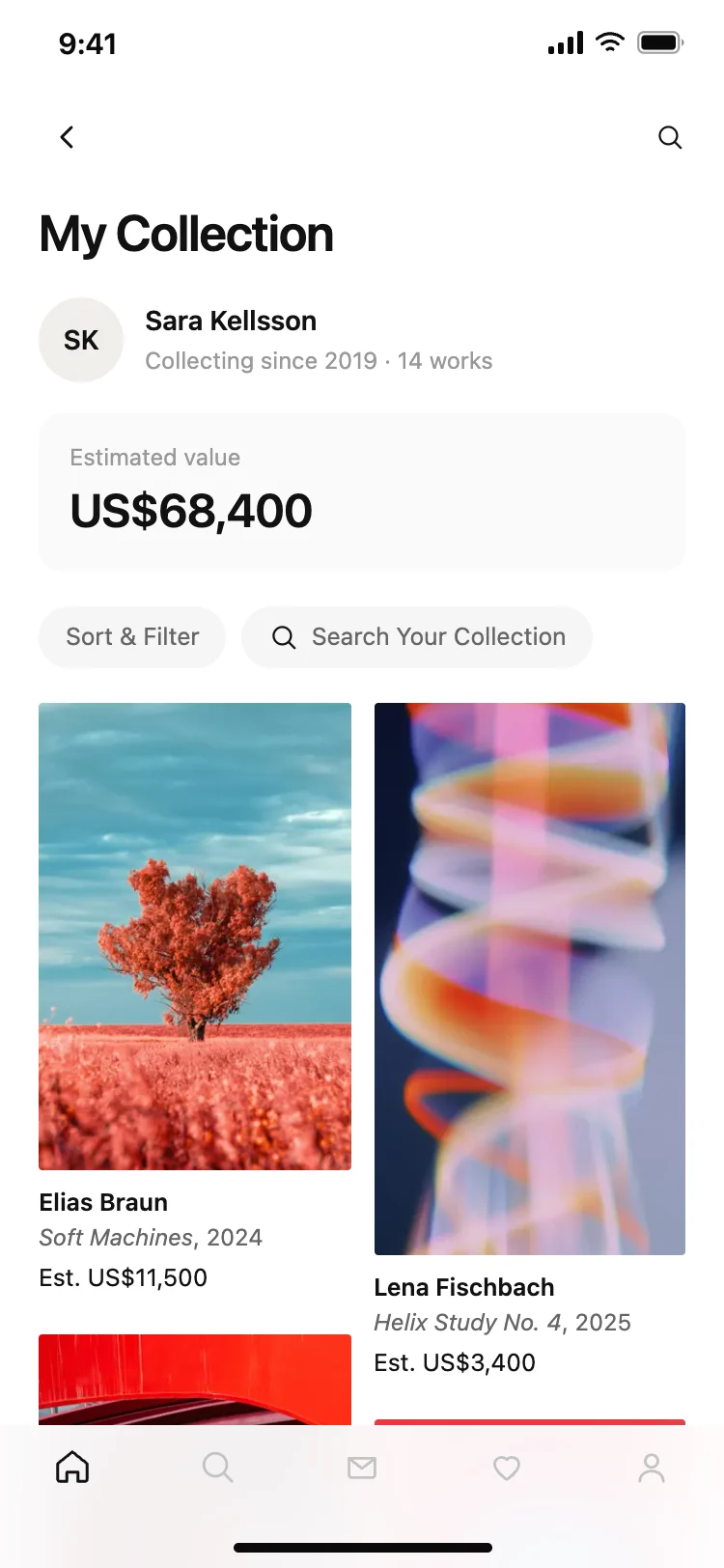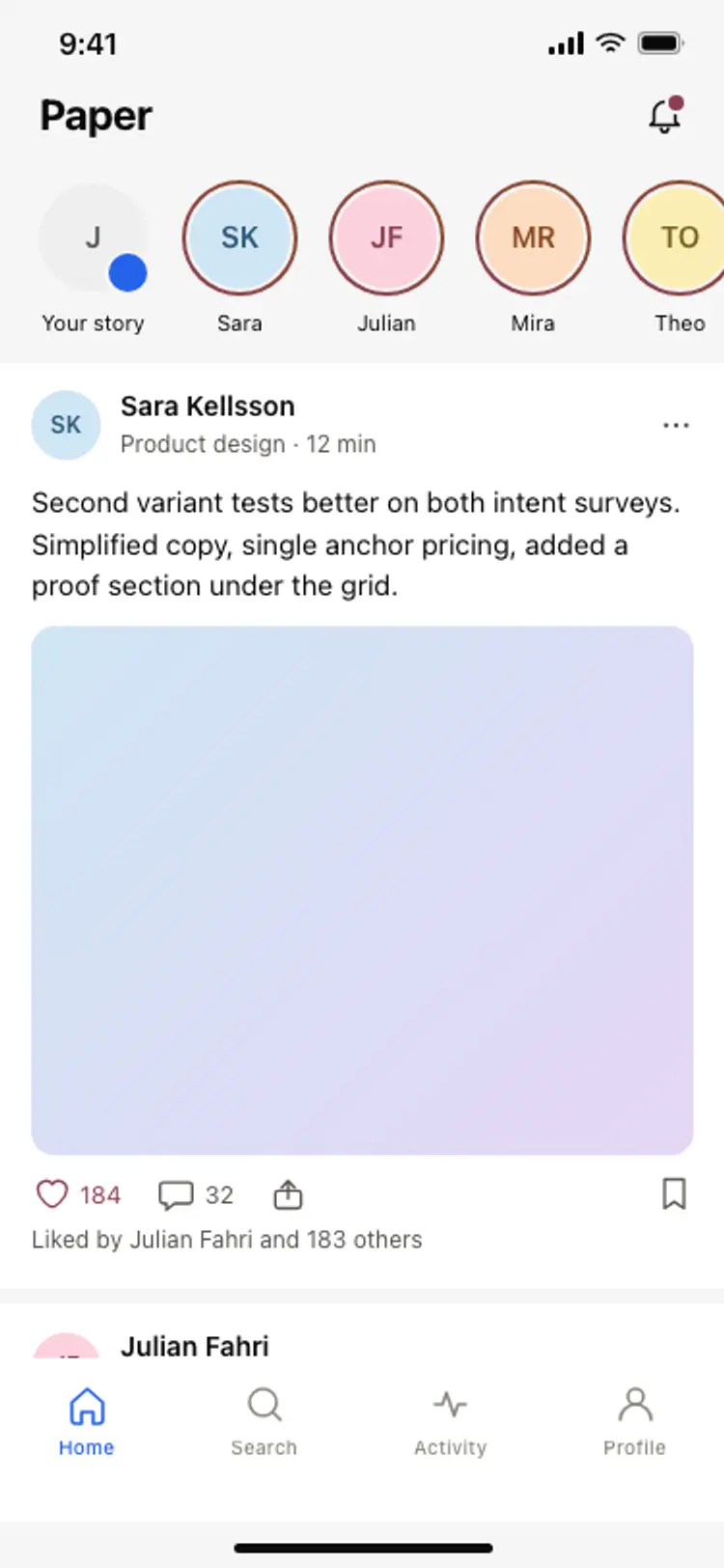
Social feed with stories
Social · iOS and Android
Build this design with AI →Real social app screens, from feeds to profiles, with what makes each one engaging. Build any of them in Cursor, Claude Code or Lovable.
Social · iOS and Android
Build this design with AI →Profile · iOS and Android
Build this design with AI →Profile · iOS and Android
Build this design with AI →Social · iOS and Android
Build this design with AI →Profile · iOS and Android
Build this design with AI →Social · iOS and Android
Build this design with AI →Profile · iOS and Android
Build this design with AI →Social · iOS and Android
Build this design with AI →Sign in · iOS and Android
Build this design with AI →Onboarding · iOS and Android
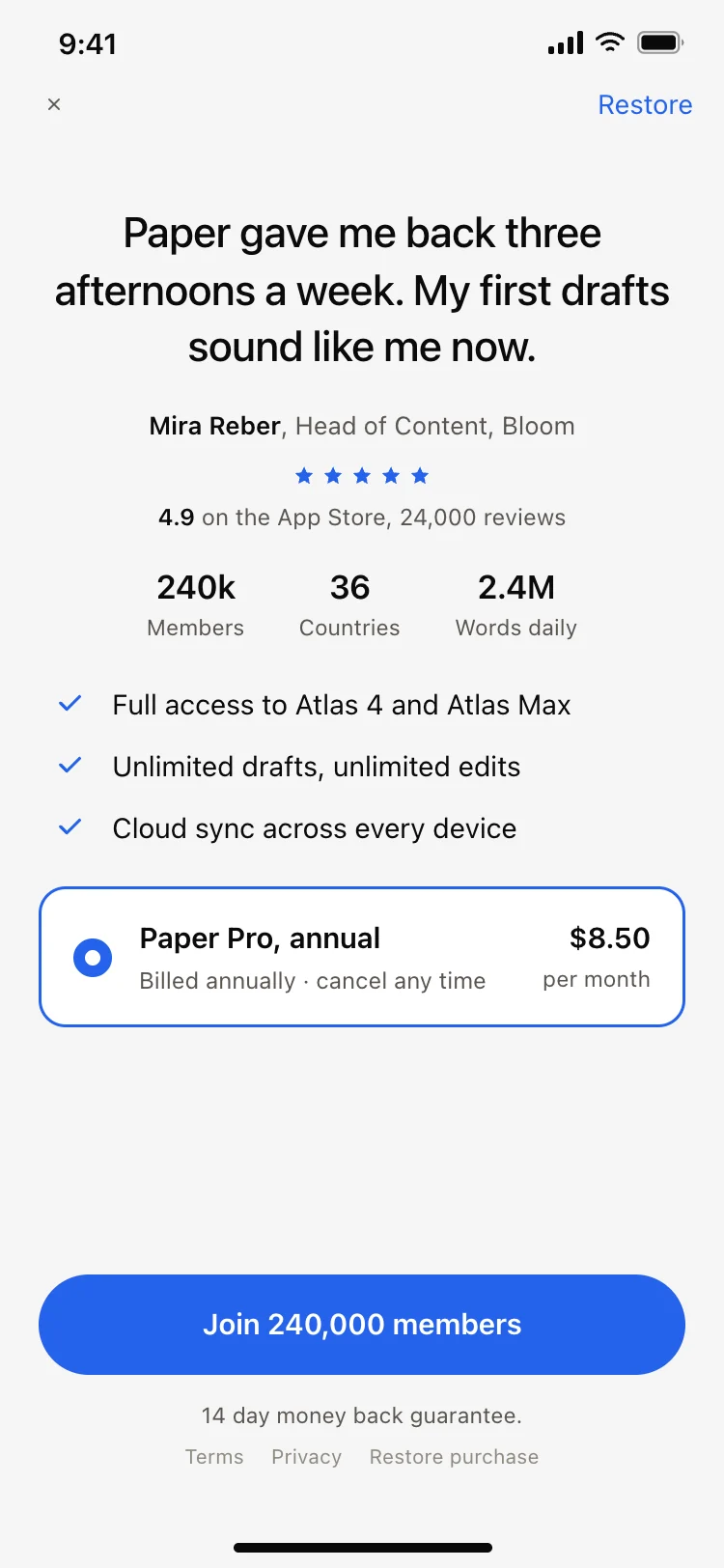
Build this design with AI →Paywall · iOS and Android
Build this design with AI →Social · iOS and Android
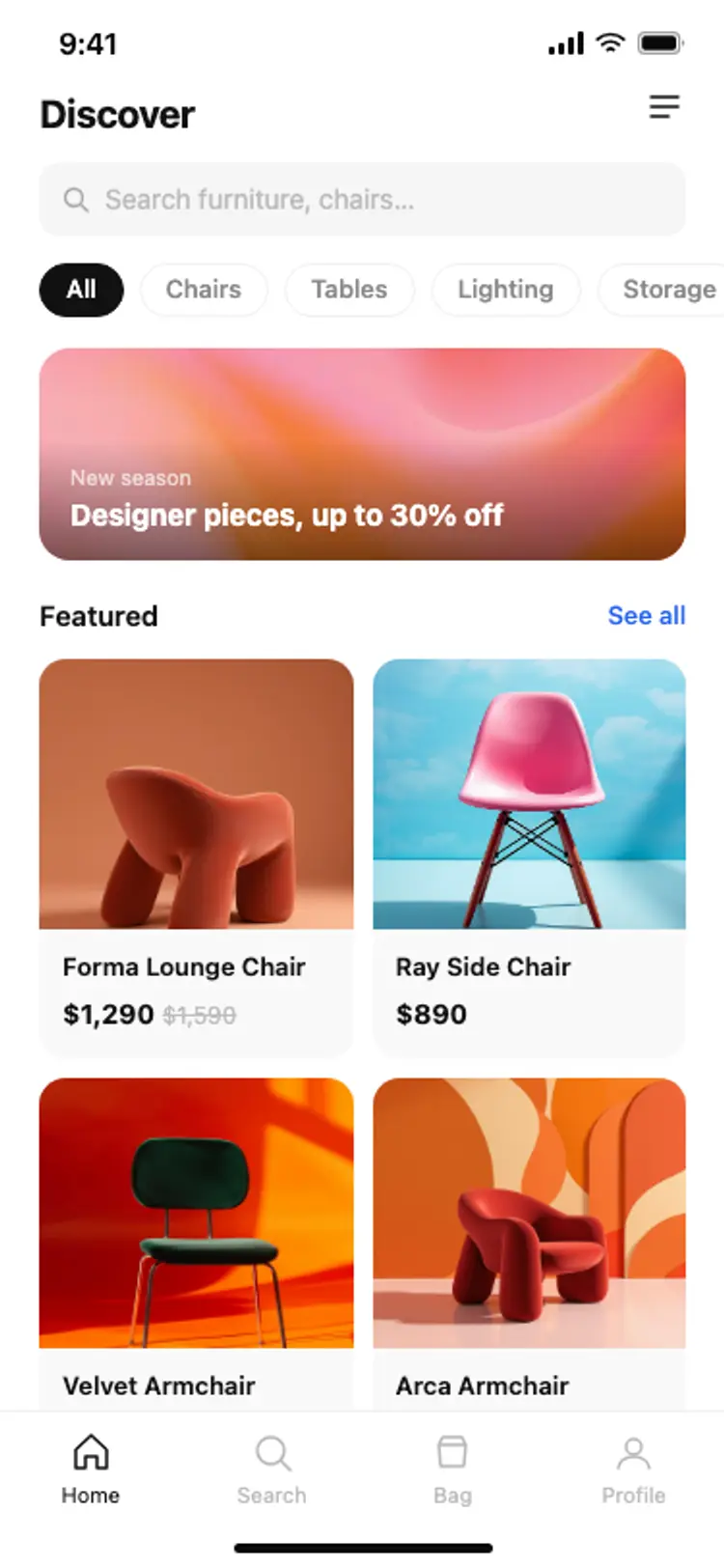
Build this design with AI →E-commerce · iOS and Android
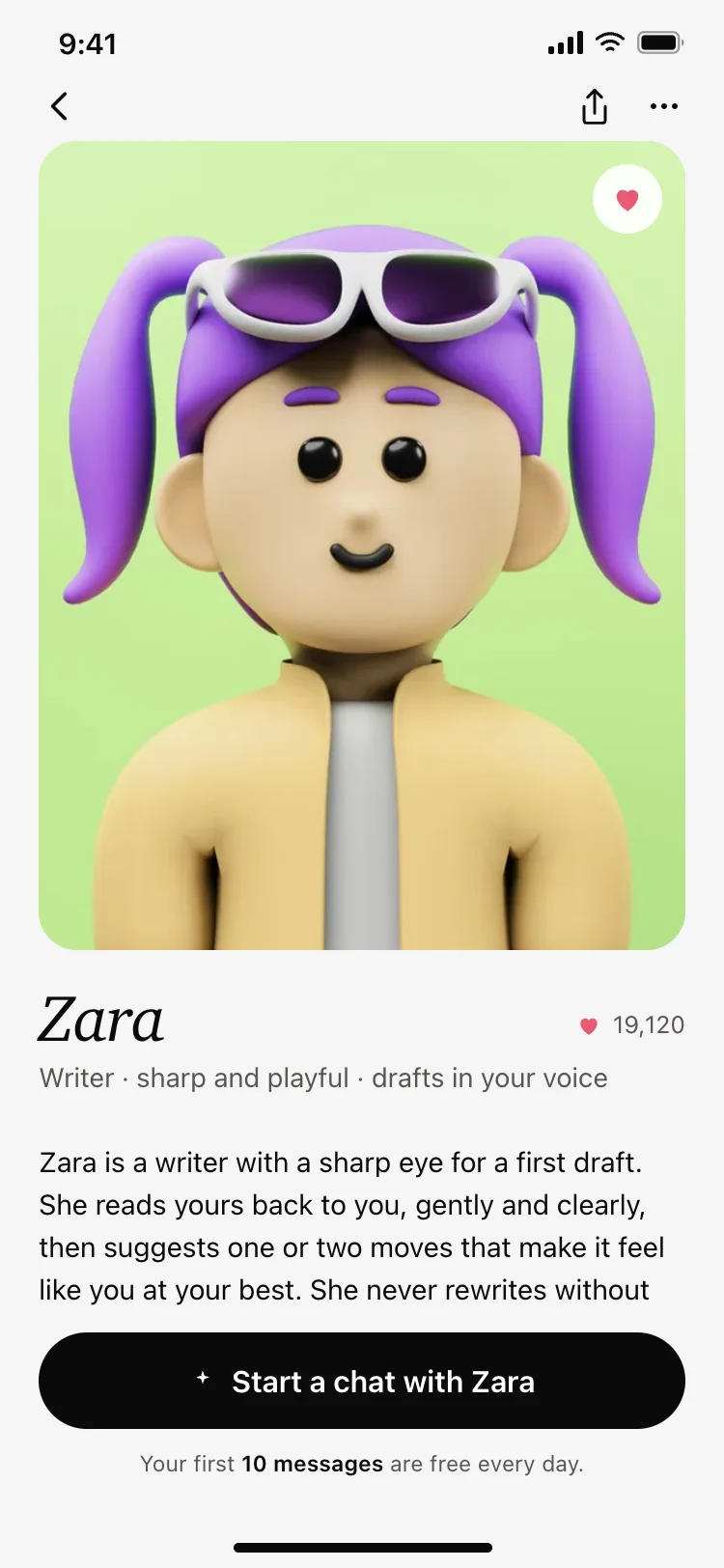
Build this design with AI →AI · iOS and Android
Build this design with AI →Profile · iOS and Android
Build this design with AI →Every social media app design above is a ready template. Browse and preview for free; copy the code with a BrowserMoon licence.
Get a licenceGood social media app design keeps content in focus and posting effortless. The best social apps give the feed most of the screen, keep the interface quiet around photos and posts, put the create button in the centre of the tab bar, and make profiles feel personal with a strong header and a grid of posts. These social app UI examples include social feeds, profile screens, post creation, comments and community apps for iOS and Android.
Thin chrome and full-width media let posts carry the screen.
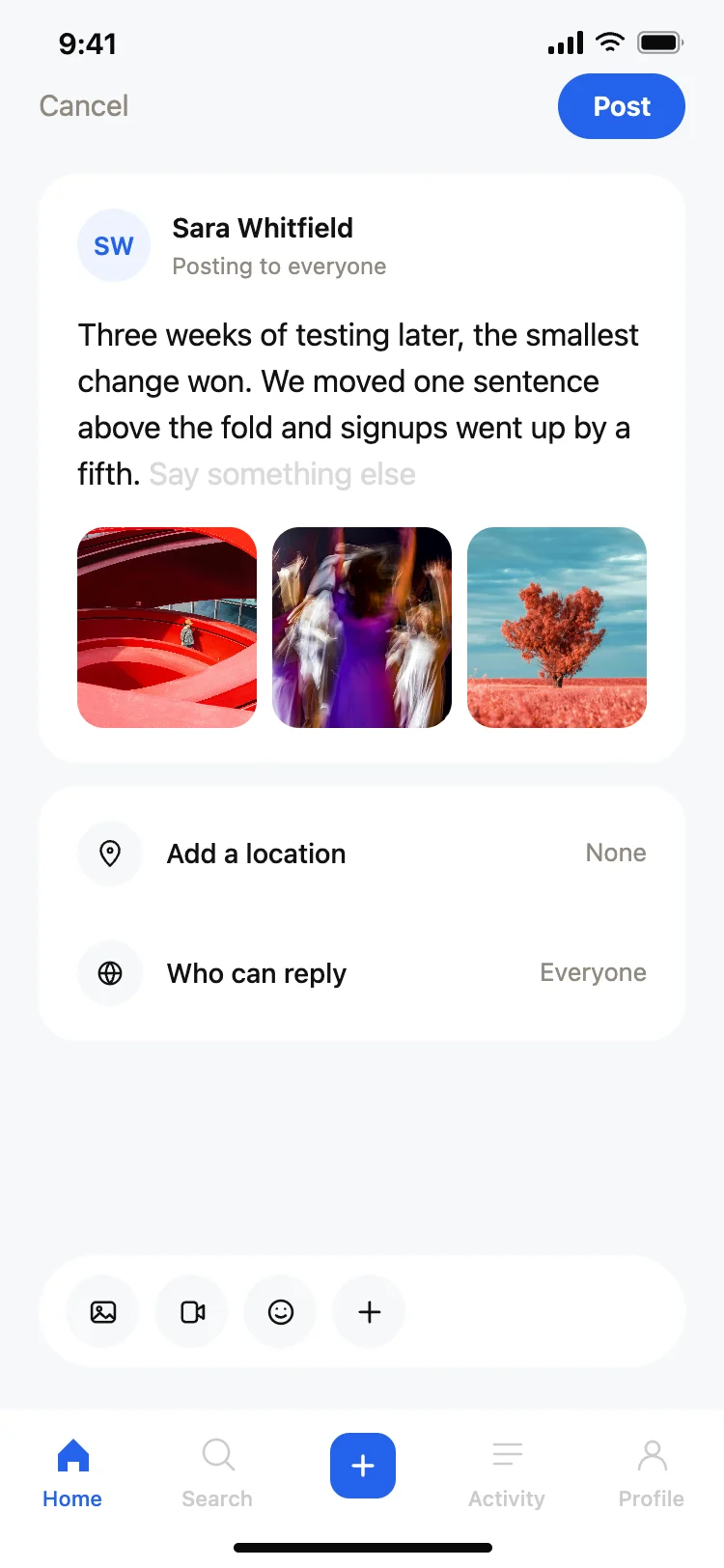
A central create button makes posting the easiest action.
Like, comment and share sit right on the post, reachable by thumb.
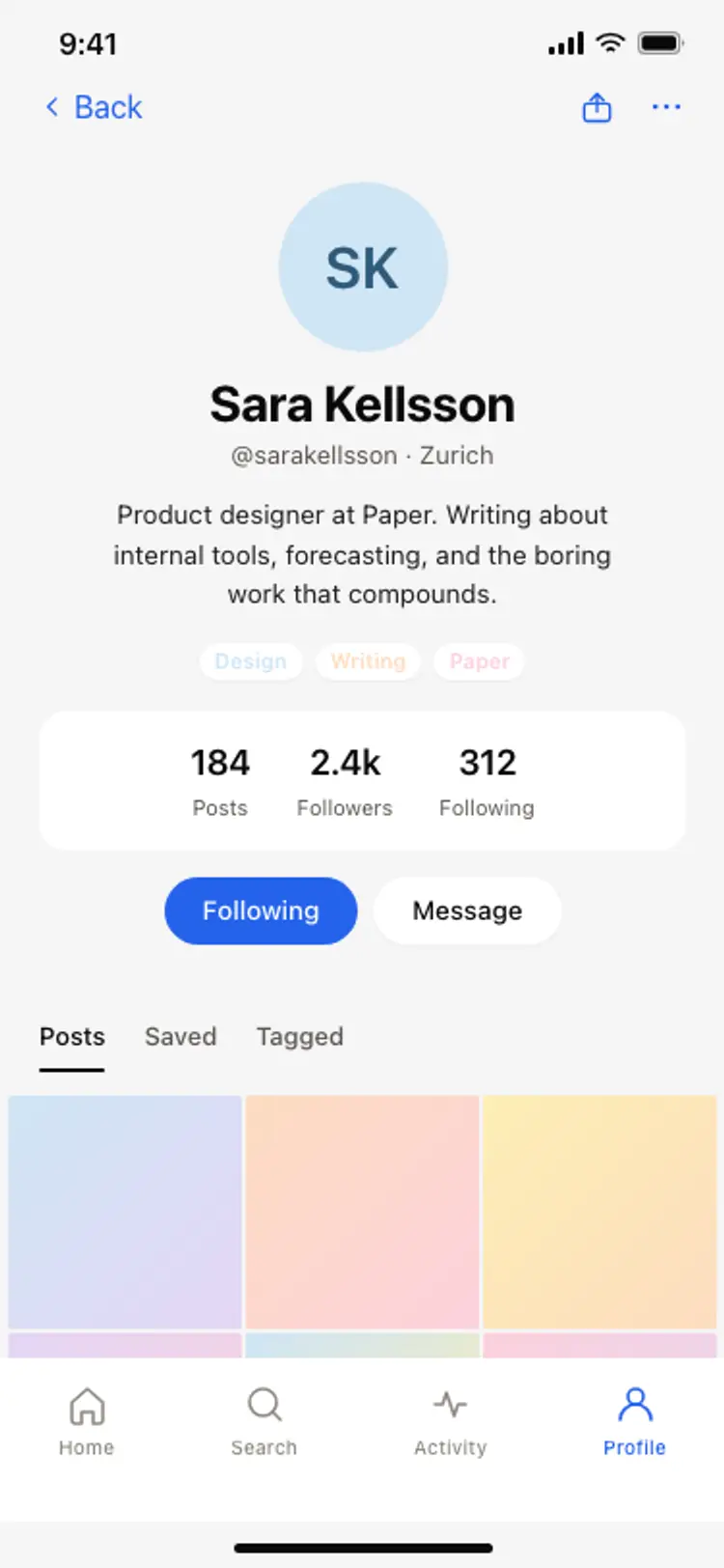
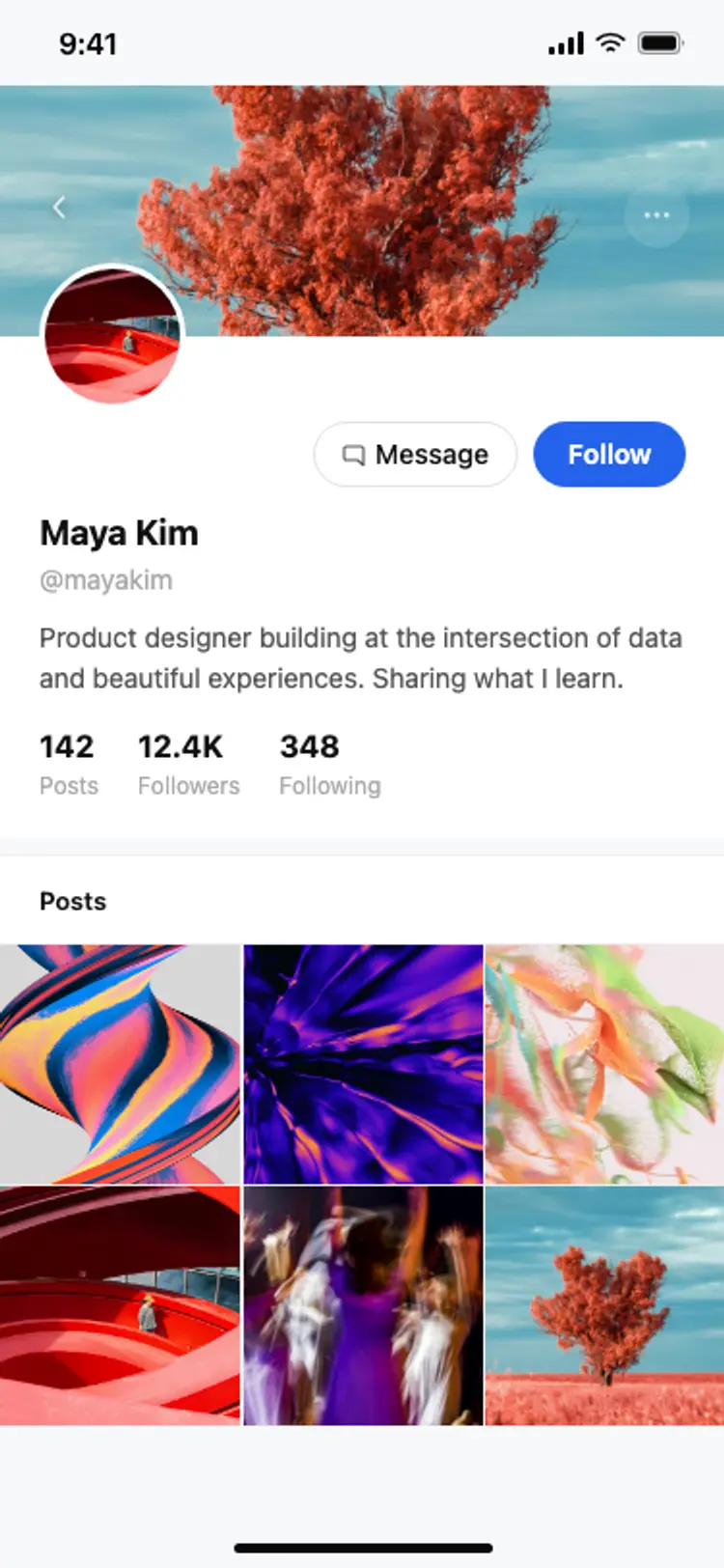
A clear header, bio and grid make every profile feel owned.
Group activity so the app informs without nagging.
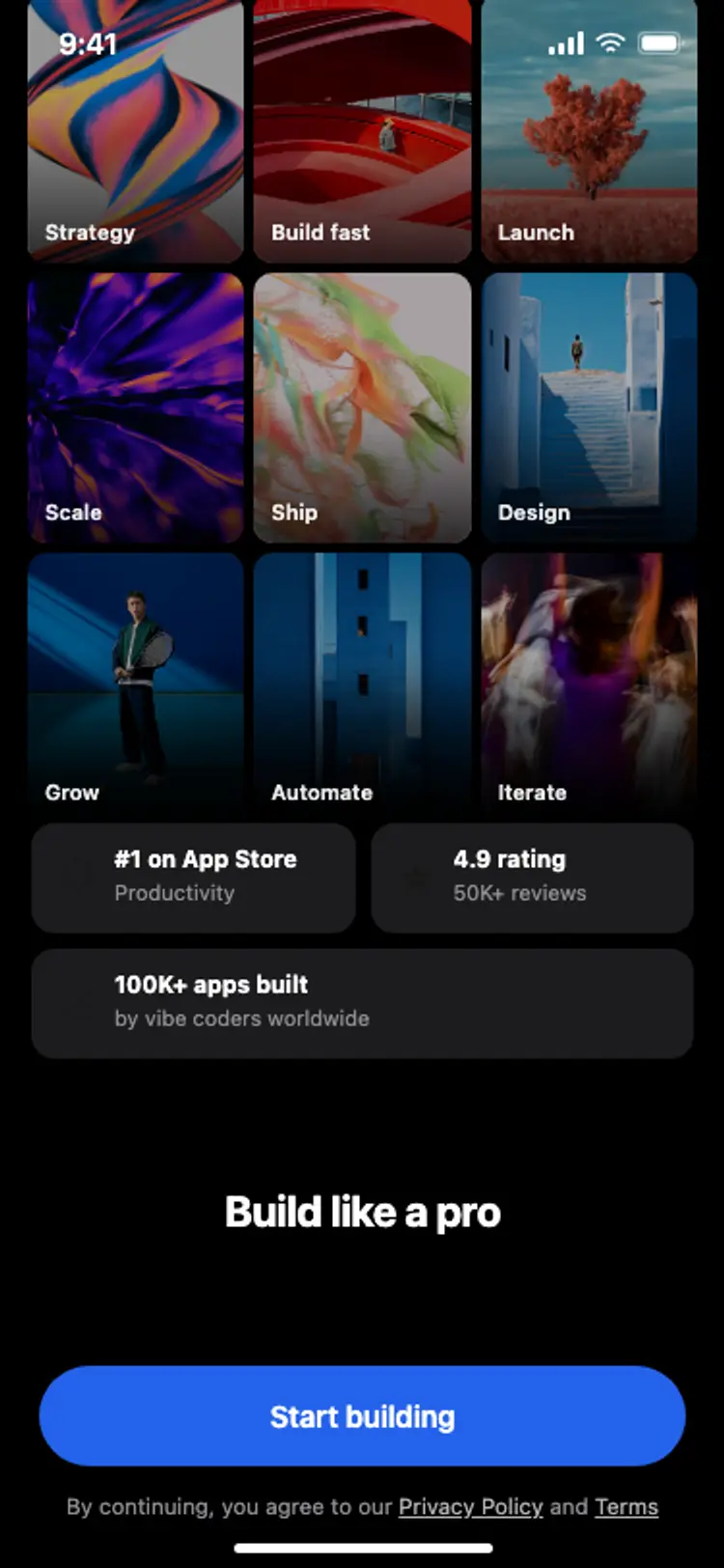
Pick interests and suggested people to follow so the feed is never empty.
Posts from people and topics, with reactions on each post.
The post, replies in threads and a reply box pinned at the bottom.
Camera or text, editing tools and audience settings in one flow.
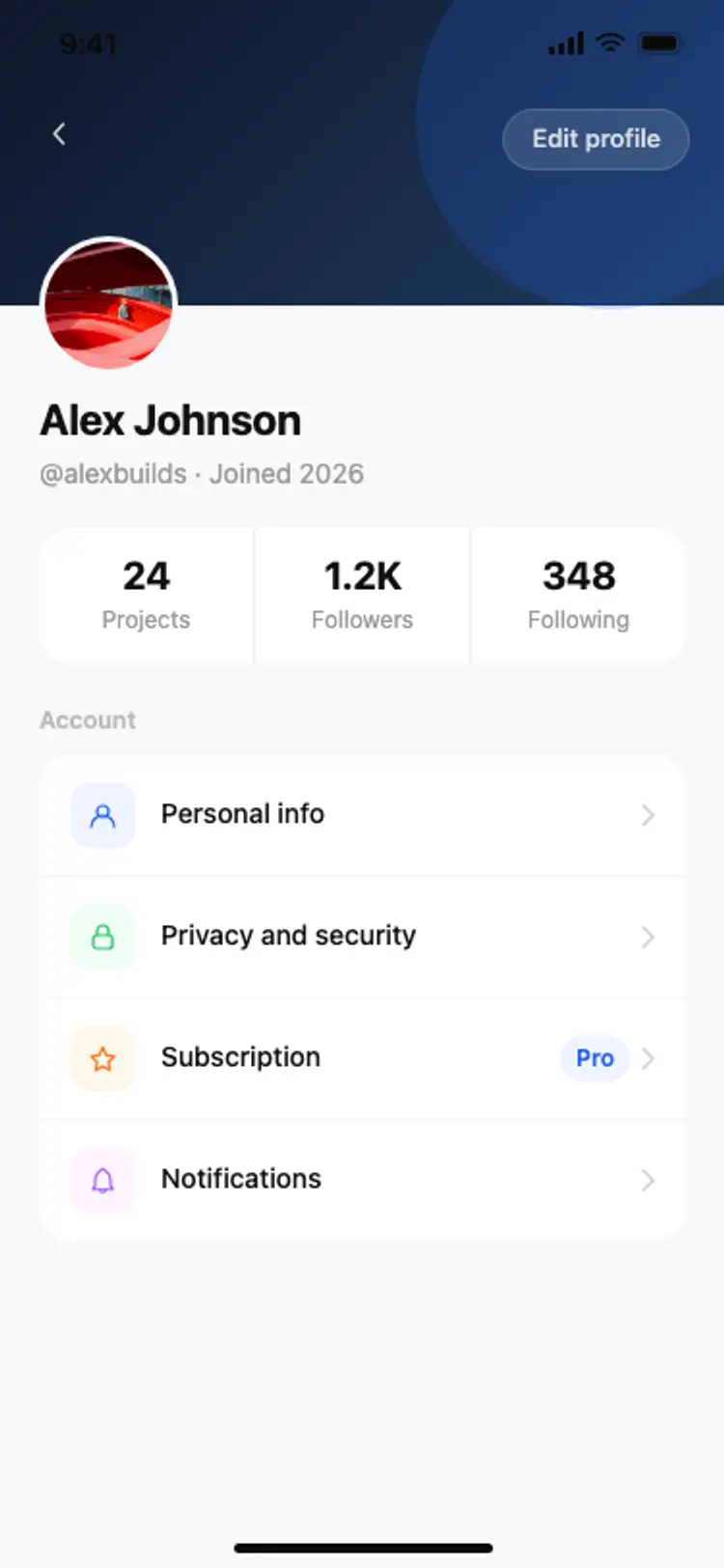
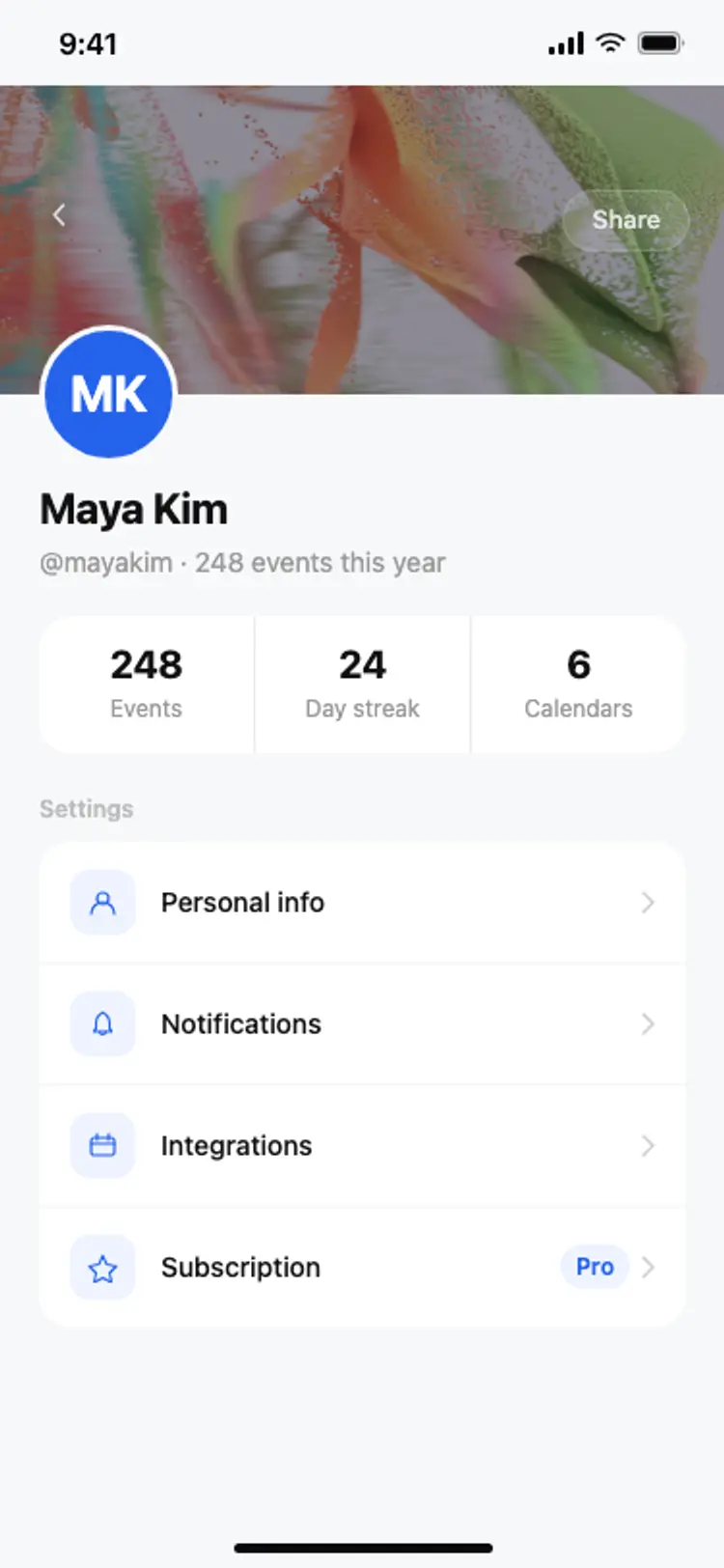
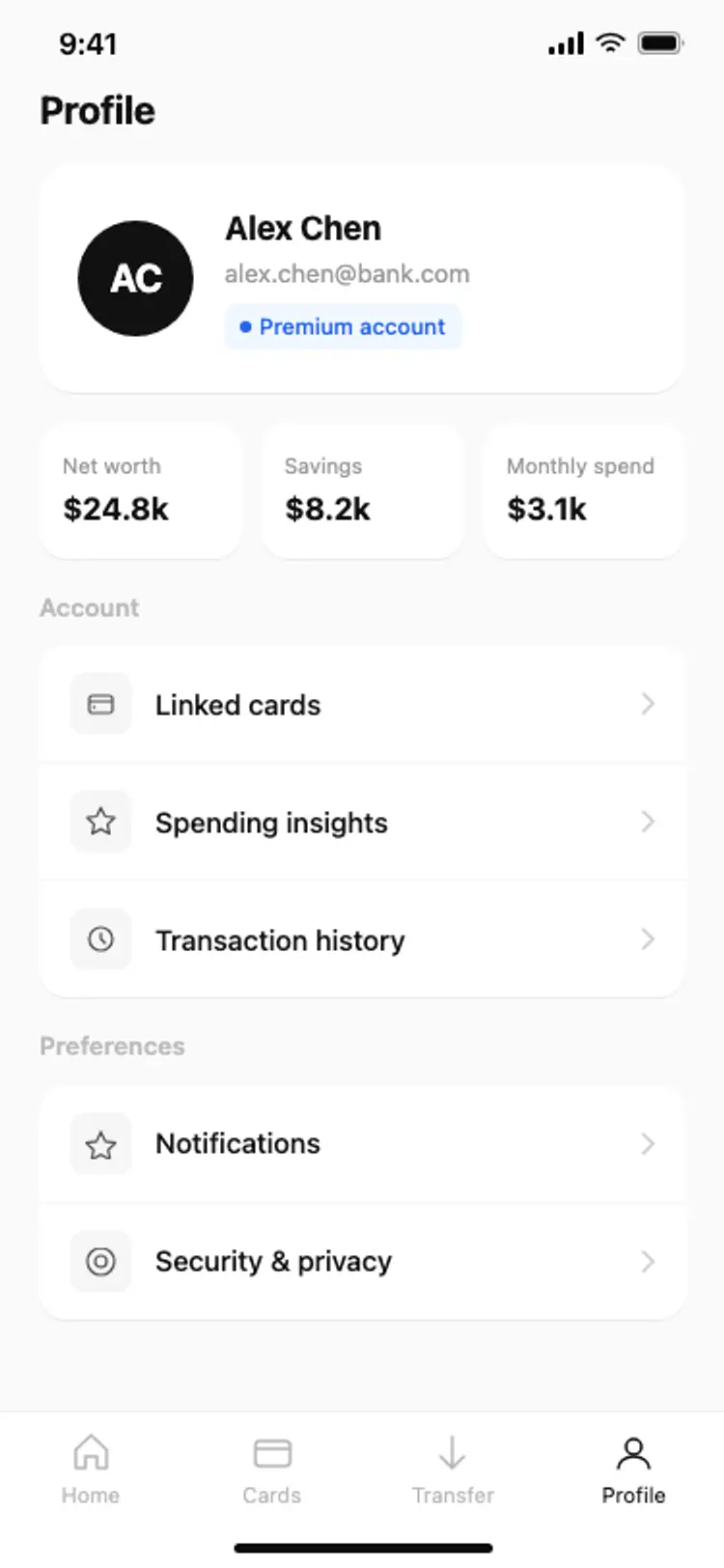
Header with photo, bio and stats, then a grid or list of posts.
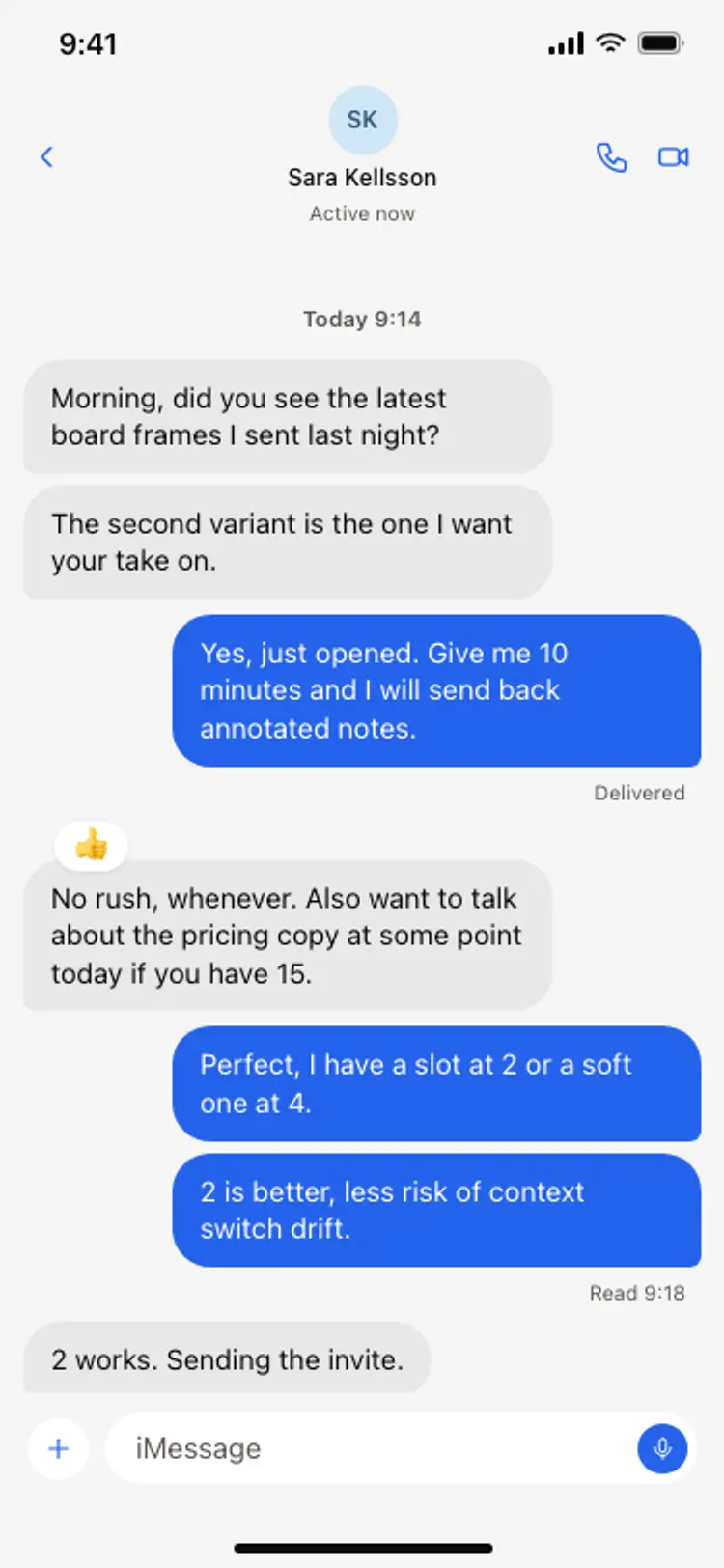
Grouped activity and direct conversations.
Photo and video apps use full-bleed media and vertical scrolling. Text-first apps use a compact list with clear threading for replies.
Community apps organise around groups and topics, with a feed per space. Messaging-led apps put conversations first and the feed second.
Design the empty states for new users with care: a fresh account with no followers or posts should suggest who to follow and what to post, not show a blank screen.
Open any social media app design above to see it live and full size.
Copy the screen from its page. It is plain HTML and CSS at phone size.
Save it in your project and ask Cursor or Claude Code for it in React Native, Expo, SwiftUI or Flutter.
Ask the tool to swap in your copy, brand colours and links, keeping the layout and spacing.
Too many icons compete with the content.
If creating takes three taps, people will not post.
New users need suggestions, not a blank feed.
Group and limit notifications or people mute the app.
A content-first feed, effortless posting, quick reactions, personal profiles and calm notifications.
Onboarding, feed, post detail with comments, create post, profile, notifications, messages and settings.
Yes. Ask Cursor or Claude Code to build these screens and connect a backend like Supabase or Firebase for posts and follows.
In the centre of the bottom tab bar or as a floating button, always reachable with one thumb.
A strong header with photo, name and bio, clear follow and message buttons, then a grid or list of posts.
Yes. They use patterns that your AI tool can adapt to each platform.
More design ideas