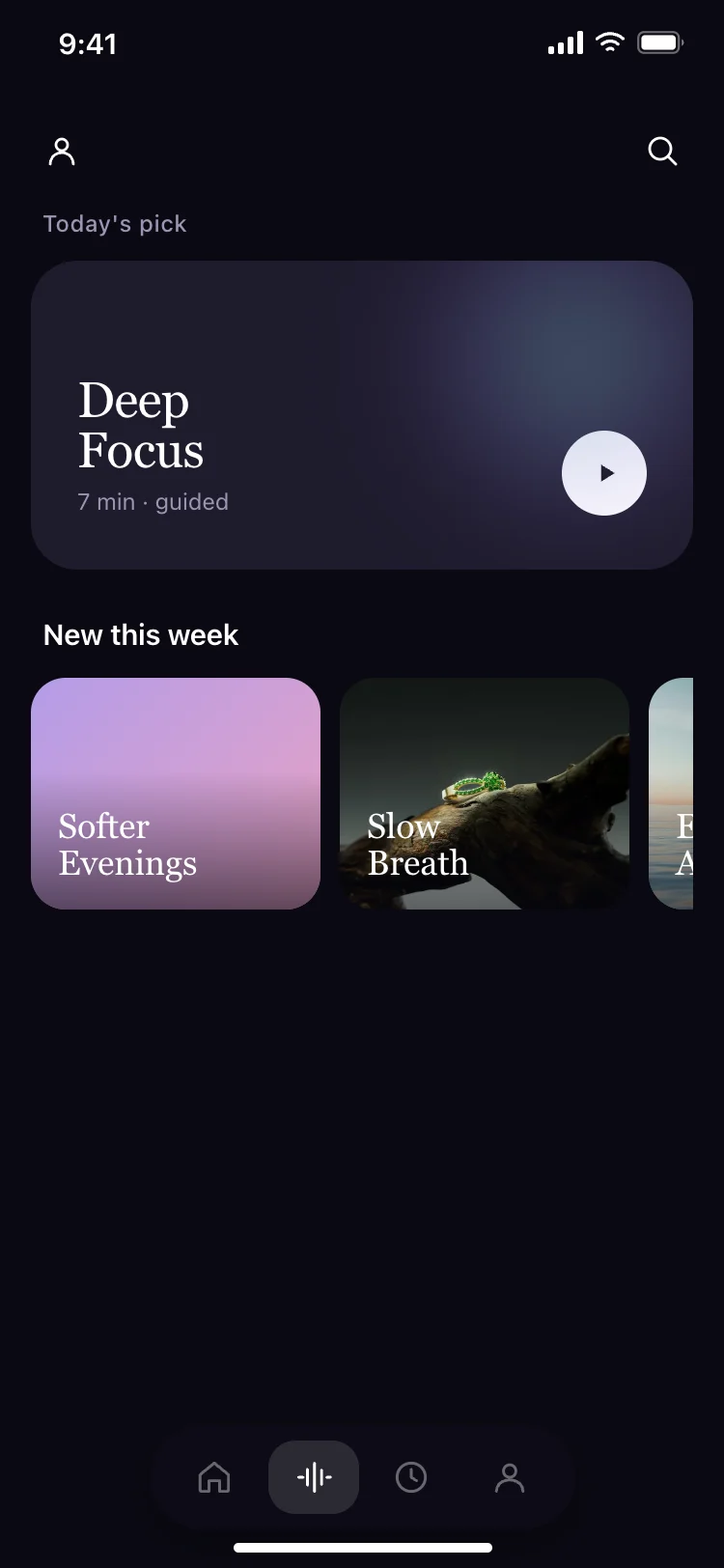
Meditation app daily pick screen
Fitness · iOS and Android
Build this design with AI →Real meditation, focus and sleep app screens, with what makes each one feel calm. Build any of them in Cursor, Claude Code or Lovable.
Fitness · iOS and Android
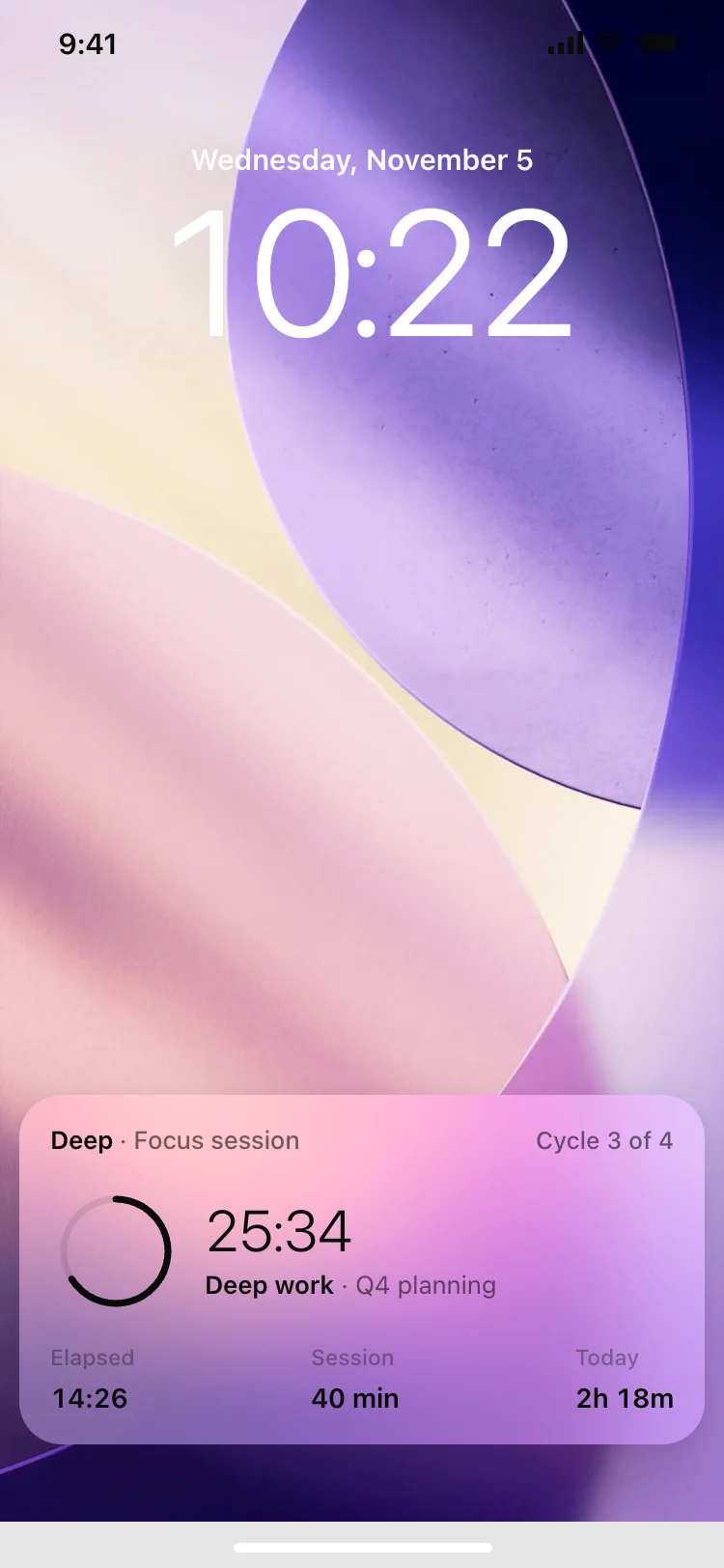
Build this design with AI →Live activity · iOS and Android
Build this design with AI →Fitness · iOS and Android
Build this design with AI →Fitness · iOS and Android
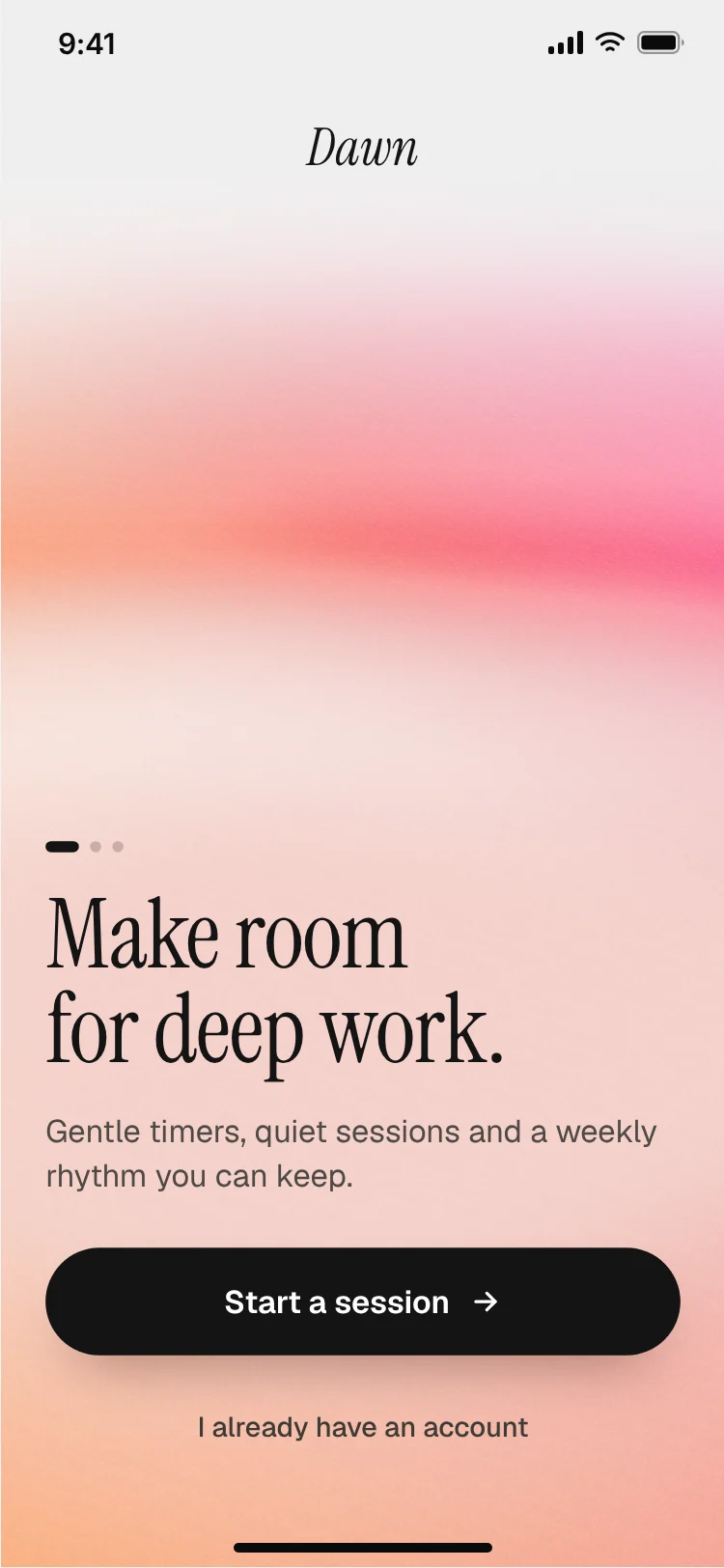
Build this design with AI →Onboarding · iOS and Android
Build this design with AI →Productivity · iOS and Android
Build this design with AI →Productivity · iOS and Android
Build this design with AI →Every meditation app design above is a ready template. Browse and preview for free; copy the code with a BrowserMoon licence.
Get a licenceGood meditation app design feels calm from the first second. The best wellness apps use soft colours, generous space and slow motion, show today's session right away, keep the player simple with one big control, and track streaks gently without pressure. These meditation app UI examples include daily session screens, audio players, breathing exercises, sleep stories, focus timers and journaling screens.
Soft chimes to start and end, fading audio and volume controls that are easy to find with eyes half closed.
Let people download sessions so a poor connection never breaks a moment of calm.
Short labels and one instruction per screen keep attention on breathing, not reading.
Soft colours, rounded shapes and lots of space lower the heart rate before a session starts.
One suggested session on the home screen removes the choice.
One large play control, a timer and nothing else to tap by accident.
Breathing animations and fades instead of quick transitions.
Celebrate consistency without punishing missed days.
Ask what people want help with: stress, sleep, focus, so the first session fits.
One suggested session, a streak and a gentle reminder setting.
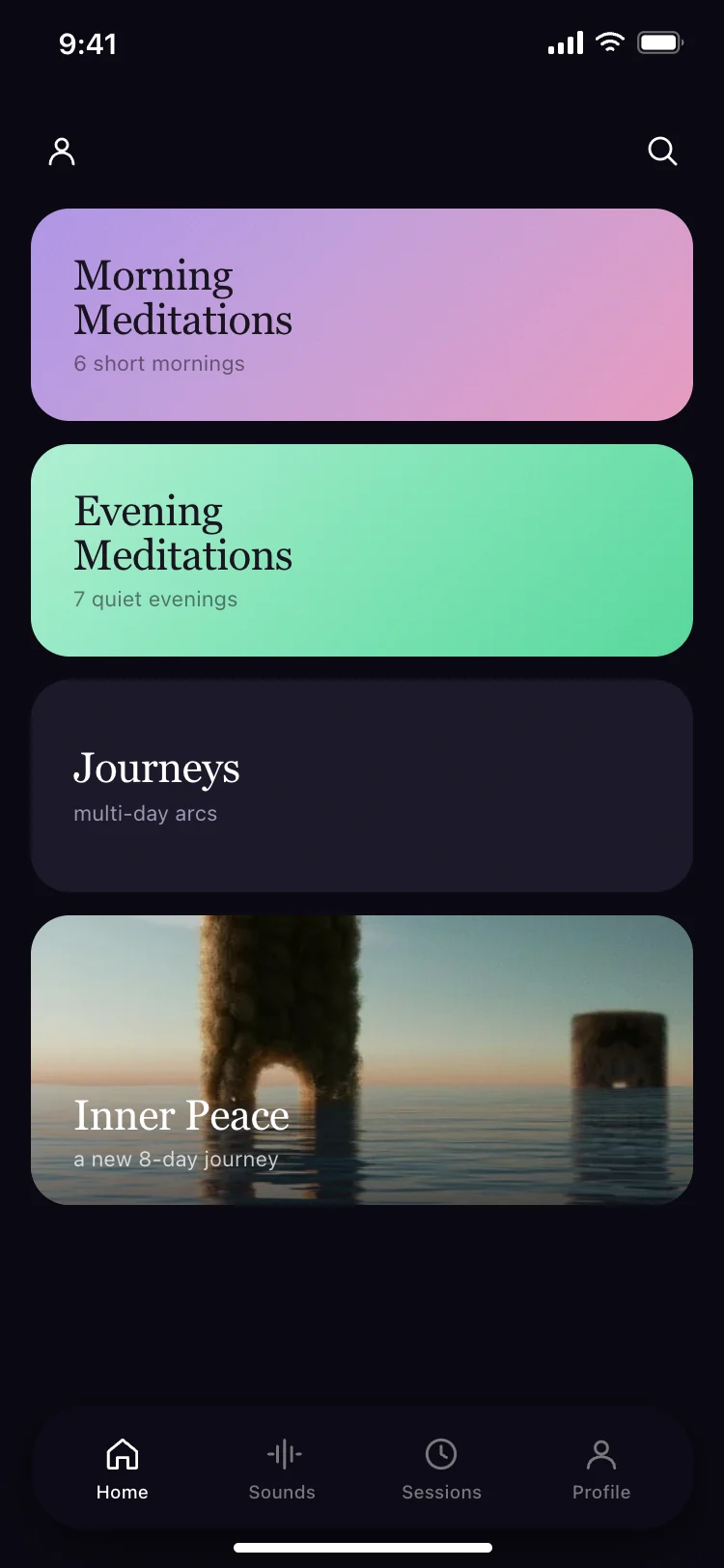
Sessions grouped by goal and length, with a short preview of each.
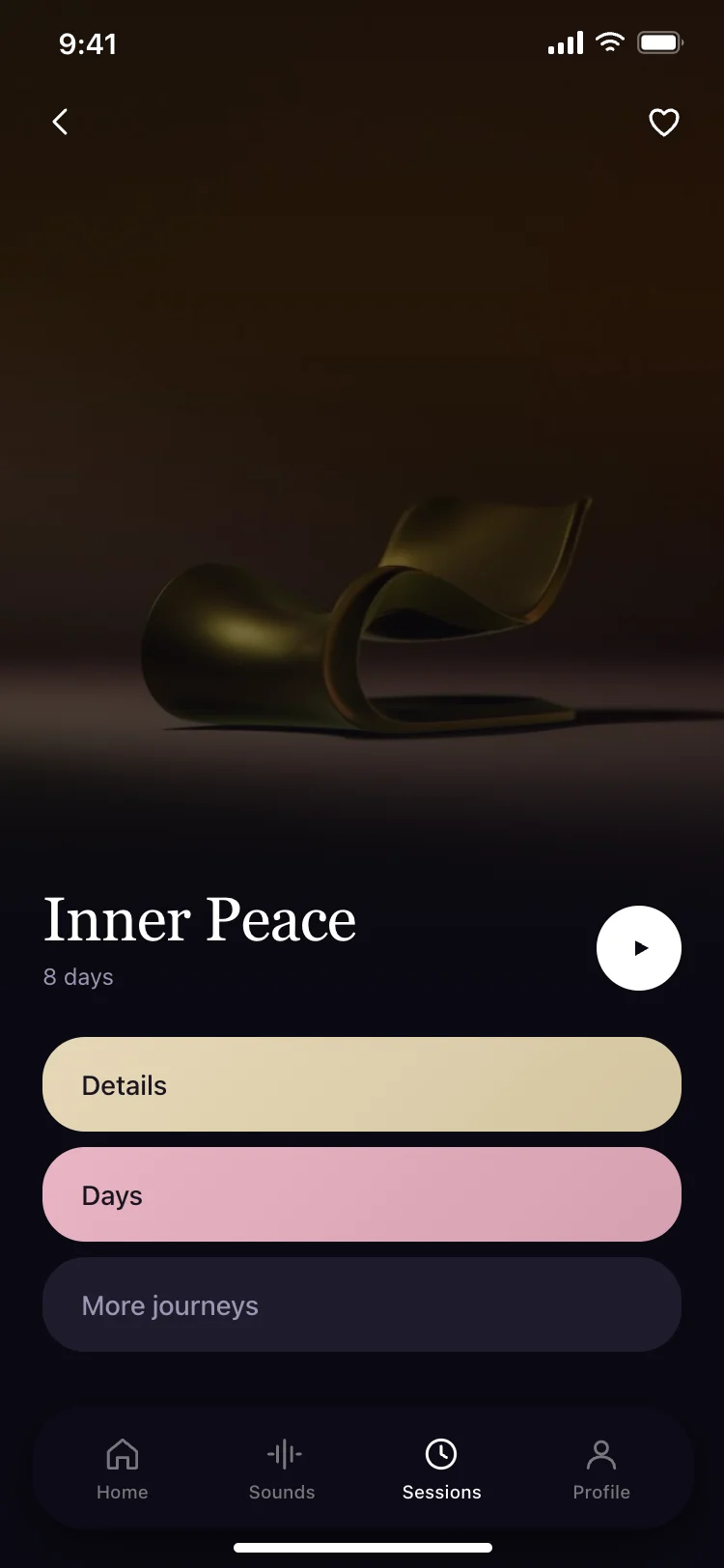
Artwork, a single play control, a timer and a background sound option.
An animated shape that guides each breath in and out.
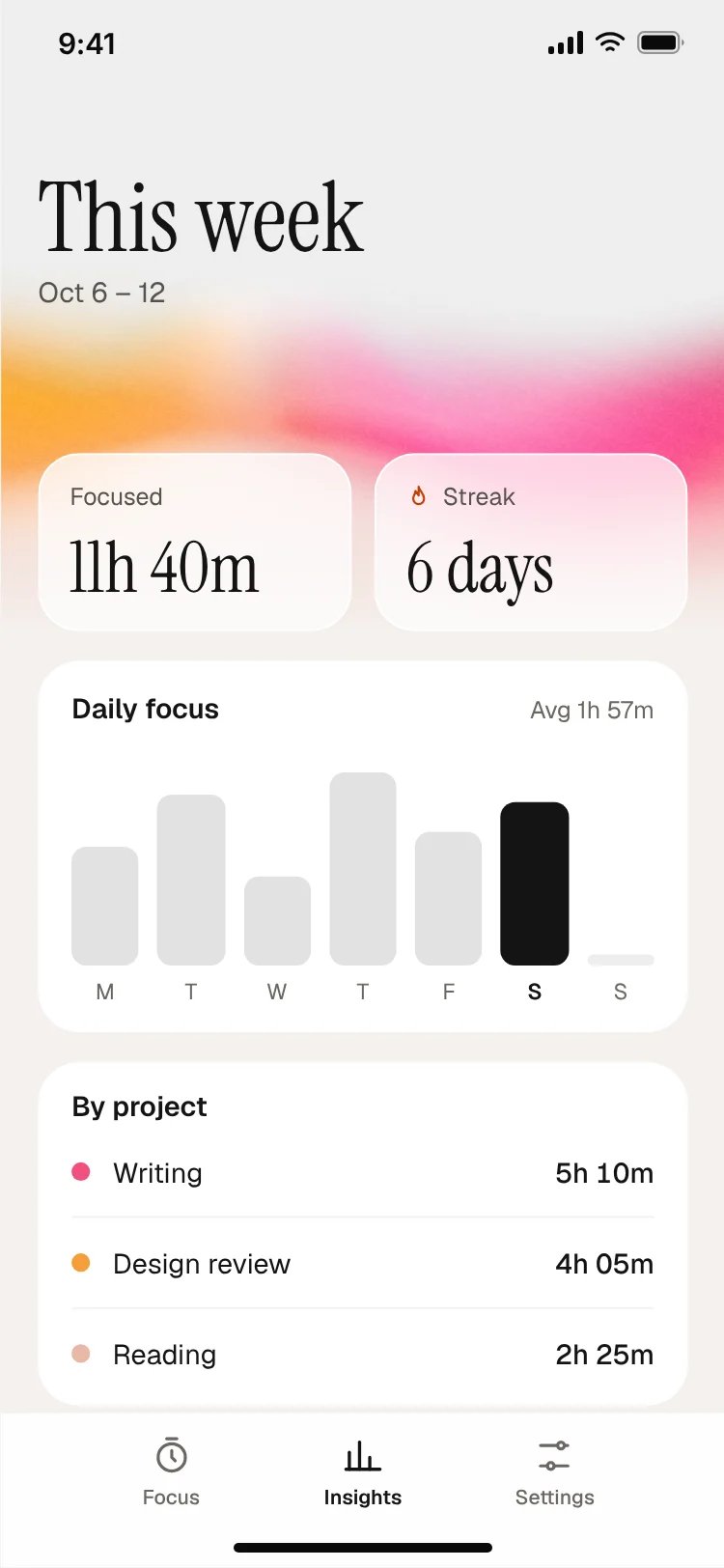
Minutes, streaks and a calm history without pressure.
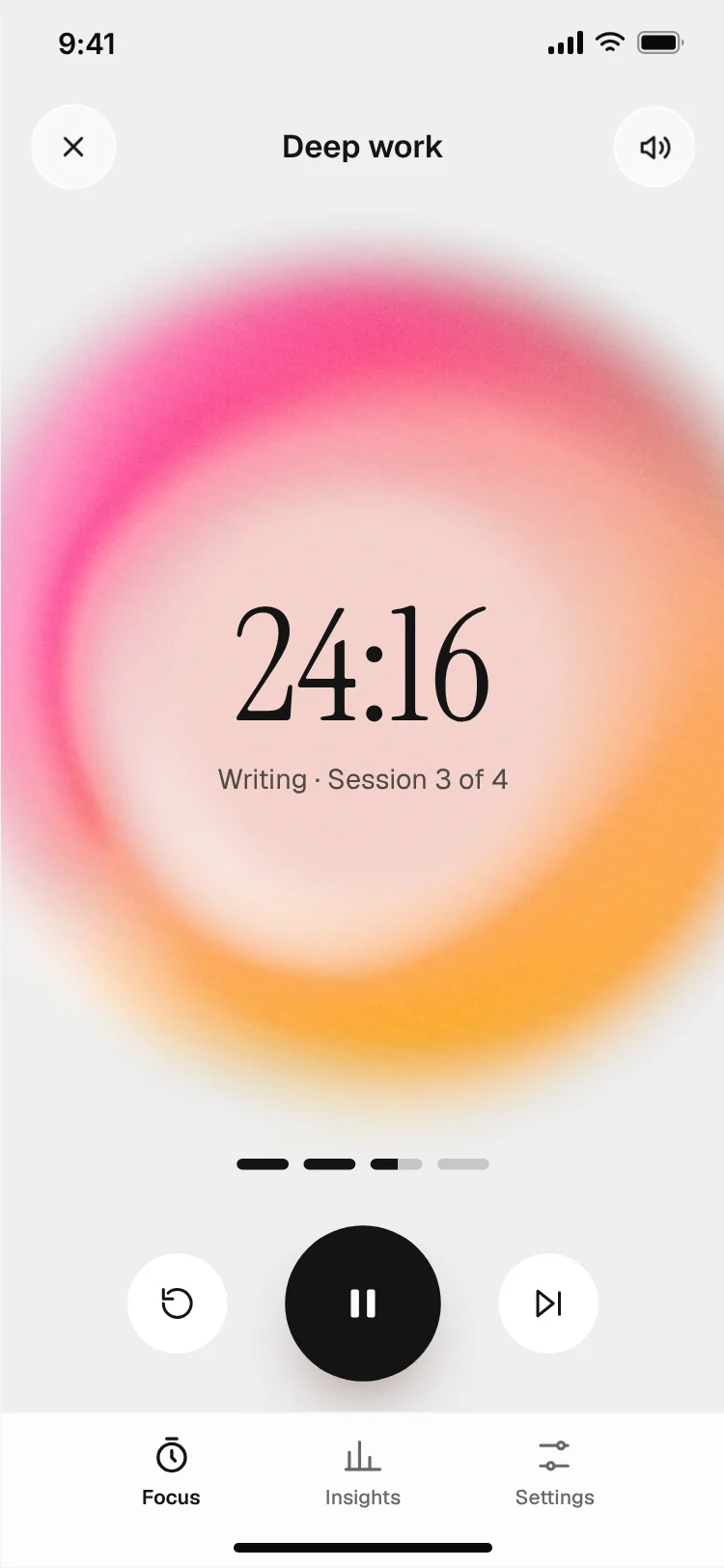
Guided meditation apps lead with a library of sessions and a daily pick. Breathing apps centre on one animated shape that grows and shrinks with each breath.
Sleep apps use dark, low-light screens with stories and soundscapes. Focus apps pair a timer with ambient sound and a calm progress view.
Because these apps are often used at night or with eyes half closed, test every screen in dark mode and with the brightness turned down.
Sound is part of the interface in a meditation app. Design clear controls for voice and background volume, a timer that fades out gently and a way to keep playing with the screen locked.
Colour does a lot of the work. Many calm apps change the palette with the time of day, warm and light in the morning and deep blue at night, which helps the app match the moment people open it. Keep text contrast high even when the background is soft, so instructions stay easy to read in a dark room.
Open any meditation app design above to see it live and full size.
Copy the screen from its page. It is plain HTML and CSS at phone size.
Save it in your project and ask Cursor or Claude Code for it in React Native, Expo, SwiftUI or Flutter.
Ask the tool to swap in your copy, brand colours and links, keeping the layout and spacing.
Points and leaderboards turn calm into competition. Keep progress personal.
Asking for an account before the first session loses people who came to relax.
Clutter defeats the purpose of a calm app.
Sleep and evening screens need dark, low-glare designs.
Pushy notifications feel the opposite of mindful.
A huge library with no suggestion causes decision fatigue.
Start with today's session and the player. They are used every day and set the calm tone for everything else in the app.
Not to start. Let people try a first session before sign up, then ask for an account to save progress and streaks.
Offer short sessions of three to ten minutes for daily use, and longer ones for people who want them. Show the length on every session.
Muted colours, generous spacing, rounded shapes, slow animations and very little text on each screen.
Calm colours and space, a suggested daily session, a simple player, slow motion and gentle streaks.
Soft, muted tones such as warm neutrals, sage, lavender or deep blues, with low contrast in decorative areas and good contrast for text.
Yes. Ask Cursor or Claude Code to build these screens in React Native or SwiftUI with an audio player.
Onboarding, home with today's session, library, player, breathing exercise, progress and settings.
Yes, especially for sleep content. Many people use these apps at night.
Yes. They use cross-platform patterns your AI tool can adapt for each platform.
More design ideas