Banking app home screen
Finance · iOS and Android
Build this design with AI →Real banking and fintech app screens, with what makes each one feel clear and trusted. Build any of them in Cursor, Claude Code or Lovable.
Finance · iOS and Android
Build this design with AI →Finance · iOS and Android
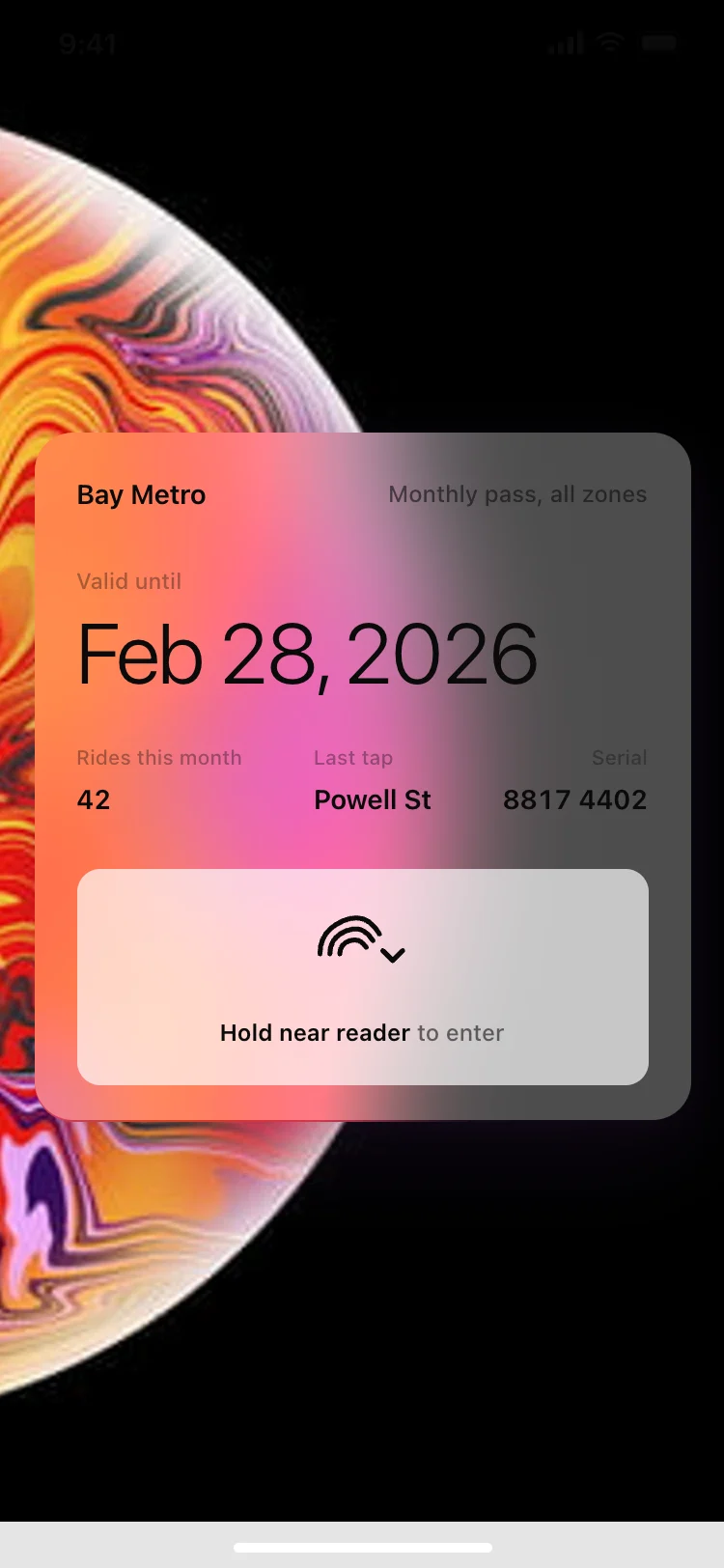
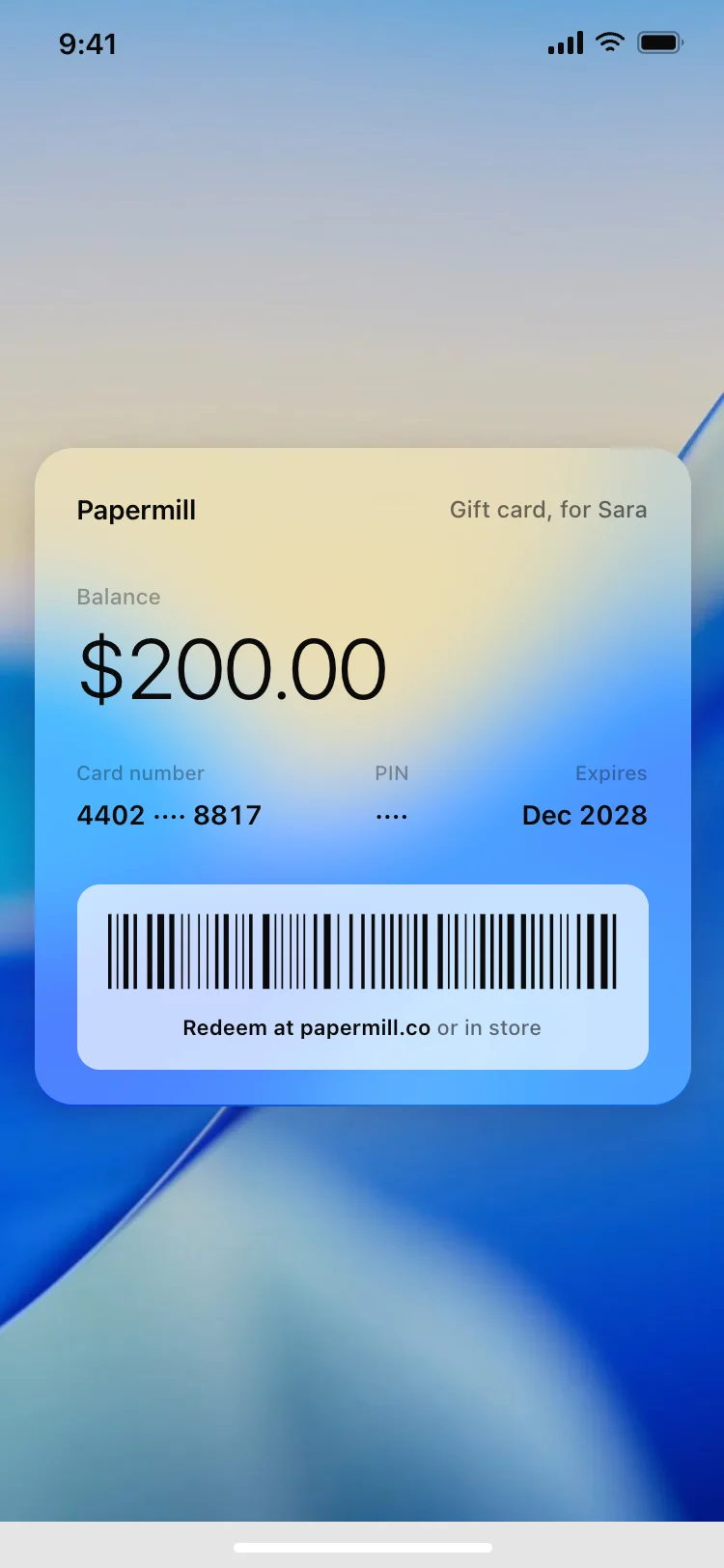
Build this design with AI →Wallet · iOS and Android
Build this design with AI →Wallet · iOS and Android
Build this design with AI →Wallet · iOS and Android
Build this design with AI →Wallet · iOS and Android
Build this design with AI →Wallet · iOS and Android
Build this design with AI →Finance · iOS and Android
Build this design with AI →Finance · iOS and Android
Build this design with AI →Finance · iOS and Android
Build this design with AI →Finance · iOS and Android
Build this design with AI →Finance · iOS and Android
Build this design with AI →Finance · iOS and Android
Build this design with AI →Finance · iOS and Android
Build this design with AI →Finance · iOS and Android
Build this design with AI →Home · iOS and Android
Build this design with AI →Every banking app design above is a ready template. Browse and preview for free; copy the code with a BrowserMoon licence.
Get a licenceGood banking app design makes money feel under control. The best fintech apps show the balance first in large type, put the three or four most common actions one tap away, list recent transactions with clear names and icons, and use calm colours with one accent for actions. These fintech app UI examples cover banking app home screens, card detail screens, budget and spending screens and wallet designs for iOS and Android.
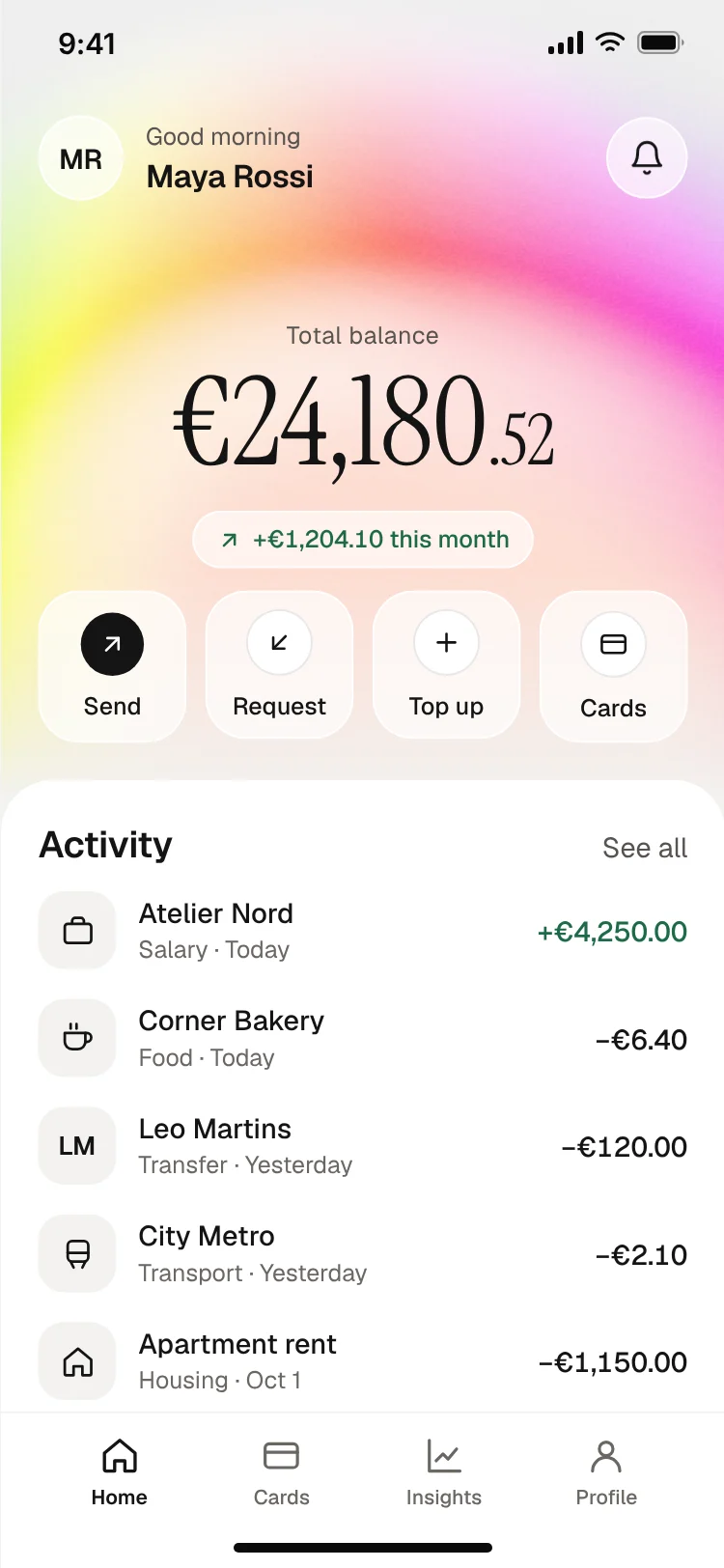
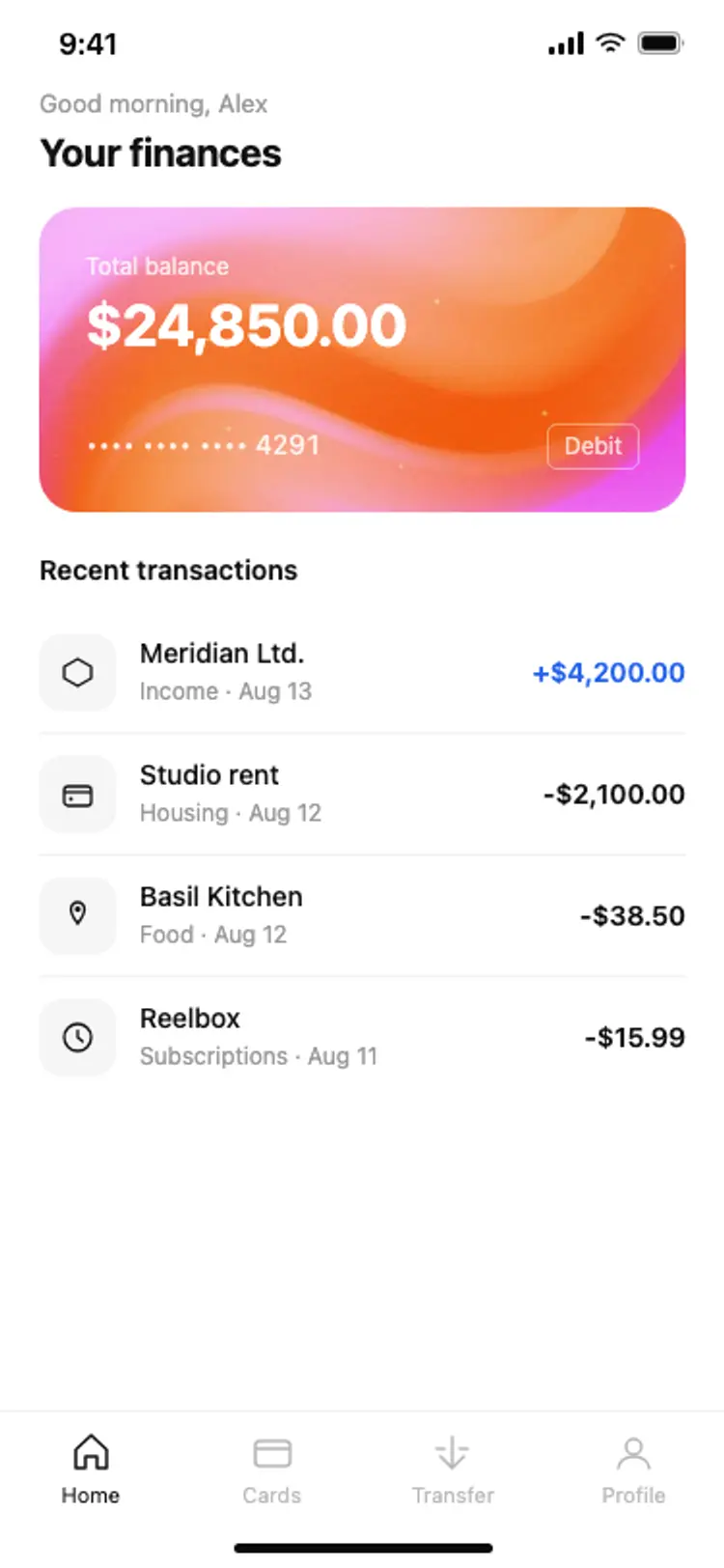
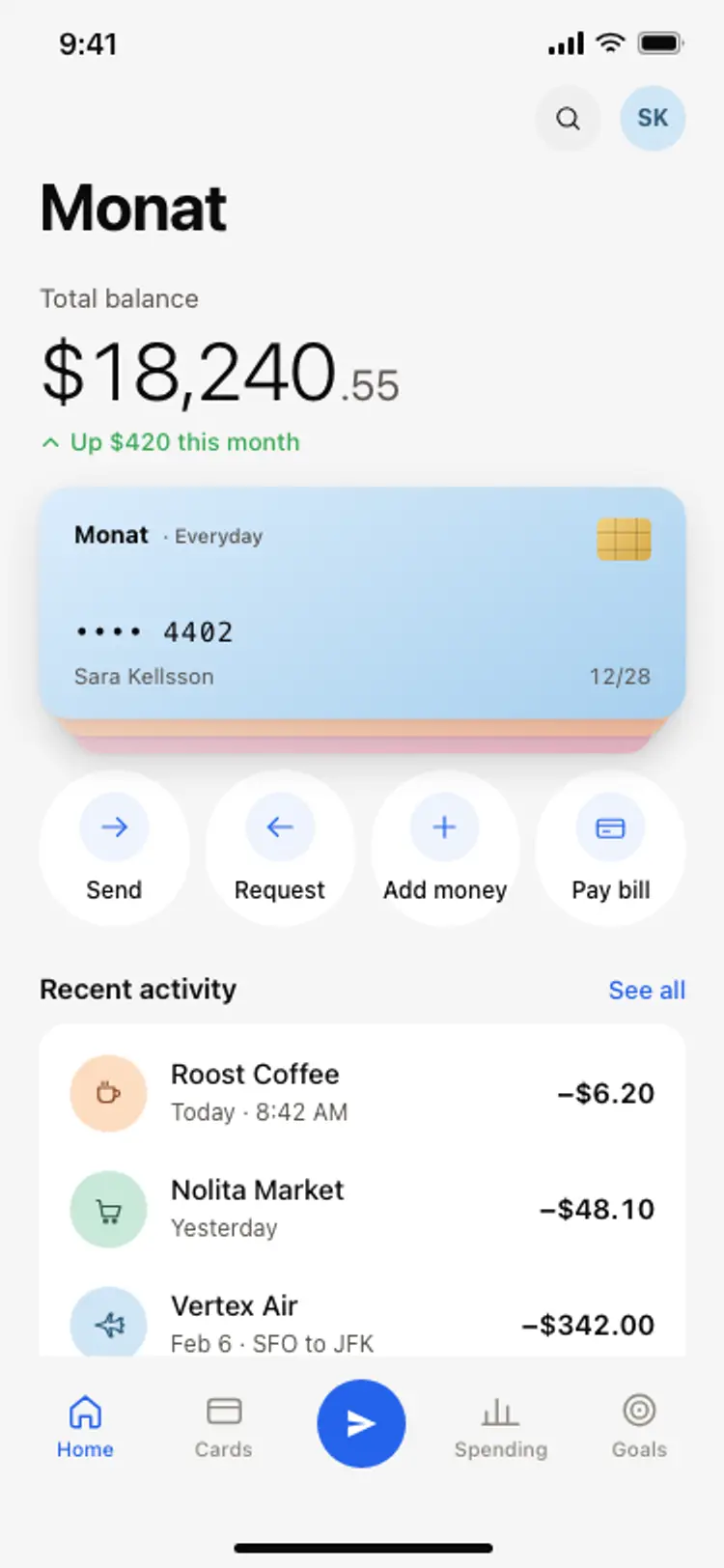
The number people open the app for goes at the top, large and easy to read.
Send, request, top up and pay sit in a row right under the balance.
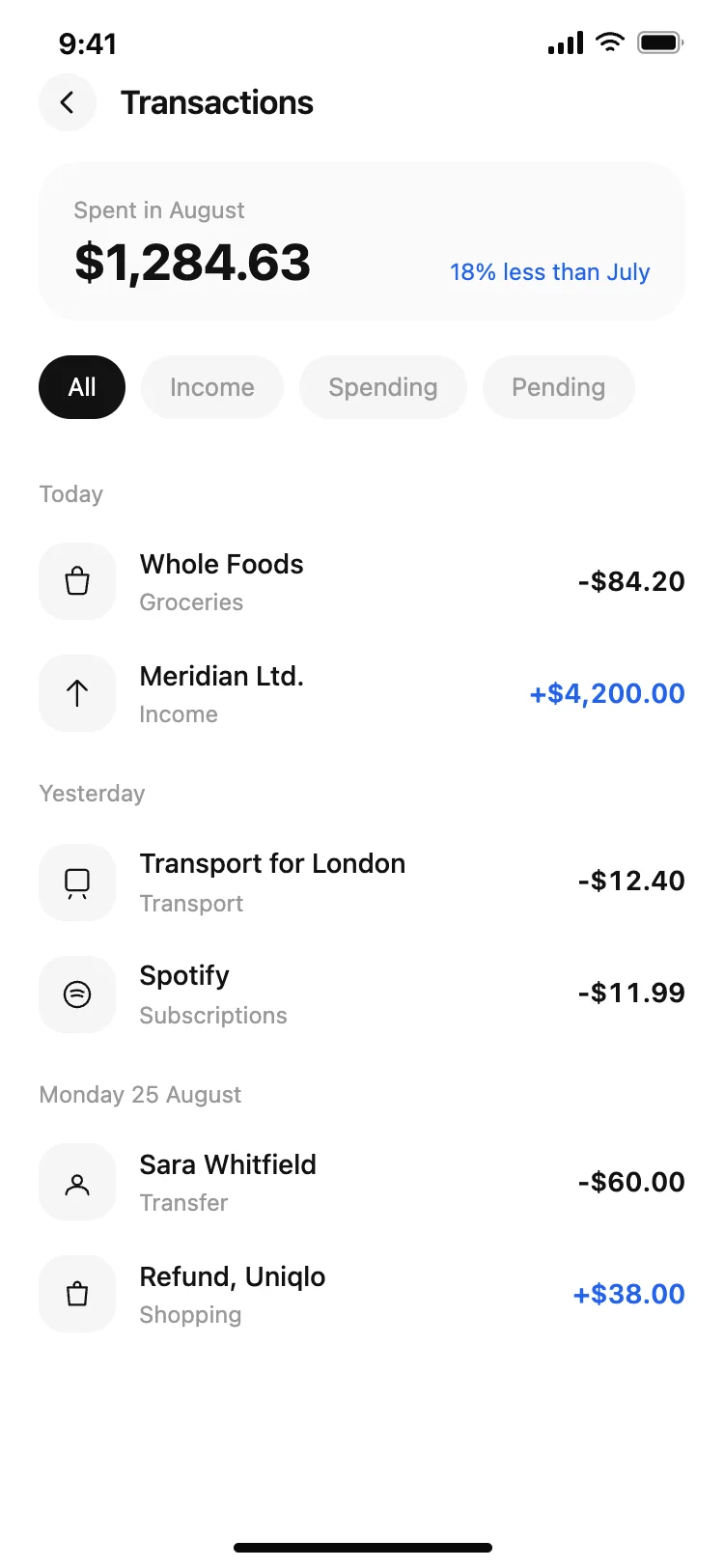
Merchant names, logos and categories instead of bank codes; amounts aligned on the right.
Neutral backgrounds and one accent colour feel safer than loud gradients everywhere.
A tap to hide the balance and clear security cues make people comfortable opening the app in public.
Face ID or a passcode, with a clear fallback, so opening the app is fast and feels safe.
The balance, quick actions and the latest transactions on one screen.
Merchant, category, date, map and a way to split, dispute or add a note.
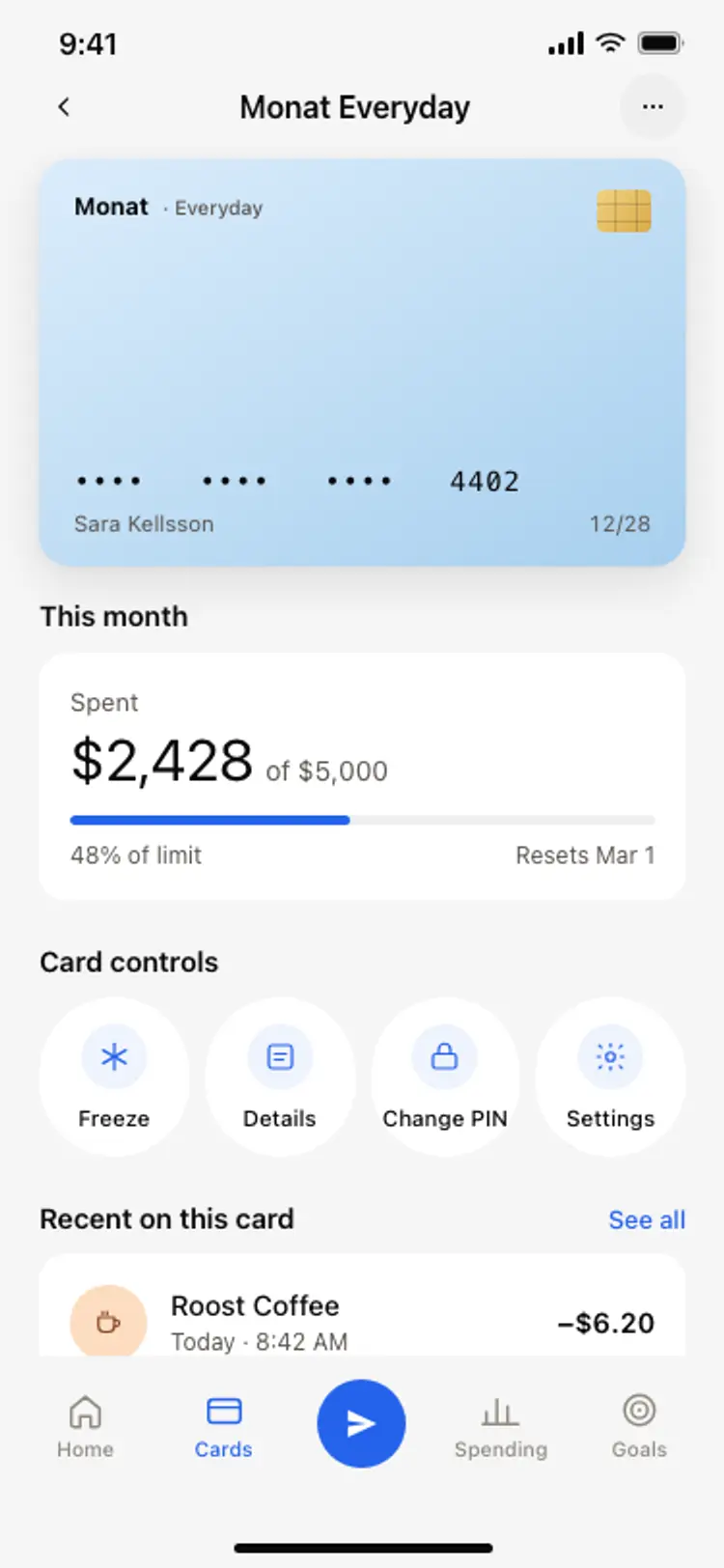
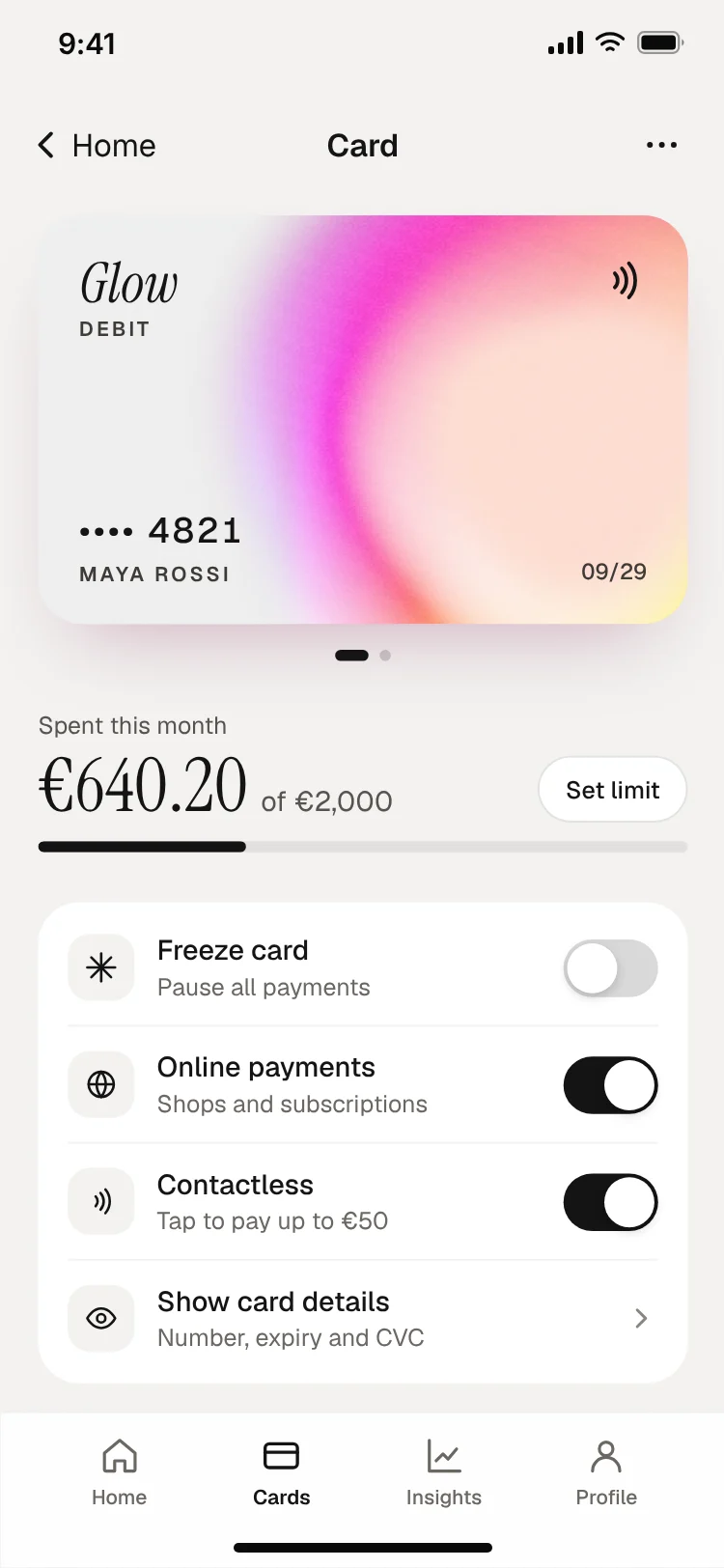
The card, its limits, freeze and unfreeze, and virtual card numbers.
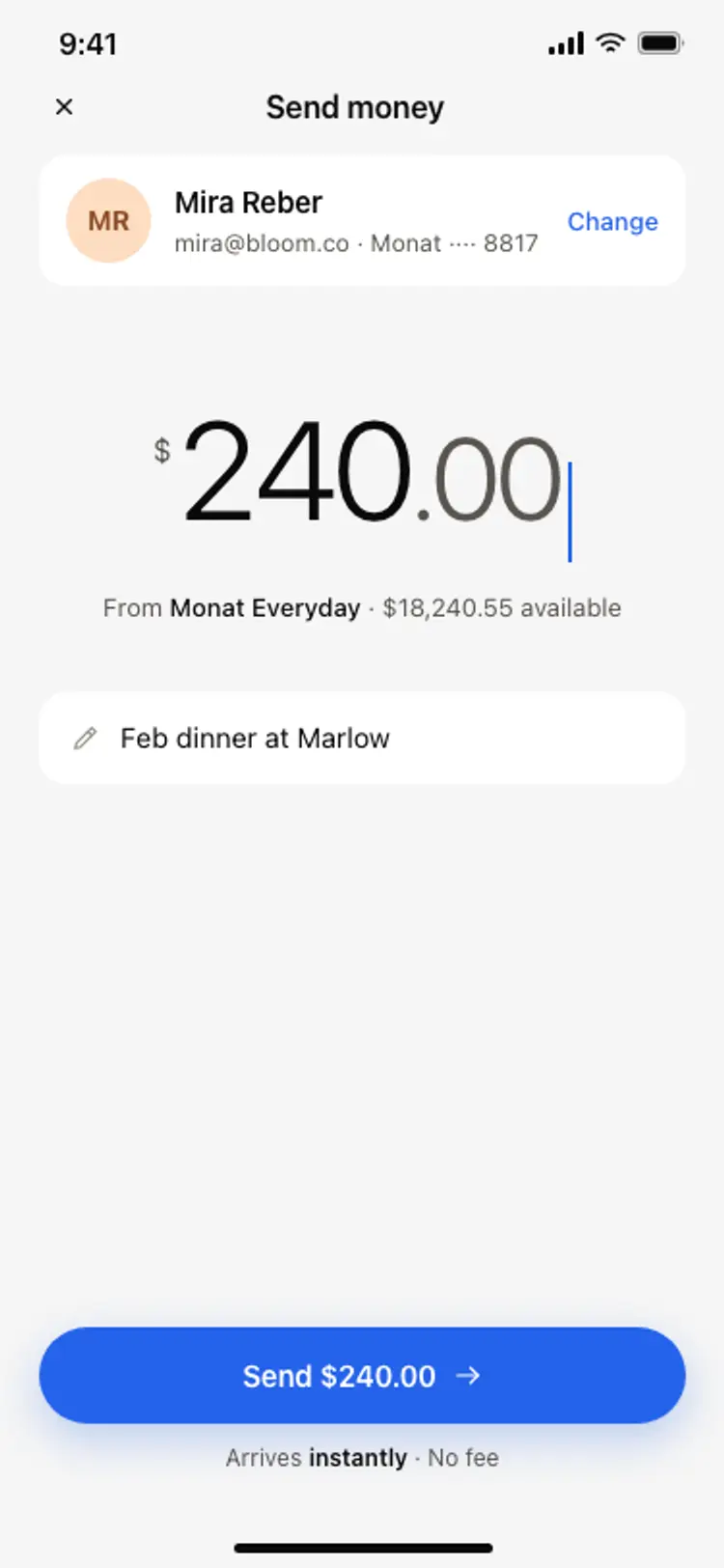
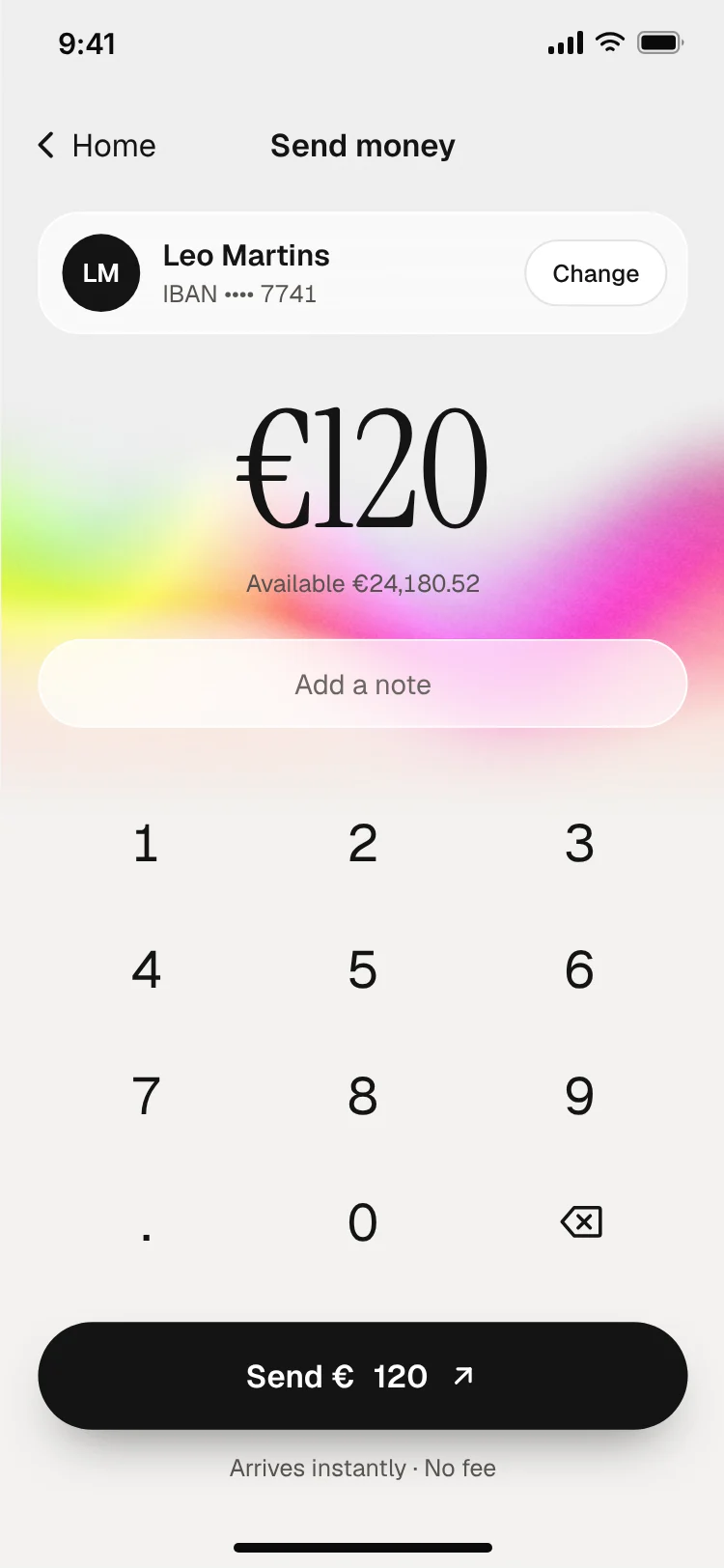
Contacts first, then amount, then a review step before money moves.
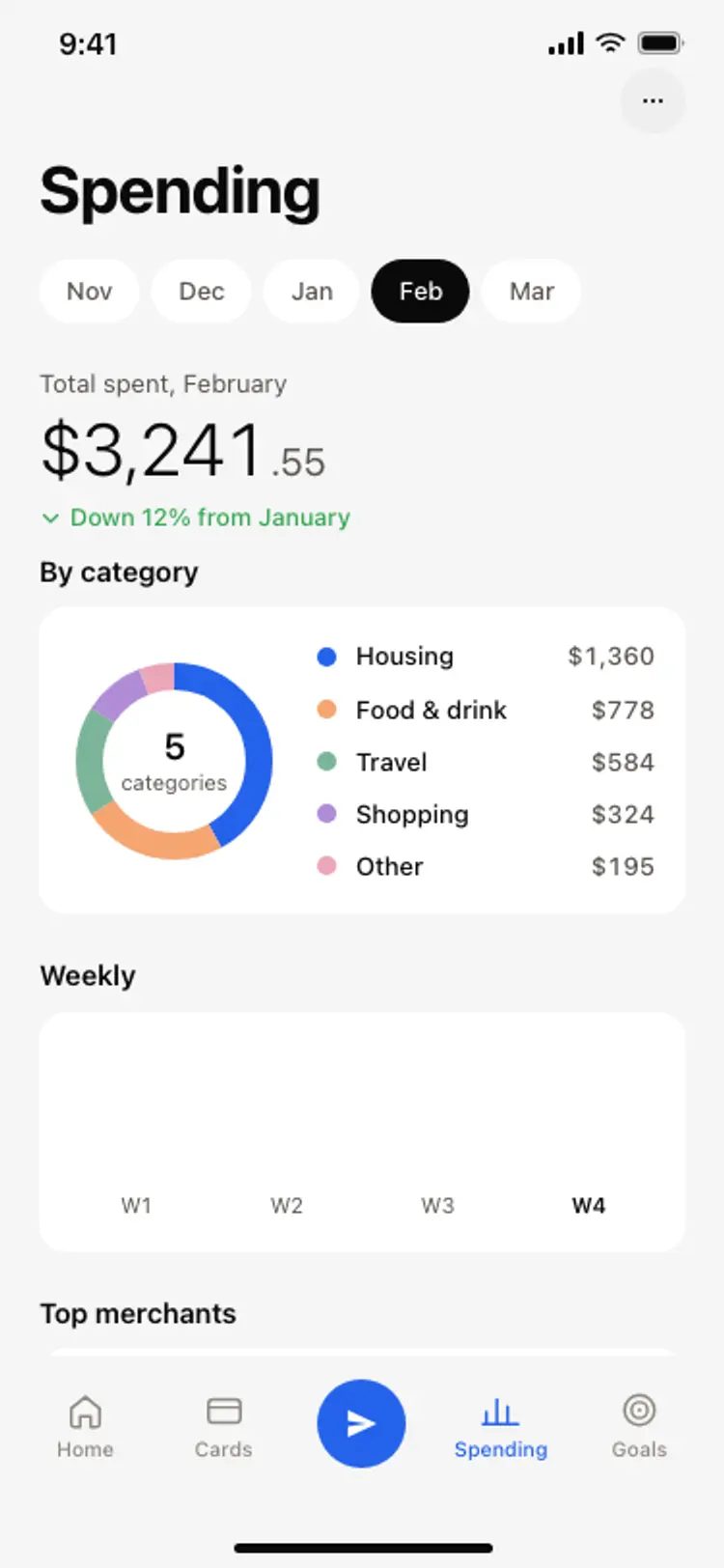
Spending by category this month, with a simple chart and a limit per category.
Neobank apps lead with a card and a spending feed and feel playful; traditional bank apps lead with accounts and balances and feel formal. Budgeting apps put categories and progress rings first, so people see where their money went.
Wallet and payment apps focus on a single big action, pay or send, and keep everything else in the background. Card detail screens show the card, its limits, freeze and settings in one place.
Whichever type you build, design the empty and loading states too: a new account with no transactions yet, a pending payment and a failed transfer. These are the moments where a money app either earns trust or loses it.
Open any banking app design above to see it live and full size.
Copy the screen from its page. It is plain HTML and CSS at phone size.
Save it in your project and ask Cursor or Claude Code for it in React Native, Expo, SwiftUI or Flutter.
Ask the tool to swap in your copy, brand colours and links, keeping the layout and spacing.
Say Money in and Money out, not Credit and Debit.
Show the one that matters. Details go one tap deeper.
Money actions need big, deliberate buttons.
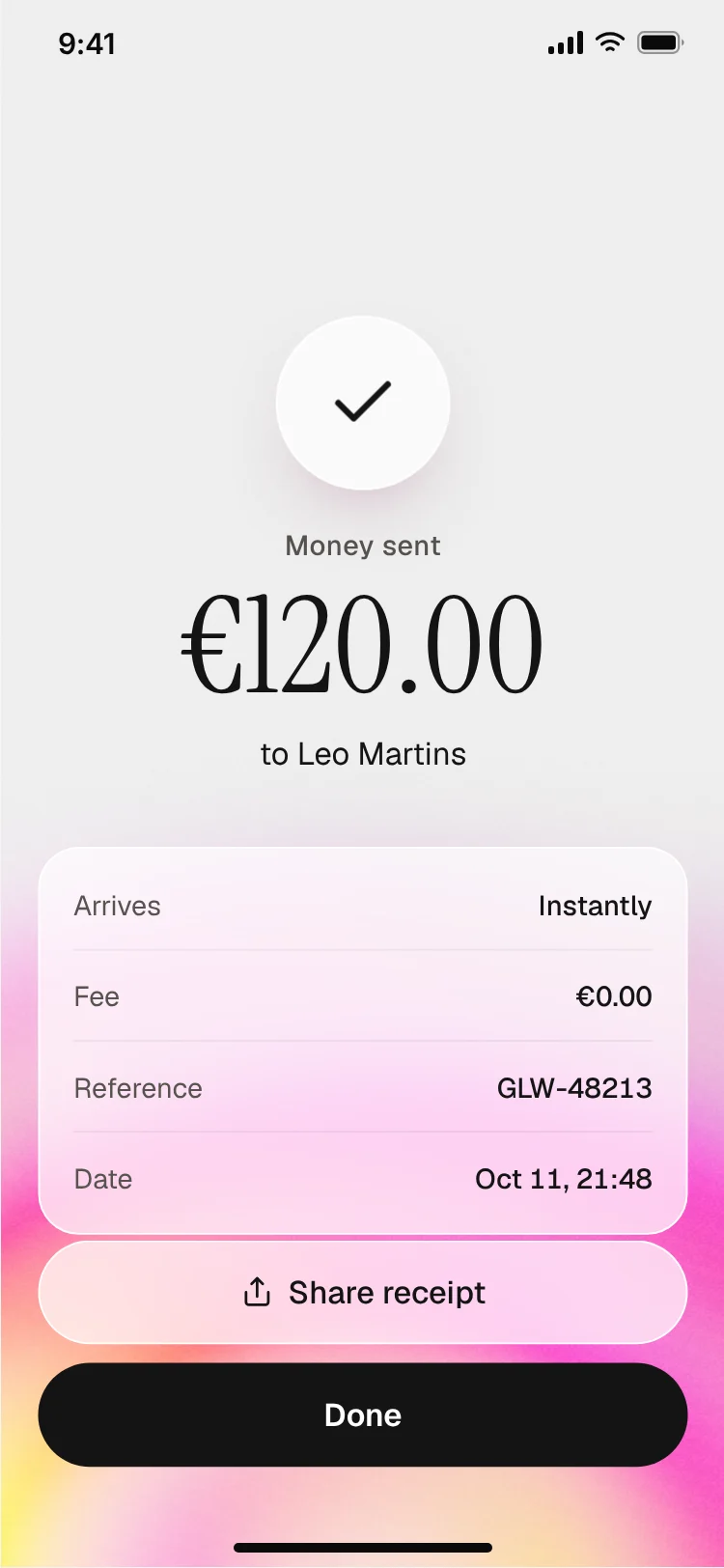
Every payment needs a clear review step and a success screen.
A clear balance at the top, the main actions one tap away, readable transactions, calm colours and visible security cues.
Use plain language, consistent spacing, restrained colour, clear confirmations for every payment and no surprises in fees or steps.
Yes. Save these screens in your project and ask Cursor or Claude Code to build them in React Native, Expo or SwiftUI, then connect your banking API.
Sign in, home with balance, transactions, card detail, send and request money, payment confirmation, profile and settings.
Offering it is good practice. Design both themes, keeping amounts and actions high contrast in each.
Yes. They follow patterns that work on both platforms; ask your AI tool to adapt navigation details for each.
More design ideas