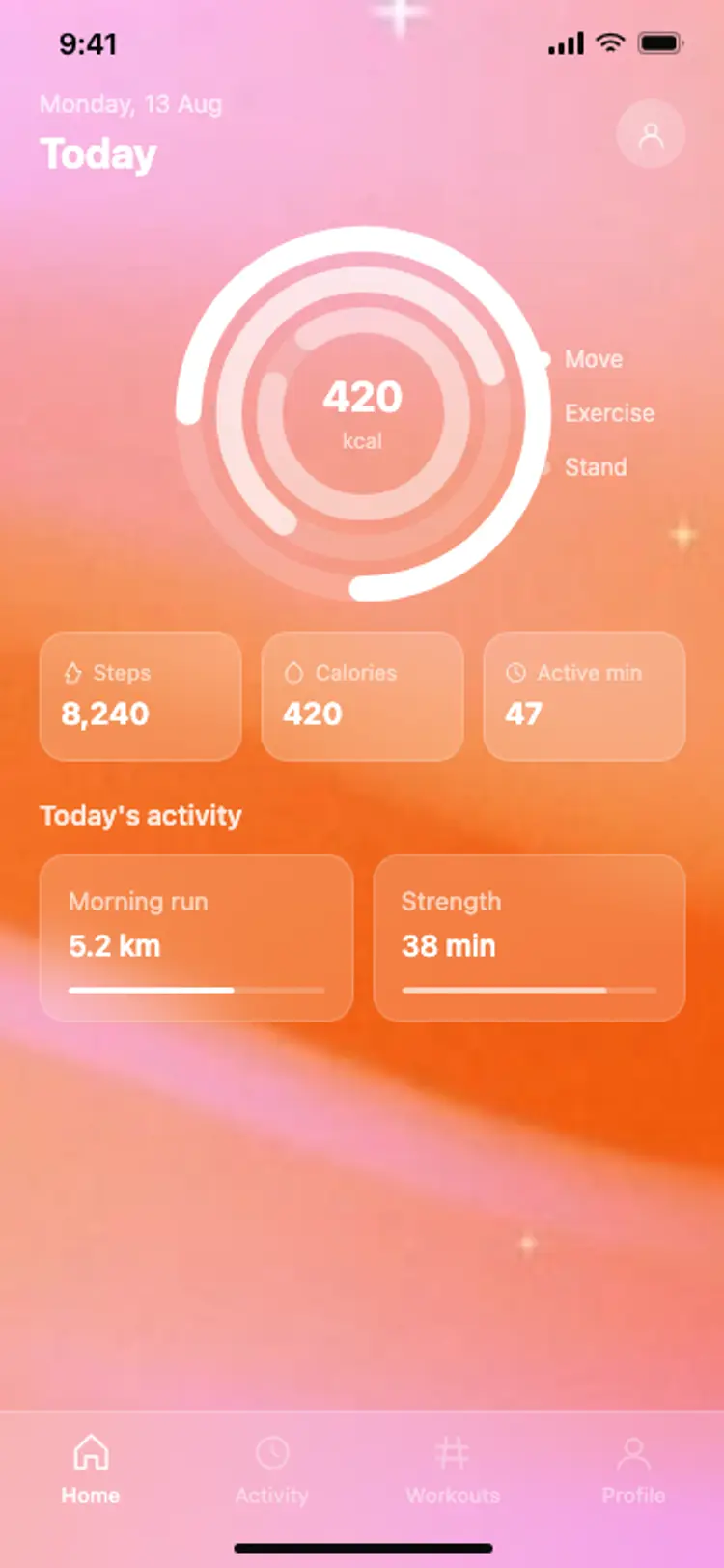
Fitness app home: activity rings
Fitness · iOS and Android
Build this design with AI →Real fitness and workout app screens, with what makes each one motivating. Build any of them in Cursor, Claude Code or Lovable.
Fitness · iOS and Android
Build this design with AI →Fitness · iOS and Android
Build this design with AI →Fitness · iOS and Android
Build this design with AI →Fitness · iOS and Android
Build this design with AI →Fitness · iOS and Android
Build this design with AI →Fitness · iOS and Android
Build this design with AI →Fitness · iOS and Android
Build this design with AI →Fitness · iOS and Android
Build this design with AI →Fitness · iOS and Android
Build this design with AI →Every fitness app design above is a ready template. Browse and preview for free; copy the code with a BrowserMoon licence.
Get a licenceGood fitness app design makes progress visible and the next workout obvious. The best fitness apps show today's goal and progress at a glance, make starting a workout a single tap, celebrate streaks and milestones, and keep screens readable mid-workout with big numbers and high contrast. These workout app UI examples include fitness app home screens, workout players, activity and progress screens and training plans for iOS and Android.
Mirror the live workout on a smartwatch and keep the phone screen for setup, history and plans.
Show recovery and rest days as progress, not as gaps, so people do not burn out.
Rings, bars or one big number show how far along today is.
The next workout or a Start button is always on the first screen.
Large numbers and timers that can be read from arm's length while moving.
Streaks, badges and personal bests keep people coming back.
Bright accents for activity, calm backgrounds everywhere else.
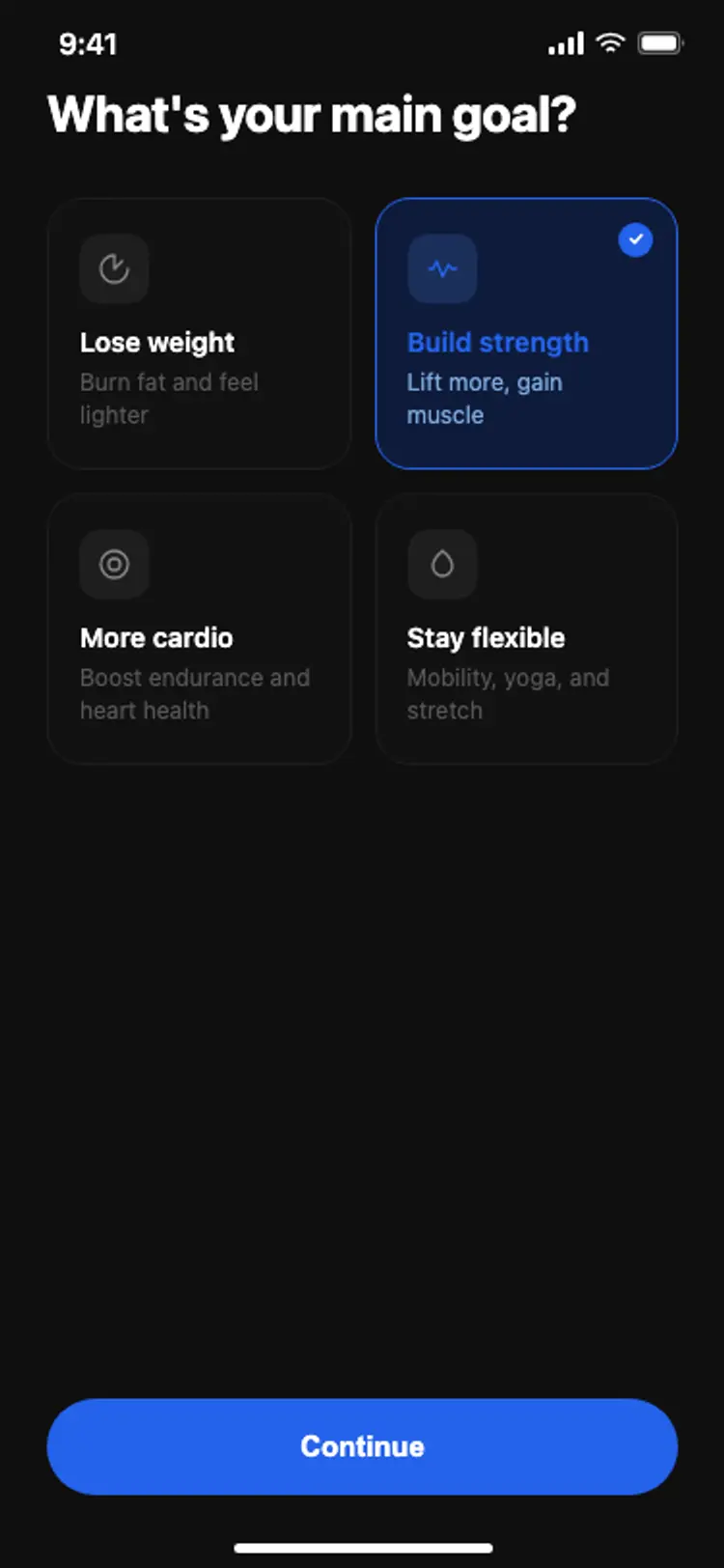
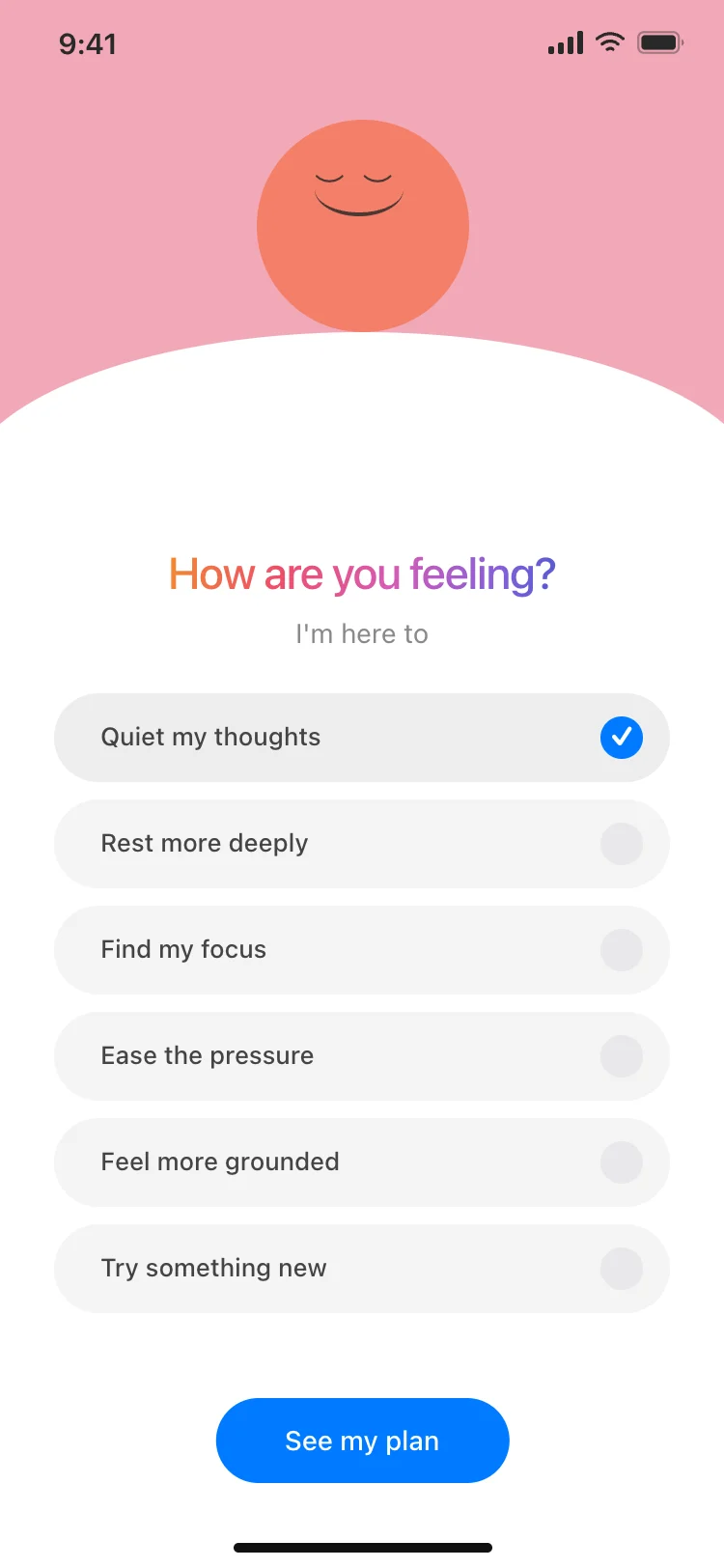
A short onboarding that asks what people want: lose weight, get stronger, run further.
Rings or bars for today's activity and the next workout, ready to start.
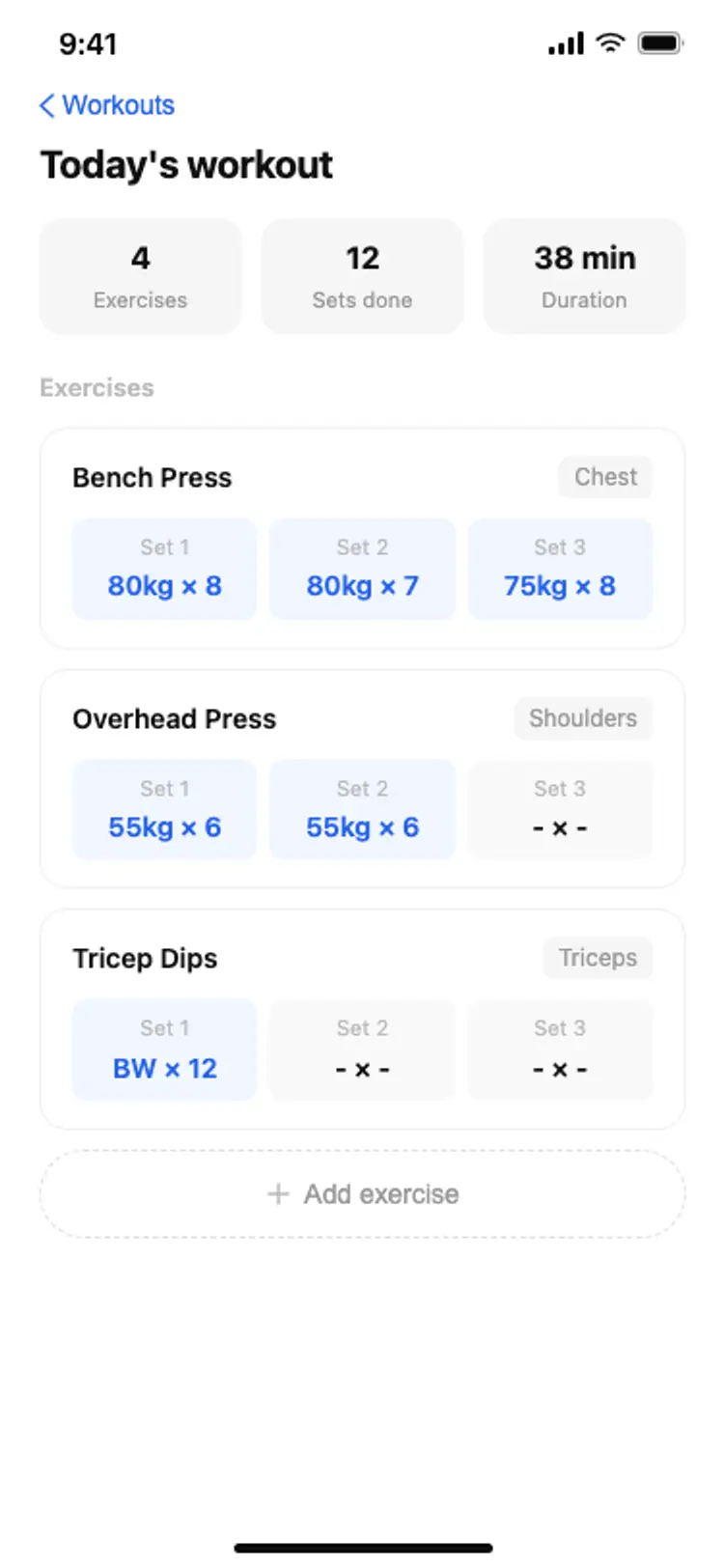
Programmes and single workouts filtered by length, level and equipment.
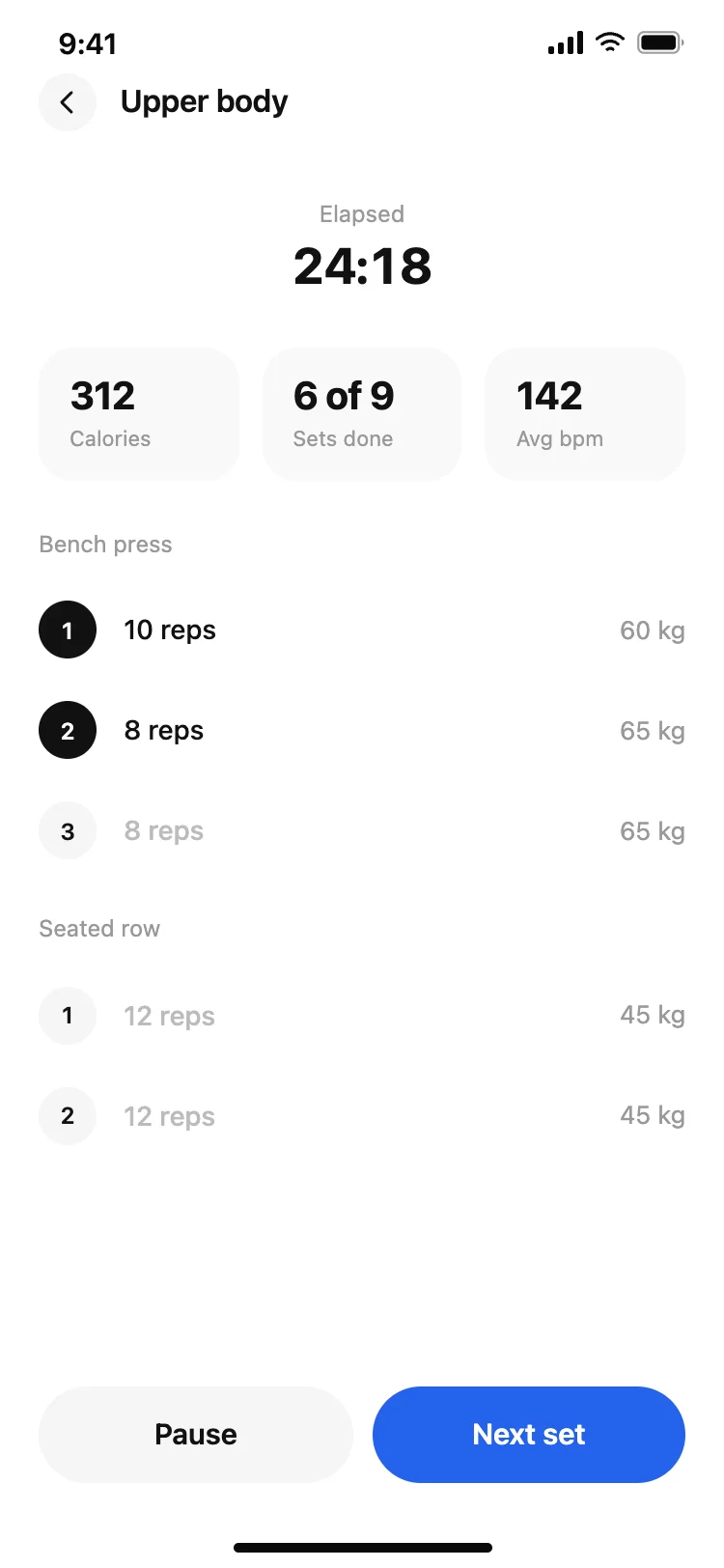
The current exercise, timer, reps and big pause and skip controls.
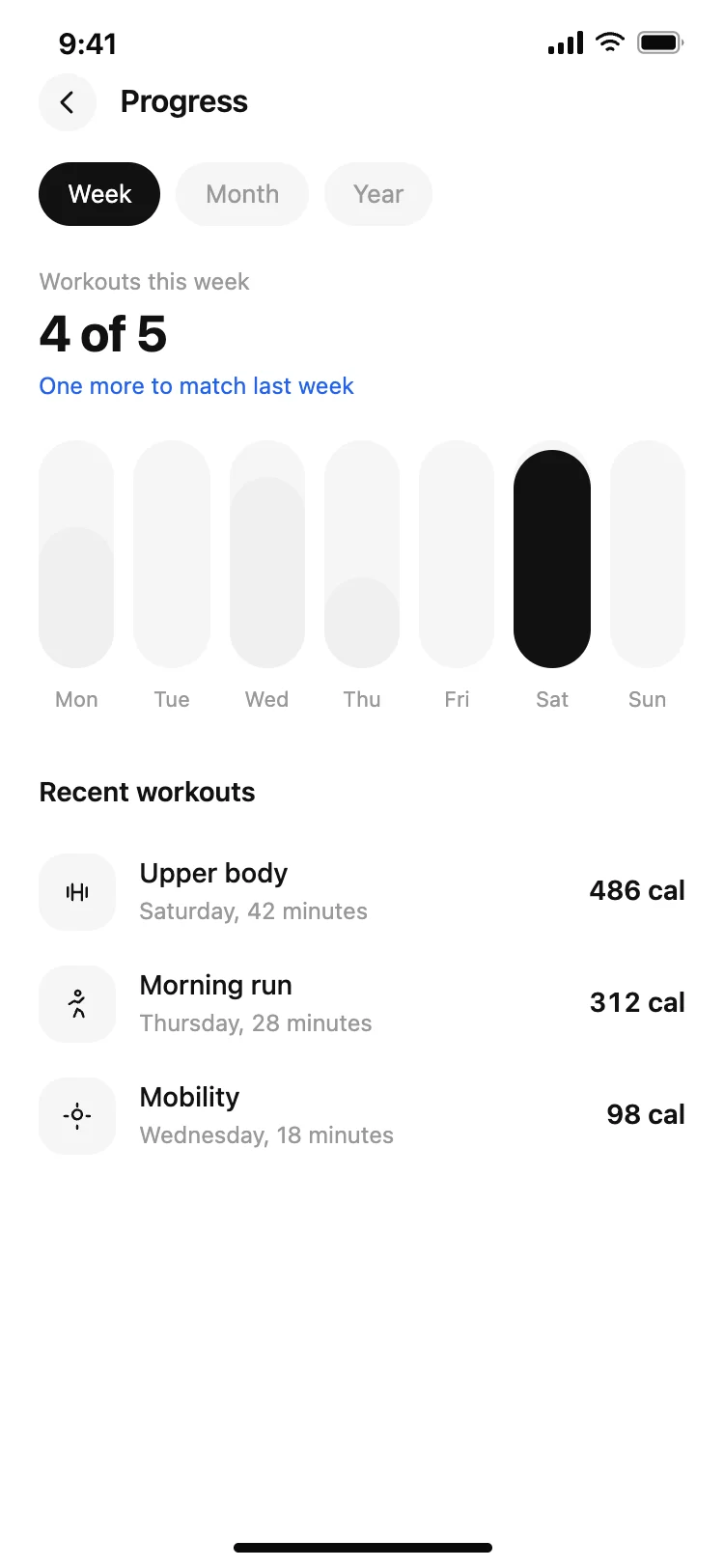
Weekly totals, personal bests and streaks in simple charts.
Units, connected devices, reminders and health data permissions.
Activity trackers lead with daily goals and history charts. Workout apps lead with programmes and a player screen that guides each exercise with timers and reps.
Running and cycling apps put the map and live stats first. Habit and wellness apps focus on streaks, gentle reminders and a calm daily check-in.
Design the in-workout screen with the most care: it is used tired, sweaty and at a distance, so every control needs to be large and every number readable at a glance.
Wearables change the design too. If people track with a watch, the phone app becomes the place for history and plans, so give charts and programmes more room and keep live controls simple.
Open any fitness app design above to see it live and full size.
Copy the screen from its page. It is plain HTML and CSS at phone size.
Save it in your project and ask Cursor or Claude Code for it in React Native, Expo, SwiftUI or Flutter.
Ask the tool to swap in your copy, brand colours and links, keeping the layout and spacing.
If starting a workout takes more than one tap from home, people put it off.
Show the few numbers that matter today; history goes one tap deeper.
Pause and skip need big targets.
Missed-day messages should invite, not scold.
Screens used outside need strong contrast in bright light.
They count consecutive active days or weeks and show them on the home screen. Allow a rest day or a freeze so one missed day does not end a long streak.
Show them as one number among others, not the headline, unless weight loss is the app's main goal.
Clear daily progress, one-tap workout start, readable screens mid-workout and visible rewards for consistency.
Onboarding with goals, home with today's progress, workout list, workout player, history and progress, and profile.
Yes. Ask Cursor or Claude Code to build these screens in React Native, Expo or SwiftUI and connect HealthKit or Google Fit.
A neutral base with one or two energetic accents for activity and progress, used consistently.
Streaks, goals, badges, personal bests and friendly reminders, all visible without digging.
Yes. They use cross-platform patterns that your AI tool can adapt per platform.
More design ideas