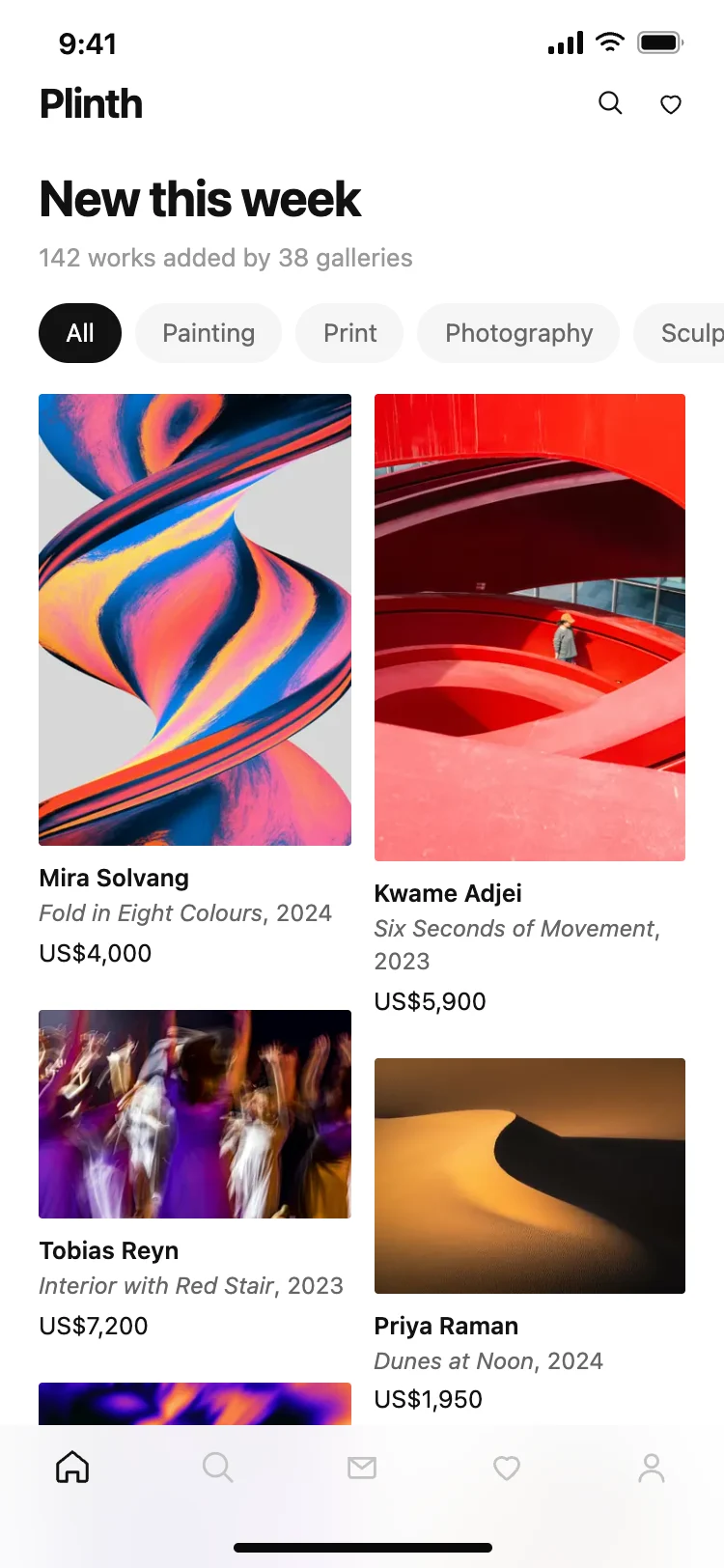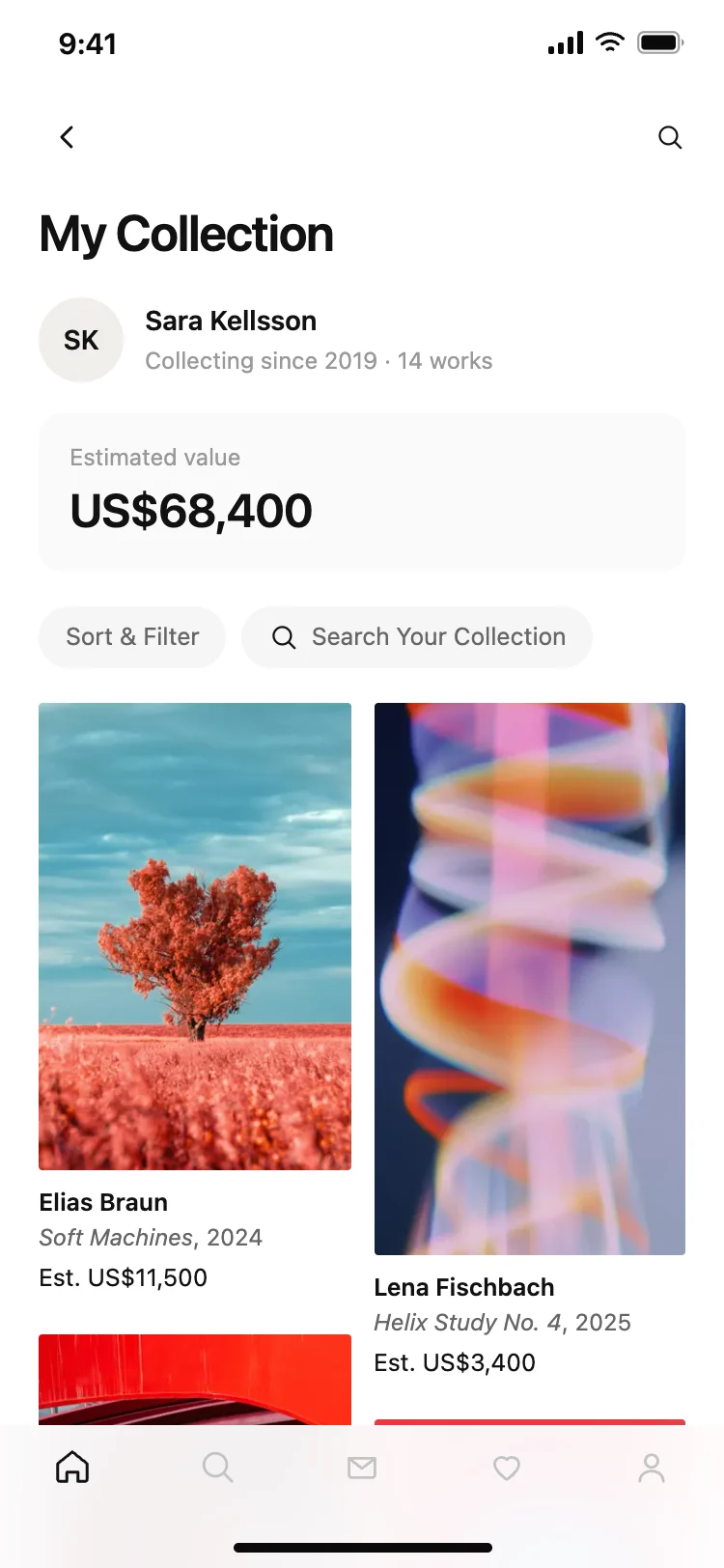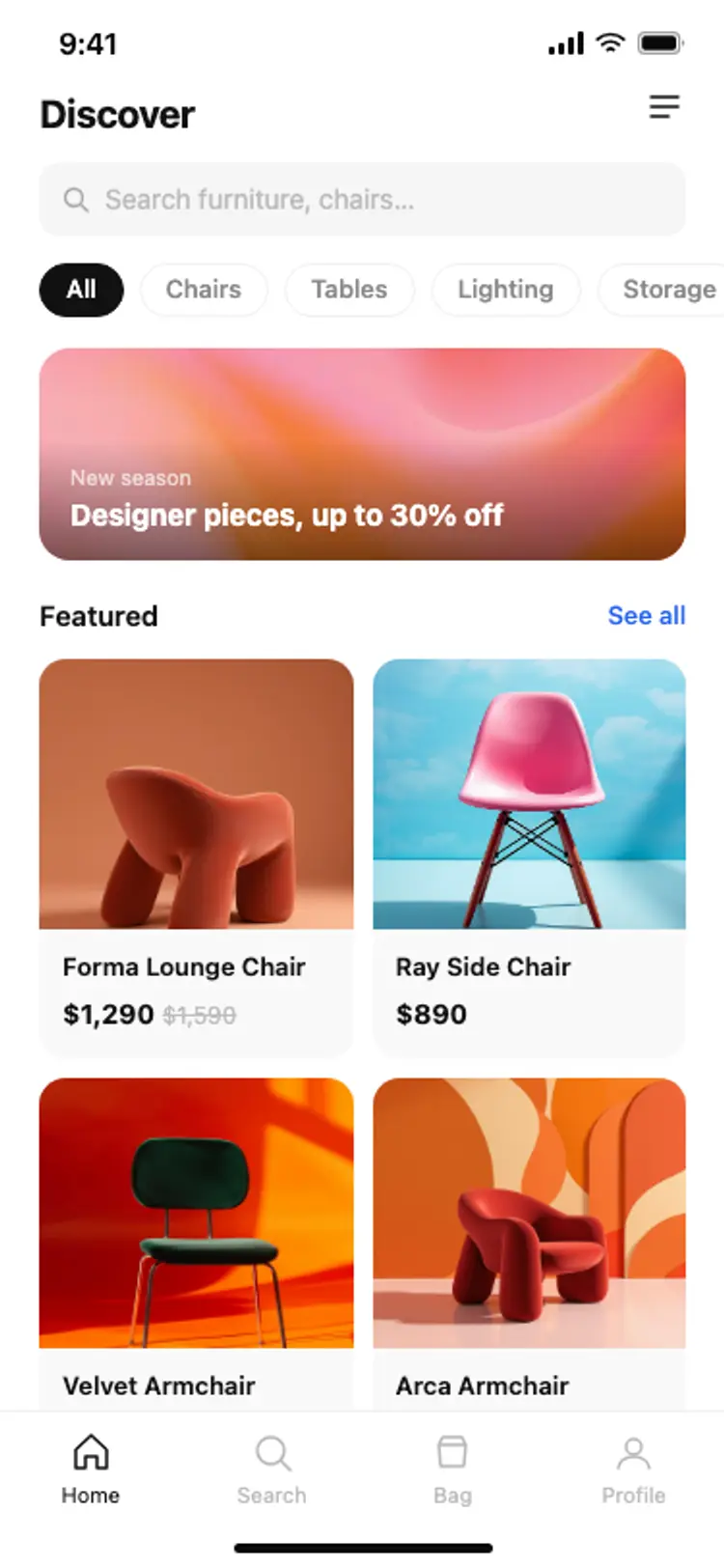
E-commerce app home: product feed
E-commerce · iOS and Android
Build this design with AI →Real shopping and ecommerce app screens, with what makes each one easy to buy from. Build any of them in Cursor, Claude Code or Lovable.
E-commerce · iOS and Android
Build this design with AI →E-commerce · iOS and Android
Build this design with AI →E-commerce · iOS and Android
Build this design with AI →E-commerce · iOS and Android
Build this design with AI →E-commerce · iOS and Android
Build this design with AI →Home · iOS and Android
Build this design with AI →Detail · iOS and Android
Build this design with AI →Detail · iOS and Android
Build this design with AI →Search · iOS and Android
Build this design with AI →Profile · iOS and Android
Build this design with AI →Every shopping app design above is a ready template. Browse and preview for free; copy the code with a BrowserMoon licence.
Get a licenceGood shopping app design makes products look great and buying take seconds. The best ecommerce apps lead with large product photos, keep price and add to cart visible, remember sizes and addresses, and make checkout one or two taps with Apple Pay or Google Pay. These ecommerce app UI examples cover shopping app home screens, product detail screens, cart and checkout screens, wishlists and marketplace apps.
Put the tab bar, cart and filters within reach of one thumb on large phones.
Keep sizes, recent searches and the cart between sessions so returning shoppers pick up where they left off.
Full-width images people can swipe and zoom.
A sticky add to cart bar on product screens.
Express pay and saved details turn a ten-step checkout into two taps.
Categories, search and filters reachable with one thumb.
Reviews, delivery dates and returns shown next to the button.
Featured products, categories and personalised picks.
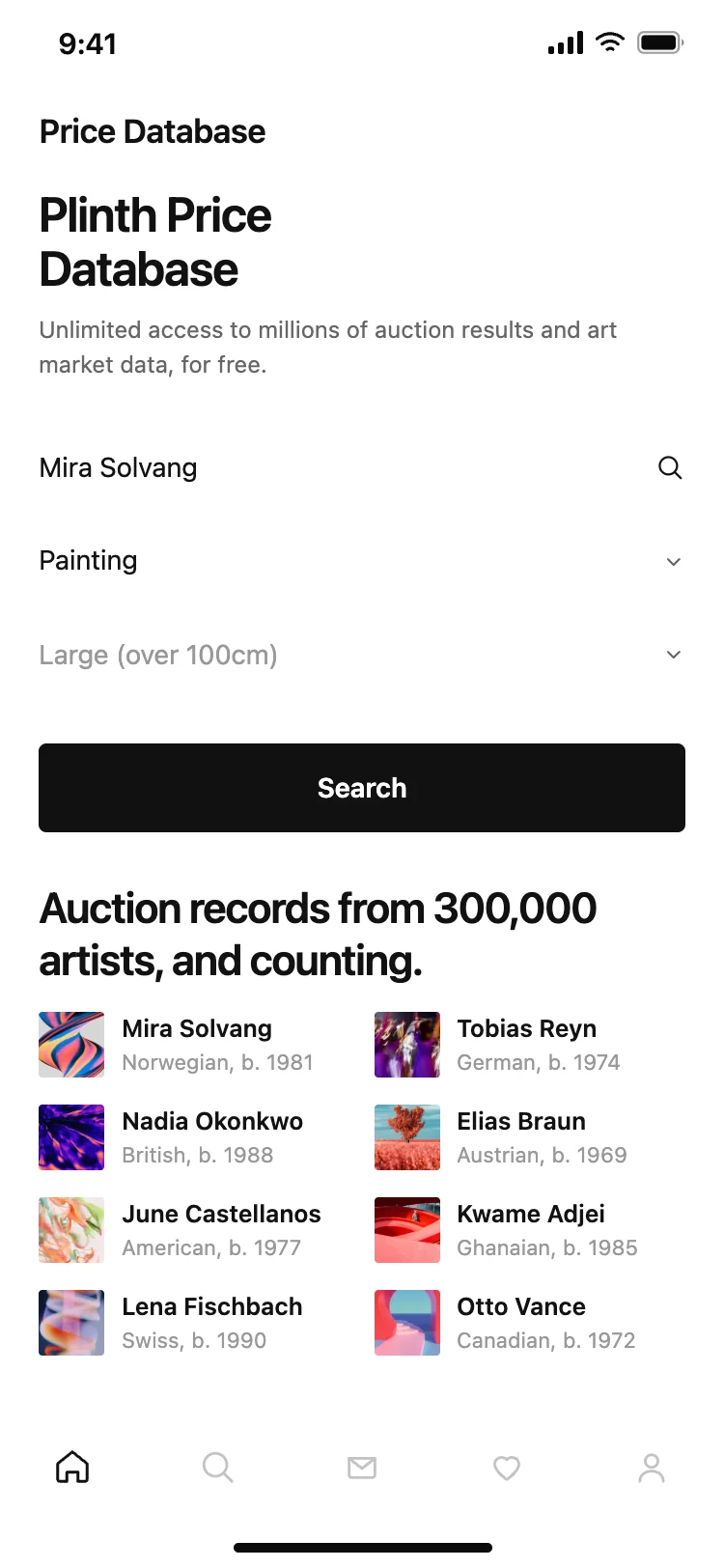
Search with suggestions and filters in a bottom sheet.
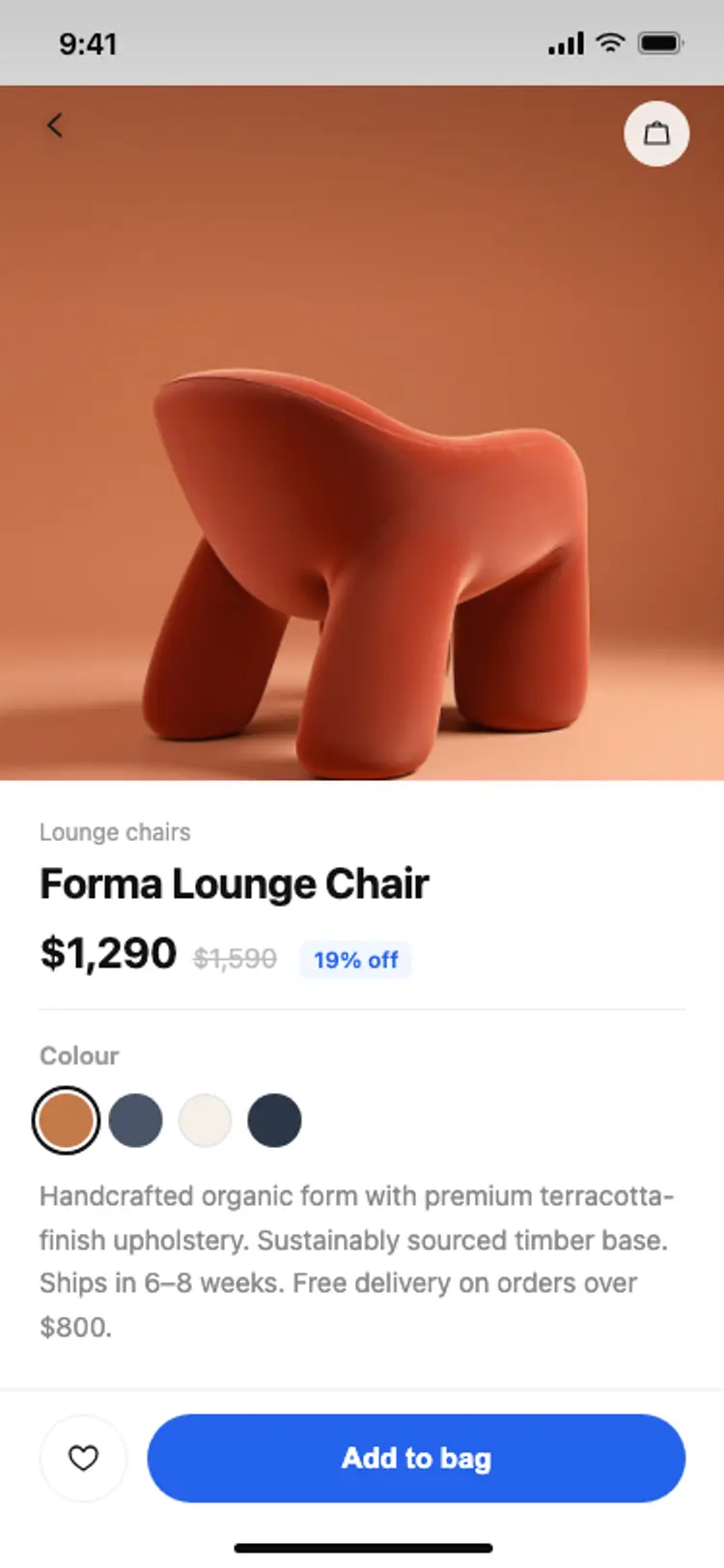
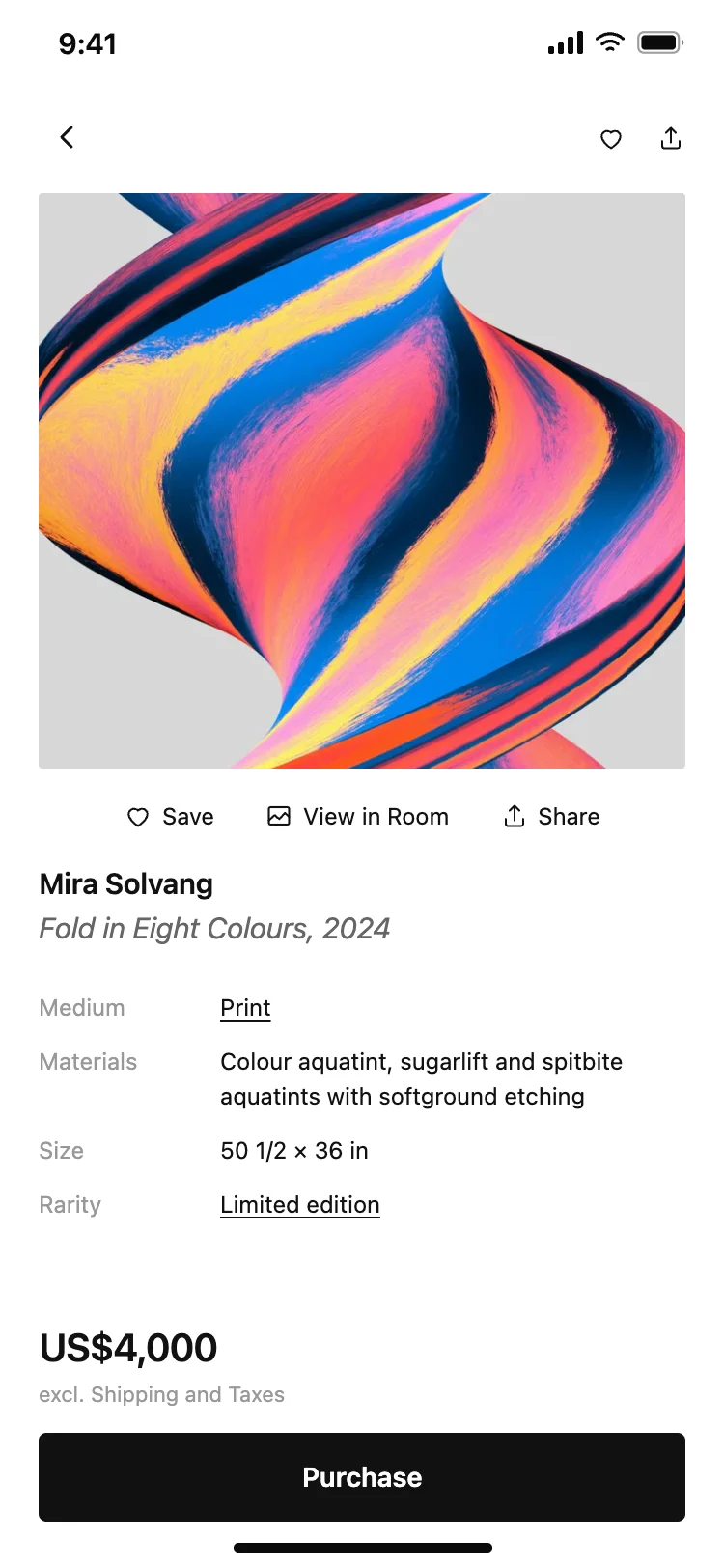
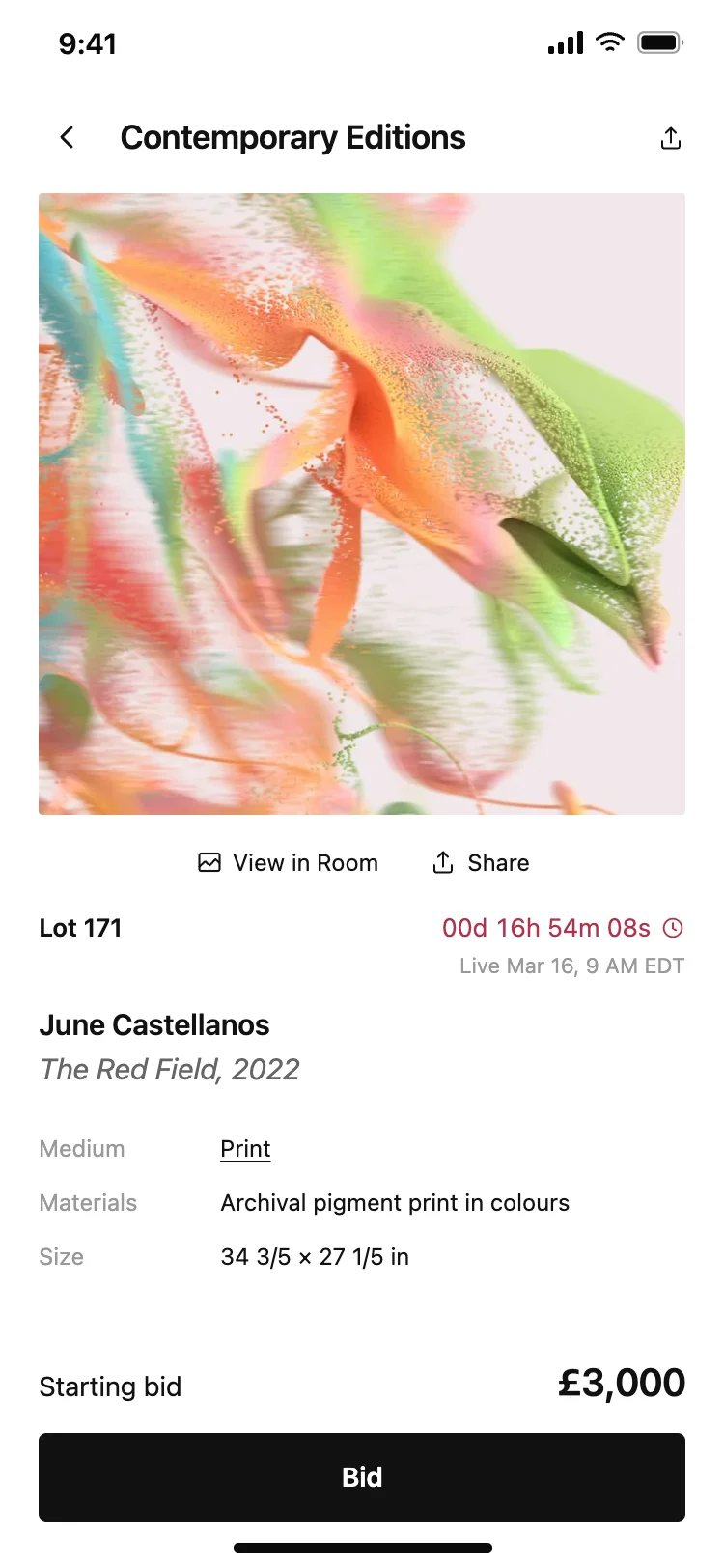
Large photos, price, options, reviews and a sticky add to cart bar.
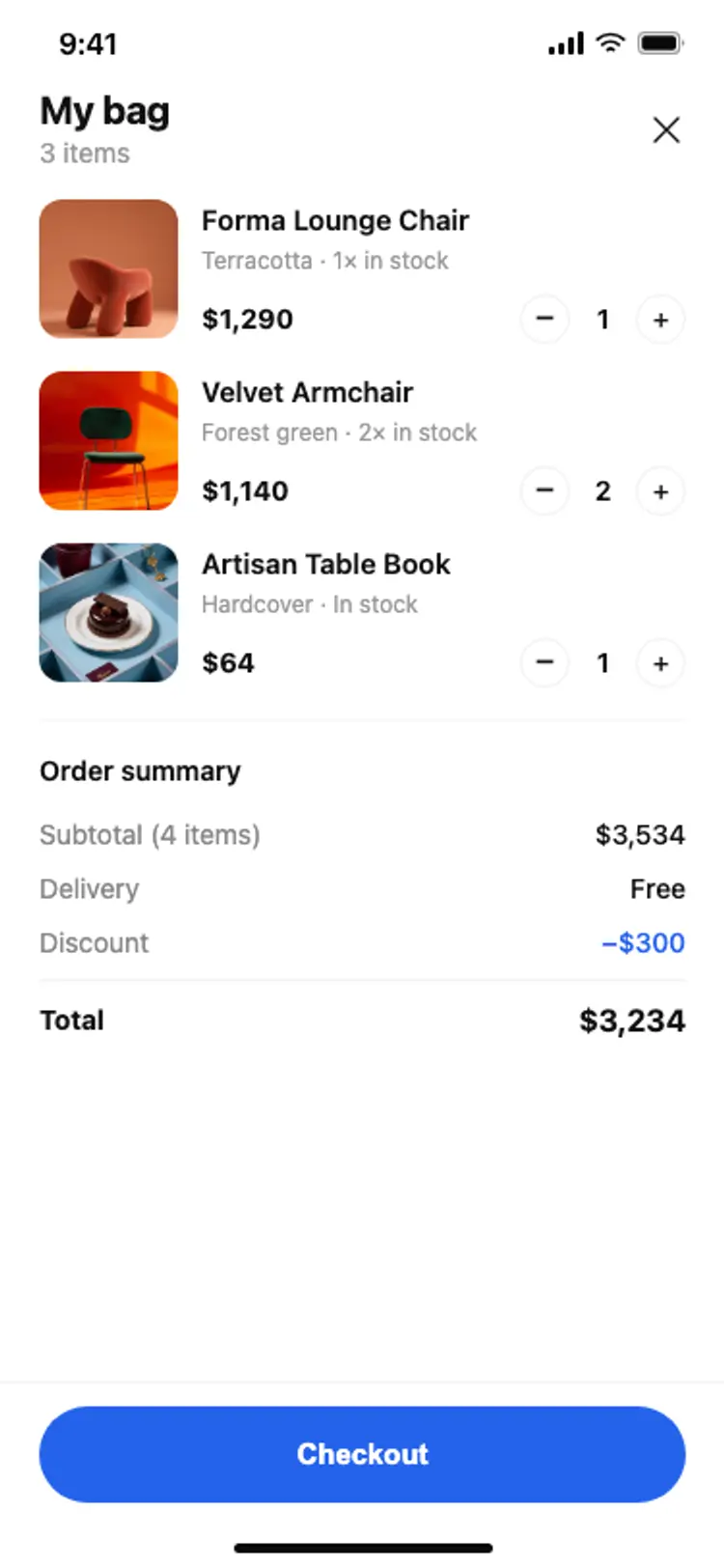
Items, quantities, totals and delivery cost before checkout.
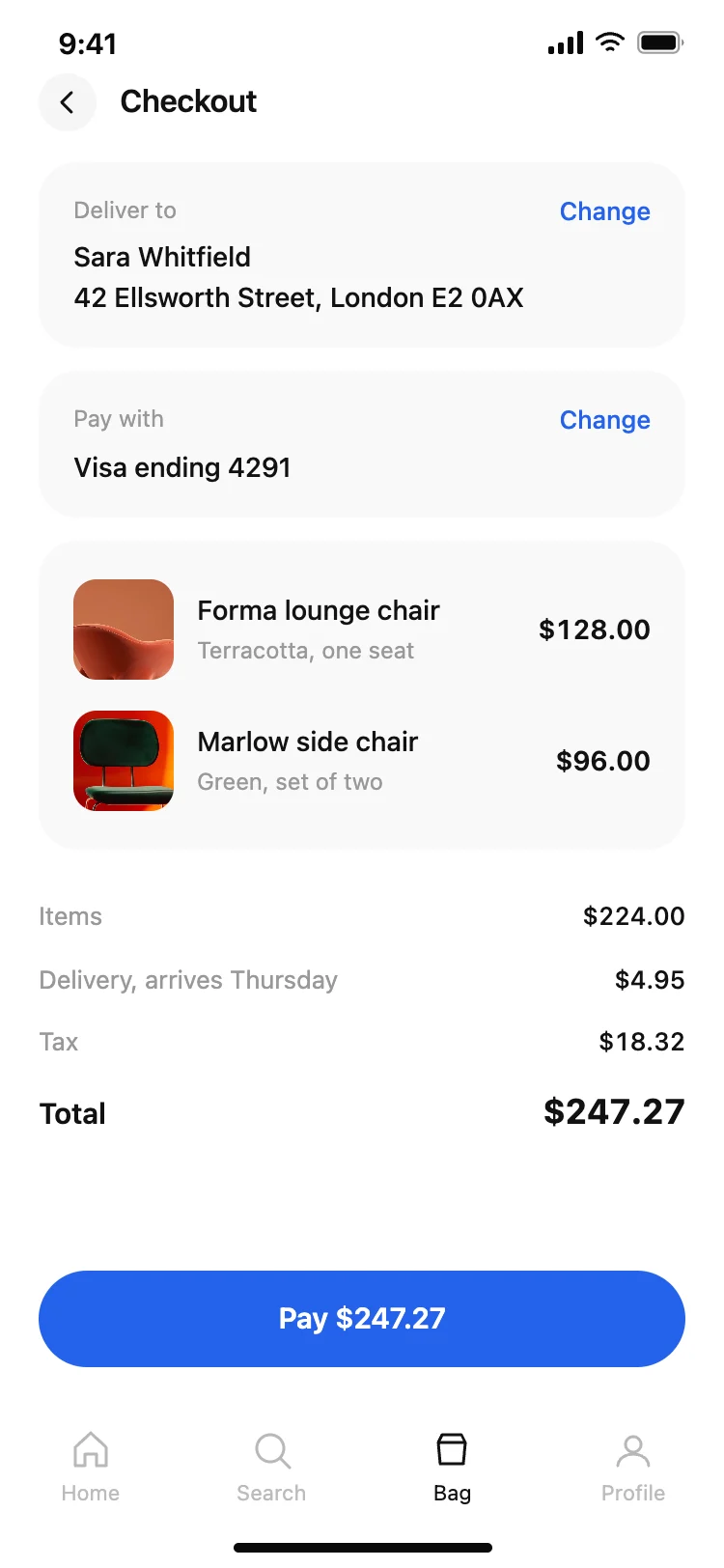
Address, delivery, payment and express pay on as few screens as possible.
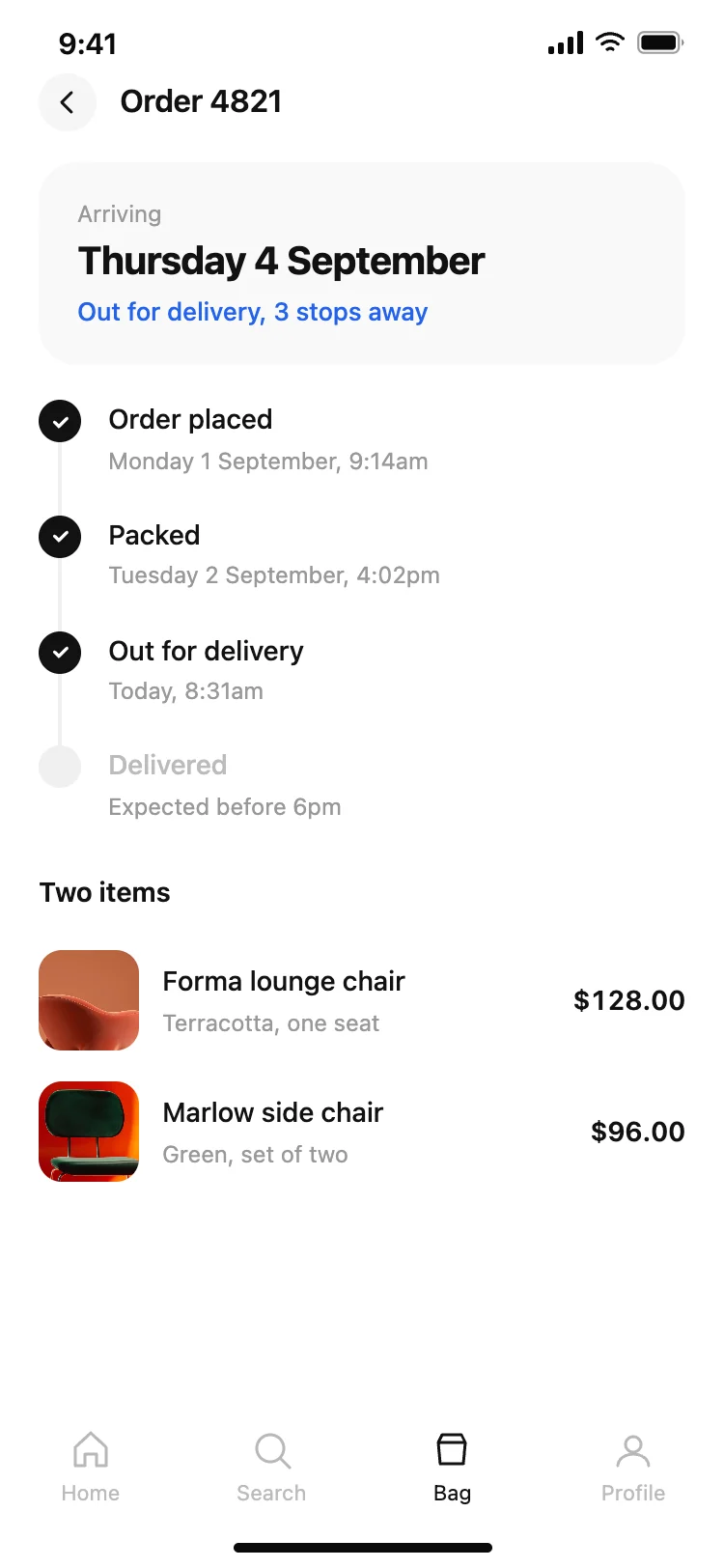
Order tracking, returns and saved items in the profile.
Brand store apps feel like a magazine, with editorial photography and collections. Marketplace apps lead with search and categories across many sellers.
Social shopping apps mix products into a feed, and resale apps focus on listings, offers and messaging between buyers and sellers.
Whatever the type, design the cart and checkout as carefully as the product page. Clear totals, easy quantity changes and express payment are where mobile sales are won or lost.
Push notifications are part of the design: back-in-stock alerts, price drops on wishlist items and delivery updates bring people back. Design the screen each notification opens, not just the message.
Open any shopping app design above to see it live and full size.
Copy the screen from its page. It is plain HTML and CSS at phone size.
Save it in your project and ask Cursor or Claude Code for it in React Native, Expo, SwiftUI or Flutter.
Ask the tool to swap in your copy, brand colours and links, keeping the layout and spacing.
Mobile shoppers judge by photos; make them big.
Let people buy as a guest or with express pay.
Show delivery and fees before checkout.
Put filters and sort in a bottom sheet within thumb reach.
Swipeable photos at the top, then name, price and options, then a sticky add to cart bar, with details and reviews below.
Yes. Many shoppers know what they want, so search should be one tap away from anywhere.
Large photos, visible price and add to cart, fast checkout with express pay, easy browsing and trust signals near the button.
Home, categories, search results, product detail, cart, checkout, order confirmation, wishlist and profile.
Yes. Ask Cursor or Claude Code to build these screens in React Native or SwiftUI and connect Shopify or Stripe.
Offer Apple Pay and Google Pay, save addresses and cards, and keep checkout to one screen where possible.
Yes. Saved items bring people back and give you a reason to notify them about price drops.
Yes. They use cross-platform patterns your AI tool can adapt for each platform.
More design ideas