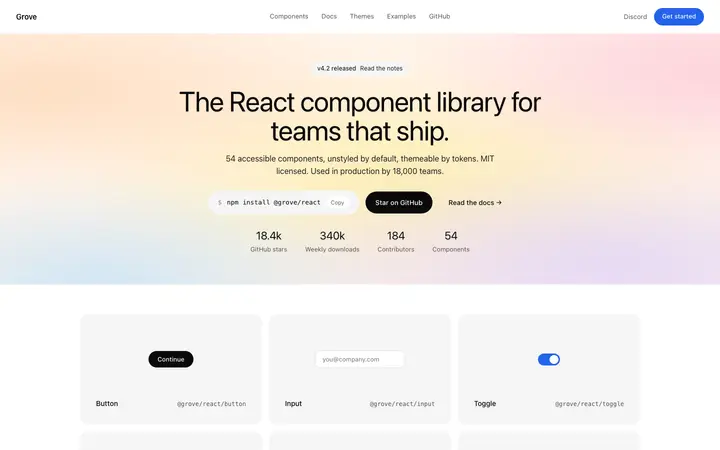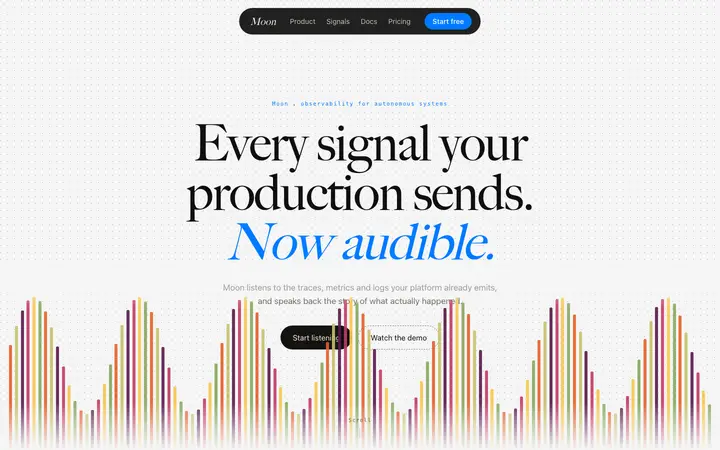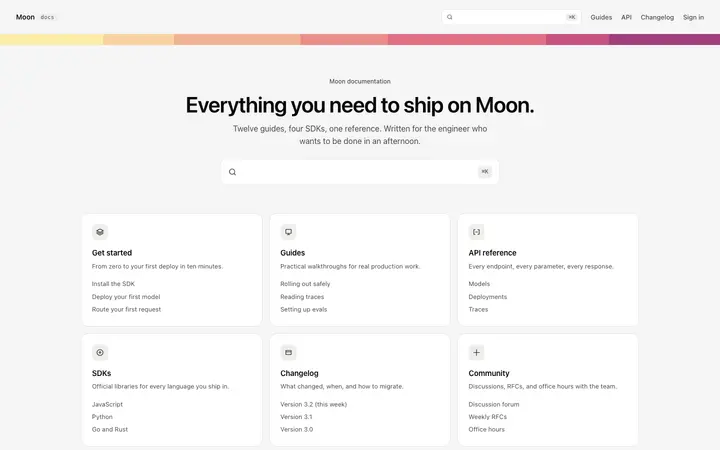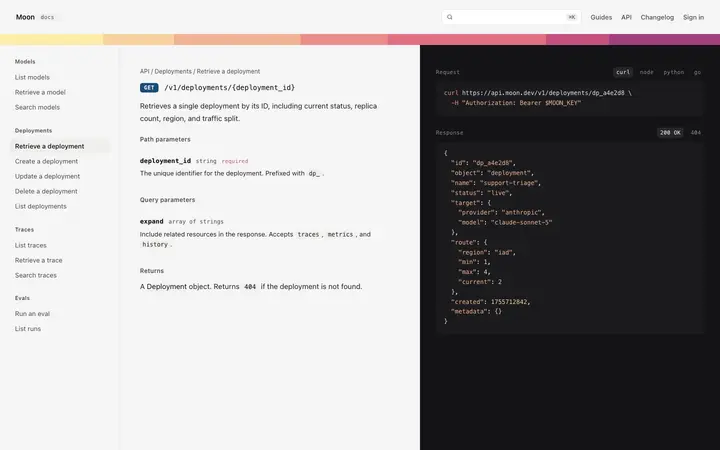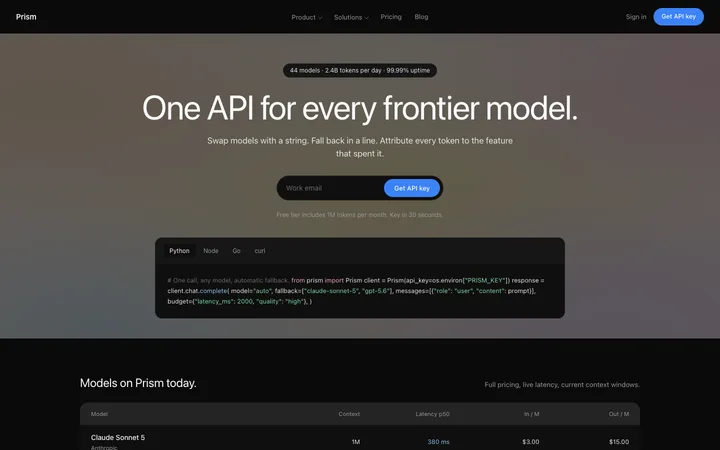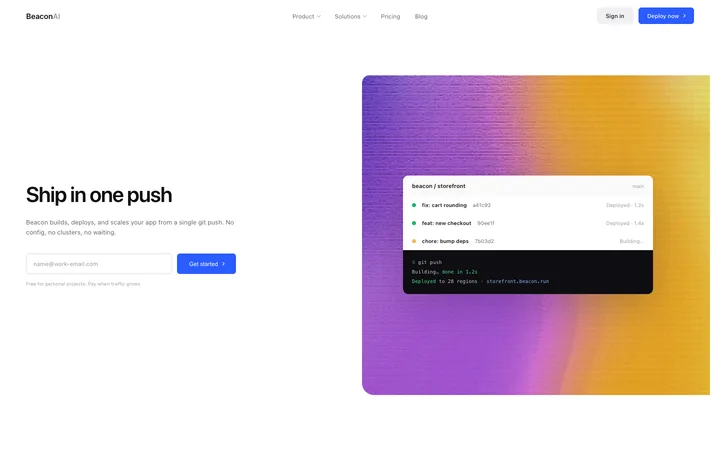
Developer tools SaaS landing page for hosting
Landing pages
Build this design with AI →Vercel sells to developers, and its website is a lesson in how to do that without shouting. A clean white page, sharp black type, one glowing triangle and real proof of speed. Many people assume it is a dark site like Linear; the marketing pages are mostly light, and the dark design lives in the product. Here is why the Vercel website works, and how to build a developer website with the same quality using AI.
A simplified map of the page, drawn by us. Open vercel.com next to it to compare.
A thin bar with product menus, docs, a log in link and a black button.
A near-white page, large black type, a short line on what Vercel does, two buttons, and the black triangle with a soft glow of colour behind it.
Logos and short stories from well known companies, shown as real screenshots.
Each one explains one job, like deploying, previewing or scaling, with a real interface or code next to it.
One last button, then a large footer that works as a sitemap.
Five choices make a page look like Vercel at a glance.
A near-white background with near-black text. High contrast, nothing decorative competing with the words.
Vercel released its own open source font family, Geist, with Geist Sans for text and Geist Mono for code. The mono font for code makes the developer audience obvious.
One black triangle, the logo, used as the hero object with a soft gradient glow. One strong shape instead of an illustration.
Colour appears in a few hero moments; the rest of the page stays black, white and grey.
The dashboard is dark, with thin borders and cards, which suits developers who work in dark editors all day.
Want a similar soft glow? Try our glow gradient generator, or compare with the dark Linear style.
The calm look is not the point. These five decisions are.
Short, technical, verb-led copy that developers trust. No marketing fluff they would skip.
Real customer stories and product screens show speed instead of claiming it.
Deploy, preview, scale: each section explains one thing and shows it.
Black, white and one accent of colour make the page feel fast and precise, like the product claims to be.
The same type, spacing and components on the website and in the dashboard, so there is no gap between promise and product.
Copies take the white page and the black triangle-style hero and skip the hard part: technical copy that says something specific, and real proof. A minimal page with vague words looks empty, not premium.
Vercel can be this minimal because developers already know the brand. Before you copy it, check what your visitors need to hear.
If your product is not famous, the headline has to explain it. Minimal design needs very clear copy.
A glowing logo works for a famous brand. For a new product, a real screenshot builds more trust.
It signals a developer product, but body text in mono is tiring to read.
One real customer quote or number beats three abstract sections.
Use the same type and components in both, so the product feels like the promise.
Ask Mon, the AI design assistant, to review your homepage and tell you what to keep from Vercel and what to change.
Pick one below and copy it. The clean layout, type and spacing are already done.
Claude Code, Cursor, Lovable, Bolt or v0. Ask for it in your stack.
One job per section, in the words your developers use, with a real screenshot or code.
Mon tells you what to fix before you launch, the way a senior designer would.
Landing pages
Build this design with AI →Landing pages
Build this design with AI →SaaS
Build this design with AI →SaaS
Build this design with AI →SaaS
Build this design with AI →Landing pages
Build this design with AI →Every developer template above is an original BrowserMoon design. Preview them all; copy the code with a BrowserMoon licence.
Get a licenceThe marketing website is mostly light: a near-white page with black type. The product dashboard is dark, which suits developers who work in dark editors.
Vercel uses Geist, its own open source font family, with Geist Sans for text and Geist Mono for code.
Technical copy that developers trust, real proof instead of claims, one job per section, and a calm black and white look that matches the product.
Start from a developer website template, build it with an AI tool like Claude Code or Cursor, write specific technical copy with real screenshots, and ask Mon to review it.
Copy the principles, not the brand. Use your own words, logo, colours and product. The templates on this page are original BrowserMoon designs.
More design breakdowns: Linear website design · Stripe website design · Apple product page design · SaaS landing page design
BrowserMoon is not affiliated with Vercel. Vercel is a trademark of its owner. This page is independent design commentary.