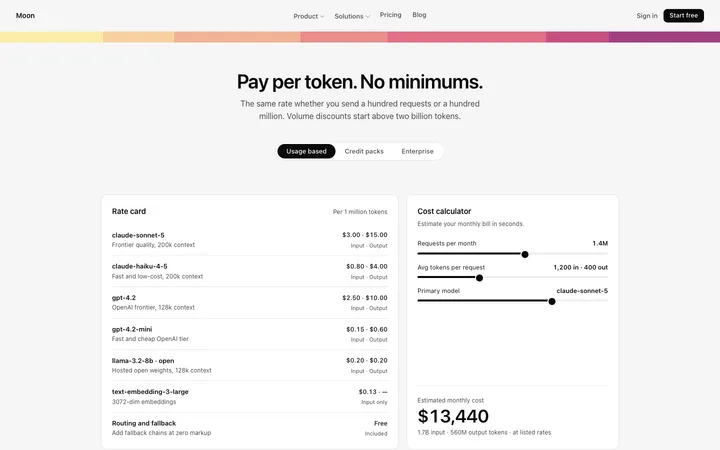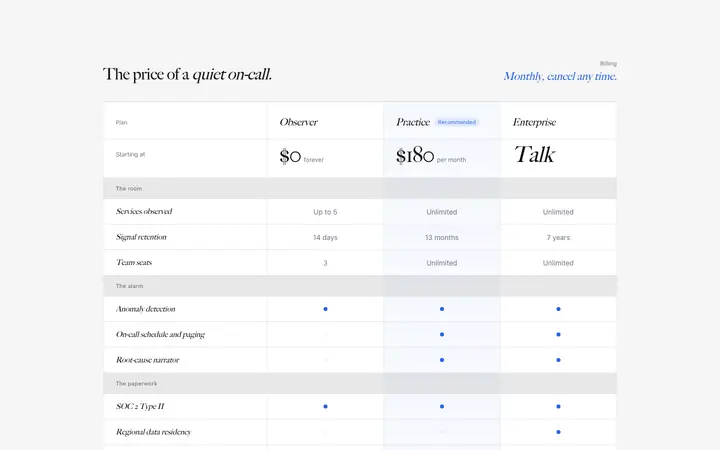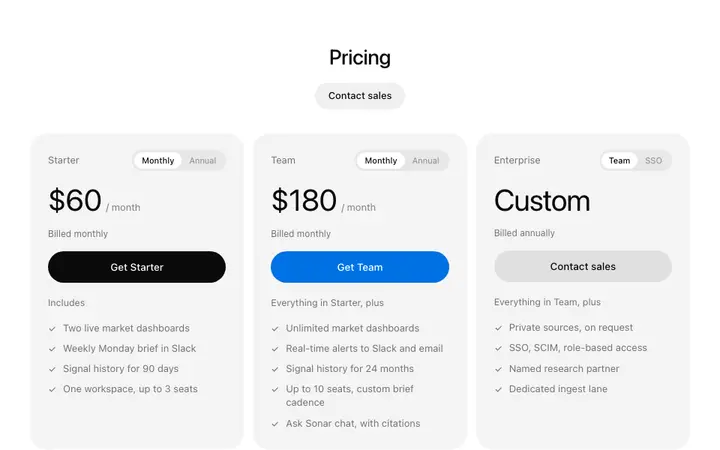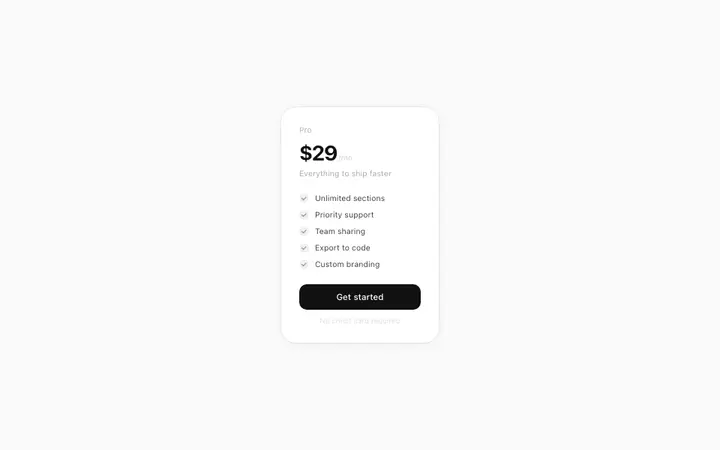
SaaS pricing page template with plan tiers
SaaS
Build this design with AI →People reach your pricing page, look at the plans, and leave. The price is rarely the real reason. More often they cannot tell which plan is for them, or they are afraid of picking the wrong one. Here is how to find what stops your visitors, and how to fix it.
A pricing page has three places to lose people. Measure them before you change anything.
If most visitors leave without clicking any plan button, the page itself is confusing or unconvincing.
If people click a plan but do not pay or sign up, the problem is the step after the pricing page.
If nobody picks your middle plan, the plans themselves may be set up wrong, not the design.
Someone sent from a blog post is not ready to buy like someone who came from a demo. Compare by source.
Match what happens on your pricing page to the most likely cause, then jump to the fix.
| What you see | Likely cause |
|---|---|
| Visitors look for a long time, then leave | Too many plans, or they cannot tell which one fits |
| Visitors leave quickly | Price shown without context, or unclear what the product does |
| Clicks go to the cheapest plan only | No recommended plan, or the difference between plans is unclear |
| Plan clicks but no sign ups | Surprise steps, card required too early, or unclear what happens next |
| Works on desktop, not on mobile | Plans or details hidden or cramped on small screens |
Each cause comes with the sign to look for, the fix, and where to see it done well.
Six or more plans make people compare instead of choose, and many choose nothing.
Fix: two to four plans, each clearly for a different kind of customer.
Plans named Basic, Pro and Plus say nothing about who they are for.
Fix: describe each plan by who it is for, like "for freelancers" or "for teams of 10+". Pricing page design →
Visitors understand the plans but worry about choosing badly. Prettier design does not fix doubt.
Fix: answer the risk: say they can switch plans any time, explain what happens at the limit, and offer a trial or guarantee if you can.
Long lists of limits and features make people do the maths themselves.
Fix: lead each plan with the result it gives, then list the details below.
Terms like seats, credits or API calls that the buyer does not use themselves.
Fix: use the buyer's words, and explain any unit in a short line. Pricing templates →
With no plan highlighted, visitors default to the cheapest or leave to think.
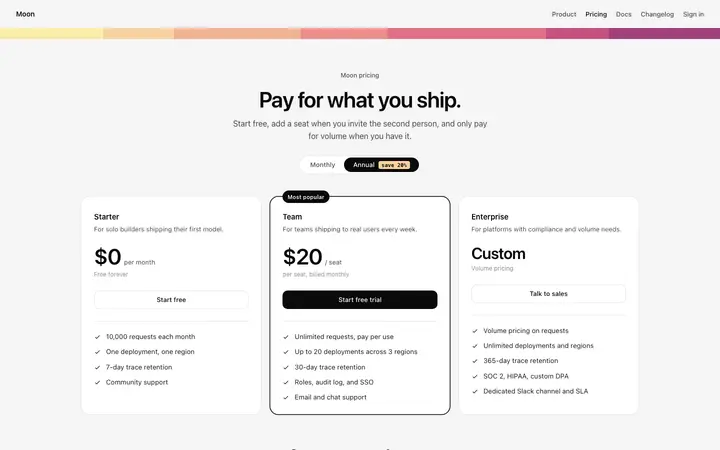
Fix: highlight one plan as the most popular or recommended choice.
Will I be charged now? Do I need a card? Visitors hesitate when they do not know.
Fix: say it on the button or right under it, like "Start free, no card needed".
A number alone feels expensive when nothing shows what it replaces or saves.
Fix: show what the price compares to, like the cost of the time saved or the tool it replaces.
Plans squeezed side by side, or details hidden behind tiny toggles.
Fix: stack plans on phones, keep the recommended plan first and the button visible.
Page, plan click or checkout: each needs a different fix.
Who is it for, in plain words, at the top of every plan.
Highlight a plan and answer "what if I pick wrong?".
Fewer choices and the buyer's own words.
Hierarchy, spacing and stacking on phones.
Ask Mon, the AI design assistant, share your plans and where visitors stop, and Mon tells you what to change first.
SaaS
Build this design with AI →Pricing
Build this design with AI →Pricing
Build this design with AI →Pricing
Build this design with AI →Pricing
Build this design with AI →CTA
Build this design with AI →Every pricing template above is an original BrowserMoon design. Preview them all; copy the code with a BrowserMoon licence.
Get a licenceUsually not because of the price. They cannot tell which plan fits them, they fear picking wrong, or they do not know what happens after they click.
Two to four is enough for most products. Each plan should be clearly for a different kind of customer.
Yes. A highlighted plan helps visitors decide quickly instead of leaving to think it over.
Not on its own. Clearer plans, a recommended choice and answers to the buyer's risk usually matter more than visual polish.
Yes. Share your plans and where visitors stop with Mon, the AI design assistant, and it tells you what to change first.
Related: Free trial not converting · Pricing page design · Landing page not converting · Onboarding drop off · Stripe website design