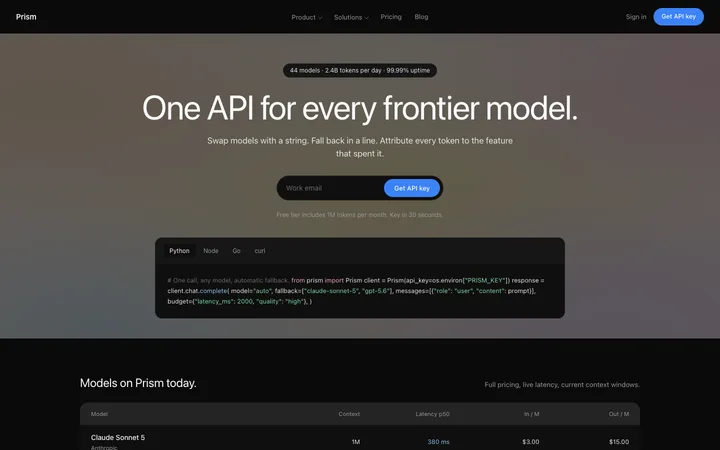
LLM API SaaS landing page template for developers
Landing pages
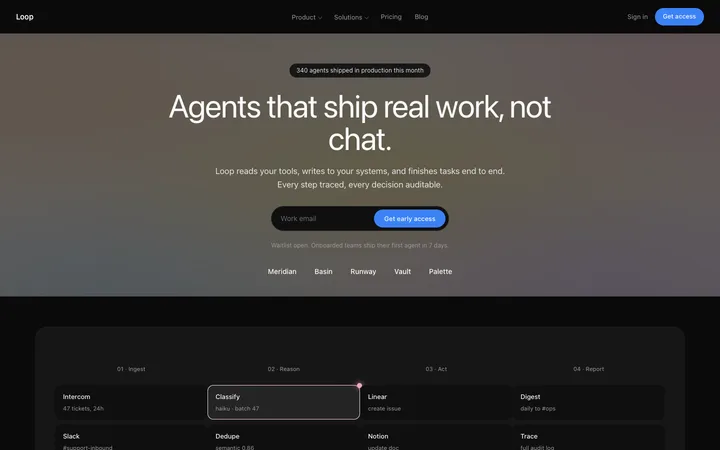
Build this design with AI →Linear's website started a design trend: a near-black background, soft gradient light, tight white type and the real product on stage. So many SaaS sites now copy it that "Linear style" has become its own category. Here is why the Linear website works, what most copies get wrong, and how to build a site with the same quality using AI.
A simplified map of the page, drawn by us. Open linear.app next to it to compare.
A short, quiet bar with one button.
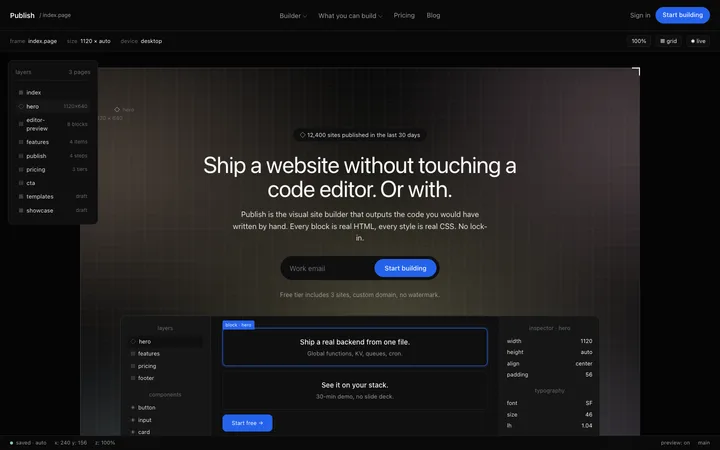
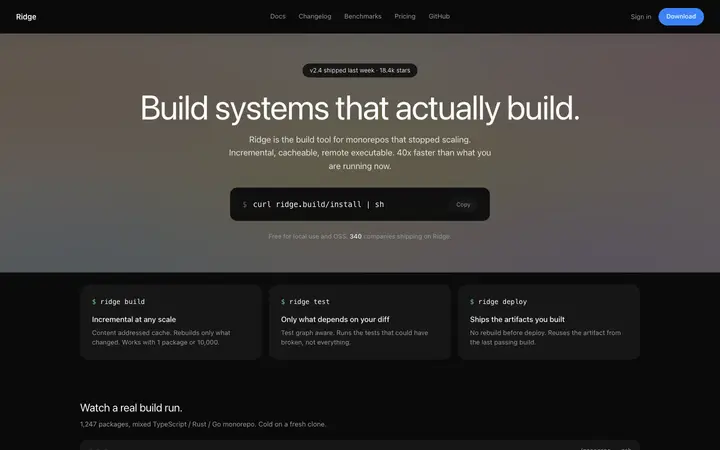
A large white headline, a muted supporting line, and a big product frame right below that does the convincing.
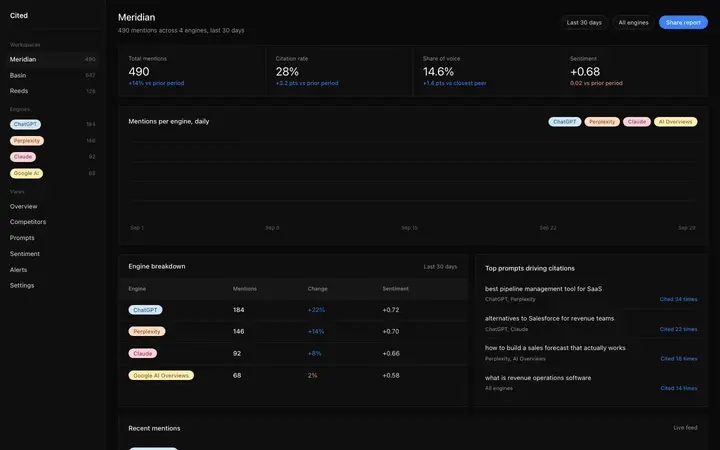
One message per section, each with a framed product screenshot on a dark panel.
Small feature rows on charcoal cards, layered a few shades lighter than the background.
One last button, then quiet links.
Five choices make a page look like Linear at a glance.
The page sits on an almost black canvas, with charcoal panels a few steps lighter on top. That layering creates depth without borders.
A lavender blue appears in a few places only, so it always means something.
Glows and blurs sit behind key areas, like light in a dark room, not as decoration everywhere.
Large headlines in a clean sans serif with slightly tightened letter spacing, light grey text and muted secondary copy.
Small reveals and hover states, nothing that fights the product.
Want the glow without the dark? Our glow gradient generator makes a soft light background for any hero.
The look gets copied. These five decisions are what make it work.
The biggest visual on the page is the real interface. Engineers trust what they can see.
Developers work in dark editors all day. A dark site says "we are one of you" before any copy does.
Each section says one thing, with one picture that proves it. Easy to scan, easy to remember.
Few colours, few effects, lots of space. The page feels as fast and precise as the product claims to be.
Teams know straight away who it is for.
The weak spot: one independent review (Landing Doctor, 86 out of 100) points out that the hero says what Linear is more than what teams get from it. Worth fixing on your own page.
Linear's look has been copied so widely that it now reads as a template. Copies take the dark background and the glow, and skip what makes it work: a real product worth showing, one clear message per section, and restraint. A dark page with a blurred mockup and five glowing effects is not Linear style; it is noise.
Linear sells to engineering teams who already live in dark mode. Before you copy it, check that your audience does too.
Developer tools, yes. A product for accountants or a consumer app, probably not.
If it is not ready to show, the Linear style will not work for you yet.
Not just the category. Tell teams what they get.
The moment you add a second, it stops feeling like Linear and starts feeling busy.
Grey on near-black is easy to make unreadable. Body text must stay easy to read.
Ask Mon, the AI design assistant, to review your homepage and tell you whether a dark Linear style fits your audience.
Pick one below and copy it. The dark layers, type and spacing are already done.
Claude Code, Lovable, Bolt, Cursor or v0. Ask for it in your stack.
Replace the product frame with your own screenshots and write one message per section.
Mon tells you what to fix before you launch, the way a senior designer would.
Landing pages
Build this design with AI →Landing pages
Build this design with AI →AEO
Build this design with AI →Landing pages
Build this design with AI →Landing pages
Build this design with AI →Animations
Build this design with AI →Every Linear style template above is an original BrowserMoon design. Preview them all; copy the code with a BrowserMoon licence.
Get a licenceA dark SaaS design trend named after Linear's website: a near-black background, layered charcoal panels, one muted accent colour, soft gradient light, tight white type and the real product as the main visual.
It became the shorthand for a premium developer tool, and its parts are easy to copy. Most copies keep the look and lose the reasons it works: a real product, one message per section and restraint.
There is no evidence that dark converts better. It works when it matches the audience, like developers who work in dark editors all day.
Start from a Linear style template, build it with an AI tool like Claude Code or Cursor, use your real product screenshots, and ask Mon to review it before you launch.
Copy the principles, not the brand. Use your own words, colours, logo and product on a layout built on the same patterns. The templates on this page are original BrowserMoon designs.
More design breakdowns: Vercel website design · Stripe website design · Notion onboarding flow · dark mode website design · SaaS landing page design · hero section design
BrowserMoon is not affiliated with Linear. Linear is a trademark of its owner. This page is independent design commentary.