User profile screen app template
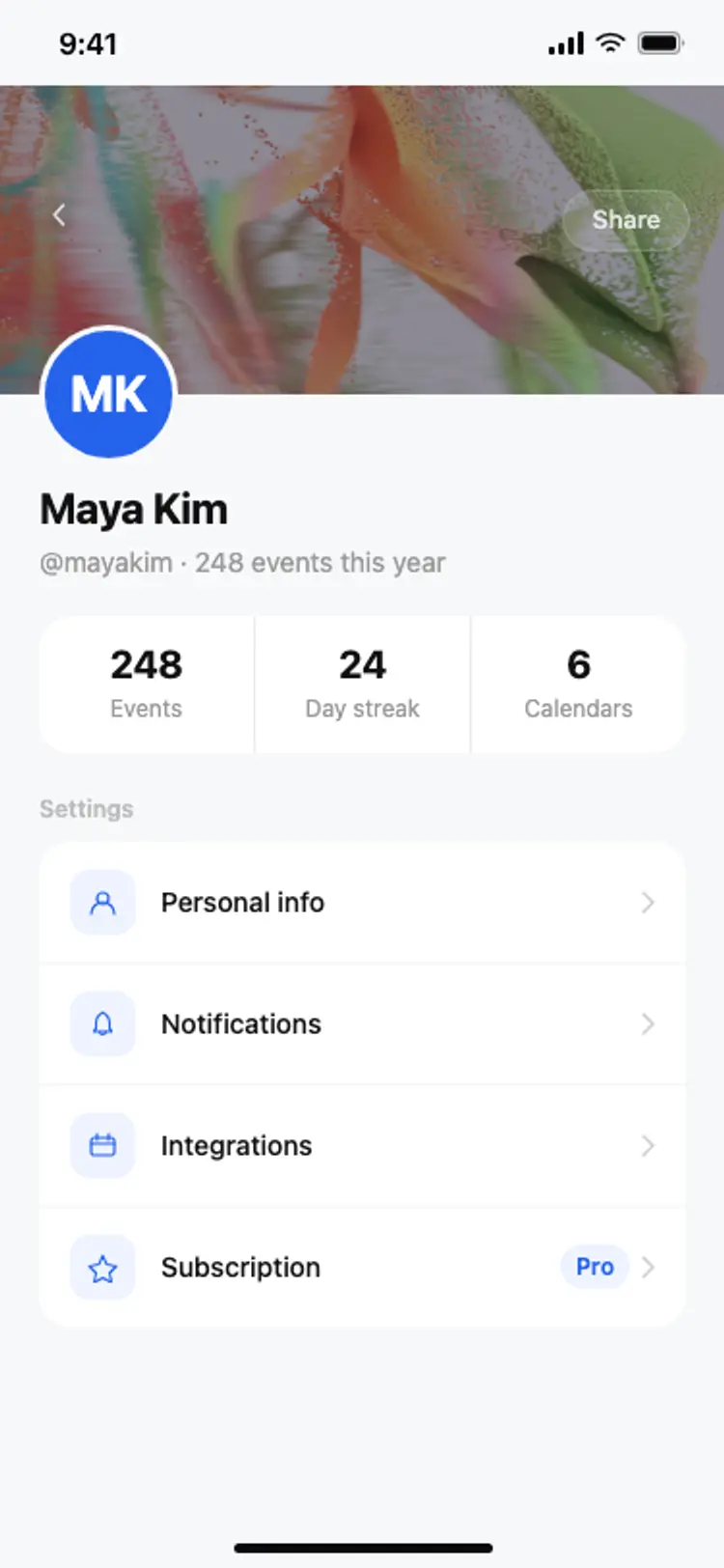
A user profile screen for iOS and Android apps. Dark gradient header with an Edit profile button, a circular avatar overlapping the header, name and handle below, a three-column stat row for projects, followers, and following, and a list of settings rows with colour-coded icons. Built for Bolt, Lovable, and Replit.
About this app template
The user profile screen appears in almost every social, productivity, and consumer app. This template gives you a complete implementation. A dark gradient header matches the home screen hero card for visual consistency. A circular avatar photo overlaps the header and the white body below. The user's name, handle, and join date sit just below the avatar. A three-column stat row shows key numbers with a subtle divider grid. Below, four settings rows each have a colour-coded icon, a label, and a chevron. The subscription row includes a Pro badge. Paste it into Bolt, Lovable, or Replit and ask your AI to populate the avatar, name, and stats from your auth provider and backend.
Build a full mobile app with this template design
A profile screen sets how the app treats avatars, stats, tabs, and settings rows, patterns that repeat across the product, so it can set the standard for every screen after it. Copy the template, paste it into Claude Code, Replit, Lovable, ChatGPT Codex, Bolt, or Cursor, and send this alongside it.
Paste into Claude Code, Replit, Lovable, Bolt, or Cursor
Common questions about this template
How do I load the user's real avatar and name on this screen?
Paste this template into Bolt, Lovable, or Replit and ask your AI to fetch the authenticated user's profile from Supabase, Clerk, or Firebase. Your AI replaces the placeholder avatar URL and name with the real values from the user's session or profile table.
How do I add a sign-out button to a profile screen?
Ask your AI to add a sign-out row at the bottom of the settings list with a red label. Wire it to your auth provider's sign-out method. On success, route the user back to the sign-in screen.
Can I show a follower count from a real database?
Yes. Ask your AI to query your followers table and pass the count to the stat row. Most AI tools can write the database query and wire it to the component in one prompt once you describe your data model.
How do I add more settings rows to this screen?
Duplicate any existing row div and update the icon colour, label, and destination. Ask your AI to wire each row to the correct screen or action in your app. The layout stacks rows automatically.
Use this template for
- ·User profile screens for iOS and Android social and productivity apps
- ·Account settings and personal info screens
- ·Creator profile pages with follower and project counts
- ·Subscription and plan management screens
More profile app templates
View all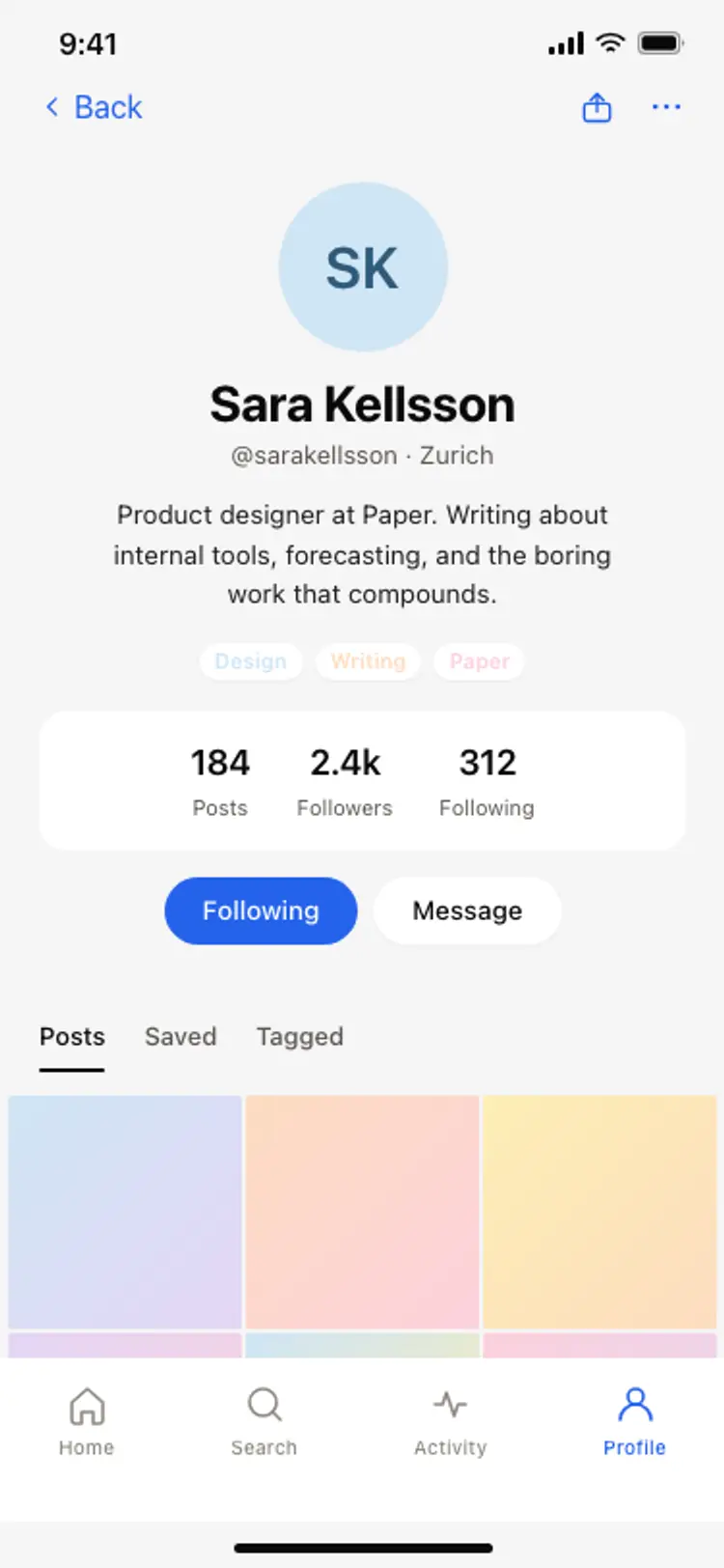
Other app templates you might like
See also
Browse app templates