Antigravity hero templates for AI websites and apps
Real hero designs you can copy into Antigravity. Antigravity turns a pasted template into code in your project's stack, written and tested by Antigravity's agents. Below: the designs, how to set Antigravity up so it keeps the design, and what makes a good hero section.
Antigravity hero templates
211 hero design templates for Antigravity. Browse the full BrowserMoon library for every template category.
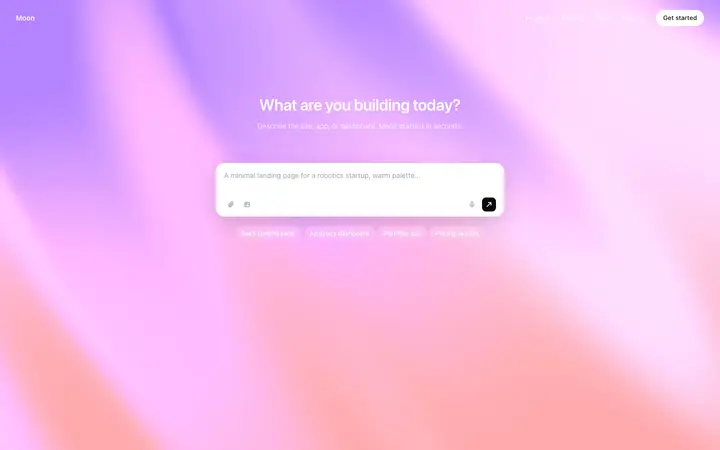

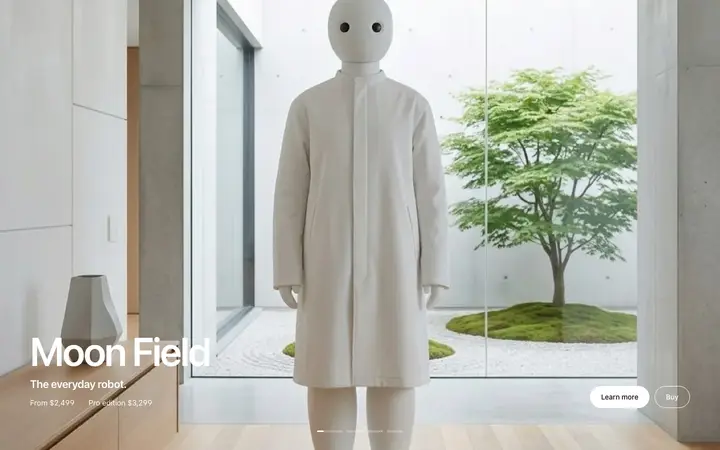
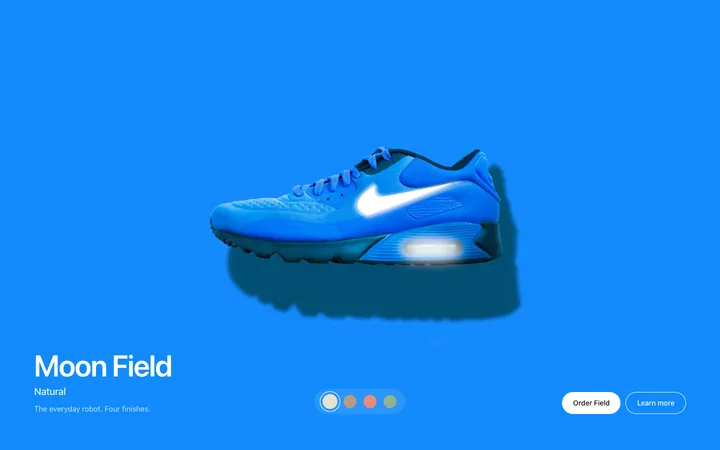

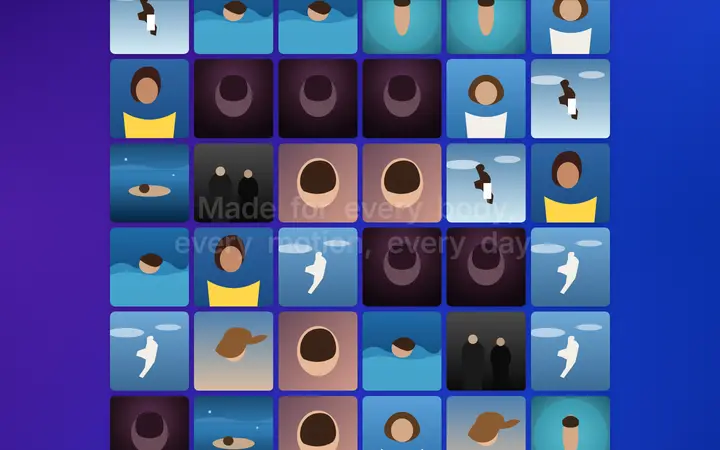
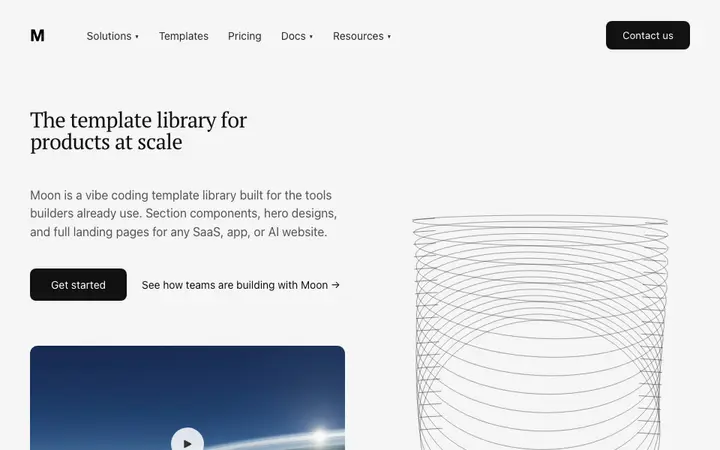
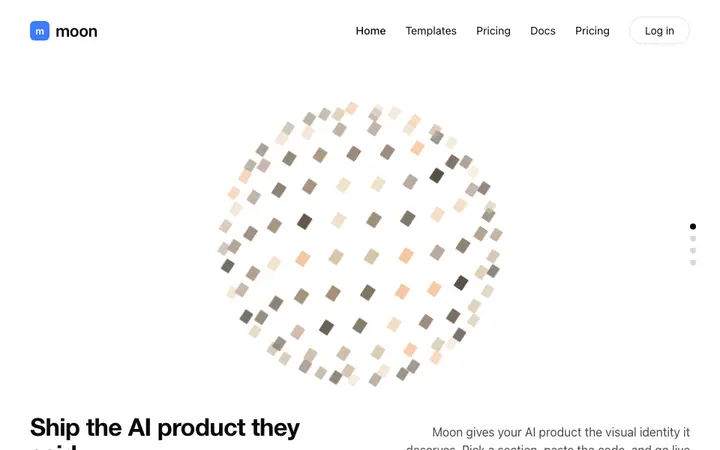





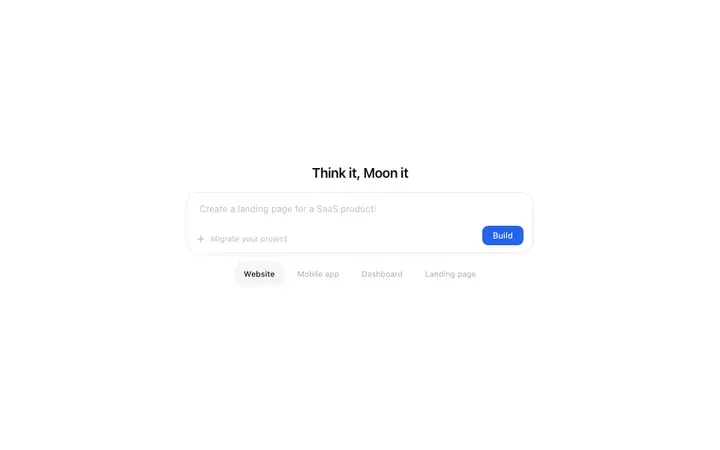
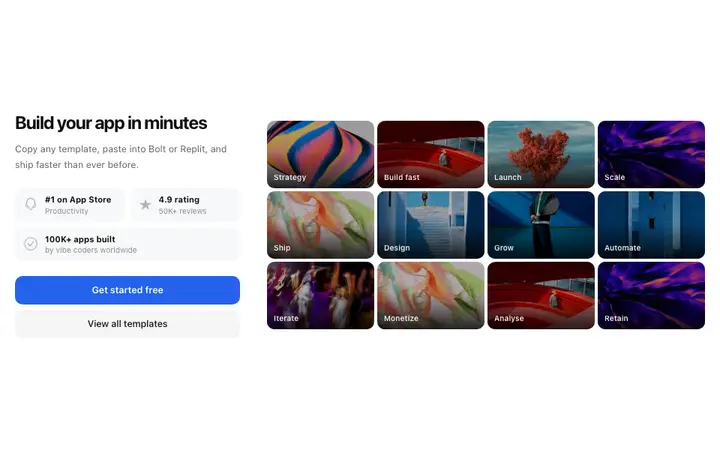
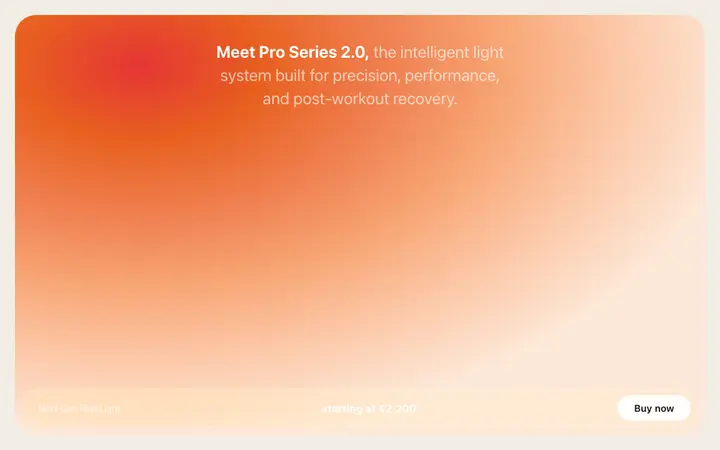

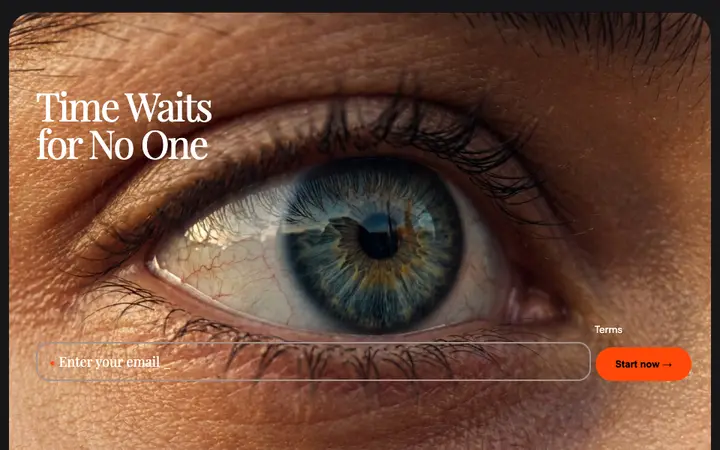
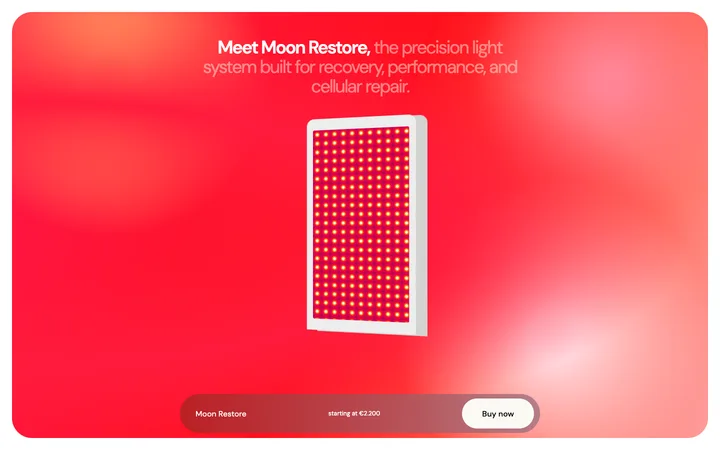
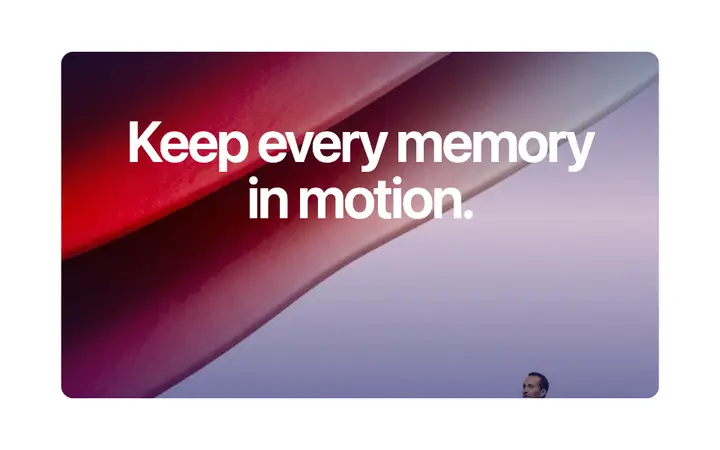

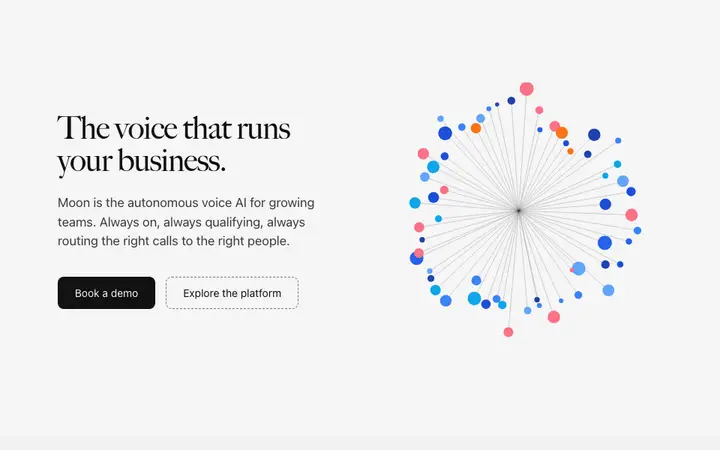
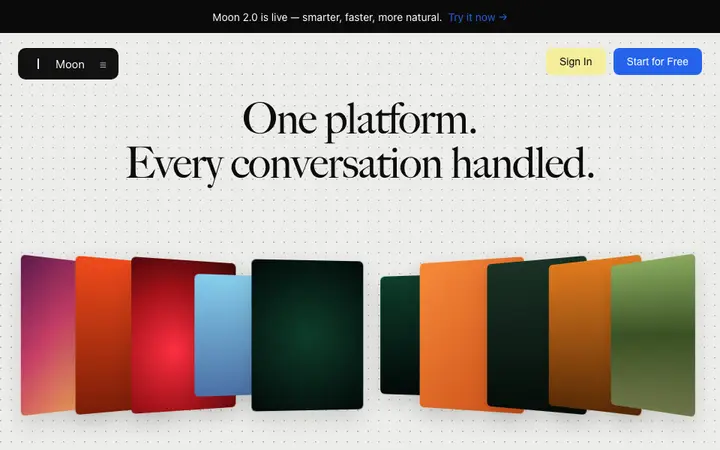



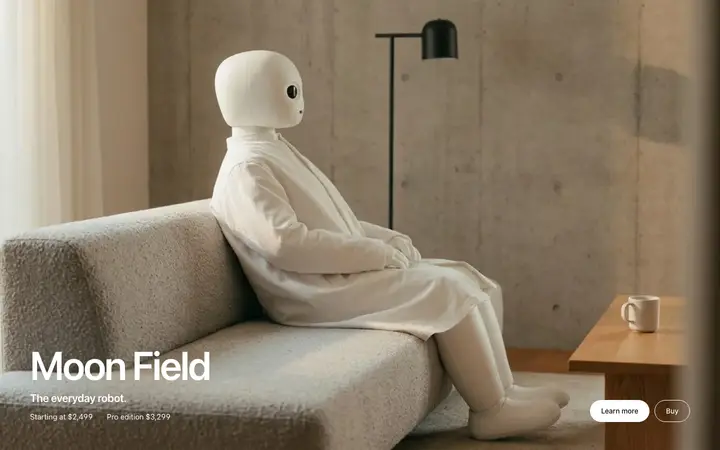

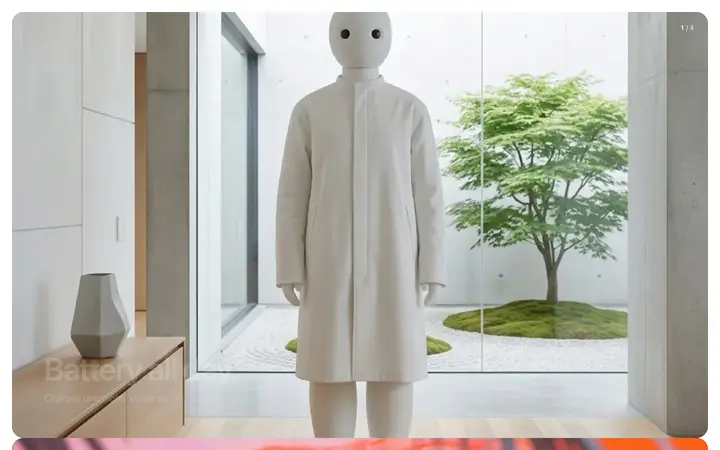
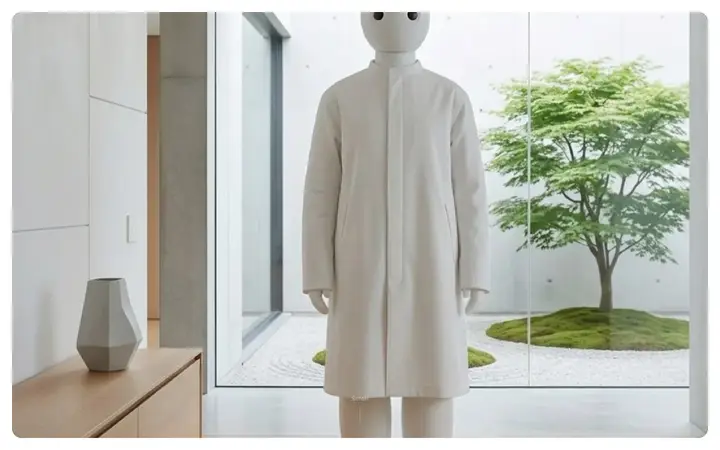
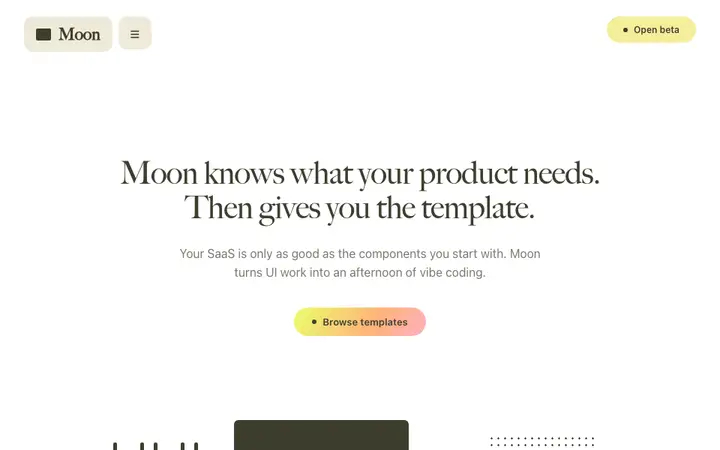
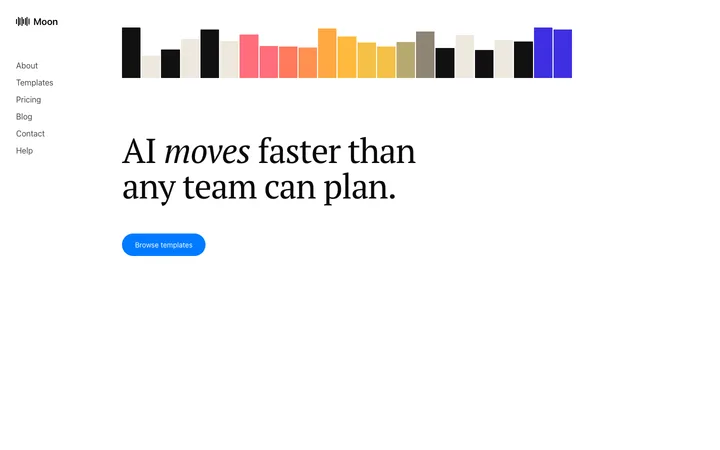
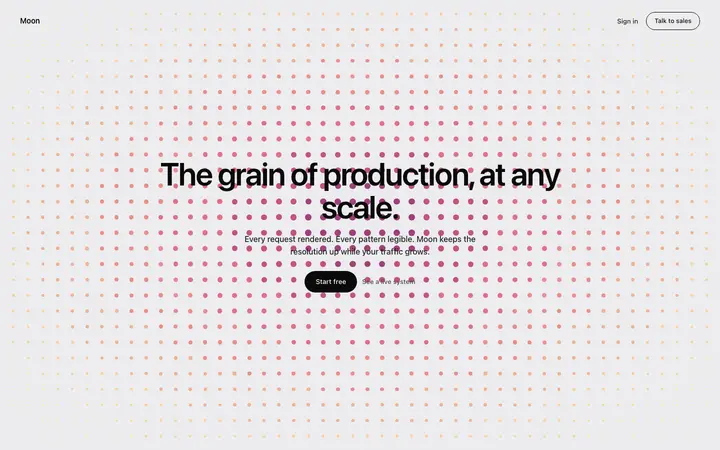
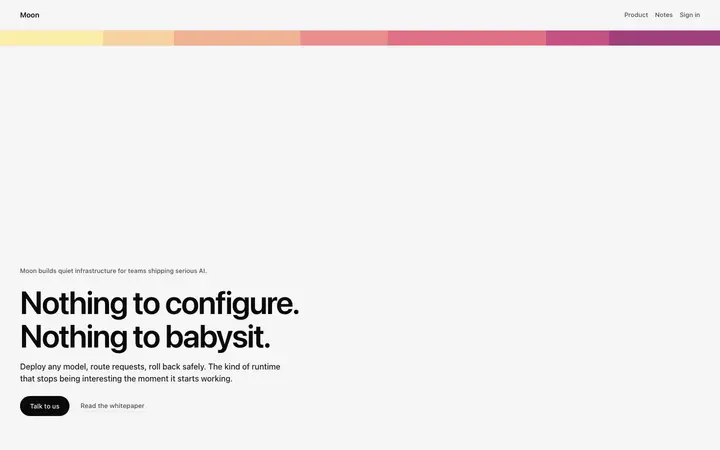
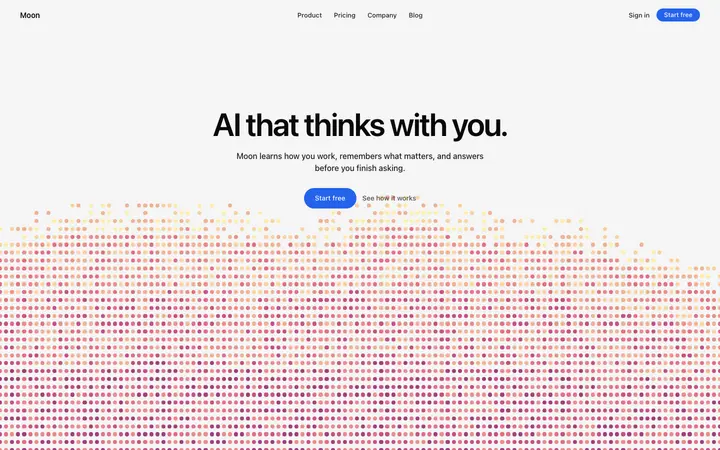
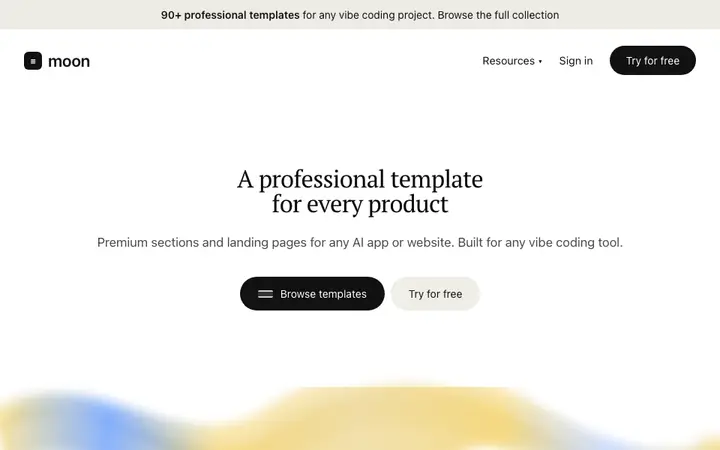
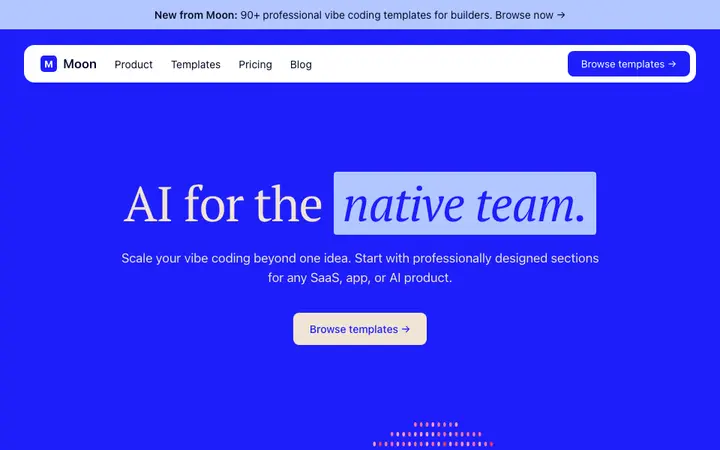
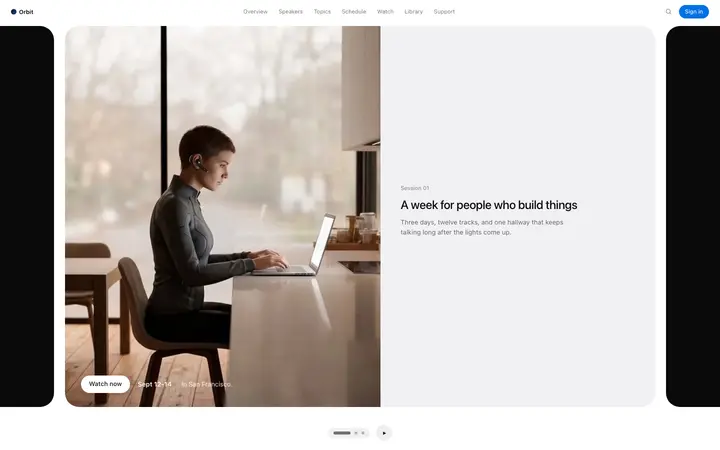
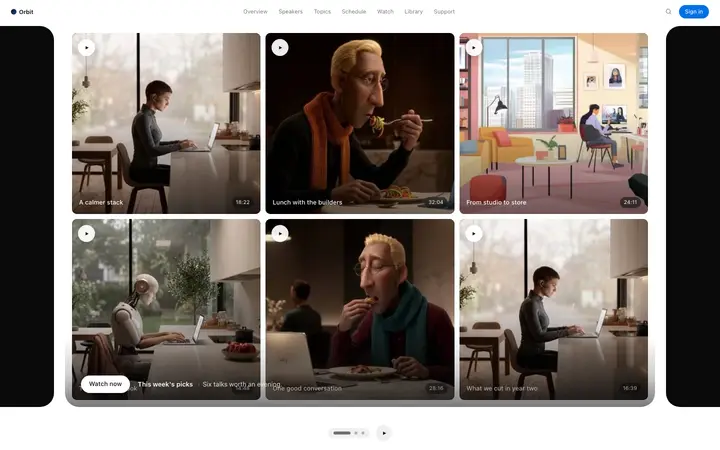
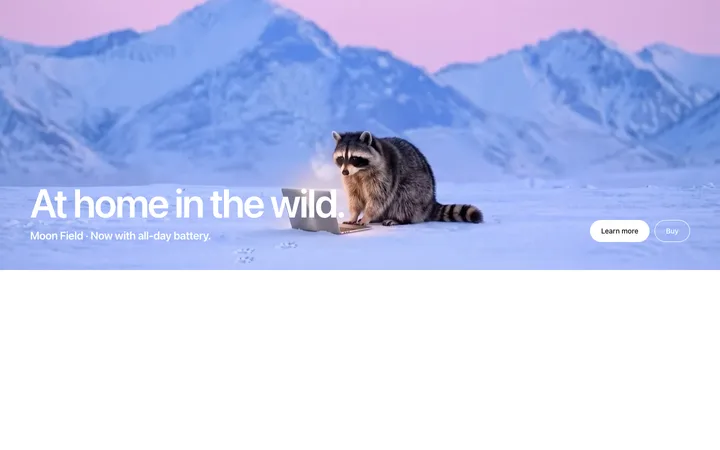
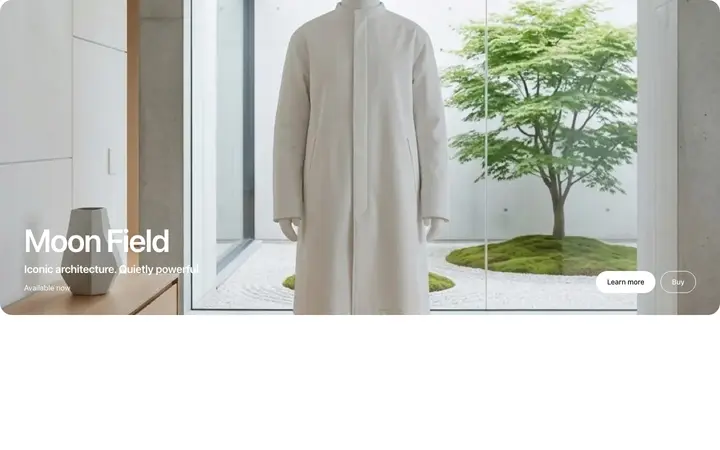
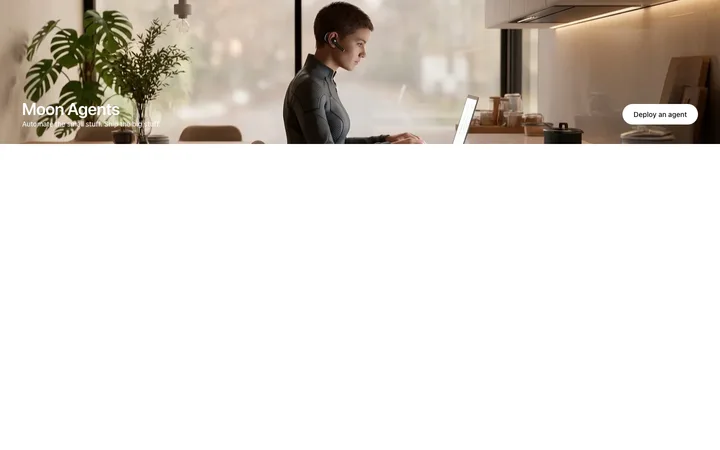

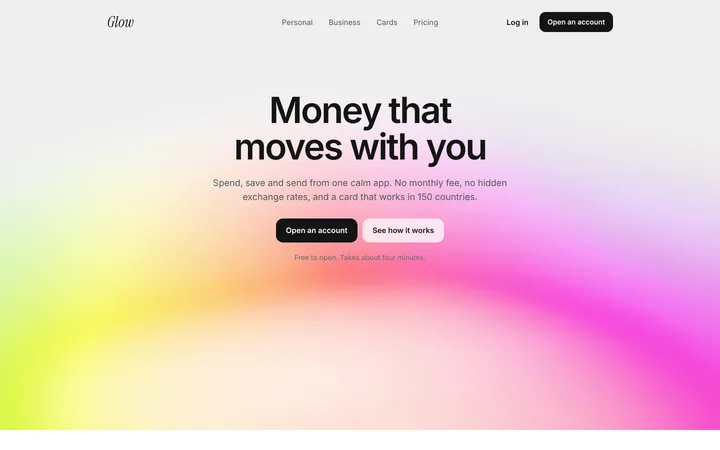
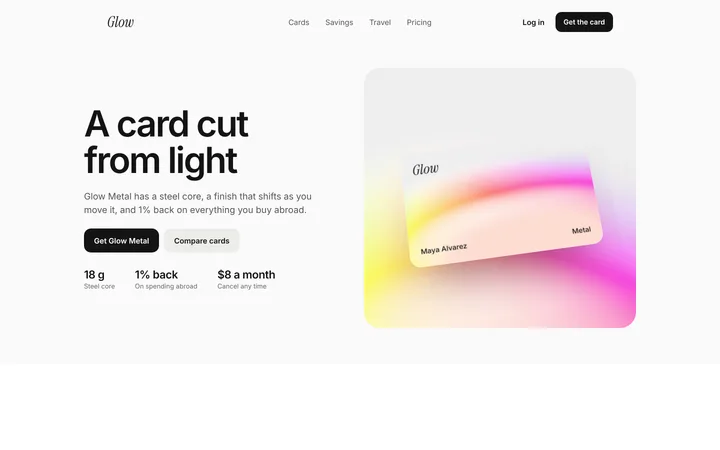
48 of 211
How to use hero templates with Antigravity
Pick a design
Choose a hero design above and open it to see it live.
Copy the template
Copy the template from its page. It is one HTML file with no dependencies.
Set up Antigravity
Save the template and its DESIGN.md in your project, and add a rule in AGENTS.md or GEMINI.md telling the agents to follow them for all UI work.
Prompt, then refine
Paste it and describe your product. Then follow up with: "Build this section from design/template.html and follow DESIGN.md. Open it in the browser and fix any differences from the template."
What makes a good hero section
Common types: split heroes with text beside a product image, centred heroes over a background, video or animated heroes, and prompt-first heroes with an input box.
Says the result in one line
The headline tells visitors what they get, not what the product is called.
One main button
A single filled call to action, with a quieter second option at most.
Shows the product
A real screen, demo or image beats an abstract illustration.
Common mistake: Vague headlines like "The future of work" that could belong to any product. Hero section design ideas →
Keeping the design in Antigravity
Antigravity runs several agents that plan, code and test in a built-in browser, so it suits developers who want agents to build and check whole pages at once.
What Antigravity builds
Code in your project's stack, written and tested by Antigravity's agents.
Where the design goes
Save the template and its DESIGN.md in your project, and add a rule in AGENTS.md or GEMINI.md telling the agents to follow them for all UI work.
Antigravity and hero sections
Keep the template file in your repo, so later sessions can compare the hero with the original when you change it.
What to tell it
Write the headline as the result for the visitor, keep one primary button, and keep the hero visual at the same size and position.
Set it up once with our DESIGN.md templates.
Not sure which hero design fits?
Ask Mon, the AI design assistant, describe your product and Mon suggests the hero design and how to prompt Antigravity with it.
Frequently asked questions
How do I use a hero template in Antigravity?
Save the template and its DESIGN.md in your project, add a rule in AGENTS.md or GEMINI.md to follow them, and ask the agent for the page. Save the template and its DESIGN.md in your project, and add a rule in AGENTS.md or GEMINI.md telling the agents to follow them for all UI work.
What does Antigravity turn the template into?
Code in your project's stack, written and tested by Antigravity's agents.
How do I stop Antigravity changing the design?
Each agent can pick its own look unless a rule points them all to the same design. A follow-up prompt that helps: "Build this section from design/template.html and follow DESIGN.md. Open it in the browser and fix any differences from the template."
What makes a good hero section?
Says the result in one line: the headline tells visitors what they get, not what the product is called. One main button: a single filled call to action, with a quieter second option at most. Shows the product: a real screen, demo or image beats an abstract illustration.
Any Antigravity tips for hero sections?
Keep the template file in your repo, so later sessions can compare the hero with the original when you change it.
More Antigravity template categories
Hero templates for other tools