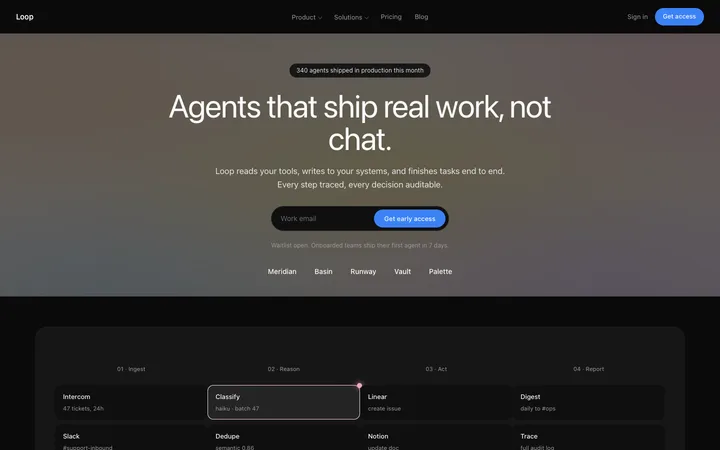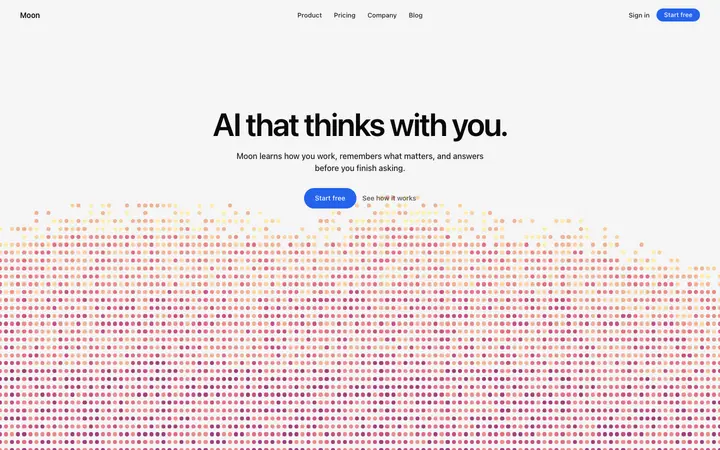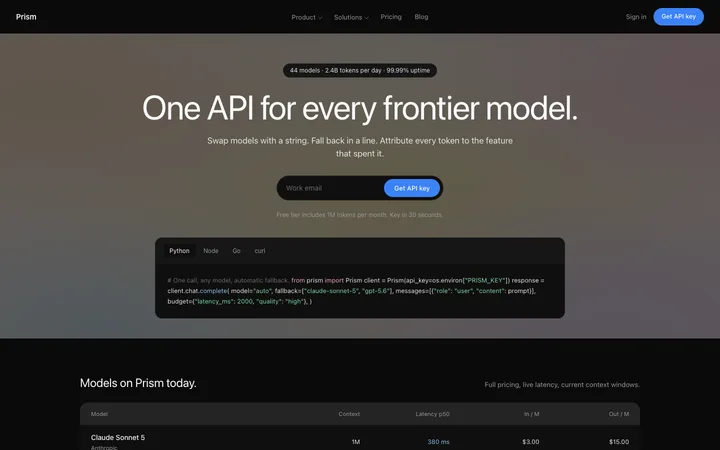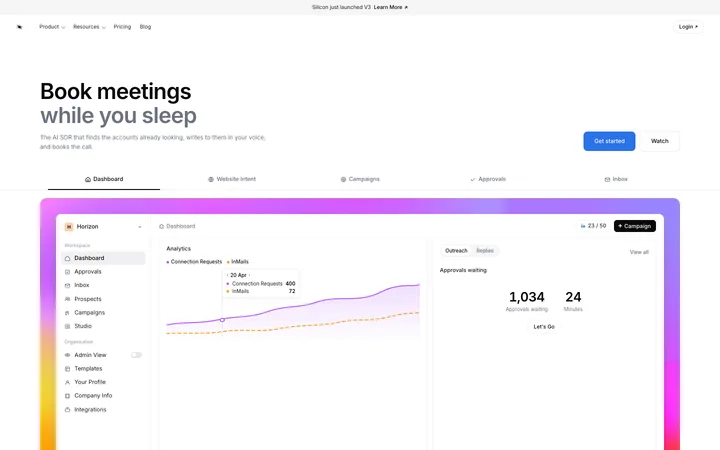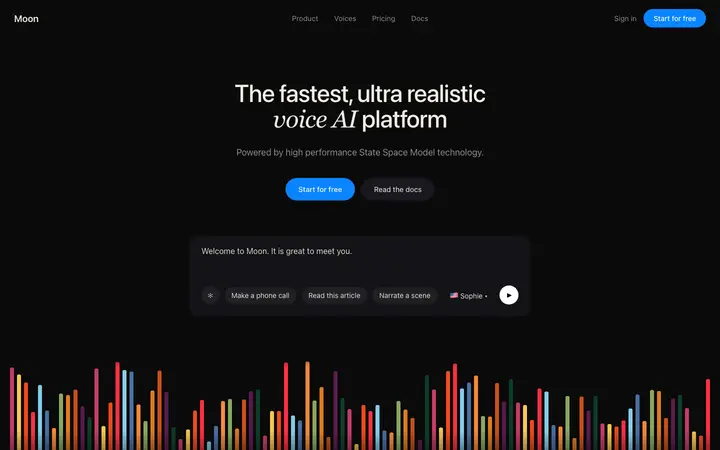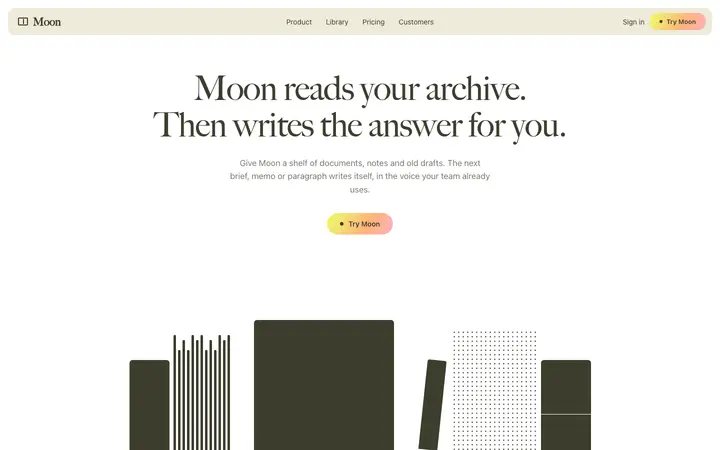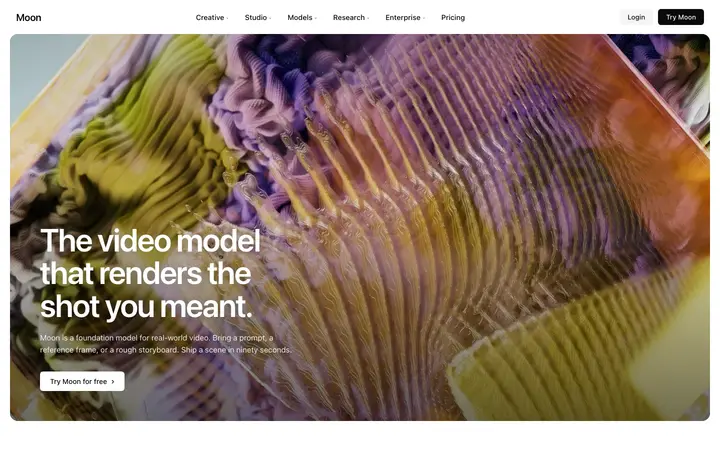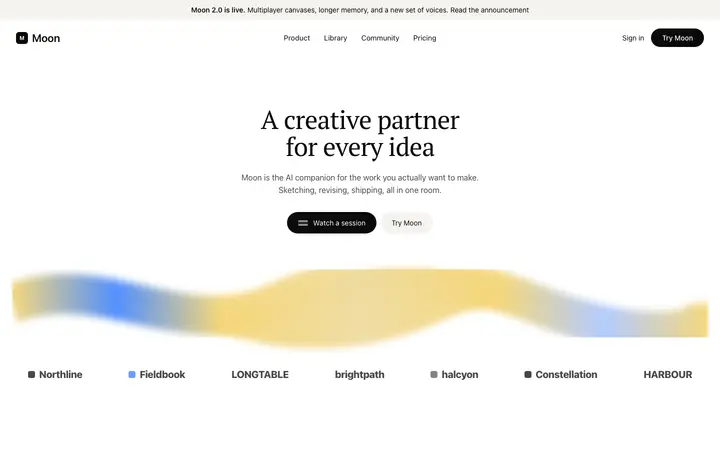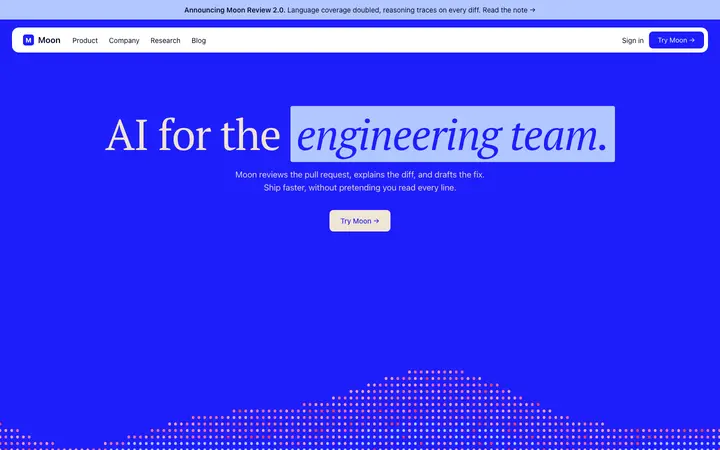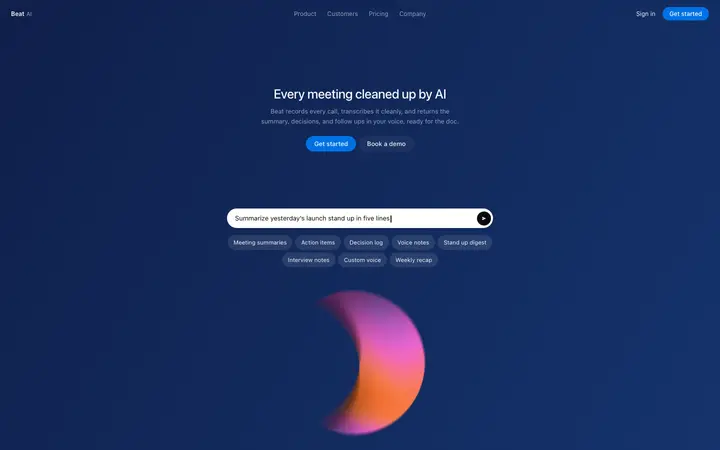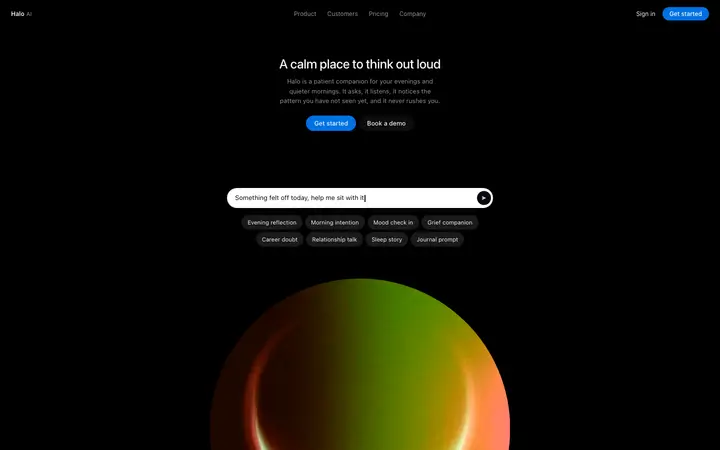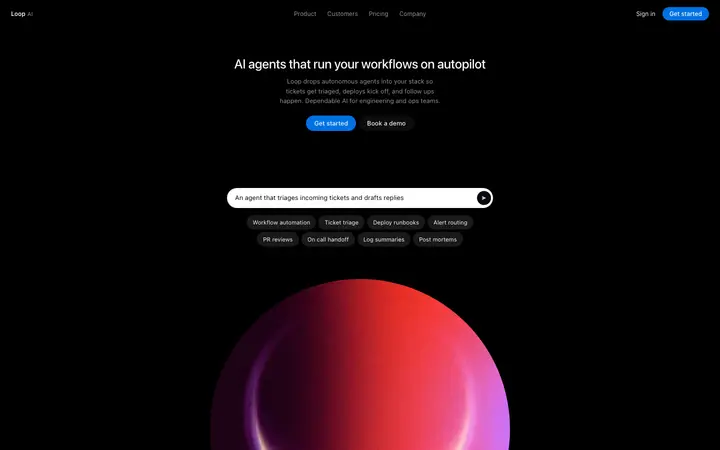
AI product landing page template for SaaS
Landing pages · Hero
Build this design with AI →Real landing page designs for AI startups, agents, chatbots and LLM products, with what makes each one work. Build any of them in Lovable, Claude Code or Cursor.
Landing pages · Hero
Build this design with AI →Landing pages · Dark mode
Build this design with AI →Landing pages · Hero
Build this design with AI →Hero · Landing pages
Build this design with AI →Landing pages · Dark mode
Build this design with AI →Landing pages · Hero
Build this design with AI →Landing pages · Hero
Build this design with AI →Landing pages · Hero
Build this design with AI →Landing pages · Hero
Build this design with AI →Landing pages · Hero
Build this design with AI →Landing pages · Hero
Build this design with AI →Landing pages · Hero
Build this design with AI →Landing pages · Hero
Build this design with AI →Landing pages · Hero
Build this design with AI →Landing pages · Hero
Build this design with AI →Landing pages · Hero
Build this design with AI →Every ai landing page design above is a ready template. Browse and preview for free; copy the code with a BrowserMoon licence.
Get a licenceAsk Mon, the AI design assistant, to review your ai landing page design and tell you what to fix first.
Design guides: AI landing page design examples · Why is my landing page not converting?
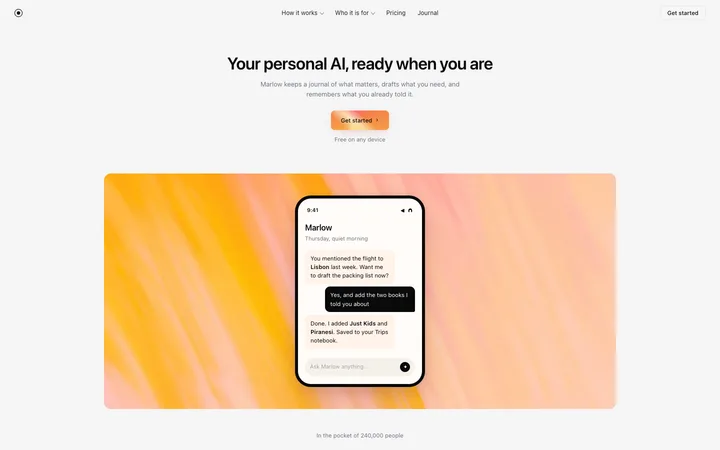
A good AI landing page shows the AI working instead of describing it. The best AI landing page designs open with a short headline about the result, then a live demo, a product screen or a sample answer, so visitors see what the AI does in seconds. They explain in plain words what goes in and what comes out, and answer the trust question early: is it accurate, and is my data safe? The designs below are real AI landing pages you can study and build with an AI coding tool. Whether you call it an AI startup website, an AI product landing page, an AI SaaS homepage or a landing page for an AI tool, these AI website design examples cover agents, chatbots, voice AI, writing tools and LLM APIs.
A demo, an input and output example or a real product screen beats any illustration of a glowing brain. People believe what they see the AI do.
Say what the visitor gets, like meetings booked or support tickets solved, not that the product is AI-powered. Every competitor says AI-powered.
One clear line on what you give the AI and what you get back removes most of the confusion around AI products.
Accuracy, privacy and who stays in control are the questions people ask about AI. Answer them on the page, close to the main button.
A prompt box, a free trial or a demo request. Pick the one that gets people to the AI's first answer fastest.
Prompt-first landing pages put an input box in the hero so visitors can try the AI straight away; they suit chatbots, writing tools and image generators. Product-screen landing pages lead with a real interface, which works for AI dashboards, agents and developer tools where the workflow matters more than one answer.
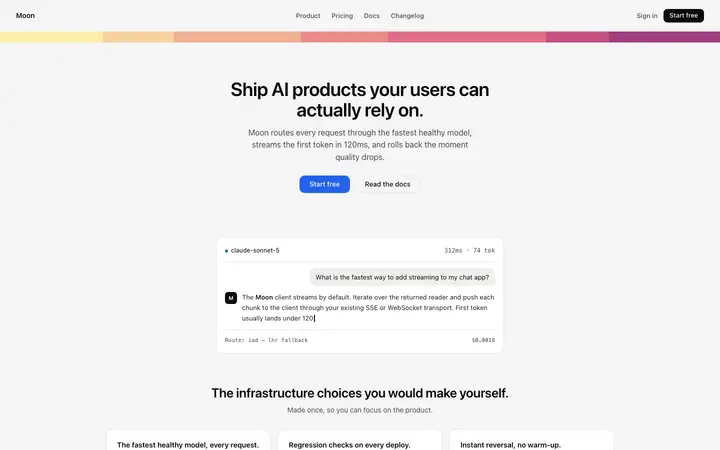
Developer-focused AI pages, for LLM APIs and model platforms, lead with code samples, latency and pricing per token. Agent and automation pages show a timeline of tasks the AI completed, which makes an invisible process visible.
Open any ai landing page design above to see it live and full size.
Copy the template code from the design's page. It is plain HTML and CSS.
Paste it into Lovable, Bolt, Claude Code, Cursor or v0 and ask for it in your stack.
Ask the tool to swap in your copy, brand colours and links, keeping the layout and spacing.
The default AI look makes every product feel the same. Let the product and the result carry the page.
Words like smart and powerful mean nothing without an example. Show one real input and output.
Pretending the AI is never wrong costs trust when it is. Say what it is good at and where people stay in control.
If the AI's first answer needs an account, many visitors leave first. Let them see one result before you ask.
It shows the AI working, leads with the result for the visitor, explains what goes in and what comes out, and answers accuracy and privacy questions early.
Yes, if you can. A live prompt box, a short video or a real input and output example convinces people faster than any description.
A headline about the result, one line on how it works, a real product screen or demo, and one clear way to try it.
Avoid the default purple gradient and sparkle icons, show your real product, and use one accent colour with plenty of space.
Yes. Open any design, copy the template and paste it into Lovable, Bolt, Claude Code or Cursor with your own product, words and screenshots.
You can preview every design on this page. Copying the template code into your project needs a BrowserMoon licence.
More design ideas