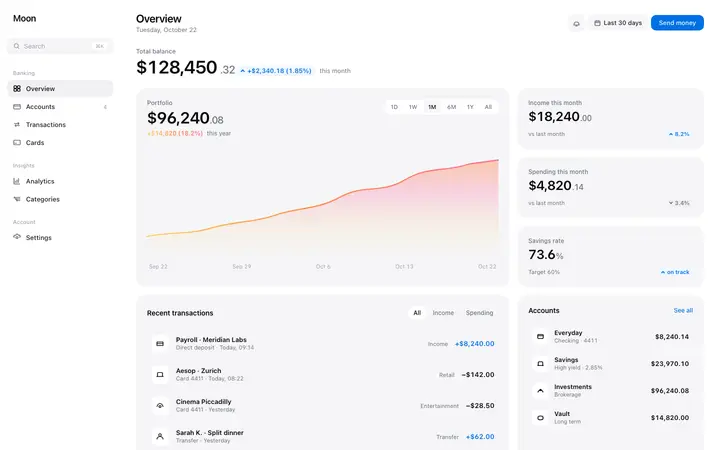
Finance dashboard template for fintech SaaS
Dashboard · Stats
Build this design with AI →Real dashboard designs for banking, cards, expenses, investing and billing, with what makes each one work. Build any of them in Lovable, Claude Code or Cursor.
Dashboard · Stats
Build this design with AI →Dashboard · Stats
Build this design with AI →Dashboard
Build this design with AI →Dashboard · Cards
Build this design with AI →Dashboard · Dark mode
Build this design with AI →Dashboard · Onboarding
Build this design with AI →Dashboard · Billing
Build this design with AI →Billing · Cards
Build this design with AI →Billing · Settings
Build this design with AI →Every fintech dashboard design above is a ready template. Browse and preview for free; copy the code with a BrowserMoon licence.
Get a licenceAsk Mon, the AI design assistant, to review your fintech dashboard design and tell you what to fix first.
Design guides: Fintech dashboard design examples · Fintech landing page design examples
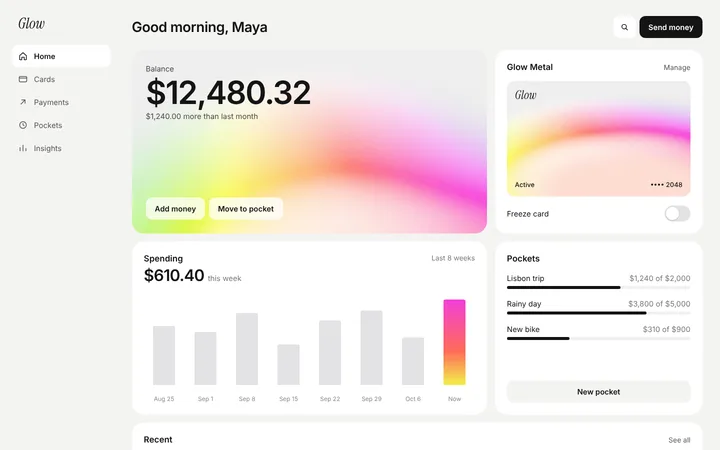
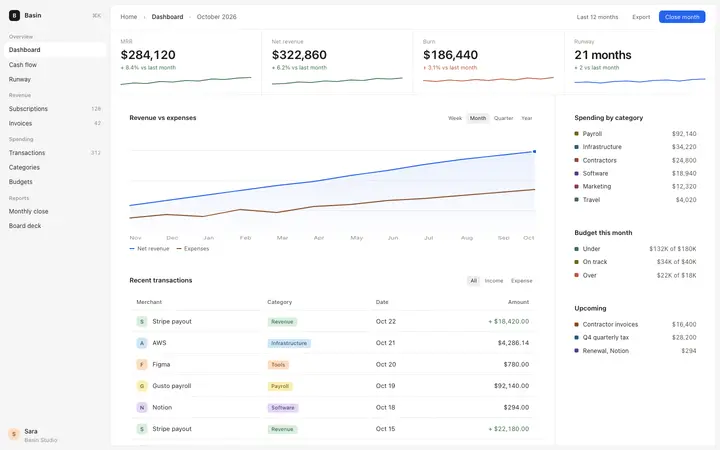
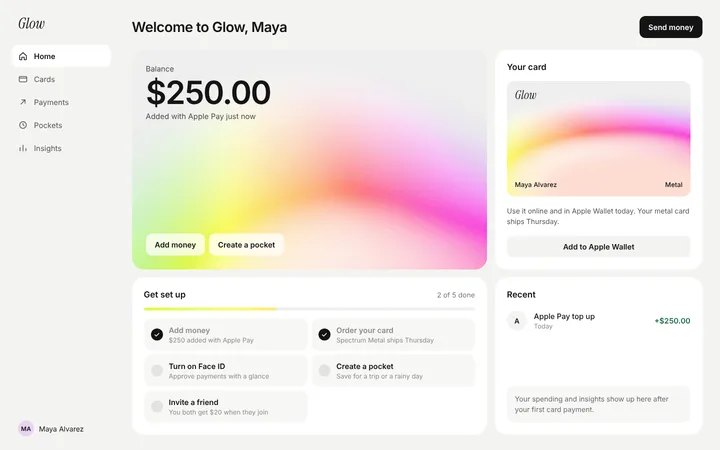
A good fintech dashboard answers three questions at a glance: how much money is there, where is it going, and what needs attention. The best fintech dashboard designs lead with one clear number, show recent activity in a clean table, flag what needs action, and make every figure easy to trust. The designs below are real finance dashboards for banking, cards, expenses and billing that you can study and build with an AI coding tool. These financial dashboard examples cover banking dashboards, card management, expense tracking, investing and billing pages, so you can find a finance dashboard UI that fits your product.
Lead with the figure people check most, like balance, spend this month or cash runway, in the largest type on the screen.
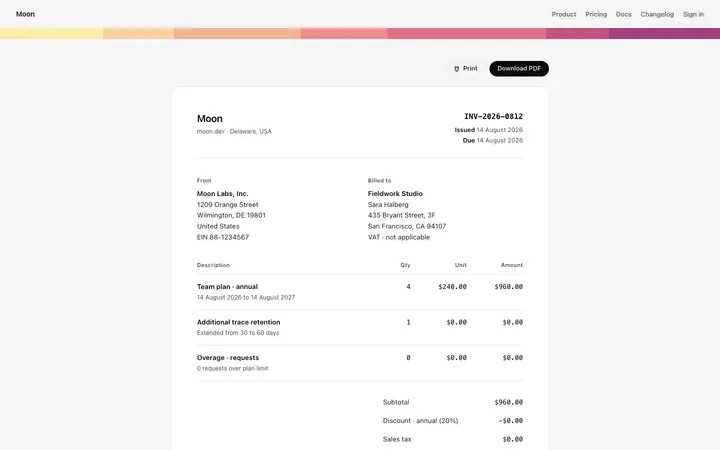
Aligned numbers, clear dates, consistent currency and obvious positive and negative values make financial tables readable.
Pending approvals, failed payments or unusual spend should stand out without alarming people.
A small timestamp or sync status tells people the numbers are current, which matters for money.
Use colour for meaning, like status or direction, not decoration. Red should only mean a real problem.
Banking dashboards lead with balances and accounts, then recent transactions and quick actions like send, pay and move. Spend and expense dashboards break spending down by team, category or card and highlight policy issues and approvals.
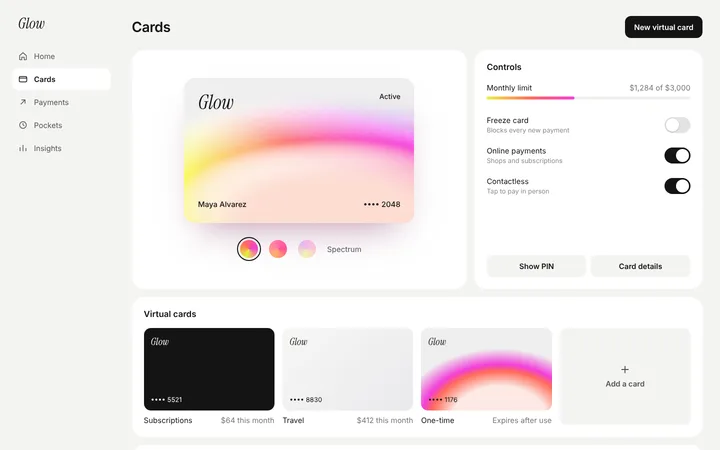
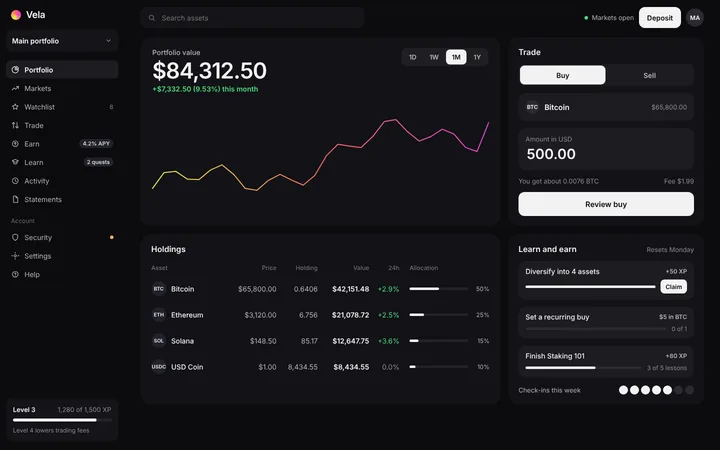
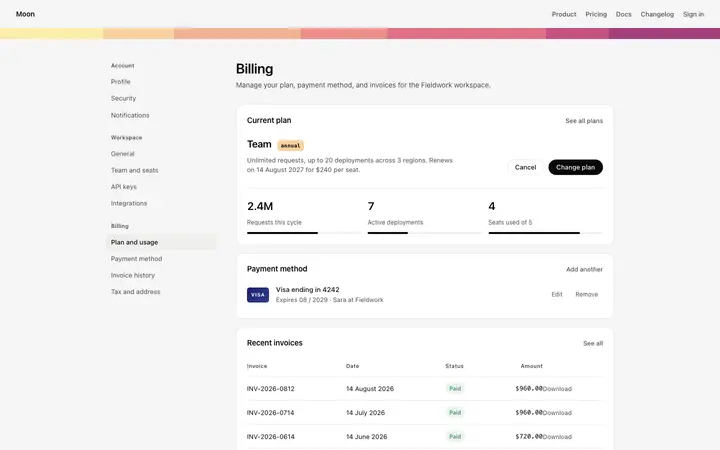
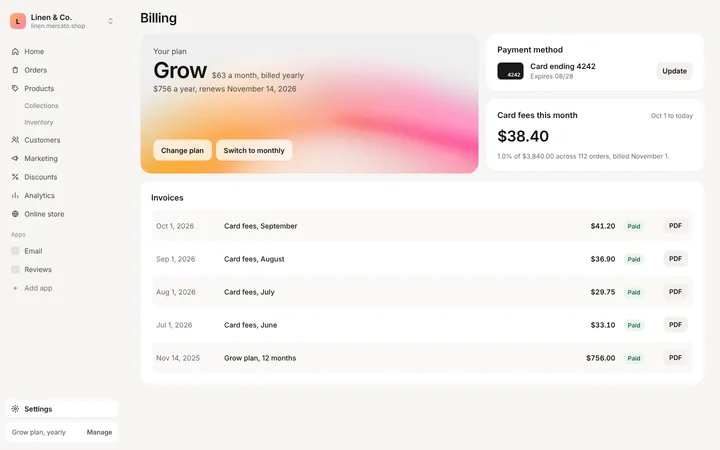
Card management dashboards list physical and virtual cards with limits, status and controls to freeze or adjust them. Investing dashboards focus on portfolio value, performance over time and allocation, while billing pages show plans, invoices and payment methods in one place.
Open any fintech dashboard design above to see it live and full size.
Copy the template code from the design's page. It is plain HTML and CSS.
Paste it into Lovable, Bolt, Claude Code, Cursor or v0 and ask for it in your stack.
Ask the tool to swap in your copy, brand colours and links, keeping the layout and spacing.
Ten charts compete for attention. Keep the most important number and one trend, and move the rest a click away.
Left-aligned or mixed-format figures are hard to compare. Right-align amounts and use one format.
When warnings are everywhere, people stop noticing real problems. Save strong colour for what matters.
Many people check finances on their phone. Design the key numbers and actions to work on small screens.
One clear main number, a readable transactions table, clear flags for what needs action, visible data freshness and calm, meaningful colour.
Balances and accounts first, then recent transactions and quick actions like send, pay and move money.
Right-align amounts, use one currency and number format, make dates clear and show positive and negative values consistently.
It can, especially for trading and investing tools. What matters more is contrast and readable numbers in either mode.
Yes. Open any design, copy the template and paste it into Lovable, Bolt, Claude Code or Cursor with your own data.
Yes. Each design adapts to smaller screens, and the AI tool keeps the layout when it adapts it to your product.
More design ideas