Antigravity dark mode templates for AI websites and apps
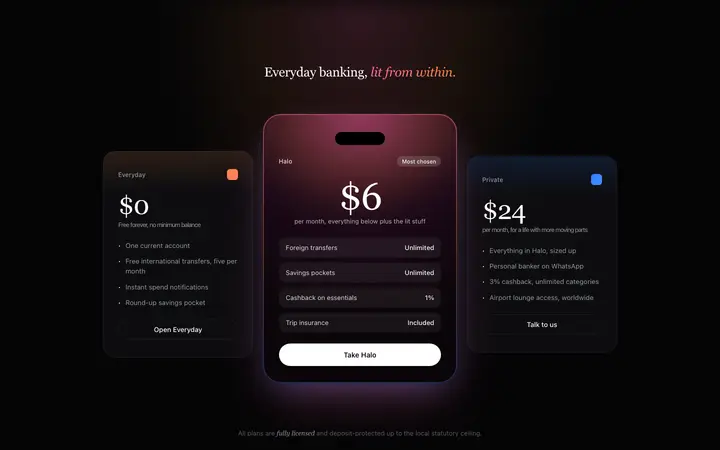
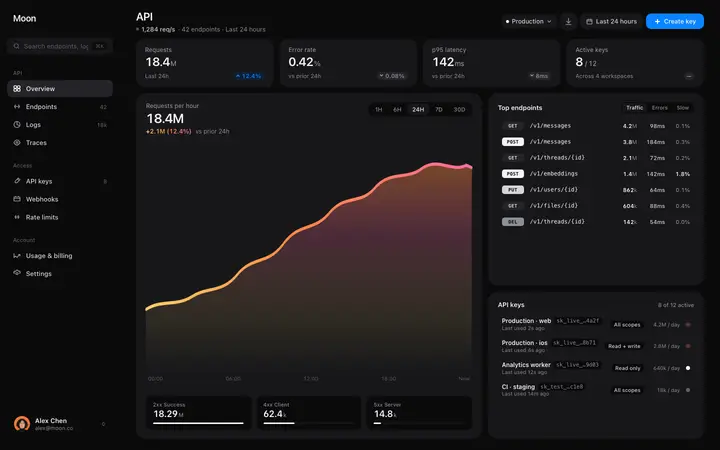
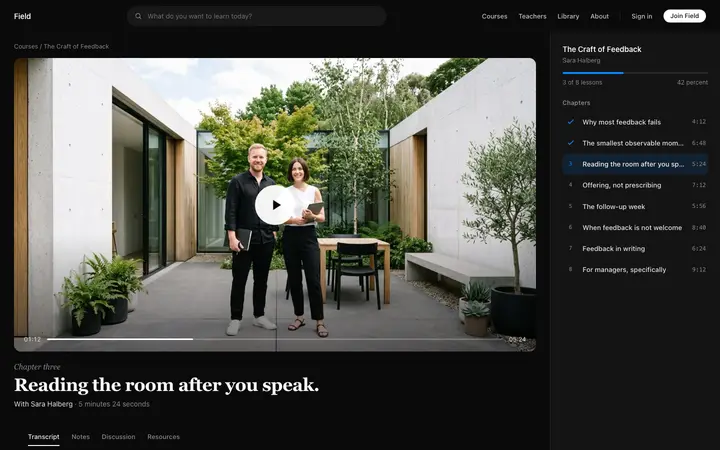
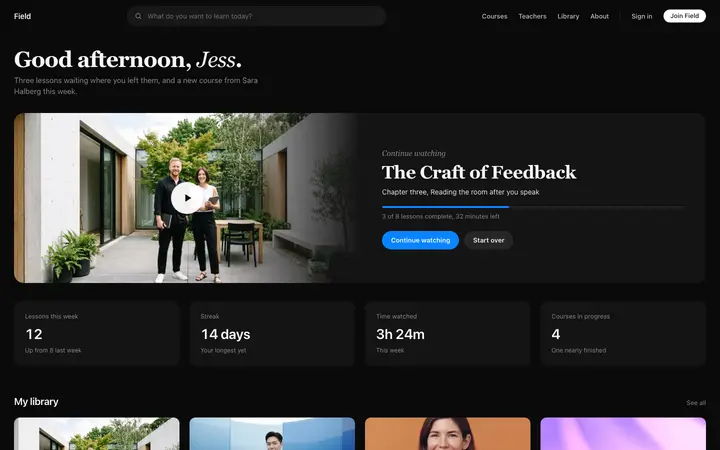
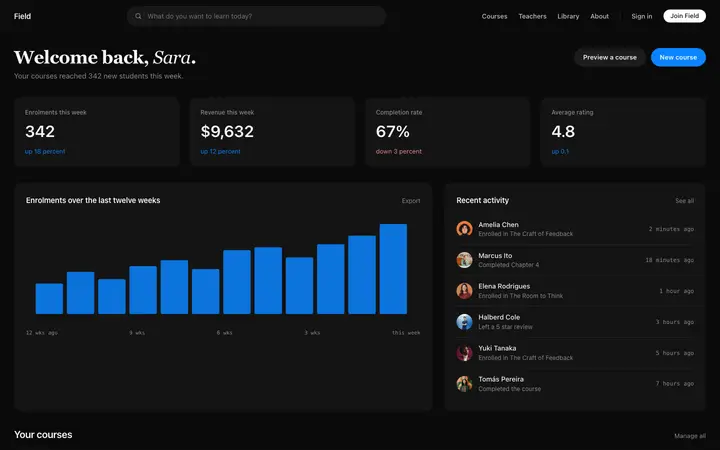
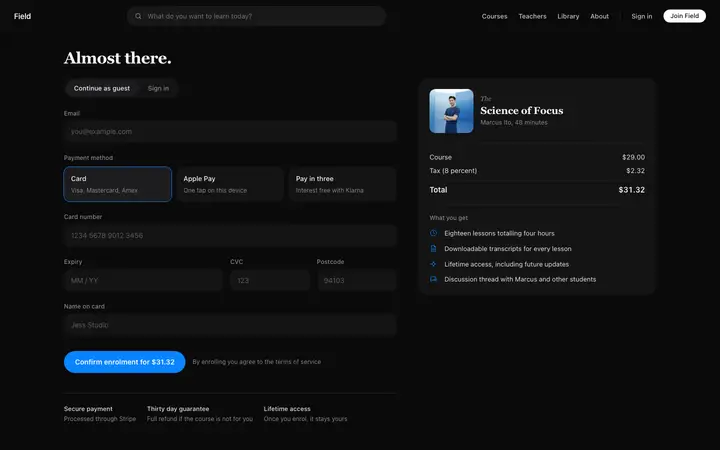
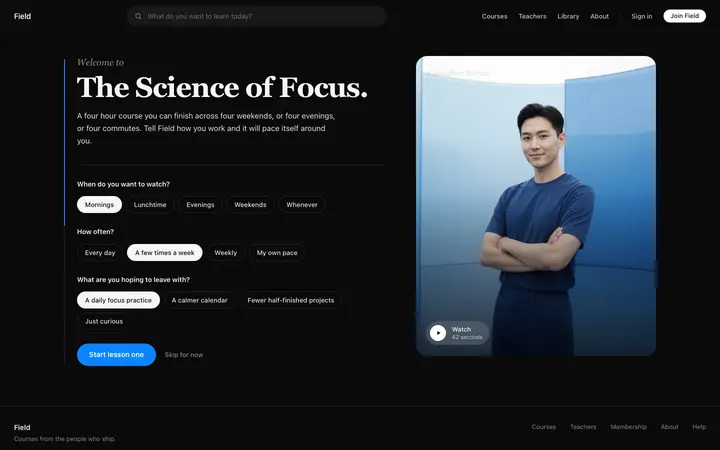
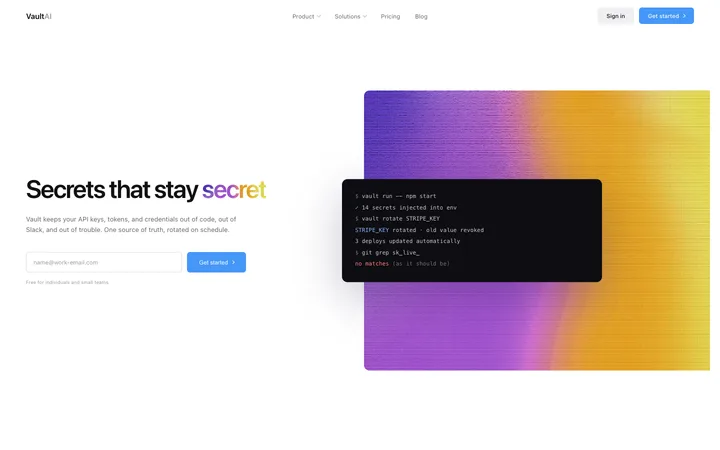
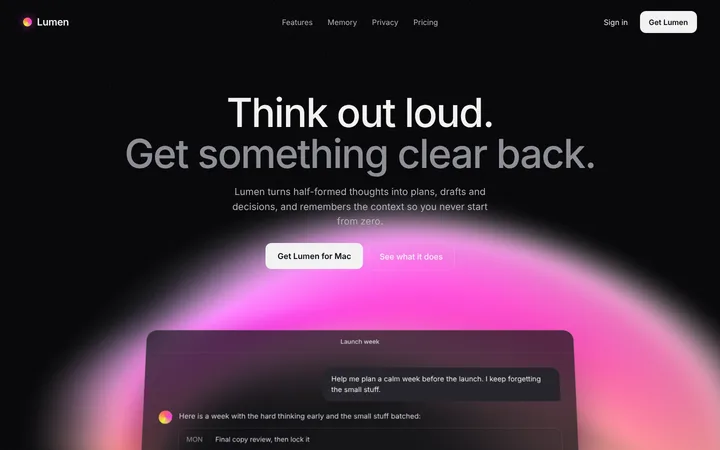
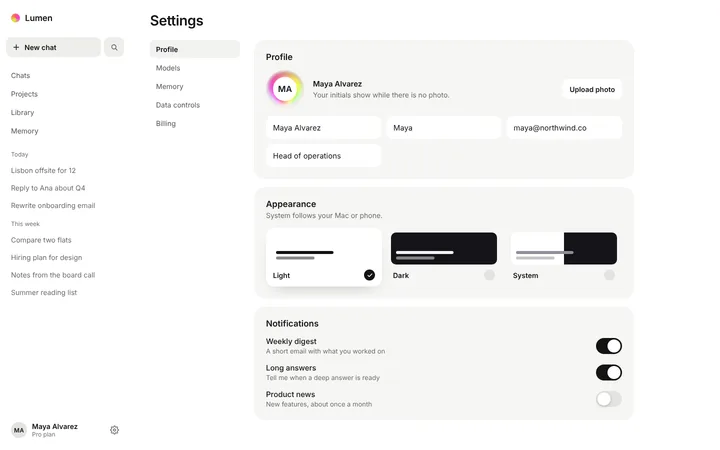
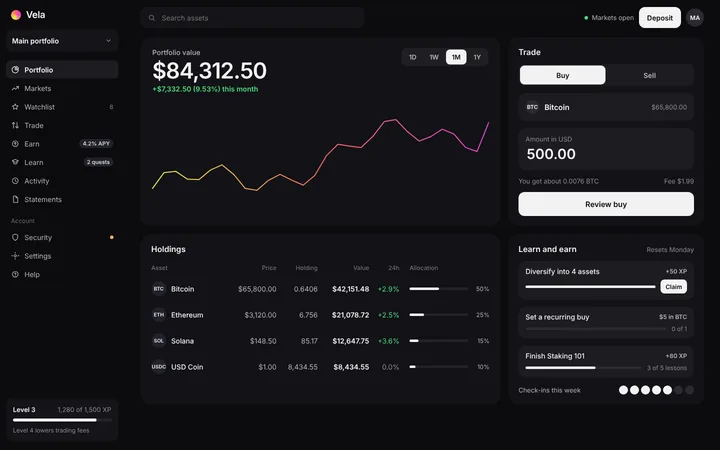
Real dark mode designs you can copy into Antigravity. Antigravity turns a pasted template into code in your project's stack, written and tested by Antigravity's agents. Below: the designs, how to set Antigravity up so it keeps the design, and what makes a good dark mode section.
Antigravity dark mode templates
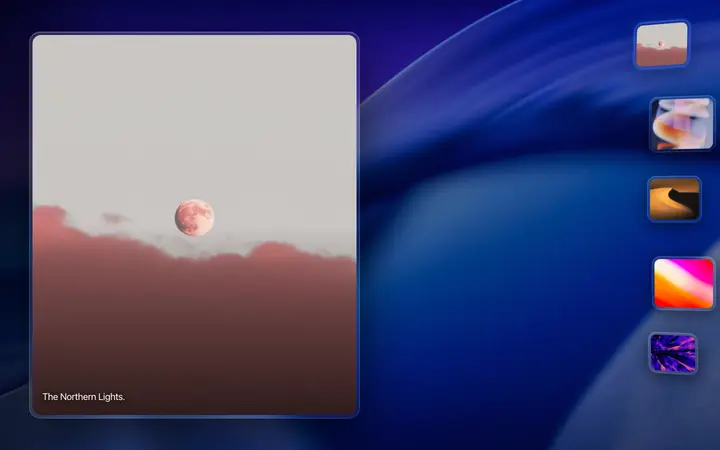
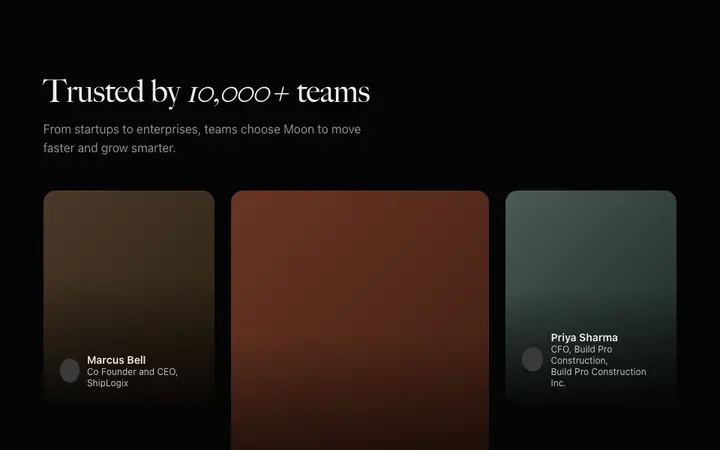
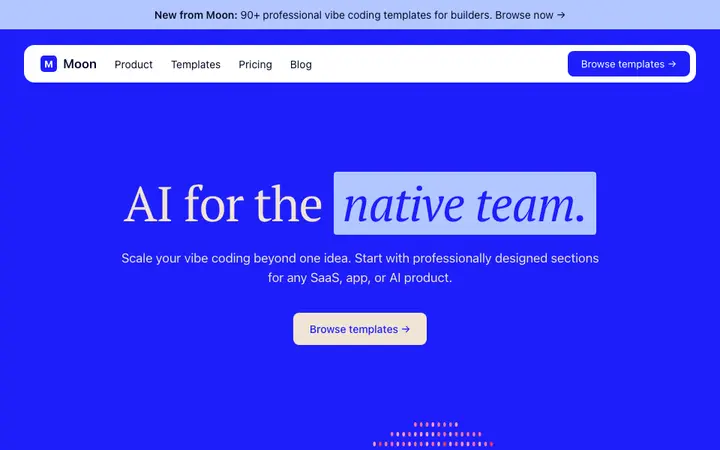
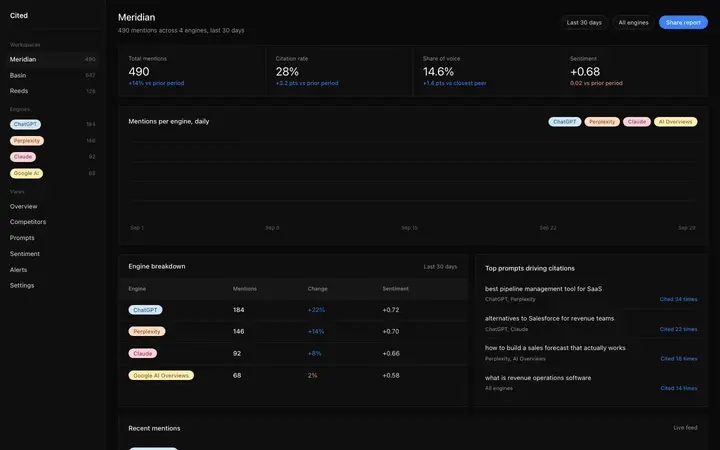
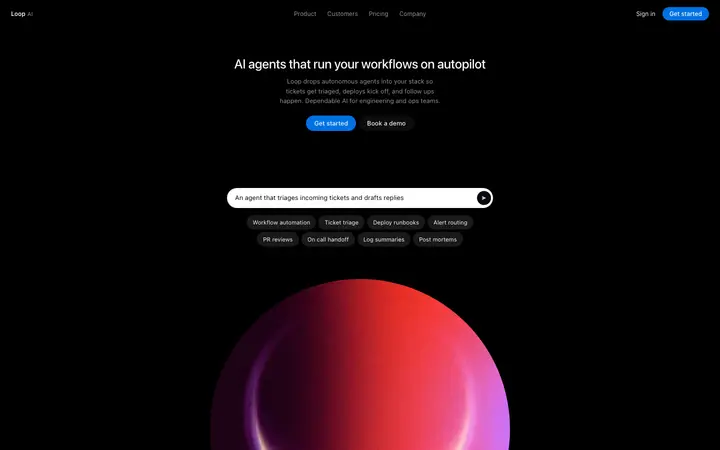
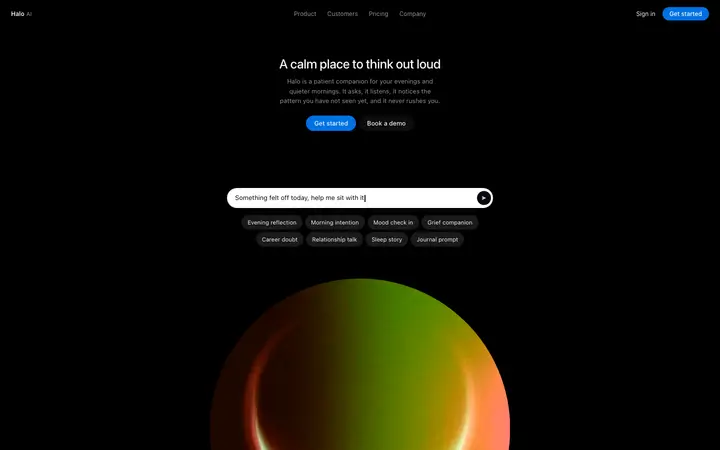
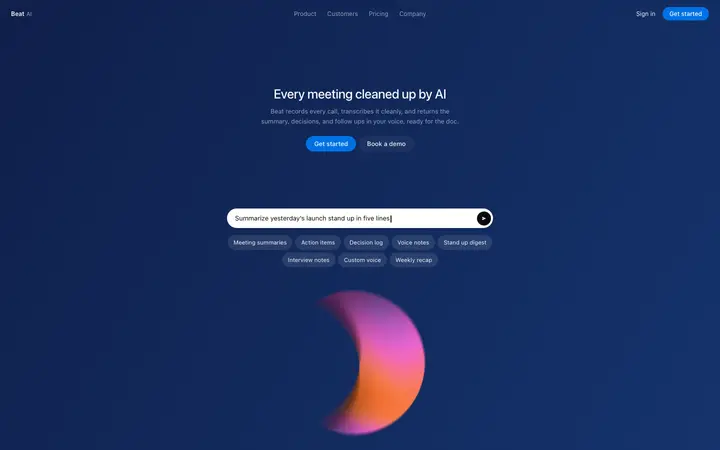
48 dark mode design templates for Antigravity. Browse the full BrowserMoon library for every template category.
Browse all templates

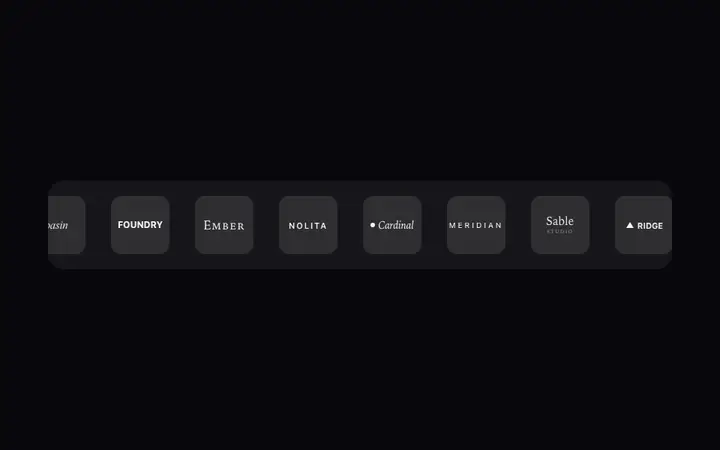
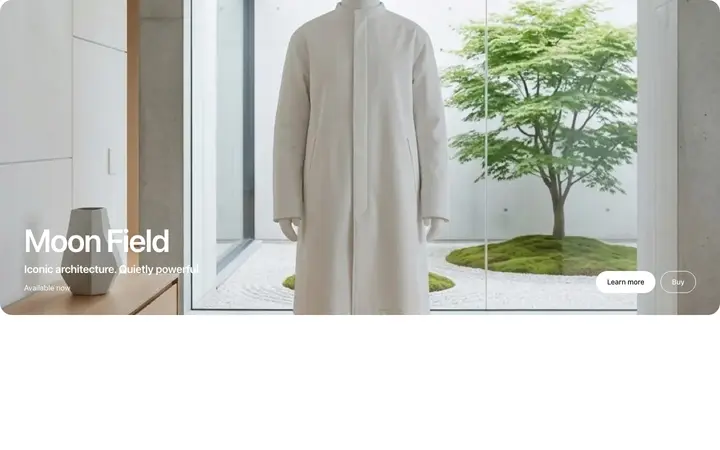
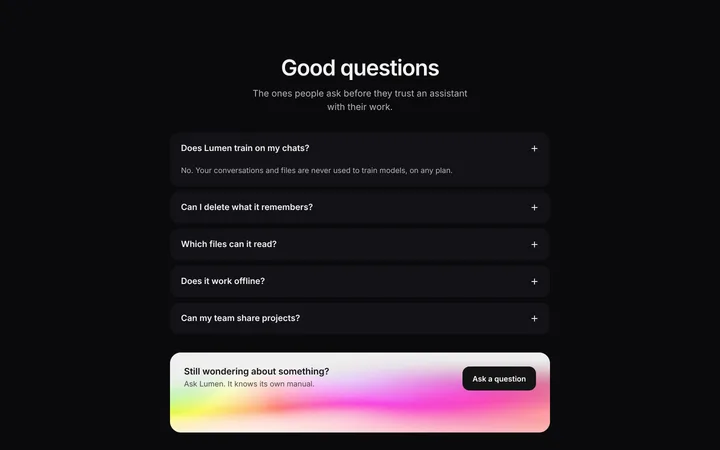
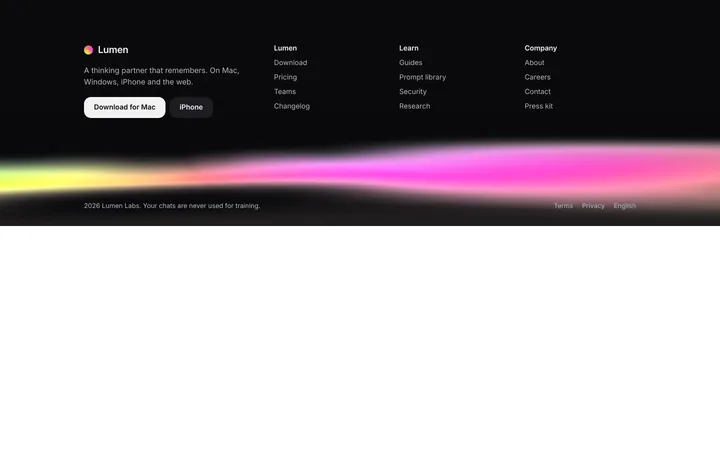
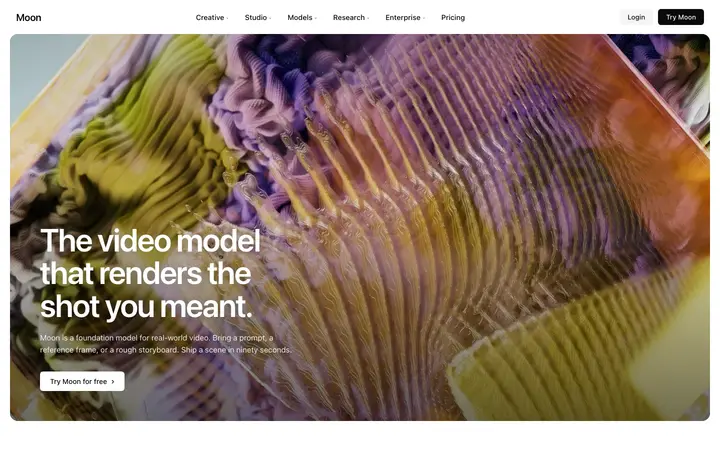
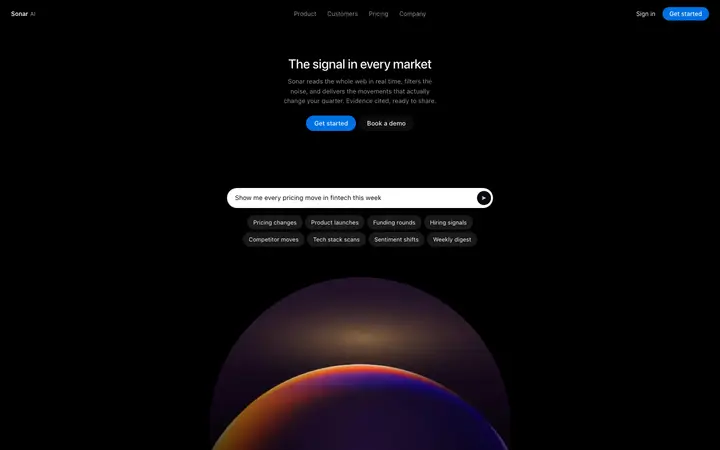
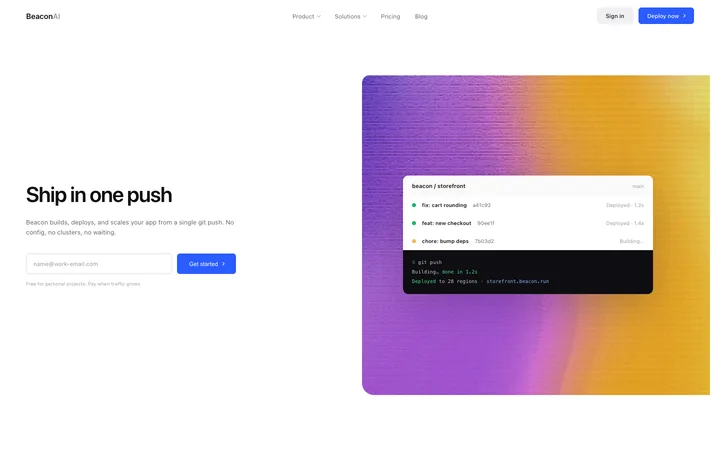
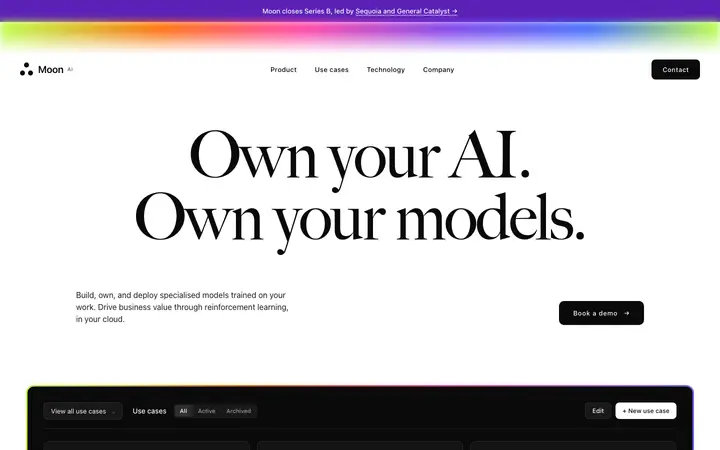






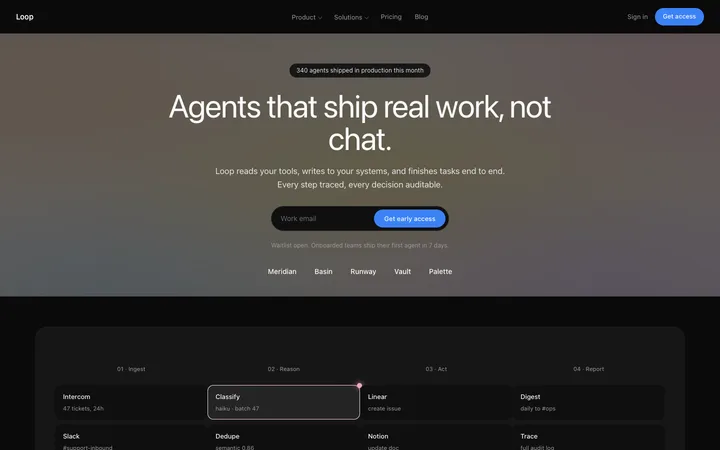
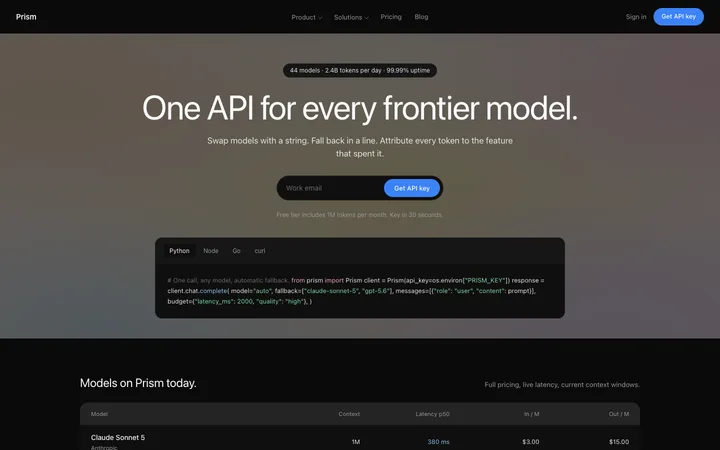
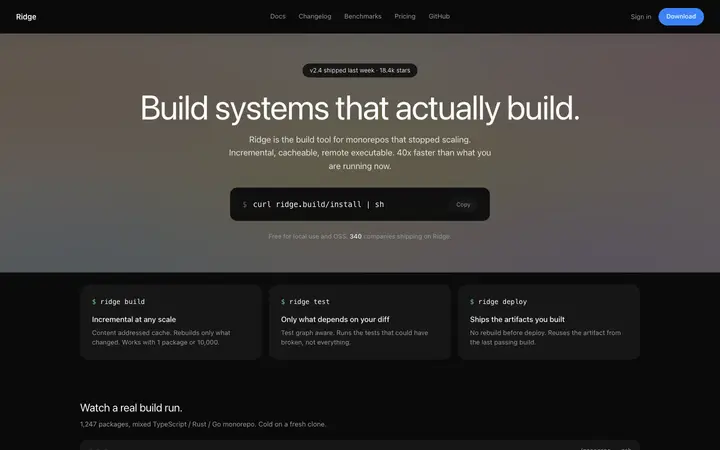
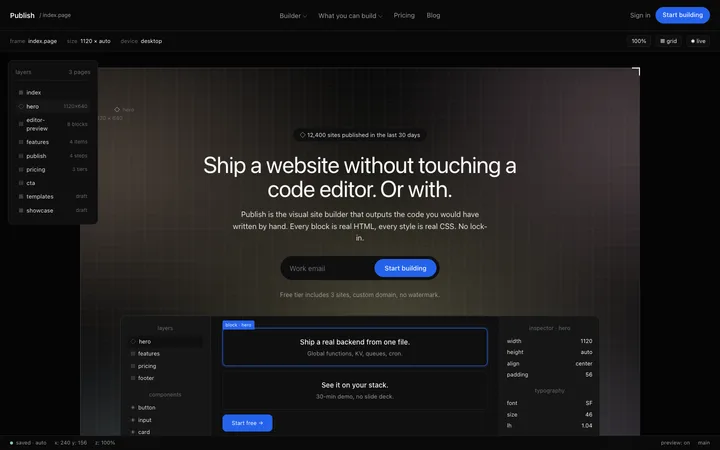

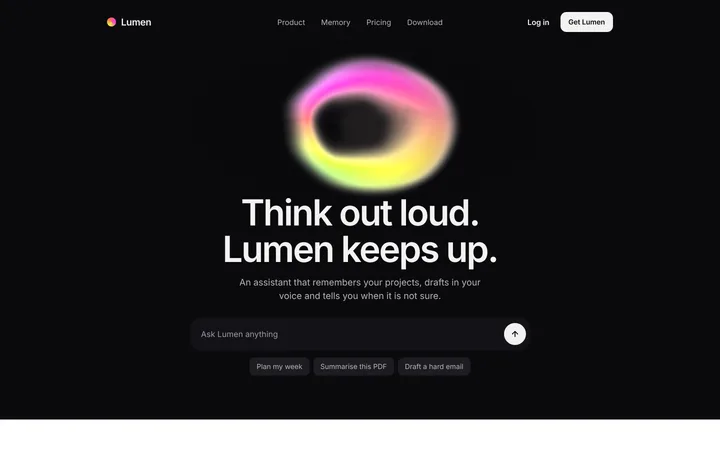
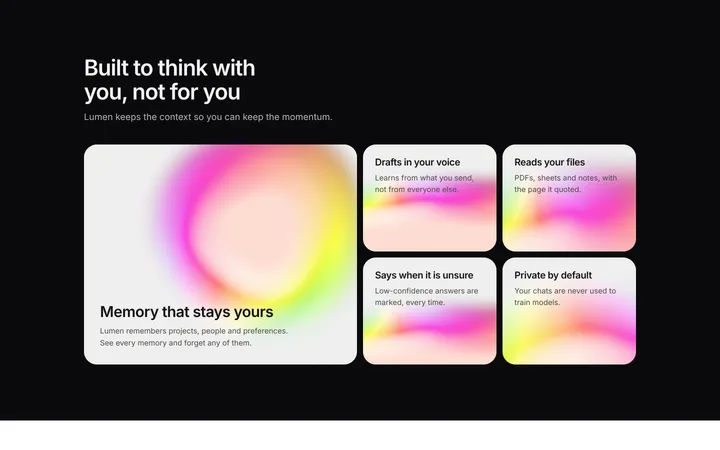
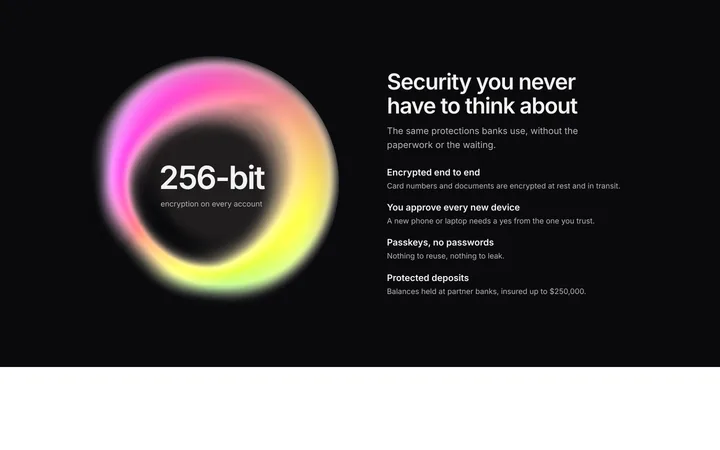
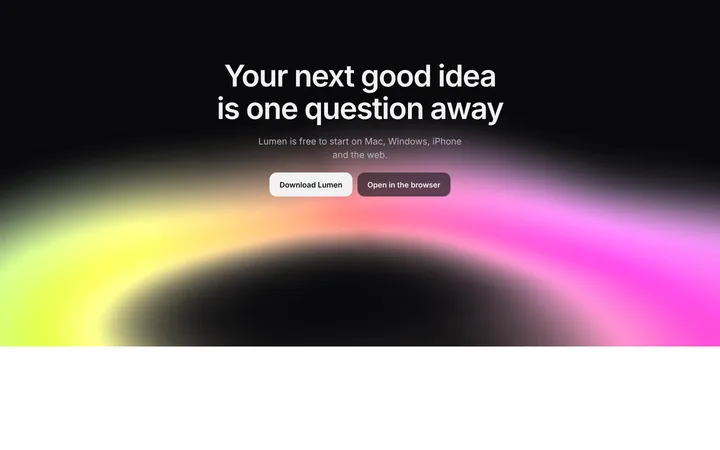
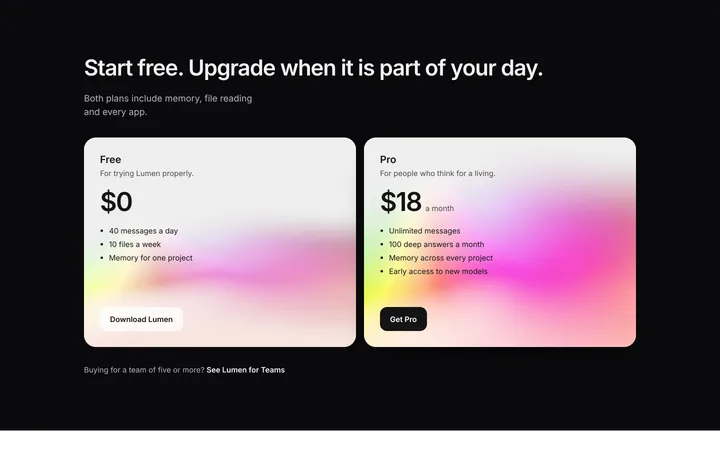
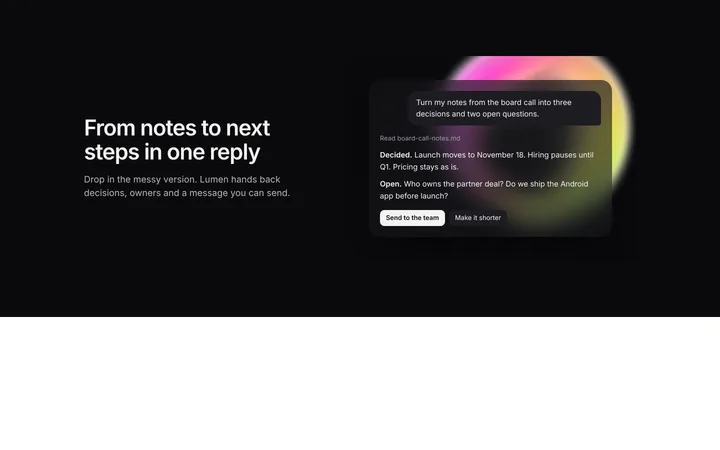
How to use dark mode templates with Antigravity
Pick a design
Choose a dark mode design above and open it to see it live.
Copy the template
Copy the template from its page. It is one HTML file with no dependencies.
Set up Antigravity
Save the template and its DESIGN.md in your project, and add a rule in AGENTS.md or GEMINI.md telling the agents to follow them for all UI work.
Prompt, then refine
Paste it and describe your product. Then follow up with: "Build this section from design/template.html and follow DESIGN.md. Open it in the browser and fix any differences from the template."
What makes a good dark mode section
Common types: dark landing pages, dark dashboards, dark heroes over a glow and full dark product sites.
Near-black, not pure black
Dark grey backgrounds with lighter layers create depth.
Readable contrast
Body text stays light enough to read comfortably.
One accent colour
Colour is used sparingly so it means something.
Common mistake: Grey text on near-black that is too dim to read. Dark mode website design ideas →
Keeping the design in Antigravity
Antigravity runs several agents that plan, code and test in a built-in browser, so it suits developers who want agents to build and check whole pages at once.
What Antigravity builds
Code in your project's stack, written and tested by Antigravity's agents.
Where the design goes
Save the template and its DESIGN.md in your project, and add a rule in AGENTS.md or GEMINI.md telling the agents to follow them for all UI work.
Antigravity and dark mode sections
Each agent can pick its own look unless a rule points them all to the same design. Paste the template again with your follow-up prompt if it starts to drift.
What to tell it
Keep the background layers and accent colour exactly, and check that body text keeps enough contrast.
Set it up once with our DESIGN.md templates.
Not sure which dark mode design fits?
Ask Mon, the AI design assistant, describe your product and Mon suggests the dark mode design and how to prompt Antigravity with it.
Frequently asked questions
How do I use a dark mode template in Antigravity?
Save the template and its DESIGN.md in your project, add a rule in AGENTS.md or GEMINI.md to follow them, and ask the agent for the page. Save the template and its DESIGN.md in your project, and add a rule in AGENTS.md or GEMINI.md telling the agents to follow them for all UI work.
What does Antigravity turn the template into?
Code in your project's stack, written and tested by Antigravity's agents.
How do I stop Antigravity changing the design?
Each agent can pick its own look unless a rule points them all to the same design. A follow-up prompt that helps: "Build this section from design/template.html and follow DESIGN.md. Open it in the browser and fix any differences from the template."
What makes a good dark mode section?
Near-black, not pure black: dark grey backgrounds with lighter layers create depth. Readable contrast: body text stays light enough to read comfortably. One accent colour: colour is used sparingly so it means something.
Any Antigravity tips for dark mode sections?
Each agent can pick its own look unless a rule points them all to the same design. Paste the template again with your follow-up prompt if it starts to drift.
More Antigravity template categories
Dark mode templates for other tools