Google Stitch footer templates for AI websites and apps
Real footer designs you can copy into Google Stitch. Google Stitch turns a pasted template into screens on Stitch's design canvas, which you can export along with a DESIGN.md for your coding agent. Below: the designs, how to set Google Stitch up so it keeps the design, and what makes a good footer section.
Google Stitch footer templates
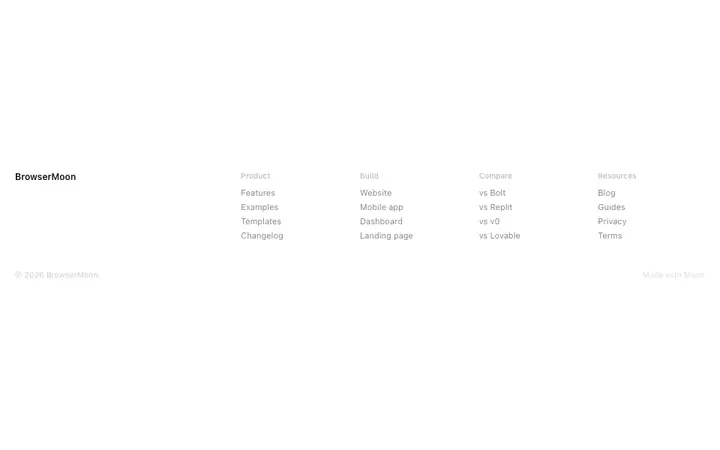
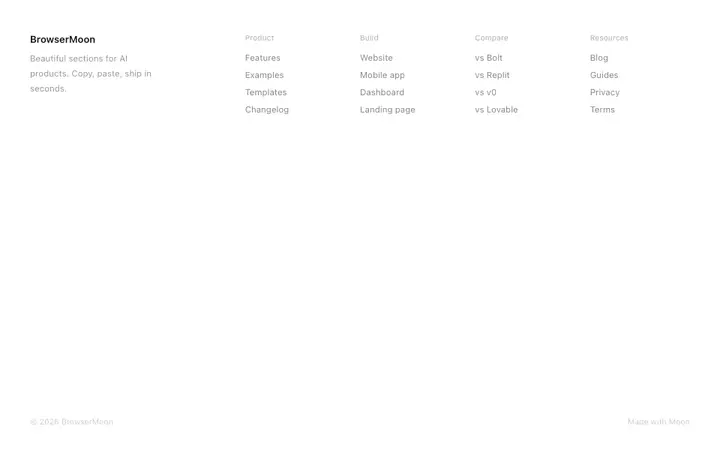
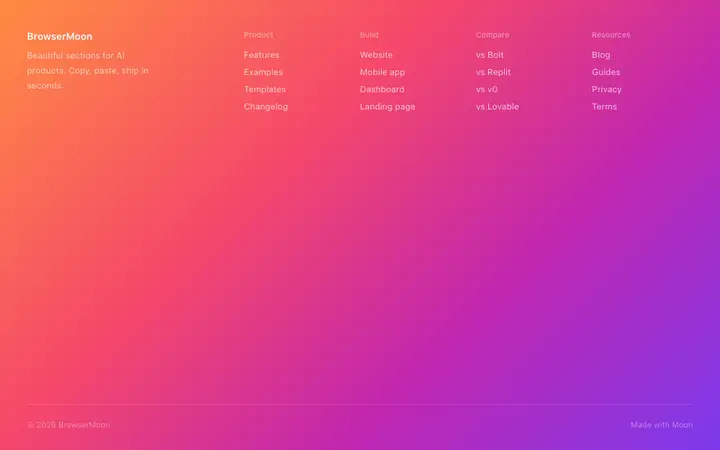
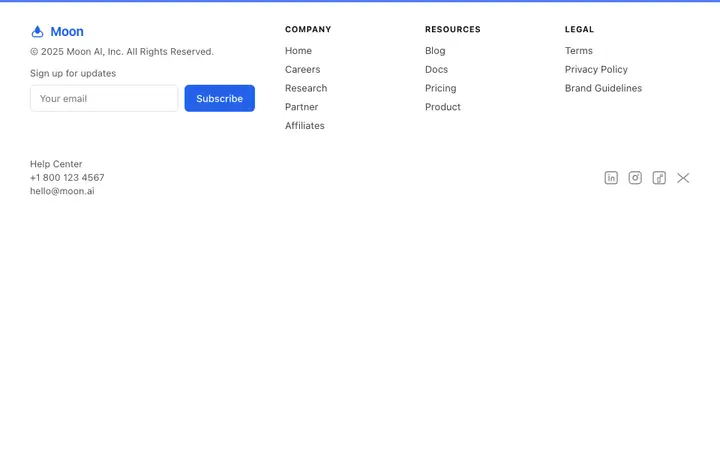
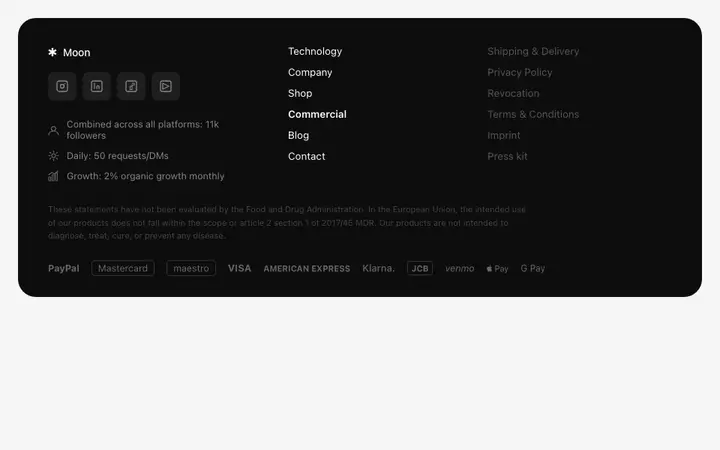
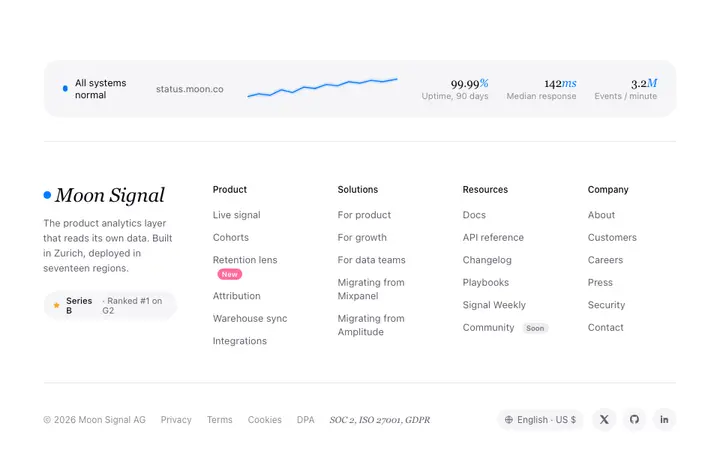
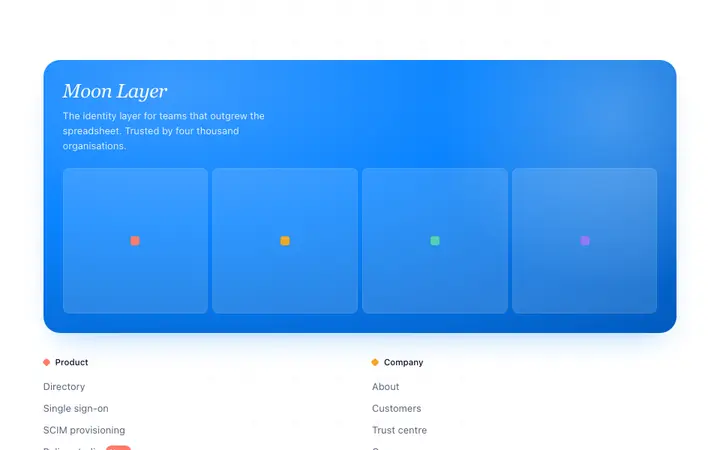
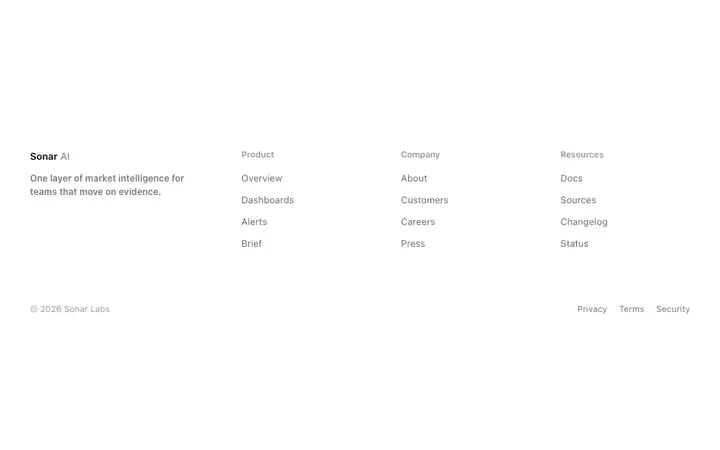
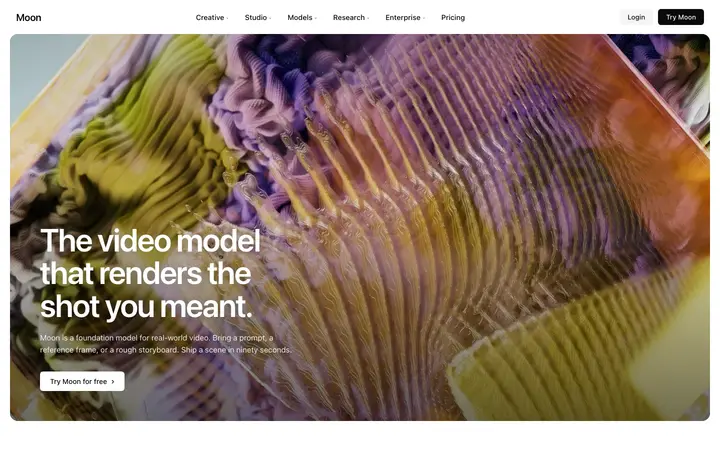
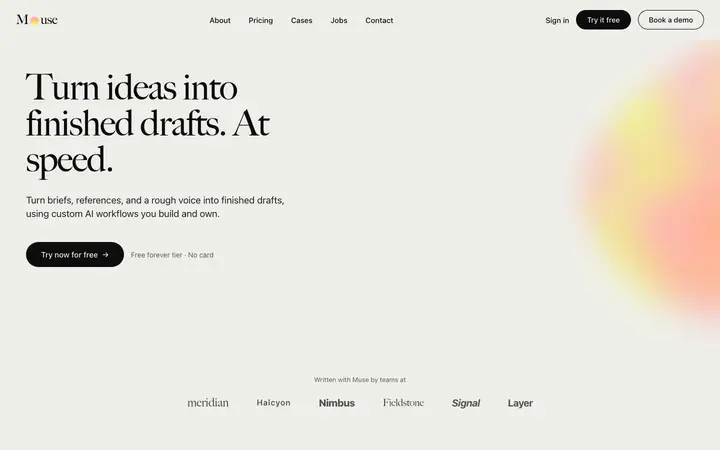
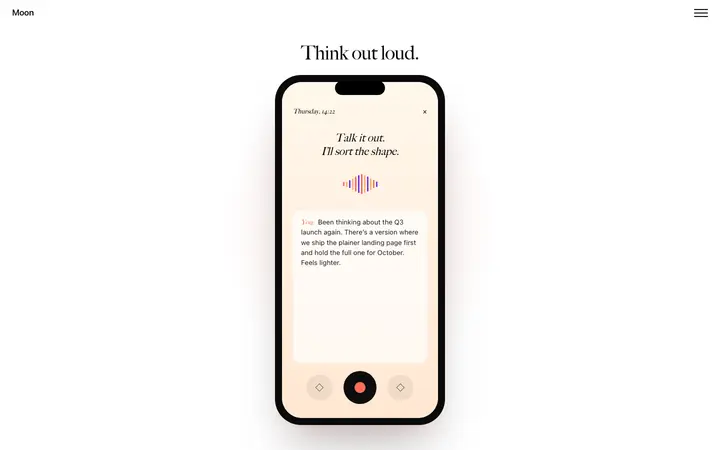
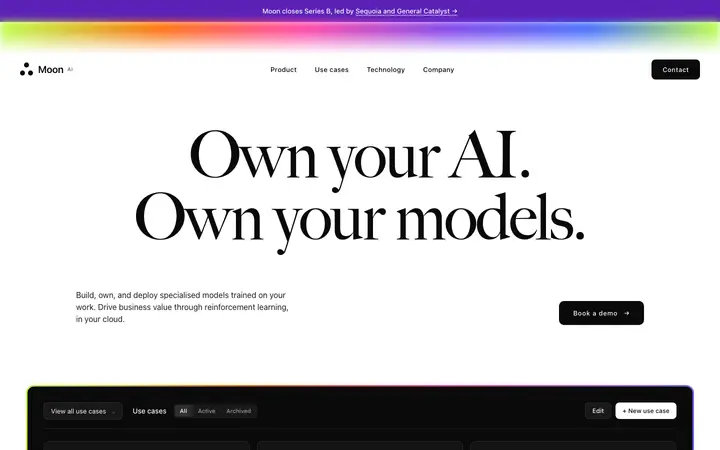
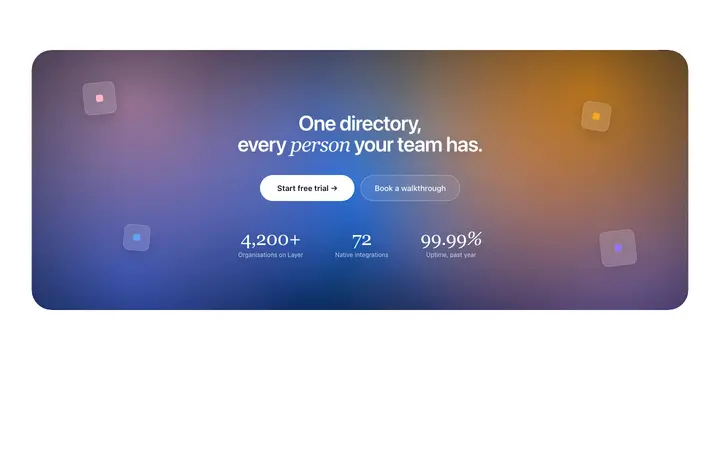
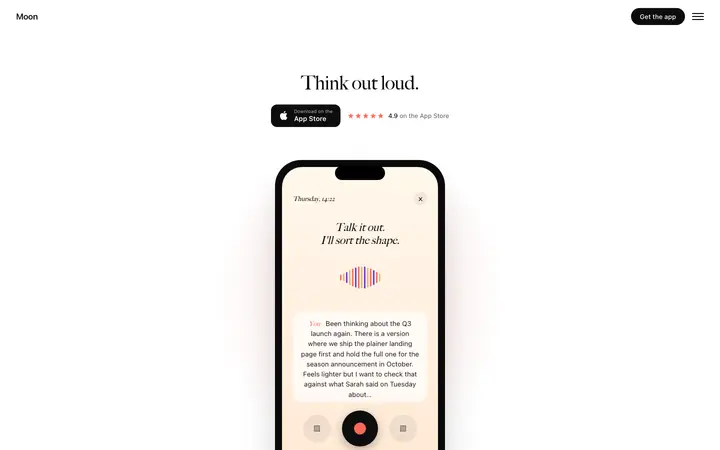
19 footer design templates for Google Stitch. Browse the full BrowserMoon library for every template category.

How to use footer templates with Google Stitch
Pick a design
Choose a footer design above and open it to see it live.
Copy the template
Copy the template from its page. It is one HTML file with no dependencies.
Set up Google Stitch
Bring the template's DESIGN.md into your Stitch project as its design system, so every generated screen uses its colours, type and spacing.
Prompt, then refine
Paste it and describe your product. Then follow up with: "Design this section using the imported design system. Keep its colours, type scale and spacing exactly."
What makes a good footer section
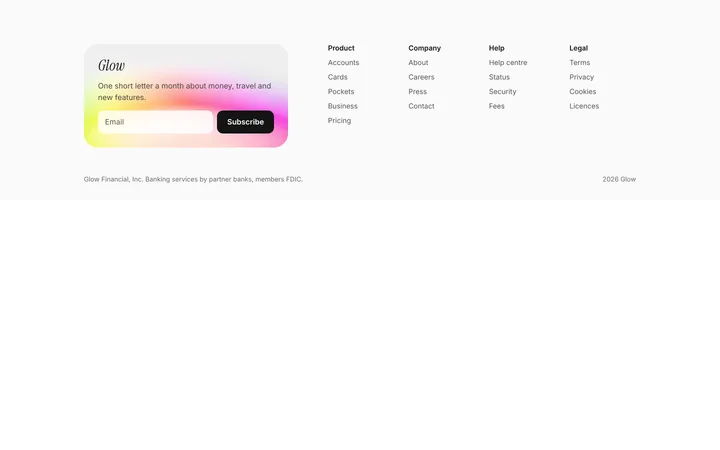
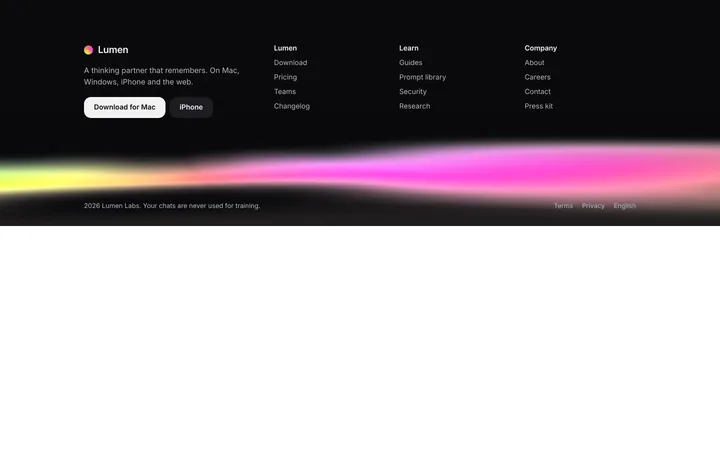
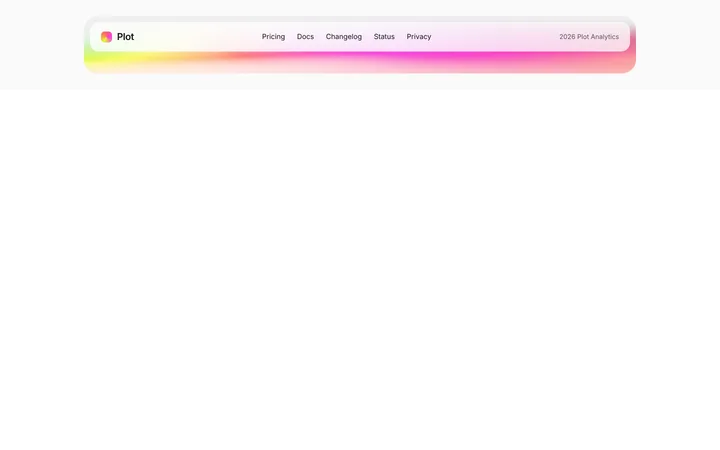
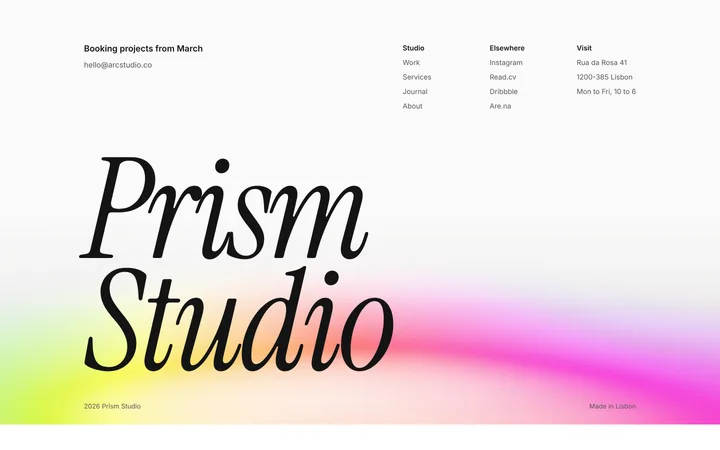
Common types: minimal footers with a few links, multi-column footers that work as a sitemap, and footers with a newsletter signup.
Labelled link columns
Three to five short headings so people can scan.
A last call to action
Repeat the main action or a signup for people who scrolled this far.
Quiet legal row
Privacy, terms and copyright in one small row.
Common mistake: A wall of unsorted links. Footer design ideas →
Keeping the design in Google Stitch
Stitch generates screens from prompts on a design canvas, so it suits founders and designers who want to explore and design screens before any code is written.
What Google Stitch builds
Screens on Stitch's design canvas, which you can export along with a DESIGN.md for your coding agent.
Where the design goes
Bring the template's DESIGN.md into your Stitch project as its design system, so every generated screen uses its colours, type and spacing.
Google Stitch and footer sections
Without a design system, each Stitch prompt invents its own style and screens stop matching. Paste the template again with your follow-up prompt if it starts to drift.
What to tell it
Keep the column structure and the final call to action; replace the links with your own pages.
Set it up once with our DESIGN.md templates.
Not sure which footer design fits?
Ask Mon, the AI design assistant, describe your product and Mon suggests the footer design and how to prompt Google Stitch with it.
Frequently asked questions
How do I use a footer template in Google Stitch?
Bring the template's DESIGN.md into your Stitch project as its design system, then describe the screen you want. Bring the template's DESIGN.md into your Stitch project as its design system, so every generated screen uses its colours, type and spacing.
What does Google Stitch turn the template into?
Screens on Stitch's design canvas, which you can export along with a DESIGN.md for your coding agent.
How do I stop Google Stitch changing the design?
Without a design system, each Stitch prompt invents its own style and screens stop matching. A follow-up prompt that helps: "Design this section using the imported design system. Keep its colours, type scale and spacing exactly."
What makes a good footer section?
Labelled link columns: three to five short headings so people can scan. A last call to action: repeat the main action or a signup for people who scrolled this far. Quiet legal row: privacy, terms and copyright in one small row.
Any Google Stitch tips for footer sections?
Without a design system, each Stitch prompt invents its own style and screens stop matching. Paste the template again with your follow-up prompt if it starts to drift.
More Google Stitch template categories
Footer templates for other tools