Kiro stats templates for AI websites and apps
Real stats designs you can copy into Kiro. Kiro turns a pasted template into code in your project's stack, built task by task from a Kiro spec. Below: the designs, how to set Kiro up so it keeps the design, and what makes a good stats section.
Kiro stats templates
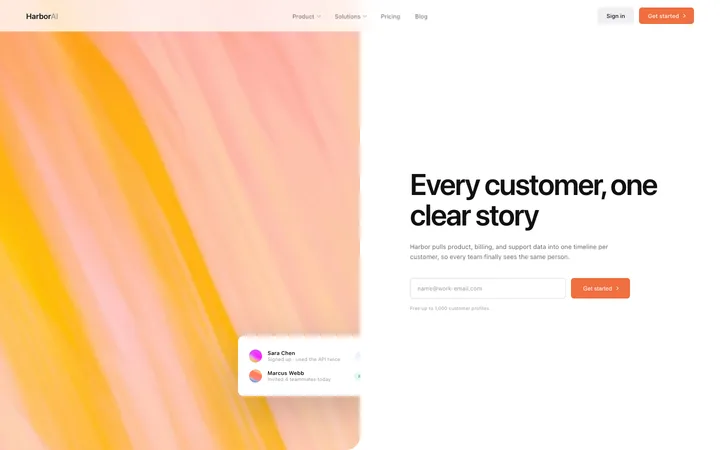
62 stats design templates for Kiro. Browse the full BrowserMoon library for every template category.
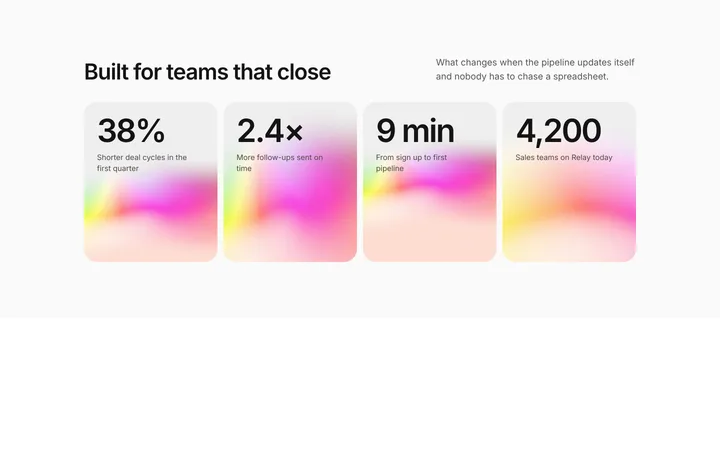
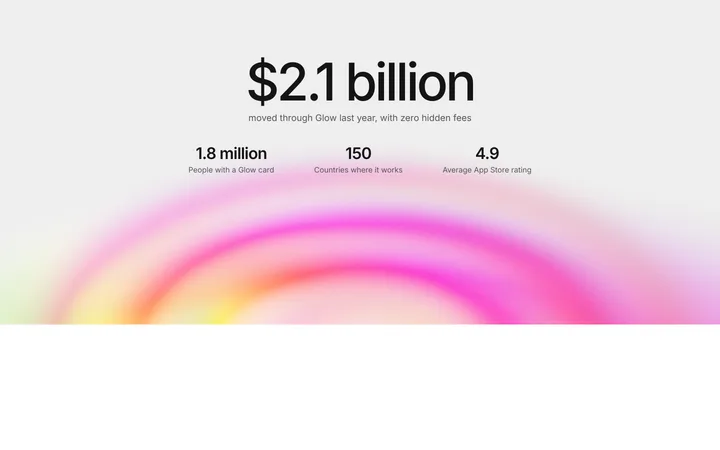
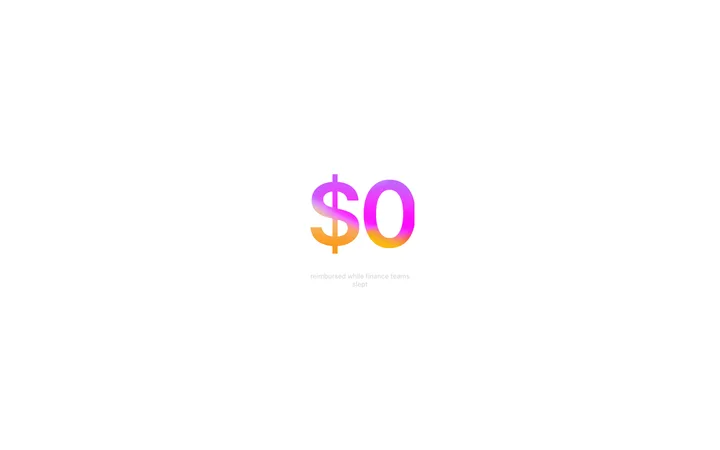
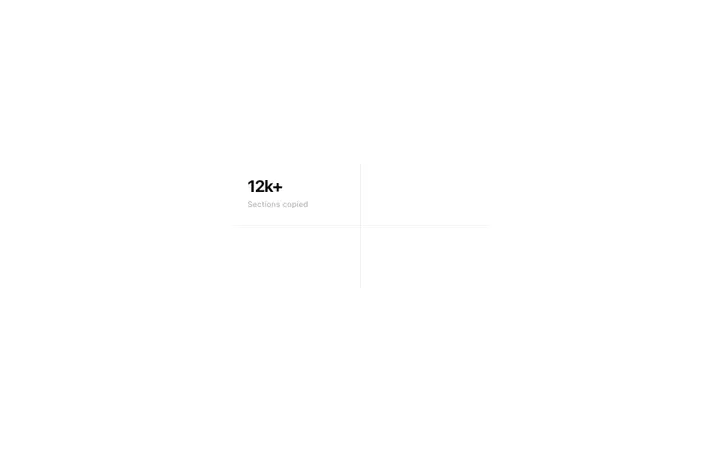
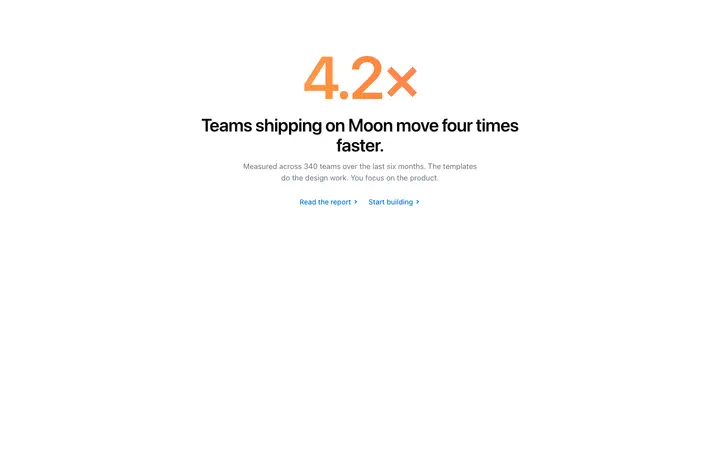
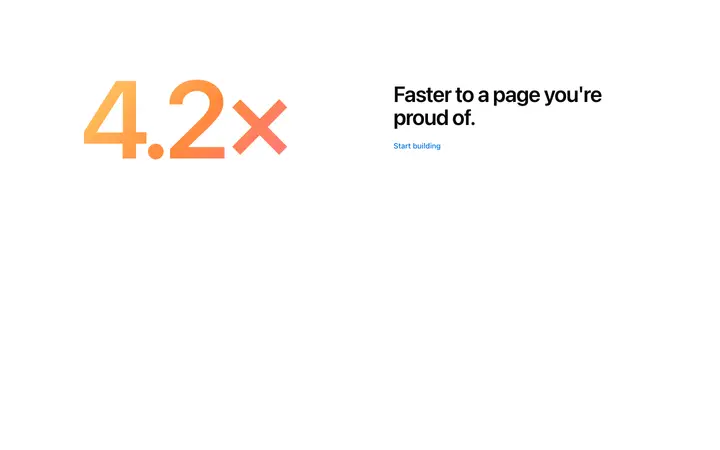
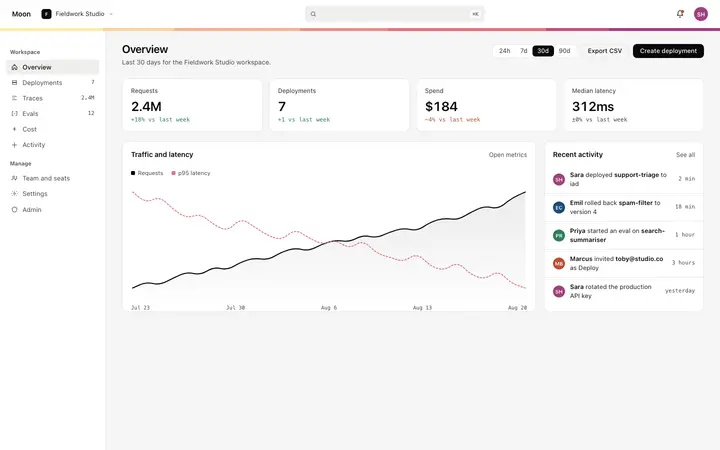
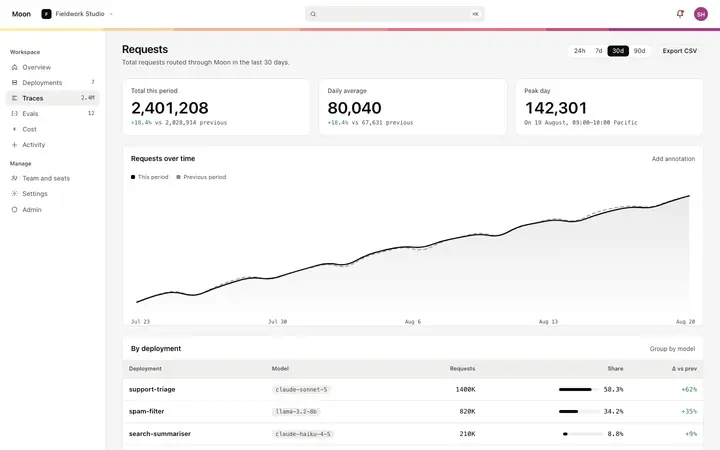
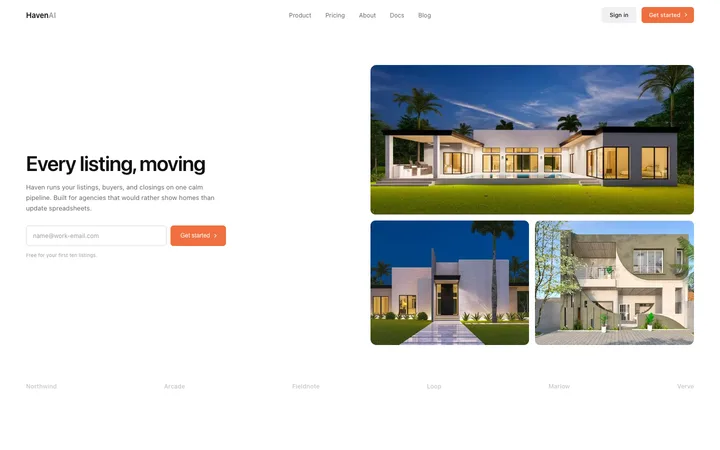
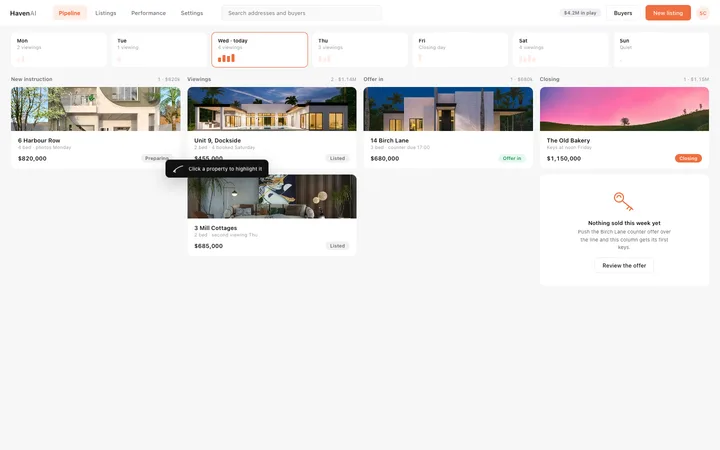
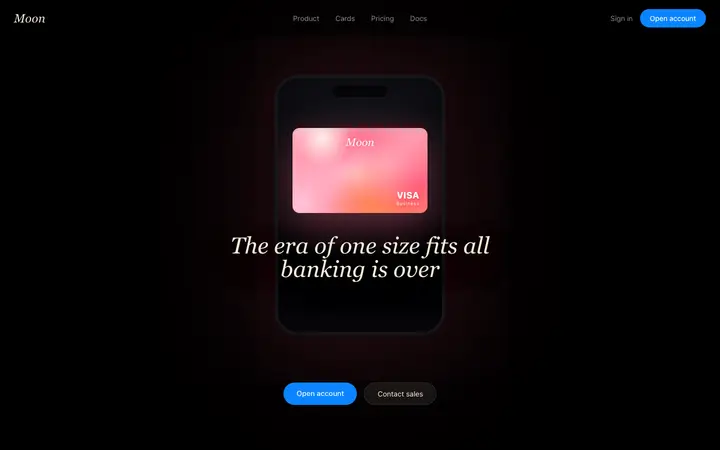
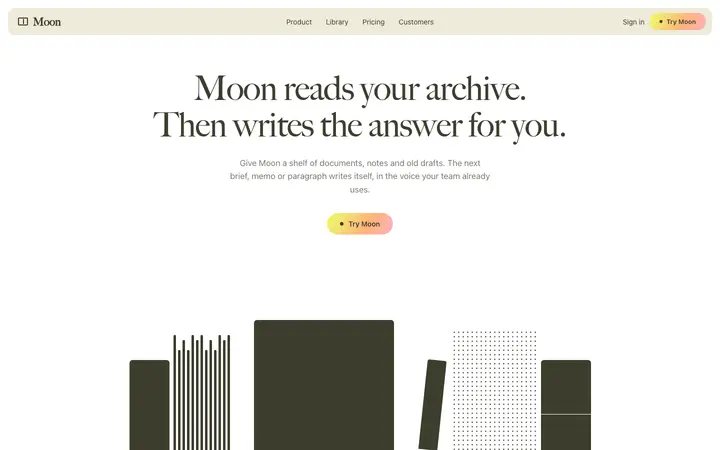
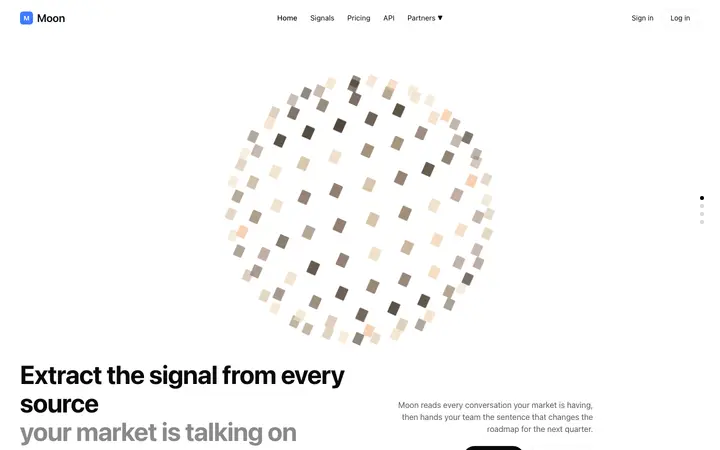
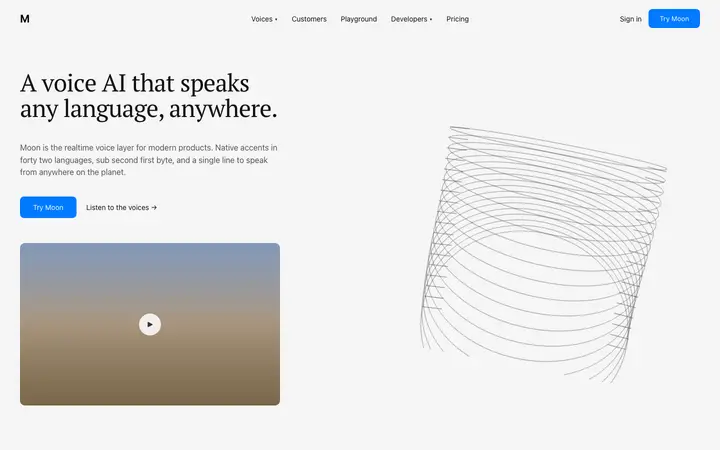
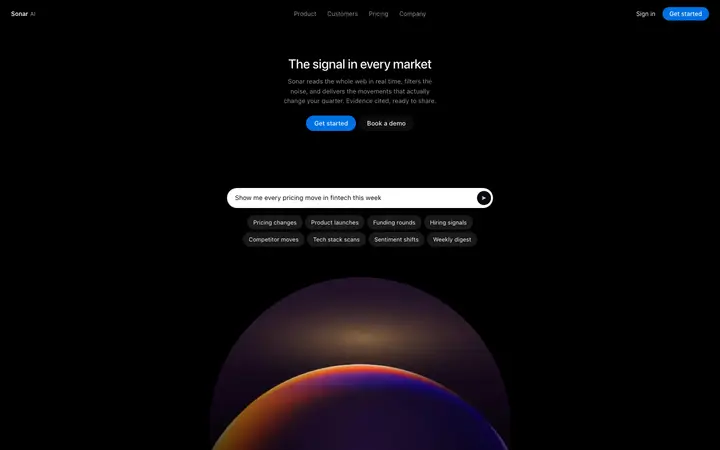
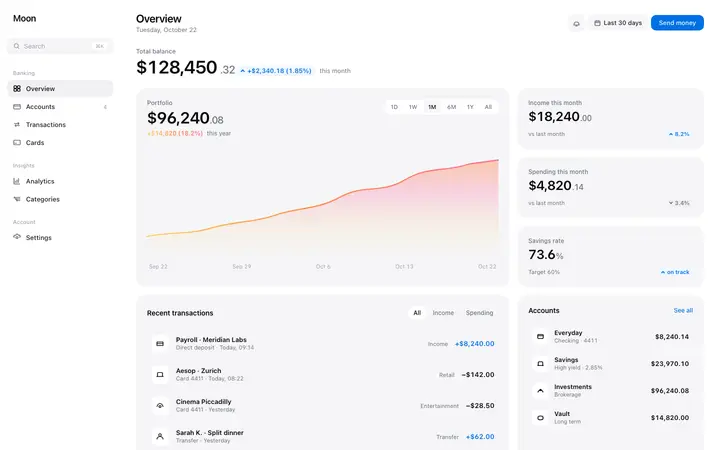
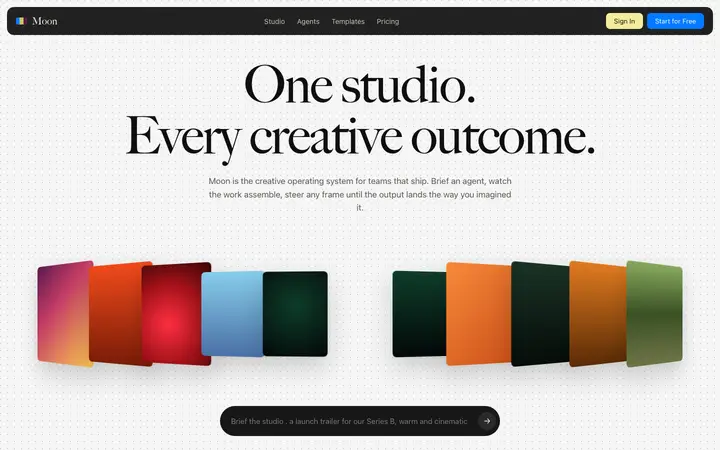


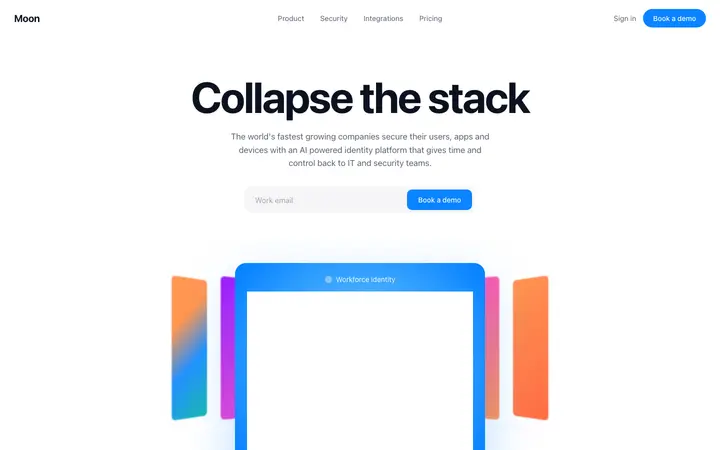
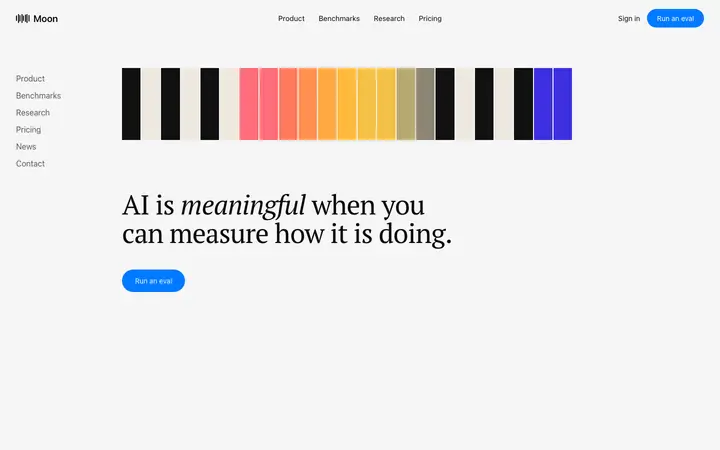
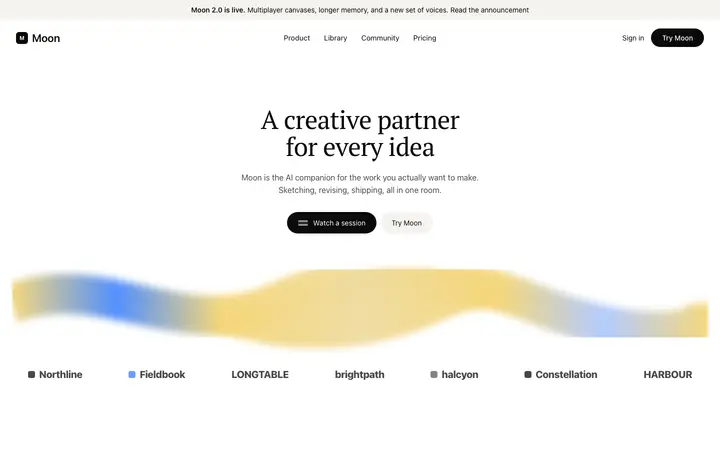
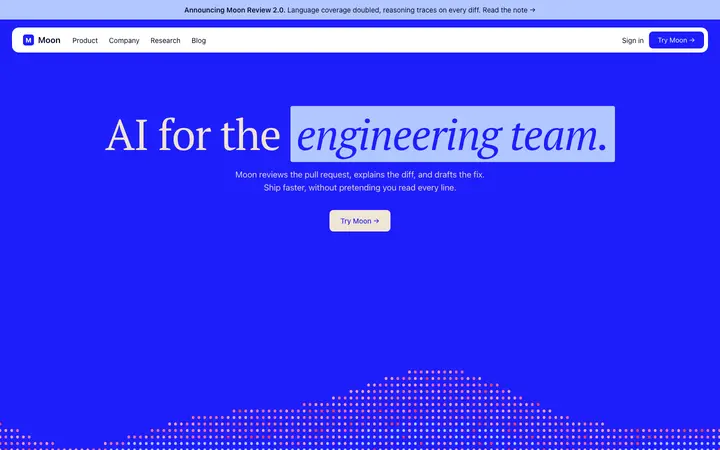
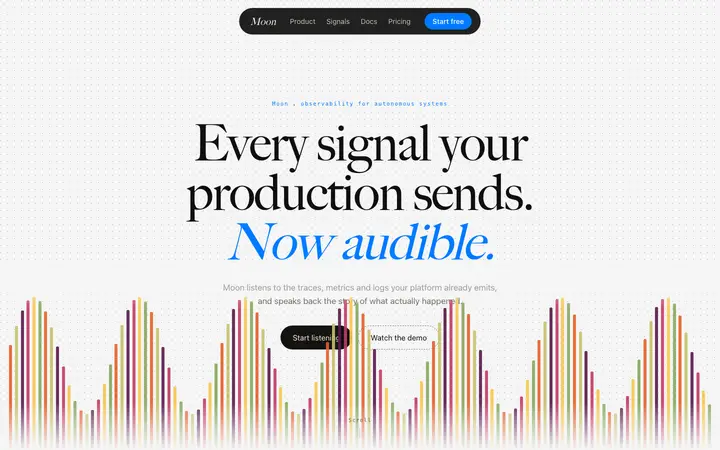
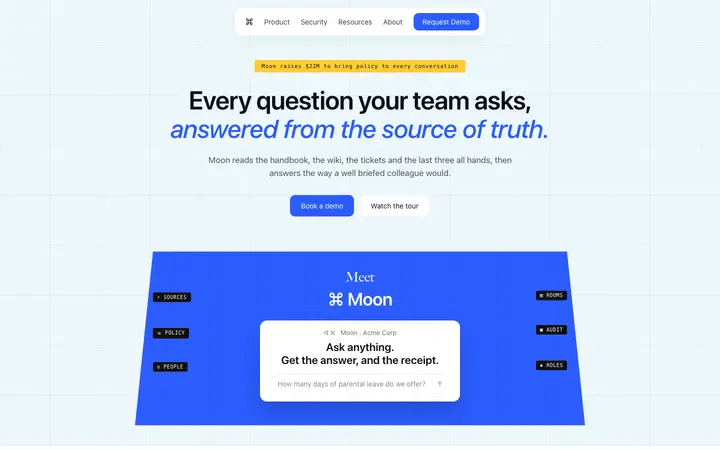
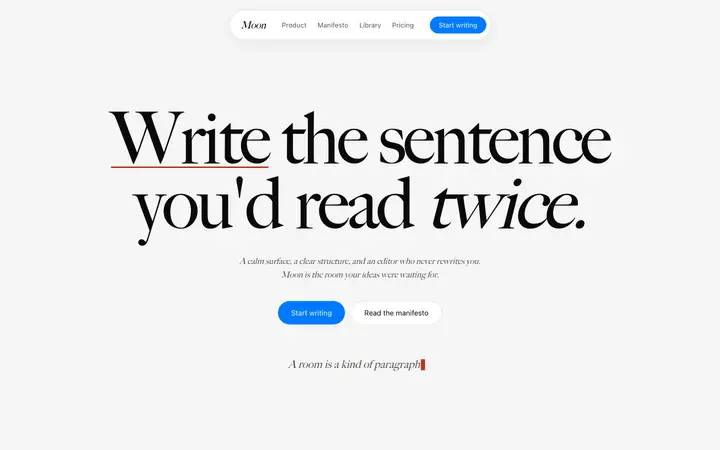
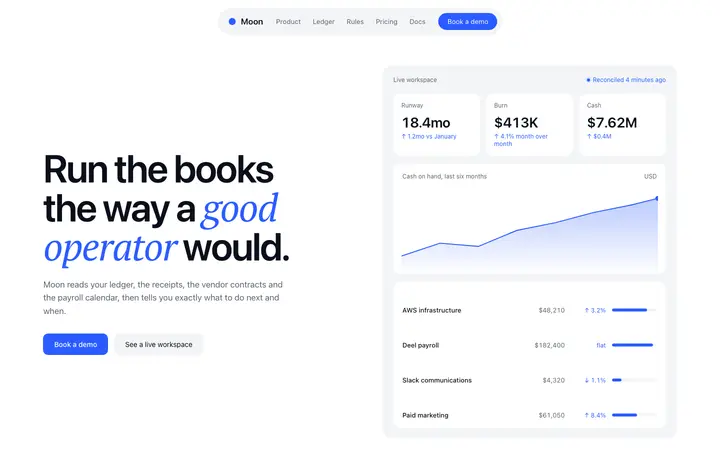
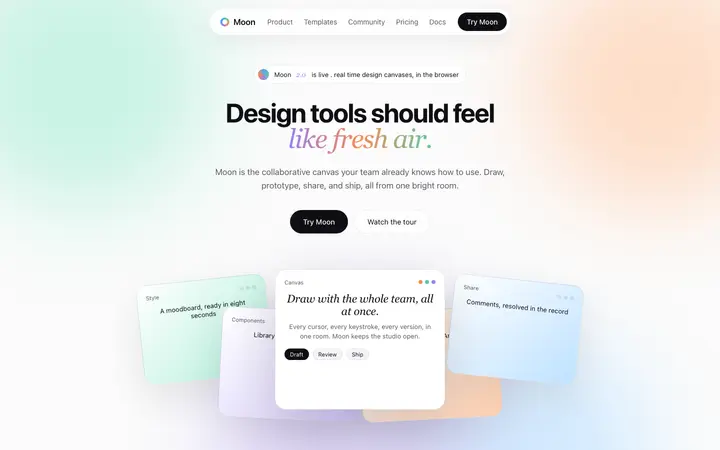
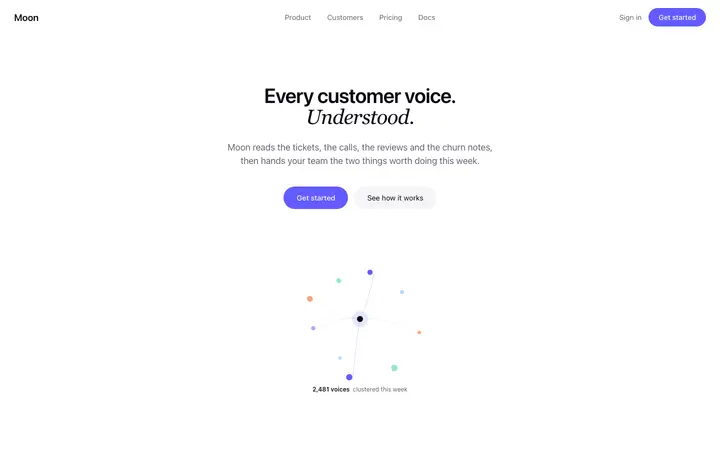
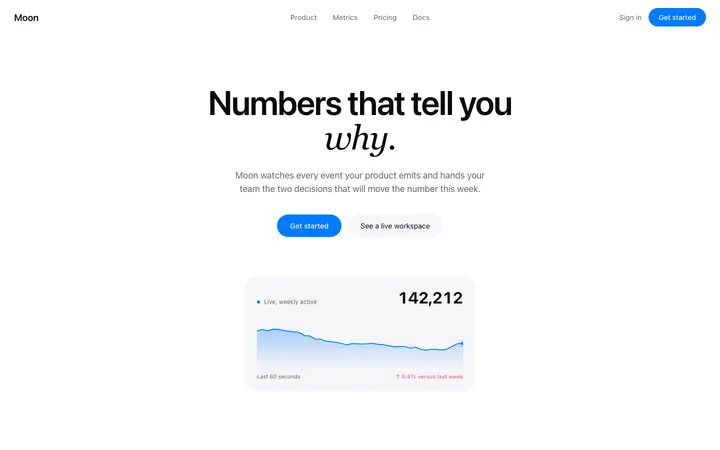
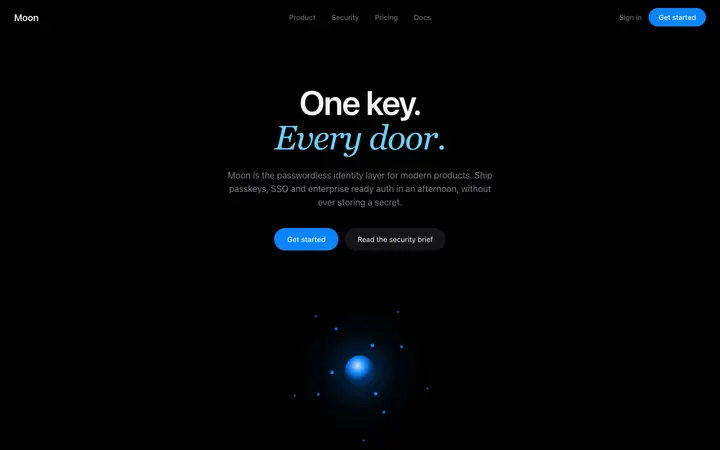

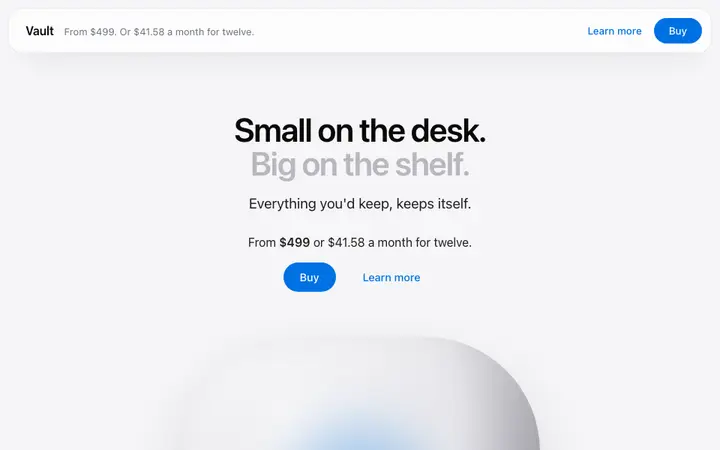
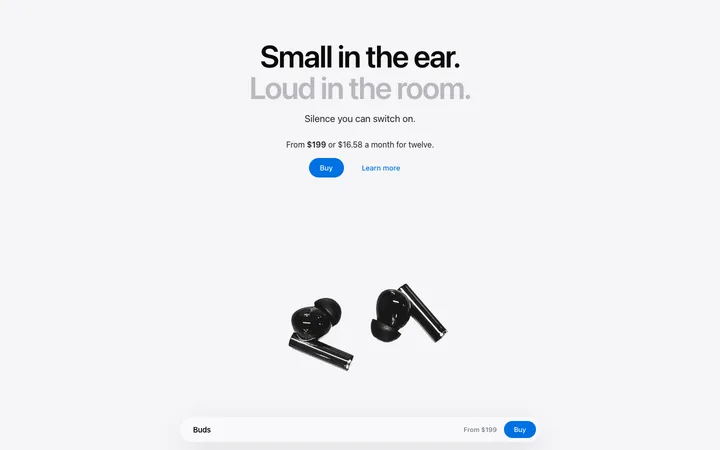
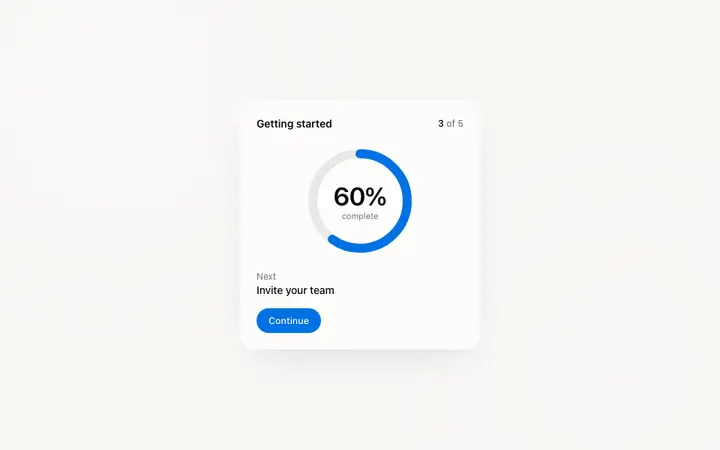
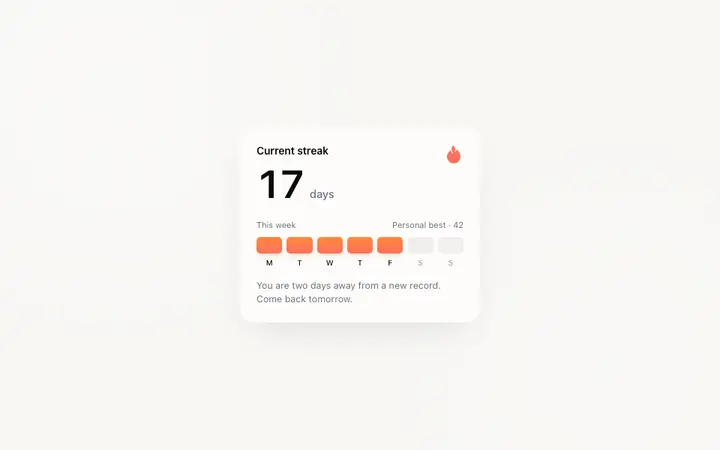
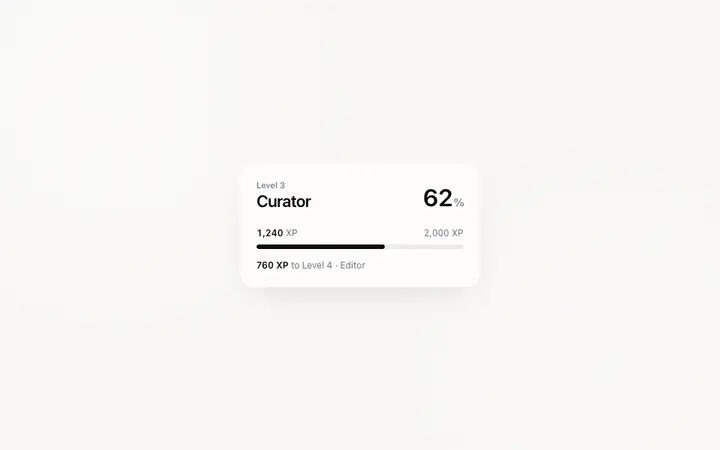
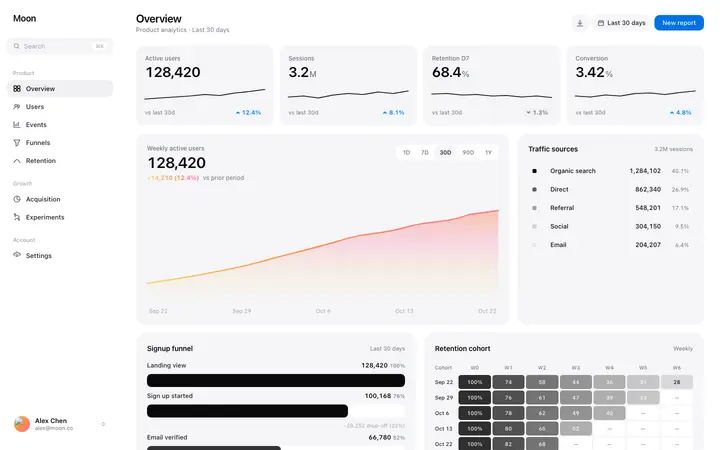
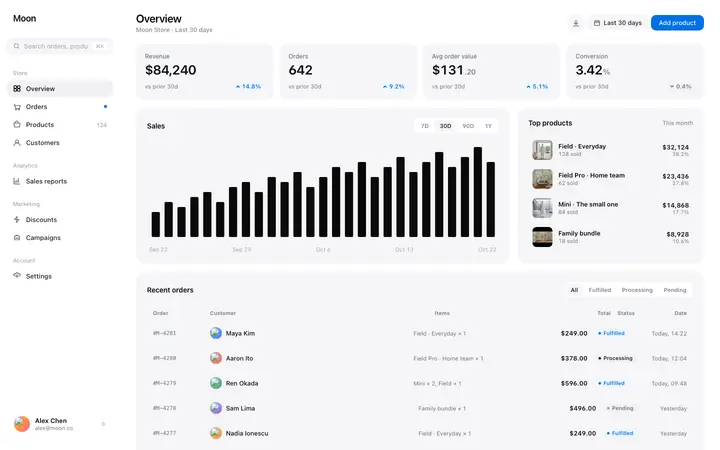
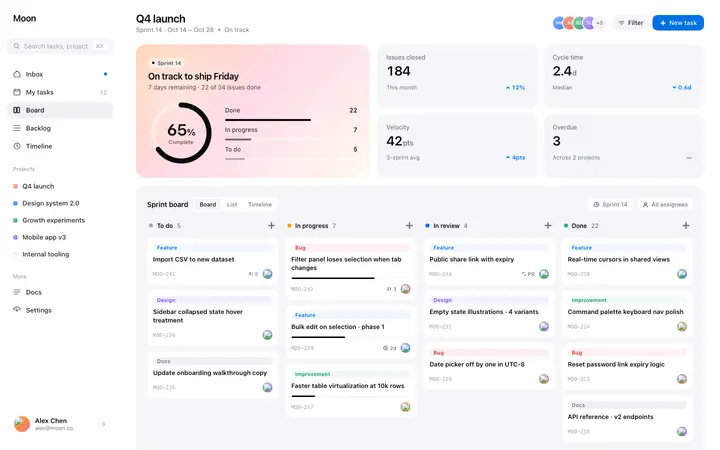
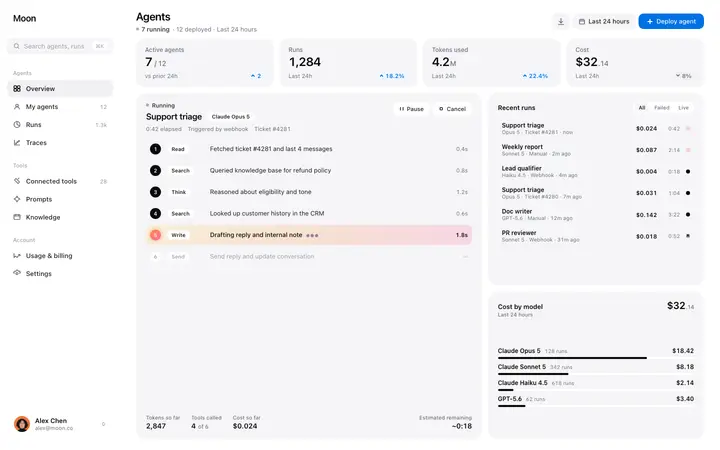
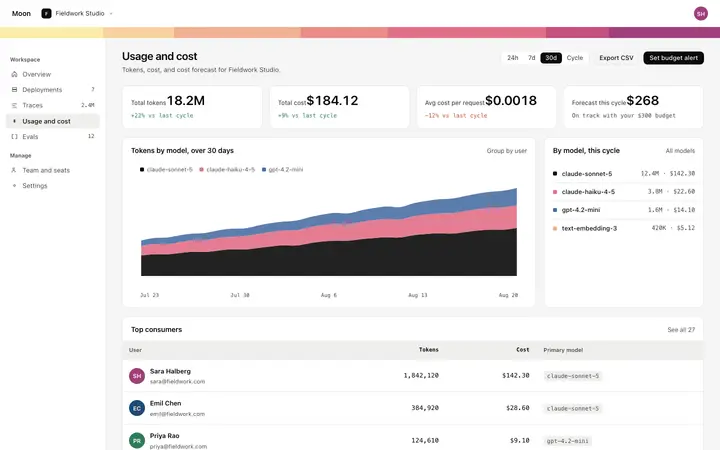
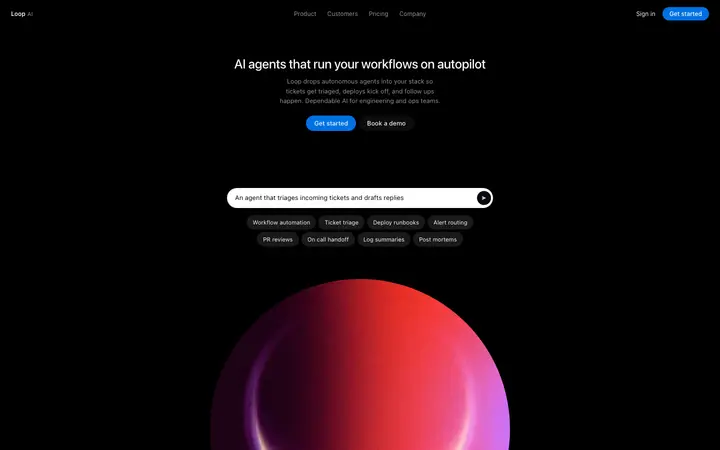
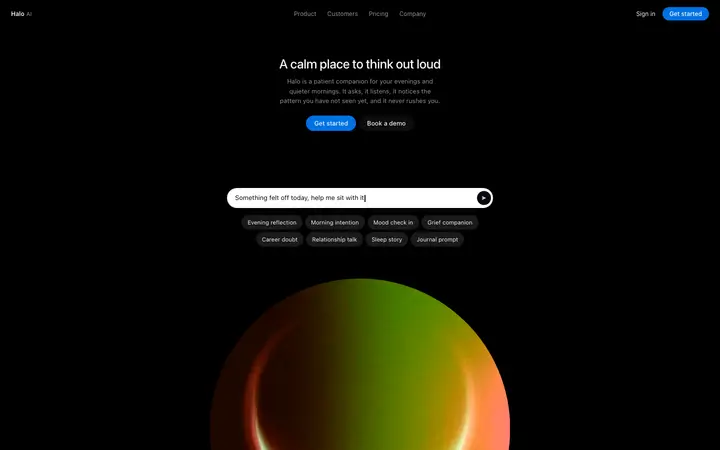
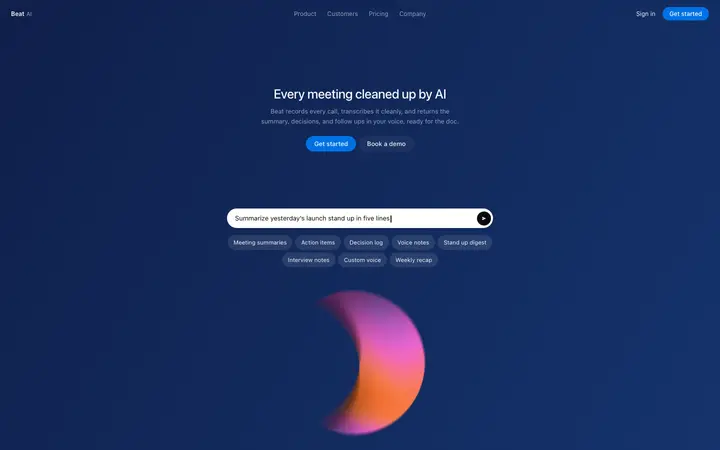
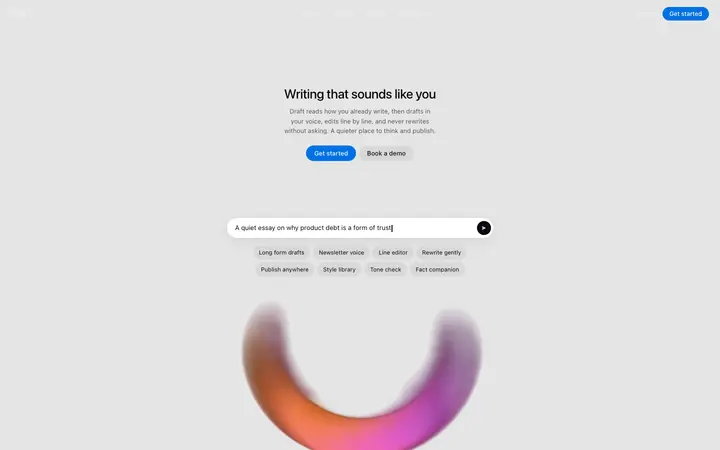
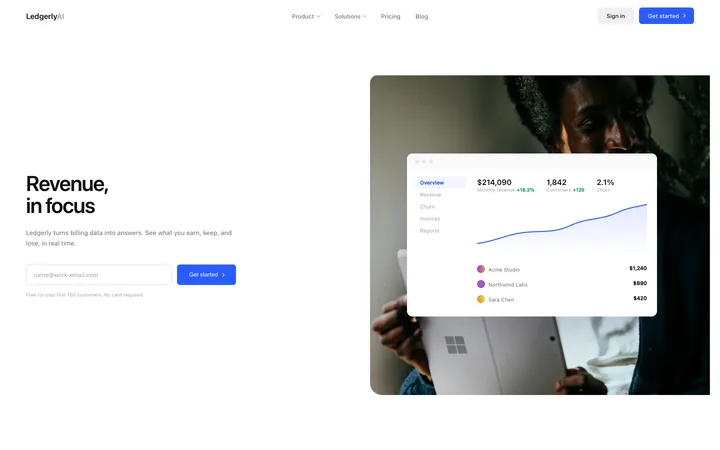
48 of 62
How to use stats templates with Kiro
Pick a design
Choose a stats design above and open it to see it live.
Copy the template
Copy the template from its page. It is one HTML file with no dependencies.
Set up Kiro
Save the template and its DESIGN.md in your project, and add a steering file in .kiro/steering that tells Kiro to follow them in every spec.
Prompt, then refine
Paste it and describe your product. Then follow up with: "Add a task to build this section from design/template.html, following DESIGN.md for colours, type and spacing."
What makes a good stats section
Common types: a row of big numbers, stats inside a dark band, and stats paired with a chart or a customer story.
A few big numbers
Three or four, each with a short label.
Numbers people can check
Real figures with a time frame, like "in 2026".
Placed near a claim
Stats work best right after the promise they prove.
Common mistake: Rounded vanity numbers with no context.
Keeping the design in Kiro
Kiro plans each feature as a spec with requirements, a technical design and tasks, so it suits teams who want UI work planned as carefully as the code.
What Kiro builds
Code in your project's stack, built task by task from a Kiro spec.
Where the design goes
Save the template and its DESIGN.md in your project, and add a steering file in .kiro/steering that tells Kiro to follow them in every spec.
Kiro and stats sections
Kiro's spec design.md covers architecture, not looks, so without DESIGN.md the UI falls back to generic choices. Paste the template again with your follow-up prompt if it starts to drift.
What to tell it
Keep the number size and spacing, and use real figures with a short label and time frame.
Set it up once with our DESIGN.md templates.
Not sure which stats design fits?
Ask Mon, the AI design assistant, describe your product and Mon suggests the stats design and how to prompt Kiro with it.
Frequently asked questions
How do I use a stats template in Kiro?
Save the template and its DESIGN.md in your project, add a steering file in .kiro/steering that points to them, and ask Kiro for the page or spec. Save the template and its DESIGN.md in your project, and add a steering file in .kiro/steering that tells Kiro to follow them in every spec.
What does Kiro turn the template into?
Code in your project's stack, built task by task from a Kiro spec.
How do I stop Kiro changing the design?
Kiro's spec design.md covers architecture, not looks, so without DESIGN.md the UI falls back to generic choices. A follow-up prompt that helps: "Add a task to build this section from design/template.html, following DESIGN.md for colours, type and spacing."
What makes a good stats section?
A few big numbers: three or four, each with a short label. Numbers people can check: real figures with a time frame, like "in 2026". Placed near a claim: stats work best right after the promise they prove.
Any Kiro tips for stats sections?
Kiro's spec design.md covers architecture, not looks, so without DESIGN.md the UI falls back to generic choices. Paste the template again with your follow-up prompt if it starts to drift.
More Kiro template categories
Stats templates for other tools