There are two ways to go from design to code with Claude Code. If you have a Figma file, connect Figma to Claude Code and let it read your frames directly. If you do not have a Figma file, which is true for most people building with AI, give Claude Code a finished design template instead. This guide covers both routes, step by step, and links to Claude Code templates for the second.
Quick answer: with Figma, add Figma's MCP server to Claude Code, paste a frame link and ask it to build that frame in your stack. Without Figma, save an HTML design template in your repo, point to it from CLAUDE.md, and ask Claude Code to build to it. Either way, keep your design rules in CLAUDE.md so every session follows them.
Route 1: Figma to Claude Code with the Figma MCP server
Figma offers an MCP server that lets Claude Code read the design data in your files: layers, colours, fonts, spacing and auto layout. Once it is connected, you paste a link to a frame and ask Claude Code to build it, and it works from the real values instead of a screenshot. Full access needs a paid Figma seat with Dev Mode, so check your plan first.
How to use it: add the Figma MCP server to Claude Code, sign in to Figma when asked, copy the link to a frame, then prompt: build this frame as a component in our codebase, reuse our existing components, and match the spacing and type exactly.
How to get the best results from Figma
The cleaner the Figma file, the better the code. Use auto layout, name your layers, set colours and type as variables and build real components. Messy files with absolute positioning give Claude Code less to work with. If your team maps Figma components to code components with Code Connect, Claude Code can reuse your real components instead of writing new ones.
No Figma file? Get 560+ finished design templates for Claude Code, plus a CLAUDE.md design template that keeps every session on design.
Get a licenceRoute 2: Claude Code without Figma
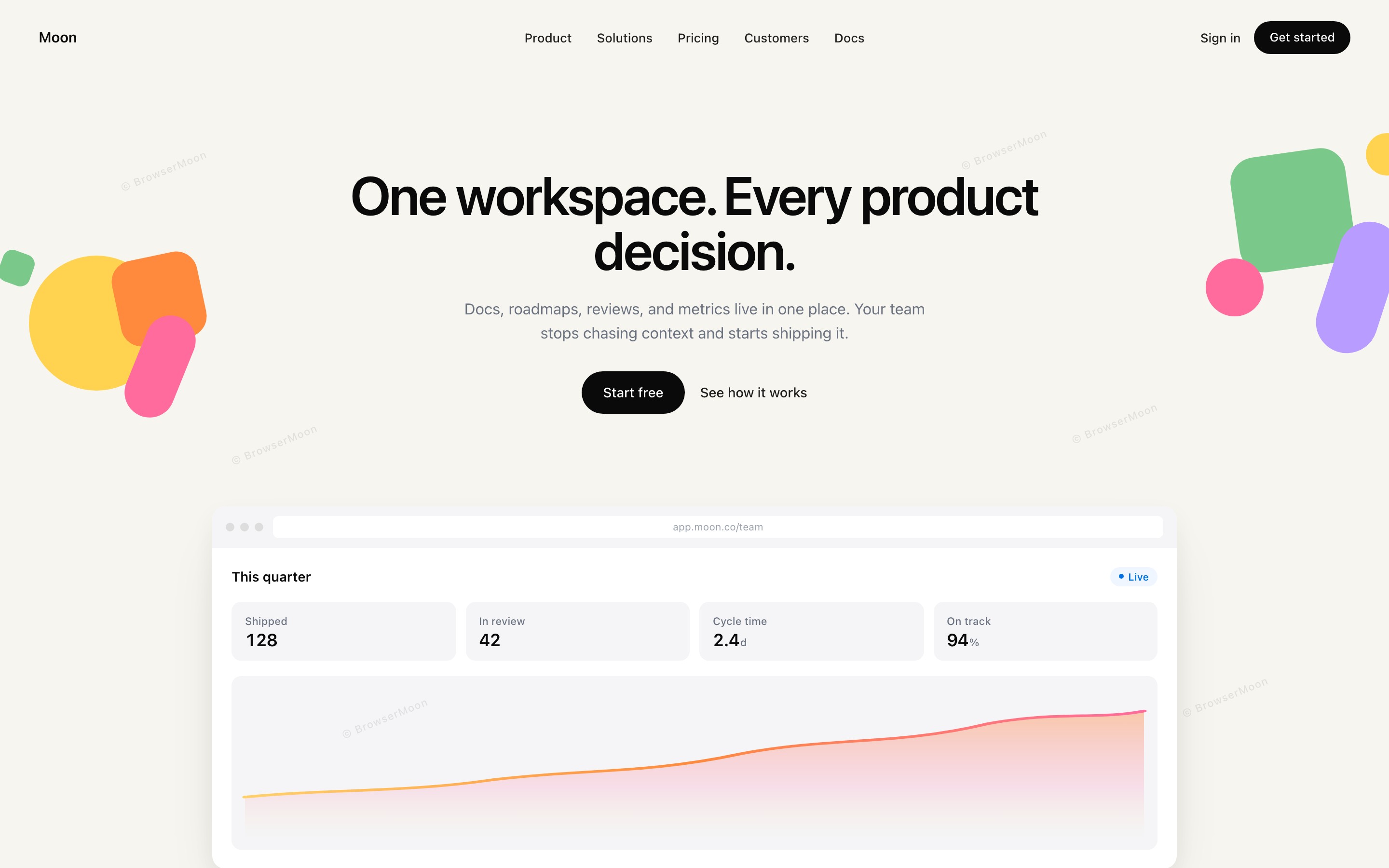
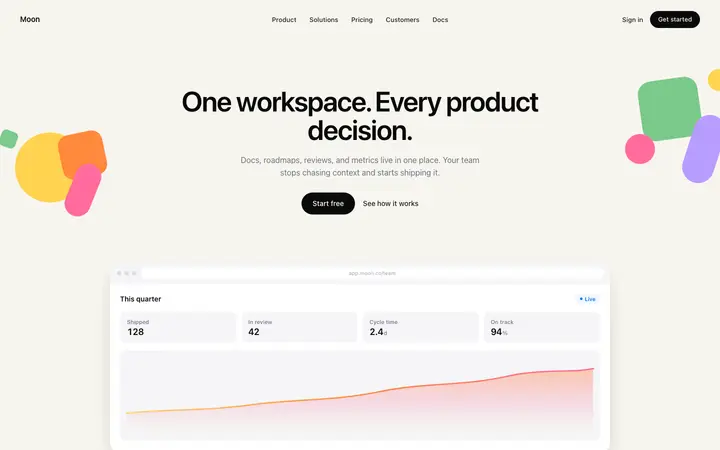
Most founders and developers building with AI do not have a designer or a Figma file. You do not need one. A finished HTML design template gives Claude Code the same thing a Figma frame does: exact colours, type sizes and spacing to follow. Pick a design from the Claude Code templates, for example a hero or a pricing section, and save it in your repo as design/template.html.
Then add a design section to CLAUDE.md that says: the design source of truth is design/template.html; match its fonts, spacing, colours and components. Claude Code reads CLAUDE.md at the start of every session, so the design survives across sessions. Our CLAUDE.md design template and the CLAUDE.md generator give you this section ready made.
Figma or a template: which should you use?
Use Figma when a designer already made the design, when you need pixel-perfect brand work, or when your team maps design components to code.
Use a template when you have no designer, want to start today, or are building a SaaS, AI or startup site where a proven layout matters more than a one-off design. Many teams do both: start from a template, then refine it in Figma later.
Keep the design consistent in every session
Whichever route you choose, the design drifts if each session starts from scratch. Keep the rules in CLAUDE.md, build one section at a time, and ask Claude Code to compare its result with the design before it finishes. For more ways to keep Claude Code on design, see the best Claude Code skills for frontend design and CLAUDE.md vs AGENTS.md vs Cursor rules.
Want a second opinion on the result? Get AI design feedback from Mon, the AI design assistant: describe the page and it tells you what to fix first.
Frequently asked questions
Can Claude Code read Figma files?
Yes. With Figma's MCP server connected, Claude Code can read the design data in a frame, including layers, colours, fonts, spacing and auto layout, and build it in your stack.
Do I need a paid Figma plan for Claude Code?
Full access to Figma's MCP server needs a paid seat with Dev Mode. Without one, use a finished HTML design template as the reference instead.
How do I use Claude Code without Figma?
Save an HTML design template in your repo, point to it from CLAUDE.md, and ask Claude Code to build to it. It gives Claude Code the same exact values a Figma frame would.
How do I stop Claude Code changing my design?
Put the design rules and the path to your design file in CLAUDE.md, build one section at a time, and ask Claude Code to compare its result with the design before finishing.
Is Figma Make the same as Claude Code?
No. Figma Make generates designs and prototypes inside Figma, while Claude Code writes code in your repo. Many people design in one and build in the other.
Related templates
Claude Code templates
560+ designs plus setup files.
CLAUDE.md design template
Design rules Claude Code reads every session.
CLAUDE.md generator
Build your CLAUDE.md in a minute.
BrowserMoon vs Figma Make
Templates or AI-generated designs.
Website design ideas
Real designs by page and section.
Claude Code skills for frontend
Skills that keep Claude Code on design.