The best vibe coding prompt sites are the ones that give your AI coding tool something specific to build. A prompt like "make a modern landing page" gets you the same page everyone else gets. A good prompt names the section, lists what goes in it, and points at a design to match. Here are the places worth bookmarking, what each one is good for, and how to write your own prompts when you cannot find the right one.
Quick answer: for design and layout prompts that come with a template to match, use BrowserMoon. For a big general prompt library across ChatGPT, Claude and Gemini, use TopFreePrompts. For open source prompts, use prompts.chat. For Cursor rules, use cursor.directory. For tool specific advice, read the official Lovable and Anthropic guides.
What makes a good vibe coding prompt
Before the list, it helps to know what you are looking for. A vibe coding prompt that works does four things:
1. It names one thing to build. A hero section, a pricing table, a settings page. Not "a whole app".
2. It lists what goes in it, in order. Headline, short line, two buttons, product screenshot. The AI follows a list far better than a mood.
3. It points at a design. A template, a screenshot or exact colours and fonts. Without one, the AI falls back on its defaults, which is why so many vibe coded sites look alike.
4. It says what not to change. "Keep the spacing and colours from the reference" stops the AI from drifting on the second and third prompt.
Most prompt sites are strong on one or two of these. Use that to judge any prompt you copy.
Best vibe coding prompt sites at a glance
| Site | Best for | Works with | Price |
|---|---|---|---|
| BrowserMoon | Design prompts paired with templates | Claude Code, Cursor, Lovable, Bolt, v0, Replit and more | Paid licence |
| TopFreePrompts | A large general prompt library | ChatGPT, Claude, Gemini, Midjourney | Free to browse |
| prompts.chat | Open source prompts, with a vibe coding section | Any chatbot; CLI and Claude Code plugin | Free, open source |
| cursor.directory | Cursor rules and MCP servers | Cursor (rules also work as context elsewhere) | Free, community |
| Lovable docs | Official prompting guide for Lovable | Lovable | Free |
| Anthropic prompt library | Official example prompts for Claude | Claude | Free |
| PromptBase | A marketplace to buy single prompts | Mostly chat and image tools | Pay per prompt |
1. BrowserMoon: design prompts that come with a template
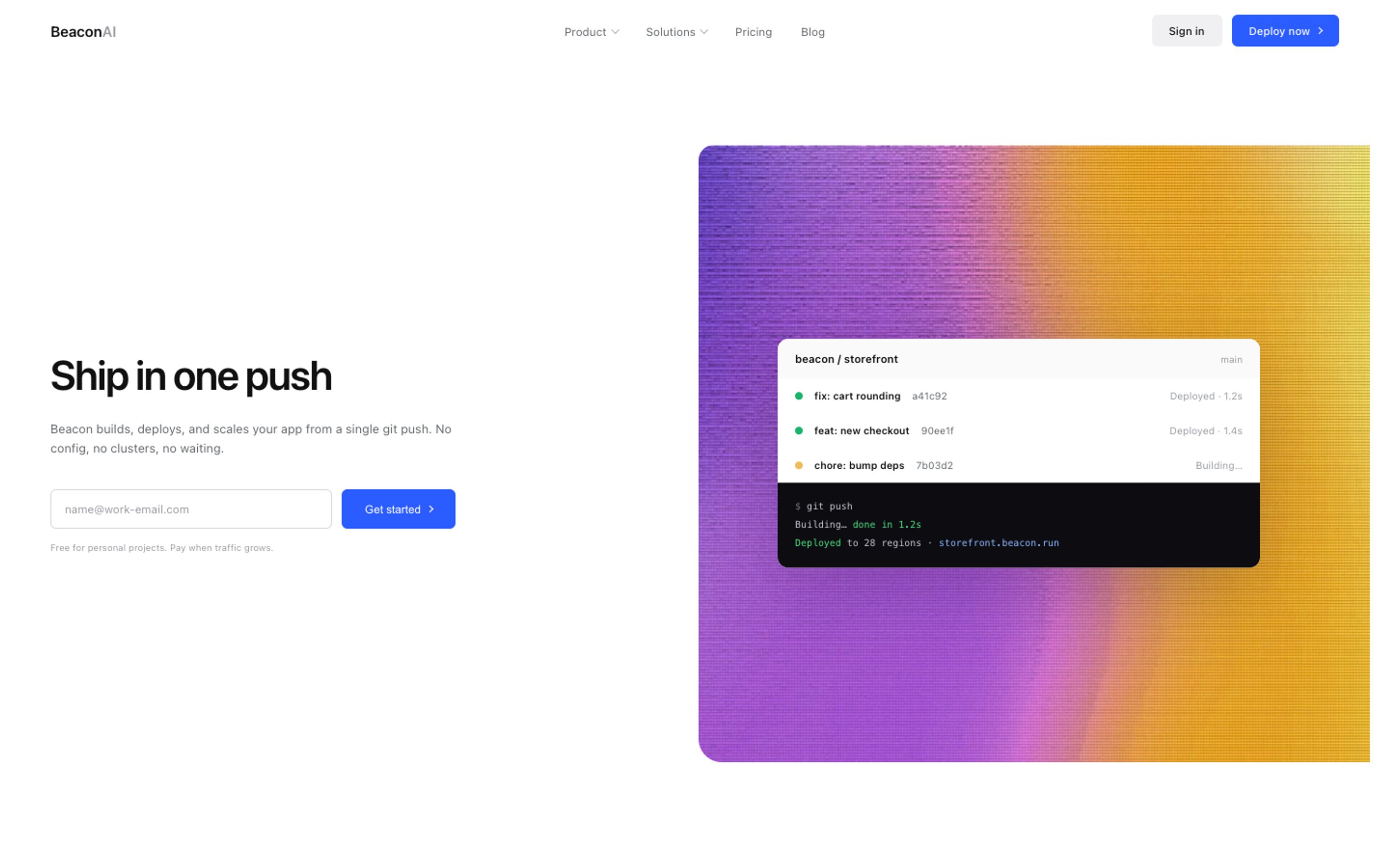
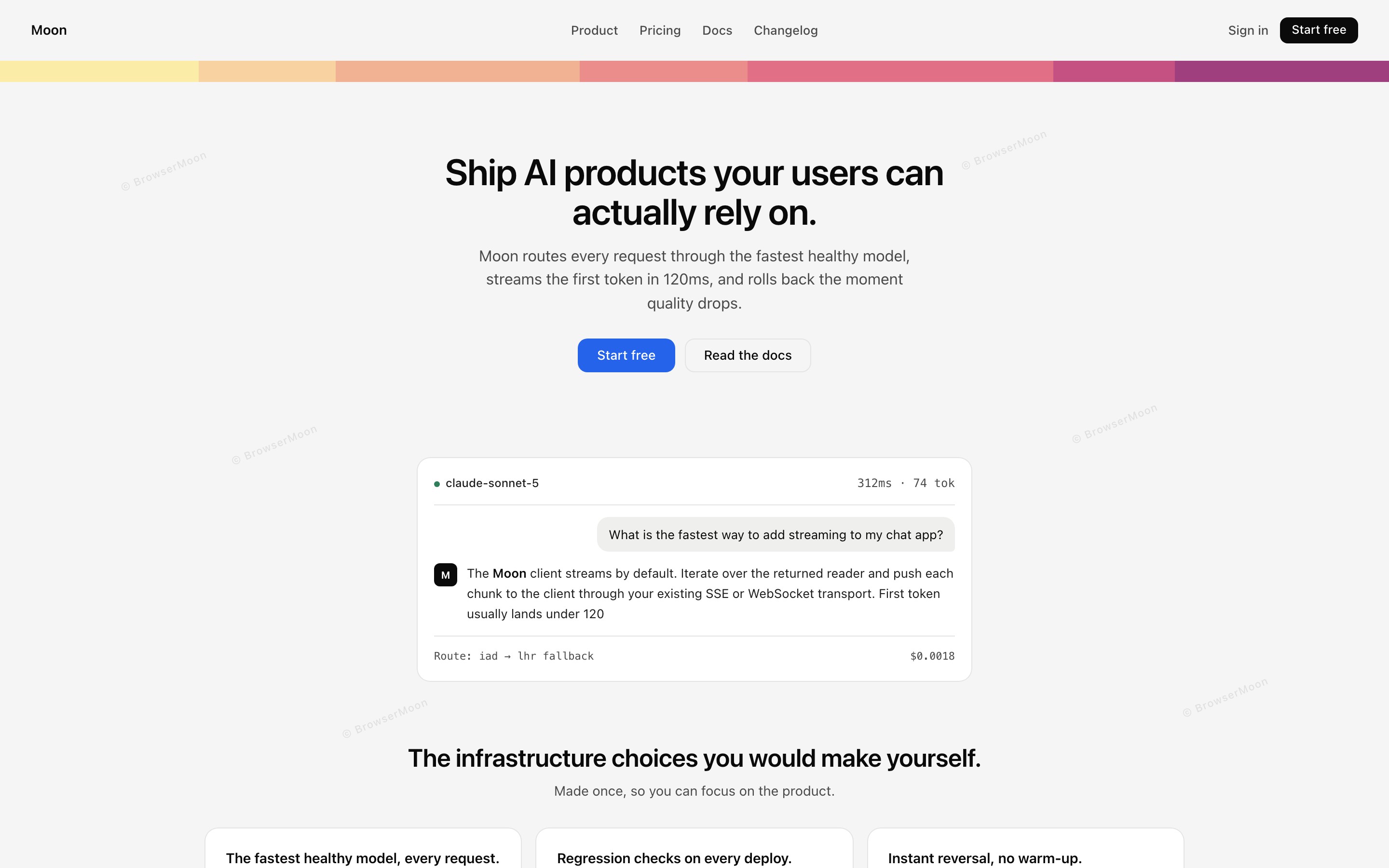
BrowserMoon's vibe coding prompts are written for design. Each prompt covers one section, lists every element in order and is meant to be pasted together with one of 560+ design templates, so the AI has both the instructions and the look to match. There are prompt sets for Claude Code, Cursor, Lovable, Bolt, v0 and more.
Best for: landing pages, dashboards and app screens that need to look designed, not generated. Good to know: the opening of every prompt is public; the full prompts and templates come with a licence.
2. TopFreePrompts: a large general prompt library
TopFreePrompts is a big library of prompts for ChatGPT, Claude, Gemini and Midjourney, sorted into categories, including coding and development. It is the place to go when your project needs more than code: product copy, marketing emails, research, images for your site.
Best for: everything around the build, from naming your product to writing the copy you paste into your landing page. Good to know: it is a general library, so for page design pair it with a template.
3. prompts.chat: open source prompts
prompts.chat grew out of Awesome ChatGPT Prompts, one of the most starred repositories on GitHub. It is open source, works with any chatbot, and has a vibe coding section. Developers can also pull prompts in through a command line tool, a Claude Code plugin or an MCP server.
Best for: developers who like open source and want prompts inside their tools. Good to know: prompts are community written, so quality varies.
4. cursor.directory: Cursor rules and MCP servers
cursor.directory is a community collection of Cursor rules, the instructions Cursor follows on every request, sorted by stack like React, Next.js and Python, plus a list of MCP servers. A good rule file does what a prompt does, but permanently.
Best for: Cursor users who want consistent code without repeating themselves. Good to know: rules are about code style more than design. For design rules, use a Cursor rules generator built for design.
5. Lovable's prompting guide
Lovable's own documentation has a prompting guide that teaches structure: clear sections, small steps, and reusing the same prompt pattern for similar components. It is advice rather than a library, but it is written by the people who build the tool.
Best for: Lovable users who want to learn how the tool reads prompts. See also our guide to making a Lovable app look professional.
6. Anthropic's prompt library
Anthropic publishes a library of example prompts for Claude, from code helpers to small single file web apps. They show how Claude likes to be asked: clear roles, clear steps and examples.
Best for: learning prompt structure for Claude and Claude Code. Good to know: examples, not a design resource.
7. PromptBase: a prompt marketplace
PromptBase is a marketplace where people sell single prompts, with prices set by each seller. Most of the catalogue is for chat and image tools rather than coding.
Best for: one-off specialised prompts. Good to know: you pay before you can see the prompt, so check reviews first.
Get 560+ design templates with matching prompts for Claude Code, Cursor, Lovable, Bolt and v0.
Get a licencePrompts or templates: what you actually need
A prompt tells the AI what to build. A template shows it what it should look like. On their own, prompts get you working code with generic design, and templates get you a great look the AI then has to fit to your product. Together they get you both.
The simplest workflow: pick a vibe coding template, paste it into your tool, then use a short prompt to fit it to your product. For a full comparison of template libraries, see the best design template libraries, and for how the two BrowserMoon and TopFreePrompts approaches differ, see BrowserMoon vs TopFreePrompts.
How to write your own vibe coding prompt
When no site has the prompt you need, use this structure. It works in Claude Code, Cursor, Lovable, Bolt, v0 and Replit.
Example prompt: "Build the pricing section of our landing page. Three plans side by side: Starter, Pro and Team, with Pro highlighted. Each card has the plan name, the monthly price, five features with check marks and a button. Match the colours, fonts and spacing of the pasted template. Do not change the navigation or the hero. Use this copy: …"
That one prompt names the section, lists the parts in order, points at a design, sets limits and gives real copy. Not sure what your page is missing? Ask Mon, the AI design assistant for design feedback before you write the next prompt.
Frequently asked questions
What is a vibe coding prompt?
A plain language instruction you give an AI coding tool like Claude Code, Cursor, Lovable or Bolt to build or change part of an app or website.
Where can I find good vibe coding prompts?
BrowserMoon for design prompts paired with templates, TopFreePrompts for a large general library, prompts.chat for open source prompts and cursor.directory for Cursor rules.
Why do my vibe coded websites all look the same?
Because the prompt gave the AI nothing to match, so it used its defaults. Paste a design template or screenshot with your prompt and say what to keep.
Are prompts or templates better for vibe coding?
You need both. A prompt says what to build and a template shows how it should look. Together they get you working code that looks designed.
Do the same prompts work in Cursor, Lovable and Claude Code?
Mostly yes. A well structured prompt works in any of them. Tool specific prompt sets adjust the wording and setup for each one.
Related templates
Vibe coding prompts
Design prompts for every section.
Vibe coding templates
560+ designs for AI coding tools.
BrowserMoon vs TopFreePrompts
Templates and prompts compared.
Best design template libraries
Template libraries for vibe coding.
Claude Code prompts
Prompts written for Claude Code.
Stop AI UI looking generic
Why AI designs look the same.