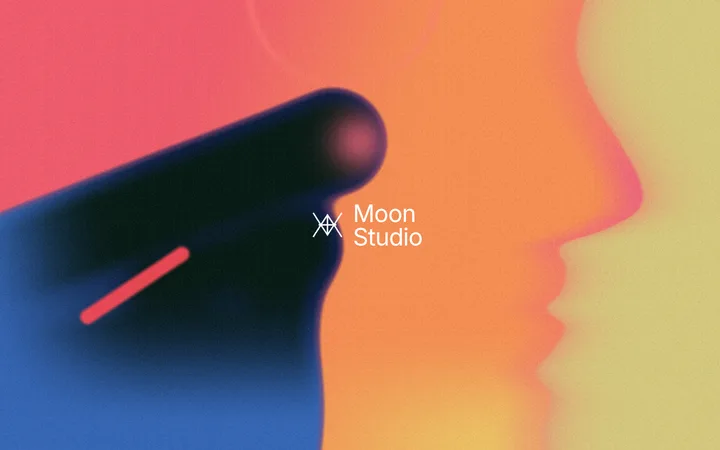


Animated gradient hero section with a centred logo

Animated gradient hero section with a centred logo

Hero · 0 copies

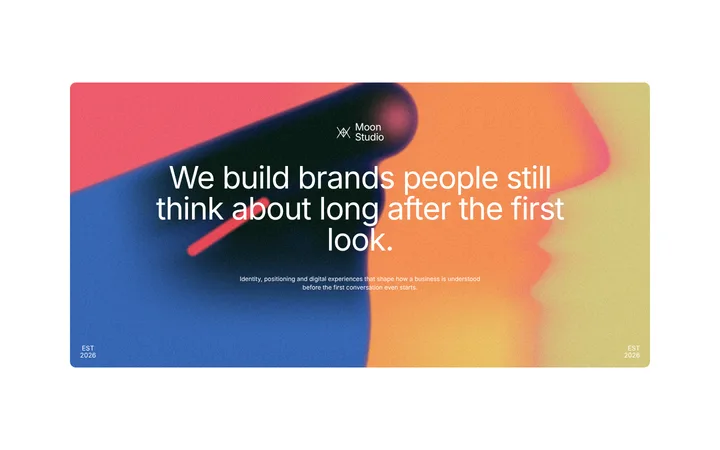
Gradient hero section with a big headline card

Gradient hero section with a big headline card

Hero · 0 copies

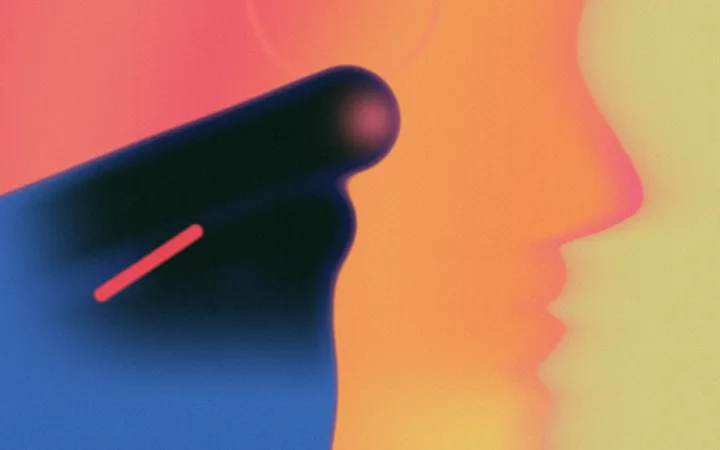
Animated gradient hero background without text

Animated gradient hero background without text

Background · 0 copies

Animated gradient background in cool infrared colours

Animated gradient background in cool infrared colours

Background · 0 copies

Dark animated gradient hero background with a glowing face

Dark animated gradient hero background with a glowing face

Background · 0 copies

Animated gradient hero templates in thermal colours

Animated gradient hero templates for your website: a full screen hero gradient with your logo, a gradient hero card with a big headline, and three animated hero backgrounds with no text in warm, cool infrared and night colours. Each one is a hand and a face in profile drawn in the colours of a heat camera, live in the browser, so it moves, stays sharp and loads fast. Copy one into Lovable, Bolt, Cursor or Claude Code and swap in your words.

Looking for ideas first? See website design ideas, or give your AI tool a design system with DESIGN.md templates.

Frequently asked questions

What is a gradient hero?

A hero section, the first screen of a website, with a gradient behind the headline instead of a photo. An animated gradient hero moves slowly, which makes the first screen feel alive without a video.

What is a thermal gradient?

A gradient in the colours of a heat camera: deep blue and black for cool areas and red, orange, pink and yellow for warm ones. It gives a website a bold, editorial, photo-like look without a photo.

Are these images or videos?

Neither. Each scene is drawn live in the browser by one small shader, so it moves, never repeats, stays sharp at any size and weighs a few kilobytes.

Can I use them without text?

Yes. The thermal gradient background, the infrared gradient animation and the heat map portrait have no text, so you can put your own headline on top or use them as full screen visuals.

How do I add one to my website?

Open a template, copy it and paste it into your page or your AI coding tool. It works in plain HTML, React, Next.js, Framer and code from Lovable, Bolt or Claude Code.

Narrow it down

Works with any vibe coding tool