Replit logo templates for AI websites and apps
Real logo designs you can copy into Replit. Replit turns a pasted template into a full app with front end and back end, hosted on Replit. Below: the designs, how to set Replit up so it keeps the design, and what makes a good logo section.
Replit logo templates
52 logo design templates for Replit. Browse the full BrowserMoon library for every template category.
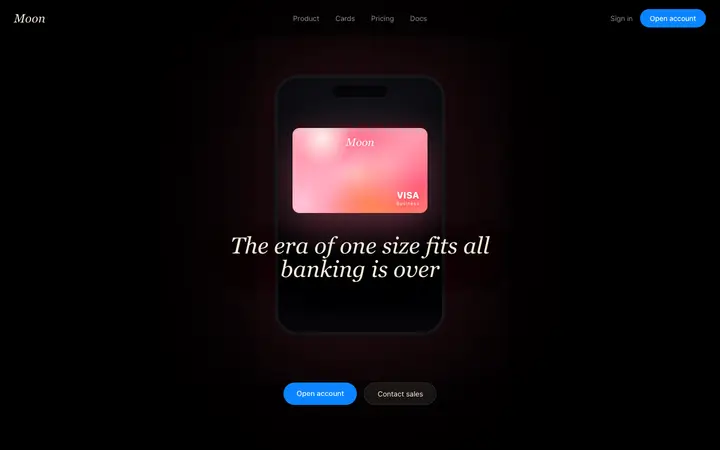
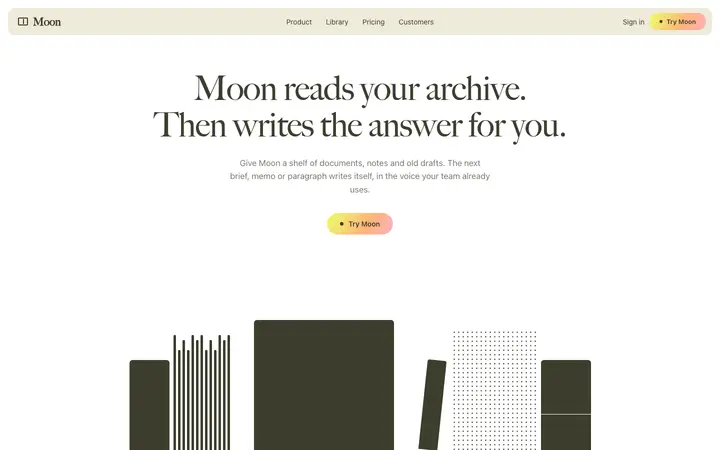
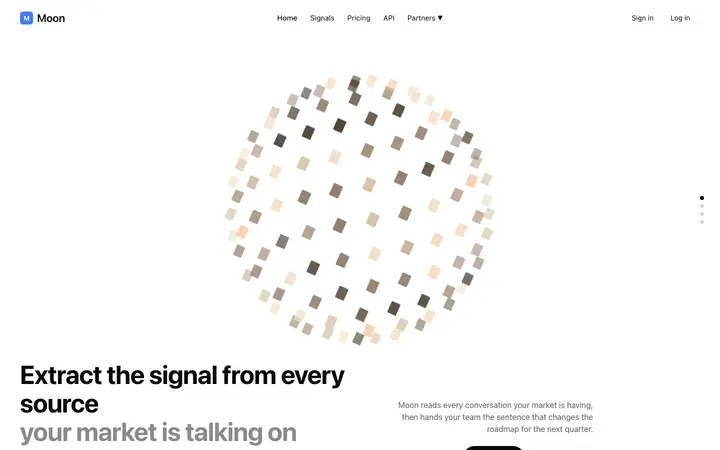
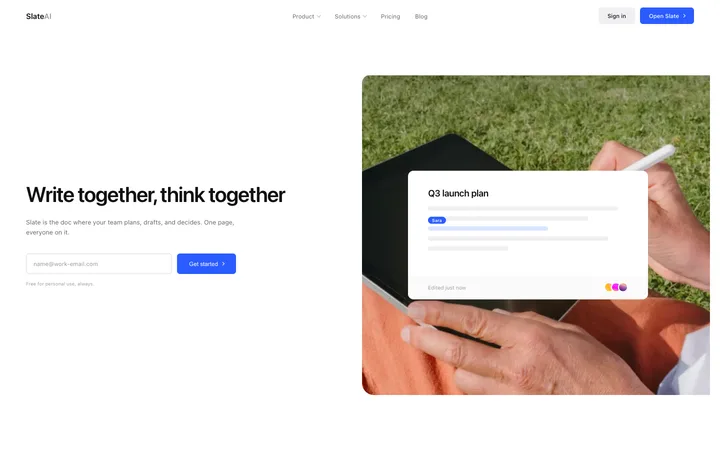
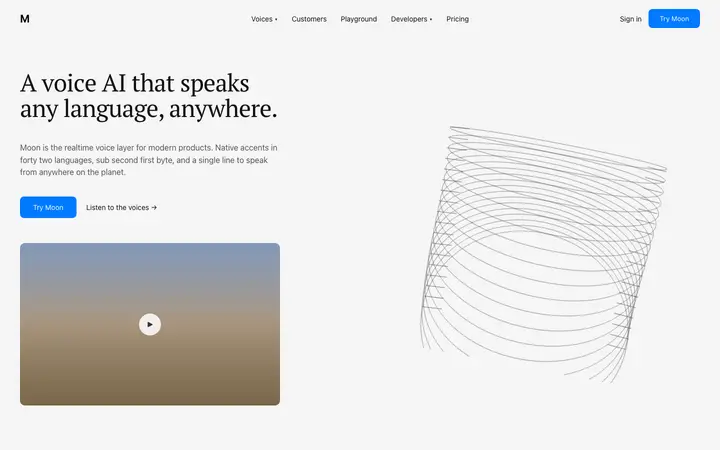
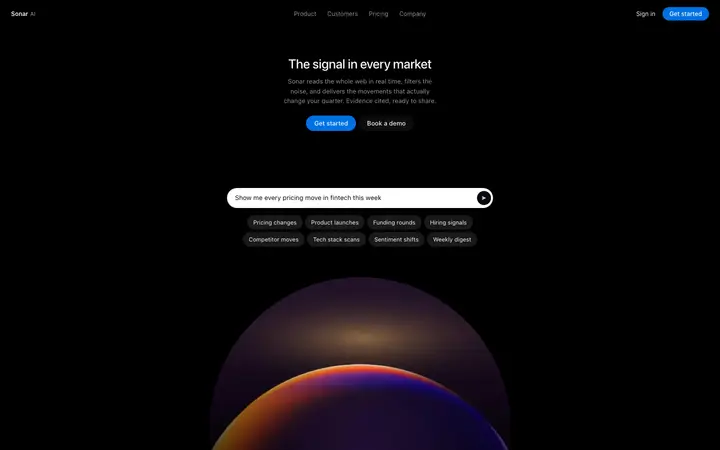
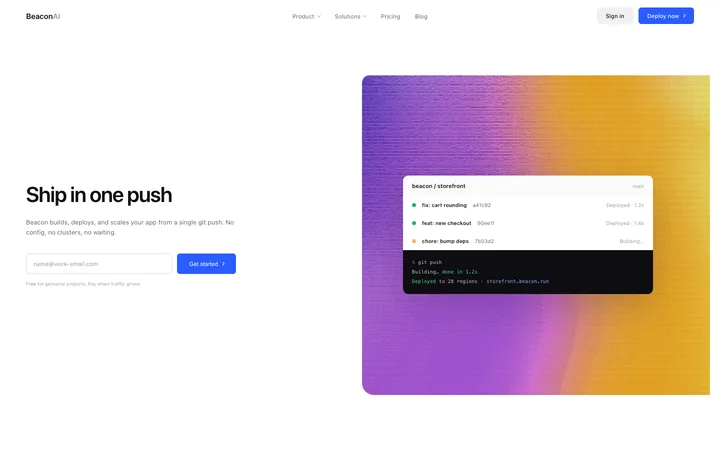
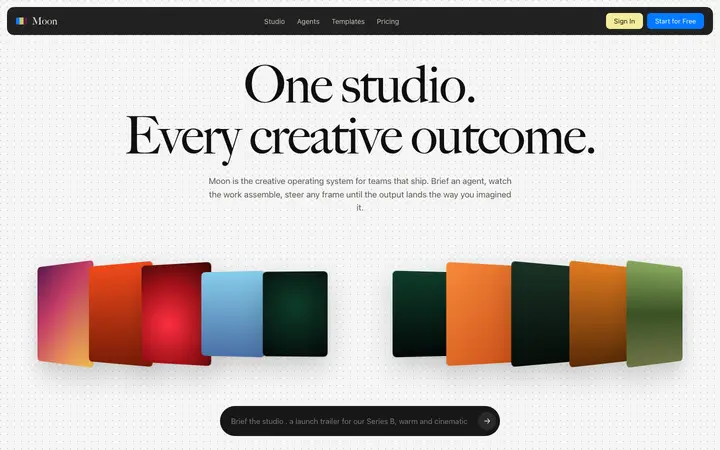

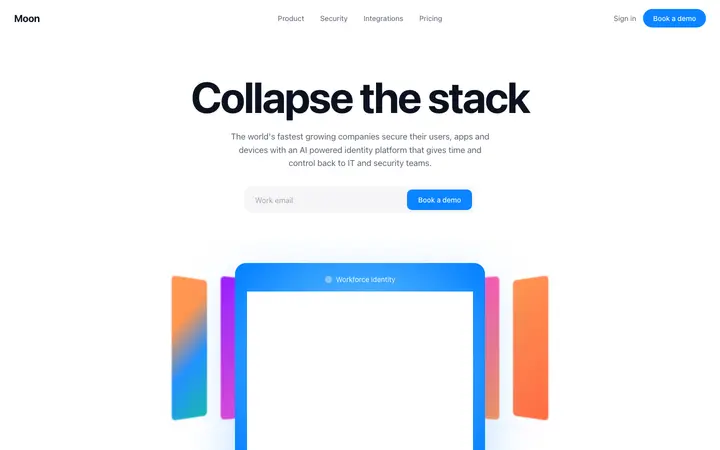
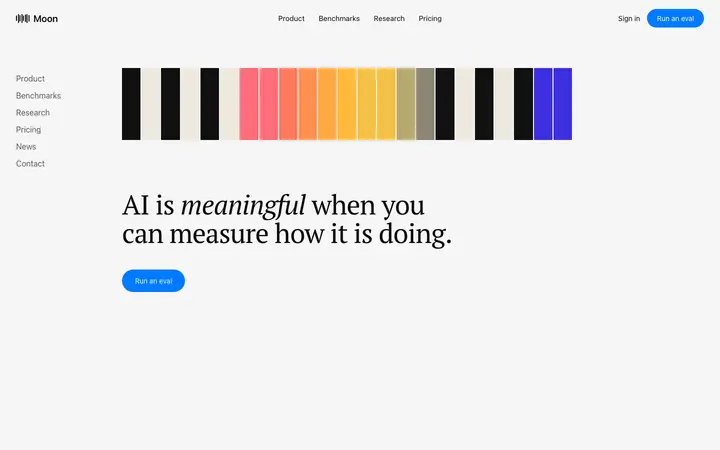
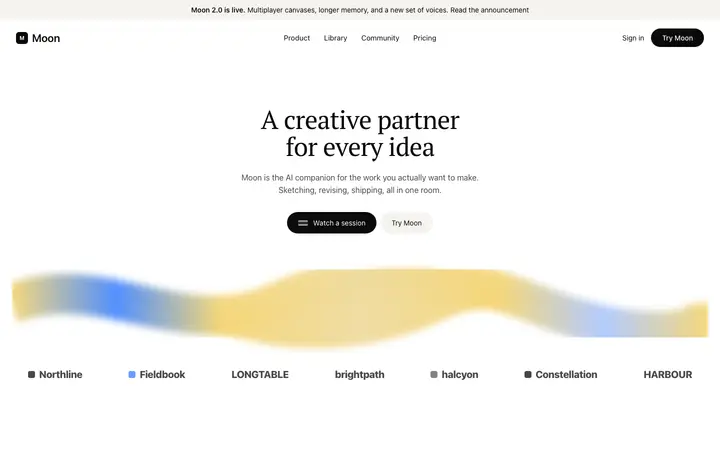

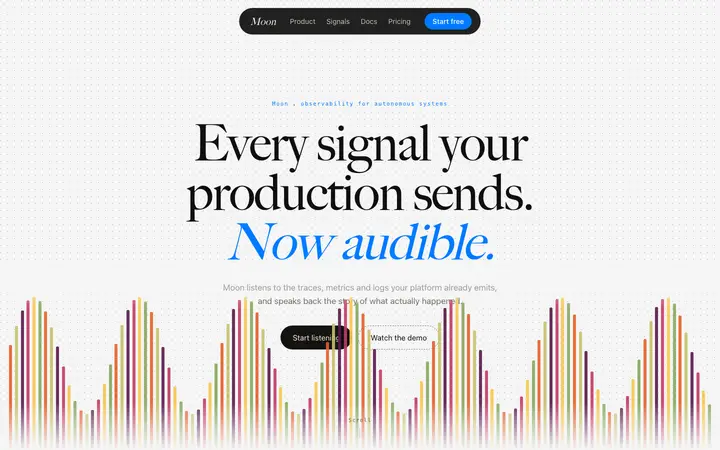
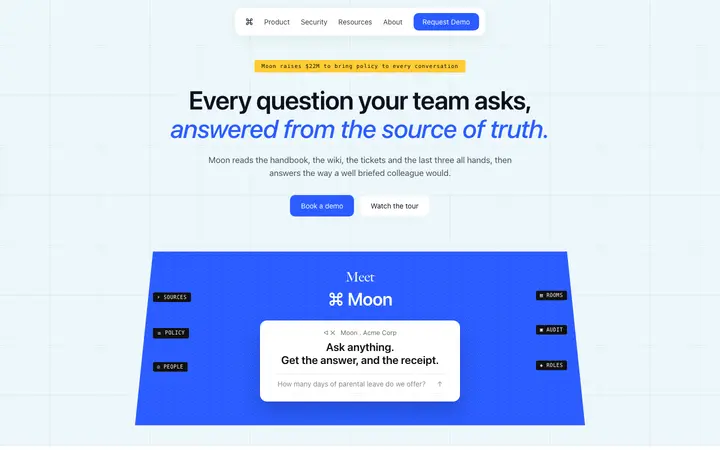
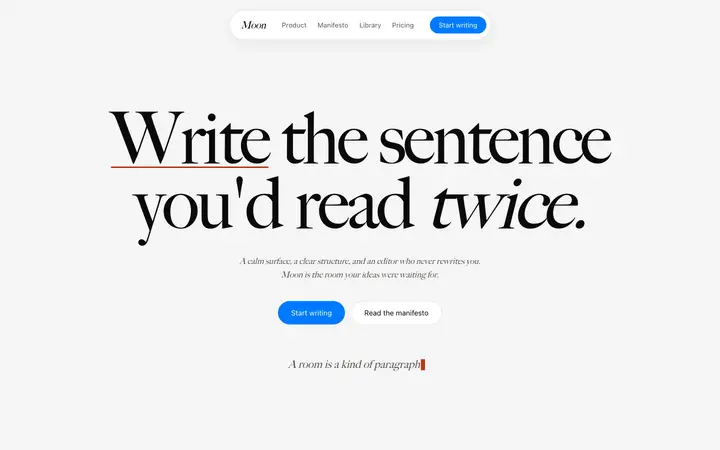
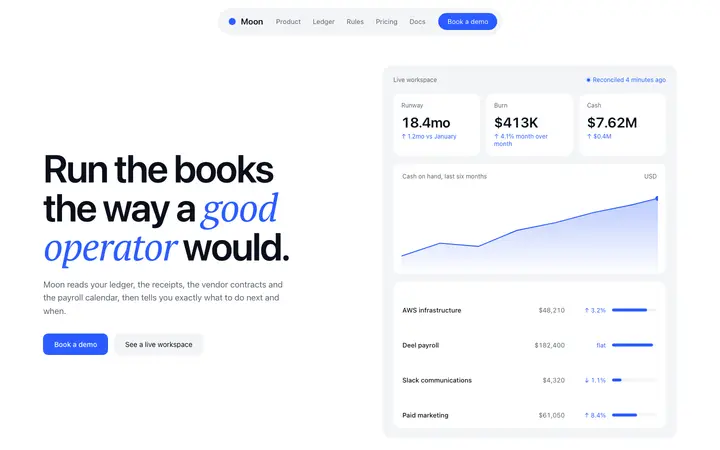
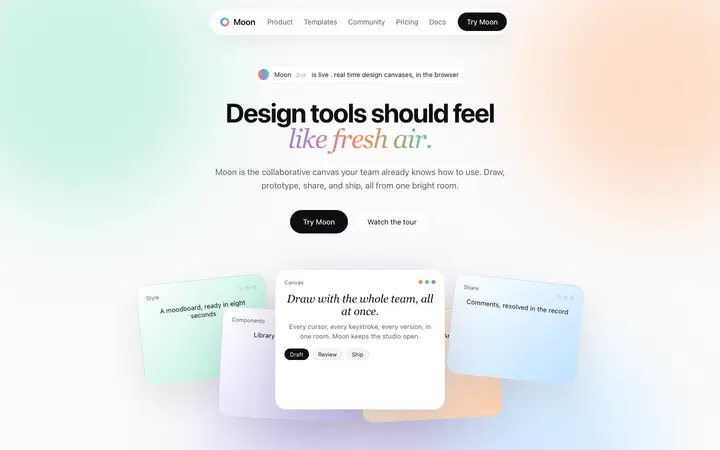
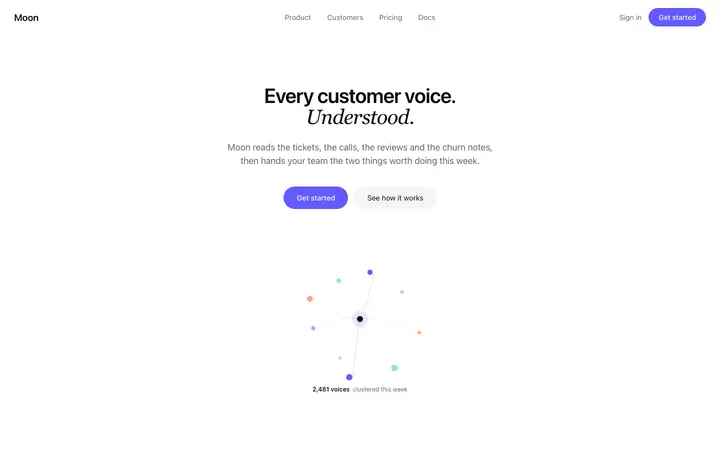
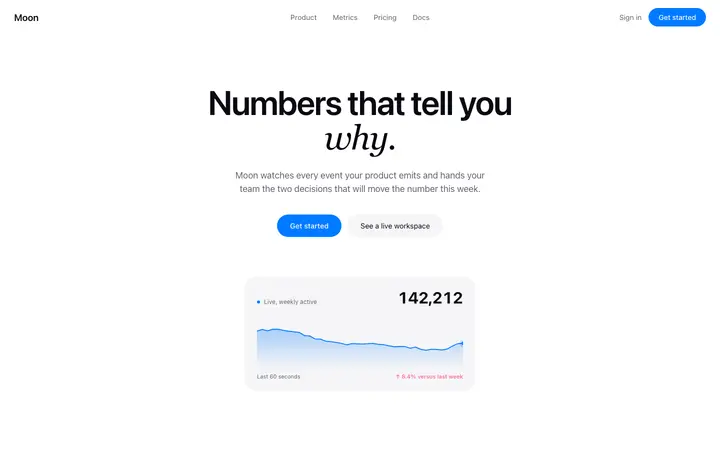
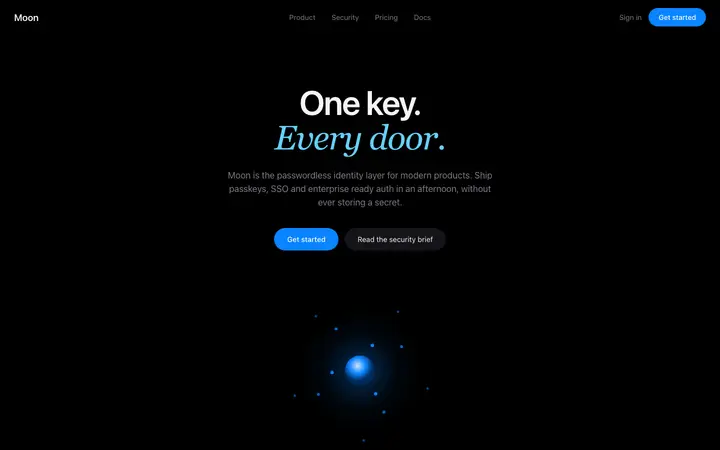
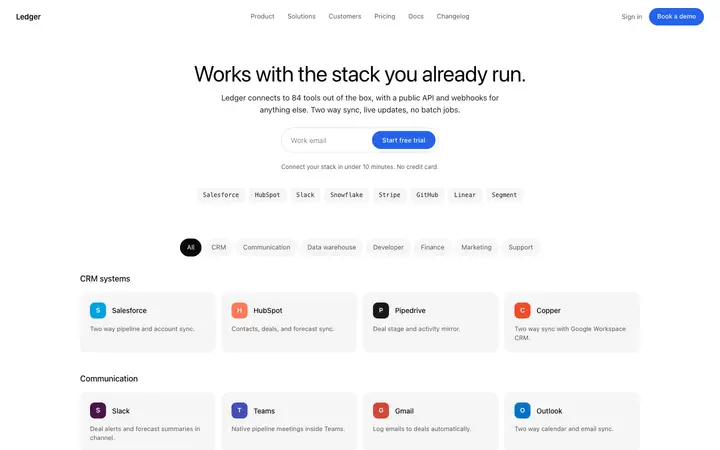
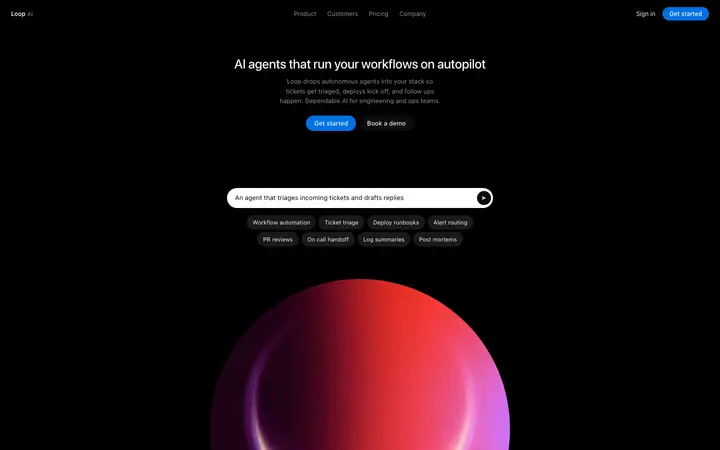
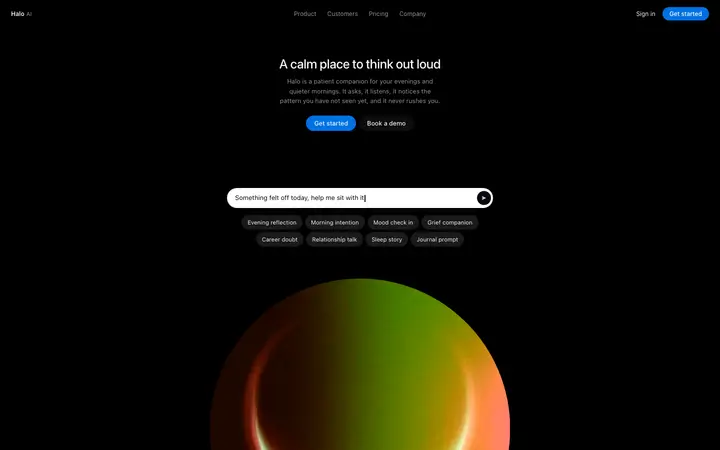
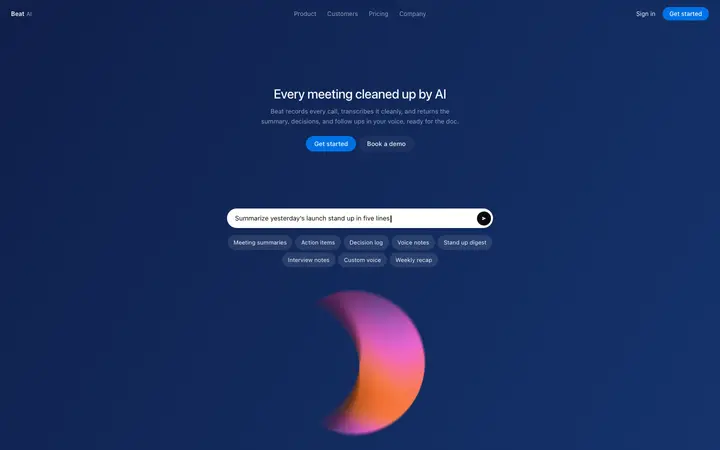
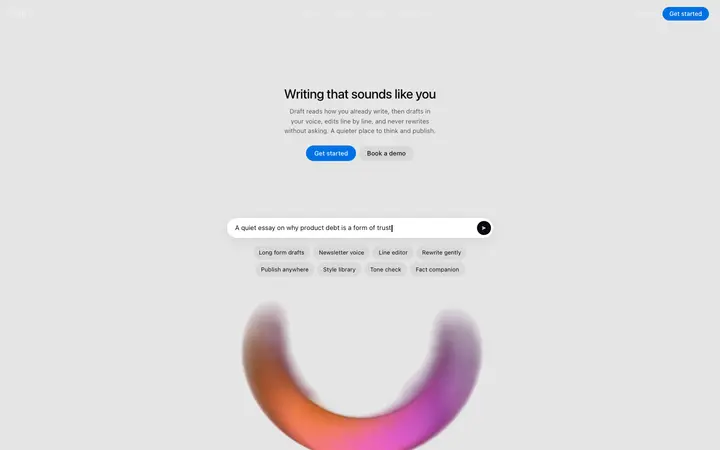
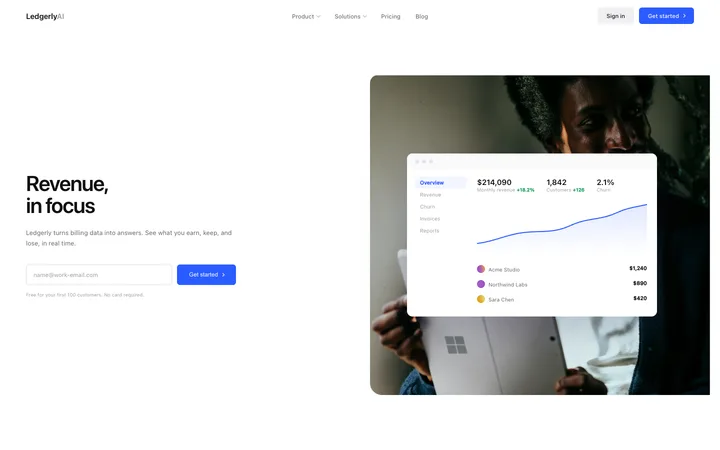
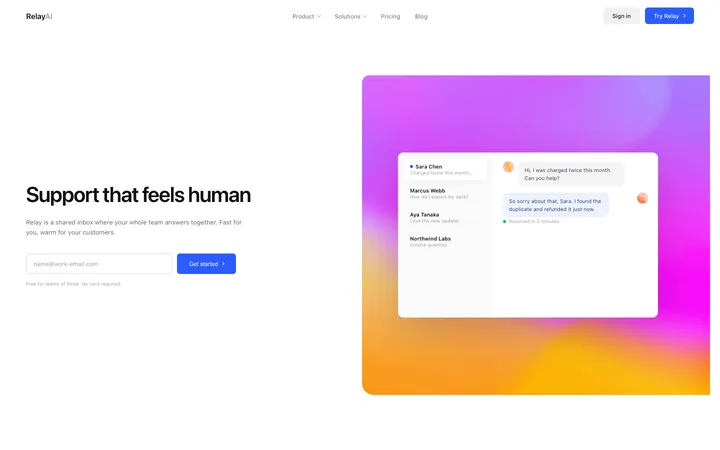
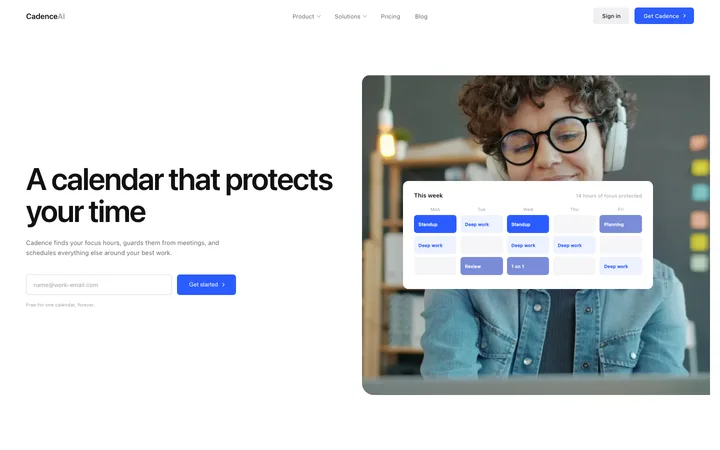
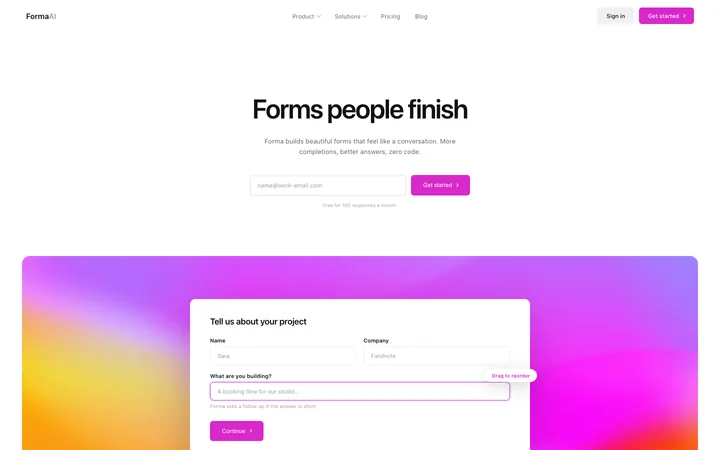
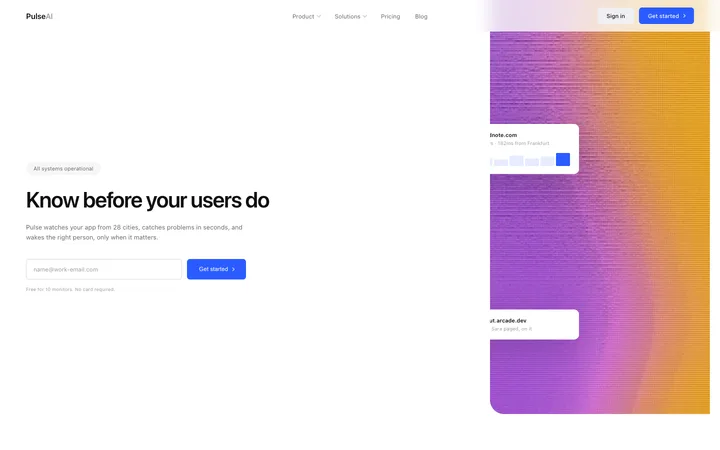
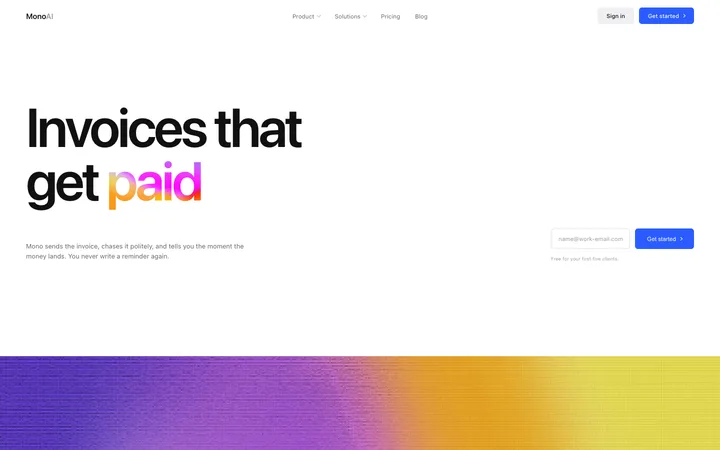
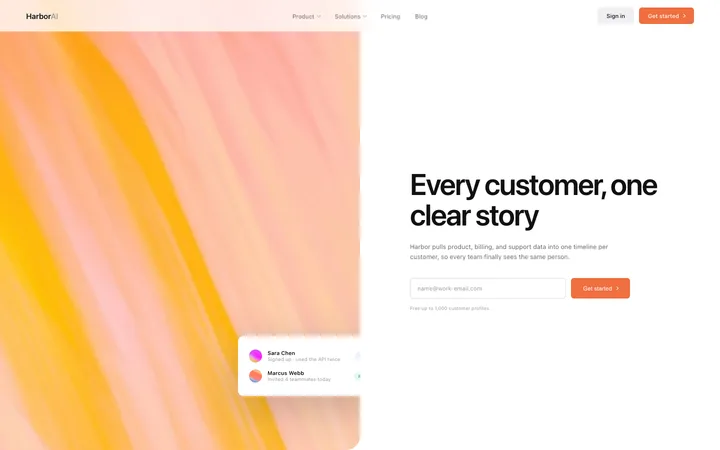
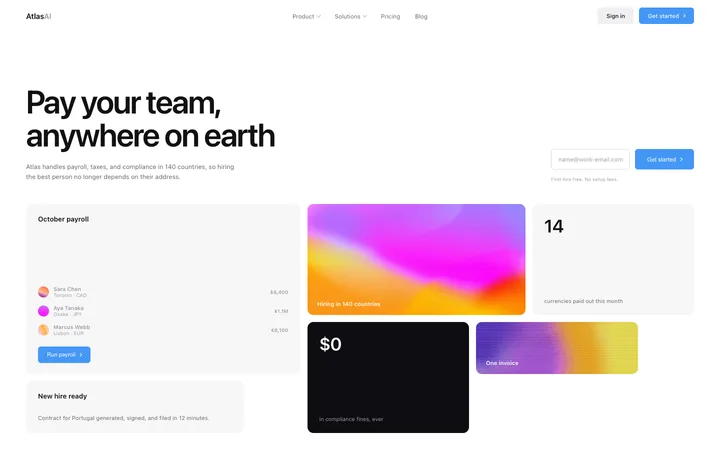
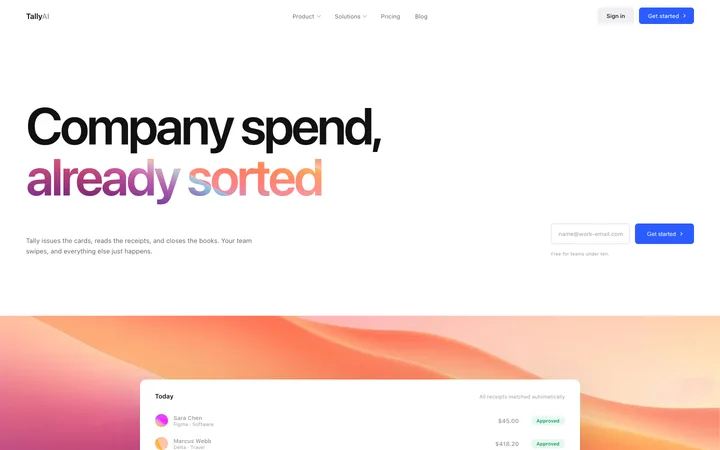
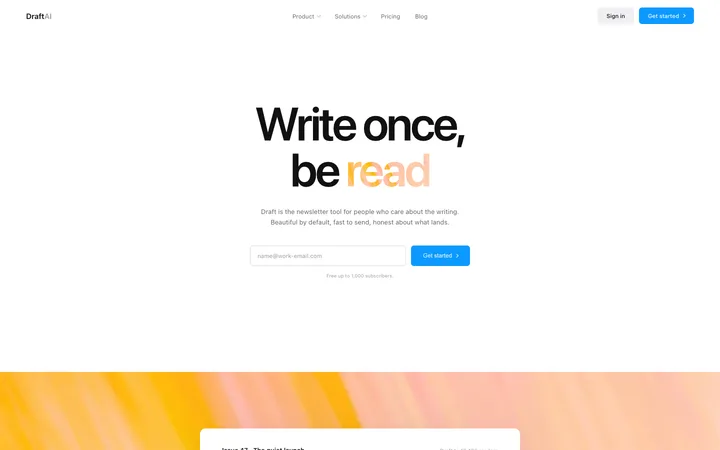
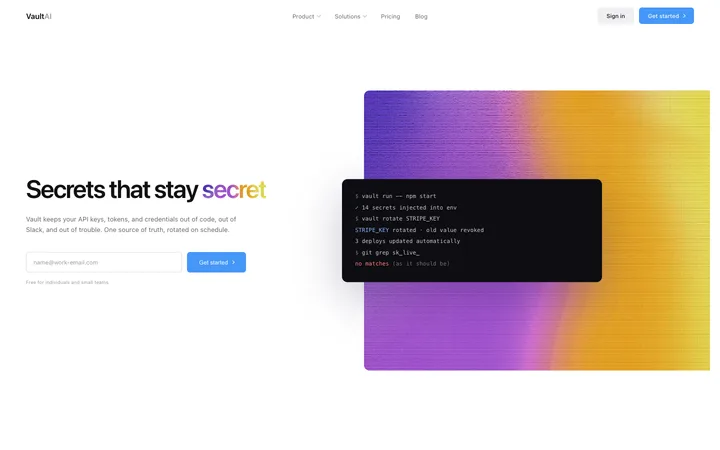
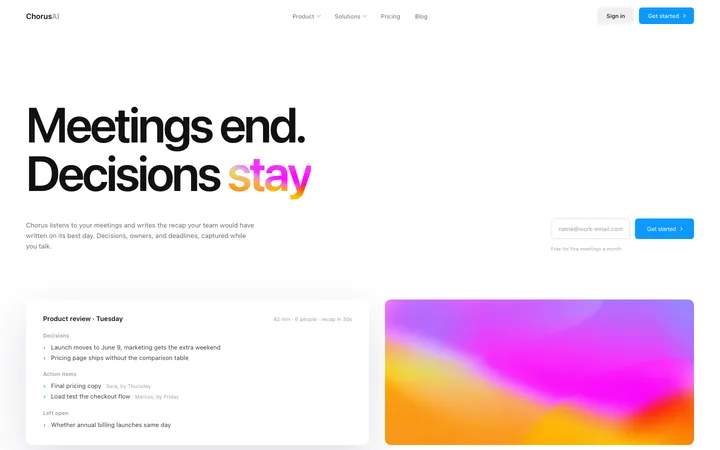
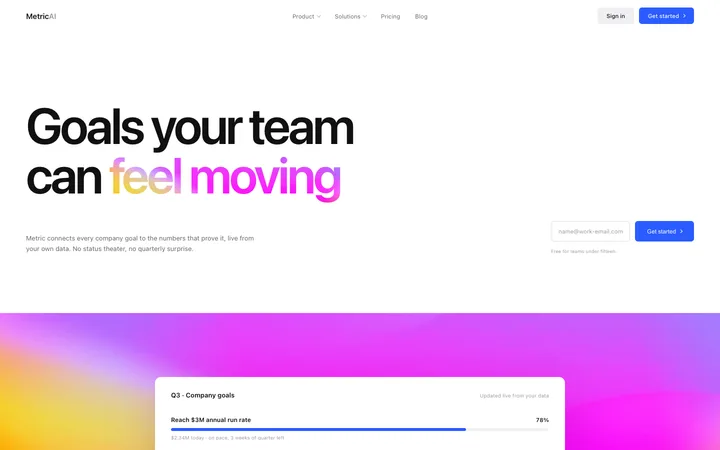
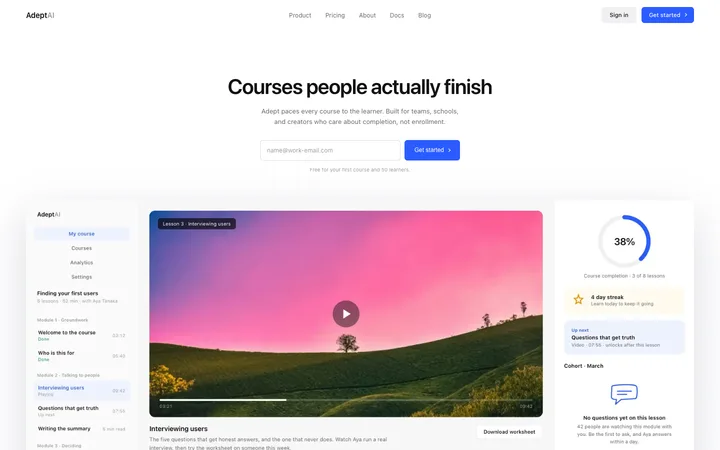
48 of 52
How to use logo templates with Replit
Pick a design
Choose a logo design above and open it to see it live.
Copy the template
Copy the template from its page. It is one HTML file with no dependencies.
Set up Replit
Include the template in your first message to Replit Agent and say it is the design for the front end.
Prompt, then refine
Paste it and describe your product. Then follow up with: "Build the front end to match the pasted template exactly before adding back end features."
What makes a good logo section
Common types: static logo rows, scrolling logo marquees, logo grids and logos with a short stat.
Real customers
Logos only count if they are true.
Calm and even
Logos in one tone and size so none shouts.
Close to the claim
Right under the hero or near pricing.
Common mistake: Logos of different sizes and colours fighting for attention.
Keeping the design in Replit
Replit Agent builds and hosts the whole app, front end and back end, so it suits people who want one place to build, run and share.
What Replit builds
A full app with front end and back end, hosted on Replit.
Where the design goes
Include the template in your first message to Replit Agent and say it is the design for the front end.
Replit and logo sections
Agent plans the whole app at once, so the design can get simplified while it builds the back end. Paste the template again with your follow-up prompt if it starts to drift.
What to tell it
Keep the logo size, spacing and single colour treatment; swap in your own customers' logos.
Not sure which logo design fits?
Ask Mon, the AI design assistant, describe your product and Mon suggests the logo design and how to prompt Replit with it.
Frequently asked questions
How do I use a logo template in Replit?
Include the template code in your opening Replit AI agent prompt as the visual design reference. Include the template in your first message to Replit Agent and say it is the design for the front end.
What does Replit turn the template into?
A full app with front end and back end, hosted on Replit.
How do I stop Replit changing the design?
Agent plans the whole app at once, so the design can get simplified while it builds the back end. A follow-up prompt that helps: "Build the front end to match the pasted template exactly before adding back end features."
What makes a good logo section?
Real customers: logos only count if they are true. Calm and even: logos in one tone and size so none shouts. Close to the claim: right under the hero or near pricing.
Any Replit tips for logo sections?
Agent plans the whole app at once, so the design can get simplified while it builds the back end. Paste the template again with your follow-up prompt if it starts to drift.
More Replit template categories
Logo templates for other tools