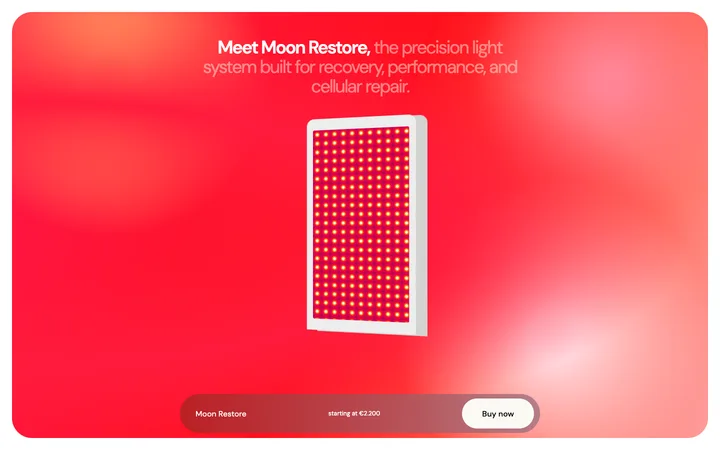
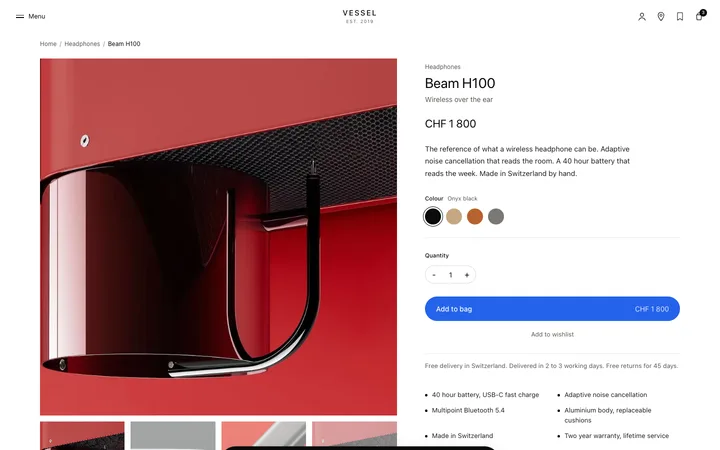
Mobile navigation template for SaaS websites
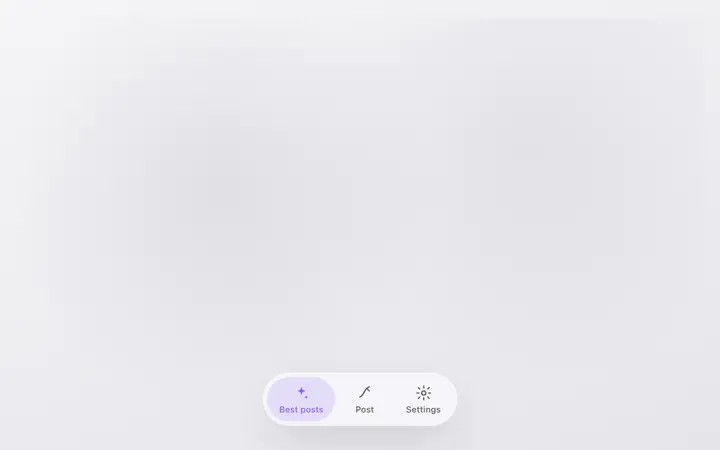
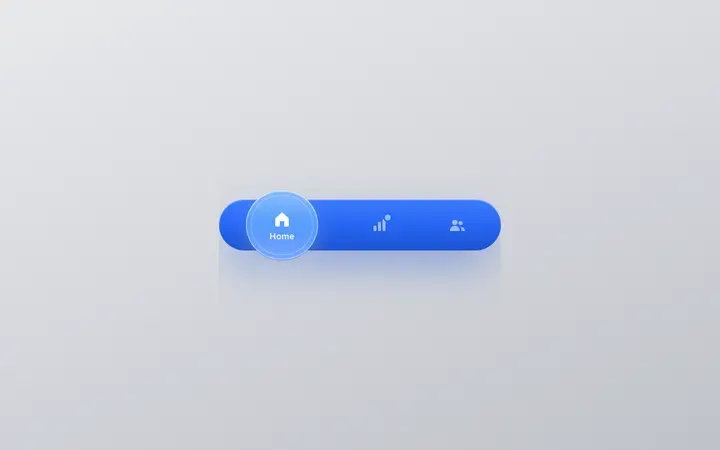
Mobile navigation template for websites, SaaS products, and apps, working as an app tab bar or the mobile menu on a responsive site. Use it on any mobile app or mobile web experience designed for video, audio or a content feed. Use this AI template with Claude Code, Replit, Lovable, ChatGPT Codex, Bolt, Cursor, or another coding tool.
About this vibe coding template
Mobile navigation template for websites, SaaS products, and apps where navigation has to stay reachable while staying out of the way. Use it as the tab bar in a mobile app, or as the fixed menu on a responsive website. Suits content heavy products in particular, including streaming, video and audio players, podcast apps, news sites, and social feeds. Minimal design with glassmorphism.
Build a full SaaS landing page or website with this template design
A SaaS landing page or website is multiple pages that need to feel like one professional site, so one well built coding template can set the standard for every page after it. Copy the template, paste it into Claude Code, Replit, Lovable, ChatGPT Codex, Bolt, or Cursor, and send this alongside it.
Paste into Claude Code, Replit, Lovable, Bolt, or Cursor
Common questions about this template
Where can this mobile navigation template be used?
On any website, web app or mobile app that needs a fixed bottom bar. It suits content heavy products in particular, including streaming, video, audio, podcast and news products, plus social feeds.
How many items should a mobile navigation template have on a website?
Between three and five. Past that, tap targets shrink and people stop reading the labels, which turns navigation into guesswork.
Can this work as a mobile menu on a website?
Yes. The same bar works as the mobile navigation on a responsive site, fixed at the bottom of the screen so every main page stays one tap away. A hamburger menu hides all of them behind a single control, which is why mobile web navigation tests better as a visible bar.
Which vibe coding tools work with this navigation template?
It works in Claude Code, Replit, Lovable, ChatGPT Codex, Bolt and Cursor. Paste it in and describe the tabs or menu items you need, and your AI coding tool will wire them to your screens or pages.
How do I build a full SaaS landing page or website with this template?
Send the template and the instruction above to Claude Code, Replit, Lovable, ChatGPT Codex, Bolt, or Cursor together. The design decisions are already made in the markup, so your AI coding tool has a pattern to follow across the whole SaaS landing page or website.
Use this AI coding template for
- ·Mobile navigation bar for a SaaS website or web app
- ·Bottom tab bar for a mobile app built with Bolt
- ·Mobile menu for a responsive media or news site
- ·SaaS mobile navigation for vibe coding with Claude Code or Bolt
Works with every vibe coding tool
More from the Glass navigation set
5 versions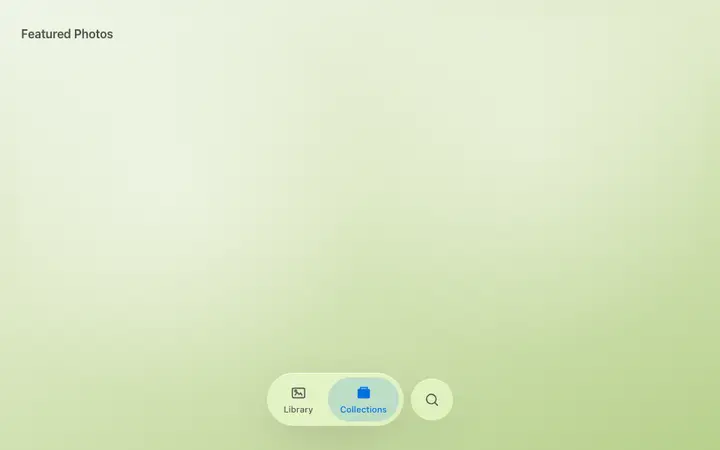
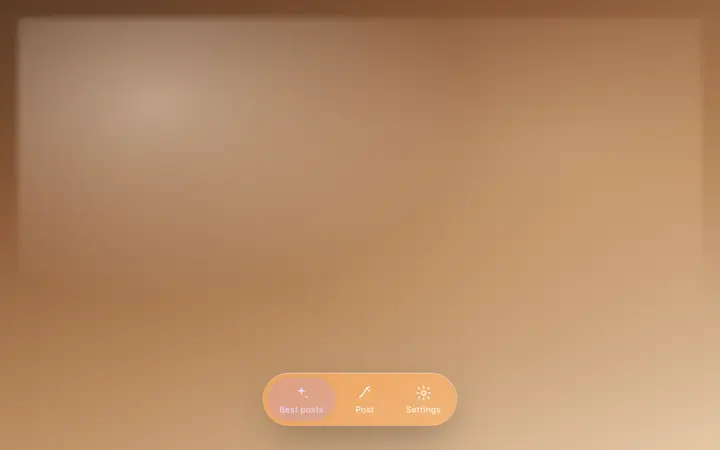
More minimal templates
View all

More vibe coding navigation templates
View all
Other templates you might like