
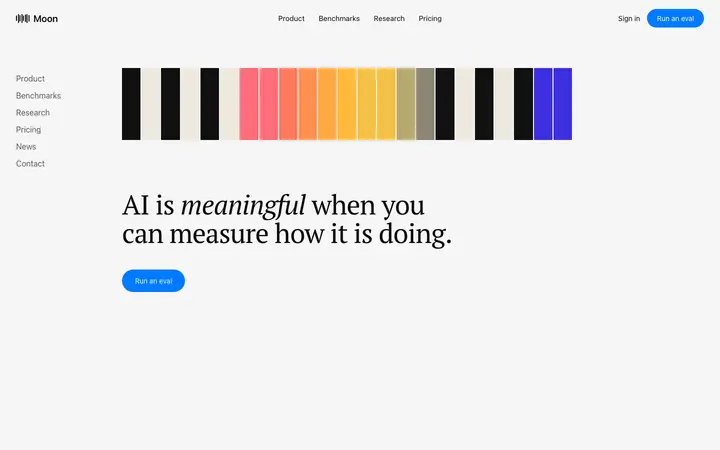
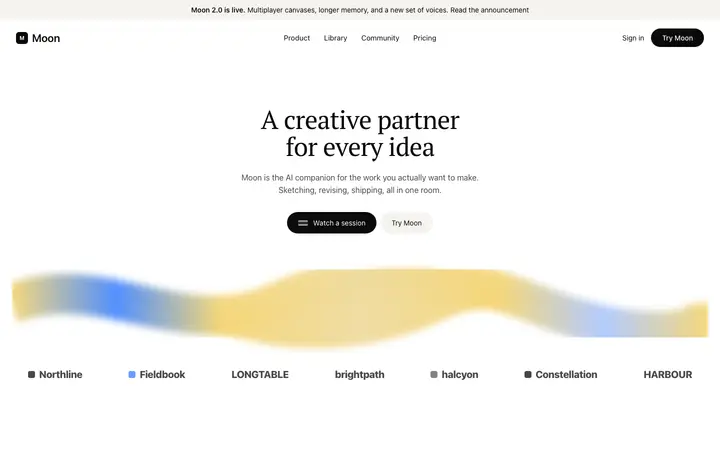
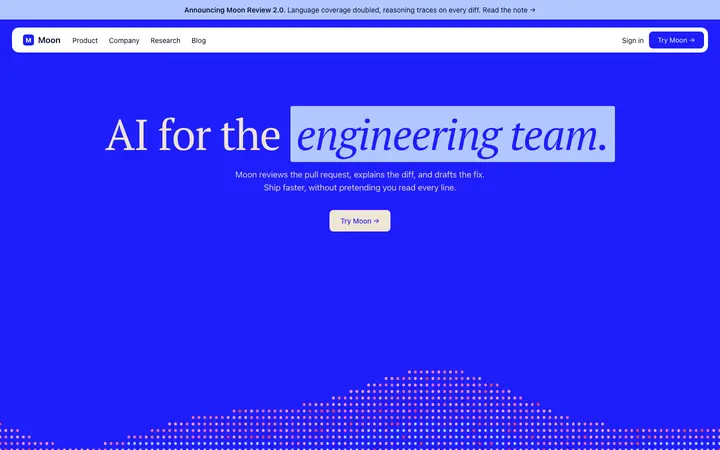
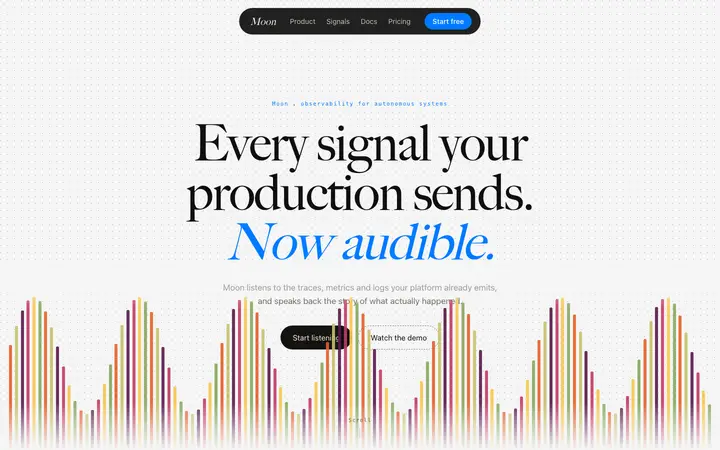
Bolt testimonials templates for AI websites and apps

Real testimonials designs you can copy into Bolt. Bolt turns a pasted template into a full JavaScript app, usually React with Vite, running in the browser. Below: the designs, how to set Bolt up so it keeps the design, and what makes a good testimonials section.

Bolt testimonials templates

51 testimonials design templates for Bolt. Browse the full BrowserMoon library for every template category.

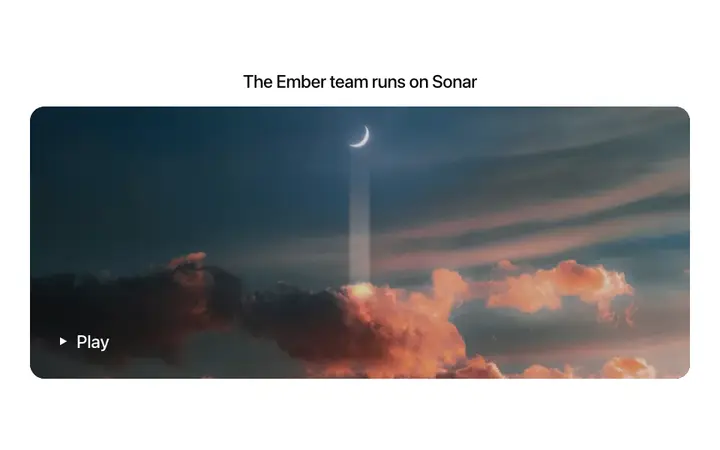
Customer story video template for SaaS landing pages
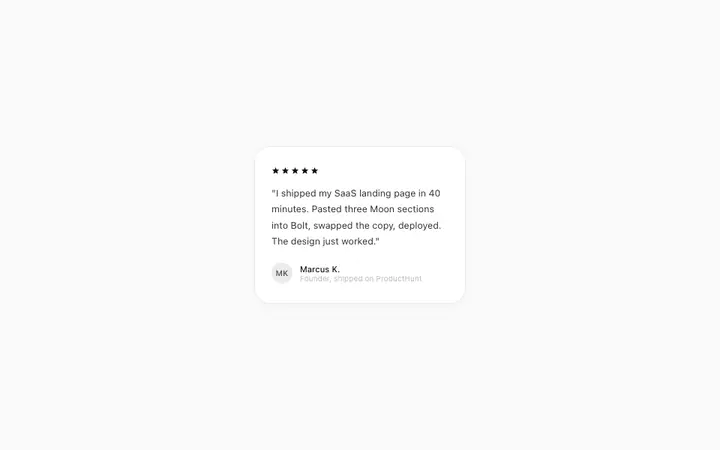
Testimonial template for SaaS landing pages
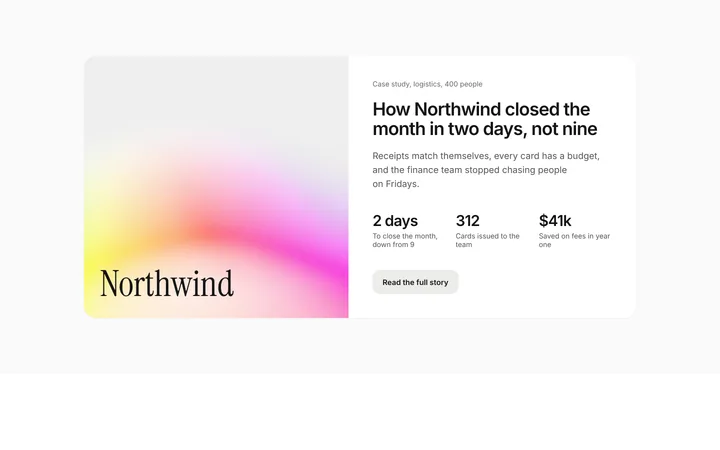
SaaS case study section with customer results
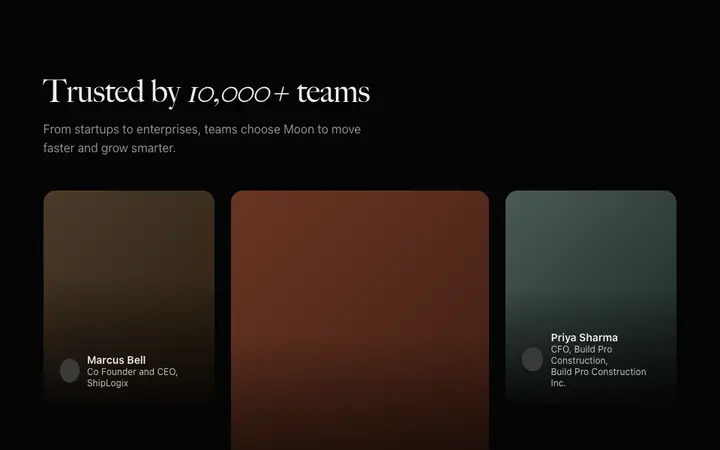
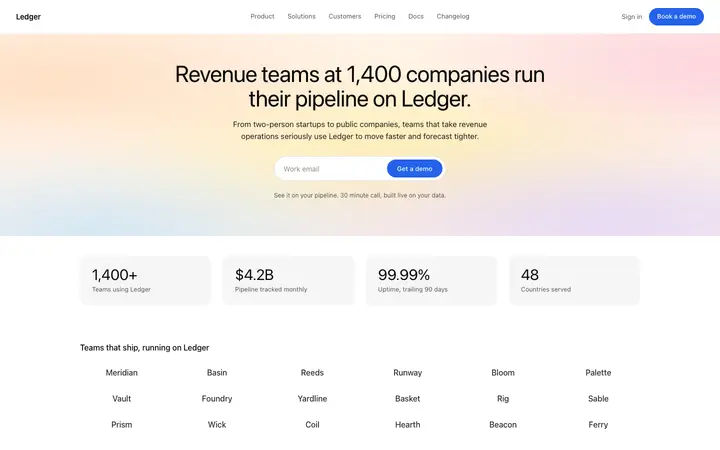
Testimonials template for B2B SaaS websites
Customer stories page template for SaaS
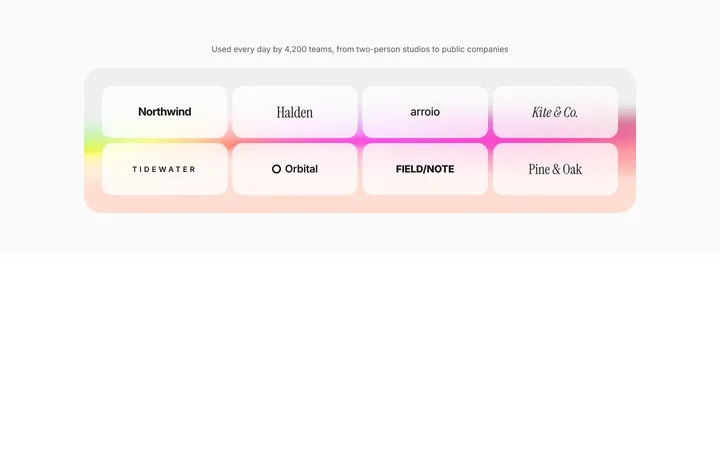
SaaS logo cloud section with customer logos
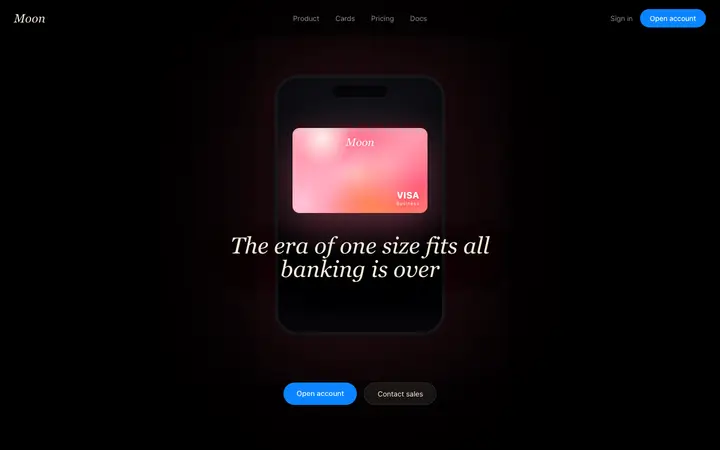
Fintech SaaS banking landing page template
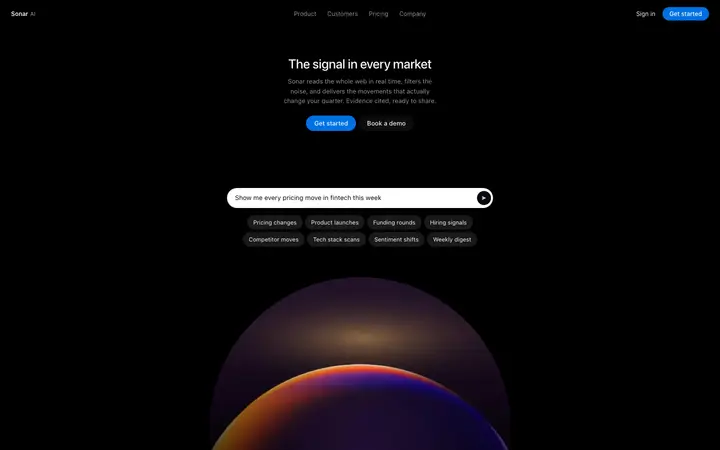
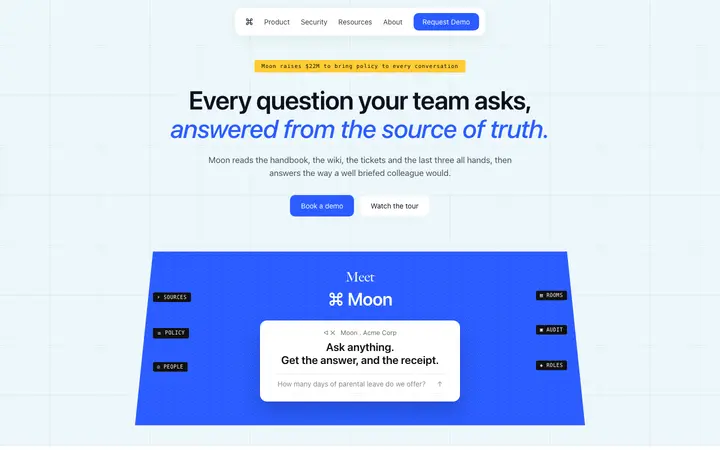
AI search SaaS landing page template
Social listening SaaS landing page template
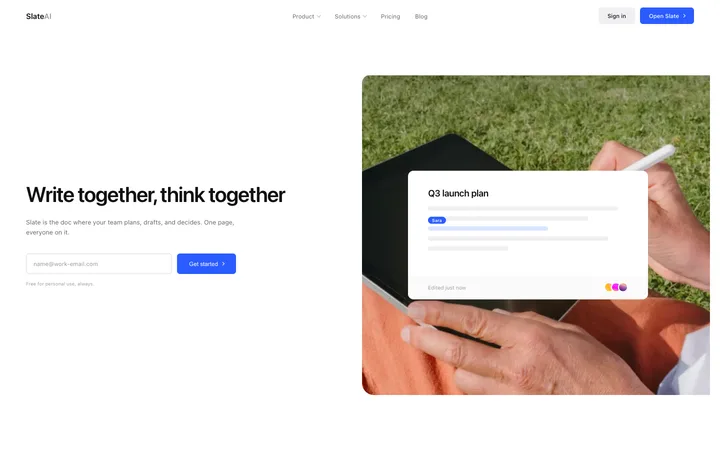
Productivity SaaS landing page for team docs
Text to speech SaaS landing page template
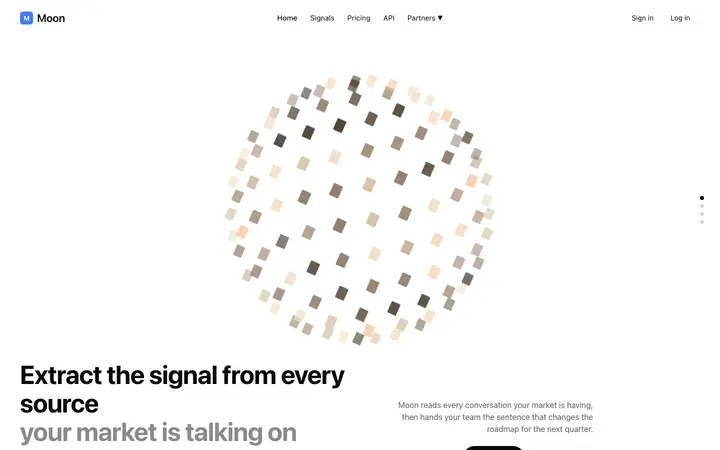
AI market intelligence landing page template for SaaS
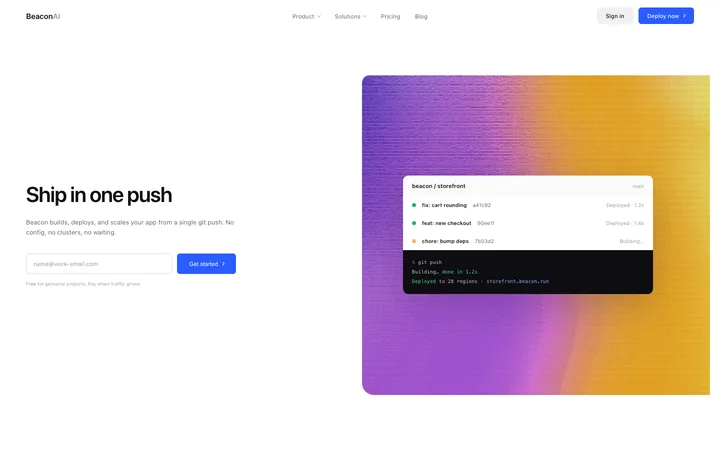
Developer tools SaaS landing page for hosting
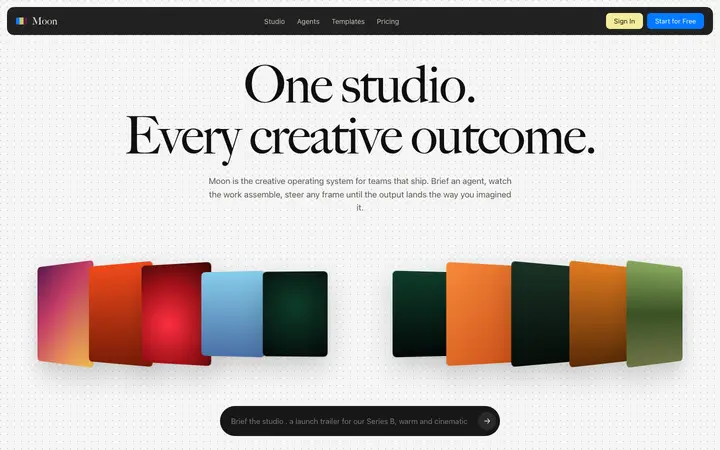
Parallax SaaS landing page template for AI
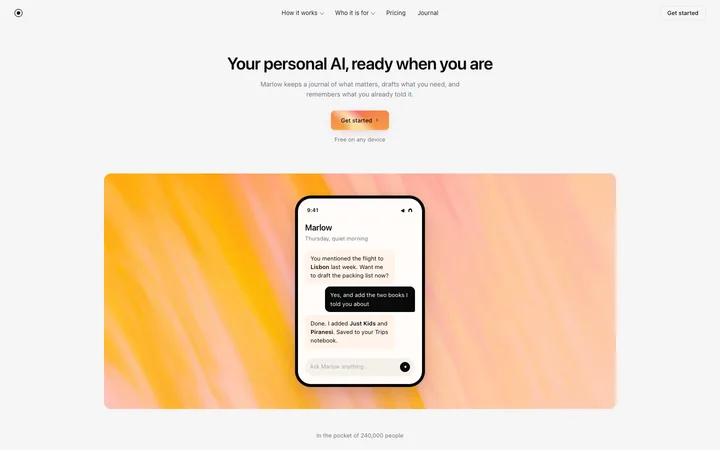
Personal AI SaaS landing page template
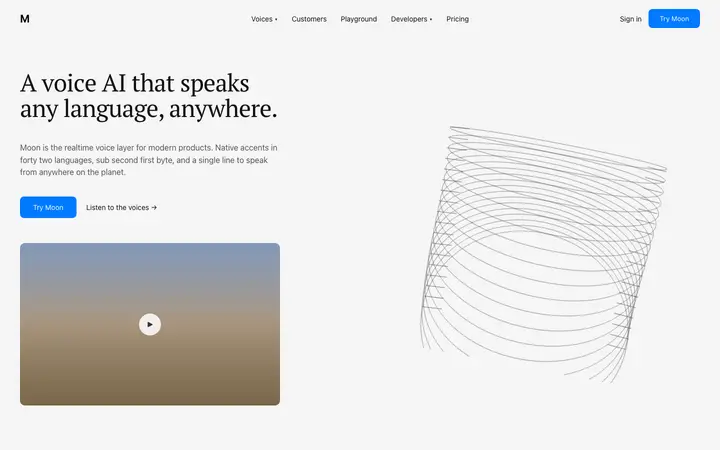
Voice AI landing page template for speech SaaS
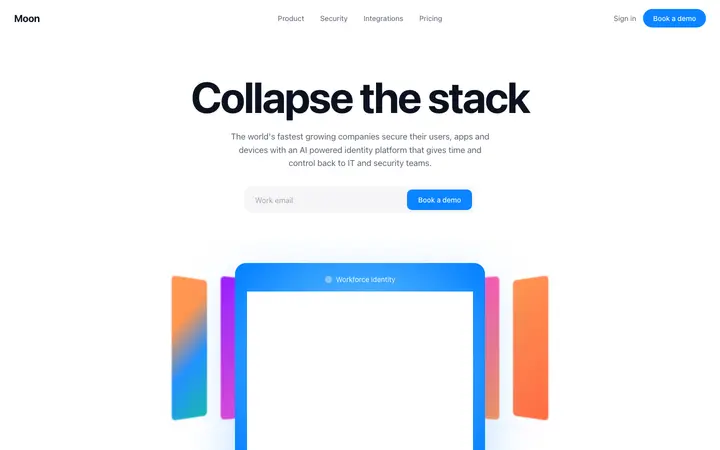
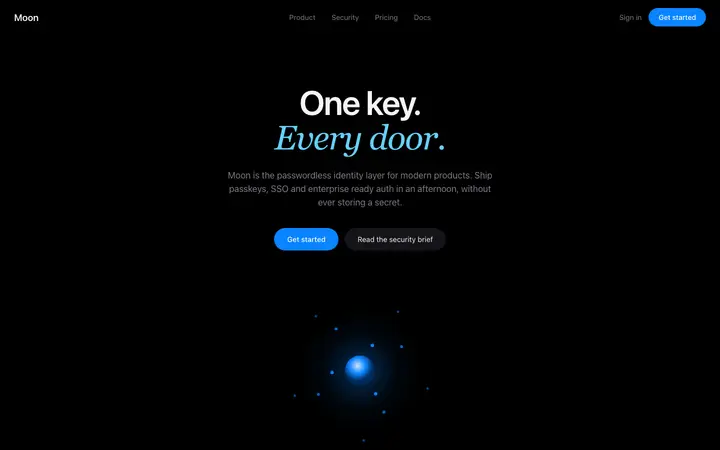
Identity SaaS landing page template
LLM SaaS landing page template for AI tools
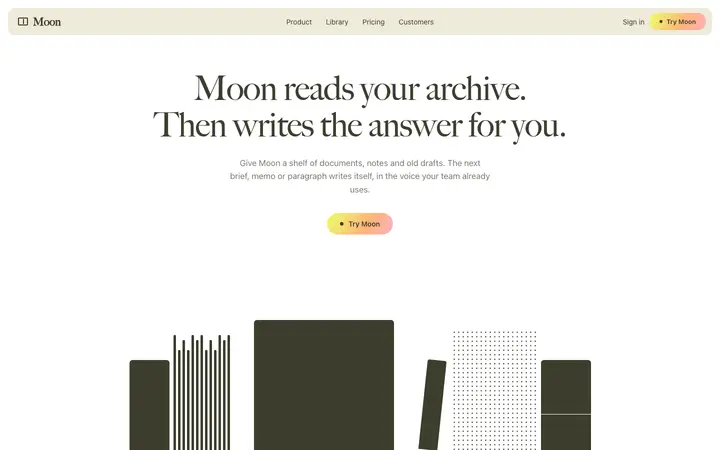
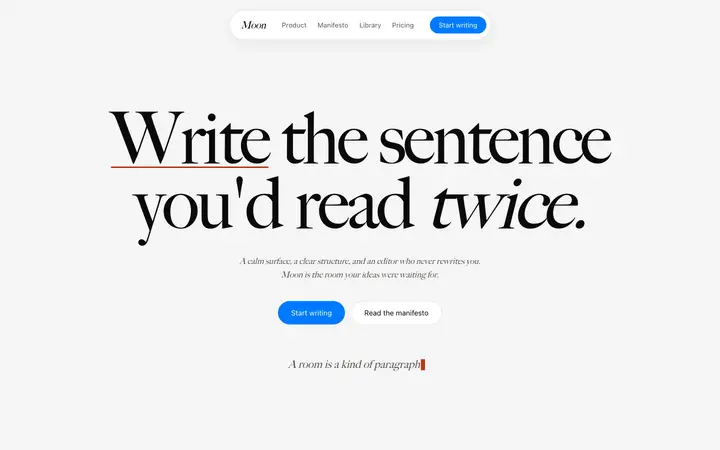
AI writing SaaS landing page template
AI code review SaaS landing page template
SaaS landing page template for AI coding tools
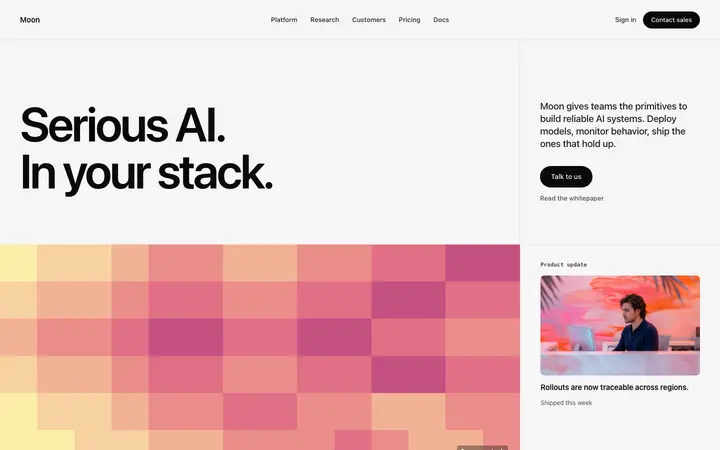
Enterprise SaaS landing page template for B2B
AI writing SaaS landing page template for teams
Fintech SaaS landing page template
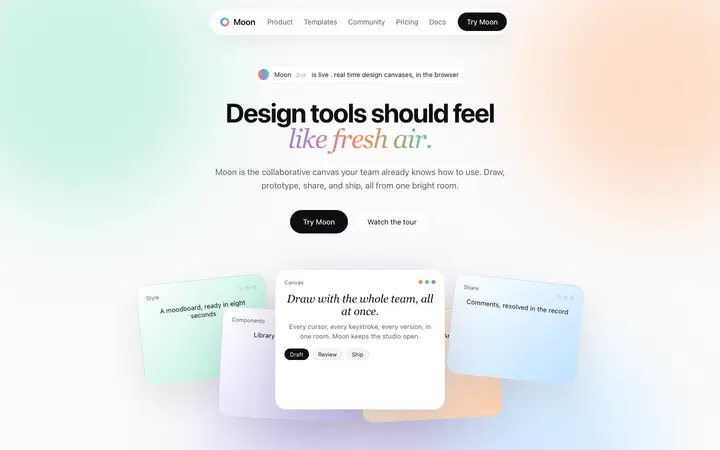
SaaS landing page template for design tools
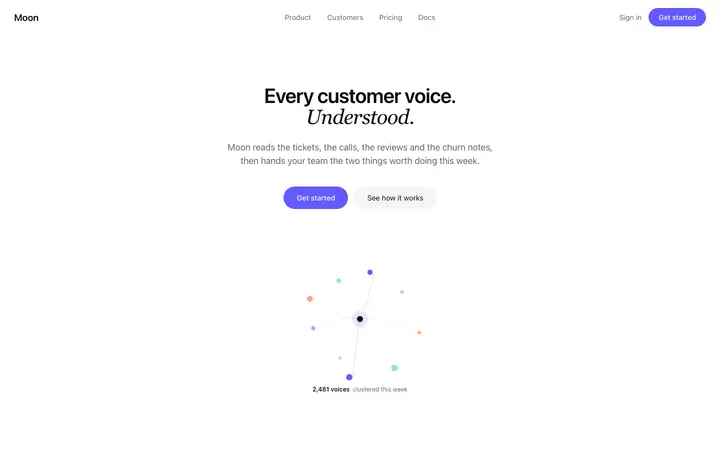
Customer feedback SaaS landing page template
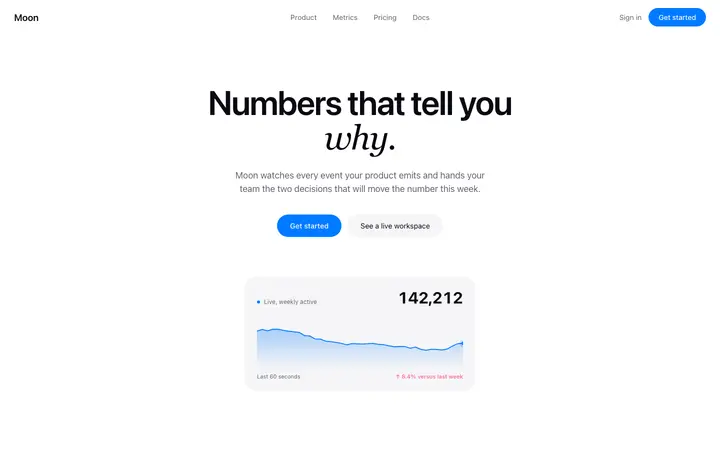
Analytics landing page template for SaaS
Security SaaS landing page template
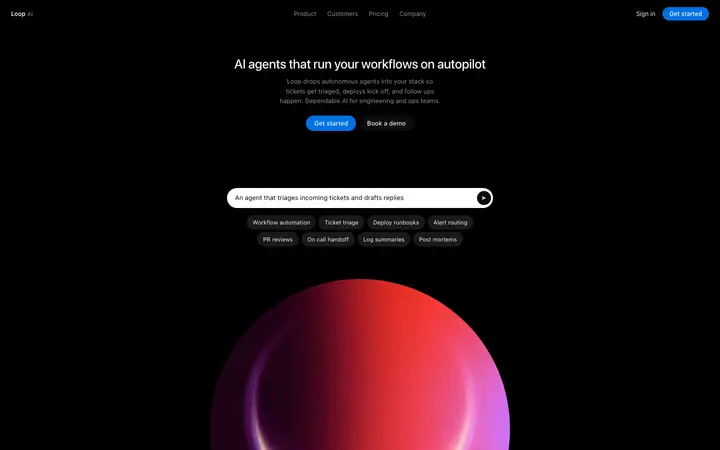
AI automation platform landing page template for SaaS
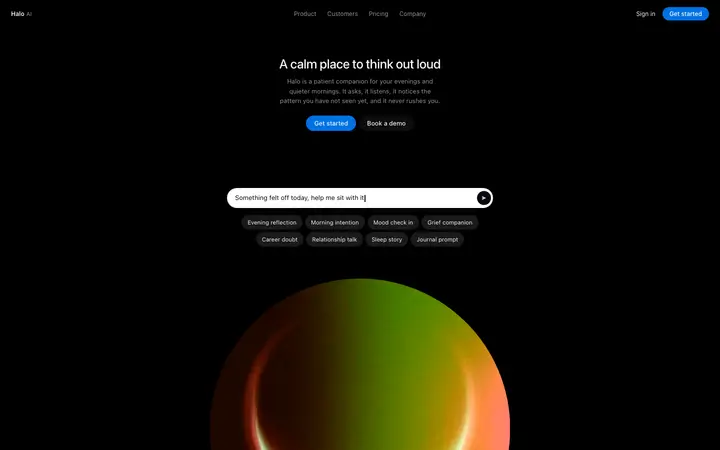
AI companion SaaS landing page for wellness apps
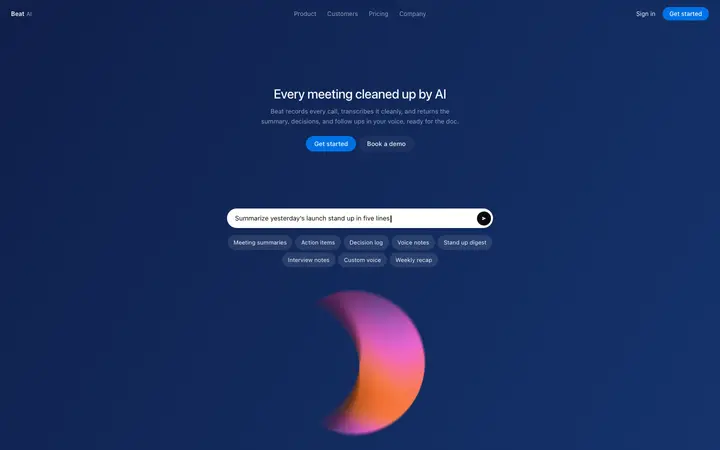
AI meeting notes landing page template for SaaS
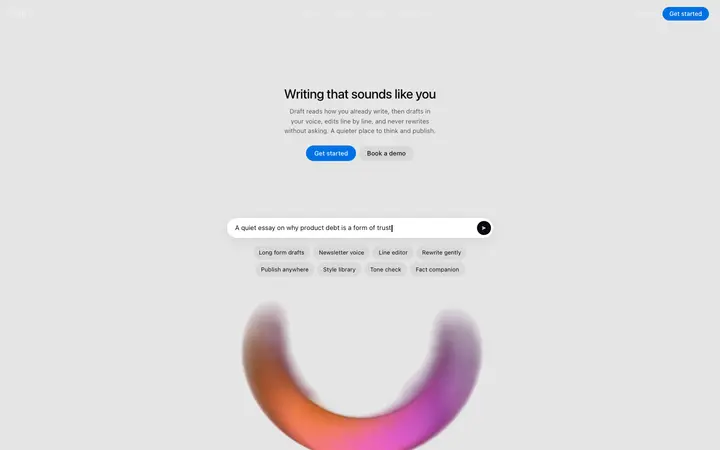
AI ghostwriter landing page template for writing SaaS
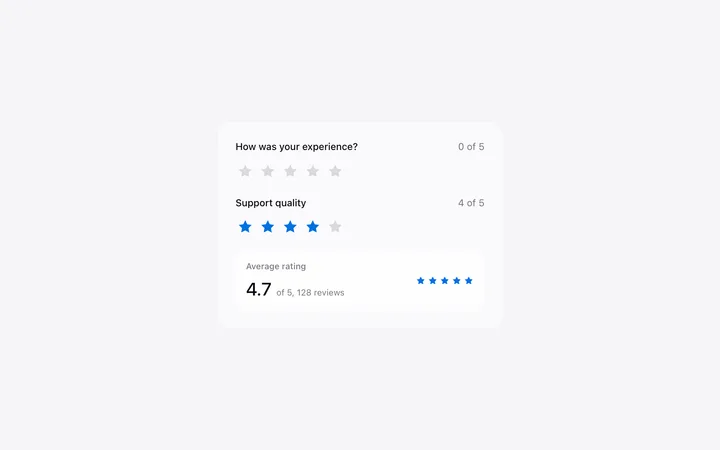
Star rating template in HTML for SaaS
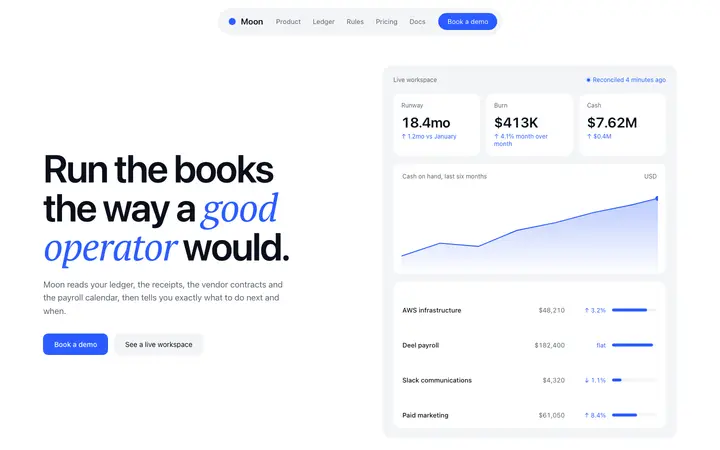
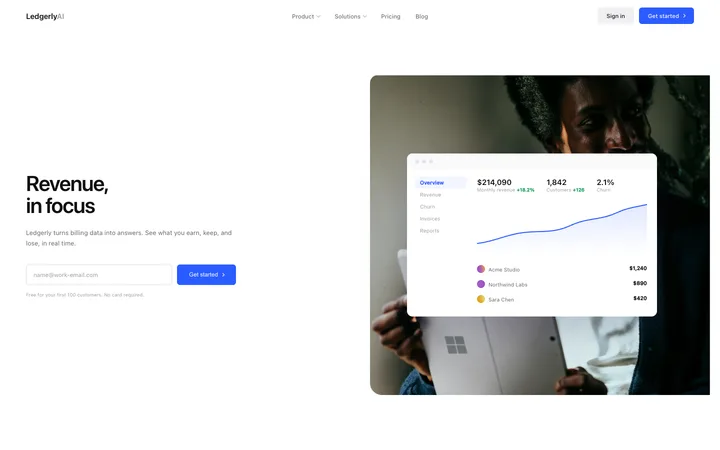
Finance SaaS landing page template for revenue
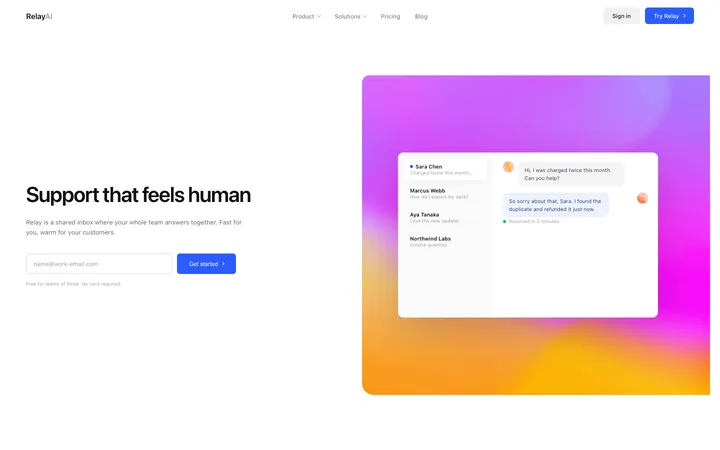
Customer support SaaS landing page for help desk
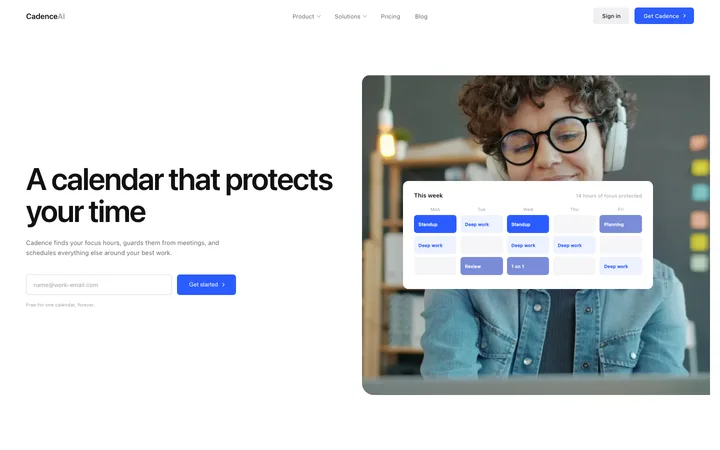
Booking and scheduling SaaS landing page template
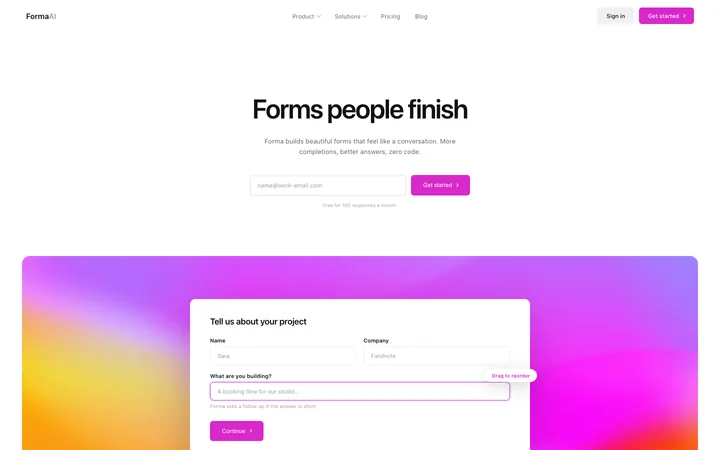
Form builder SaaS landing page template for surveys
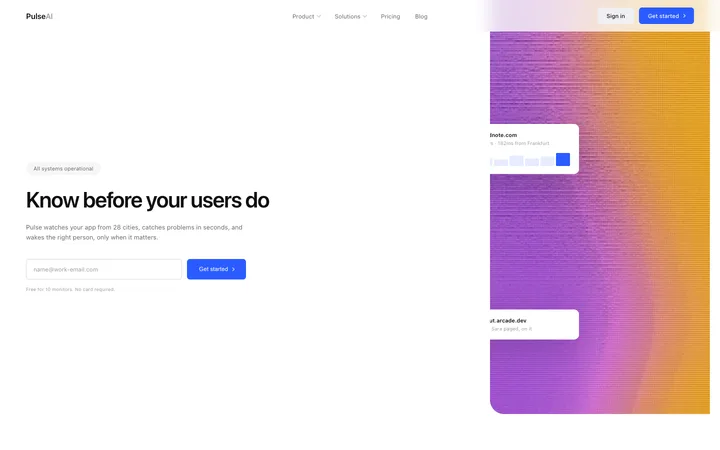
Monitoring SaaS landing page for uptime alerts
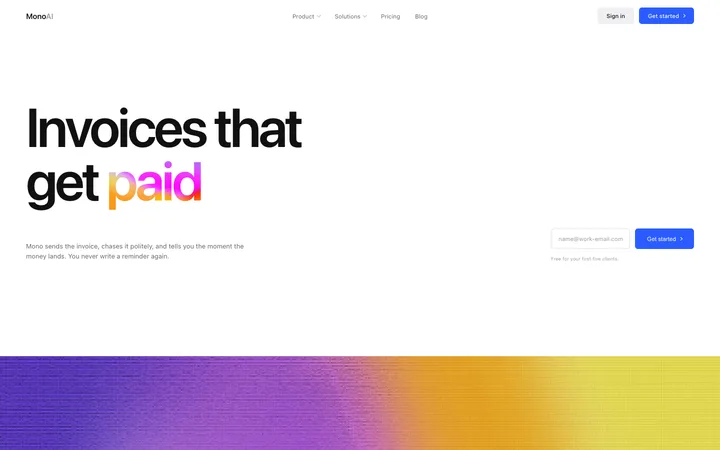
Billing and invoicing SaaS landing page template
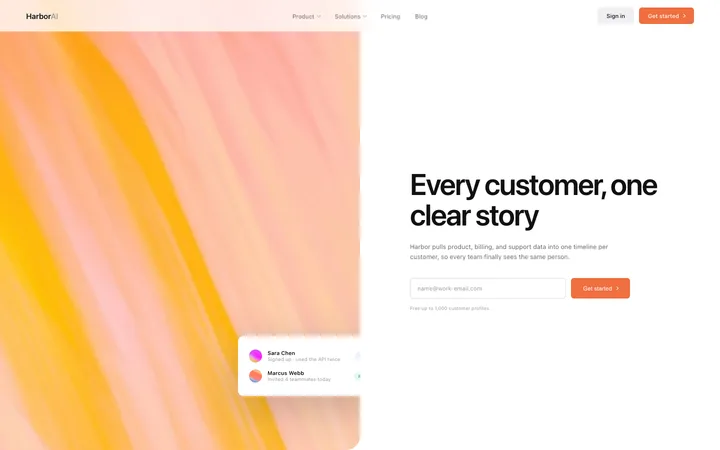
CRM SaaS landing page template for customer data
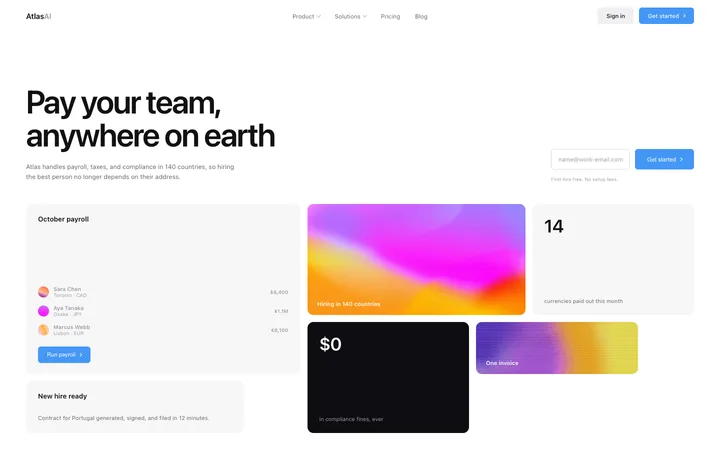
HR SaaS landing page template for global payroll
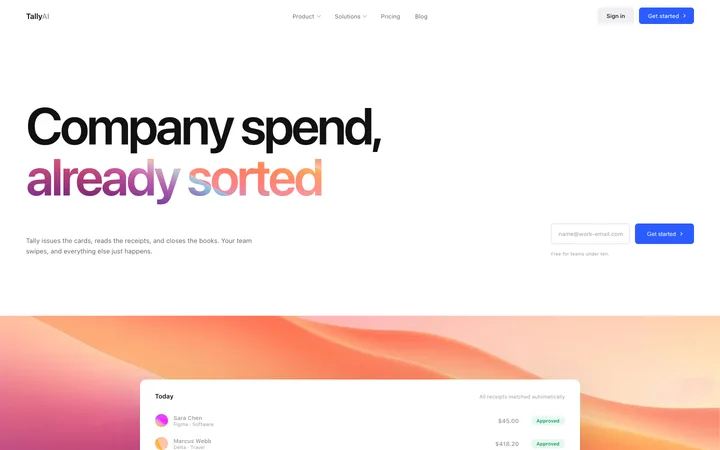
Finance SaaS landing page for company cards
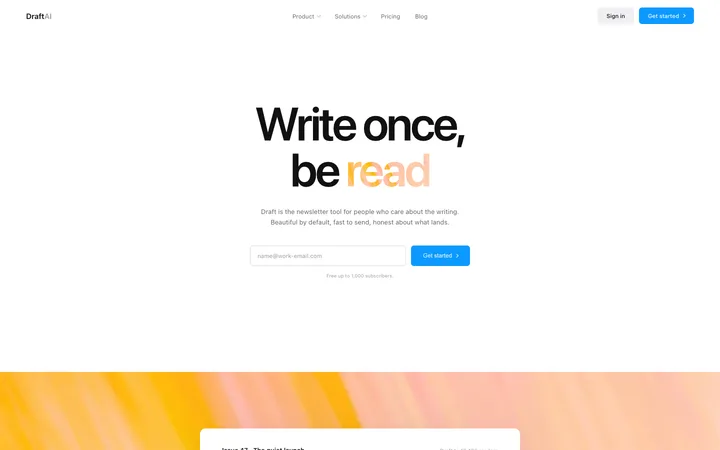
Marketing SaaS landing page for newsletters
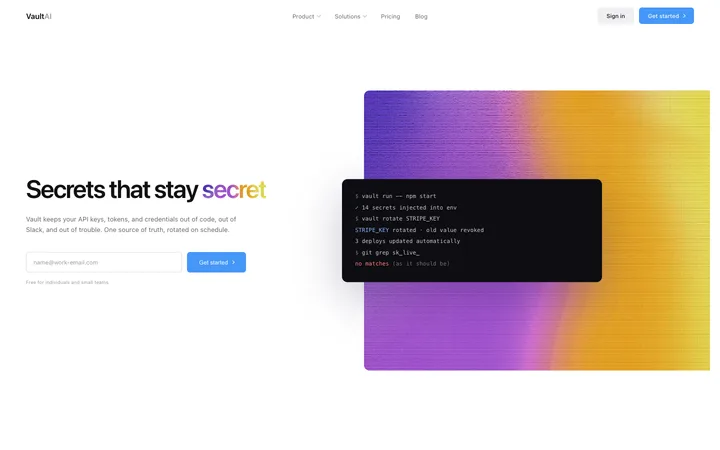
Security SaaS landing page template for API keys
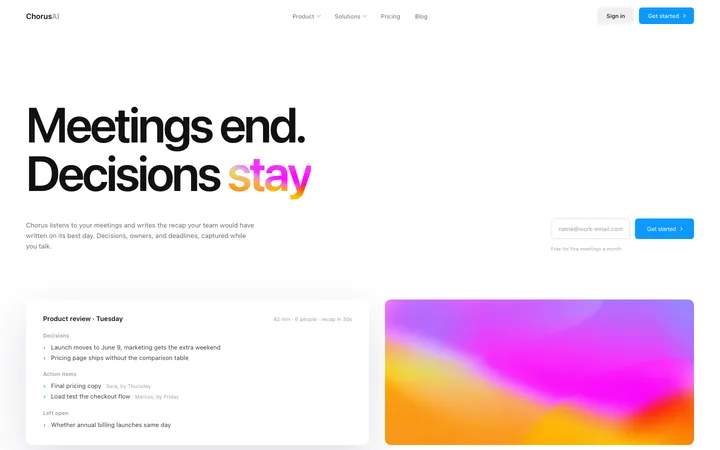
AI notetaker SaaS landing page for meetings
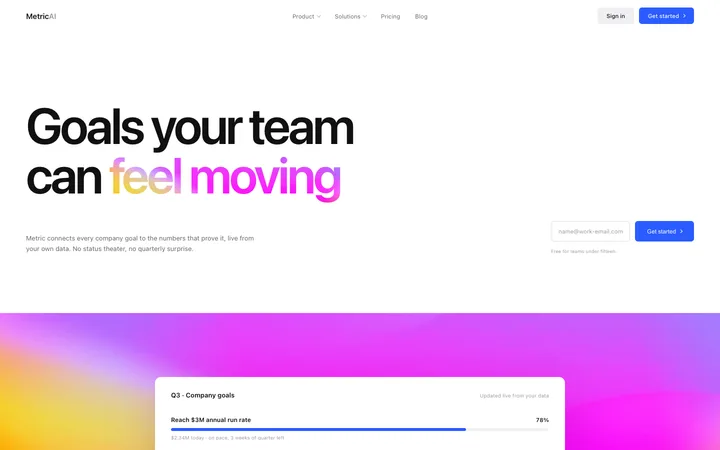
OKR software SaaS landing page for goal tracking
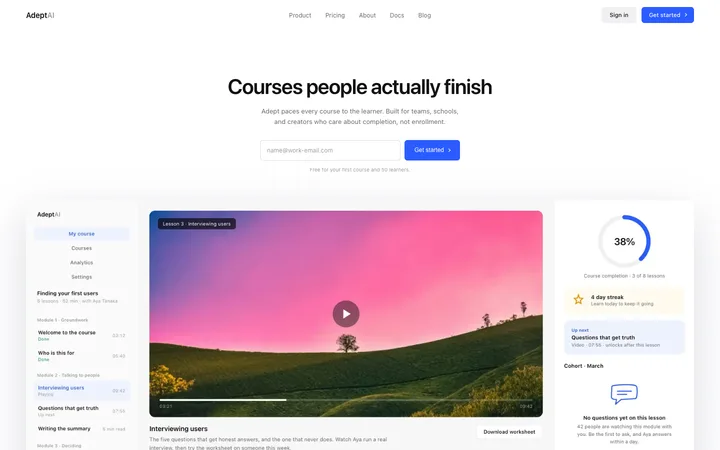
LMS SaaS landing page template for online courses
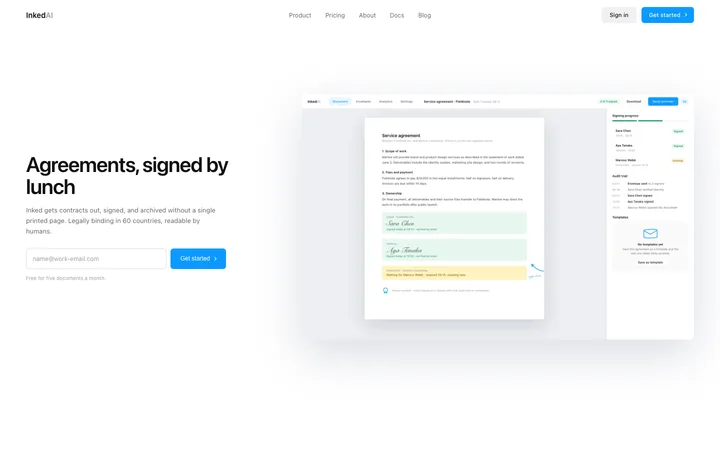
E-signature SaaS landing page template

48 of 51

Browse all templates

How to use testimonials templates with Bolt

1

Pick a design

Choose a testimonials design above and open it to see it live.

2

Copy the template

Copy the template from its page. It is one HTML file with no dependencies.

3

Set up Bolt

Paste the template into your first Bolt prompt as the design to build from, and describe the product in a sentence or two.

4

Prompt, then refine

Paste it and describe your product. Then follow up with: "Use the pasted template as the exact design for this section. Do not change the layout or spacing."

What makes a good testimonials section

Common types: single large quotes, quote walls, logo and quote pairs, and video stories.

Real people

Name, role, company and a photo make a quote believable.

Specific results

"Cut onboarding time in half" beats "Great product".

Placed where doubt appears

Near pricing and the main button.

Common mistake: Anonymous, generic praise that reads as made up. Testimonials section design ideas →

Keeping the design in Bolt

Bolt builds and runs a full app in the browser, so it suits fast prototypes and launch pages you want to see working within minutes.

What Bolt builds

A full JavaScript app, usually React with Vite, running in the browser.

Where the design goes

Paste the template into your first Bolt prompt as the design to build from, and describe the product in a sentence or two.

Bolt and testimonials sections

Very long prompts get summarised, so details of a big template can be lost. Paste the template again with your follow-up prompt if it starts to drift.

What to tell it

Keep the quote layout and photo size, and replace the quotes with real ones that mention a result.

A Bolt prompt for this

Pixel SaaS landing page

Bolt SaaS landing page prompt

A full landing page for a SaaS product: hero, logos, features, how it works, pricing, FAQ and a closing call to action.

Template: Pixel SaaS landing page

“Build a landing page for [product name], a SaaS product that helps [audience] [main outcome]…”

Full Bolt prompt with a licence

More in Bolt prompts.

Not sure which testimonials design fits?

Ask Mon, the AI design assistant, describe your product and Mon suggests the testimonials design and how to prompt Bolt with it.

Ask Mon

Frequently asked questions

How do I use a testimonials template in Bolt?

Paste the template code into your Bolt prompt at bolt.new and describe what your product does. Paste the template into your first Bolt prompt as the design to build from, and describe the product in a sentence or two.

What does Bolt turn the template into?

A full JavaScript app, usually React with Vite, running in the browser.

How do I stop Bolt changing the design?

Very long prompts get summarised, so details of a big template can be lost. A follow-up prompt that helps: "Use the pasted template as the exact design for this section. Do not change the layout or spacing."

What makes a good testimonials section?

Real people: name, role, company and a photo make a quote believable. Specific results: "Cut onboarding time in half" beats "Great product". Placed where doubt appears: near pricing and the main button.

Any Bolt tips for testimonials sections?

Very long prompts get summarised, so details of a big template can be lost. Paste the template again with your follow-up prompt if it starts to drift.

More Bolt template categories

Bolt promptsCopy-paste Bolt prompts for landing pages, dashboards, pricing, login and AI apps, written to use with these templates.

Testimonials templates for other tools