Metal card picker screen for a banking app template
A metal card picker screen for iOS and Android. One big metal card that tilts and catches the light, three finishes to pick from, and a Continue button. Use it in a neobank or credit card app when customers choose their card. Build it with Bolt, Lovable, or Replit.
About this app template
Choosing the card is the moment a customer starts to feel the product is theirs, so this screen gives the card the whole stage. There is one big metal card in the middle. Drag it and it turns and catches the light, swipe and it flips to the next finish. Below it are three small finish dots, graphite, titanium and sand gold, the finish name and one Continue button. Nothing else competes with the card. Use it as the card step in a neobank onboarding, a premium card upsell or a card customisation screen. Paste it into Bolt, Lovable, or Replit and connect it to your card issuing provider.
Build a full mobile app onboarding flow with this template design
An onboarding flow is a run of screens a new user sees back to back, which makes any inconsistency between them obvious, so one onboarding screen can set the standard for every screen after it. Copy the template, paste it into Claude Code, Replit, Lovable, ChatGPT Codex, Bolt, or Cursor, and send this alongside it.
Paste into Claude Code, Replit, Lovable, Bolt, or Cursor
Common questions about this template
What is a card picker screen?
The step in a banking app where a new customer chooses which card they want, usually a colour or a finish, before the card is ordered.
Can I add more finishes?
Yes. The finishes are a short list at the top of the script with the colours for each one. Add a new line and a new dot appears.
Does the card move on phones?
Yes. Drag the card to turn it, or swipe left and right to change the finish. It stays still for people who turn off motion.
How do I connect it to my card provider?
Paste the screen into Bolt, Lovable, or Replit and ask it to send the chosen finish to your card issuing provider when Continue is tapped.
Use this template for
- ·Pick your card step in a banking app
- ·Metal card upsell during onboarding
- ·Credit card finish or colour picker
- ·Card customisation screen in a fintech app
Works with every vibe coding tool
More from the Neobank app set
All 6 screens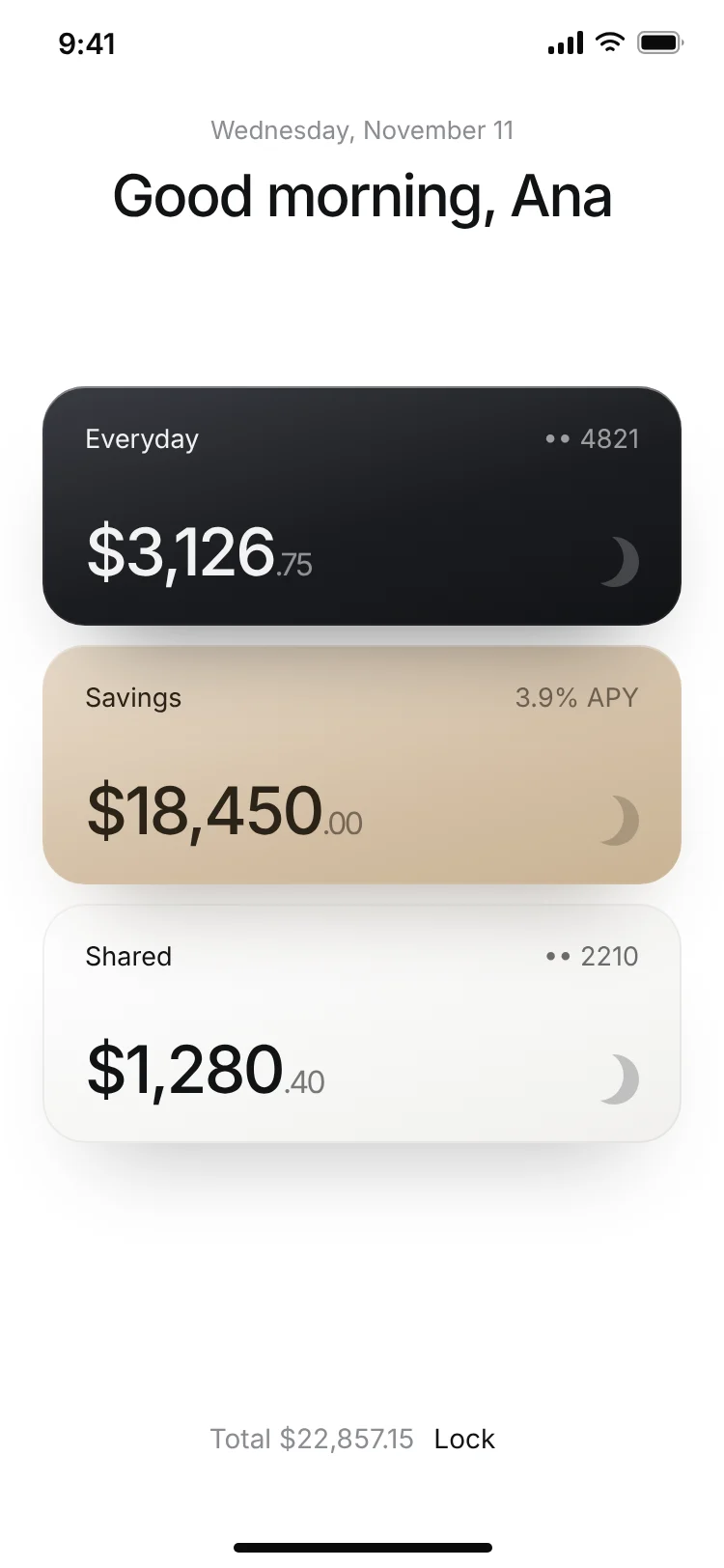
Banking app unlock screen with hold to unlock
Banking app unlock screen with hold to unlock
Finance
Neobank app home screen
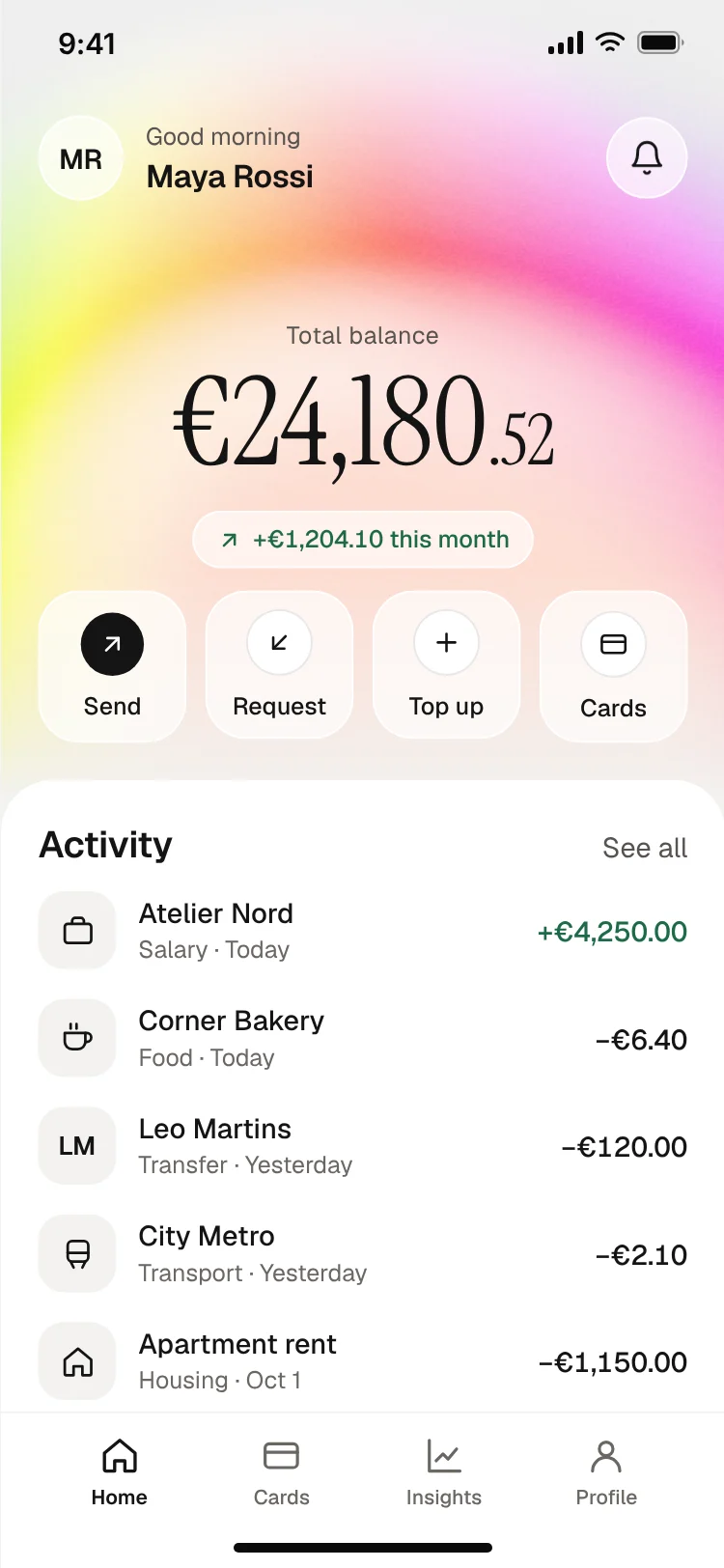
Neobank app home screen
Finance
Bank card controls screen
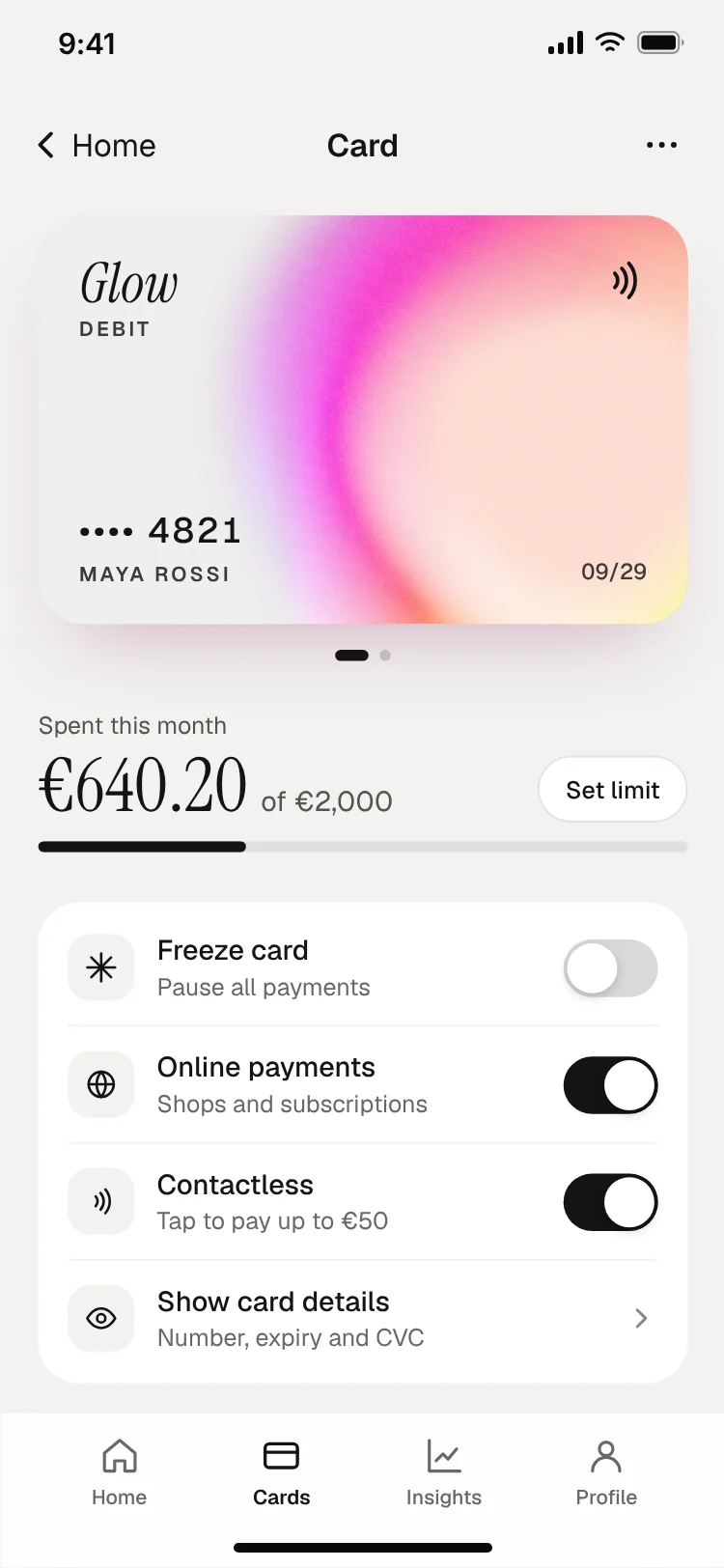
Bank card controls screen
Finance
Send money screen with keypad
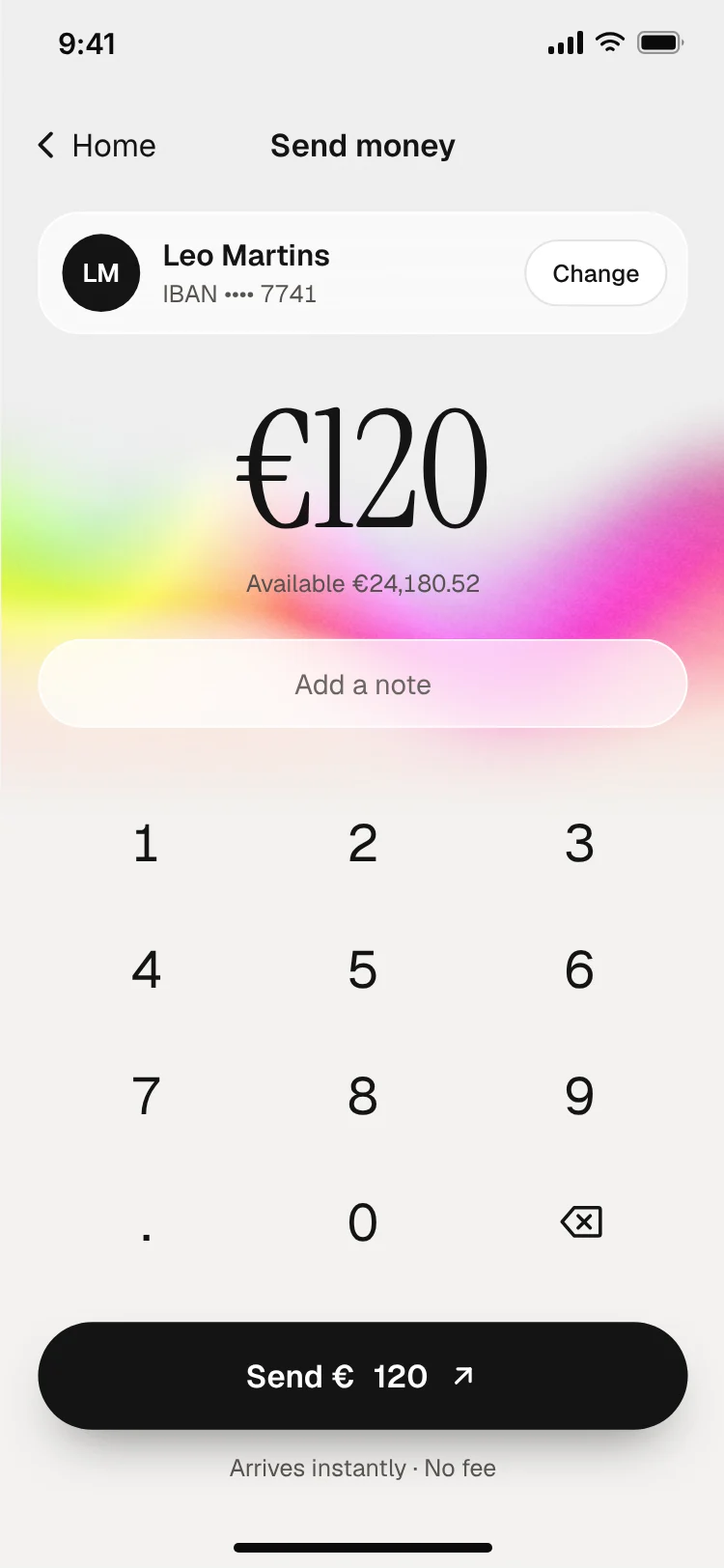
Send money screen with keypad
Finance
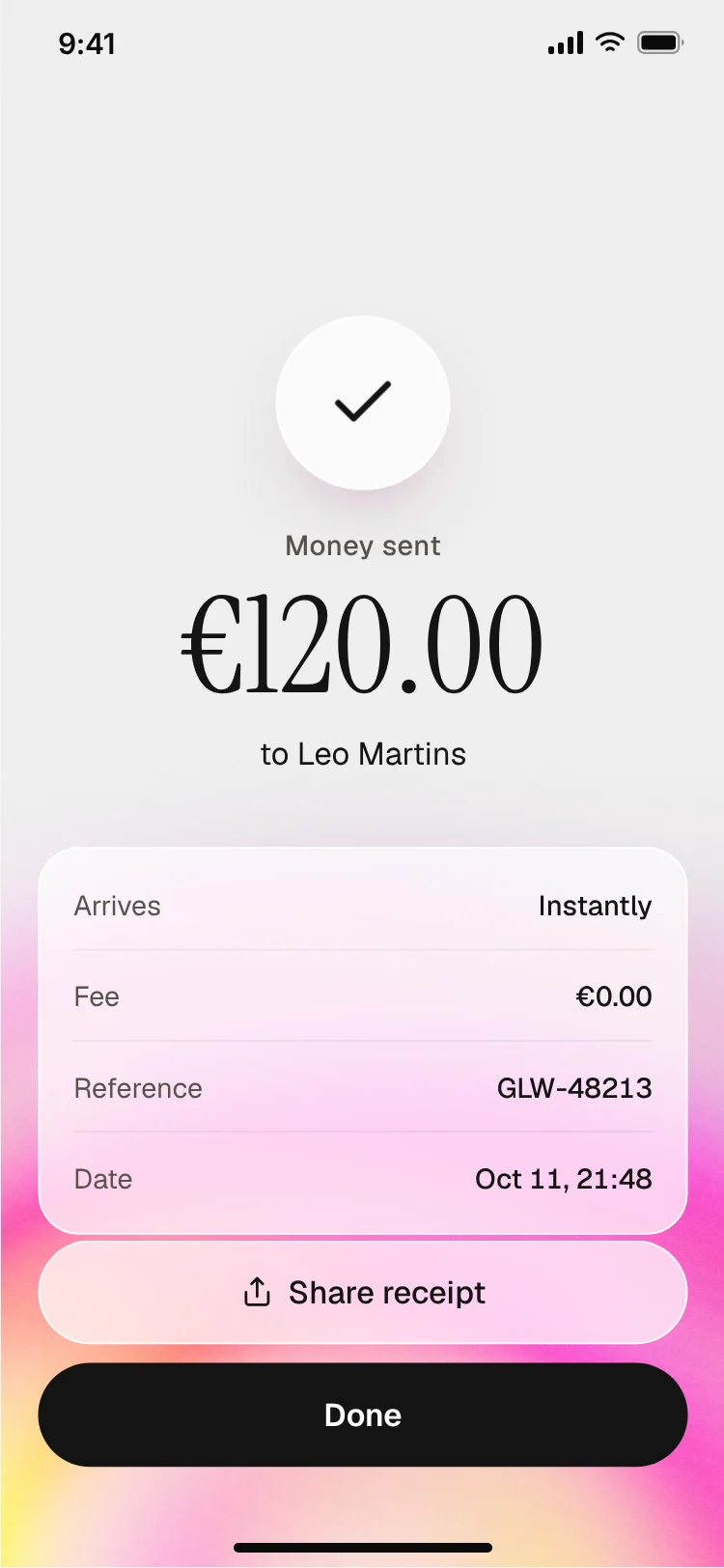
Payment sent receipt screen
Payment sent receipt screen
Finance
More onboarding app templates
View all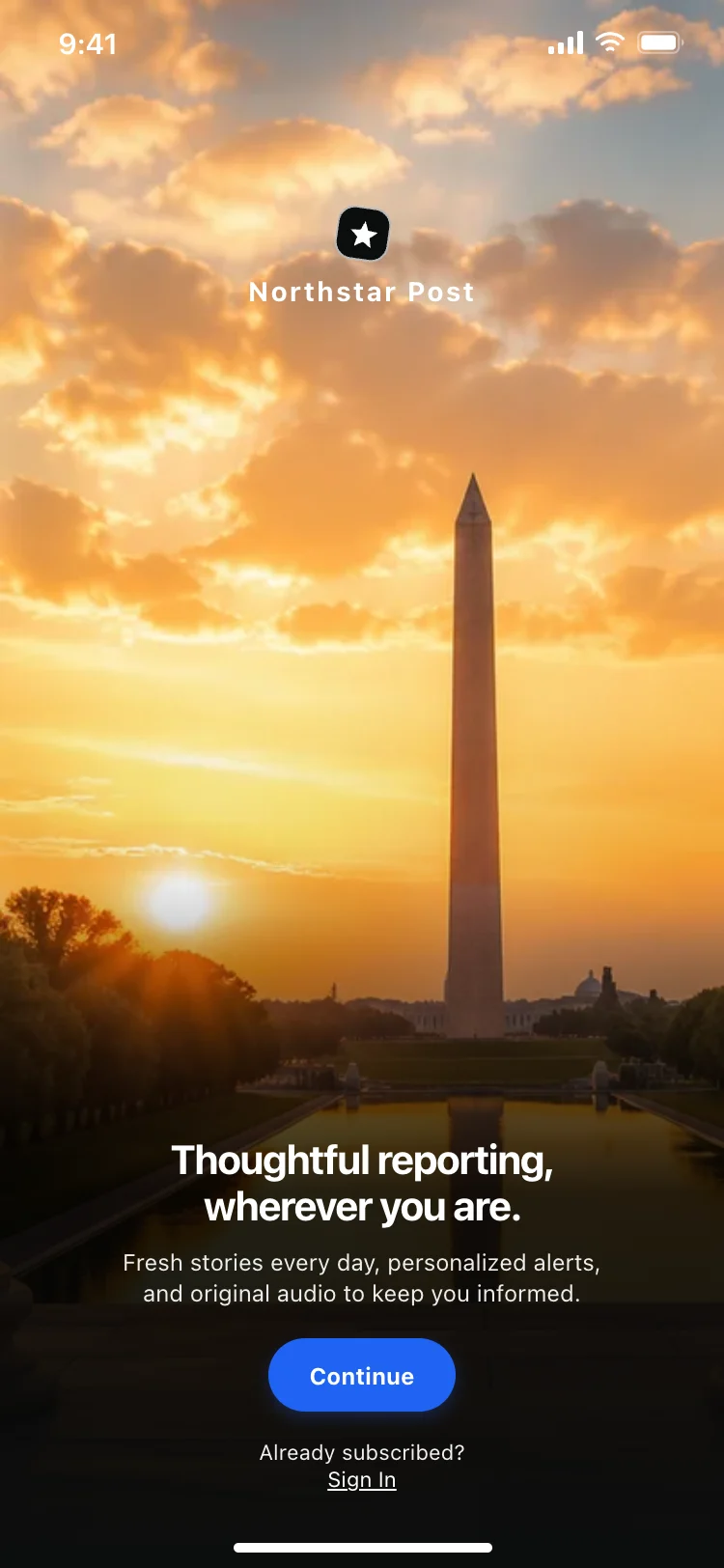
News app onboarding screen
News app onboarding screen
Onboarding
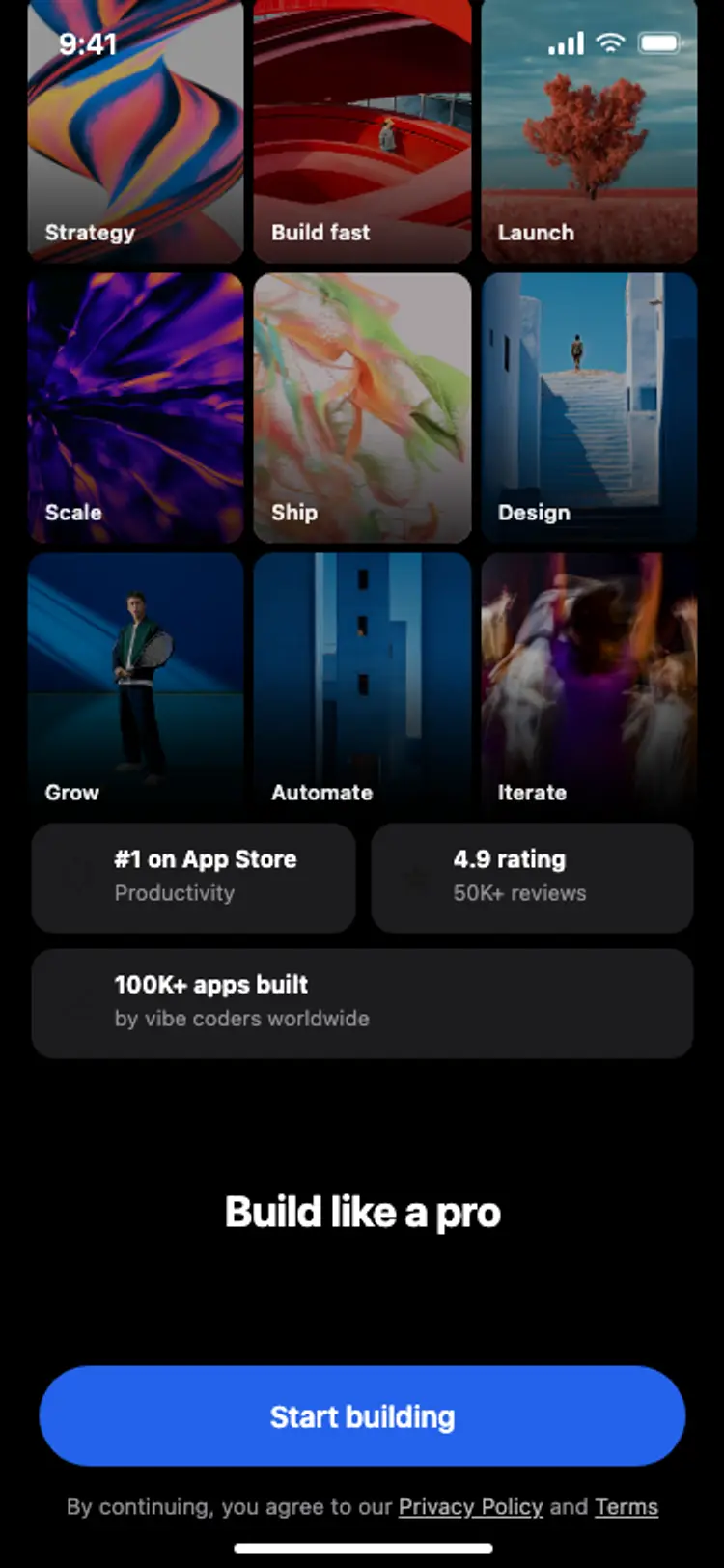
Onboarding with social proof
Onboarding with social proof
Onboarding
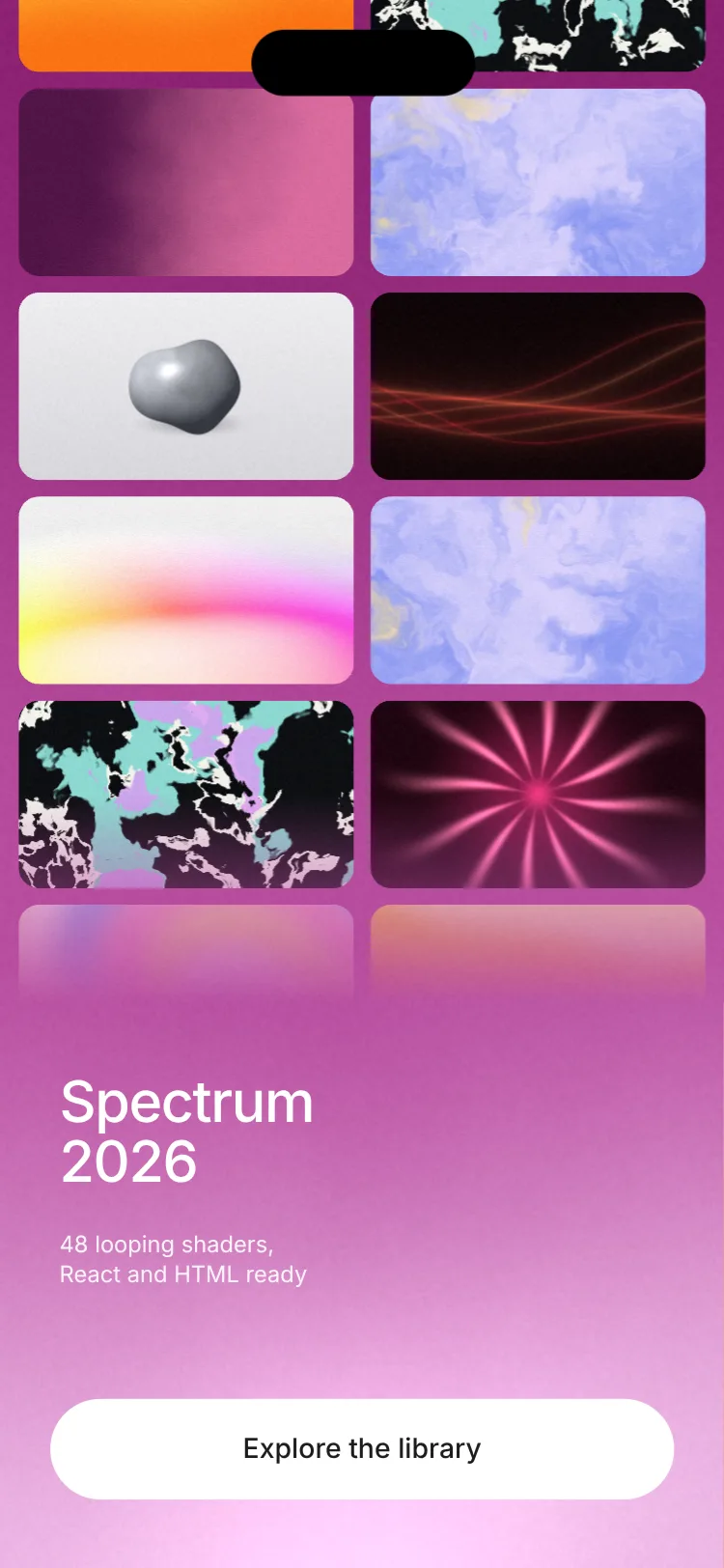
Animated shader onboarding screen
Animated shader onboarding screen
Onboarding
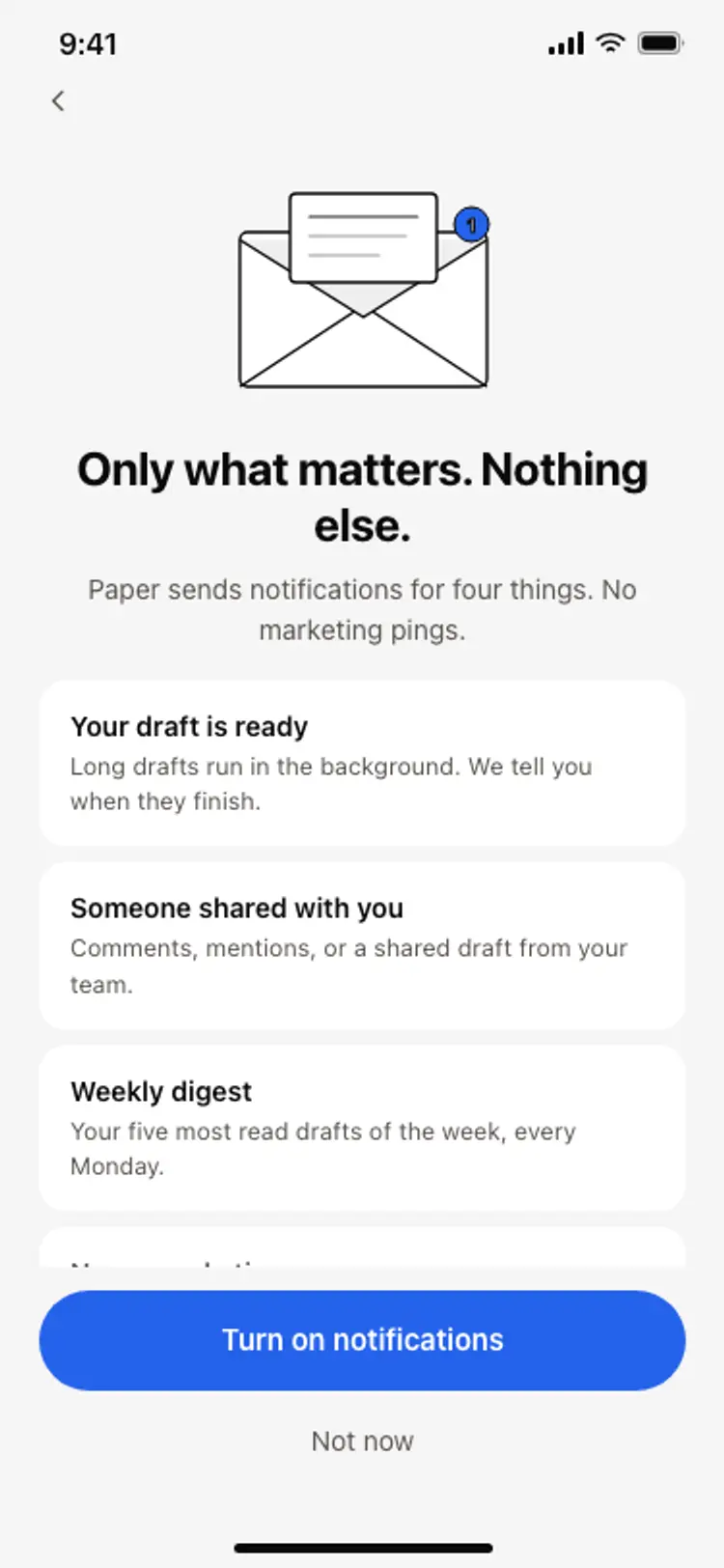
Notification preferences screen
Notification preferences screen
Onboarding
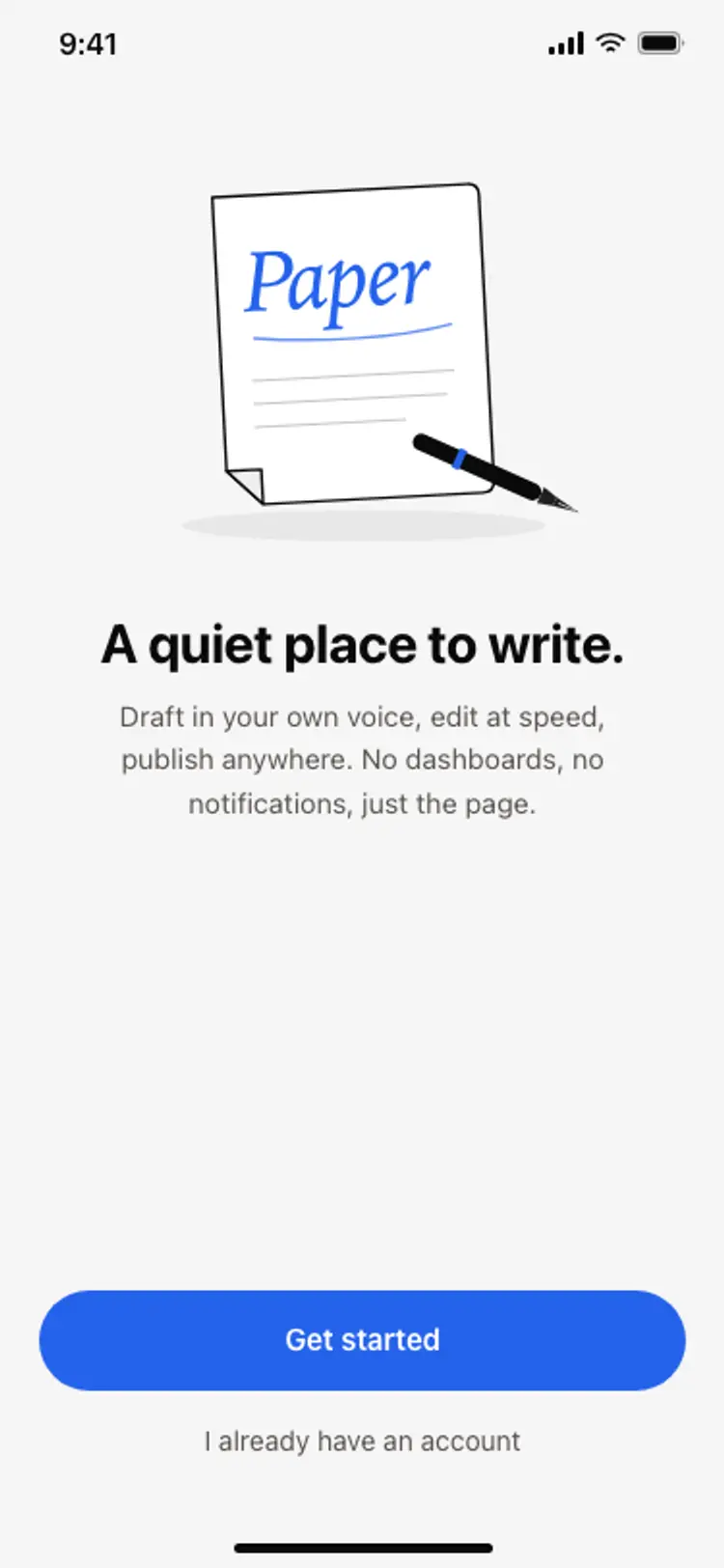
App onboarding welcome screen
App onboarding welcome screen
Onboarding
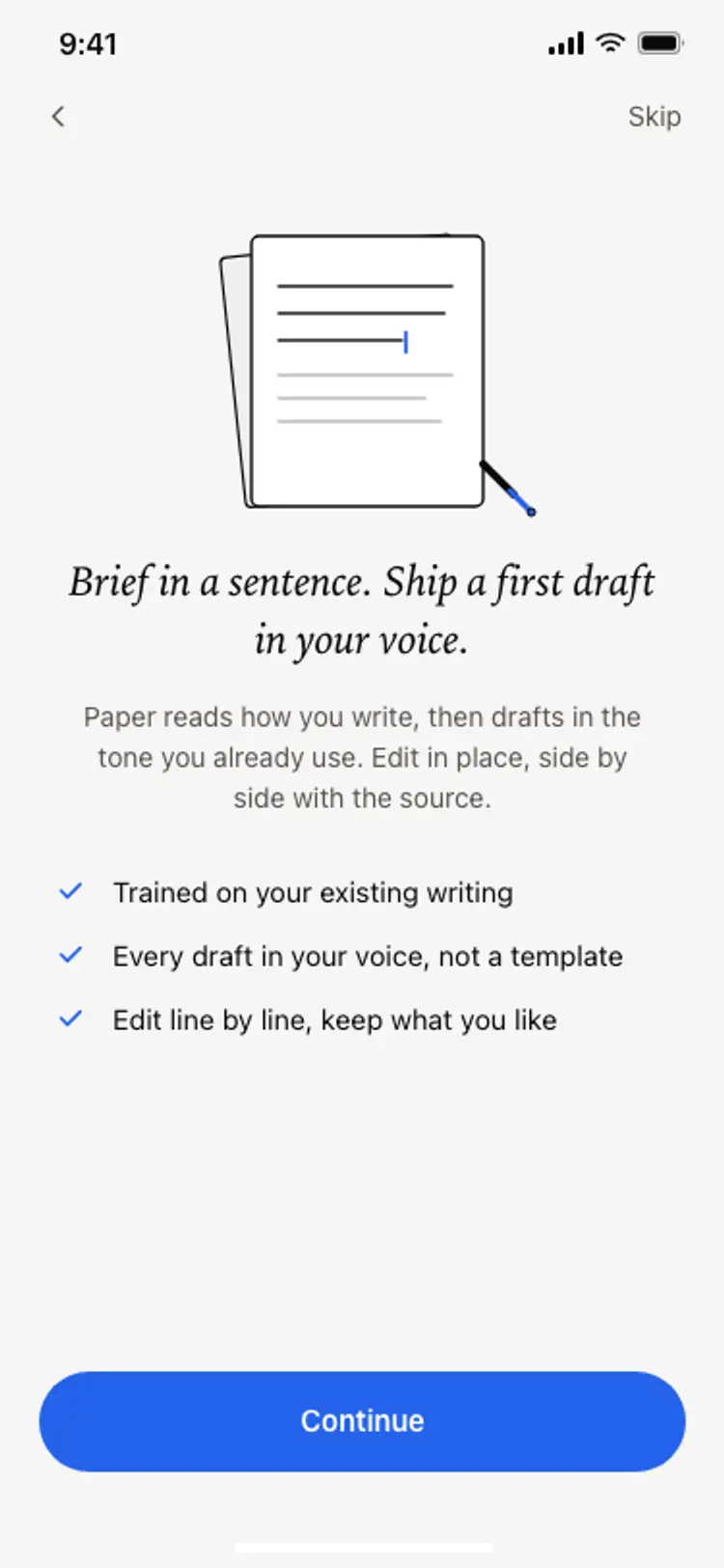
Onboarding benefits screen
Onboarding benefits screen
Onboarding
Other app templates you might like
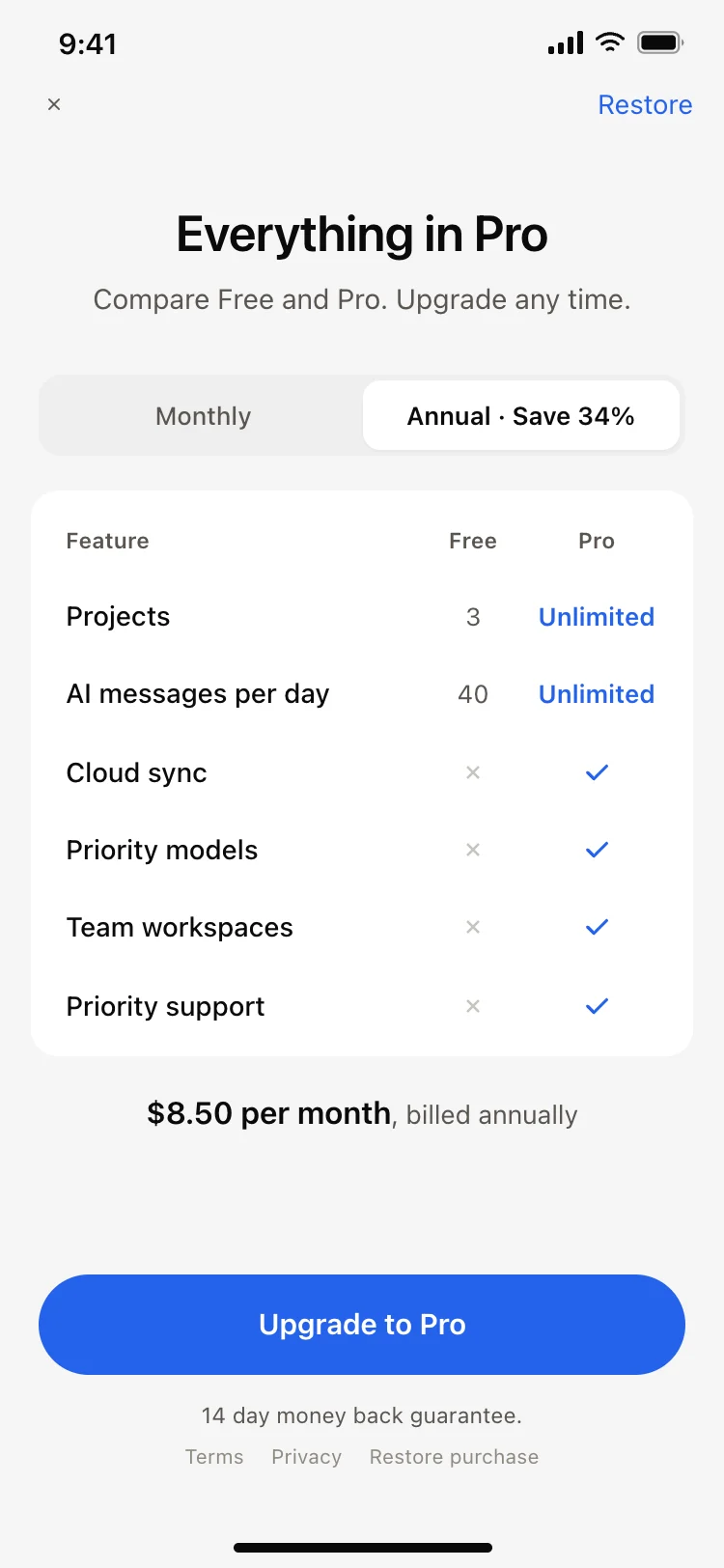
See also
Browse app templates