Lovable modal templates for AI websites and apps
Real modal designs you can copy into Lovable. Lovable turns a pasted template into a React app styled with Tailwind CSS and shadcn/ui components. Below: the designs, how to set Lovable up so it keeps the design, and what makes a good modal section.
Lovable modal templates
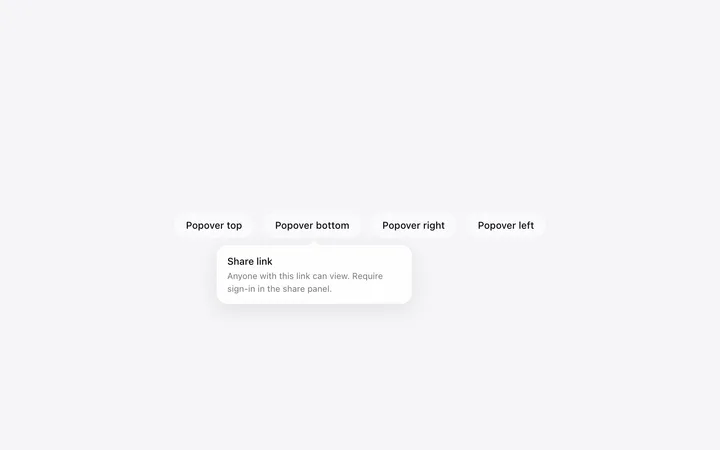
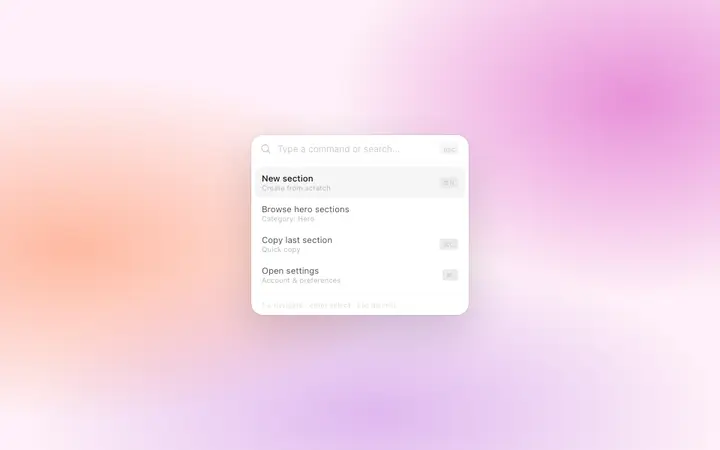
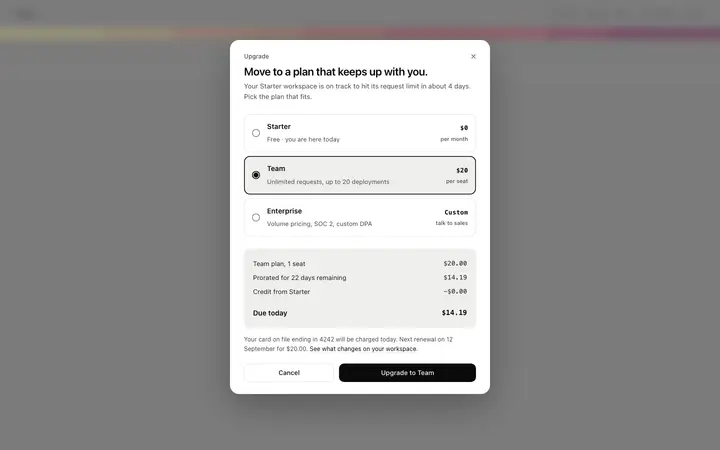
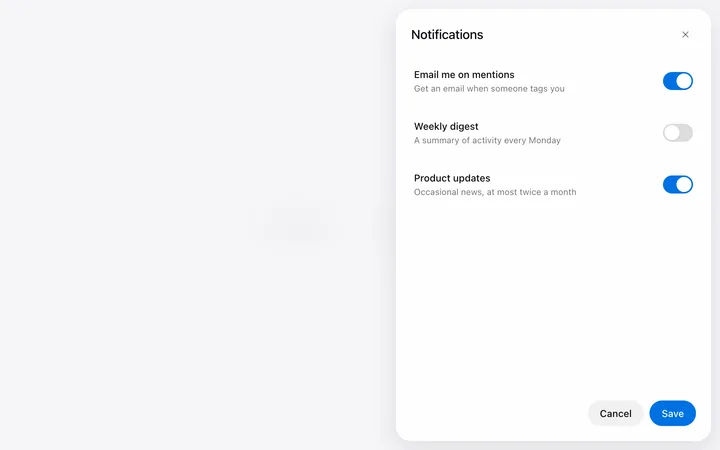
13 modal design templates for Lovable. Browse the full BrowserMoon library for every template category.
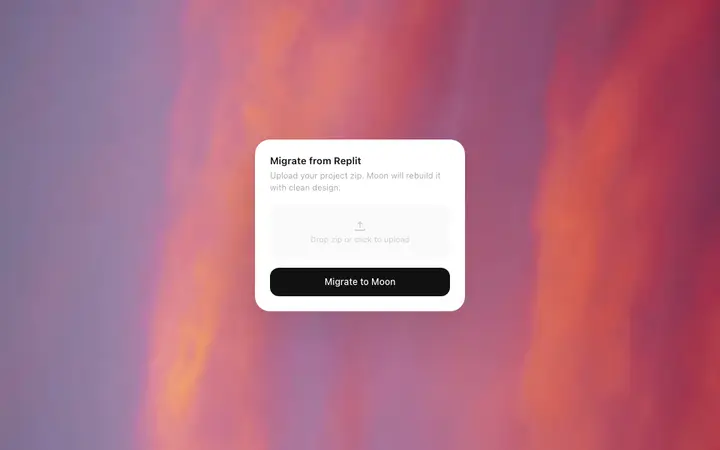
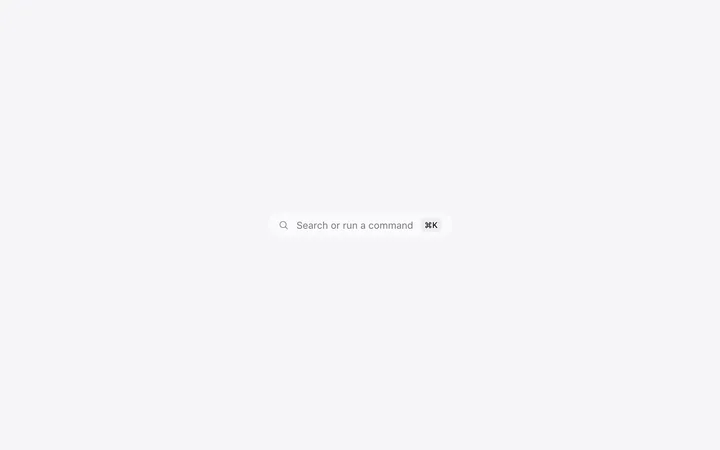
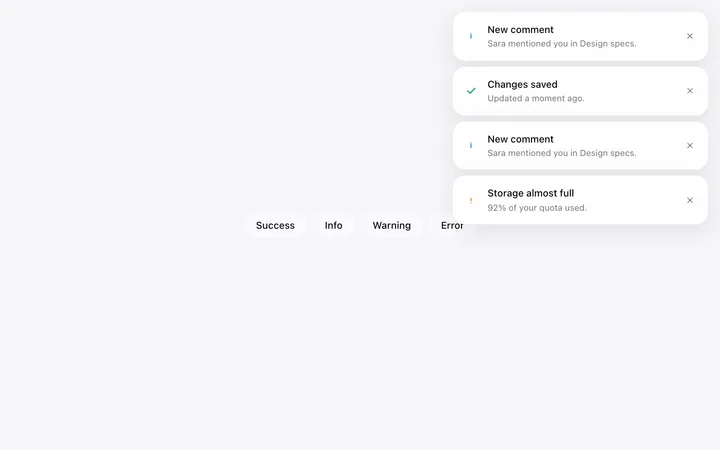
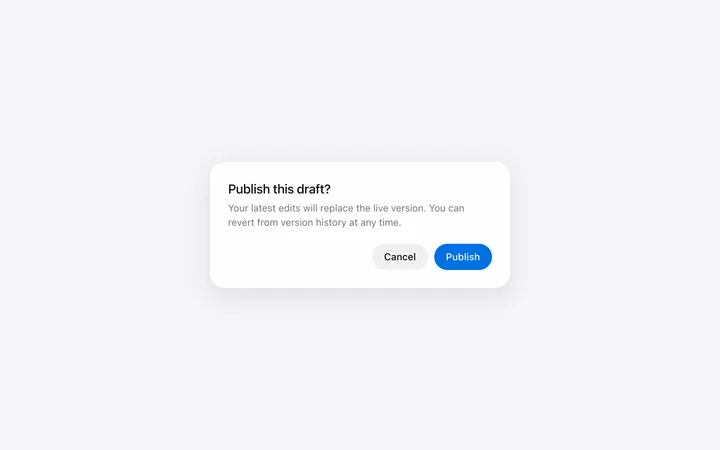

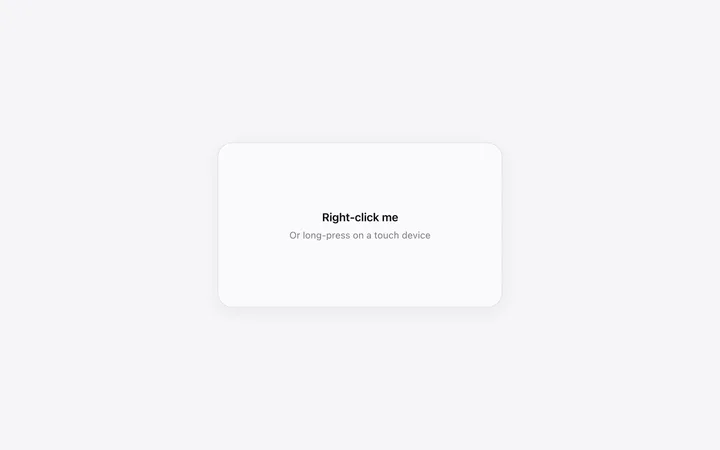
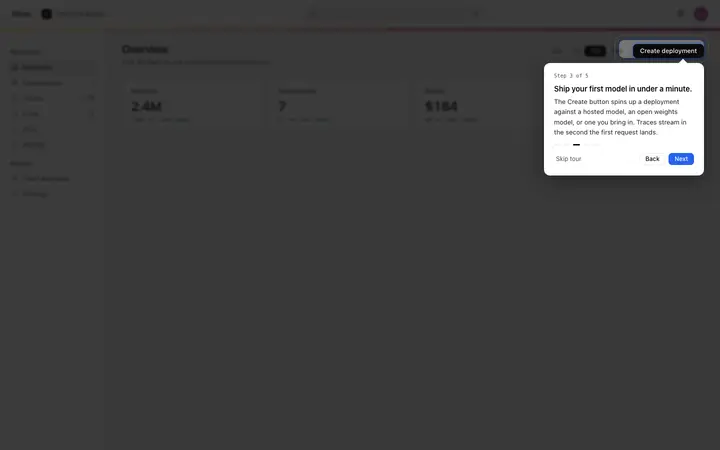
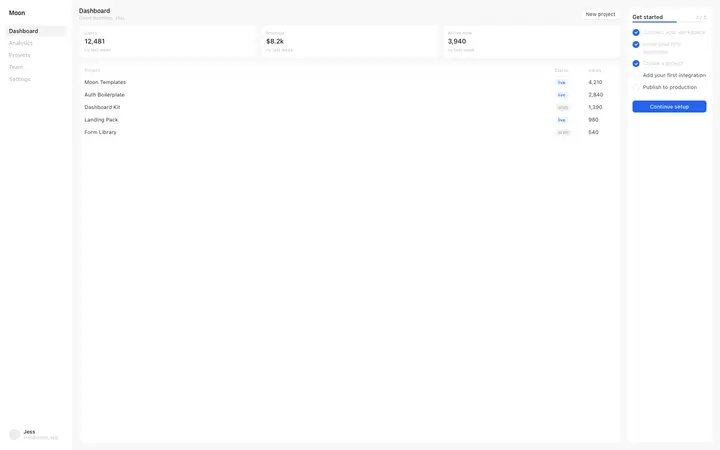
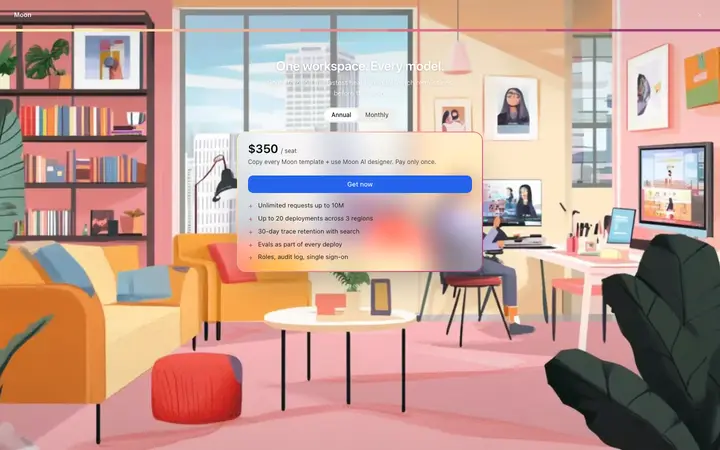
How to use modal templates with Lovable
Pick a design
Choose a modal design above and open it to see it live.
Copy the template
Copy the template from its page. It is one HTML file with no dependencies.
Set up Lovable
Paste the template into your first prompt and add your design rules to the project's knowledge, so every later prompt keeps the same look.
Prompt, then refine
Paste it and describe your product. Then follow up with: "Keep the exact spacing, font sizes and colours from the template I pasted. Only change the copy and the links."
What makes a good modal section
Common types: confirm dialogs, upgrade prompts, short forms and command palettes.
One task per modal
Confirm, choose or fill one short form.
Easy to close
A close button, the Escape key and a click outside.
Focus stays inside
Keyboard users can finish without getting lost.
Common mistake: Modals that open on page load and block reading.
Keeping the design in Lovable
Lovable builds a working app from a chat, so it suits founders and designers who want a product online quickly without setting up code.
What Lovable builds
A React app styled with Tailwind CSS and shadcn/ui components.
Where the design goes
Paste the template into your first prompt and add your design rules to the project's knowledge, so every later prompt keeps the same look.
Lovable and modal sections
Lovable rebuilds the design with its own components, so spacing and fonts can shift toward its defaults. Paste the template again with your follow-up prompt if it starts to drift.
What to tell it
Keep the modal size and layout, make Escape and the close button work, and keep focus inside the modal.
Not sure which modal design fits?
Ask Mon, the AI design assistant, describe your product and Mon suggests the modal design and how to prompt Lovable with it.
Frequently asked questions
How do I use a modal template in Lovable?
Paste the template code into your Lovable prompt as the visual baseline for your app. Paste the template into your first prompt and add your design rules to the project's knowledge, so every later prompt keeps the same look.
What does Lovable turn the template into?
A React app styled with Tailwind CSS and shadcn/ui components.
How do I stop Lovable changing the design?
Lovable rebuilds the design with its own components, so spacing and fonts can shift toward its defaults. A follow-up prompt that helps: "Keep the exact spacing, font sizes and colours from the template I pasted. Only change the copy and the links."
What makes a good modal section?
One task per modal: confirm, choose or fill one short form. Easy to close: a close button, the Escape key and a click outside. Focus stays inside: keyboard users can finish without getting lost.
Any Lovable tips for modal sections?
Lovable rebuilds the design with its own components, so spacing and fonts can shift toward its defaults. Paste the template again with your follow-up prompt if it starts to drift.
More Lovable template categories
Modal templates for other tools