Banking app unlock screen with hold to unlock template
A banking app unlock screen for iOS and Android. A stack of account cards with the balances hidden, a hold to unlock button, then the accounts open into a clean list with the balances. Use it for neobanks, savings apps and any finance app. Build it with Bolt, Lovable, or Replit.
About this app template
People open a banking app many times a day, often around other people, so the first screen hides the money until they ask for it. This screen greets the customer, shows their accounts as a neat stack of cards in graphite, sand and white, and keeps the balances hidden. Holding the button fills it from left to right, then the cards slide into a column and the balances fade in, with the total at the bottom. Hold to unlock feels deliberate, so it is rarely triggered by accident. Use it as the home or lock screen of a neobank, a savings app or a family finance app. Paste it into Bolt, Lovable, or Replit and connect your accounts.
Build a full banking or fintech app with this template design
A finance app repeats balances, cards, transaction rows, and progress across many screens, so one screen can set the standard for every screen after it. Copy the template, paste it into Claude Code, Replit, Lovable, ChatGPT Codex, Bolt, or Cursor, and send this alongside it.
Paste into Claude Code, Replit, Lovable, Bolt, or Cursor
Common questions about this template
Why hide the balances on the first screen?
People open banking apps in public. Hiding the numbers until the customer holds the button keeps them private without an extra password step.
Can I use Face ID instead of hold to unlock?
Yes. Ask your AI coding tool to call Face ID or the fingerprint reader where the hold finishes. The animation stays the same.
Can I show more accounts?
Yes. Add a card to the stack and give it a position in the open list at the top of the script.
How do I connect real account balances?
Paste the screen into Bolt, Lovable, or Replit and connect it to your ledger or banking API.
Use this template for
- ·Lock or home screen of a banking app
- ·Hide balances until the customer asks
- ·Account overview for a neobank or savings app
- ·Hold to unlock interaction for a finance app
Works with every vibe coding tool
More from the Neobank app set
All 6 screens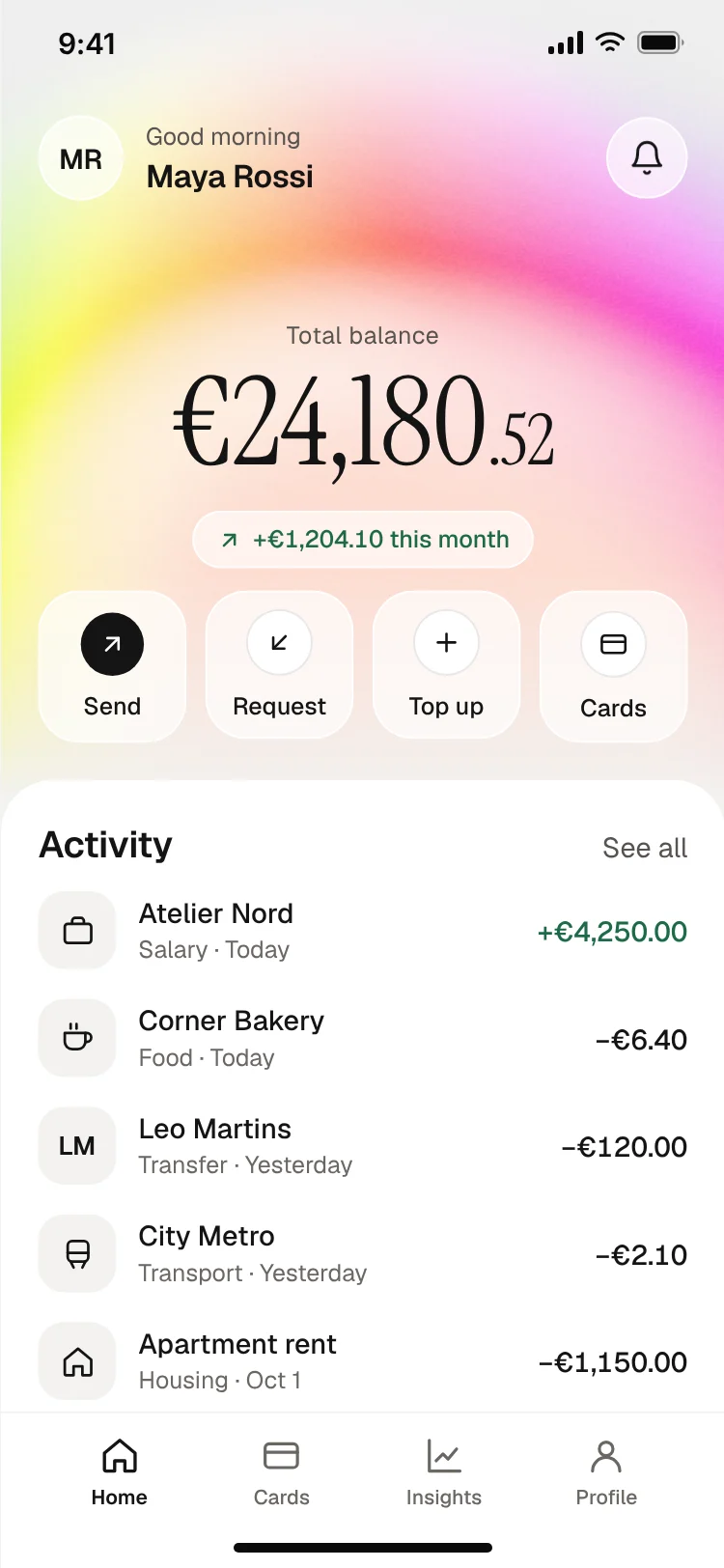
Neobank app home screen
Neobank app home screen
Finance
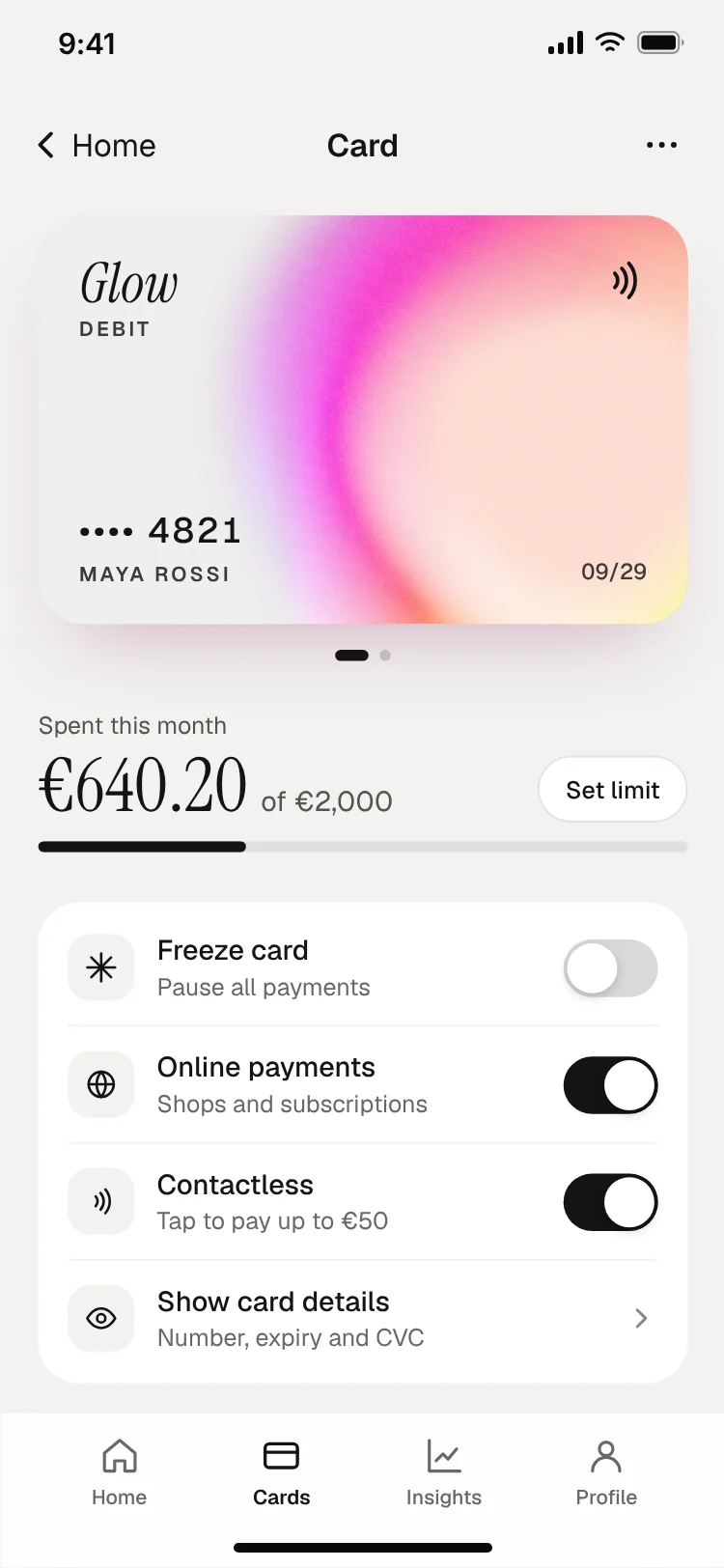
Bank card controls screen
Bank card controls screen
Finance
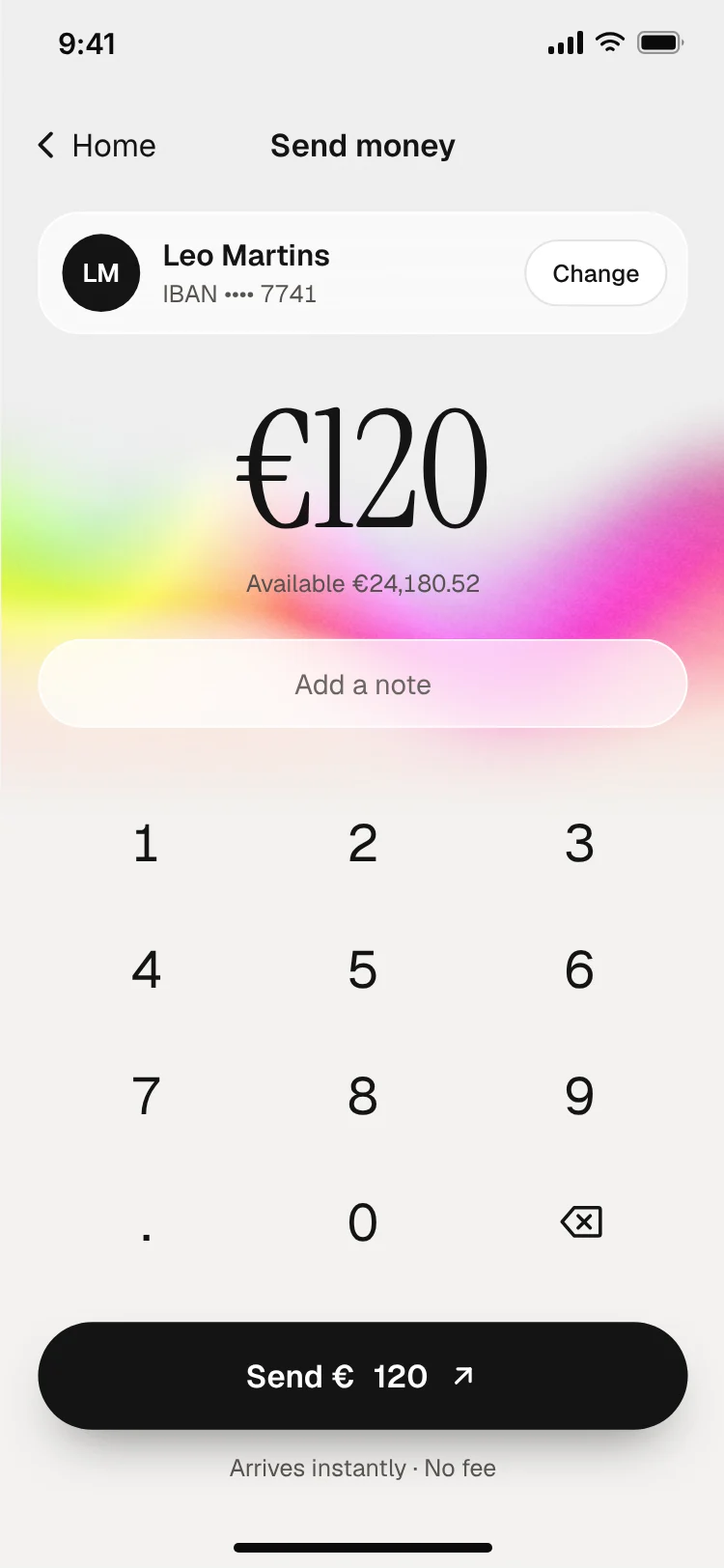
Send money screen with keypad
Send money screen with keypad
Finance
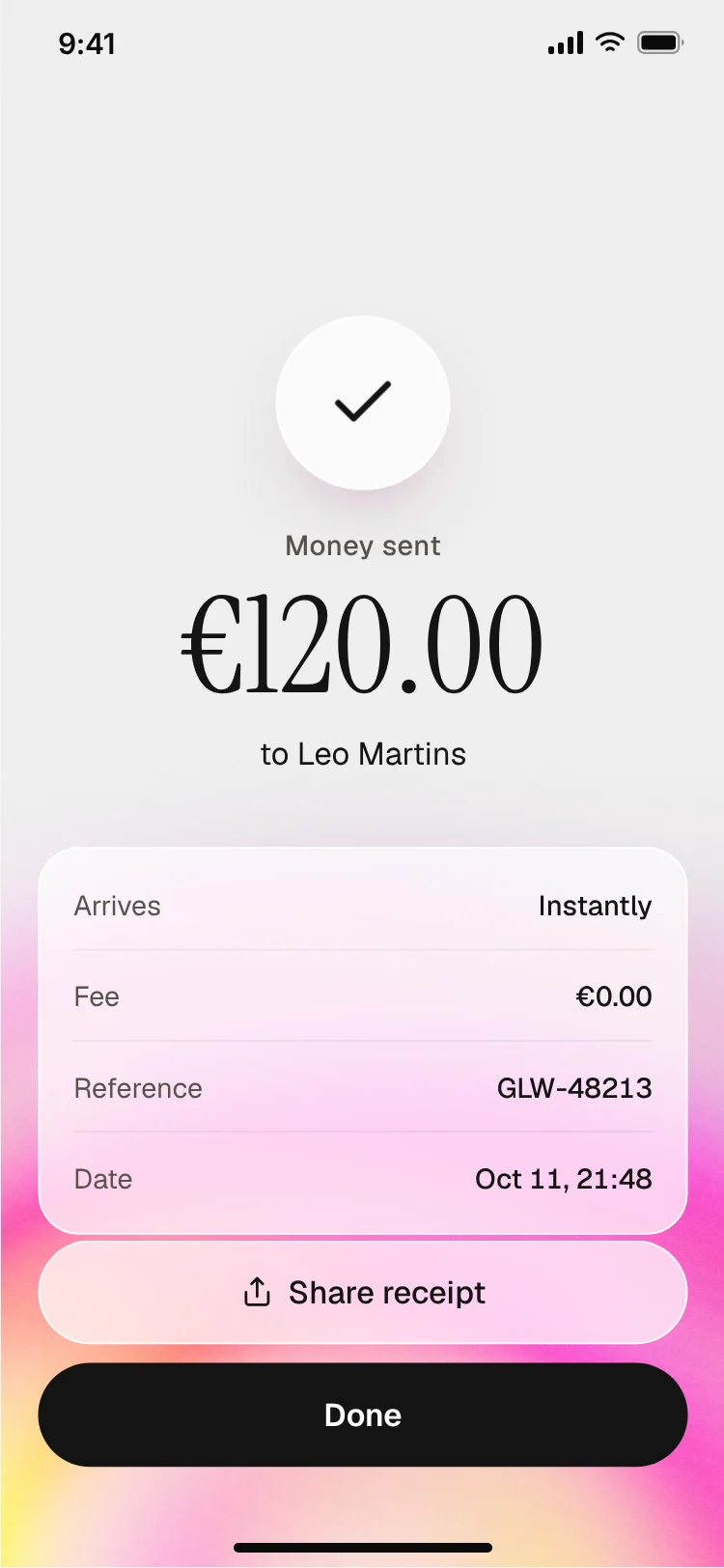
Payment sent receipt screen
Payment sent receipt screen
Finance
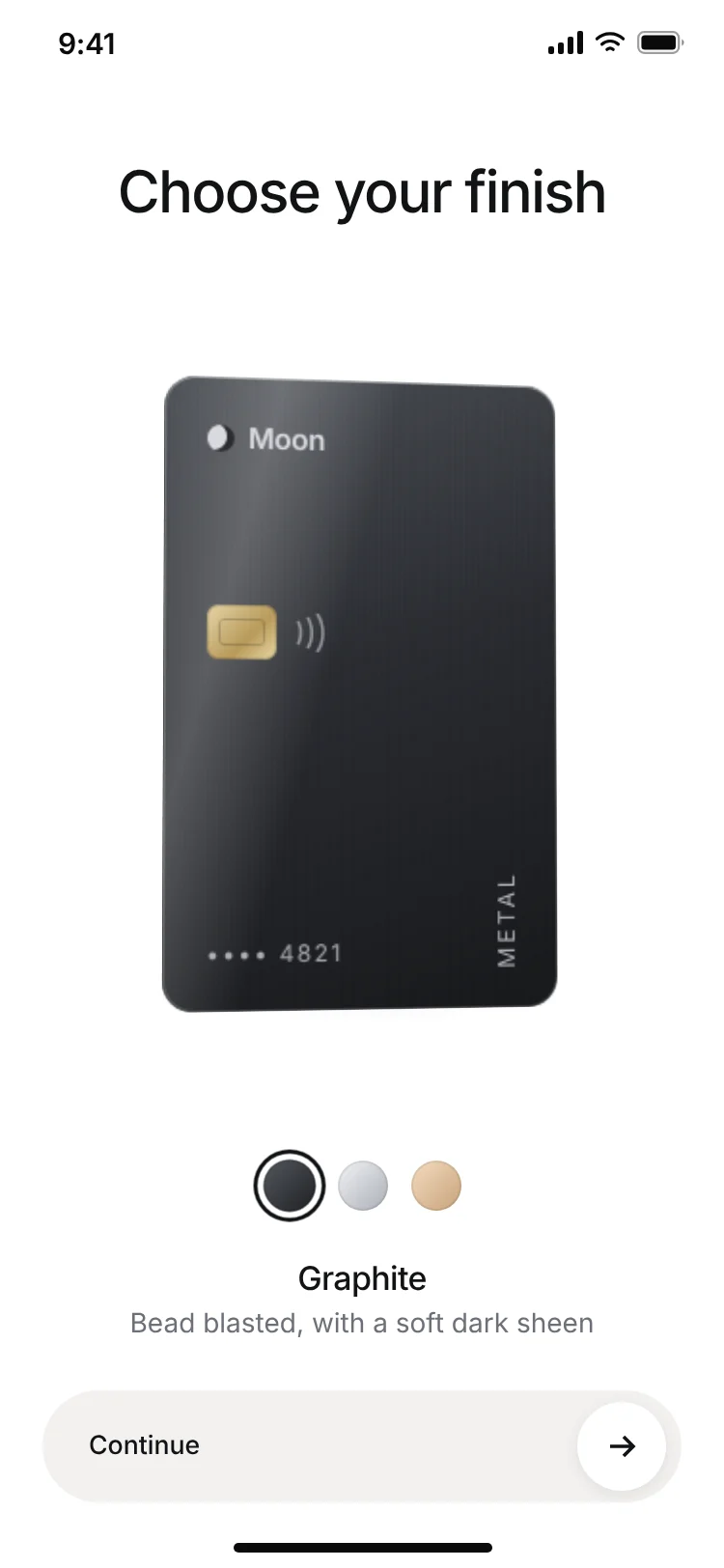
Metal card picker screen for a banking app
Metal card picker screen for a banking app
Onboarding
More finance app templates
View all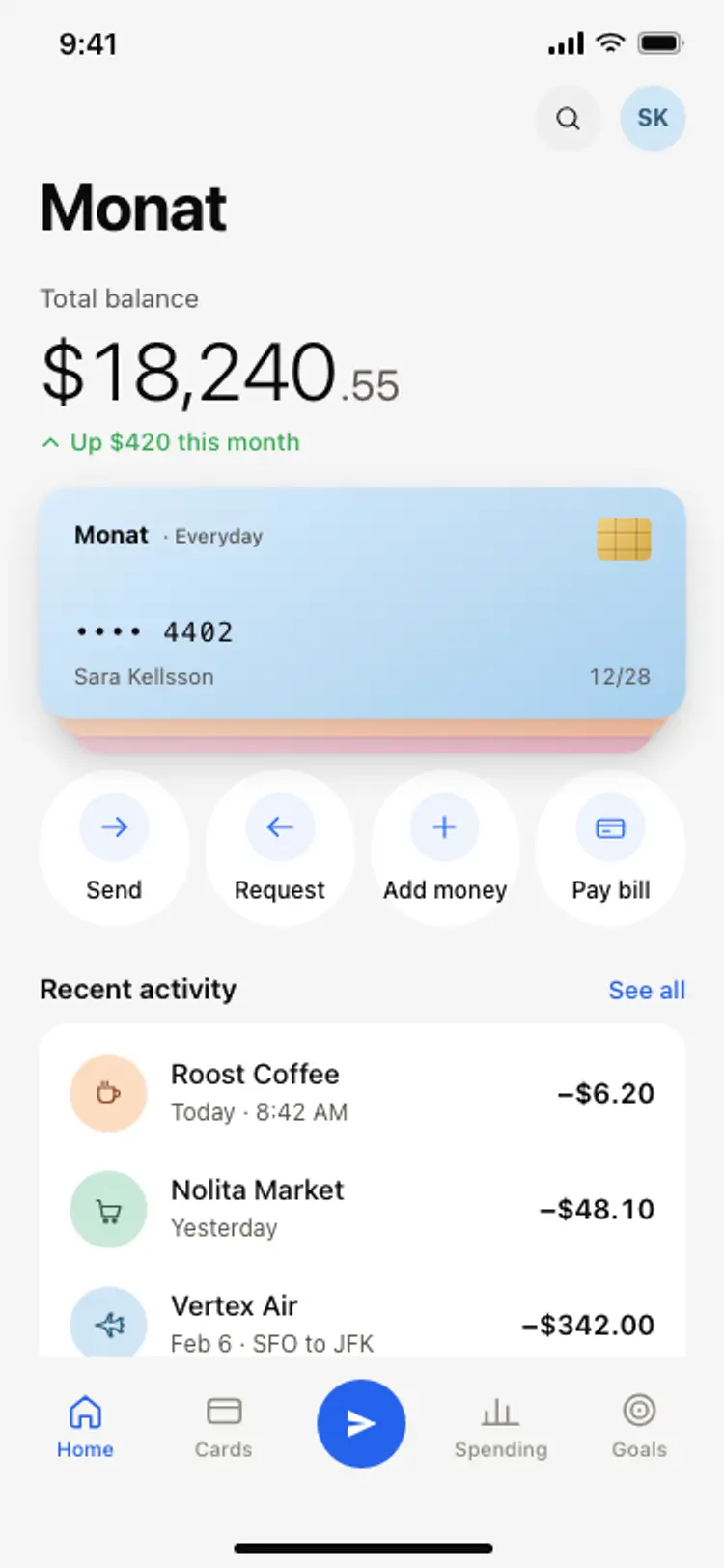
Banking app home screen
Banking app home screen
Finance
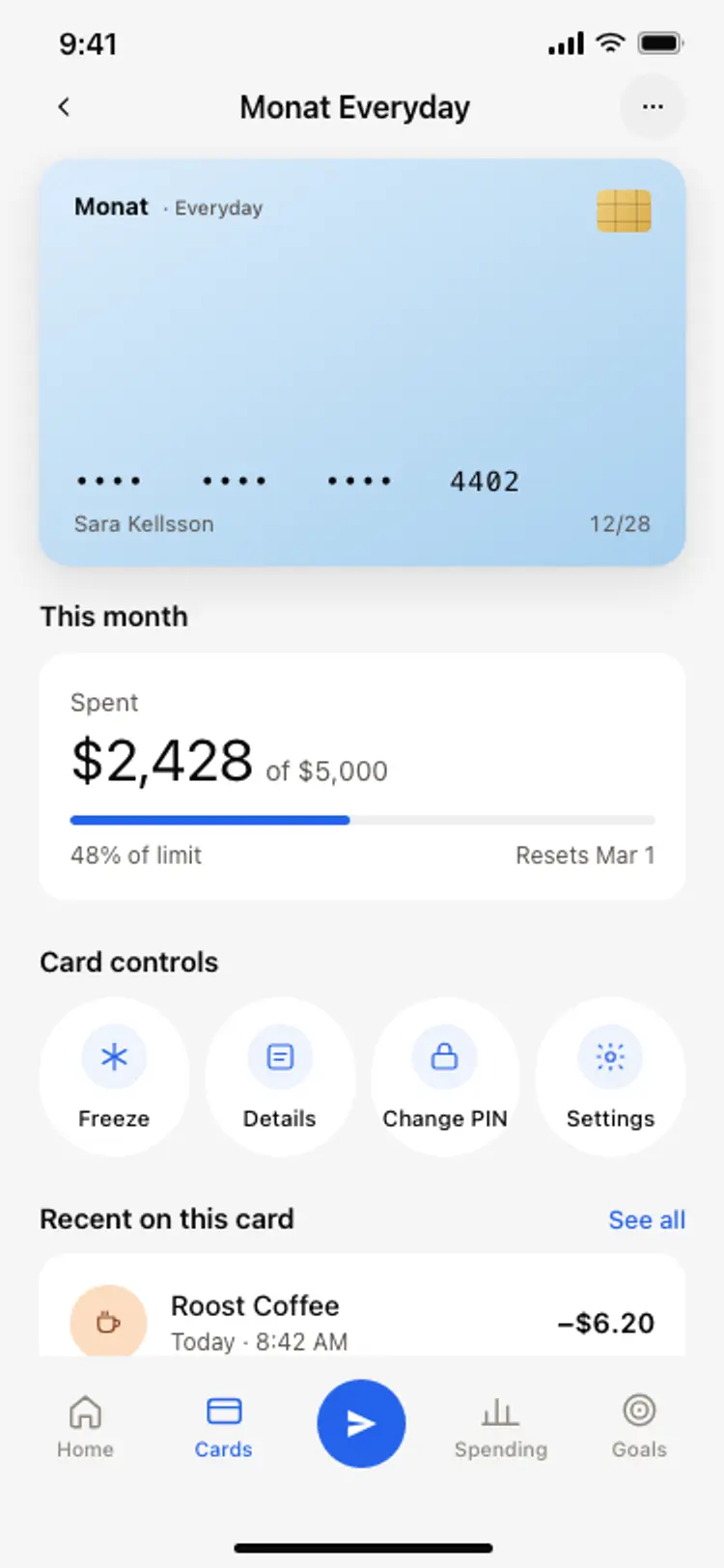
Bank card detail screen
Bank card detail screen
Finance
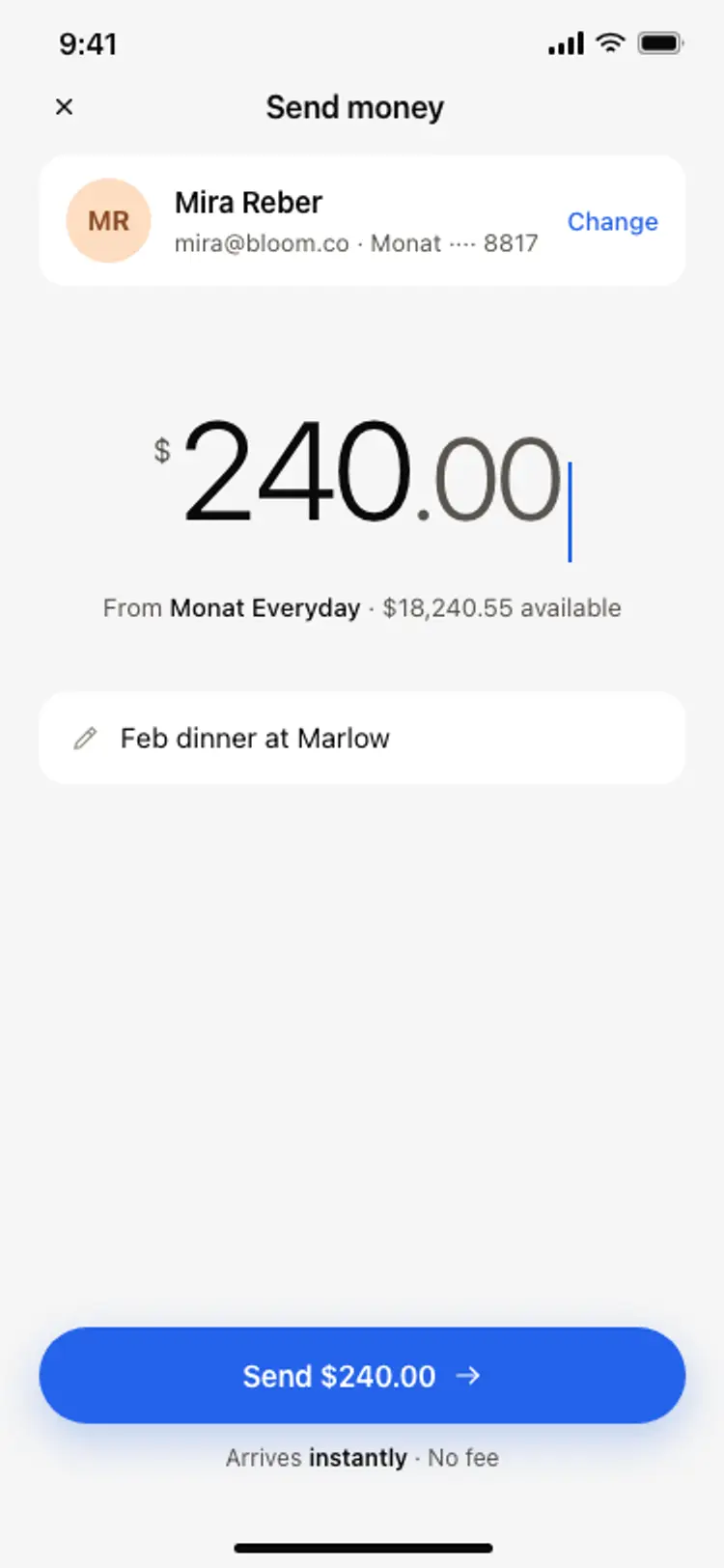
Send money screen
Send money screen
Finance
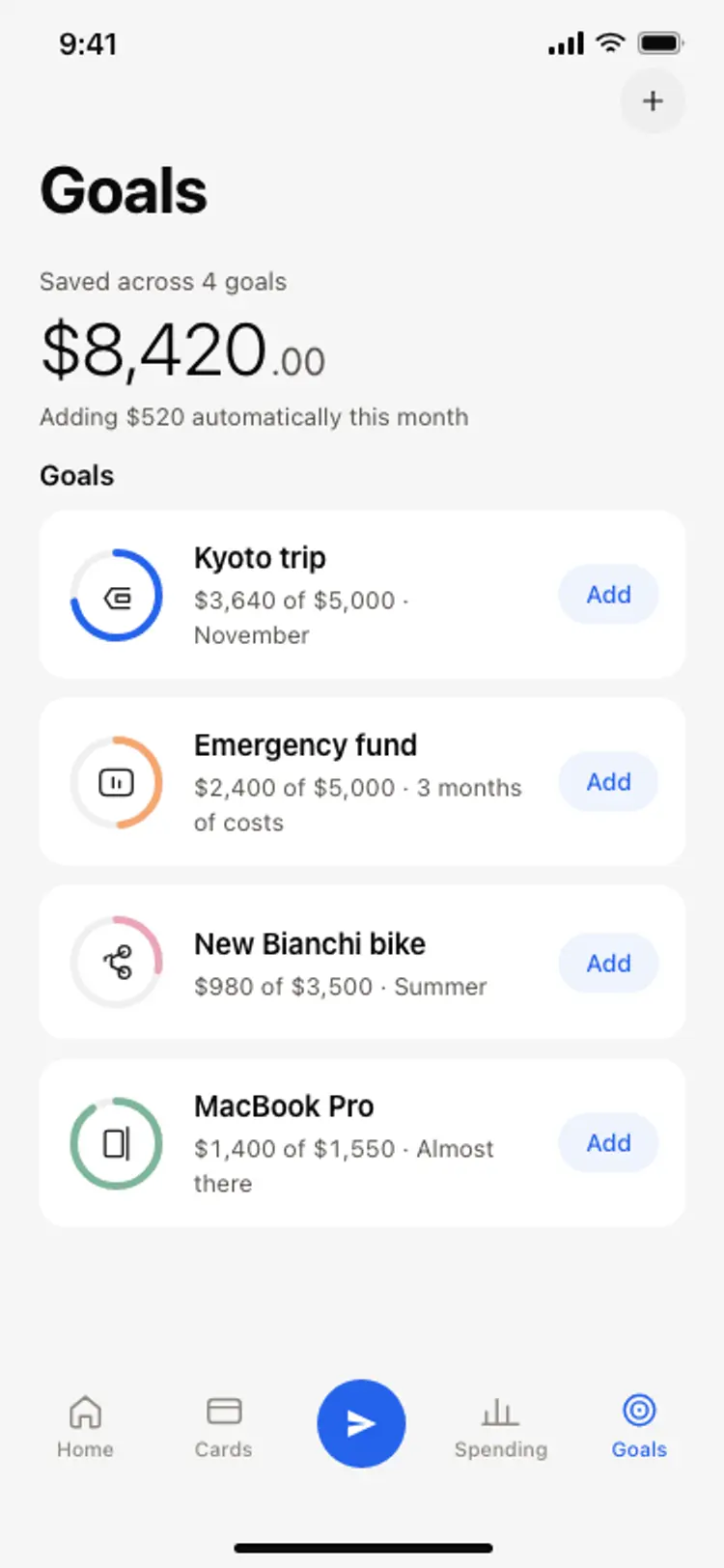
Savings goals screen
Savings goals screen
Finance
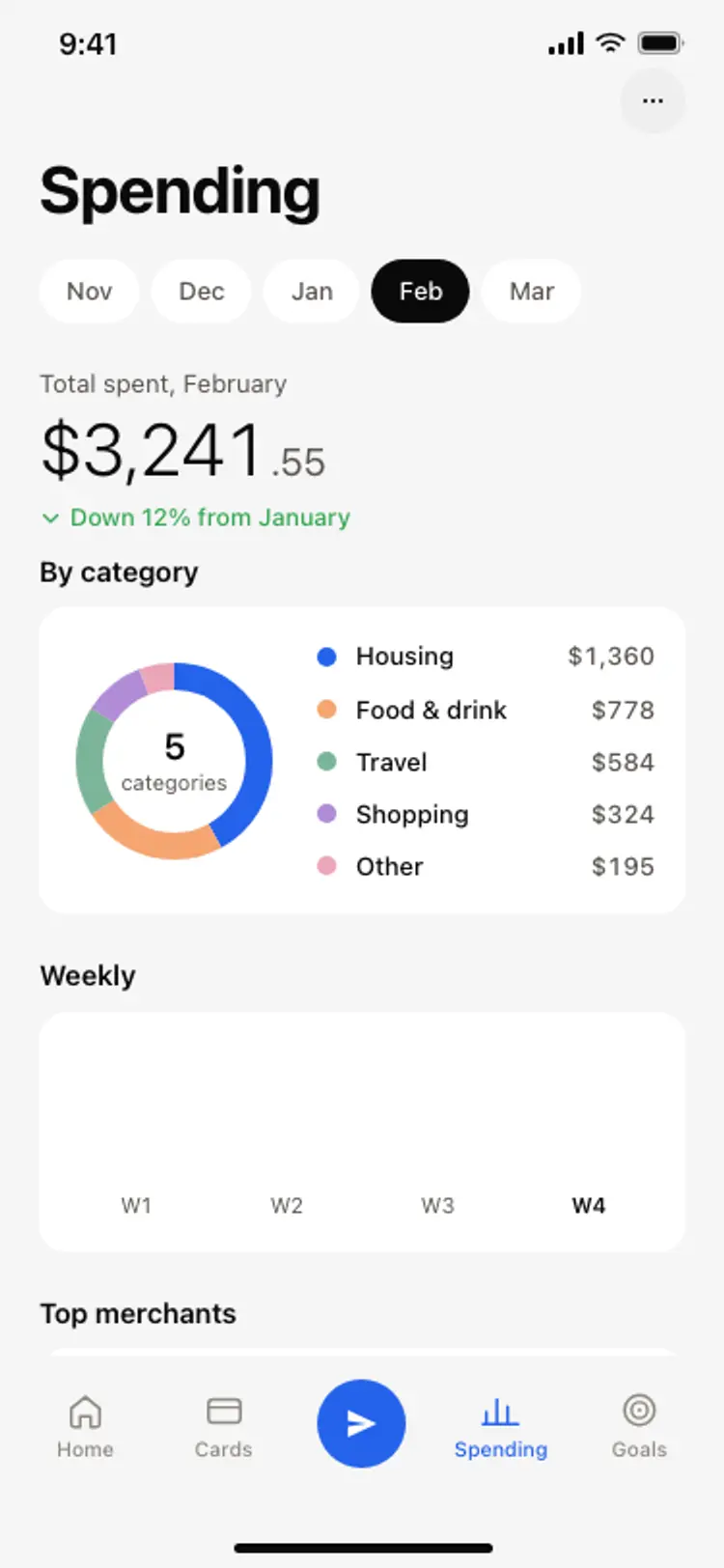
Spending breakdown screen
Spending breakdown screen
Finance
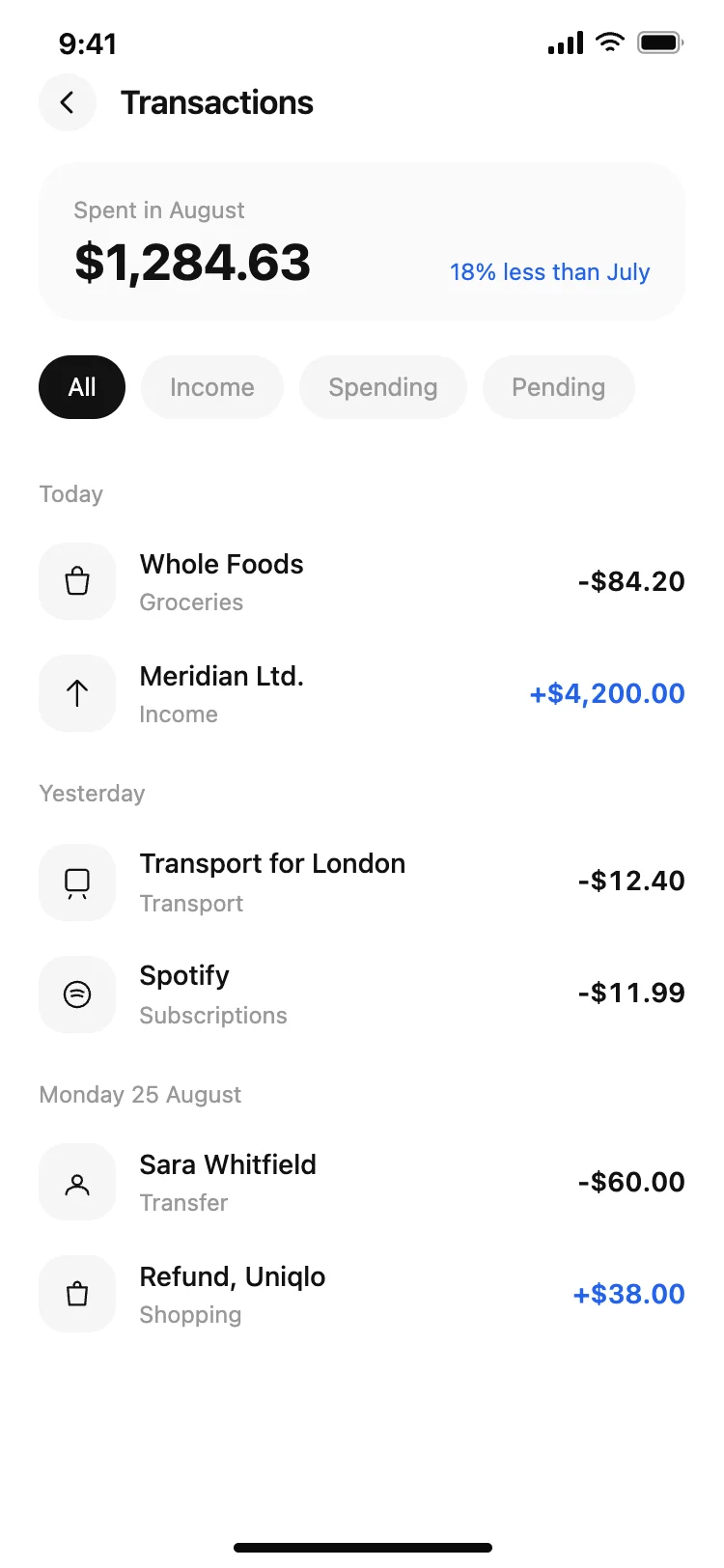
Finance app transaction list
Finance app transaction list
Finance
Other app templates you might like
See also
Browse app templates