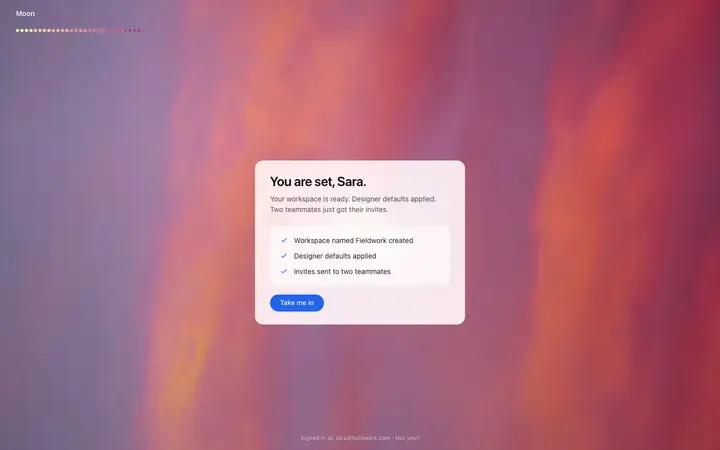
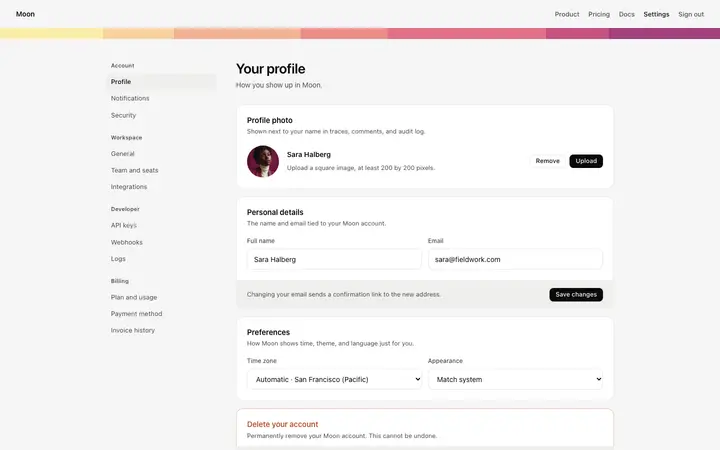
Lovable login and signup page prompt
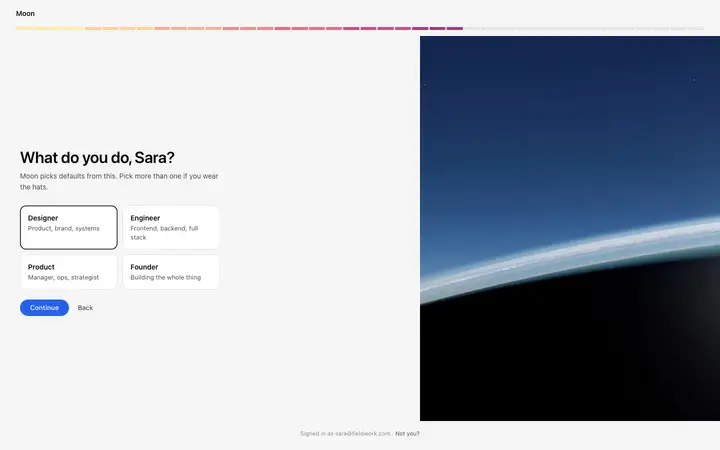
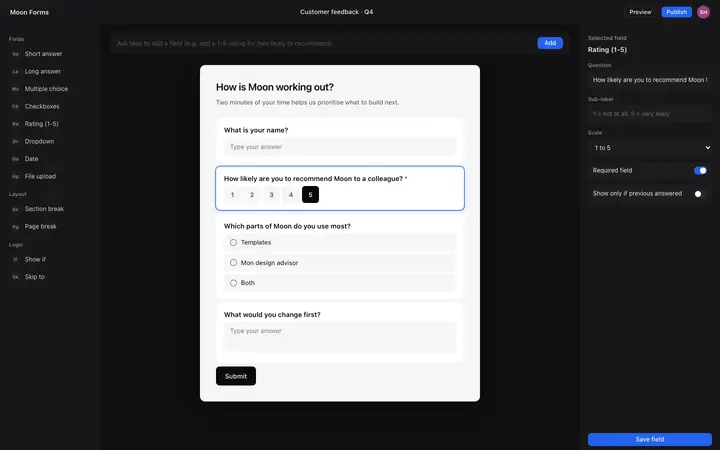
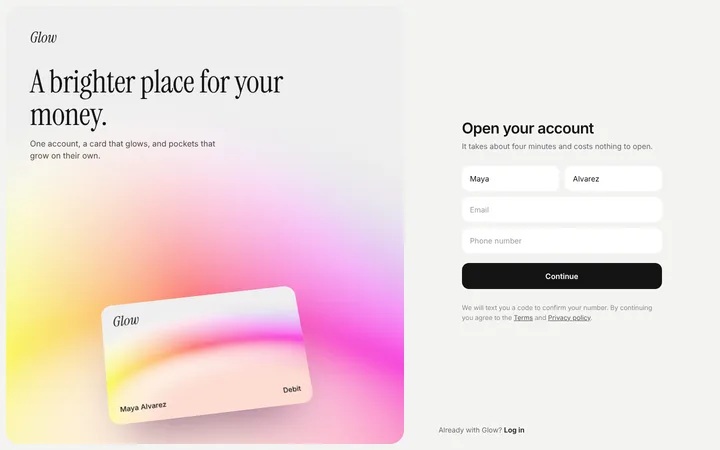
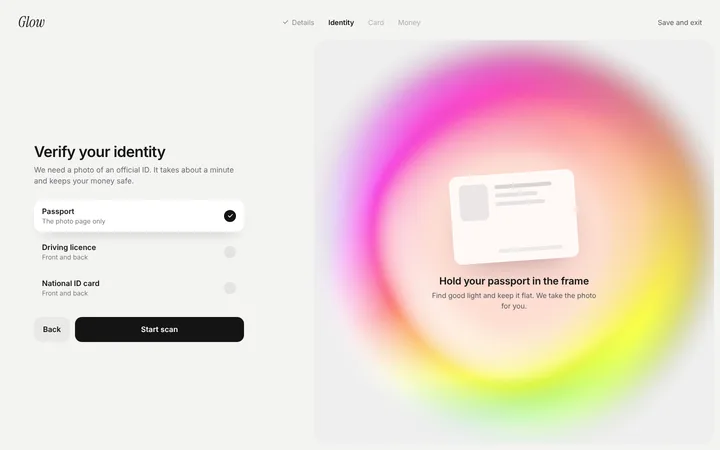
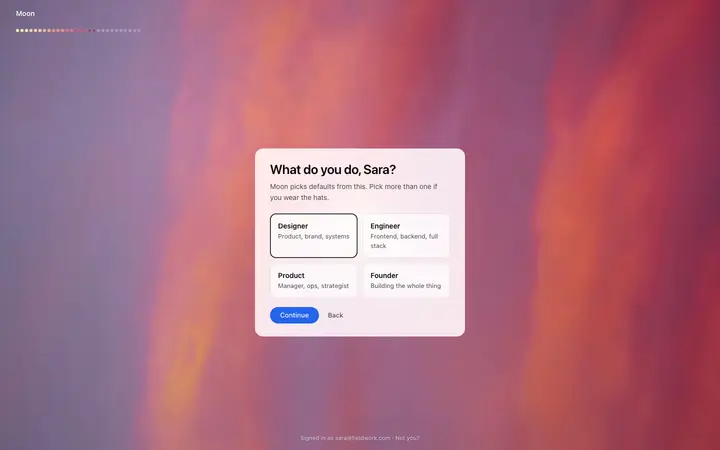
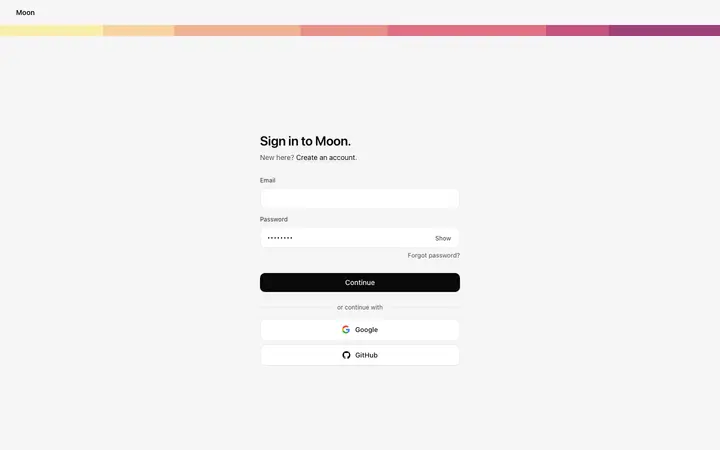
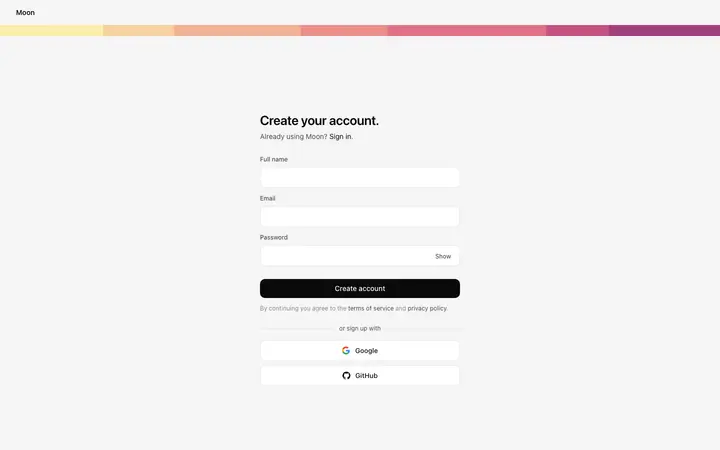
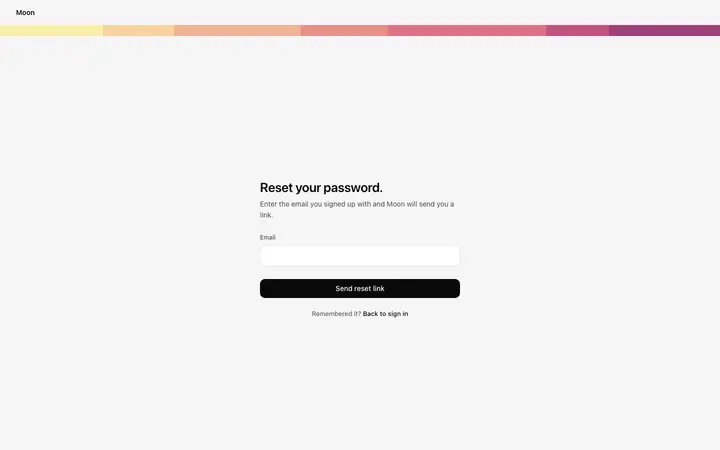
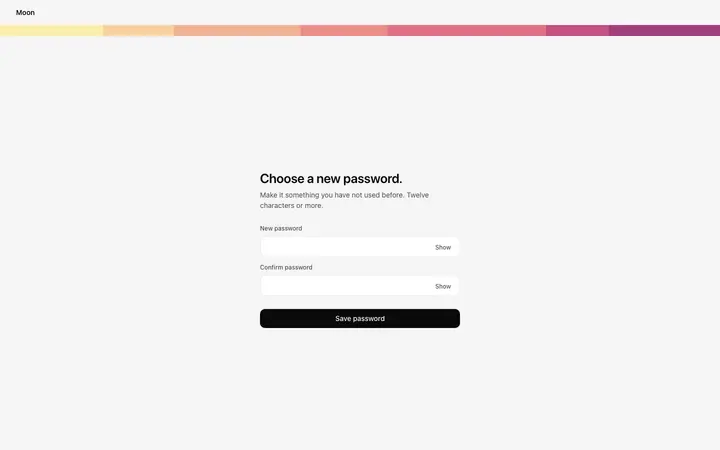
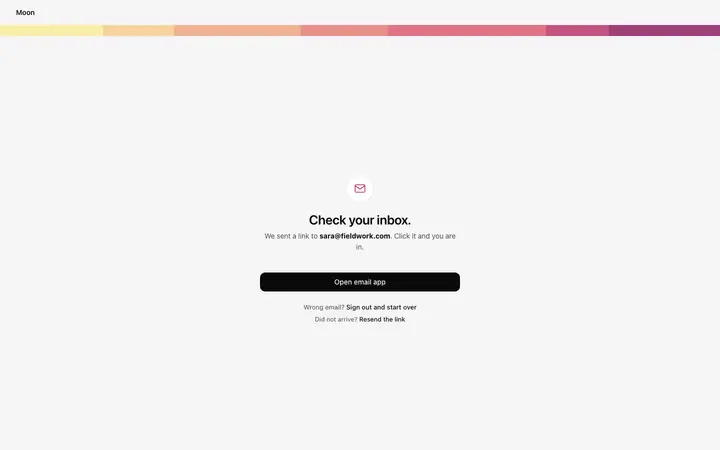
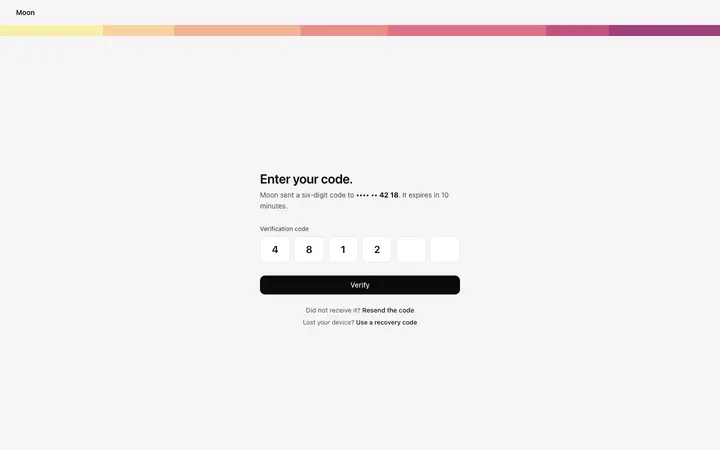
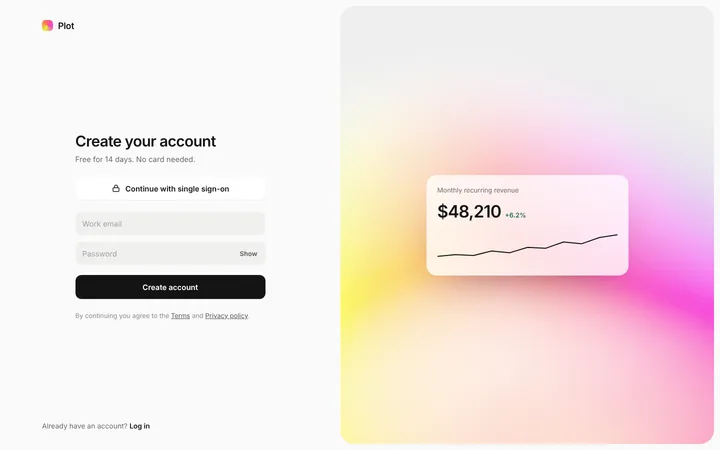
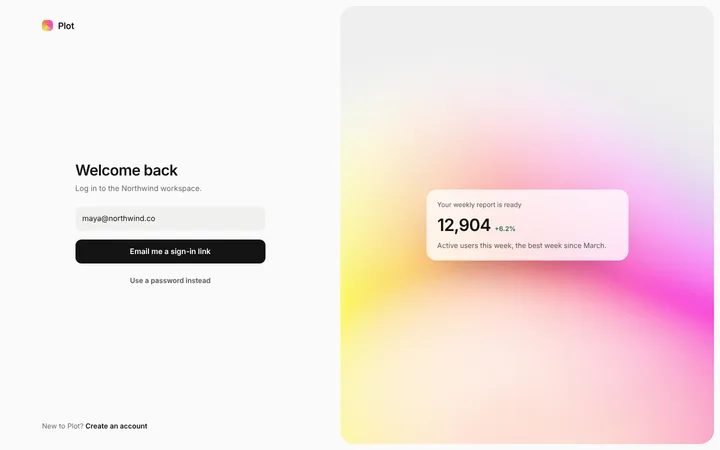
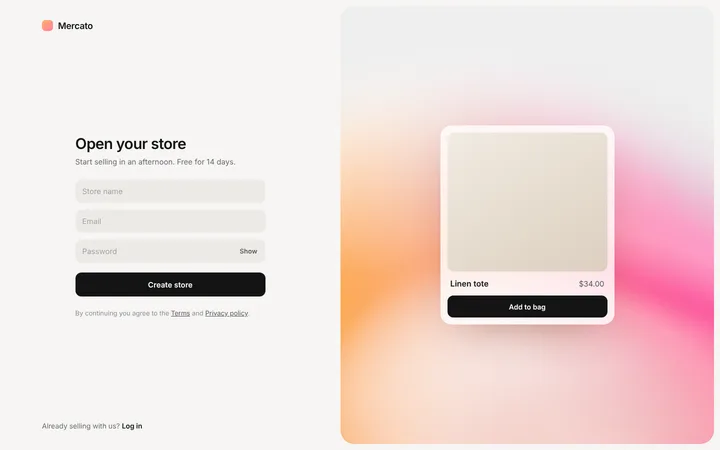
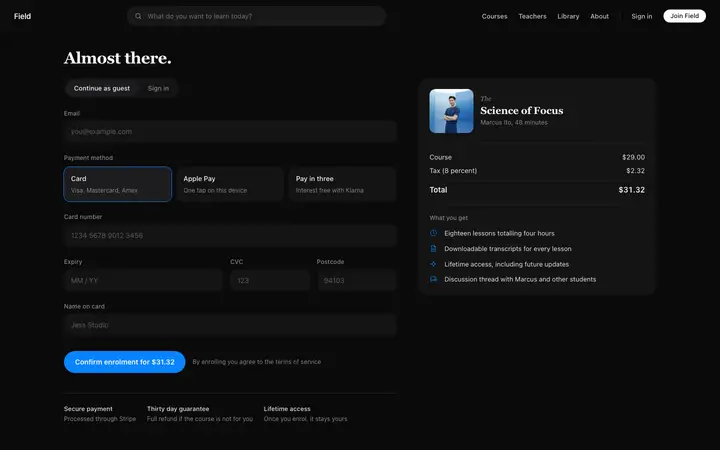
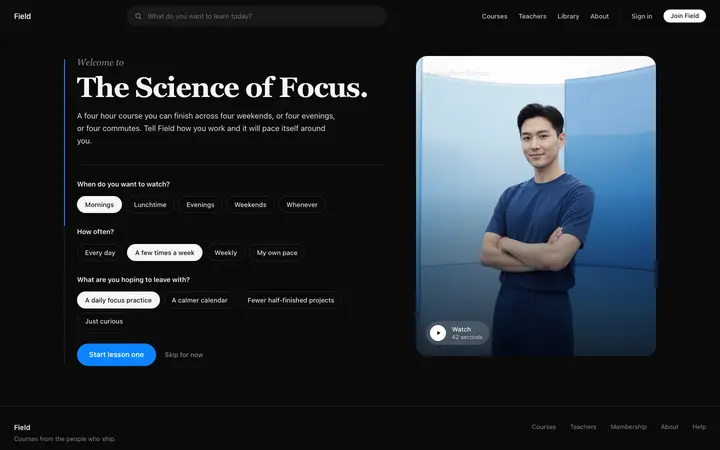
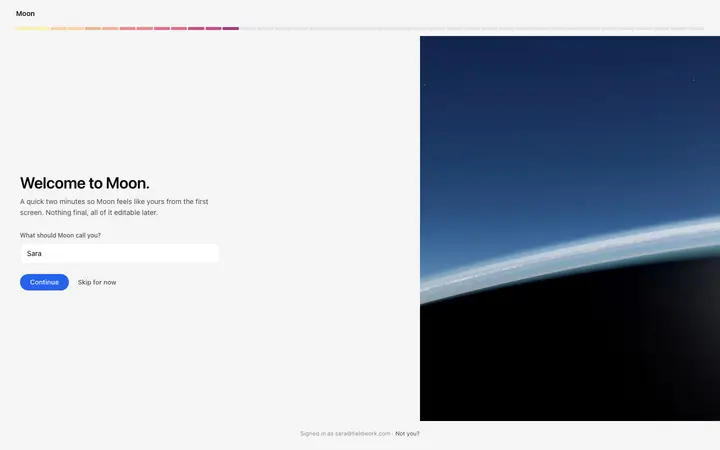
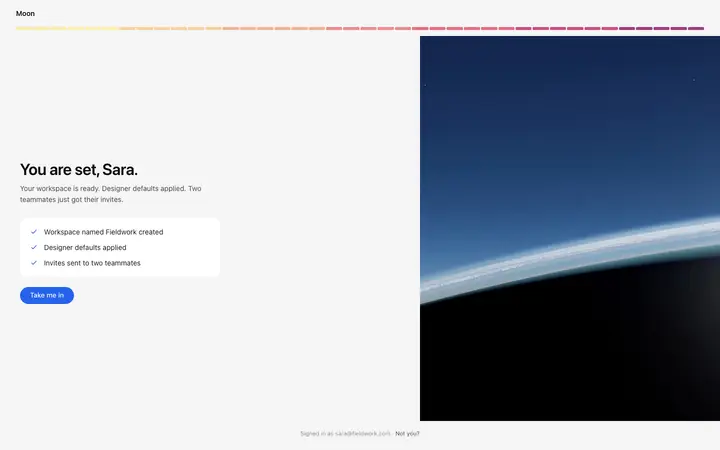
Sign in, sign up and forgot password screens with social login, clear errors and a branded side panel.
Template: Login page
“Build the sign in, sign up and forgot password pages for [product name]…”
Real form designs you can copy into Lovable. Lovable turns a pasted template into a React app styled with Tailwind CSS and shadcn/ui components. Below: the designs, how to set Lovable up so it keeps the design, and what makes a good form section.
63 form design templates for Lovable. Browse the full BrowserMoon library for every template category.
48 of 63
Pick a design
Choose a form design above and open it to see it live.
Copy the template
Copy the template from its page. It is one HTML file with no dependencies.
Set up Lovable
Paste the template into your first prompt and add your design rules to the project's knowledge, so every later prompt keeps the same look.
Prompt, then refine
Paste it and describe your product. Then follow up with: "Keep the exact spacing, font sizes and colours from the template I pasted. Only change the copy and the links."
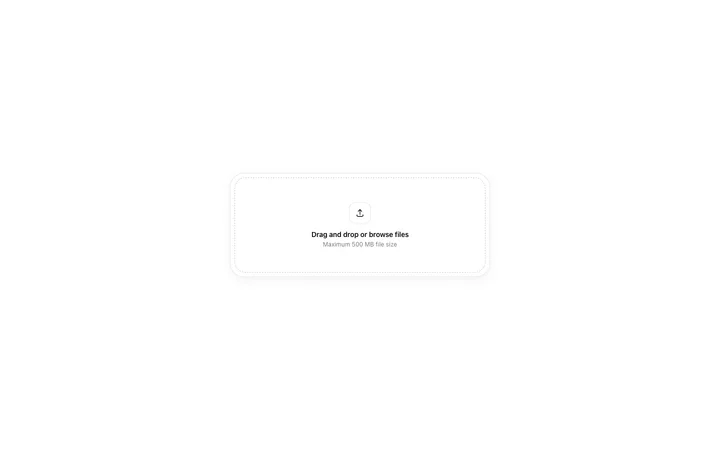
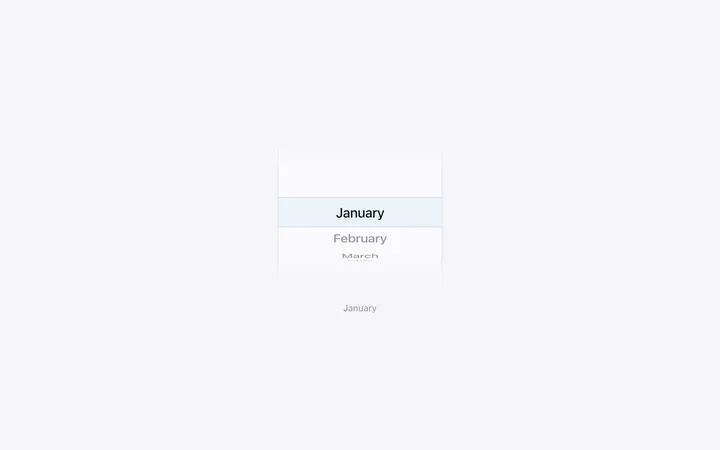
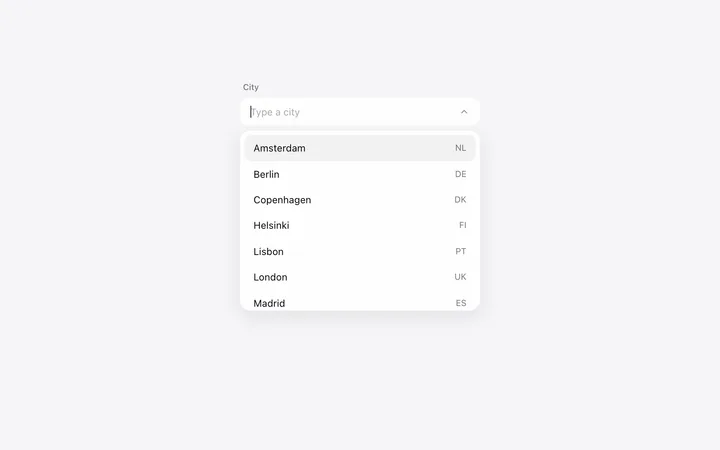
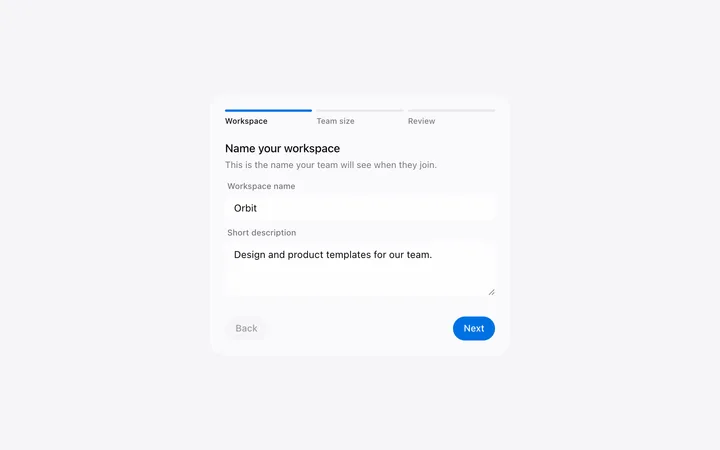
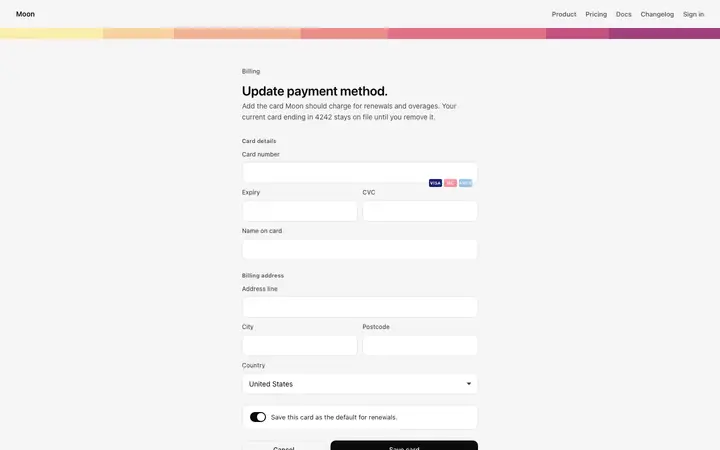
Common types: sign up and sign in pages, contact forms, multi-step forms and settings forms.
Ask only what you need now.
Placeholders disappear when people type.
Say what is wrong and how to fix it, next to the field.
Common mistake: Long forms that ask for everything before giving anything. Form design ideas →
Lovable builds a working app from a chat, so it suits founders and designers who want a product online quickly without setting up code.
A React app styled with Tailwind CSS and shadcn/ui components.
Paste the template into your first prompt and add your design rules to the project's knowledge, so every later prompt keeps the same look.
Because it can also build a back end, ask it to connect the form to your database and send a confirmation, after the design is in place.
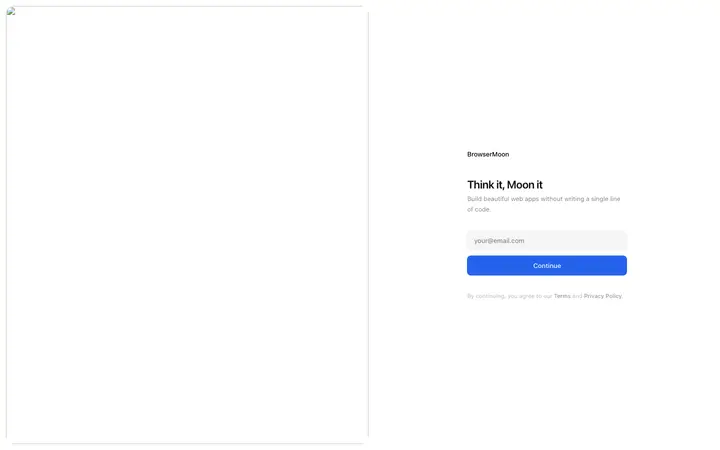
Keep the field layout and spacing, keep labels visible, and add clear error messages next to each field.
Sign in, sign up and forgot password screens with social login, clear errors and a branded side panel.
Template: Login page
“Build the sign in, sign up and forgot password pages for [product name]…”
More in Lovable prompts.
Ask Mon, the AI design assistant, describe your product and Mon suggests the form design and how to prompt Lovable with it.
Paste the template code into your Lovable prompt as the visual baseline for your app. Paste the template into your first prompt and add your design rules to the project's knowledge, so every later prompt keeps the same look.
A React app styled with Tailwind CSS and shadcn/ui components.
Lovable rebuilds the design with its own components, so spacing and fonts can shift toward its defaults. A follow-up prompt that helps: "Keep the exact spacing, font sizes and colours from the template I pasted. Only change the copy and the links."
As few fields as possible: ask only what you need now. Labels above fields: placeholders disappear when people type. Helpful errors: say what is wrong and how to fix it, next to the field.
Because it can also build a back end, ask it to connect the form to your database and send a confirmation, after the design is in place.
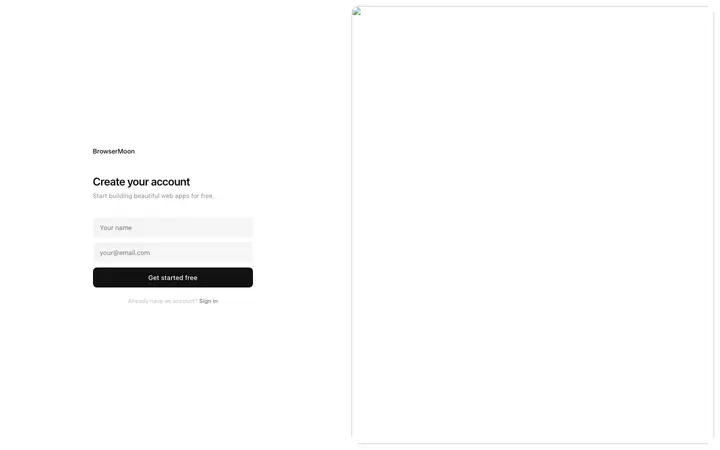
More Lovable template categories
Form templates for other tools