Claude Code form templates for AI websites and apps

Real form designs you can copy into Claude Code. Claude Code turns a pasted template into code in whatever stack your project already uses, from plain HTML to Next.js or SvelteKit. Below: the designs, how to set Claude Code up so it keeps the design, and what makes a good form section.

Claude Code form templates

63 form design templates for Claude Code. Browse the full BrowserMoon library for every template category.

Split screen sign in template for SaaS
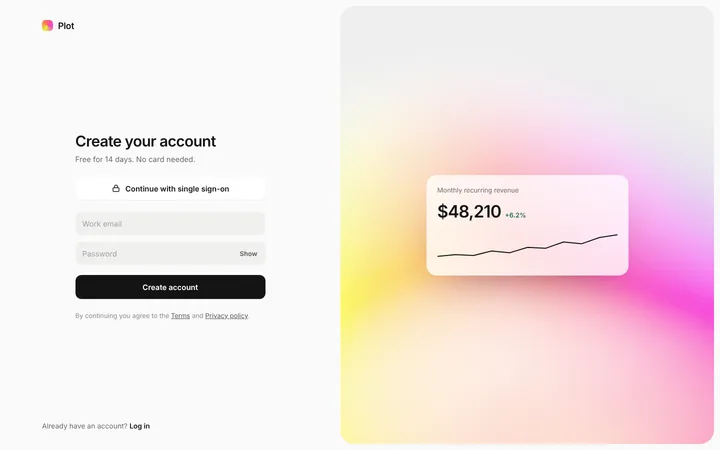
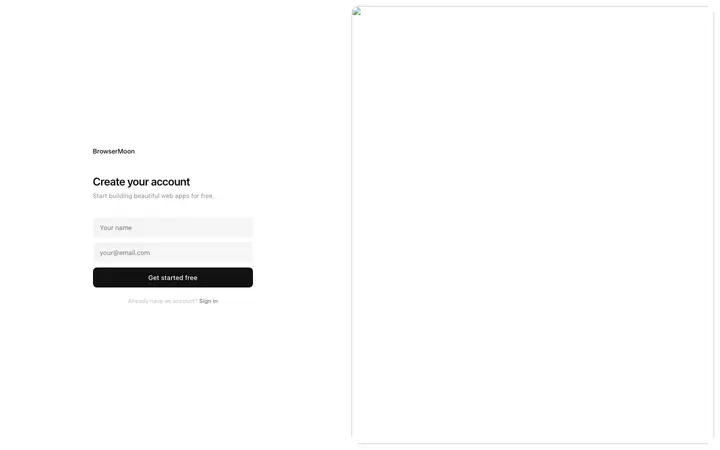
Split screen signup page template for SaaS
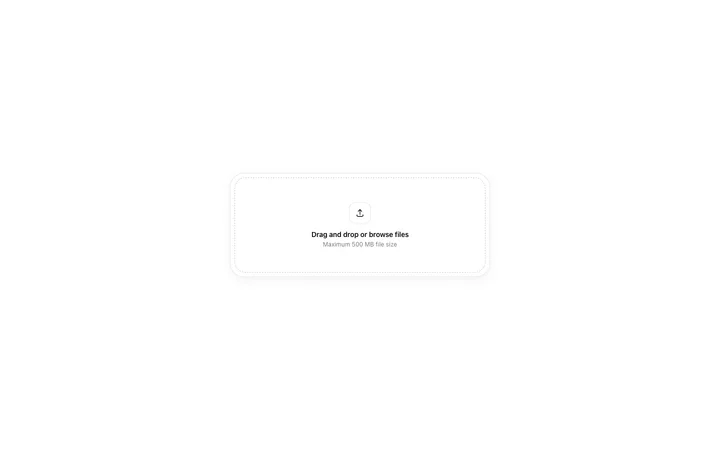
Drag and drop file upload template for SaaS
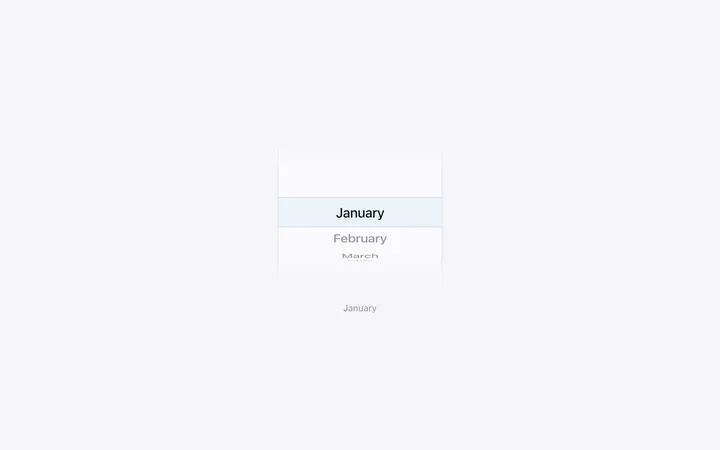
iOS style wheel picker for SaaS mobile web
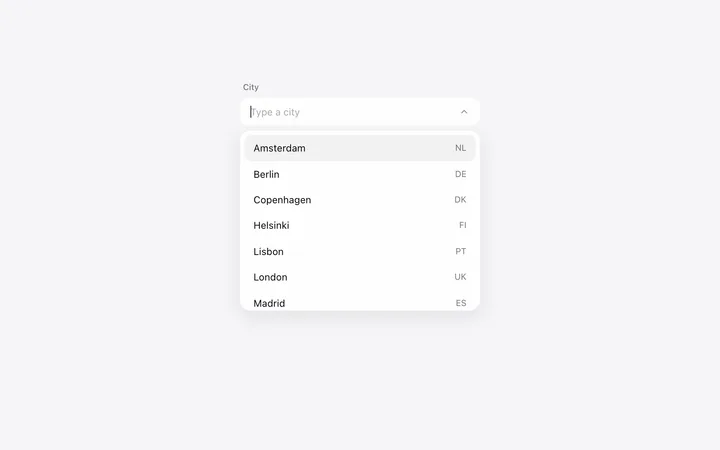
Combobox autocomplete input in HTML for SaaS
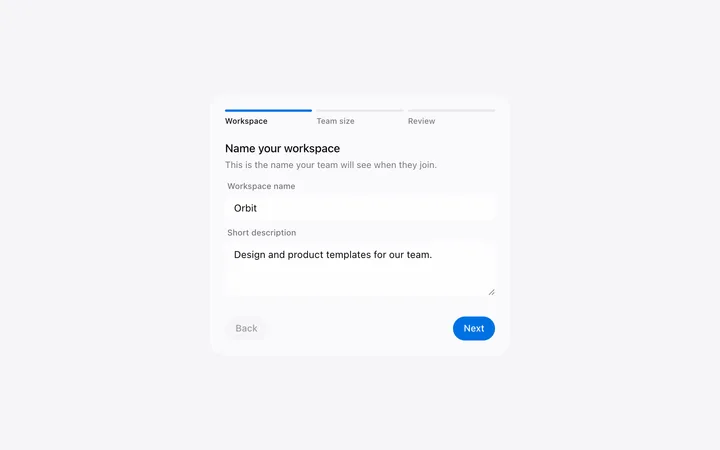
Multi step form template for SaaS signup
File upload preview template for SaaS apps
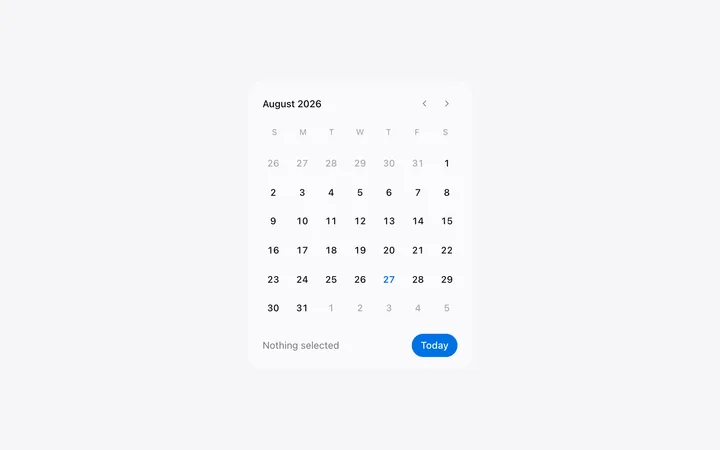
Date picker template in HTML for SaaS apps
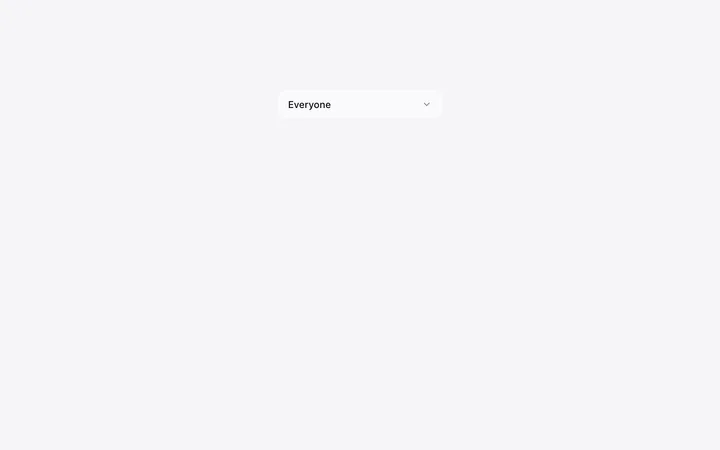
Custom select dropdown template for SaaS
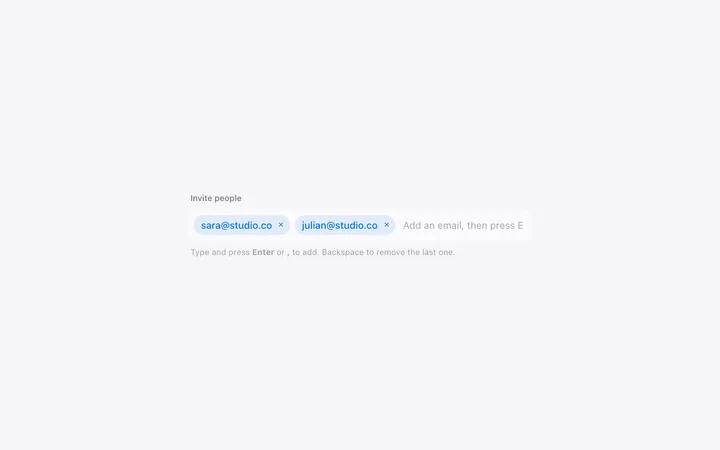
Tag input chips template for SaaS apps
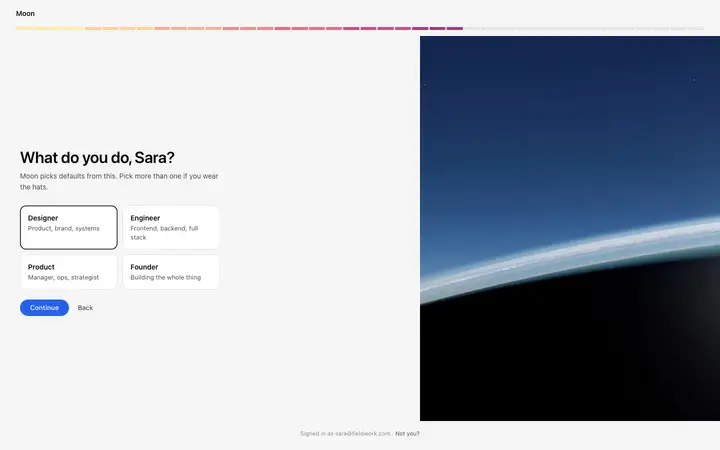
Pixel SaaS onboarding role selection template
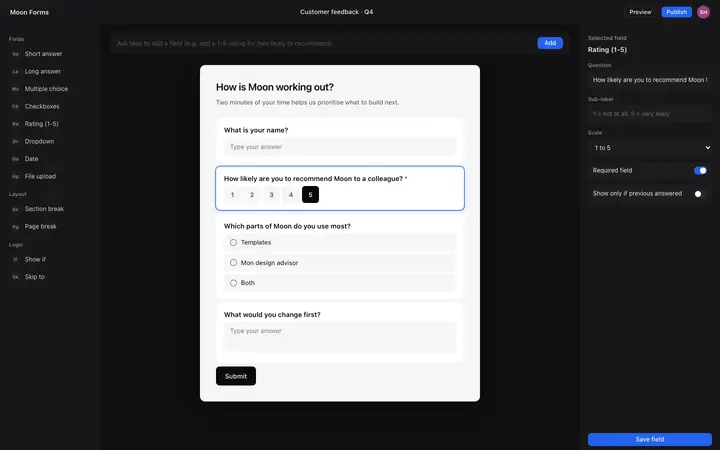
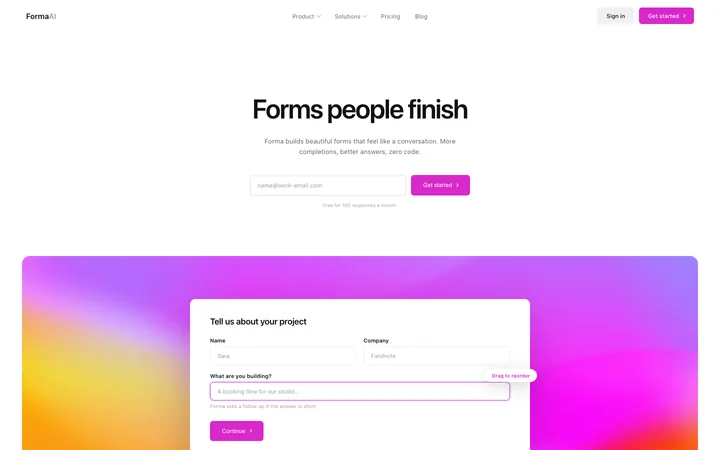
AI form builder UI template for SaaS apps
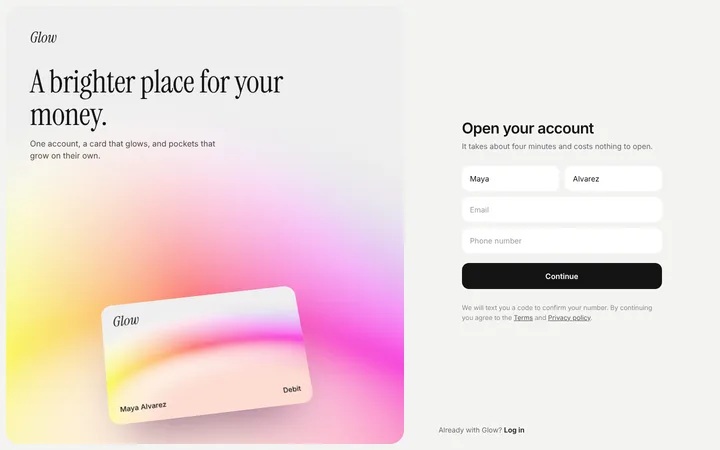
Fintech SaaS bank account sign up page template
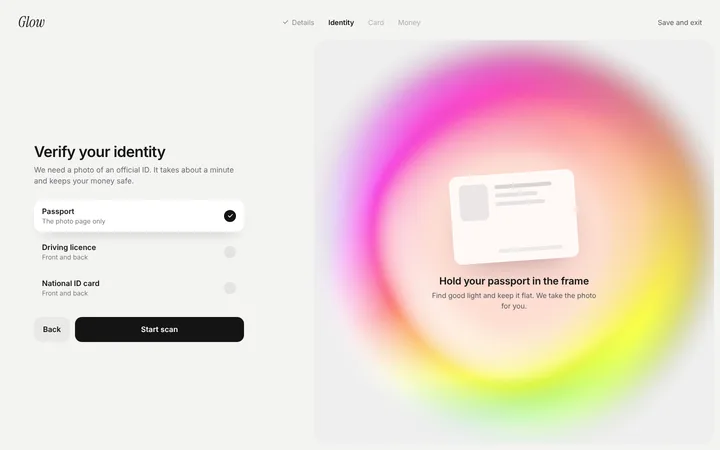
Identity verification page for SaaS (KYC)
Dot SaaS onboarding role selection template
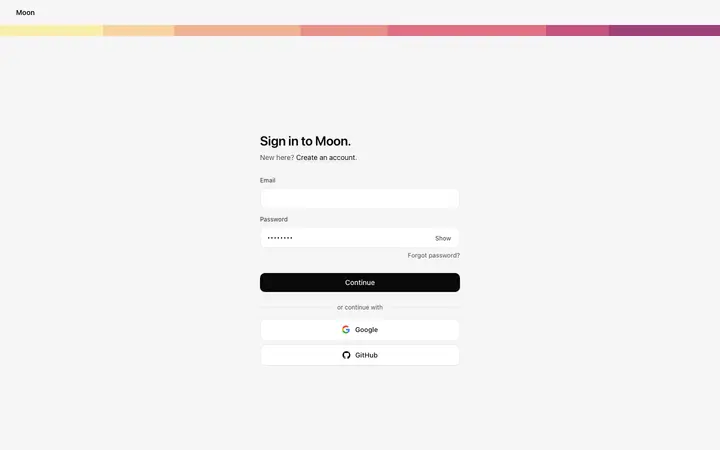
Login page template for SaaS and web apps
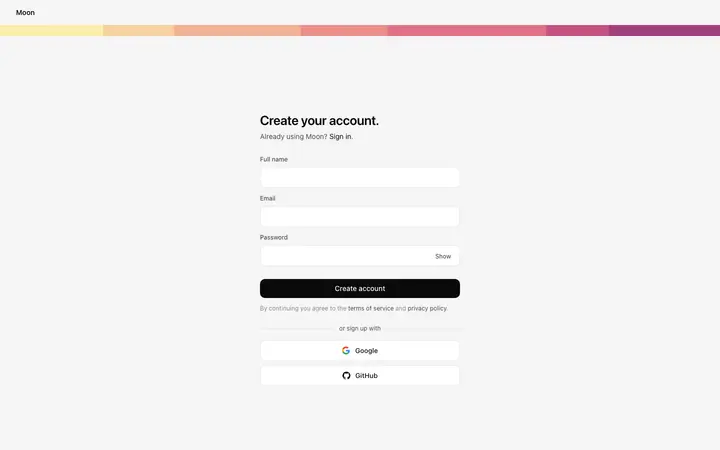
Signup page template for SaaS and web apps
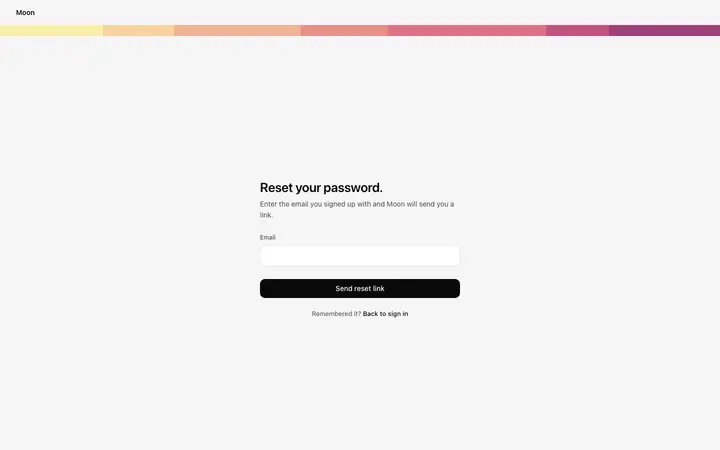
Forgot password page template for SaaS
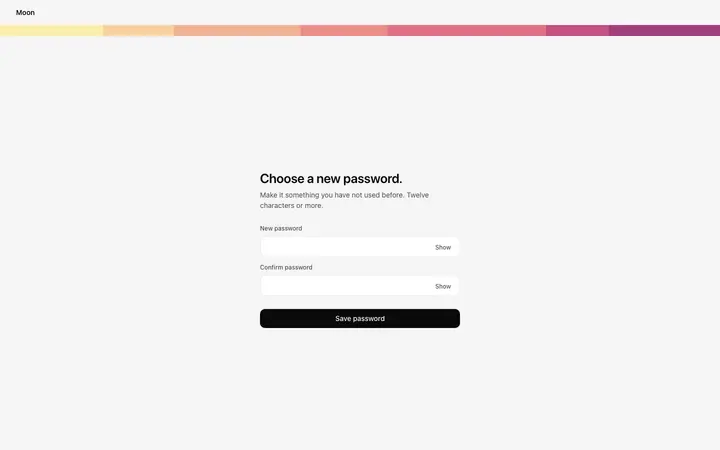
Reset password page template for SaaS
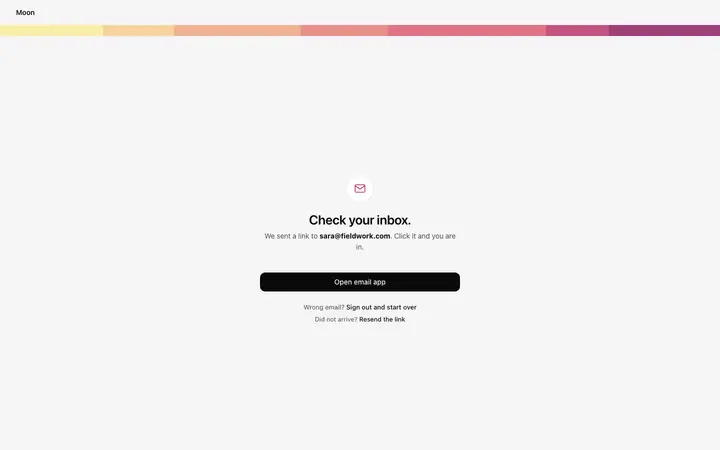
Email verification page template for SaaS
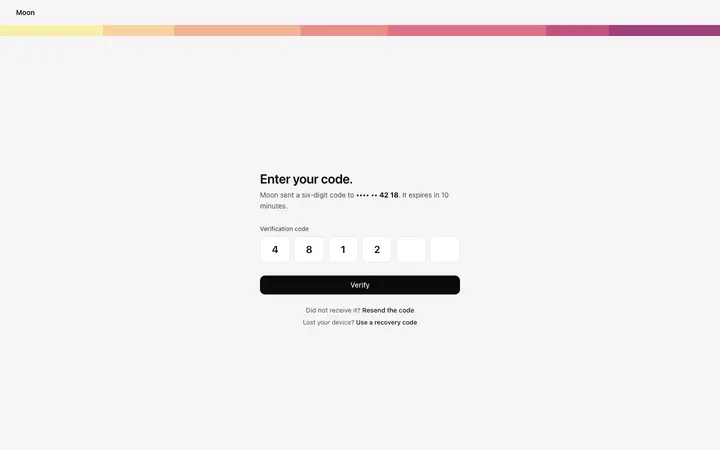
Two factor authentication page template for SaaS
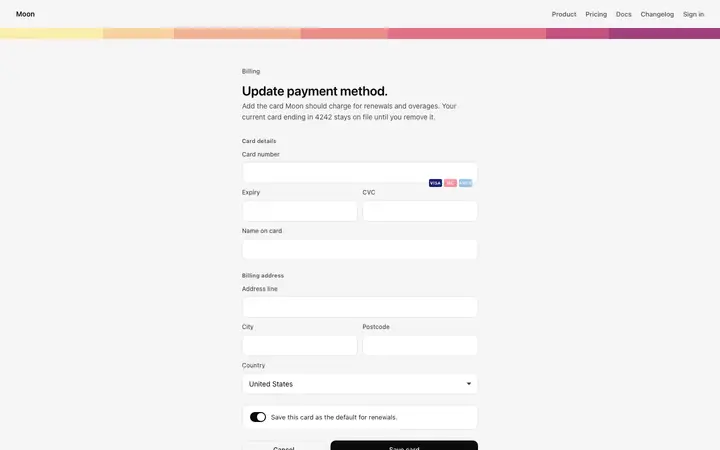
Payment method form template for SaaS
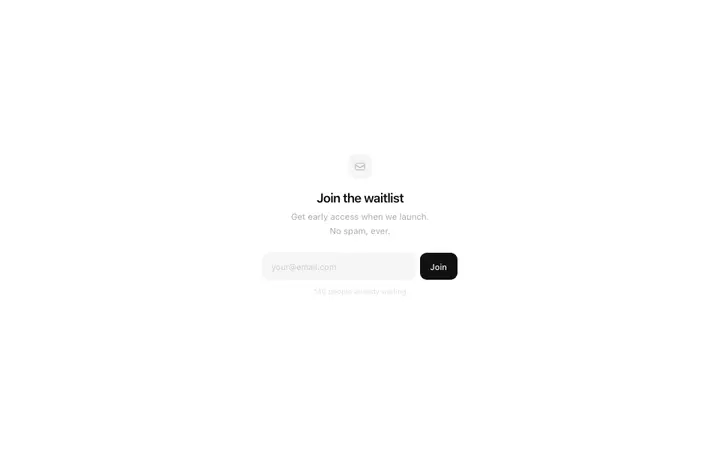
Waitlist signup template for SaaS launches
Form builder SaaS landing page template for surveys
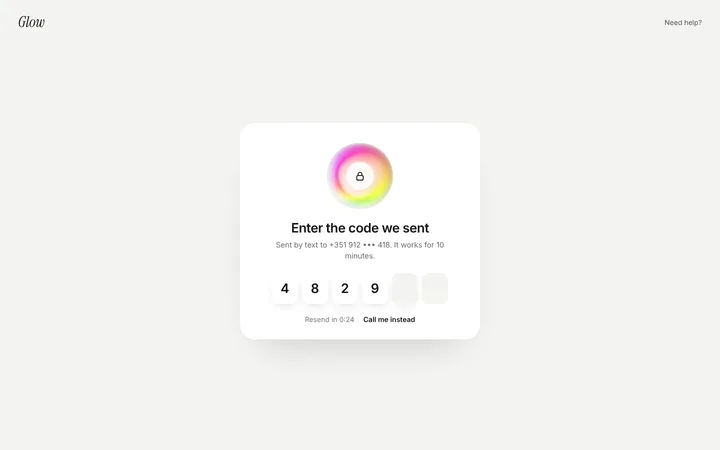
Auth OTP verification page template for SaaS
SaaS sign up page template with product preview
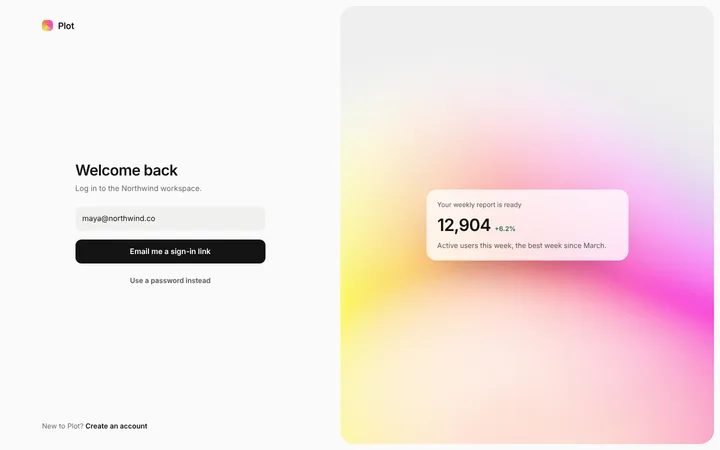
SaaS magic link login page template
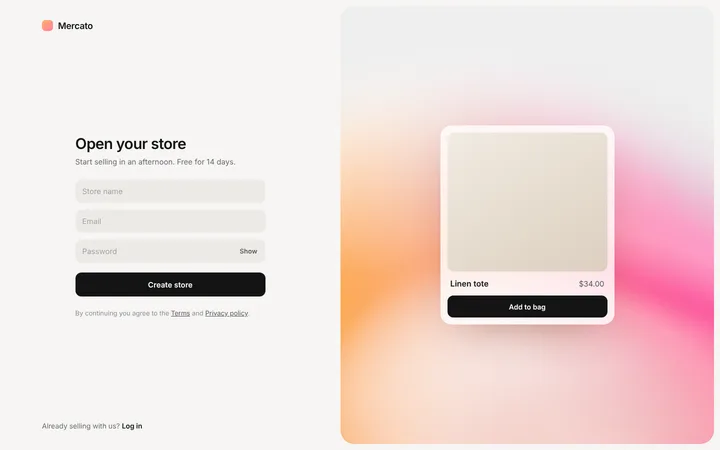
Ecommerce SaaS store sign up page template
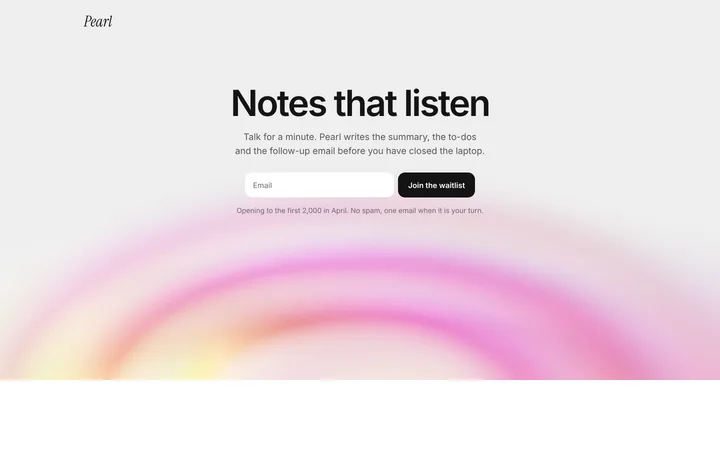
Landing page hero with waitlist form for SaaS
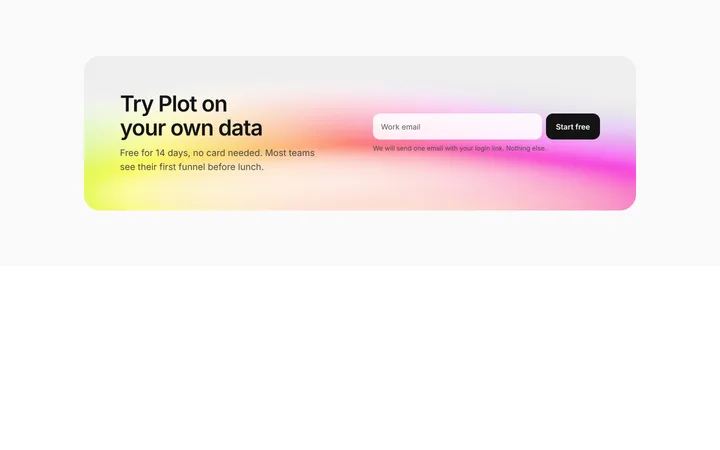
SaaS free trial CTA section with email signup
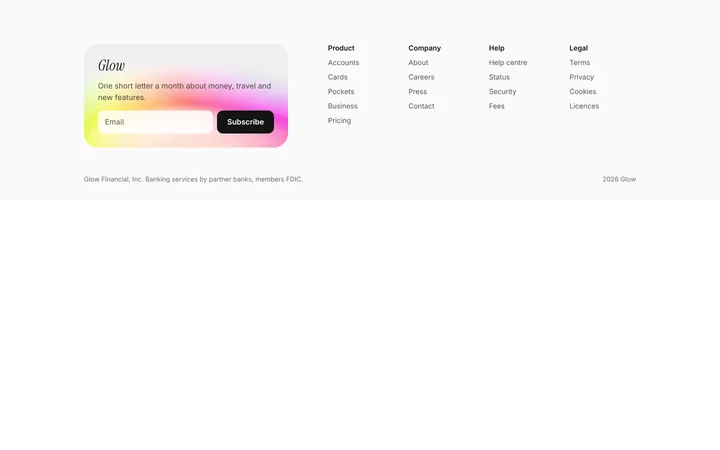
SaaS footer with newsletter signup
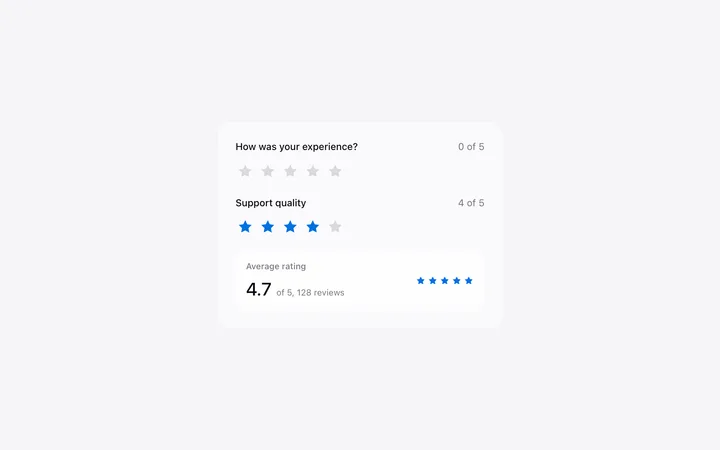
Star rating template in HTML for SaaS
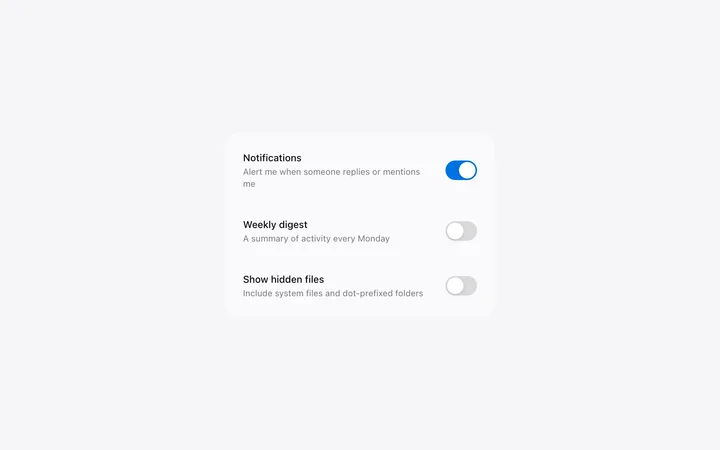
Toggle switch template for SaaS settings
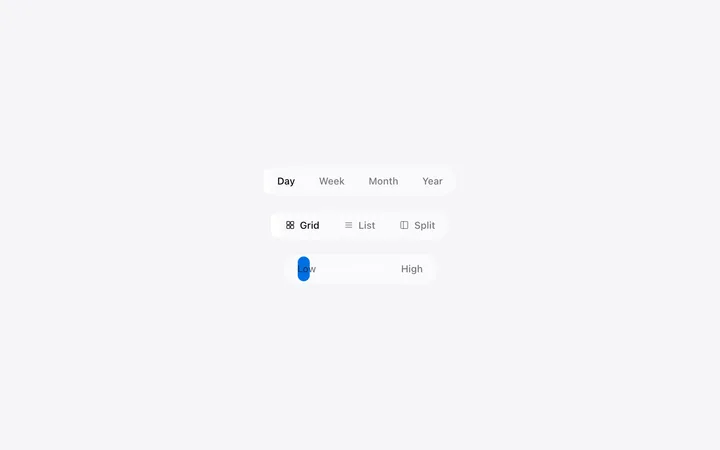
Segmented control template for SaaS apps
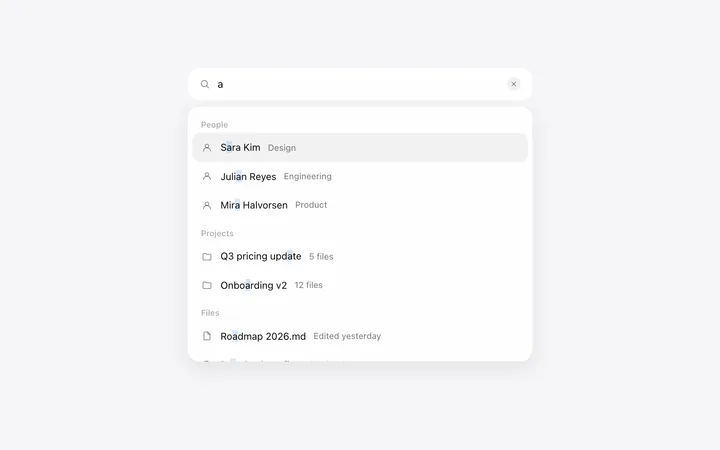
Autocomplete search bar template for SaaS
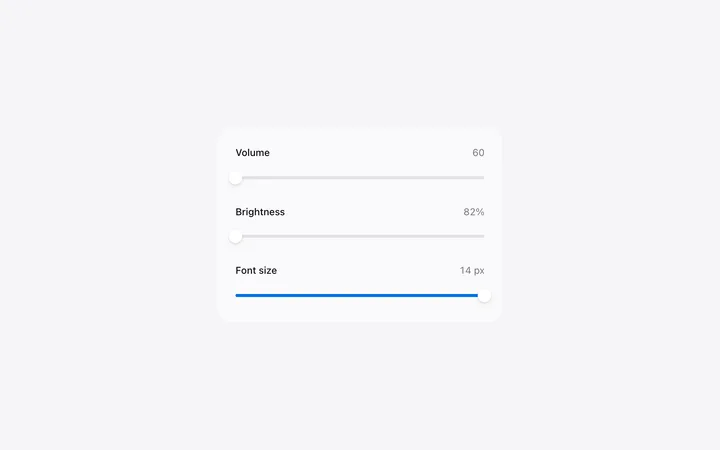
Range slider template in HTML for SaaS apps
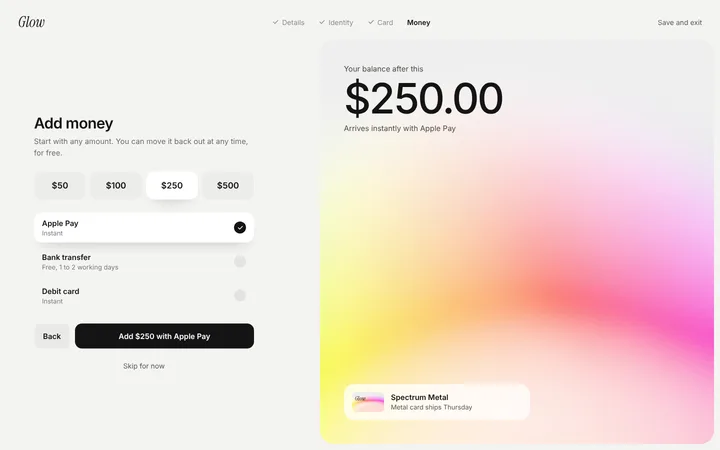
Fintech SaaS add money page template
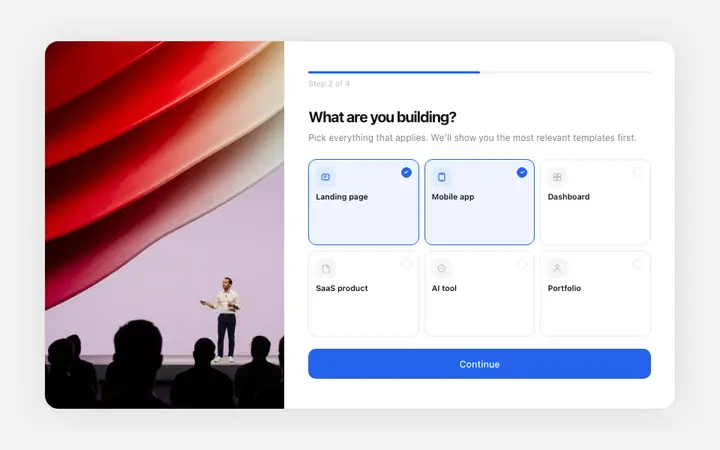
Onboarding survey template for SaaS apps
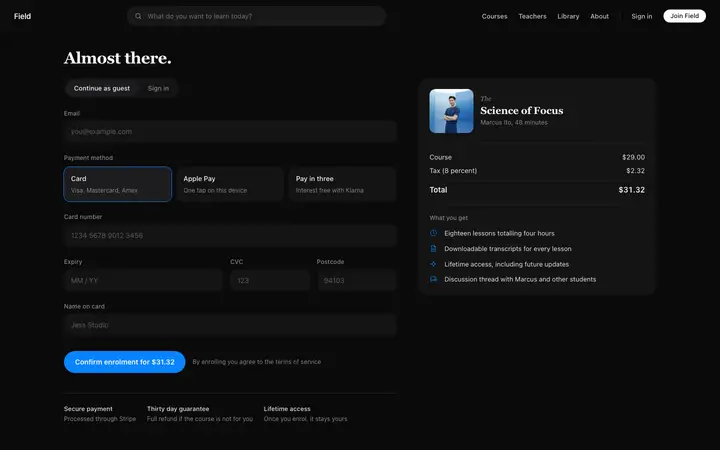
Course checkout page template for LMS SaaS apps
Course onboarding template for LMS SaaS apps
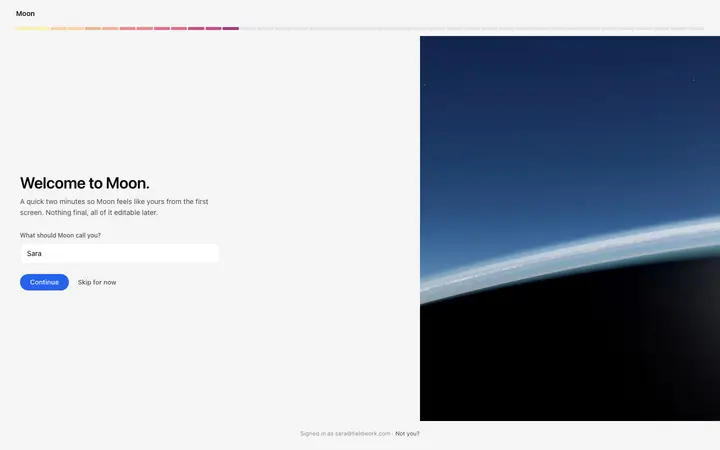
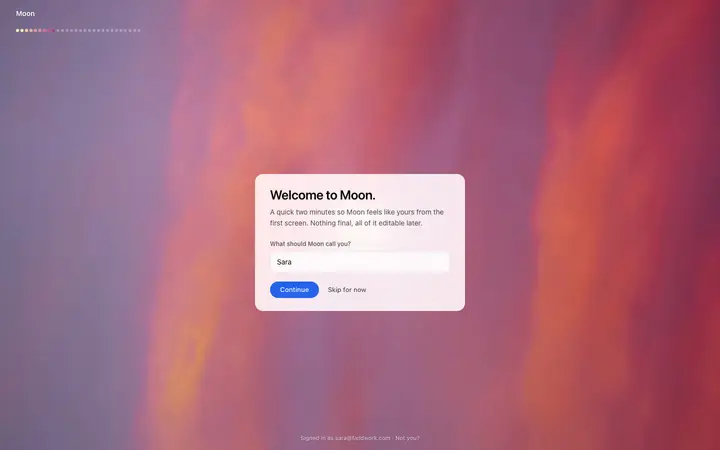
Pixel SaaS onboarding welcome screen template
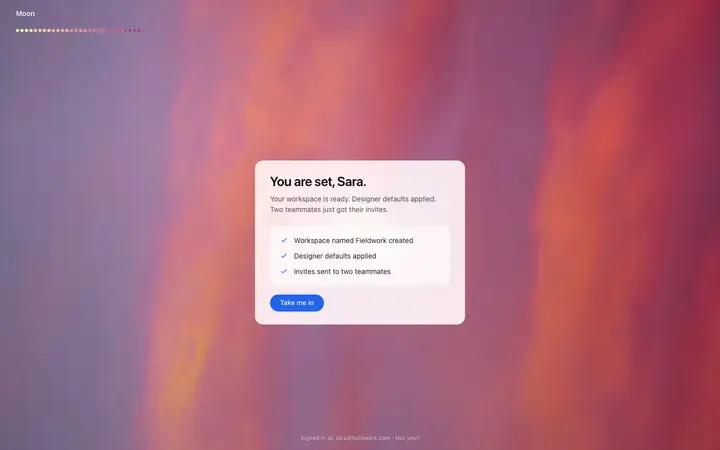
Pixel SaaS onboarding ready screen template
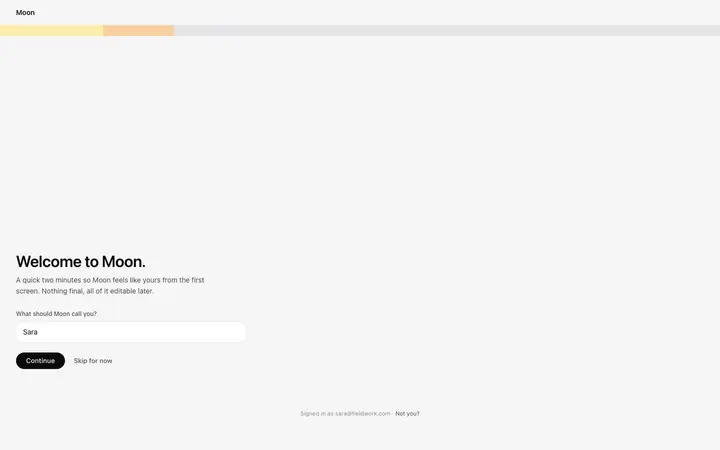
Gradient SaaS onboarding welcome template
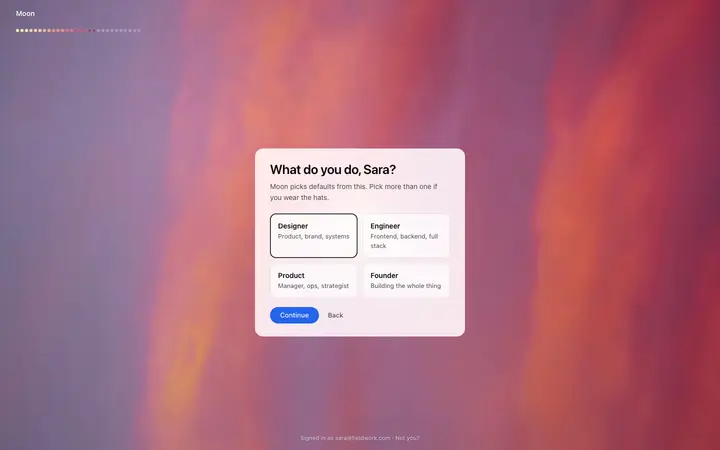
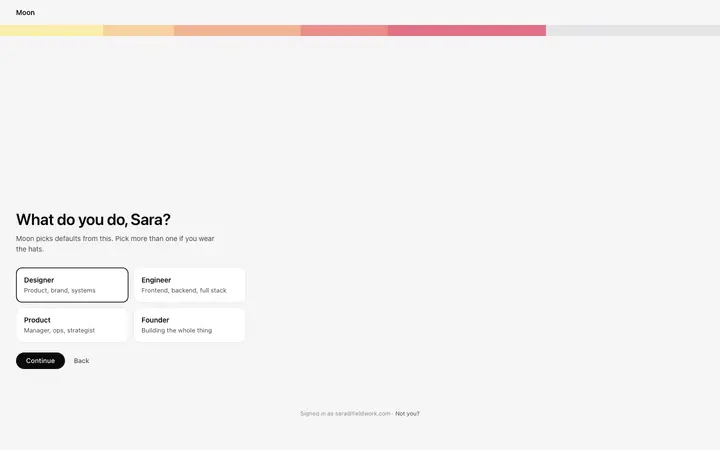
Gradient SaaS onboarding role screen template
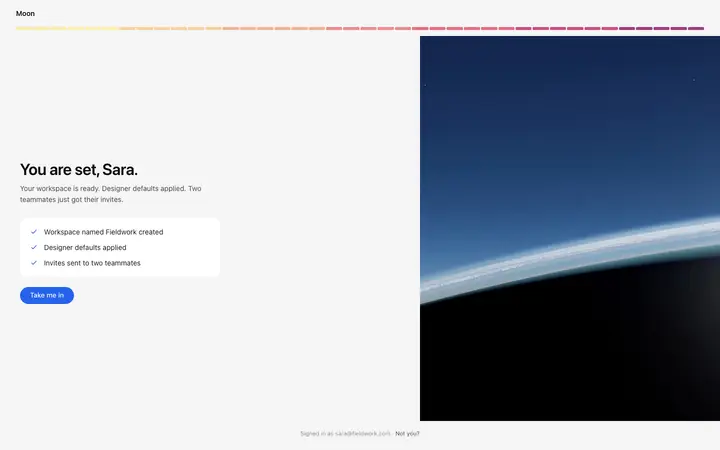
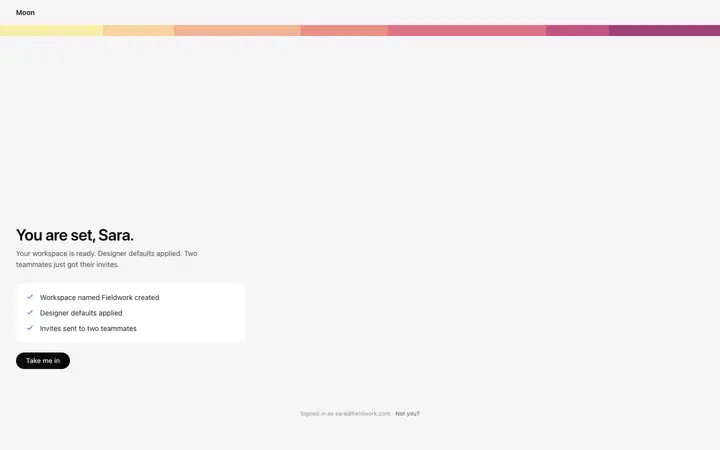
Gradient SaaS onboarding ready screen template
Dot SaaS onboarding welcome screen template
Dot SaaS onboarding ready screen template
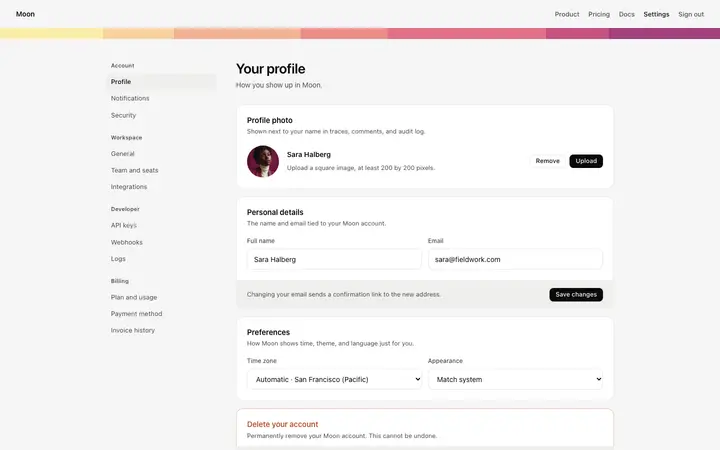
Account settings page template for SaaS

48 of 63

Browse all templates

How to use form templates with Claude Code

1

Pick a design

Choose a form design above and open it to see it live.

2

Copy the template

Copy the template from its page. It is one HTML file with no dependencies.

3

Set up Claude Code

Save the template in your repo, for example as design/template.html, and point to it from CLAUDE.md so Claude Code reads it at the start of every session.

4

Prompt, then refine

Paste it and describe your product. Then follow up with: "Rebuild this section in our stack using design/template.html. Keep its spacing, type sizes and colours exactly; change only the text."

What makes a good form section

Common types: sign up and sign in pages, contact forms, multi-step forms and settings forms.

As few fields as possible

Ask only what you need now.

Labels above fields

Placeholders disappear when people type.

Helpful errors

Say what is wrong and how to fix it, next to the field.

Common mistake: Long forms that ask for everything before giving anything. Form design ideas →

Keeping the design in Claude Code

Claude Code works in your terminal on a real codebase, so it suits developers who want the design built into an existing project and kept consistent across many sessions.

What Claude Code builds

Code in whatever stack your project already uses, from plain HTML to Next.js or SvelteKit.

Where the design goes

Save the template in your repo, for example as design/template.html, and point to it from CLAUDE.md so Claude Code reads it at the start of every session.

Claude Code and form sections

Ask it to wire the form's submit to your existing back end or form service, and to keep validation messages in the template's style.
What to tell it

Keep the field layout and spacing, keep labels visible, and add clear error messages next to each field.

Set it up once with our CLAUDE.md design template.

A Claude Code prompt for this

Login page

Claude Code login and signup page prompt

Sign in, sign up and forgot password screens with social login, clear errors and a branded side panel.

Template: Login page

“Build the sign in, sign up and forgot password pages for [product name]…”

Full Claude Code prompt with a licence

More in Claude Code prompts.

Not sure which form design fits?

Ask Mon, the AI design assistant, describe your product and Mon suggests the form design and how to prompt Claude Code with it.

Ask Mon

Frequently asked questions

How do I use a form template in Claude Code?

Paste the template code into your Claude Code session and tell it what to build around the design. Save the template in your repo, for example as design/template.html, and point to it from CLAUDE.md so Claude Code reads it at the start of every session.

What does Claude Code turn the template into?

Code in whatever stack your project already uses, from plain HTML to Next.js or SvelteKit.

How do I stop Claude Code changing the design?

Without a rule in CLAUDE.md, later sessions drift back to generic spacing and colours. A follow-up prompt that helps: "Rebuild this section in our stack using design/template.html. Keep its spacing, type sizes and colours exactly; change only the text."

What makes a good form section?

As few fields as possible: ask only what you need now. Labels above fields: placeholders disappear when people type. Helpful errors: say what is wrong and how to fix it, next to the field.

Any Claude Code tips for form sections?

Ask it to wire the form's submit to your existing back end or form service, and to keep validation messages in the template's style.
More Claude Code template categories

Claude Code promptsCopy-paste Claude Code prompts for landing pages, dashboards, pricing, login and AI apps, written to use with these templates.
Form templates for other tools