Cursor card templates for AI websites and apps
Real card designs you can copy into Cursor. Cursor turns a pasted template into components in your project's framework, edited in place in your files. Below: the designs, how to set Cursor up so it keeps the design, and what makes a good card section.
Cursor card templates
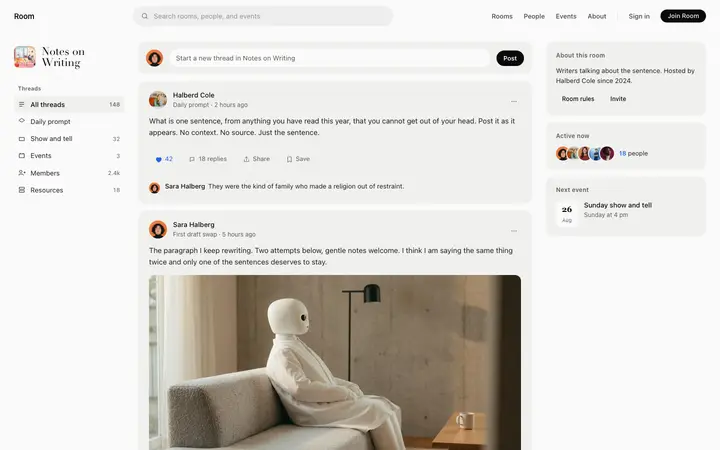
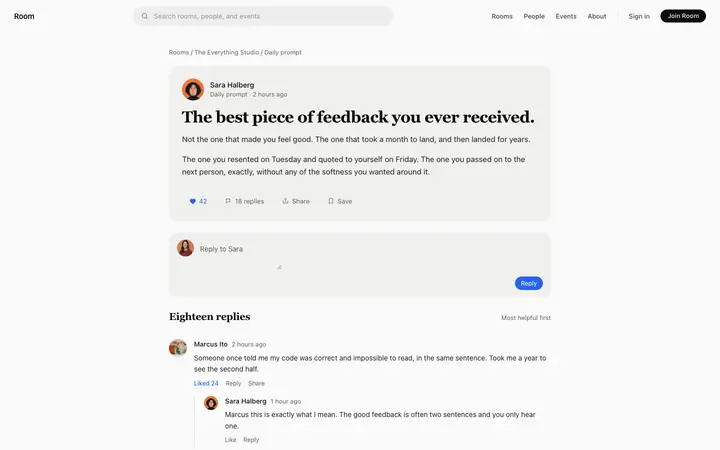
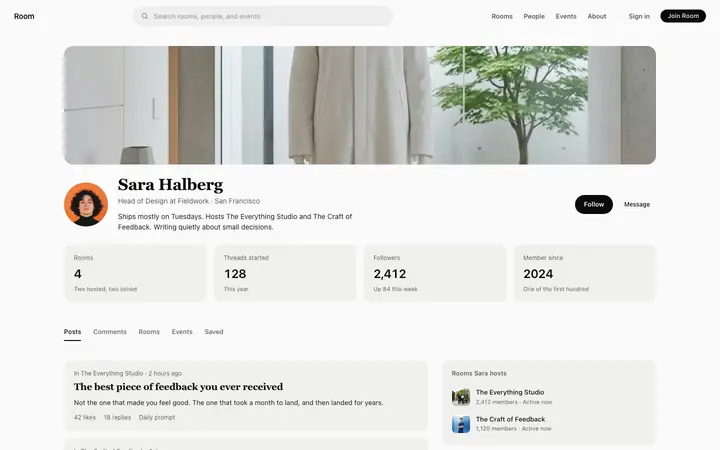
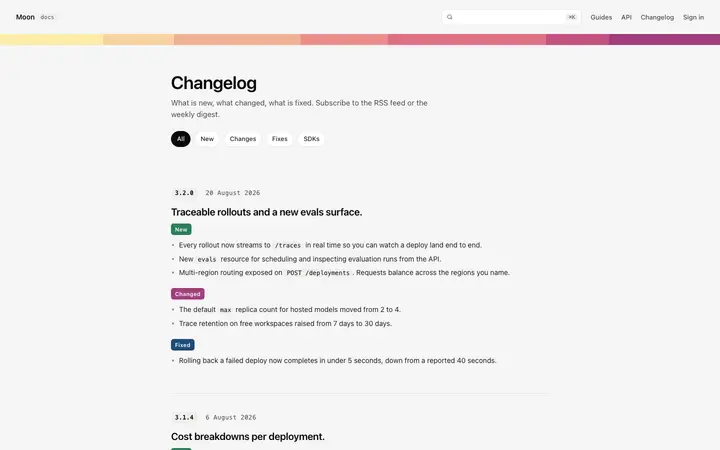
85 card design templates for Cursor. Browse the full BrowserMoon library for every template category.
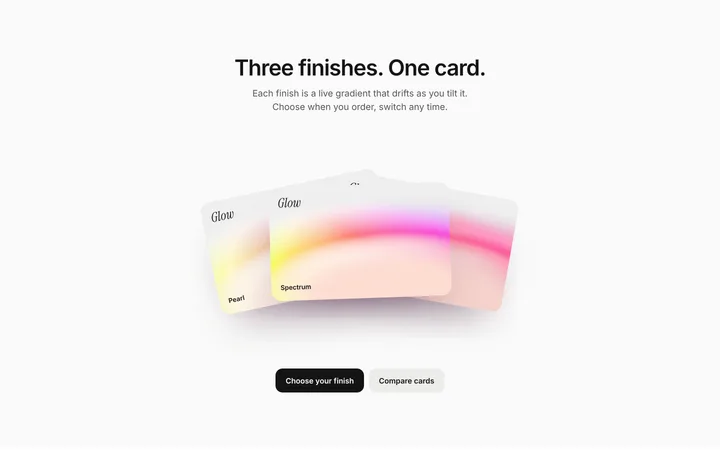
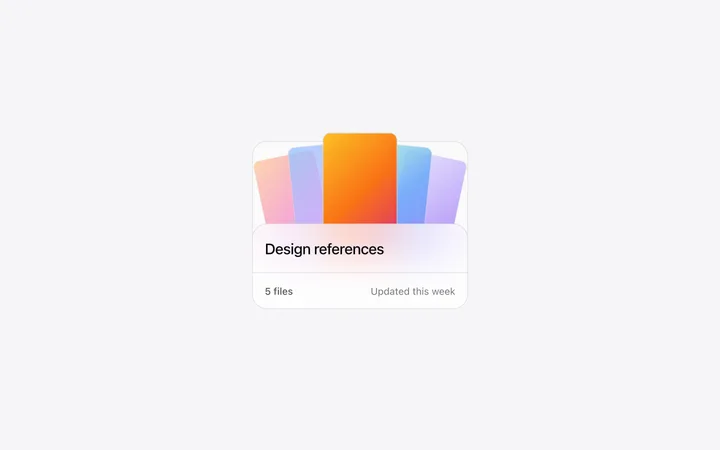
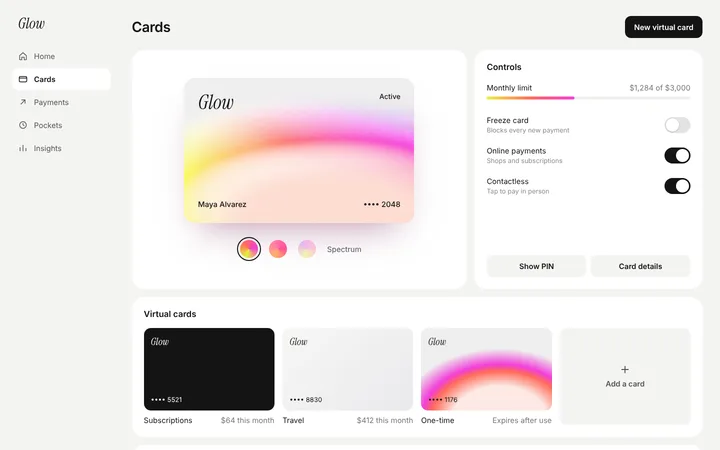
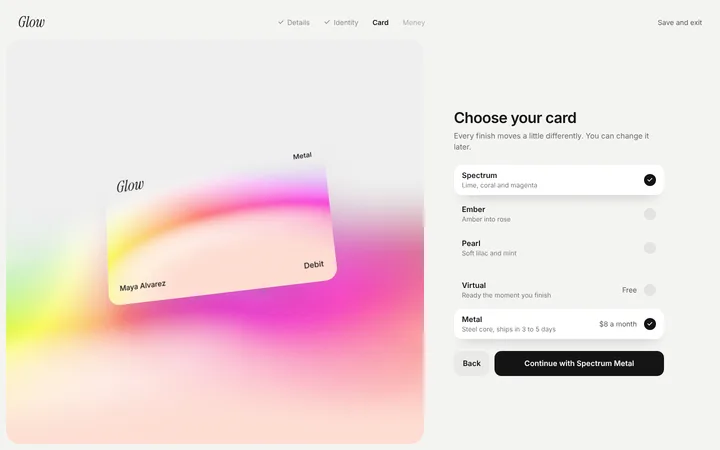
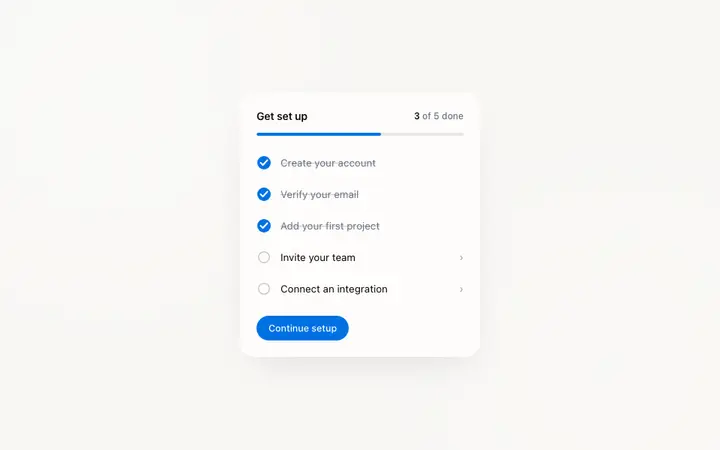

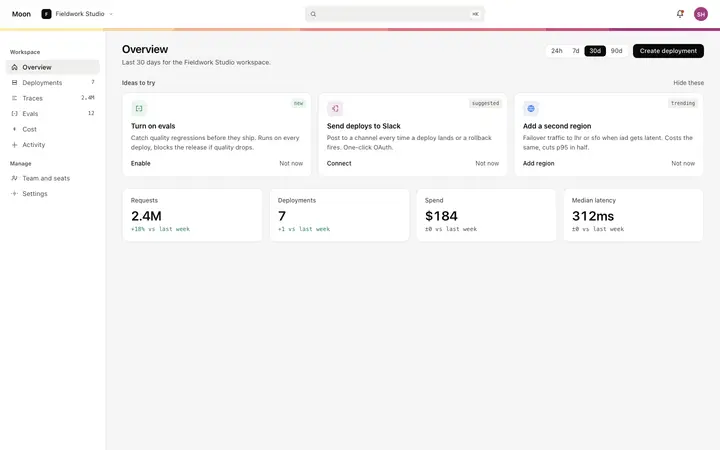
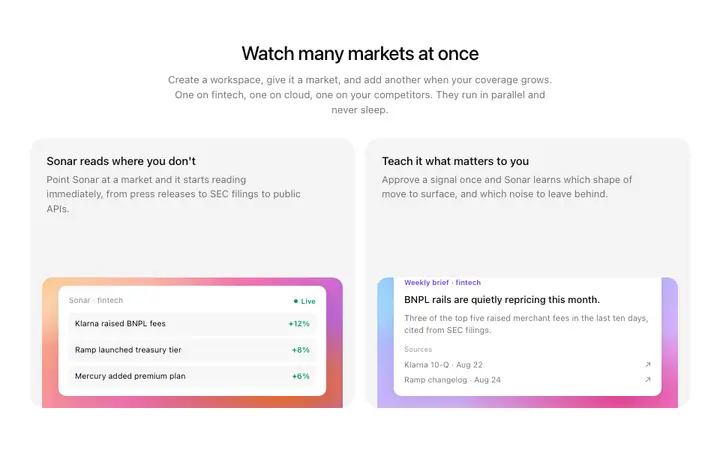
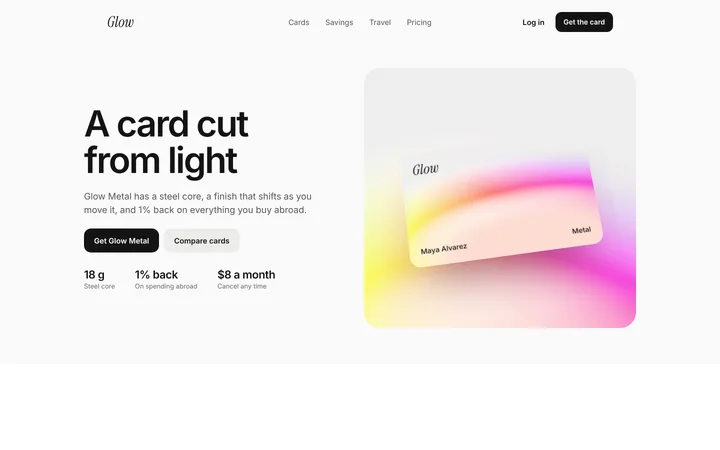
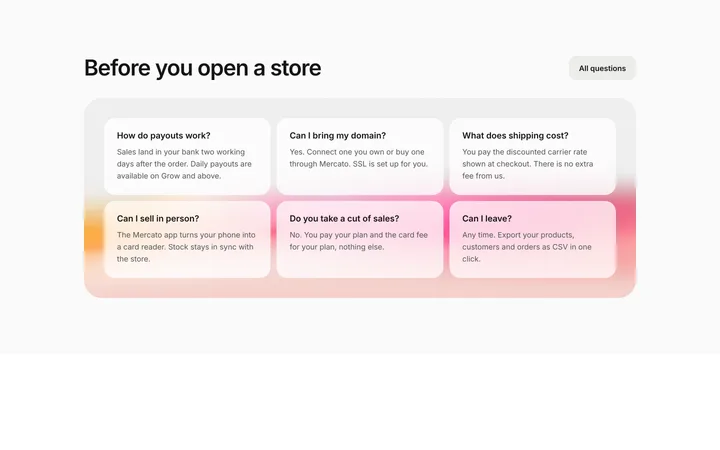
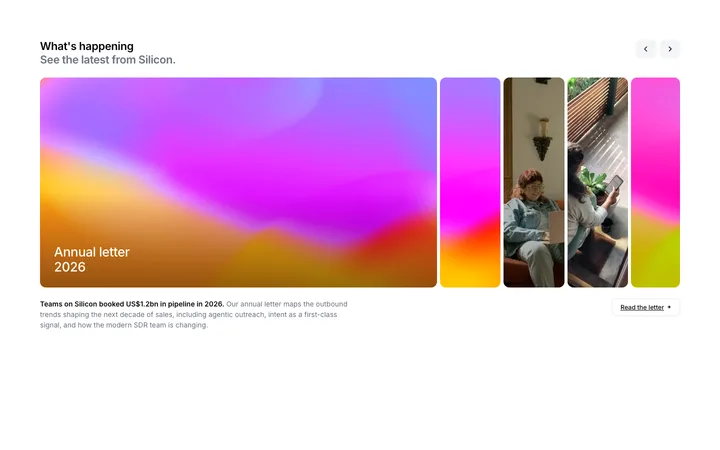
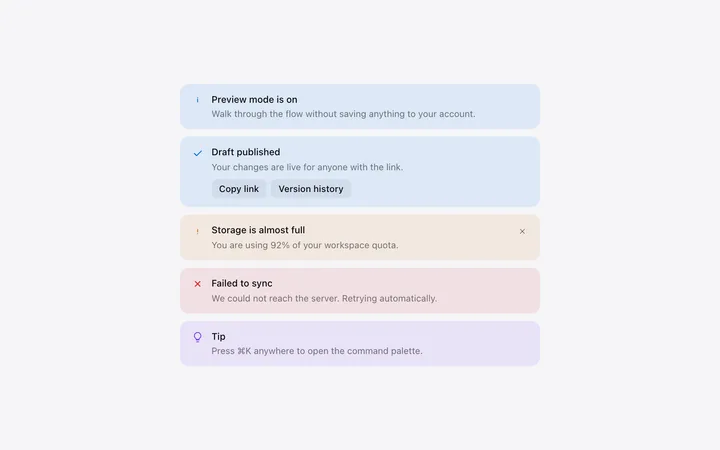
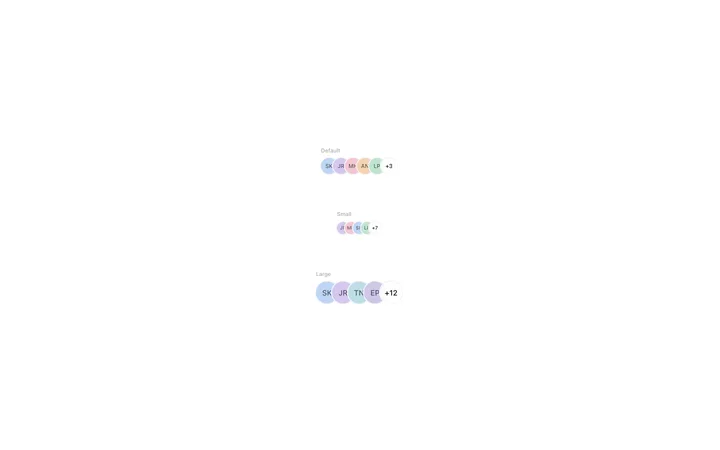
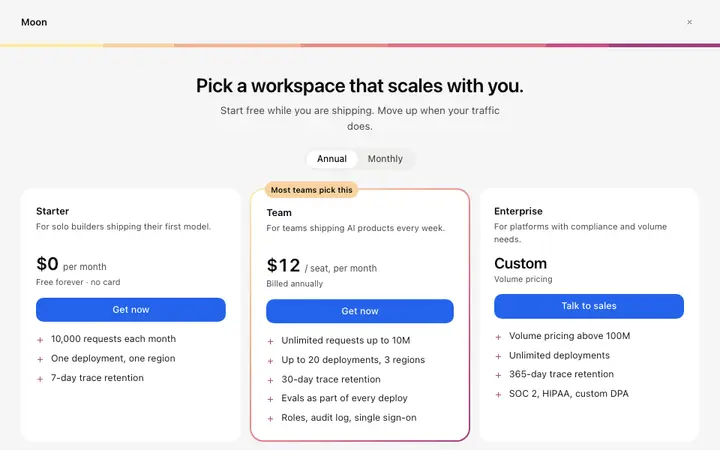
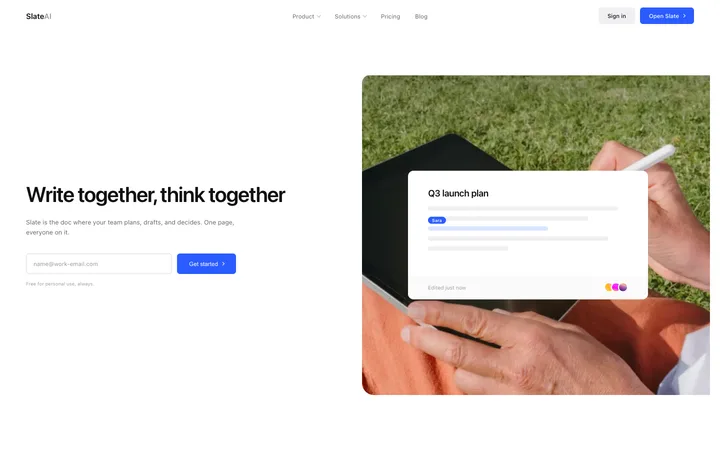
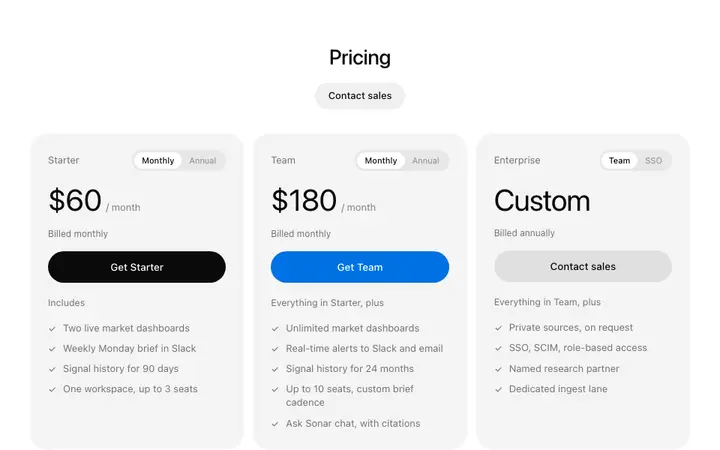


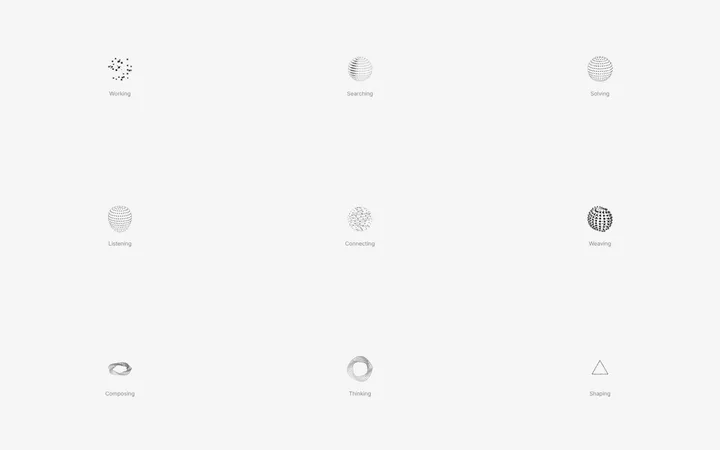
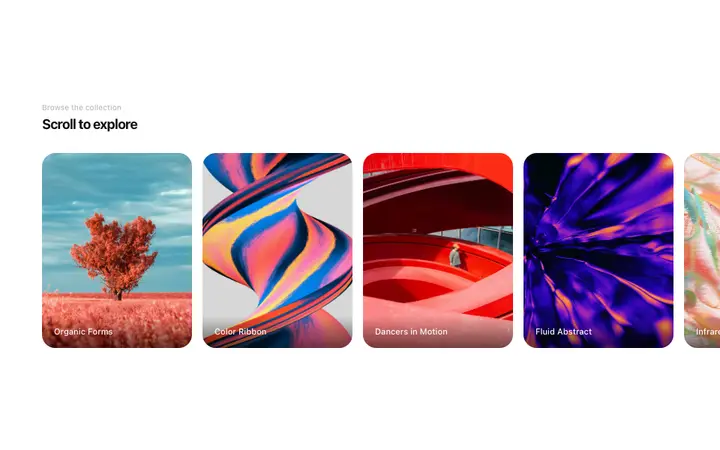
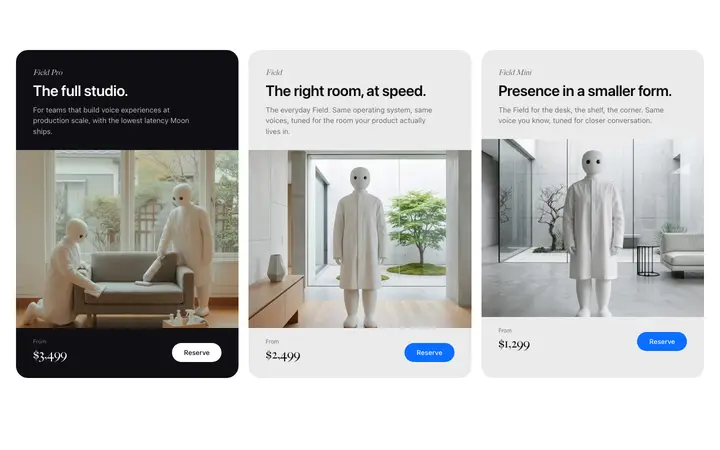
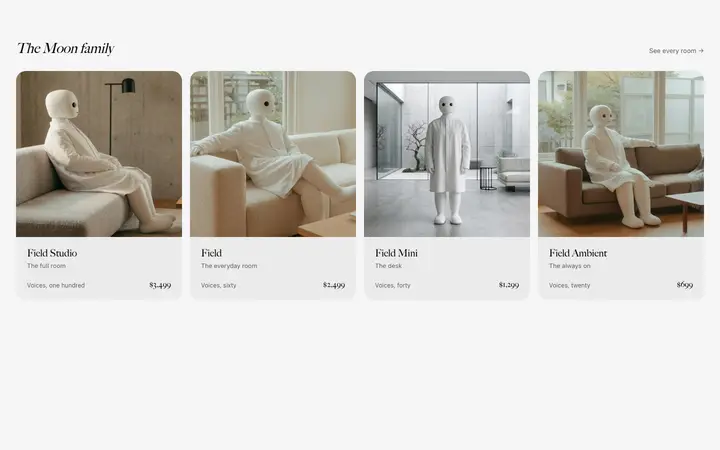
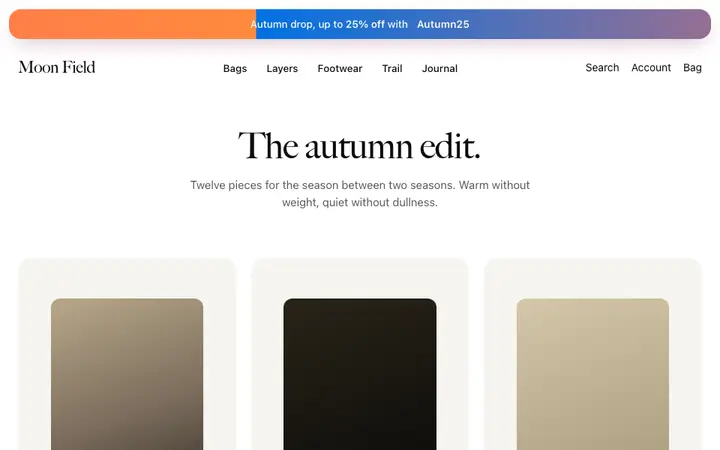
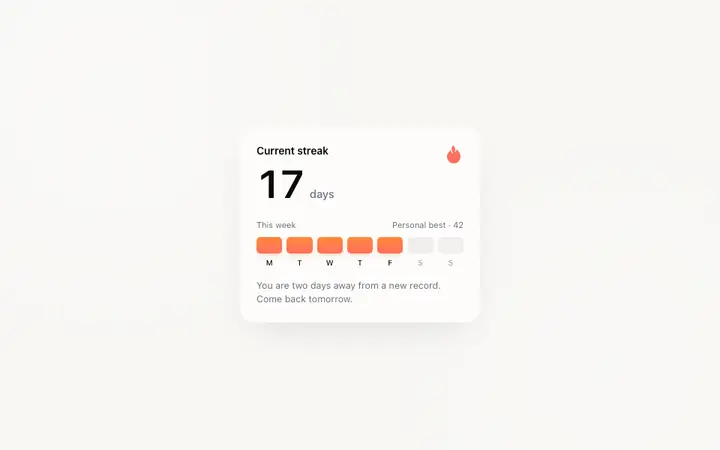
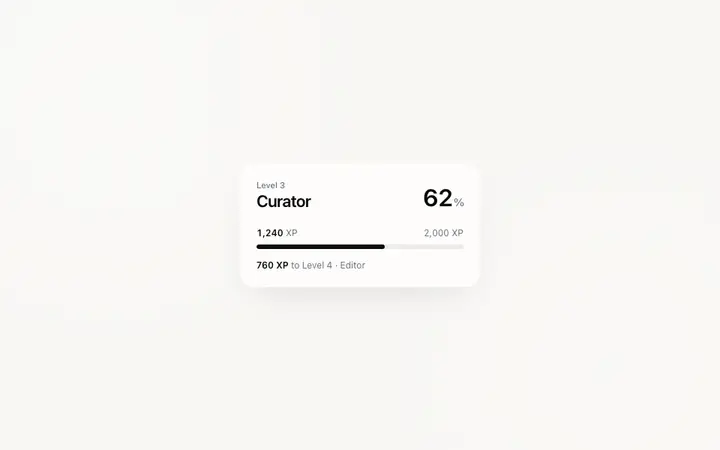
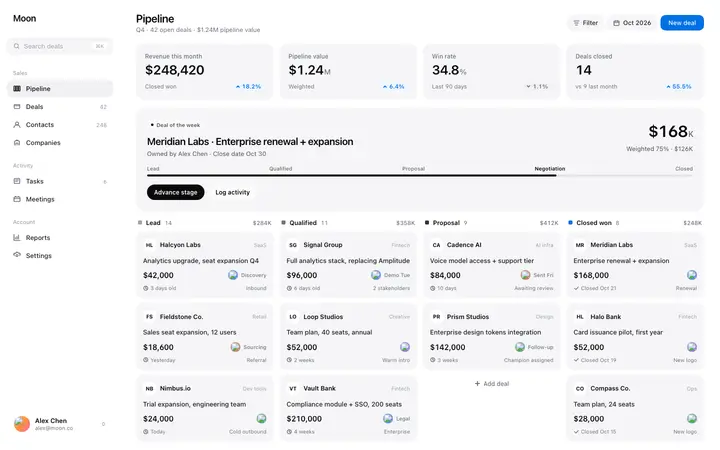

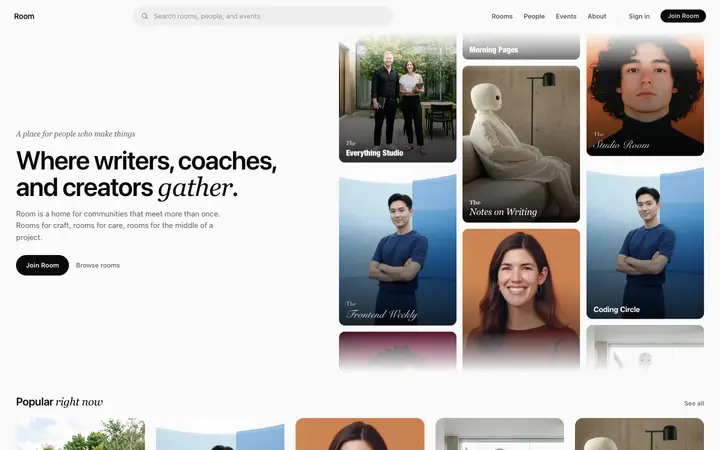
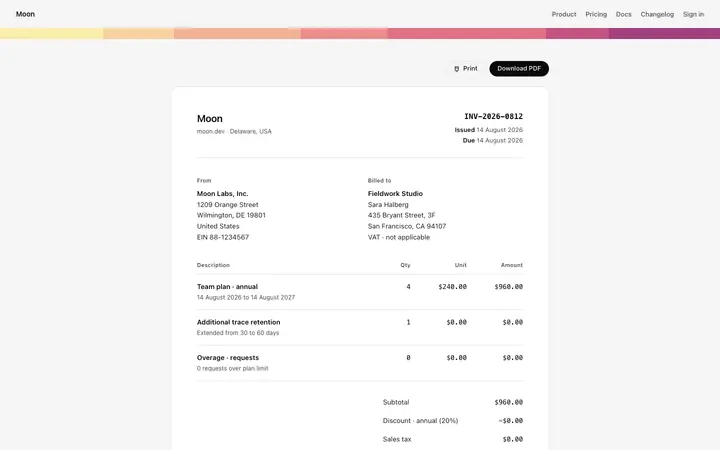
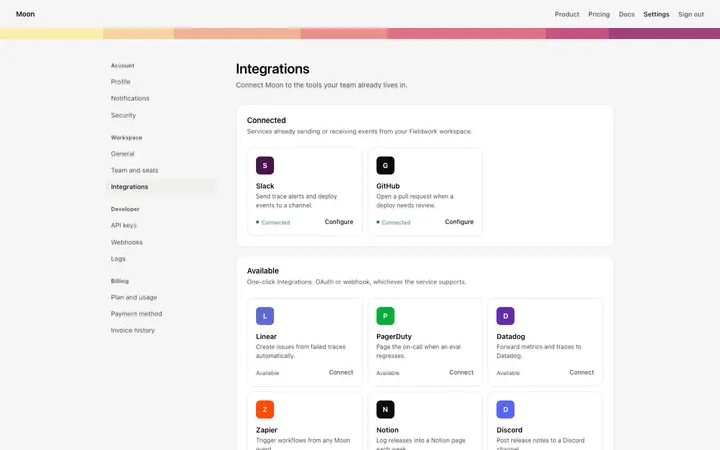
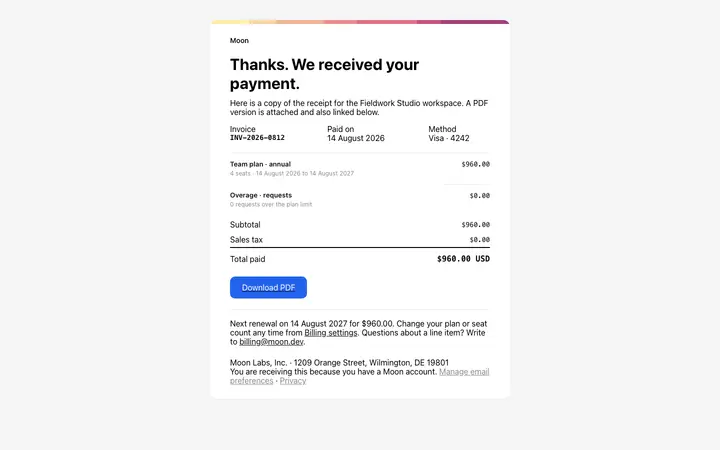
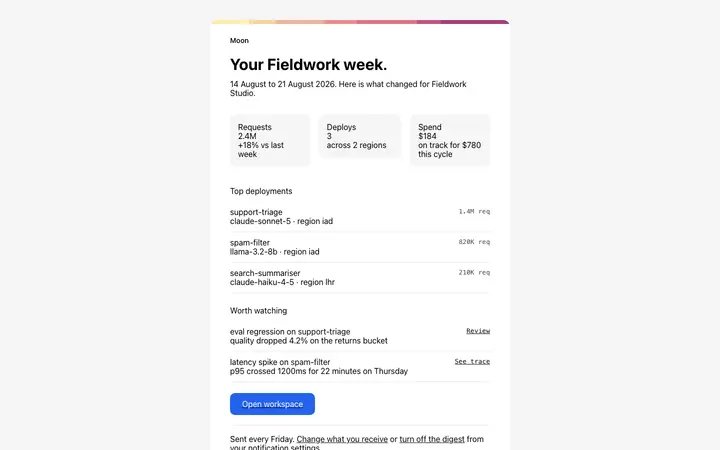
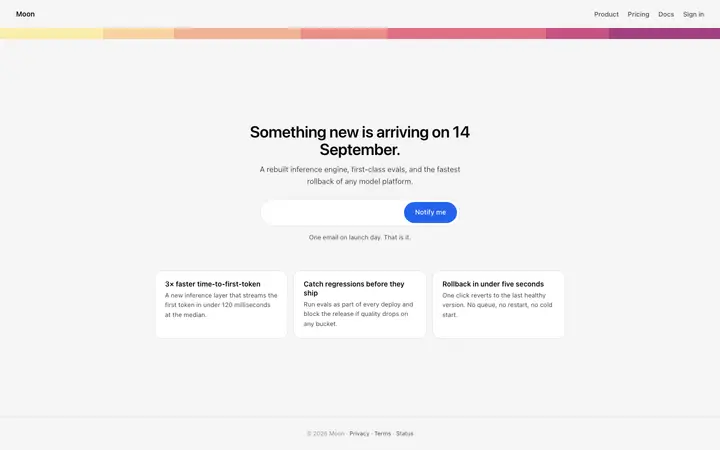
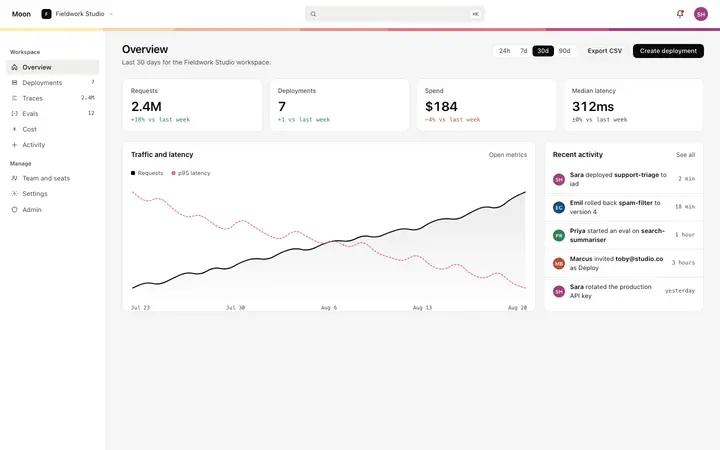

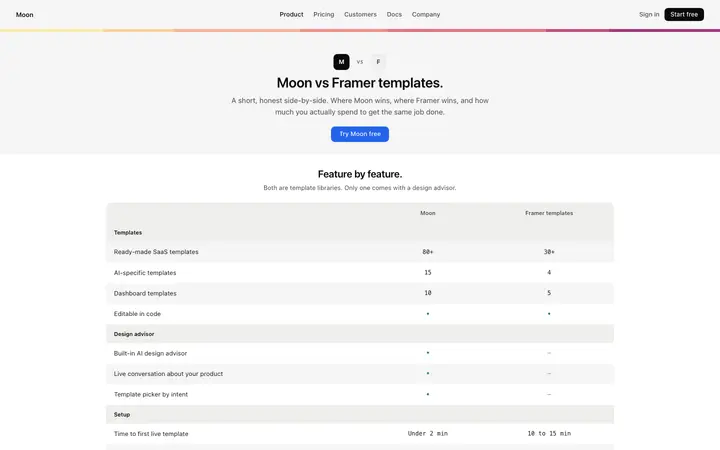
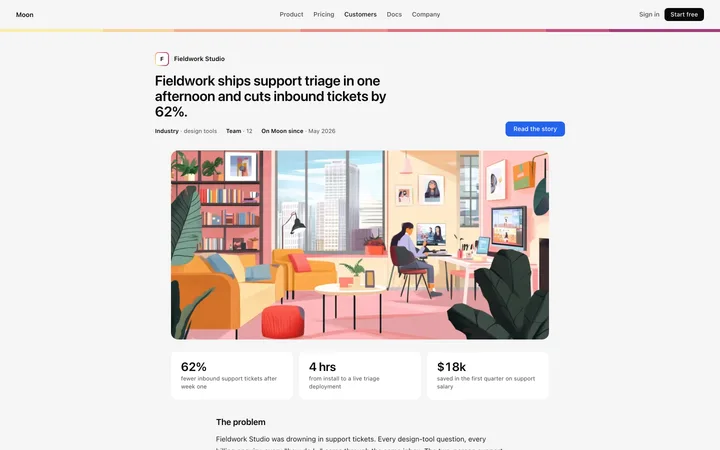
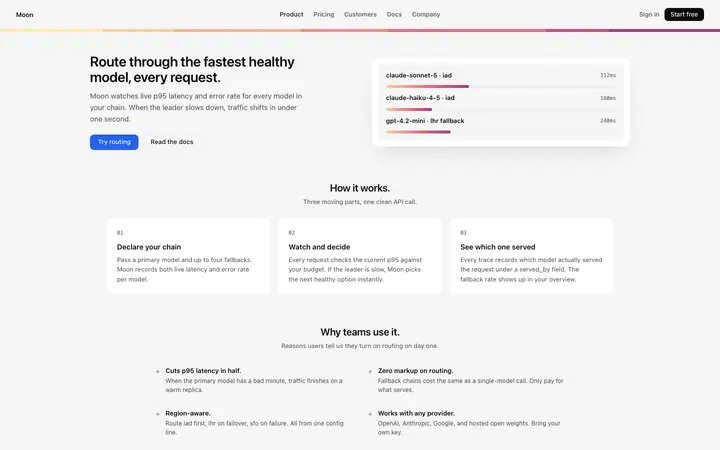
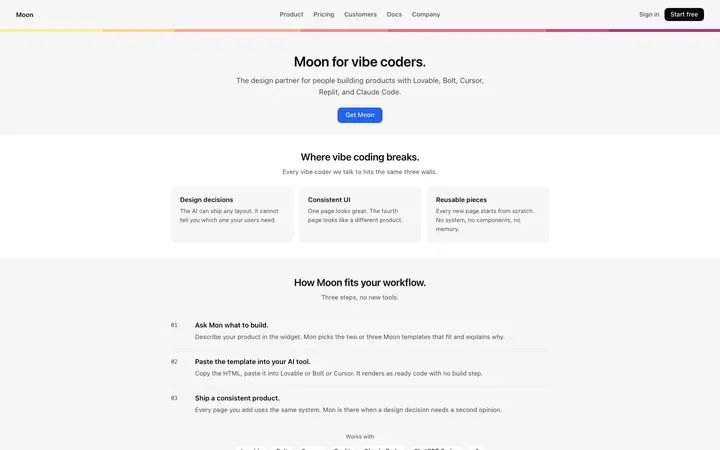
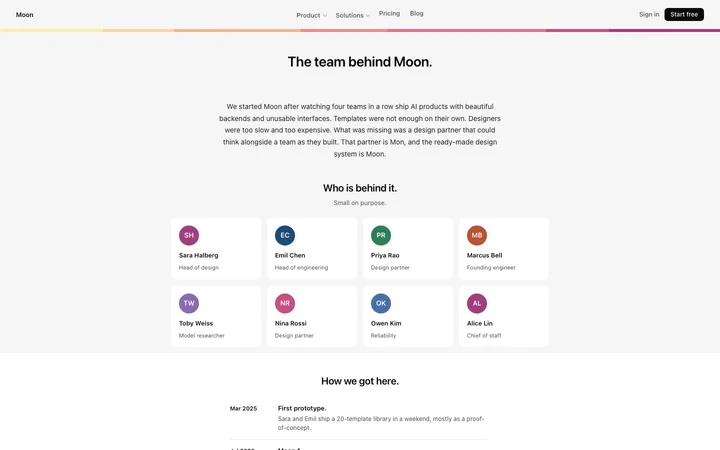
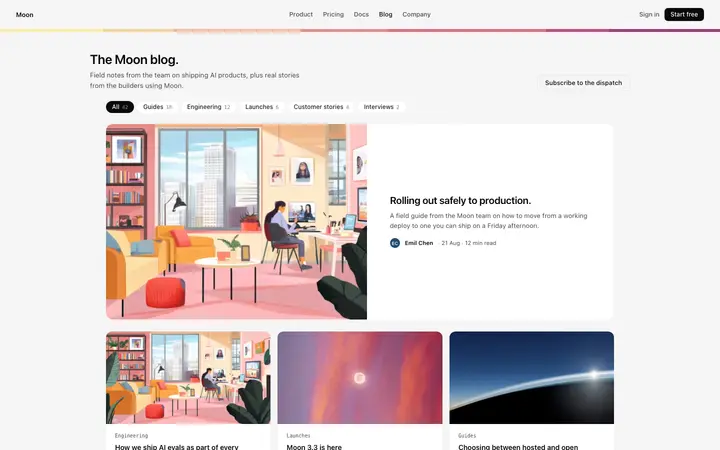
48 of 85
How to use card templates with Cursor
Pick a design
Choose a card design above and open it to see it live.
Copy the template
Copy the template from its page. It is one HTML file with no dependencies.
Set up Cursor
Save the template in your project and add a project rule in .cursor/rules that tells Agent to follow it, then reference the file with @ in your prompt.
Prompt, then refine
Paste it and describe your product. Then follow up with: "@template.html Build this section as a component in our codebase. Match the template's spacing and type scale; reuse our existing Button."
What makes a good card section
Common types: feature cards, pricing cards, product cards, profile cards and stacked or tilted card showcases.
One idea per card
A title, a short line and one action at most.
Consistent size
Cards in a row share height and spacing.
Whole card clickable
When a card leads somewhere, the full card is the link.
Common mistake: Cards stuffed with buttons, tags and long text.
Keeping the design in Cursor
Cursor is an AI code editor, so it suits developers who want to stay in their own files and review each change as Agent makes it.
What Cursor builds
Components in your project's framework, edited in place in your files.
Where the design goes
Save the template in your project and add a project rule in .cursor/rules that tells Agent to follow it, then reference the file with @ in your prompt.
Cursor and card sections
Agent tends to swap custom values for framework defaults unless a rule tells it not to. Paste the template again with your follow-up prompt if it starts to drift.
What to tell it
Keep the card size, radius and spacing consistent, and keep one action per card.
Set it up once with our Cursor rules template.
Not sure which card design fits?
Ask Mon, the AI design assistant, describe your product and Mon suggests the card design and how to prompt Cursor with it.
Frequently asked questions
How do I use a card template in Cursor?
Paste the template code into a Cursor chat message and tell it to build your component around the design. Save the template in your project and add a project rule in .cursor/rules that tells Agent to follow it, then reference the file with @ in your prompt.
What does Cursor turn the template into?
Components in your project's framework, edited in place in your files.
How do I stop Cursor changing the design?
Agent tends to swap custom values for framework defaults unless a rule tells it not to. A follow-up prompt that helps: "@template.html Build this section as a component in our codebase. Match the template's spacing and type scale; reuse our existing Button."
What makes a good card section?
One idea per card: a title, a short line and one action at most. Consistent size: cards in a row share height and spacing. Whole card clickable: when a card leads somewhere, the full card is the link.
Any Cursor tips for card sections?
Agent tends to swap custom values for framework defaults unless a rule tells it not to. Paste the template again with your follow-up prompt if it starts to drift.
More Cursor template categories
Card templates for other tools